CamMonitor: Live Viewfinder
Big-screen viewfinder over LAN
Designed for iPhone, iPad
Free
- Age rating4+
- CategoryPhoto & Video
- DeveloperAndrei Kozlovskii
- LanguagesEnglish+ 9 more
- Size3.1 MB
Links to the official App Store page
Download.org hosts no file of CamMonitor: Live Viewfinder. The button opens its official App Store page, published by Andrei Kozlovskii. Listing last checked on Nov 23, 2026.
Screenshots


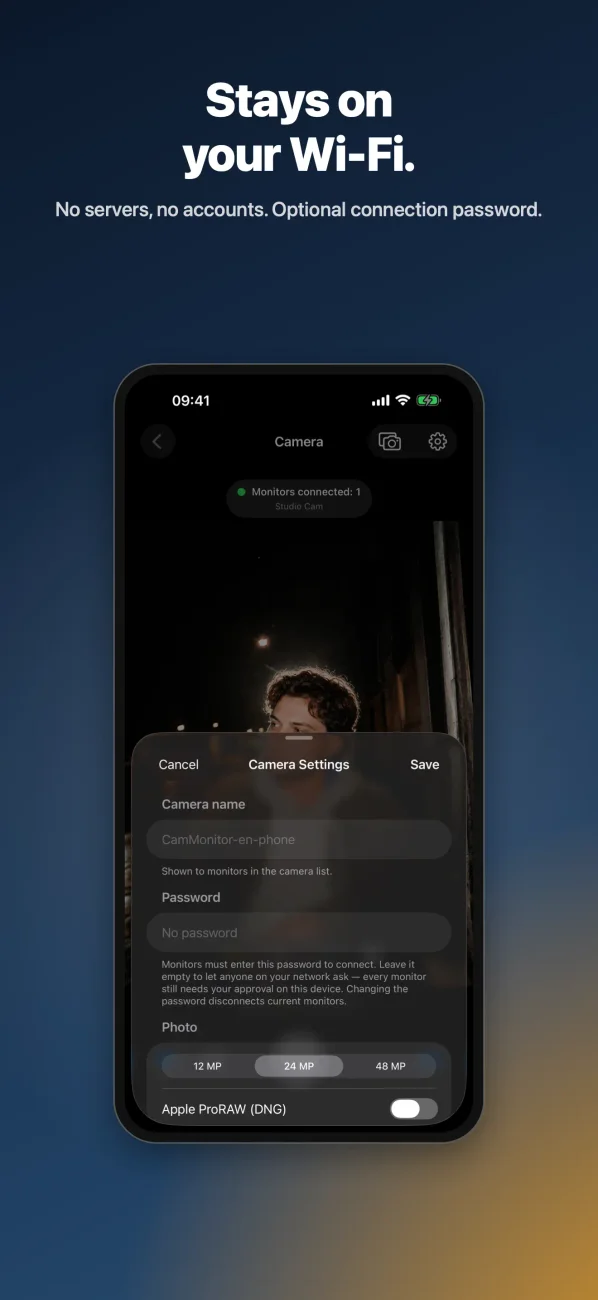

About
See yourself the way the camera sees you.
Camera Monitor turns a second iPhone or iPad into a big live viewfinder for your iPhone camera. Put your phone on a tripod, walk into the frame, and watch yourself on the big screen — adjust your pose, framing and lighting without running back and forth.
HOW IT WORKS
• Open the app on two devices on the same Wi-Fi (or nearby — direct peer-to-peer works too)
• One device is the Camera, the other is the Monitor
• The live picture appears on the monitor in a fraction of a second
MADE FOR REAL SHOOTS
• Low-latency HEVC stream over your local network — no internet, no servers, no accounts
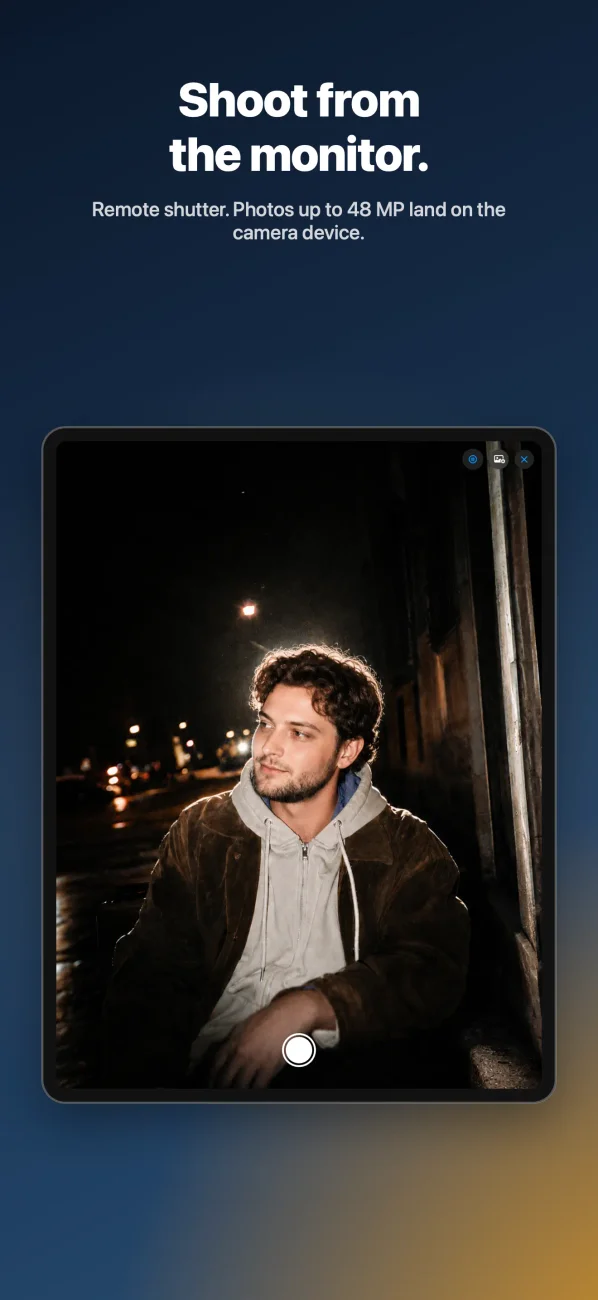
• Remote shutter: take photos right from the monitor
• Video mode: record 1080p video with sound on the camera device, and start or stop it right from the monitor. Zoom keeps working while you record
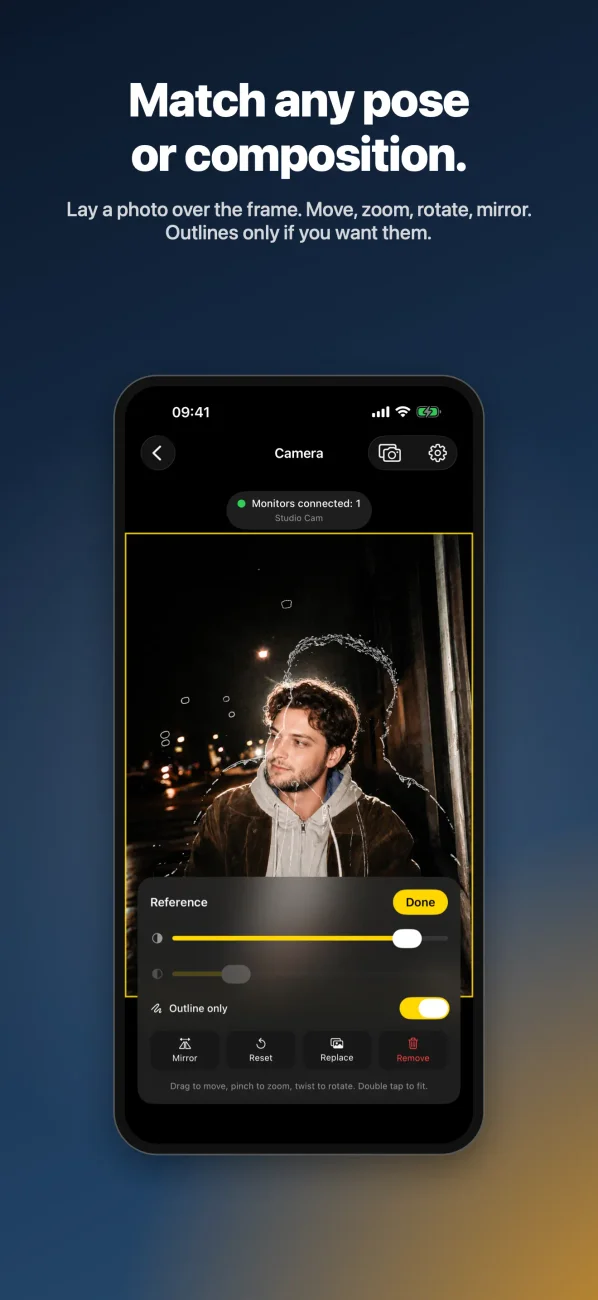
• Reference overlay: lay a photo over the frame and match a pose or a composition — move, zoom, rotate and mirror it, adjust opacity and contrast, or reduce it to outlines. It never appears in your photos
• Full-quality photos (HEIF up to 48 MP or Apple ProRAW where supported) saved to the camera device
• Real lens switching: 0.5x / 1x / 2x / telephoto buttons, exactly like the stock Camera
• Tap to focus, exposure adjustment, AE/AF lock
• Rule-of-thirds grid on both screens
• Several monitors can watch one camera at the same time
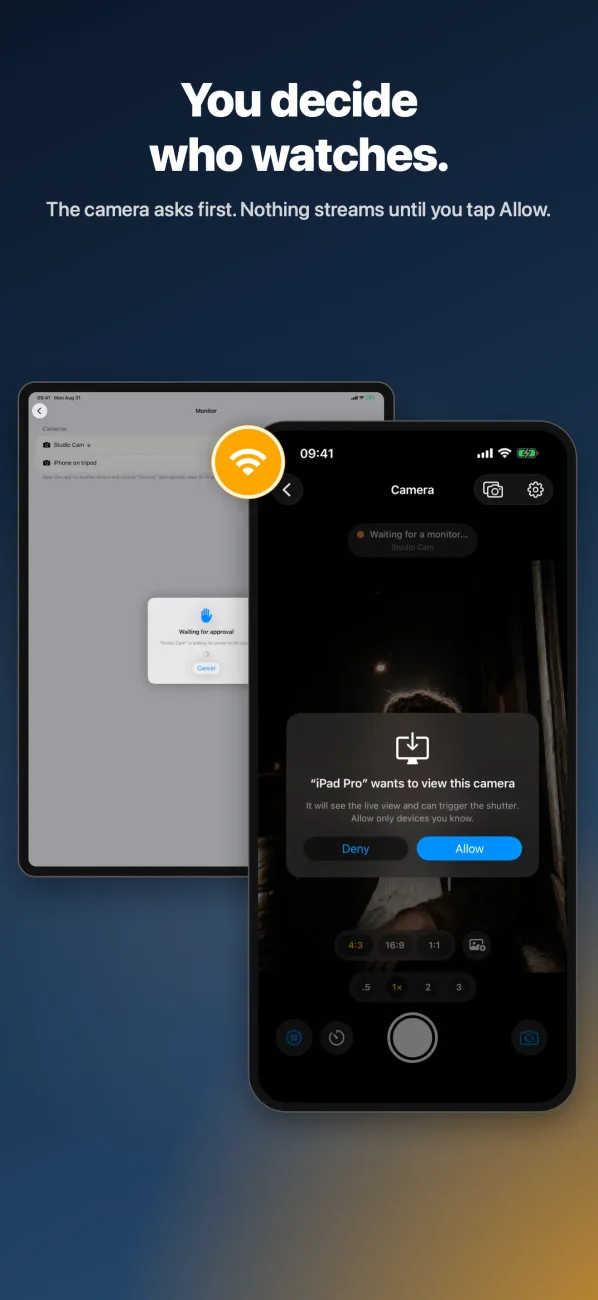
• Optional connection password — the stream stays yours
PRIVATE BY DESIGN
Video never leaves your local network.
Perfect for solo creators, vloggers, dance and fitness videos, interviews, product shots, family portraits — any time the person in front of the camera wants to see the frame.
What’s new
Version 1.6 · Nov 22, 2026
• Video mode. Switch the camera to Video and record 1080p clips with sound. They are saved to Photos on the camera device.
• Start and stop recording from the monitor, and see the recording time on both screens.
• Zoom and switch lenses while you record. Turning the camera mid-take is fine: the video keeps the orientation it started in.
• The self-timer works in video mode too: recording starts when the countdown ends.
App privacy
What Andrei Kozlovskii declares on the App Store about how this app handles data.
-
Data not collected
The developer does not collect any data from this app.
Privacy practices may vary, for example with the features you use or your age.
Information
- Seller
- Andrei Kozlovskii
- Category
- Photo & Video
- Version
- 1.6
- Updated
- Nov 22, 2026
- Released
- Aug 12, 2026
- Size
- 3.1 MB
- Requires
- iOS 16.0 or later
- Age rating
- 4+
- Price
- Free
- Languages
- English, Arabic, French, German, Hindi, Japanese, Portuguese, Russian, Spanish, Ukrainian
- Copyright
- © 2026 Andrew Kozlowskiy
You might also like
-
 PeerCam Live MonitorTwo devices. One live camera.
-
 Camera Remote ControllerWireless viewfinder & monitor
-
 MyTwinLens: Remote CameraLive Photo & Video Vlog Angle
-
 CamShare: Camera sharingControl your camera remotely
-
 WinkU - Dual Phone CameraRemote Selfies & Live Preview
-
 Remote Shutter: camera connectSelfie remote & camera timer
-
 SayCheese - Camera RemoteTwo iPhones, Wireless Shutter
-
 USB Camera for Detail on MacUse your iPhone camera on Mac
-
 MoviePro: Pro Video CameraCinematic Filmmaking Recorder
-
 Camo Studio – Stream & RecordMulticam livestreams & scenes