Camera Remote Controller
Wireless viewfinder & monitor
Designed for iPhone, iPad
Free
- Age rating4+
- CategoryPhoto & Video
- DeveloperAleksandr Pozharov
- LanguagesEnglish
- Size2.3 MB
Links to the official App Store page
Download.org hosts no file of Camera Remote Controller. The button opens its official App Store page, published by Aleksandr Pozharov. Listing last checked on Nov 12, 2026.
Screenshots
About
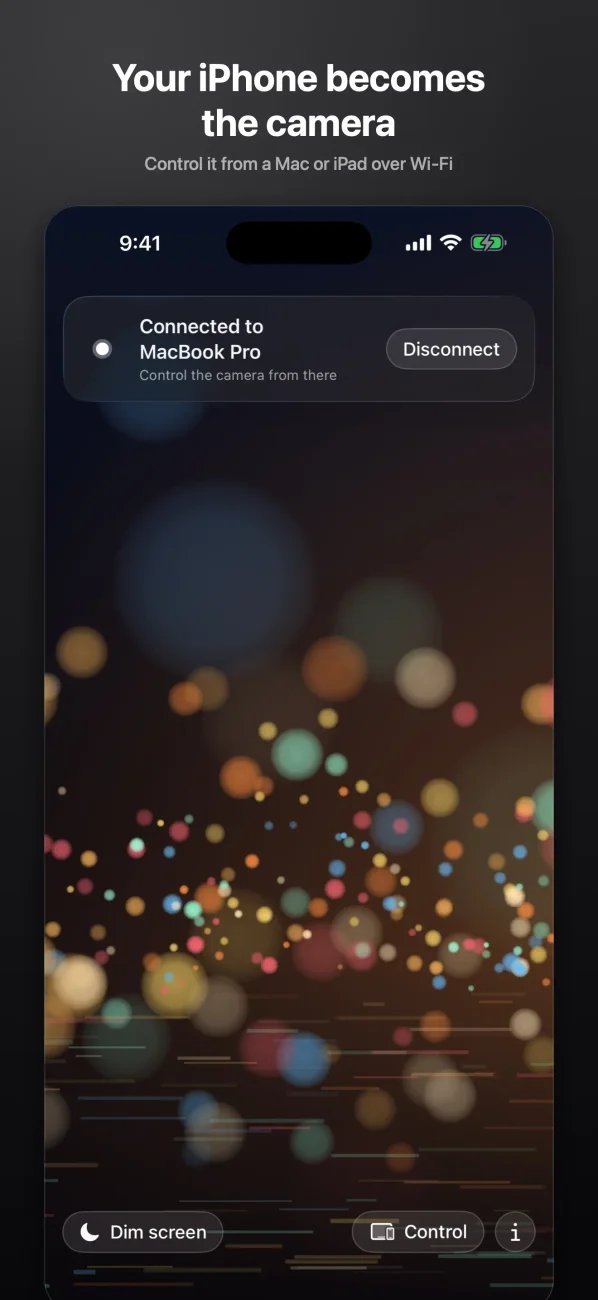
Camera Remote Controller turns your iPhone into a camera and your Mac or iPad into the monitor and remote. Put the iPhone on a tripod, sit down at your desk and see exactly what the camera sees, in real time, while you control every setting.
Made for bloggers, streamers, teachers and anyone who records alone and wants to check framing, focus and exposure without running back to the phone.
WHAT YOU GET
• Live preview with low delay over your Wi-Fi network or a direct device-to-device link
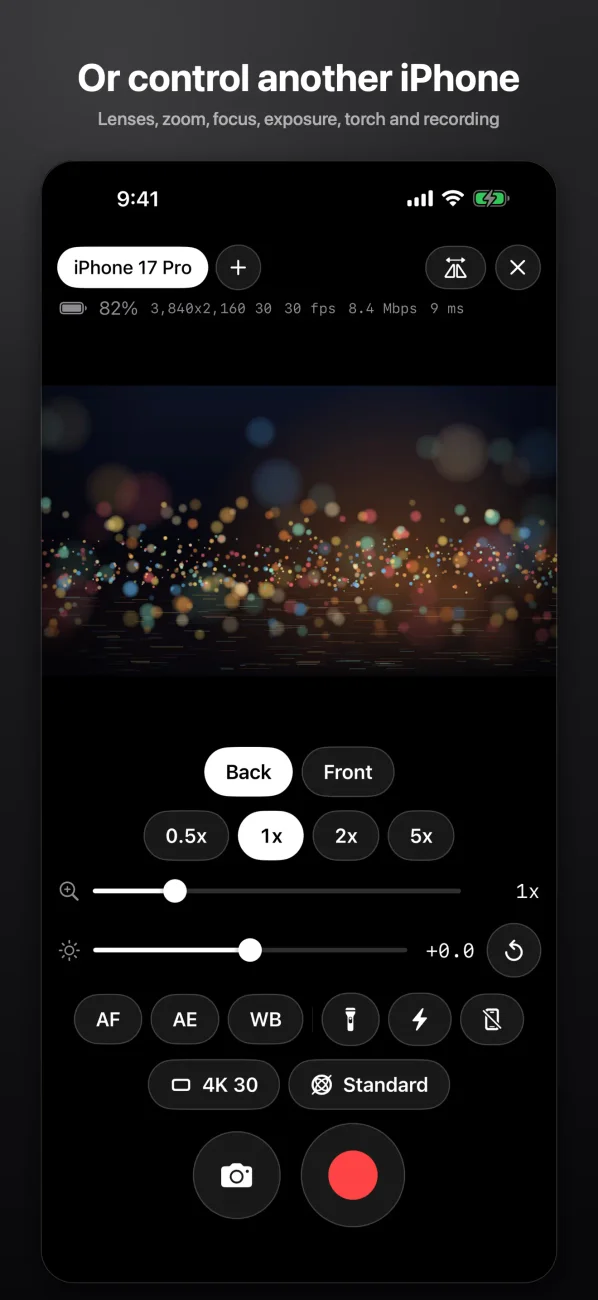
• Full camera control from the Mac or iPad: lenses and smooth zoom, tap to focus, exposure compensation, focus, exposure and white balance locks, torch, stabilization, resolution and frame rate up to 4K 60
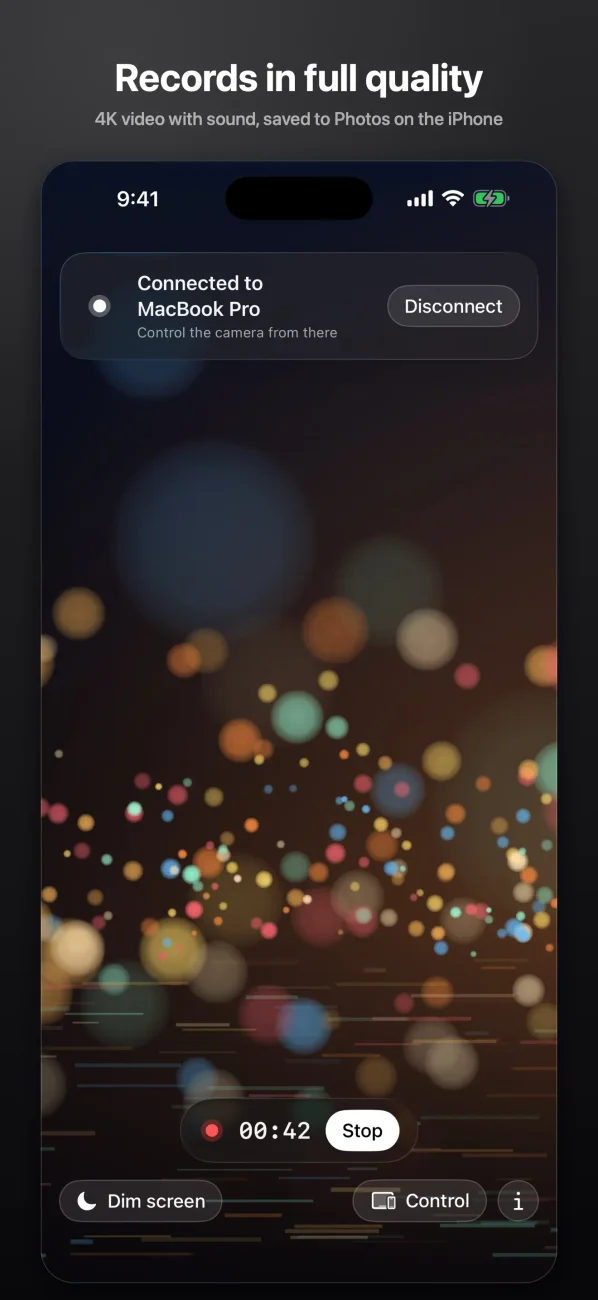
• Photos and videos recorded on the iPhone in full quality, with sound, saved straight to Photos
• Several iPhones at once: connect two or three cameras and switch between them from one screen
• Battery and temperature of the iPhone right on the monitor
• Dim the iPhone screen while it works to save battery
• Keyboard shortcuts on the Mac: Space to record, P for a photo, Command-1, 2, 3 to switch cameras
HOW IT CONNECTS
Open the app on the iPhone. Open it on the Mac or iPad. The iPhone appears in the list. Tap Connect, tap Allow on the iPhone. Next time it connects on its own. Both devices need to be on the same Wi-Fi, or simply near each other with Wi-Fi and Bluetooth turned on.
PRIVACY
Everything stays on your devices. The preview travels directly from the iPhone to your Mac or iPad on the local network. There are no servers, no accounts, no analytics and no ads. Recordings are stored only on the iPhone.
ONE APP, TWO ROLES
The iOS app runs as the camera on iPhone and as the remote on iPad. You can switch the role on any device, so an iPhone can also control another iPhone.
REQUIREMENTS
iPhone with iOS 18 or later as the camera. Mac with macOS 15 or later, or iPad with iPadOS 18 or later, as the remote. The app on the iPhone must stay in the foreground while it streams.
App privacy
What Aleksandr Pozharov declares on the App Store about how this app handles data.
-
Data not collected
The developer does not collect any data from this app.
Privacy practices may vary, for example with the features you use or your age.
Information
- Seller
- Aleksandr Pozharov
- Category
- Photo & Video
- Version
- 1.0
- Updated
- Sep 22, 2026
- Released
- Sep 21, 2026
- Size
- 2.3 MB
- Requires
- iOS 18.0 or later
- Age rating
- 4+
- Price
- Free
- Languages
- English
- Copyright
- © Aleksandr Pozharov
You might also like
-
 CamMonitor: Live ViewfinderBig-screen viewfinder over LAN
-
 Remote Shutter: camera connectSelfie remote & camera timer
-
 Remote Camera Control via AirManual camera settings
-
 Detail: AI Video EditorVlog, Shorts & Reels Maker
-
 CapCut PadProfessional video editor
-
 DaVinci Resolve for iPadHollywood’s edit & color tools
-
 Blackmagic CameraPhoto & Video
-
 Lens Buddy - Self Timer CameraDelay photo selfie photoshoot
-
 Halide Mark III - Pro CameraZero AI, Natural Photos, RAW
-
 Leica LUX - Pro Manual CameraCapture RAW Digital Photos