
- Age rating4+
- CategoryGraphics & Design
- Developerhiroki akahira
- LanguagesEnglish+ 1 more
- Size8.8 MB
Links to the official App Store page
Download.org hosts no file of Circle Text Studio. The button opens its official App Store page, published by hiroki akahira. Listing last checked on Nov 22, 2026.
Screenshots

About
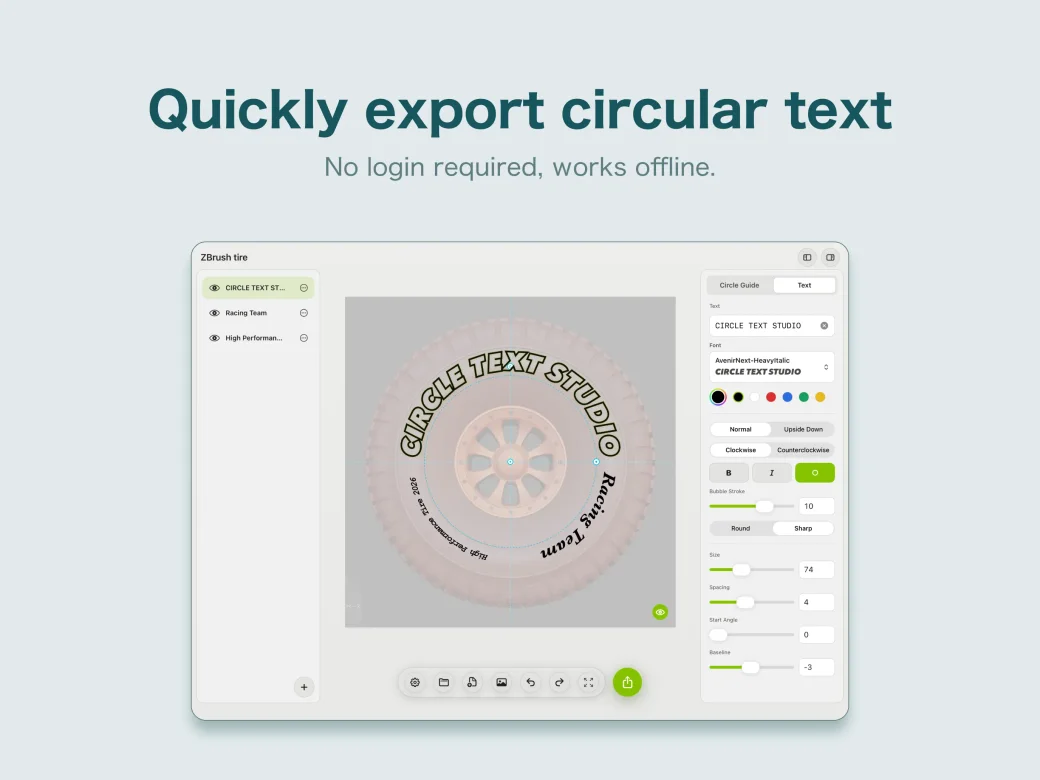
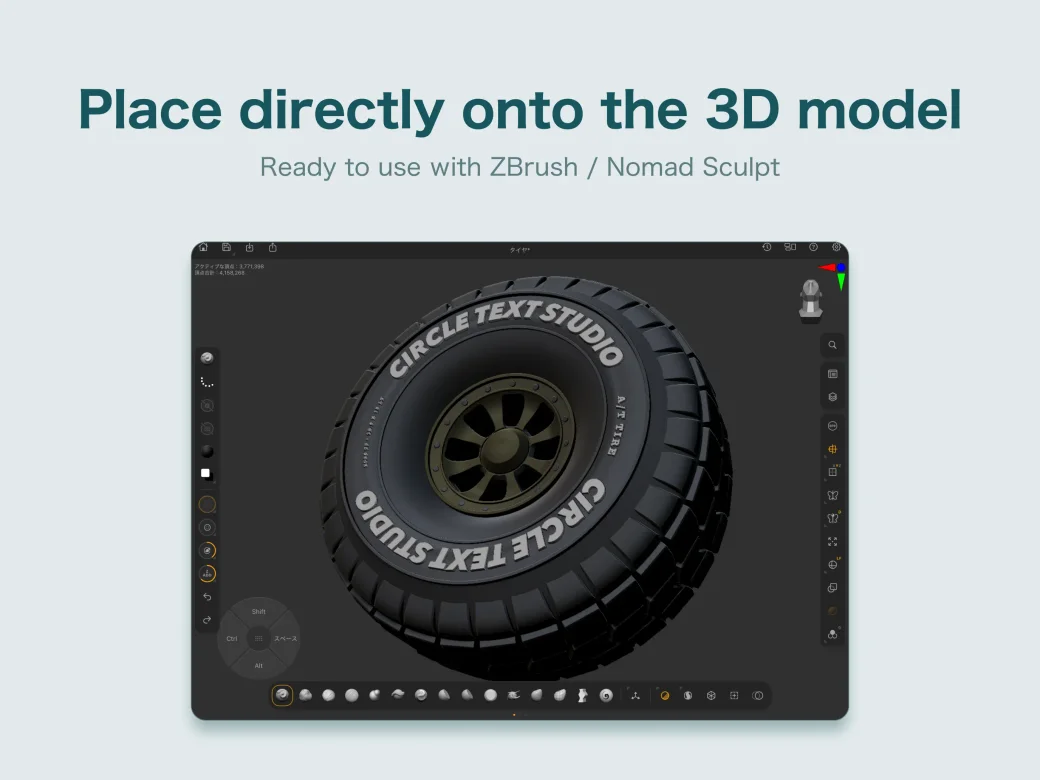
CircleTextStudio is an **iPad tool designed for creating circular text used in 3D software such as ZBrush.**
It allows you to quickly design circular typography and export it as **PNG, SVG, or OBJ**, making it useful for 3D modeling and illustration workflows.
Instead of a full vector editor like Illustrator, CircleTextStudio focuses on a simple workflow dedicated to circular text creation.
---
## Main Uses
• Text assets for ZBrush / Nomad Sculpt (OBJ)
• Artwork assets for Procreate and other drawing apps (PNG)
• Clock faces, meters, and emblems
• Model kit decals and circular logos
---
## Features
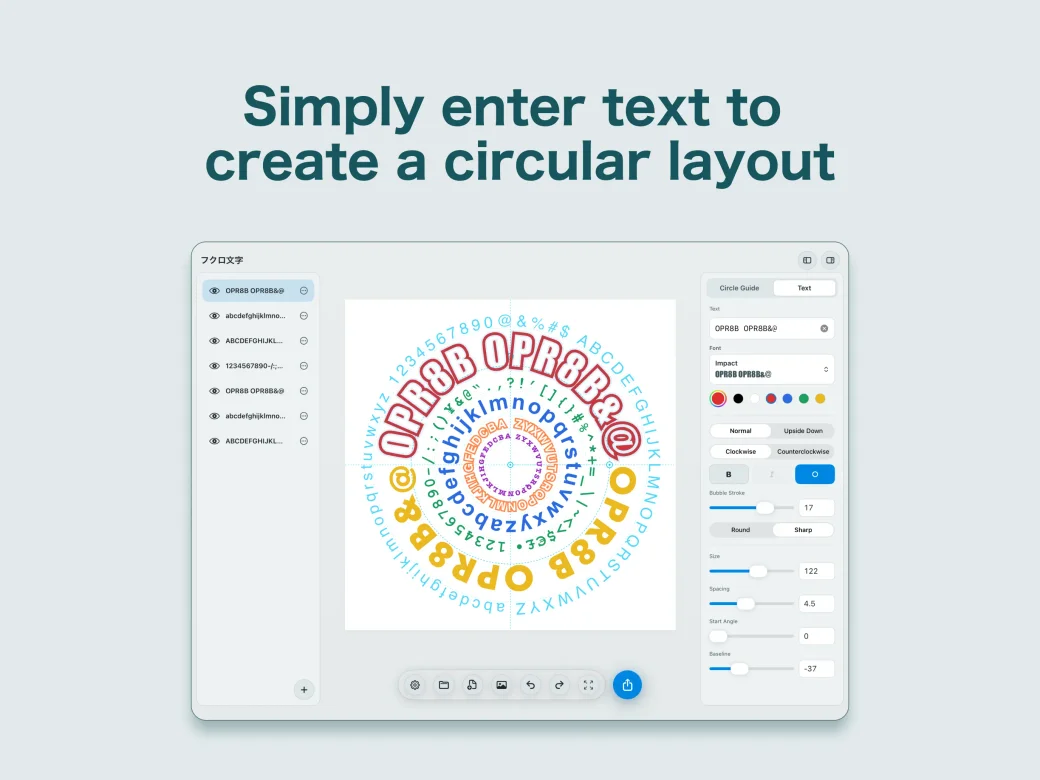
• Circular text layout (with repeat around the circle)
• Dial layer (numbers evenly placed around the circle)
• Tick layer (major and minor ticks)
• Band layer (even division and arcs)
• SVG import (as a layer, or inline between letters)
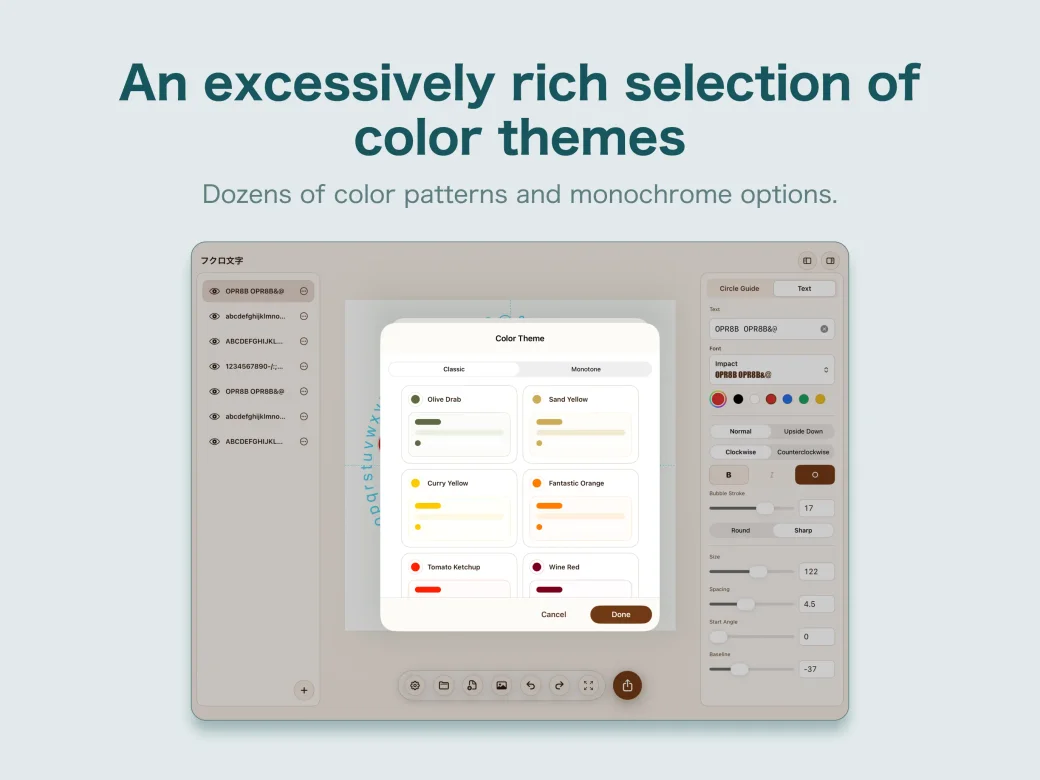
• Render styles (Fill / Stroke only / Fill + Stroke)
• Overlap avoidance (cut out layers behind a shape automatically)
• Division guides on the circle guide
• Text styling (Bold / Italic / Underline), orientation and direction
• Font preview and search
• Export to PNG, SVG, and OBJ
• Project save and load
• Dark mode support
• Japanese / English support
---
## Platform
iPad
---
## Notice
This application is a personal project developed by an individual.
Use of this app is at your own risk.
The developer is not responsible for any damages resulting from the use of this application.
Updates may be provided occasionally at the developer’s discretion.
What’s new
Version 9.2 · Nov 15, 2026
・目盛りの形をSVGライブラリの好きな形にできるようにしました。
・主目盛りと通常目盛りで、端の形とSVGの形を別々に選べます。
・通常目盛りを主目盛りの間で等間隔にできます。
・目盛りの設定をプリセットとして保存できます。
App privacy
What hiroki akahira declares on the App Store about how this app handles data.
-
Data not collected
The developer does not collect any data from this app.
Privacy practices may vary, for example with the features you use or your age.
Information
- Seller
- hiroki akahira
- Category
- Graphics & Design
- Version
- 9.2
- Updated
- Nov 15, 2026
- Released
- Apr 2, 2026
- Size
- 8.8 MB
- Requires
- iOS 17.0 or later
- Age rating
- 4+
- Price
- Free
- Languages
- English, Japanese
- Copyright
- © 2026 CircleTextStudio
You might also like
-
 Poligon: Pixel Art & Low PolySprite, texture & 3D editor
-
 LowPoly 3D ModelingSculpt, texture and animate
-
 Paper: 3D Drawing StudioDraw, Paint and Sculpt in 3D
-
 MoNo - convert to binary imageGraphics & Design
-
 CADSketchDraw. Constrain. Extrude.
-
 T-SketchSketch, collaborate, present.
-
 TypePick - Compare FontsTypography, Design, Develop
-
 Denrim: ForgeLow-Poly 3D Modeling
-
 Cutline: Image to SVGTrace, Cut Files & Stickers
-
 tamga - 3d sculptingsculpt, paint, pose, draw, ink