
- Age rating4+
- CategoryGraphics & Design
- DeveloperTronor LLC
- LanguagesEnglish
- Size1.8 MB
Links to the official App Store page
Download.org hosts no file of T-Sketch. The button opens its official App Store page, published by Tronor LLC. Listing last checked on Nov 17, 2026.
Screenshots


About
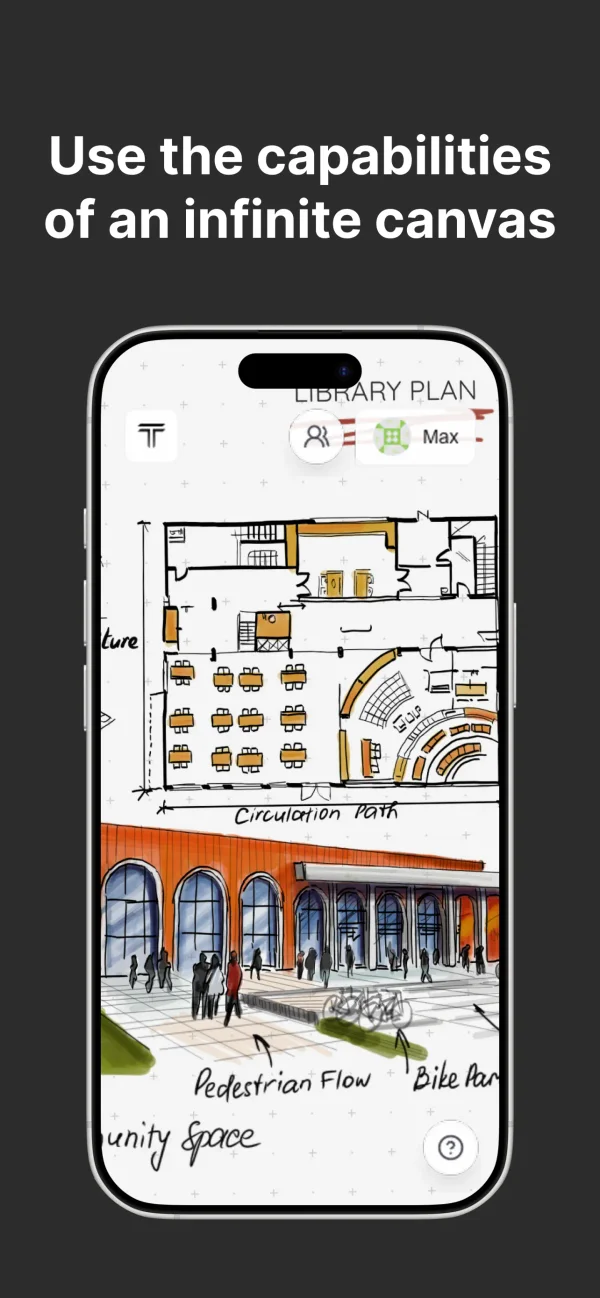
T-Sketch is an infinite canvas for sketching, drawing, and real-time collaboration. Think, plan, and create with your team on one shared canvas—whether you brainstorm on iPad or join from the web.
DRAW FREELY
• Infinite canvas — pan, zoom, and never run out of space. Your ideas can grow without limits.
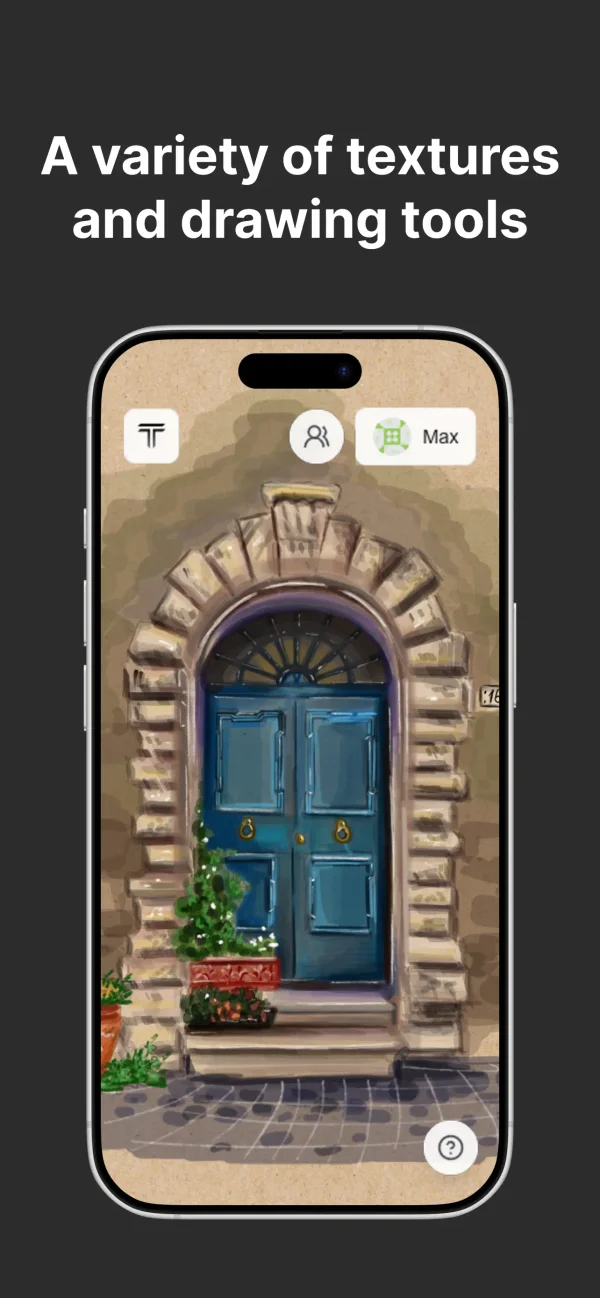
• Natural drawing — pens, brushes, and effects that respond to pressure and tilt. Use Apple Pencil for precise strokes.
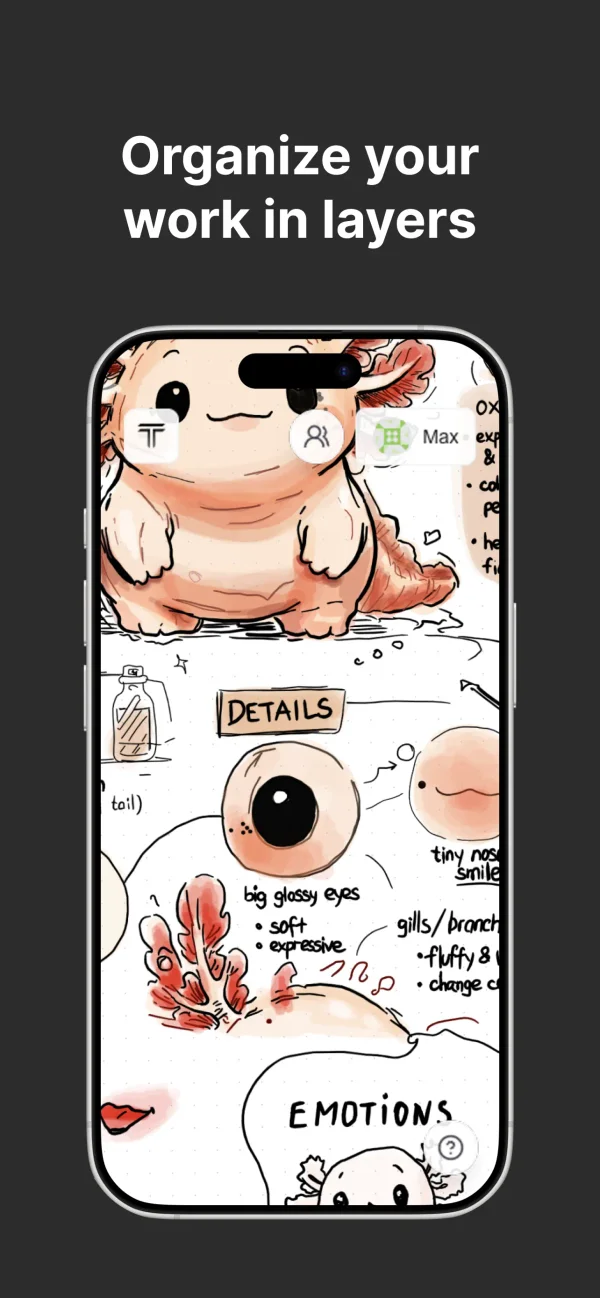
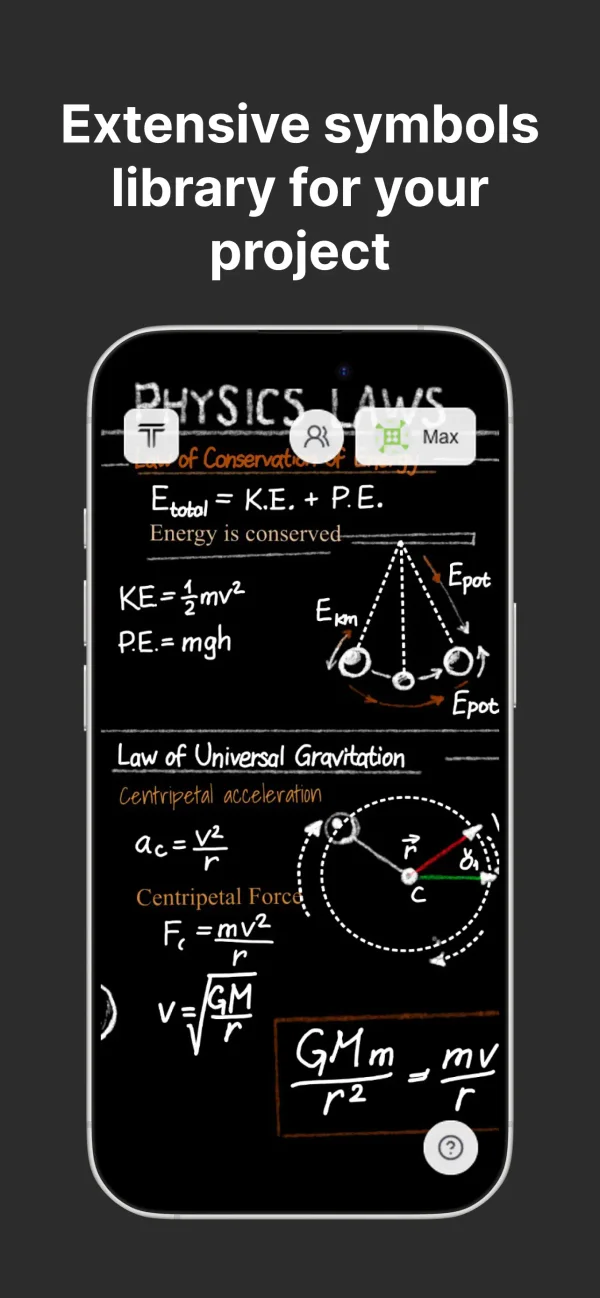
• Rich content — freehand strokes, lines and arrows, rich text, images, and searchable symbols on the same canvas.
• Editable objects — move, resize, rotate, and recolor anything without redrawing. Iterate non-destructively.
COLLABORATE IN REAL TIME
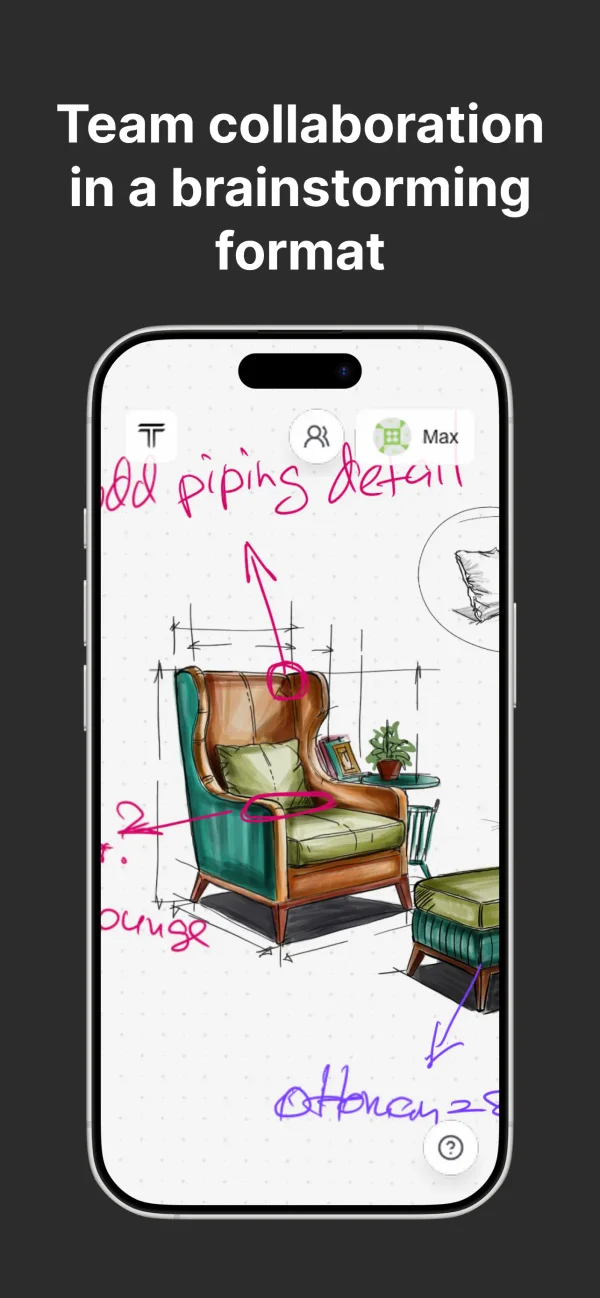
• Work together — multiple people can draw and edit at the same time. See live cursors and changes as they happen.
• Share by link — send a viewer or editor link so others can open the sketch in the app or in the browser. No account required for viewers.
• Teams and projects — organize sketches in teams and projects. Control who has access.
PRESENT AND EXPORT
• Slides from your canvas — turn areas of your sketch into slides and present fullscreen. Sketch live during meetings or teaching.
• Export — save as PNG images or export a full archive with all attachments for backup or sharing.
MADE FOR CREATORS AND TEAMS
• Cross-platform — use T-Sketch on iPad, on the web (Windows, Mac, Linux), or both. Same canvas, same collaboration.
• Light and dark mode — the interface adapts to your canvas. Choose light, dark, or auto based on your background.
• Optional Pro plan — free plan includes 1 project, 3 sketches, and 5 collaborators per sketch. Tronor Pro unlocks unlimited projects, sketches, and more collaborators.
T-Sketch is built for visual thinking: brainstorming, system design, teaching, and creative exploration. Draw the way you think.
App privacy
What Tronor LLC declares on the App Store about how this app handles data.
-
Data linked to you
May be collected and linked to your identity.
- Contact info
- User content
- Identifiers
- Usage data
Privacy practices may vary, for example with the features you use or your age.
Information
- Seller
- Tronor LLC
- Category
- Graphics & Design
- Version
- 2026.04.11
- Updated
- Apr 18, 2026
- Released
- Apr 18, 2026
- Size
- 1.8 MB
- Requires
- iOS 16.0 or later
- Age rating
- 4+
- Price
- Free
- Languages
- English
- Copyright
- © Tronor LLC
You might also like
-
 Paper: 3D Drawing StudioDraw, Paint and Sculpt in 3D
-
 Poligon: Pixel Art & Low PolySprite, texture & 3D editor
-
 LowPoly 3D ModelingSculpt, texture and animate
-
 Konjur3DBuild on a whim
-
 Pixelart Studio: Sprite MakerFor game art & animation
-
 LUNE 2D AnimationThe joy of animation is back
-
 Pryzma LabColor Palette Studio
-
 WaxModel, sculpt, paint & animate
-
 Aquarell: Drawing & WatercolorSketch, Paint & Digital Art
-
 Denrim: ForgeLow-Poly 3D Modeling