
- Age rating4+
- CategoryProductivity
- DeveloperFahid Digital Ventures LLC
- LanguagesEnglish+ 4 more
- Size65.1 MB
Links to the official App Store page
Download.org hosts no file of Citesvue. The button opens its official App Store page, published by Fahid Digital Ventures LLC. Listing last checked on Nov 25, 2026.
Screenshots

About
Citesvue turns the conversations your team has into evidence you can verify and act on. Record in the room, import a file, or send the Citesvue assistant to a Google Meet, Zoom or Microsoft Teams call. When it is done you get a recap, a transcript with named speakers, and the decisions, action items, bugs and risks that came up, each one linked to the moment it was said.
RECORD ANYWHERE
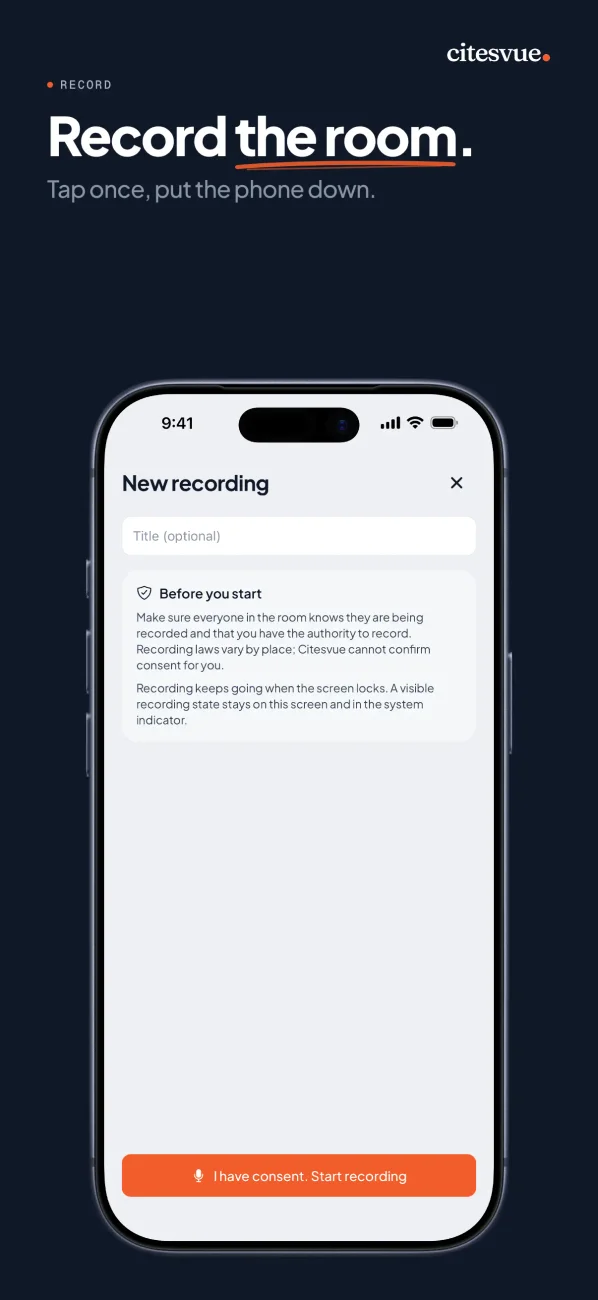
• Tap record for meetings, interviews, workshops and site visits. Recording keeps going with the screen locked.
• Drop a marker when something matters and find it again in seconds.
• Import audio or video, or share a file into Citesvue from another app.
• Uploads resume on their own after an interruption.
MEETING ASSISTANT
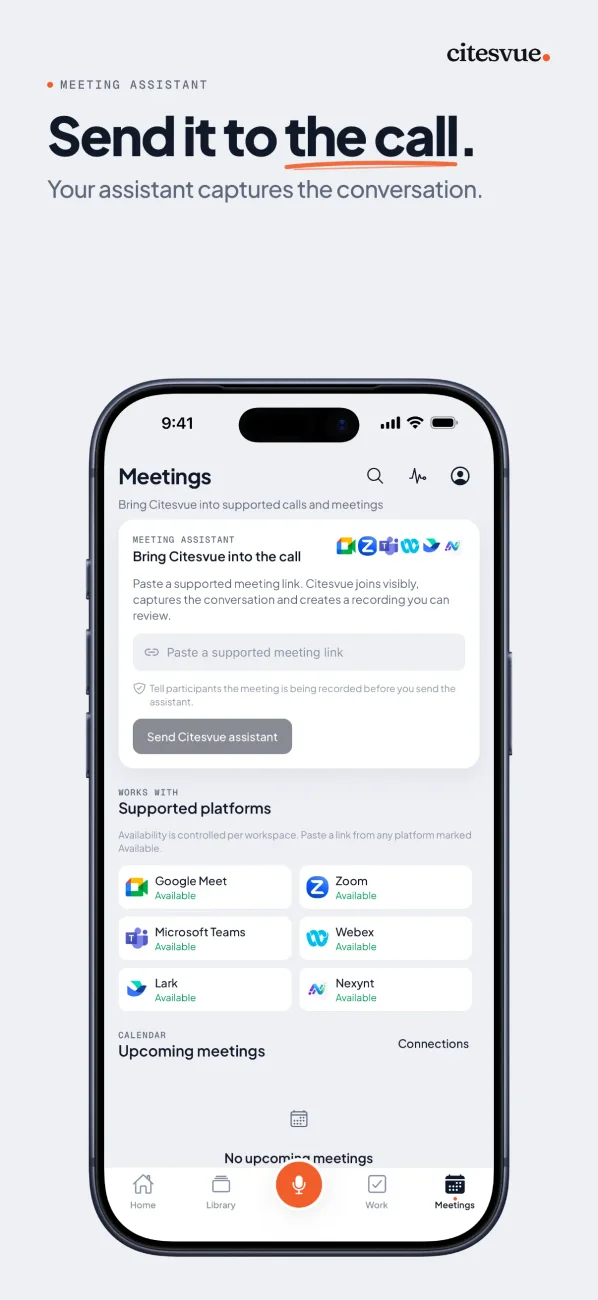
• Paste a Google Meet, Zoom or Microsoft Teams link. The assistant joins visibly, captures the call and files the recording in your workspace.
• Get a notification when the recap is ready.
RECAP, TRANSCRIPT, ARTIFACTS
• A summary, key topics, decisions and action items written from the transcript.
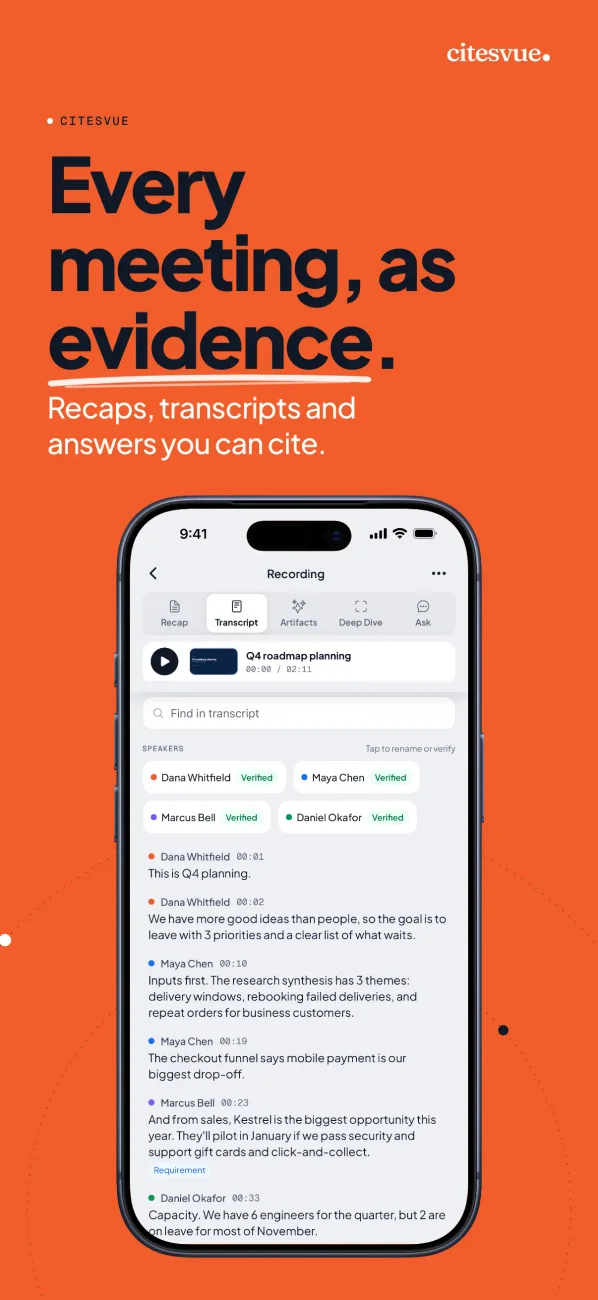
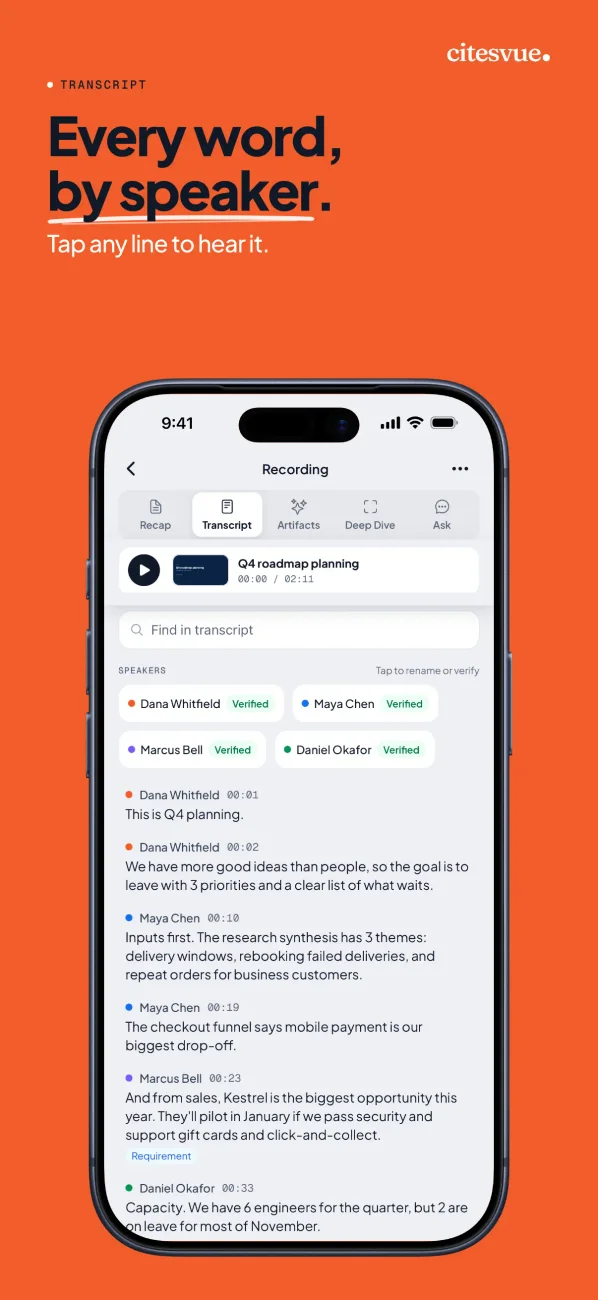
• Tap any line of the transcript to hear it. Name a speaker once and see who said what.
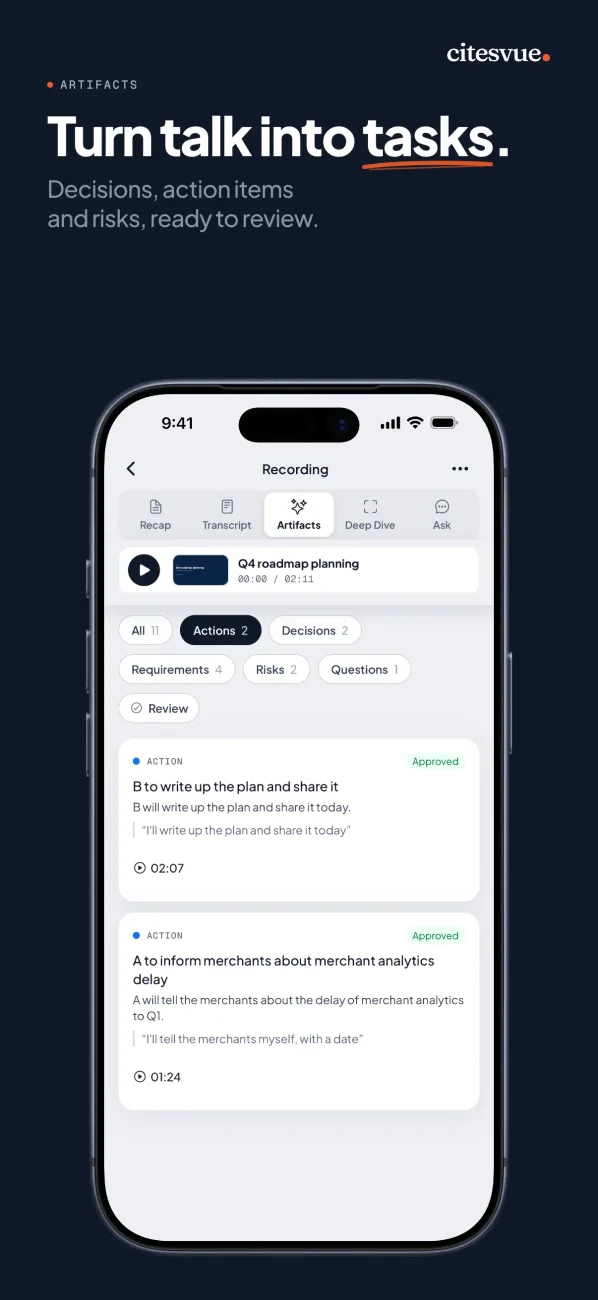
• Decisions, action items, bugs, risks, requirements and open questions become items you can review, approve or dismiss, and send to your team's connected tools.
ASK WITH CITATIONS
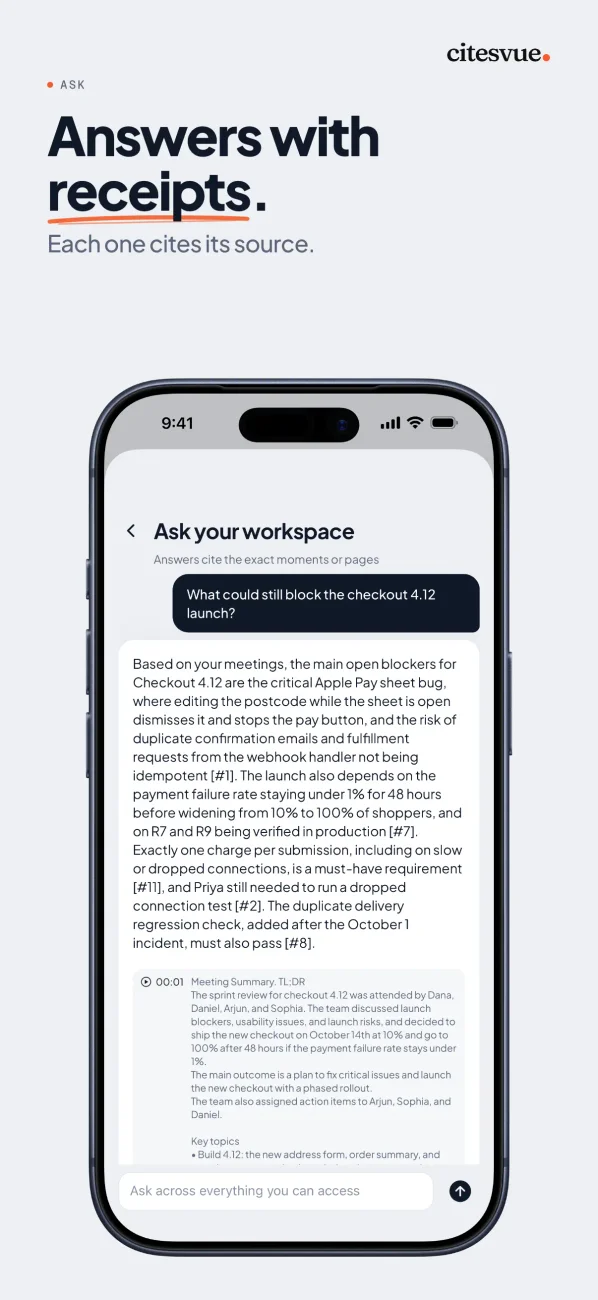
• Ask a question about one recording, a document, a project or your whole workspace.
• Every answer points to the exact moment or page it came from. Tap a citation to check it.
SEE WHAT WAS ON SCREEN
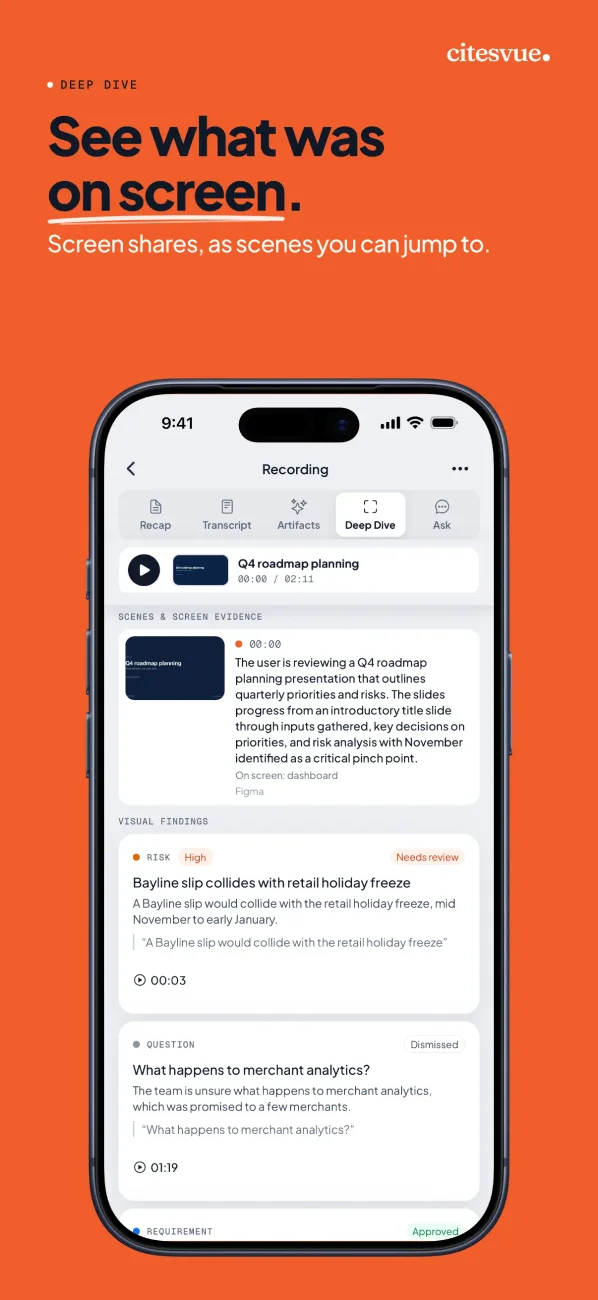
• For screen-share and video recordings, optional visual evidence turns the video into scenes, on-screen text and visual findings you can jump to.
DOCUMENTS
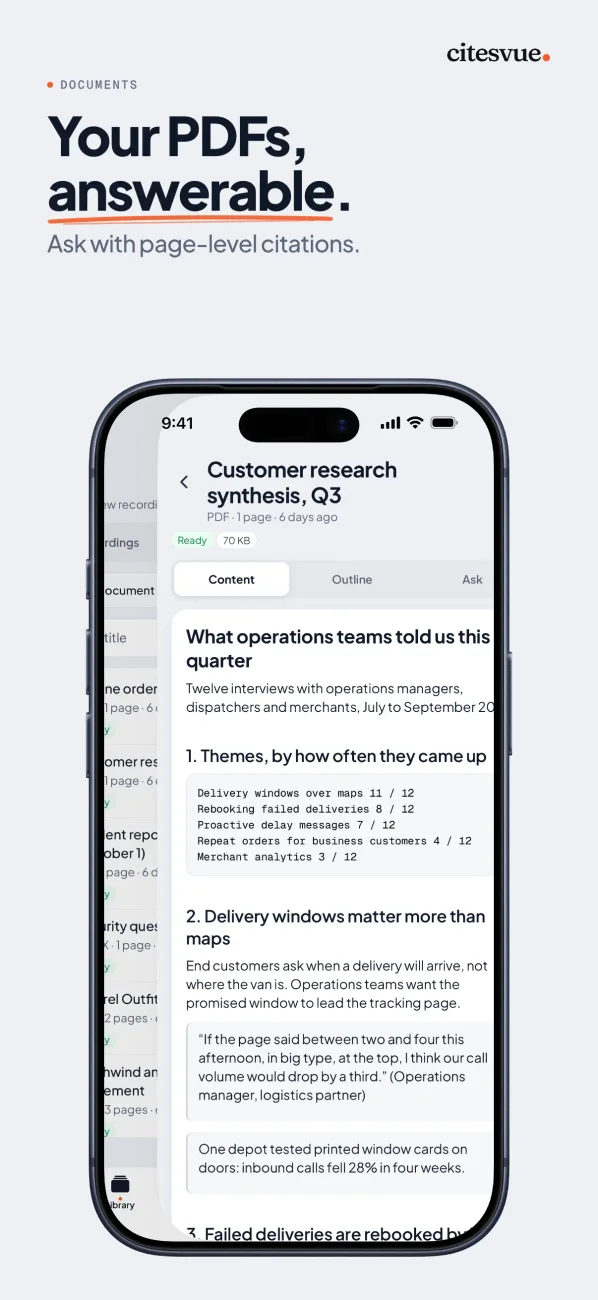
• Upload PDFs, read them on your phone, move through the outline and ask questions with page-level citations.
SEARCH AND ORGANISE
• Search across recordings and documents and land on the exact second or page.
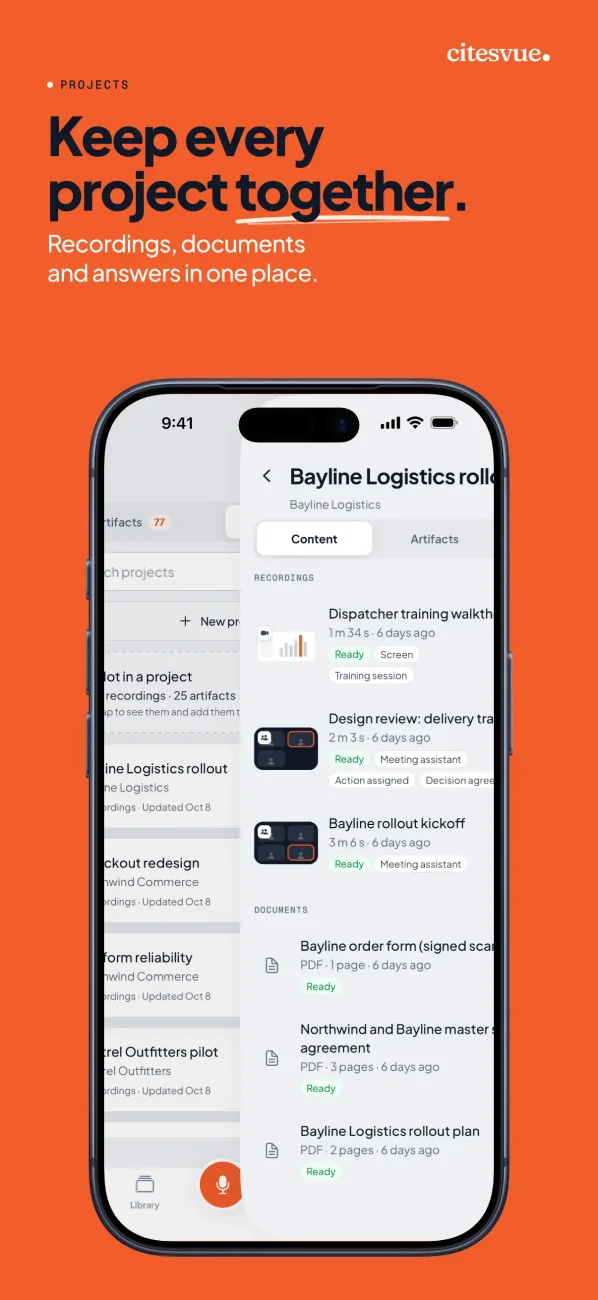
• Group work into projects and ask questions across everything in a project.
BUILT FOR TEAMS
• One workspace on phone and web. Roles for owners, admins, members and viewers.
• Your recordings and documents stay in your workspace. Delete them, or your account, whenever you choose.
On iPhone, workspace owners and admins can subscribe to Pro monthly through Apple In-App Purchase. Find subscriptions and Restore purchases in Settings > Plan & usage. Apple handles payment and subscription management.
Available workspace features and usage allowances appear after sign-in.
Citesvue uses the microphone only when you tap record. See citesvue.com/privacy for how your data is handled.
Terms of Use (EULA): https://www.apple.com/legal/internet-services/itunes/dev/stdeula/
Citesvue Terms of Service: https://citesvue.com/terms
Privacy Policy: https://citesvue.com/privacy
What’s new
Version 1.3 · Nov 24, 2026
Performance improvements and bug fixes.
App privacy
What Fahid Digital Ventures LLC declares on the App Store about how this app handles data.
-
Data used to track you
May be used to track you across apps and websites owned by other companies.
- Identifiers
-
Data linked to you
May be collected and linked to your identity.
- Contact info
- Identifiers
-
Data not linked to you
May be collected but is not linked to your identity.
- User content
- Identifiers
Privacy practices may vary, for example with the features you use or your age.
Information
- Seller
- Fahid Digital Ventures LLC
- Category
- Productivity
- Version
- 1.3
- Updated
- Nov 24, 2026
- Released
- Oct 30, 2026
- Size
- 65.1 MB
- Requires
- iOS 16.4 or later
- Age rating
- 4+
- In-app purchases
- Yes
- Languages
- English, French, German, Hindi, Spanish
- Copyright
- © 2026
You might also like
-
 Stacy: AI Notes & WhiteboardVoice memo, docs & to do list
-
 DynamicTaskTodo progress, always in view
-
 TalkdownVoice to notes, instantly
-
 Lawyer Diary ProYour Legal Case Diary
-
 AiReminder: Task Reminder AppAI Task Manager by Voice
-
 Lofi Pomodoro TimerLofi Pomodoro Study Timer
-
 AI Minute: Voice TranscriptionAudio & PDF to Text Summaries
-
 Notes - Notepad Free Note AppSimple Memo Pad & Taking Notes
-
 AI Summary: Meeting Note TakerTurn Audio & Video into Notes
-
 NoteSwift : AI Note TakerVoice Memos & Live Transcribe