Notes - Notepad Free Note App
Simple Memo Pad & Taking Notes
Designed for iPhone, iPad
Free
- Age rating4+
- CategoryProductivity
- DeveloperZHONGCHENG YANG
- LanguagesEnglish+ 43 more
- Size20.1 MB
Links to the official App Store page
Download.org hosts no file of Notes - Notepad Free Note App. The button opens its official App Store page, published by ZHONGCHENG YANG. Listing last checked on Nov 25, 2026.
Screenshots

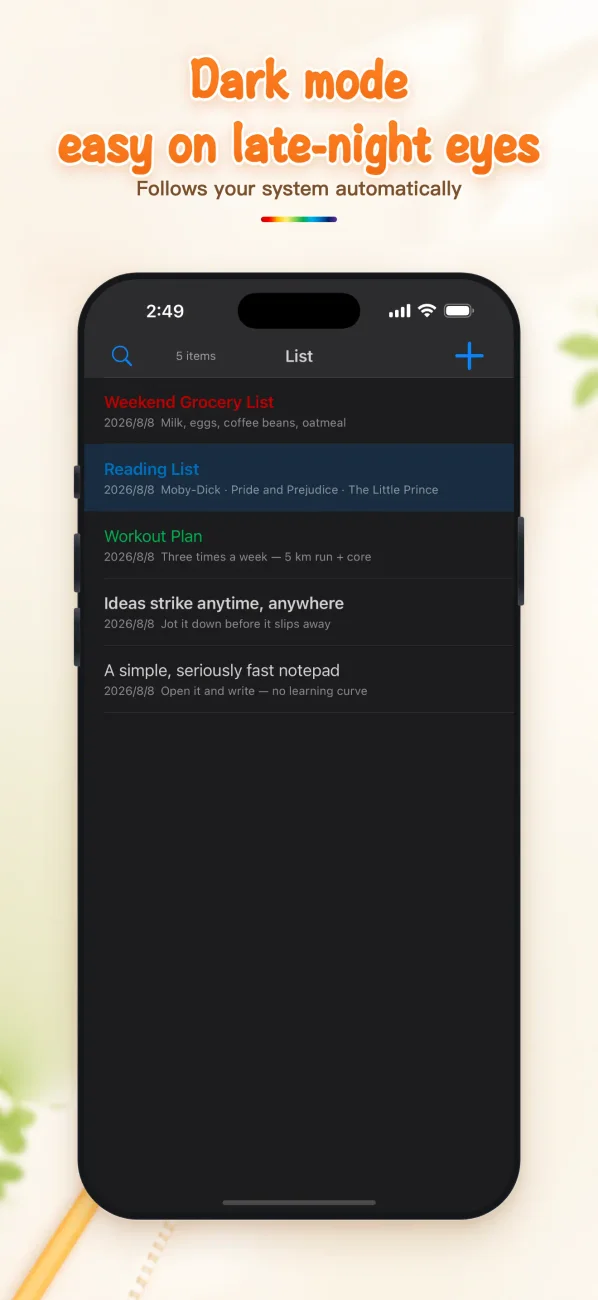
About
If you want a notes app that's “open and write, tidy as you go, never lose a word,” MyNotes is built for you.
**Auto-save, so every quick note is safe**
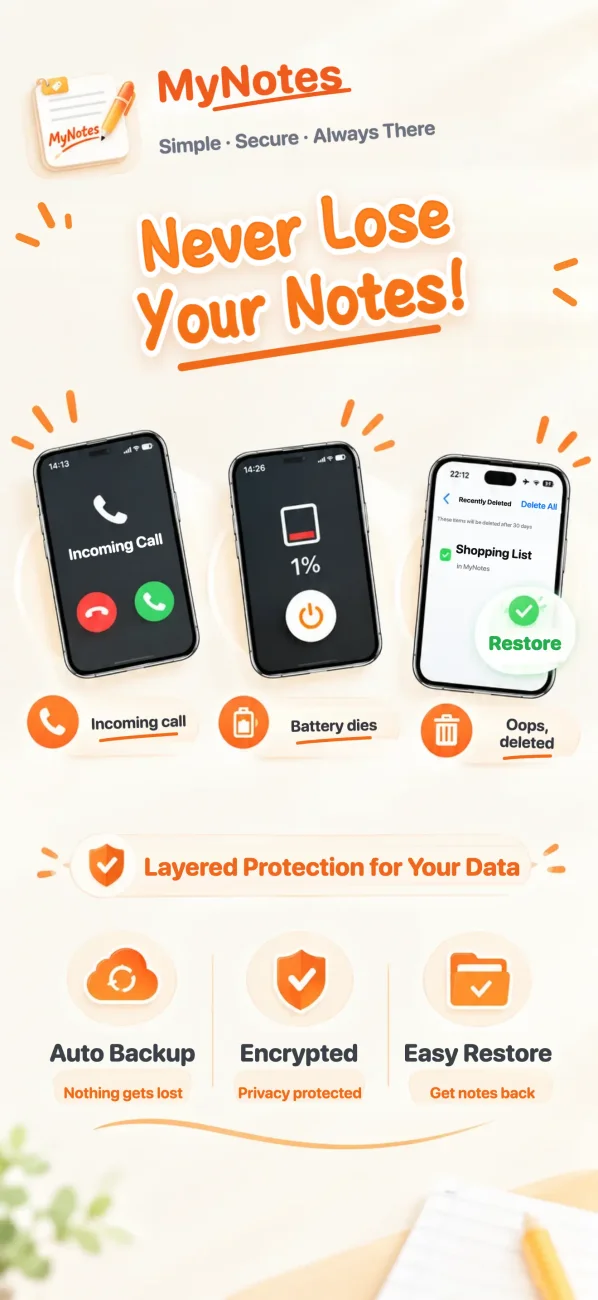
Even if a call comes in, the app is interrupted, or your phone runs flat, anything you hadn't saved is brought back automatically. No hunting for a save button—just write.
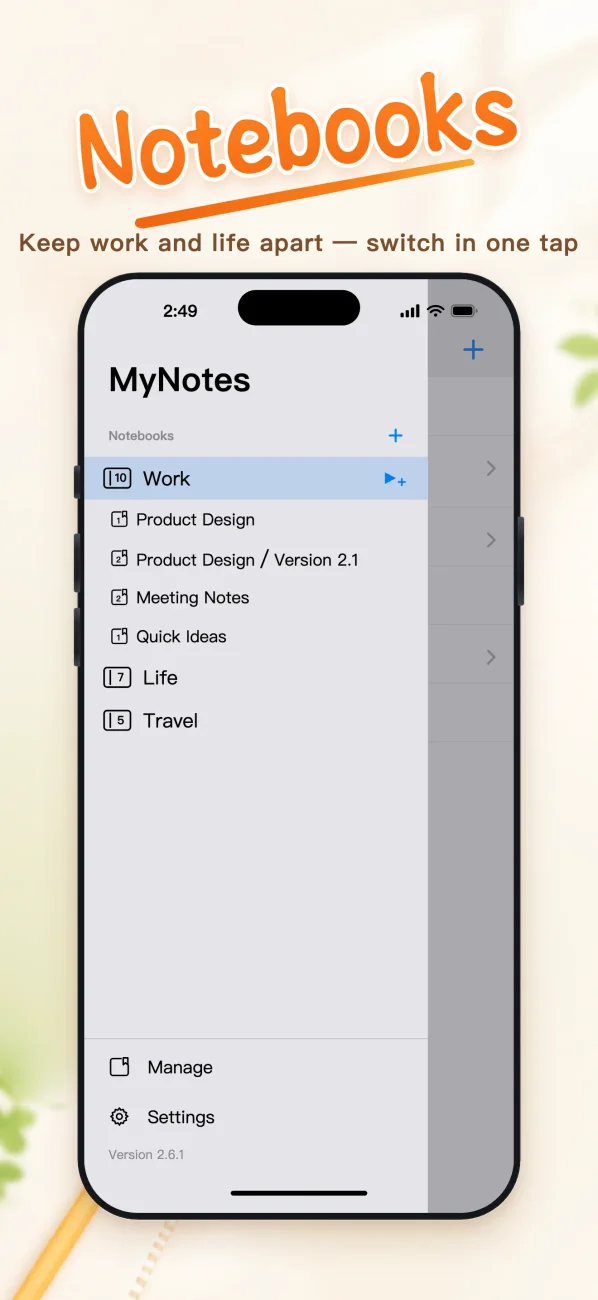
**Flexible organization, your own knowledge base**
Manage things as “Notebook → Group → Note” with multi-level nesting for complex setups—or skip filing entirely and just jot things down.
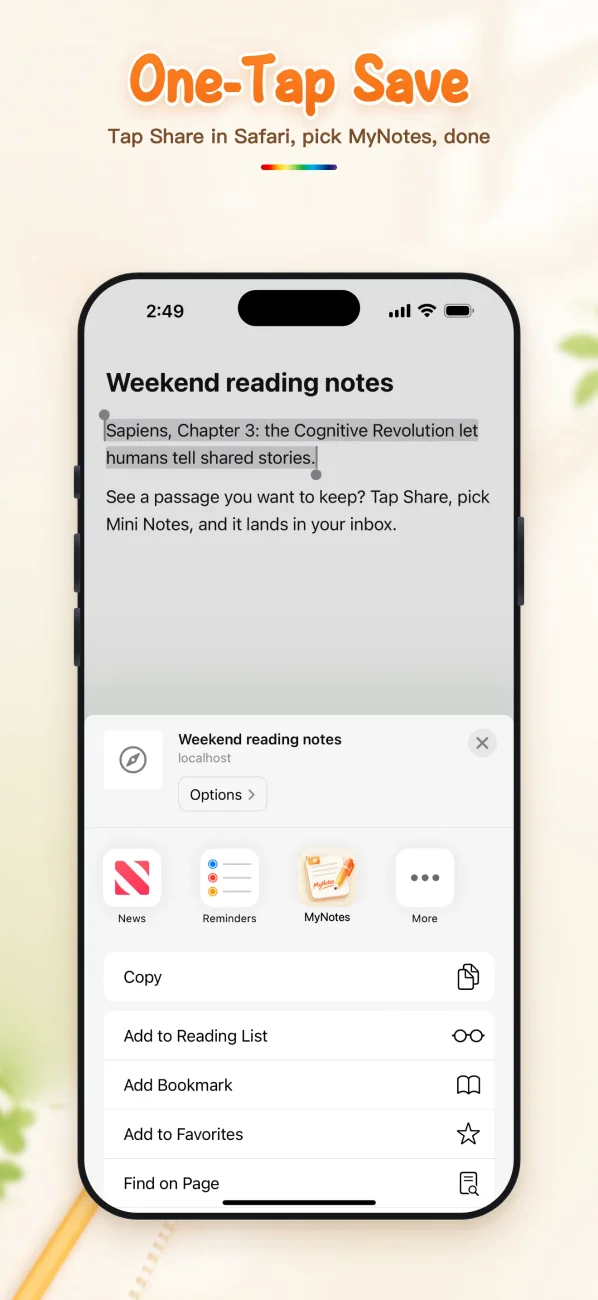
**One-tap sharing, capture ideas on the spot**
When you spot a passage or link in Safari or another app, just tap Share and choose MyNotes. It drops straight into your inbox—no copying back and forth.
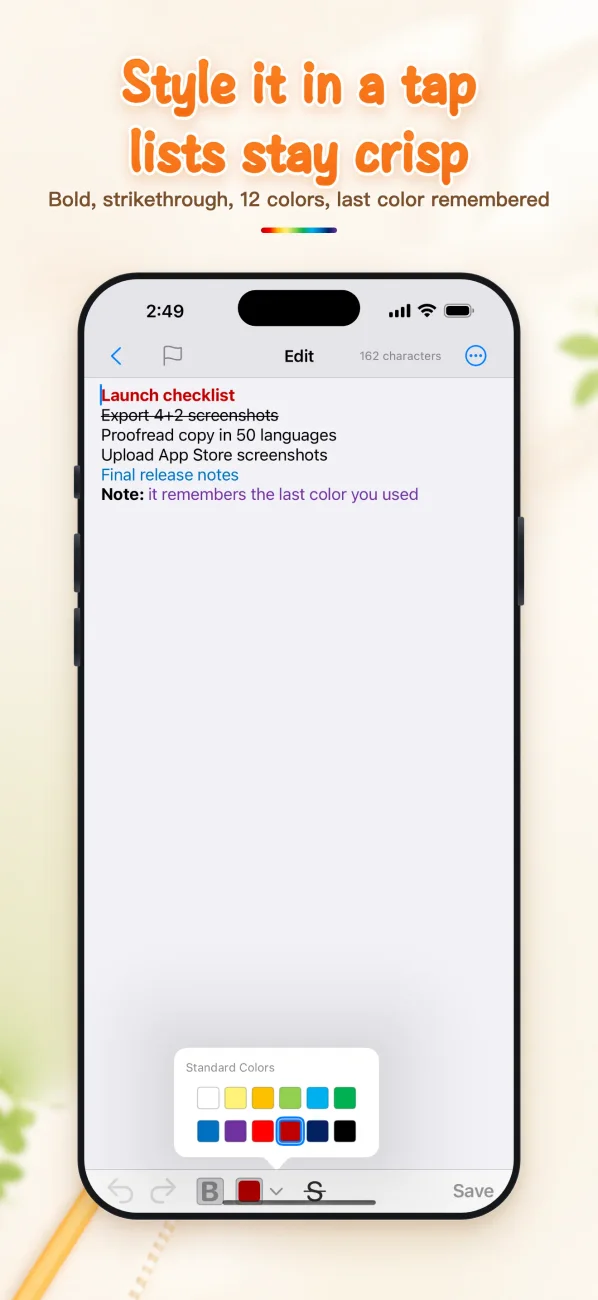
**Effortless formatting, clear at a glance**
The rich-text editor gives you bold, strikethrough and a 12-color preset palette, and remembers the last color you used so you don't set it again. Titles inherit the body's formatting, keeping list previews clean and readable.
**Home Screen widget, no need to open the app**
Put your most recently edited notes on your Home Screen and see what you wrote today at a glance. Tap one to jump straight back into it.
**Recently Deleted, for when you delete by mistake**
Deleted notes stay in Recently Deleted for 30 days, so you can restore them anytime. Sure you don't need them? Clear them out in one tap.
**Text Size, so everything is easy to read**
Drag a slider in Settings to resize the text and icons throughout the app, without changing the setting for any other app.
**Markdown checklists for quick to-dos**
Type "# checklist" to turn the current line into a tappable checkbox. Press Return and the next line starts with a checkbox too. Tap to tick it off—tapped the wrong one? Just undo it.
We'll keep updating MyNotes. If there's something you'd like improved, or a feature you'd love to see, please leave a review on the App Store or get in touch via Send Feedback in the app. Your support and encouragement keep us building a better product. Thank you!
What’s new
Version 2.7.1 · Nov 24, 2026
■ Images in Notes
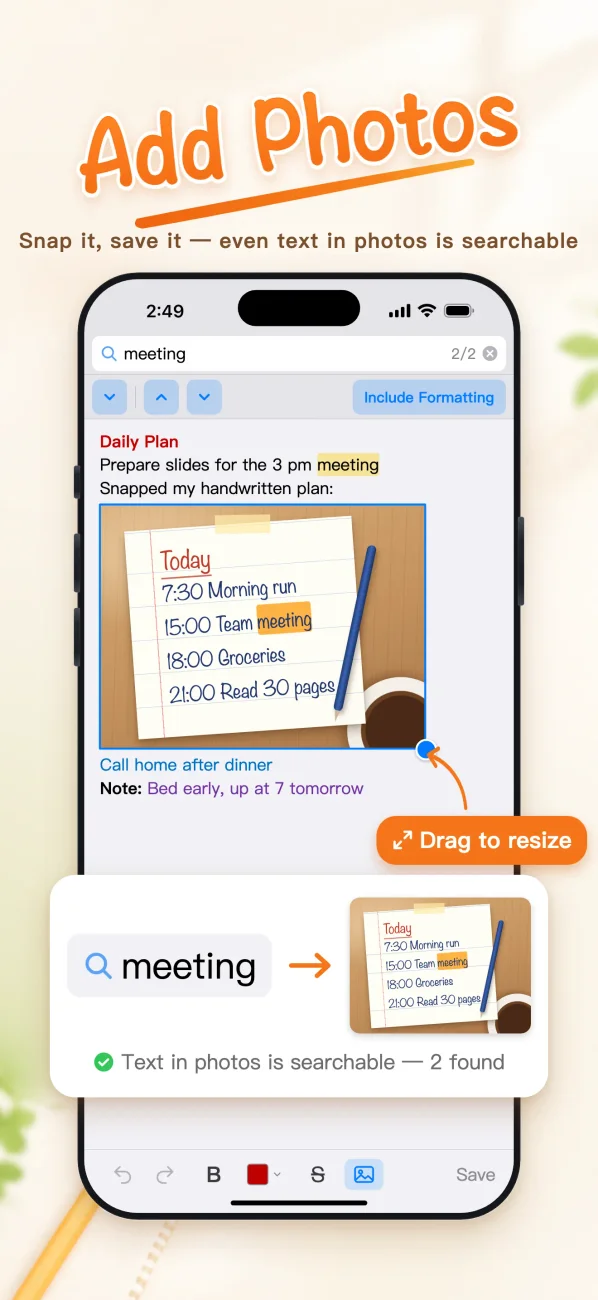
・Add images to your notes: tap Insert Image, or paste or drag them in; on iPhone and iPad you can also Take Photo
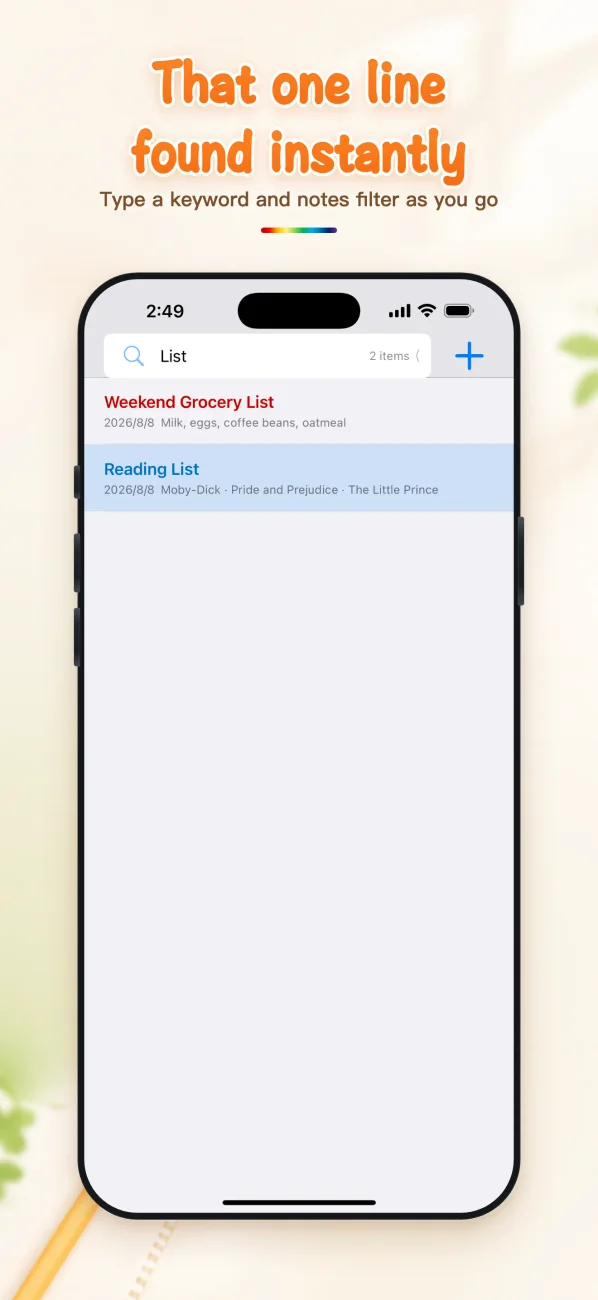
・Search the text inside images: words in your photos are recognized automatically and show up in both list search and in-note search
・Switch between thumbnails and full size from the title bar; tap an image and drag its corner handle to resize just that one
・New in Settings > Storage: Image Quality (Save Space / Original) and Manage Images, which lists images by size so you can delete the ones you don't need
・Export PDF is now in the iPhone More menu, and sharing a note now includes its images
・Images sync to your other devices with iCloud
■ Notebooks & Icon Colors
・Delete several notebooks at once: tap Select, check them and delete
・Icon Color now opens a color palette, and works for notebooks, groups and notes
・The notebook you have open now has a light gray background
・With a note selected, New Note places the new note right below it
■ Improvements & Fixes
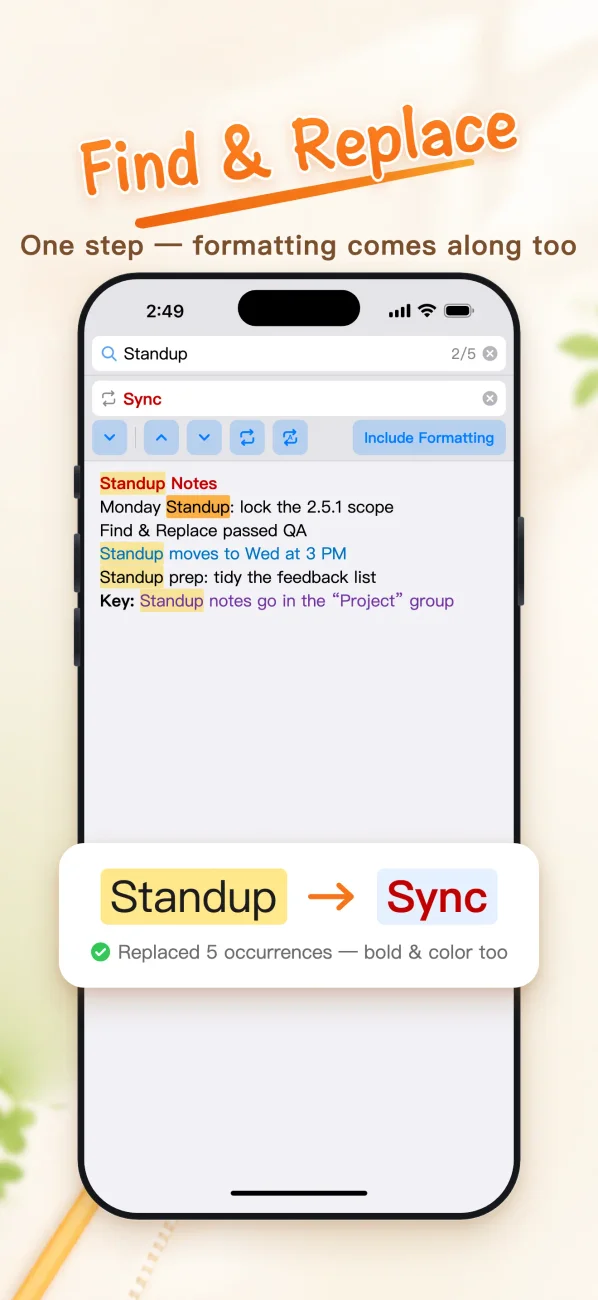
・Previous and Next in in-note search now start from the cursor position
・Fixed the New Note and Open App buttons in Control Center not responding on some devices
App privacy
What ZHONGCHENG YANG declares on the App Store about how this app handles data.
-
Data used to track you
May be used to track you across apps and websites owned by other companies.
- Identifiers
- Usage data
-
Data linked to you
May be collected and linked to your identity.
- Identifiers
- Usage data
-
Data not linked to you
May be collected but is not linked to your identity.
- Usage data
- Diagnostics
Privacy practices may vary, for example with the features you use or your age.
Information
- Seller
- ZHONGCHENG YANG
- Category
- Productivity
- Version
- 2.7.1
- Updated
- Nov 24, 2026
- Released
- Aug 8, 2026
- Size
- 20.1 MB
- Requires
- iOS 16.0 or later
- Age rating
- 4+
- Price
- Free
- Languages
- English, Arabic, Bengali, Catalan, Croatian, Czech, Danish, Dutch, Finnish, French, German, Greek + 32 more
- Copyright
- © 2026 CPE-GROUP
You might also like
-
 Notepad – Private NotesNotes that stay on your phone
-
 Note Pad+Productivity
-
 OpenNotes: Notes & PDF MarkupHandwriting, PDFs, no account
-
 Notes: Color Notepad, NotebookNotes for Daily Tasks
-
 Simple Notes - Notepad ManagerOrganize notes with folders
-
 OrigNotesNotes, PDF Markup & Mind Maps
-
 Notes for iPad - Pencil NotesQuick Note Taking & Notepad
-
 Feenote - Notes and listsNote-taking & handwriting
-
 Notepad: Easy Notes & MemosSimple Notebook & Writing Pad
-
 Cute Calendar - Daily Plannerschedule, to do list & task