
ClarityClock: Focus Timer
App blocker & deep work timer
Designed for iPhone, iPod touch
- Age rating4+
- CategoryProductivity
- DeveloperIOANNIS PARASKEVAS VENIERIS
- LanguagesEnglish
- Size106.3 MB
Links to the official App Store page
Download.org hosts no file of ClarityClock: Focus Timer. The button opens its official App Store page, published by IOANNIS PARASKEVAS VENIERIS. Listing last checked on Nov 22, 2026.
Screenshots

About
ClarityClock helps you beat procrastination and do the work that matters.
Start a focus session, block the apps that pull you away, and watch your
concentration turn into real progress on a gamified journey.
Most "focus apps" are just timers you ignore. ClarityClock adds gentle friction
at the exact moment you reach for a distraction - so you actually stay on task.
DEEP WORK SESSIONS
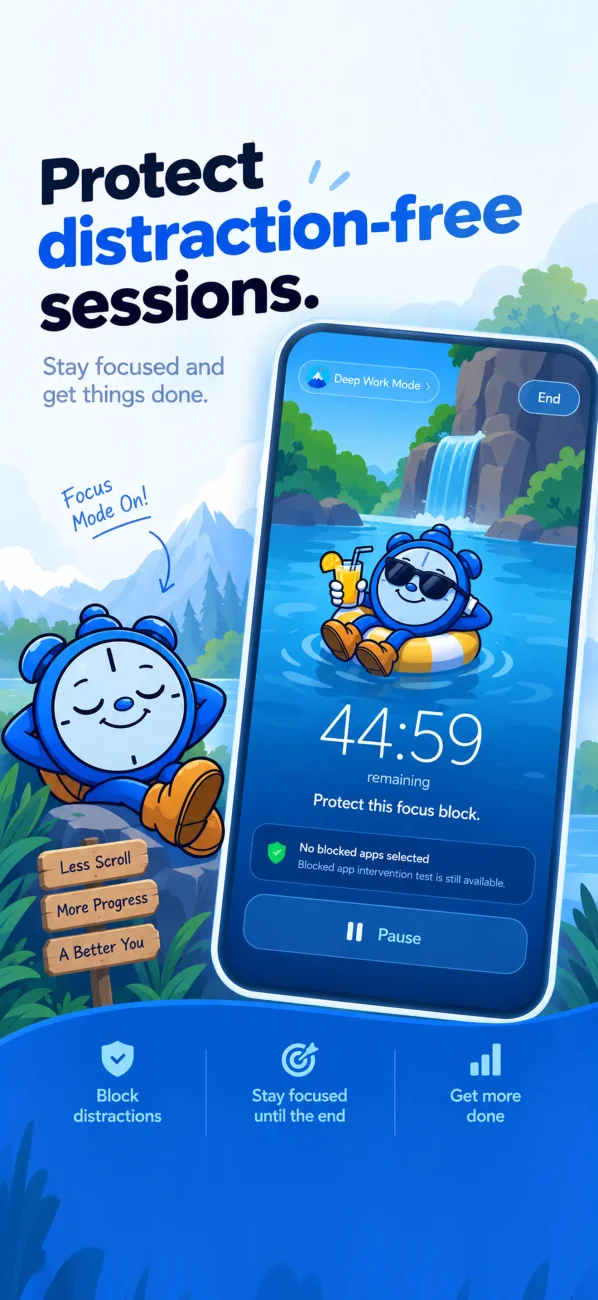
Set a timer, pick the apps to block, and focus. If you reach for a blocked app
mid-session, ClarityClock steps in and reminds you of the commitment you made
to yourself.
RESCUE ME
Already spiraling in a distracting app? Trigger Rescue Me and ClarityClock
steps in after a few minutes to pull you back out of the doomscroll.
THE FOCUS MAP
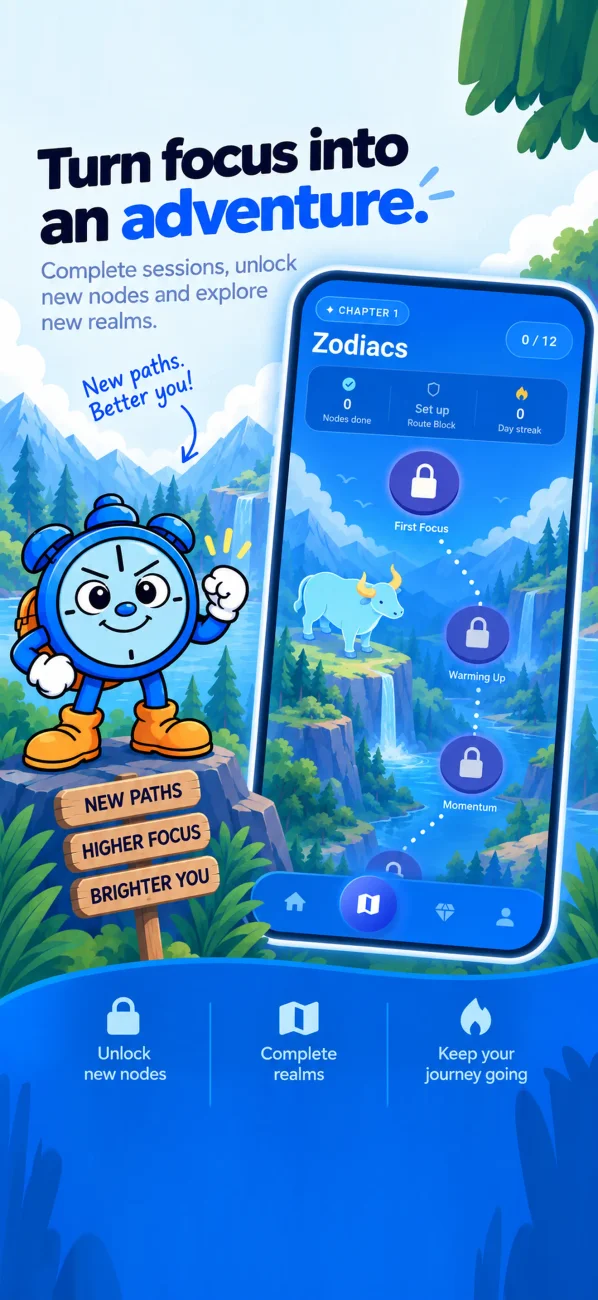
Every session moves you forward on a journey of themed chapters. Progress is
earned by real focus minutes - a reason to come back tomorrow.
SEE YOUR PROGRESS
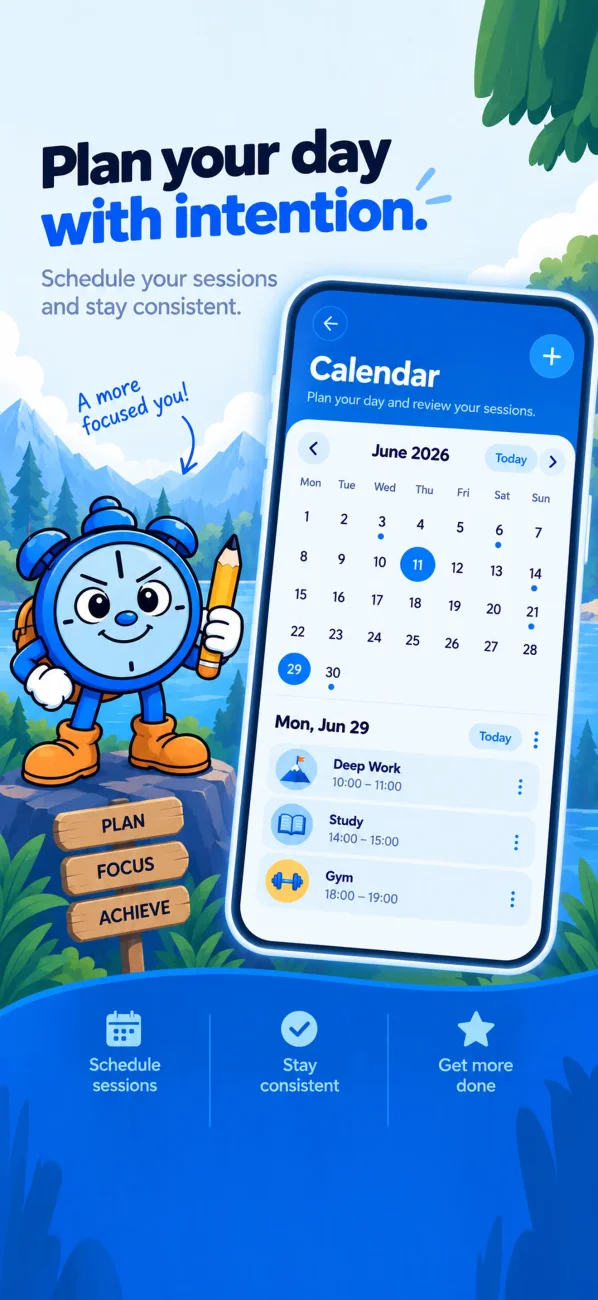
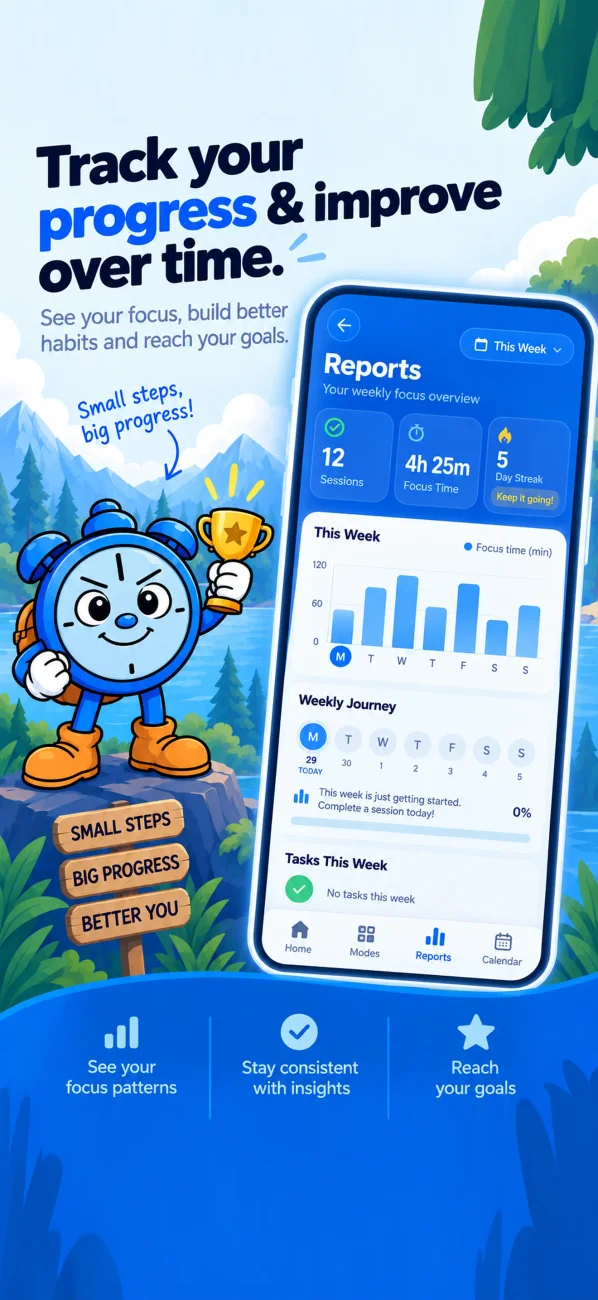
Reports and a calendar show your focus streaks, total deep-work time, and the
habit taking shape over days and weeks.
CHOOSE YOUR BLOCK STRENGTH
From a gentle reminder you can dismiss to a firm block that holds you to your
word.
FREE
Everything in ClarityClock is free. No ads, ever.
YOUR PRIVACY
ClarityClock is built to respect you:
- App blocking uses Apple's Screen Time technology. Your app choices are
handled by iOS itself - ClarityClock can never see, store, or share which
apps you pick.
- It never reads your screen content, messages, or what you type.
- Your task names stay on your device. Only basic session stats (type, length,
time) sync to your account so your progress follows you.
- You can delete your account and data anytime from inside the app.
Stop fighting your phone with willpower alone. Make focus the default.
Download ClarityClock and start your first session today.
What’s new
Version 1.3.1 · Oct 17, 2026
Rescue and focus sessions now work better together: going into an app that only Rescue was watching no longer ends your focus session.
The Rescue screen now says exactly what happens if you go in anyway.
Reliability fixes for sessions, and small cleanups in Reports and Profile.
App privacy
What IOANNIS PARASKEVAS VENIERIS declares on the App Store about how this app handles data.
-
Data linked to you
May be collected and linked to your identity.
- Contact info
- User content
- Identifiers
- Usage data
-
Data not linked to you
May be collected but is not linked to your identity.
- Diagnostics
Privacy practices may vary, for example with the features you use or your age.
Information
- Seller
- IOANNIS PARASKEVAS VENIERIS
- Category
- Productivity
- Version
- 1.3.1
- Updated
- Oct 17, 2026
- Released
- Sep 9, 2026
- Size
- 106.3 MB
- Requires
- iOS 15.0 or later
- Age rating
- 4+
- Languages
- English
- Copyright
- © 2026 VRS LABS
You might also like
-
 Kedge: Screen Time & FocusBlock apps. Stay blocked.
-
 ScriniAI Screenshot Organizer
-
 DailerAI Assistant & Planner
-
 Twilock: Stop Doom ScrollingSleep Screen Time App Blocker
-
 Takeback: Daily Habit TrackerMorning Routines & Screen Time
-
 Voice Memos, Reminders: BlurtoADHD Notes, Brain Dump, Focus
-
 myAIChat: AI Chat AssistantAsk, Write, Create & Solve
-
 Don't Forget Checklist: MemoraKeys, Wallet & Bag Reminder
-
 Downtime: Focus App BlockerWebsite & Screen Time Control
-
 Qleany: Cleaning ChecklistChores, Schedule & Reminders