
CleanCopy: Metadata Cleaner
Photo, video & PDF details
Designed for iPhone, iPad
Free · In-app purchases
- Age rating4+
- CategoryPhoto & Video
- DeveloperMd Soykot
- LanguagesEnglish+ 5 more
- Size38.6 MB
Links to the official App Store page
Download.org hosts no file of CleanCopy: Metadata Cleaner. The button opens its official App Store page, published by Md Soykot. Listing last checked on Nov 24, 2026.
Screenshots

About
Remove location, EXIF and other hidden details from photos, videos and PDFs. See what a file carries first, then save a clean copy. Your original is never changed.
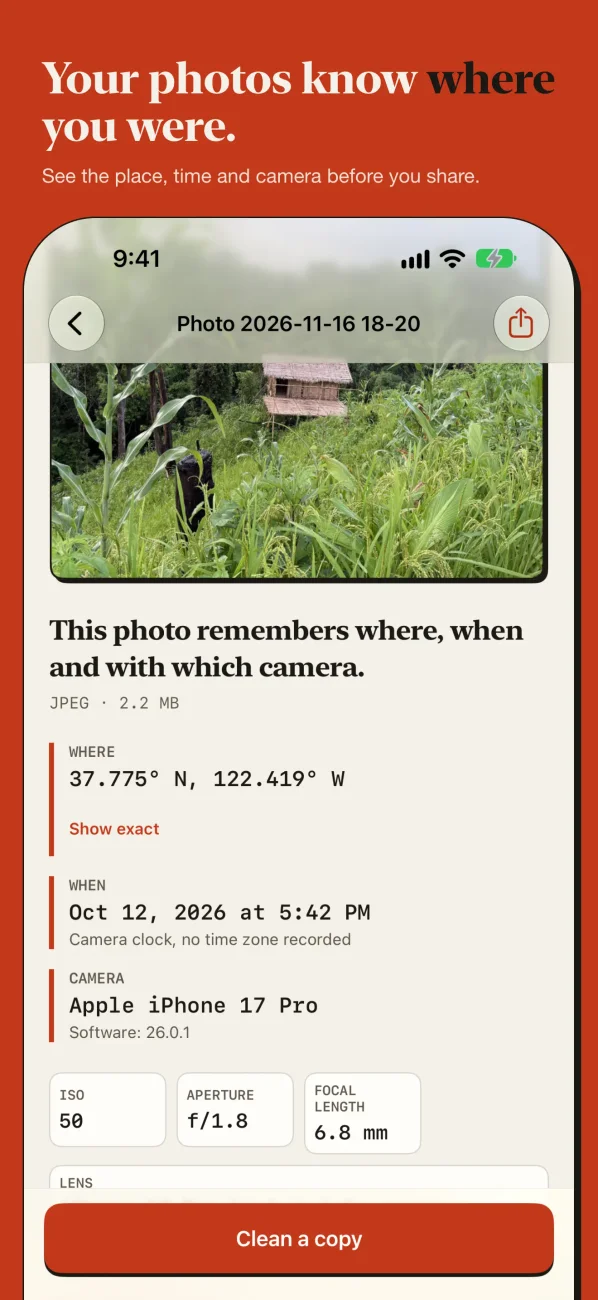
See before you clean. Pick a photo and CleanCopy lists what it carries: where it was taken, when, with which camera, plus embedded previews, descriptions, edit history and C2PA manifests. Looking is free.
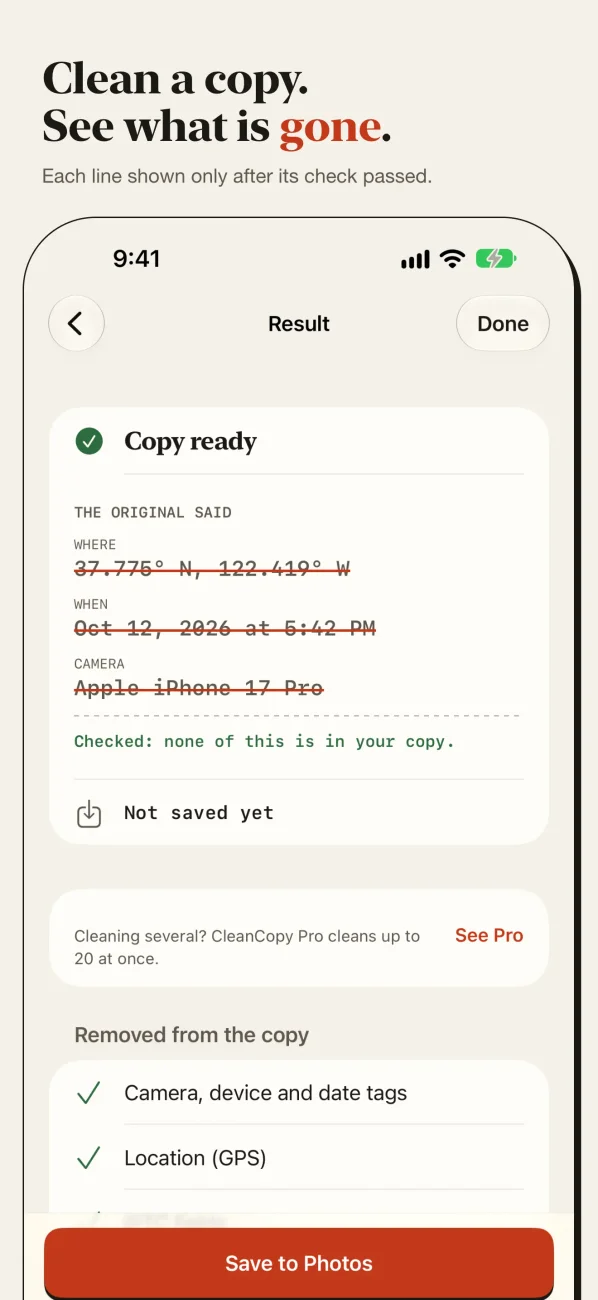
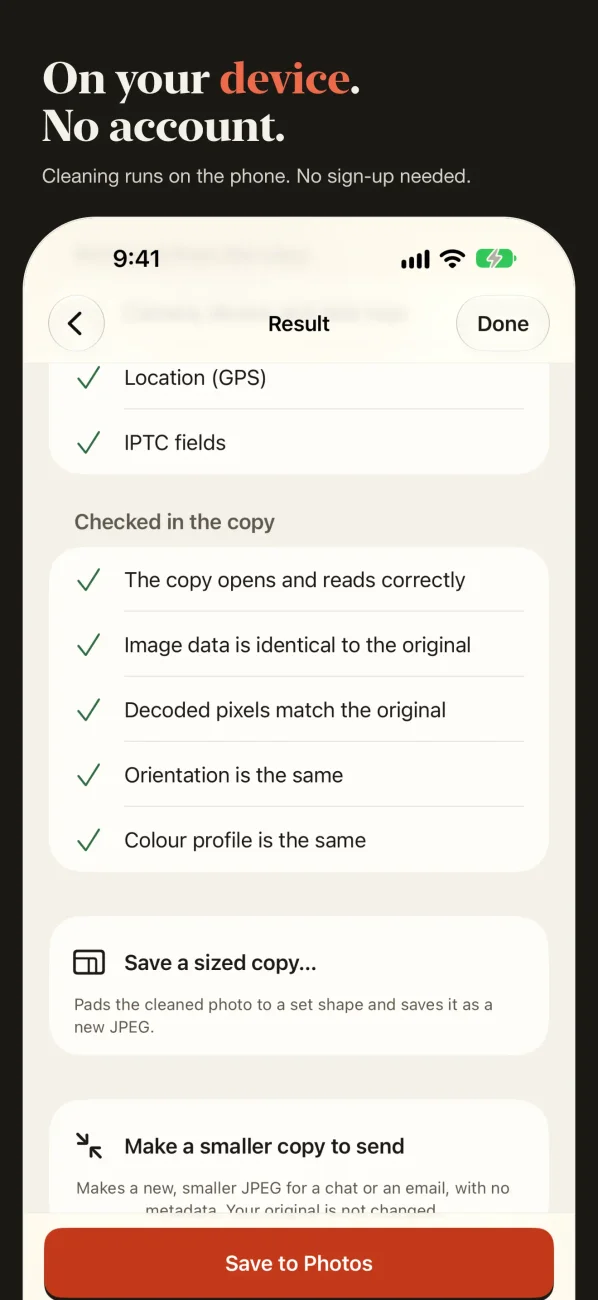
A copy, and a report you can read. Clean a photo and CleanCopy checks the copy, then shows the original's values struck through and lists only the checks that actually ran: what was removed, what was checked, what is still there, and anything it could not check.
Cover parts of a photo. Draw boxes over a face, a number plate, a house number or an ID. CleanCopy makes a new copy with the boxes drawn into its pixels. The copy is a re-drawn picture, so it is not pixel-identical to the original. Free for one photo.
Keep the date. Turn on "Keep the date and time". The place, camera and other details are still removed. It works for photos in formats that can hold the date, and the report says whether the date was kept.
A hidden note about how a photo was made. Some editing tools, including some AI tools, add a note inside the photo file saying so. Some apps read that note. CleanCopy shows you the note and lets you remove it from a copy, and it asks you first. Other things can still make an app label a photo, and CleanCopy cannot change those.
Videos (cleaning is part of CleanCopy Pro). Look at what a video carries for free: location, creation time, camera or app, and whether it has a C2PA manifest. Cleaning a MOV, MP4 or M4V into a new copy needs CleanCopy Pro.
PDFs. Choose "Inspect a PDF" and CleanCopy lists what it carries, such as the author, the program that made it, dates, comments, attachments and signatures. You can then save a cleaned copy. The Title, comment authors, attachments and a signature are removed only if you choose. Photos inside a PDF are reported but not removed in this version. This is not redaction.
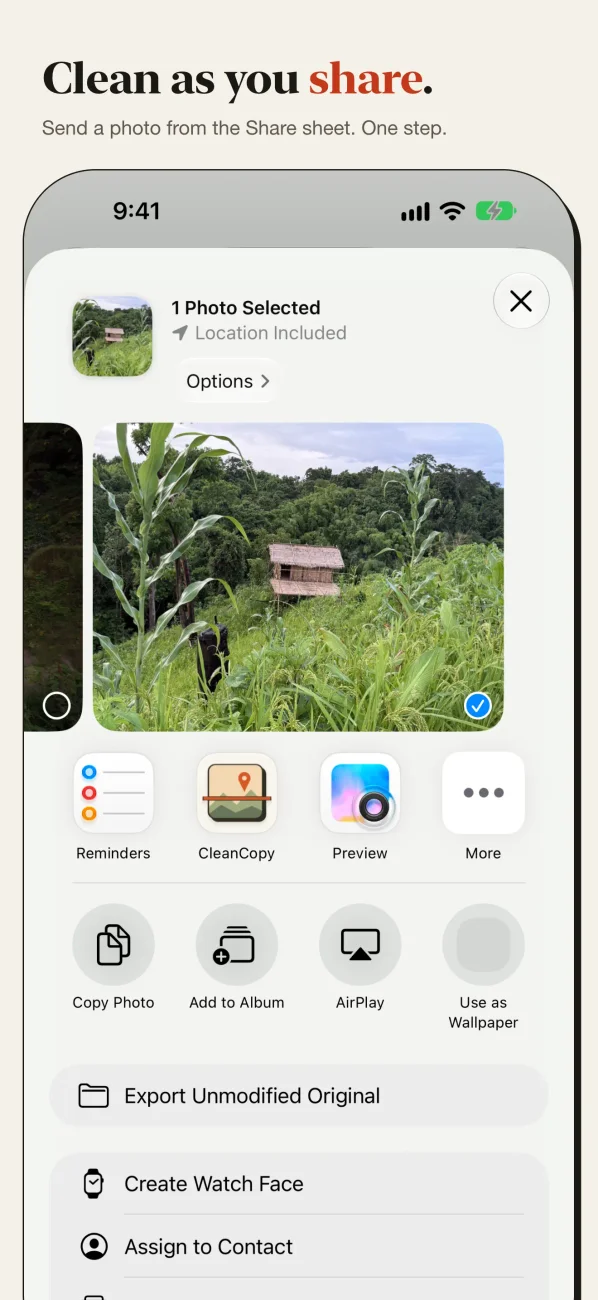
Clean as you share. Send a photo from the share sheet and get a clean copy in one step. A few cleans are free; unlimited Share-sheet and Shortcuts cleaning is part of CleanCopy Pro. Send a video from the Photos share sheet and it waits in CleanCopy, ready to clean (video cleaning is part of CleanCopy Pro).
Many photos at once (CleanCopy Pro). Clean up to 20 photos in a row, each with its own report.
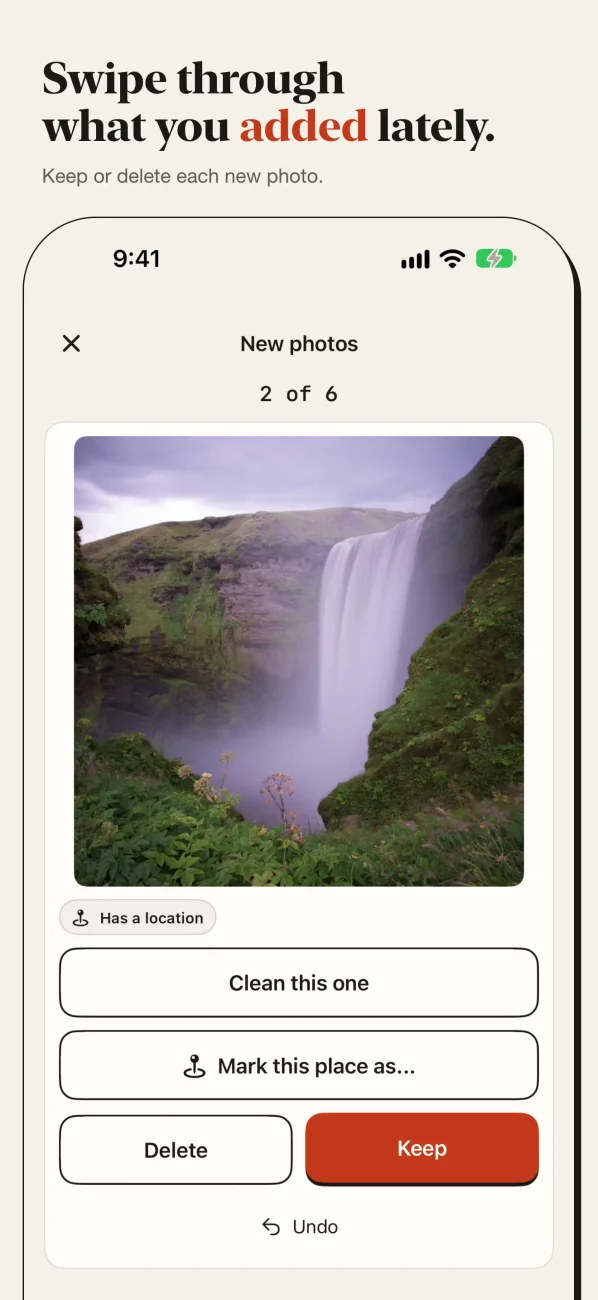
Photo library tab (optional, part of CleanCopy Pro). Find duplicate, similar and blurry photos on your device, in your whole library or one album, and review them one by one. Nothing is deleted unless you select it and iOS asks you to confirm, at least one photo of every group is kept, and everything is worked out on your device.
What is free, what is Pro. Free: cleaning one photo, covering parts of a photo, looking at what a video or a PDF carries, and the history. CleanCopy Pro, a yearly plan or a one-time Lifetime purchase: cleaning many photos at once, cleaning videos, unlimited Share-sheet and Shortcuts cleaning, and scanning your library. There are no free reviews of library photos; scanning is Pro.
Honest about the limits. Removing metadata does not remove what is built into the picture, such as invisible watermarks, and it does not change what a platform can detect or learn in other ways. Platforms may still require you to disclose AI-generated content.
Private by design. No accounts. Photos, PDFs and videos are processed on your device. CleanCopy Pro is a yearly plan or a one-time Lifetime purchase, with Restore Purchases in Settings.
Cleans JPEG, HEIC, PNG, WebP, AVIF, GIF and TIFF photos, including animated GIFs. Animated PNG and WebP files and HEIC or AVIF sequences are left untouched and reported. A camera RAW photo can be saved as a clean JPEG copy, which is converted and is not your original RAW file (some RAW types are not supported yet).
Terms of Use: https://cleancopy-site.vercel.app/terms
What’s new
Version 1.2.0 · Nov 23, 2026
New: an arrow on the map shows the direction the camera faced. Set the date or place on many photos at once (Pro). Export a photo's details as text, JSON or CSV.
App privacy
What Md Soykot declares on the App Store about how this app handles data.
-
Data not linked to you
May be collected but is not linked to your identity.
- Purchases
Privacy practices may vary, for example with the features you use or your age.
Information
- Seller
- Md Soykot
- Category
- Photo & Video
- Version
- 1.2.0
- Updated
- Nov 23, 2026
- Released
- Nov 7, 2026
- Size
- 38.6 MB
- Requires
- iOS 17.0 or later
- Age rating
- 4+
- Price
- Free
- In-app purchases
- Yes
- Languages
- English, Arabic, French, German, Portuguese, Spanish
- Copyright
- © 2026 Md Soykot
You might also like
-
 Photos by Date: MonthBoxGroup by Month, Export as ZIP
-
 FaceVeil-Blur in Photo & VideoAuto Pixelate, Offline Privacy
-
 AaronSynthAnalog video instrument
-
 Lens LabPhoto editor with effects
-
 VideoRedactor - Blur and HideBlur faces, text and screens
-
 ImageSweepClean photos with control
-
 Movie EditorLayered video editor
-
 Stillwell · RAW CameraLong Exposure, Stars & Film
-
 TUTU: AI Object RemoverErase People & Retouch Photos
-
 MemeKit - Meme ManagerCollect and find memes