CleanScan: PDF Scanner & OCR
Search, translate, read aloud
Designed for iPhone, iPad, iPod touch
In-app purchases
- Age rating4+
- CategoryProductivity
- Developerfung ka wa
- LanguagesEnglish
- Size46.9 MB
Links to the official App Store page
Download.org hosts no file of CleanScan: PDF Scanner & OCR. The button opens its official App Store page, published by fung ka wa. Listing last checked on Nov 11, 2026.
Screenshots
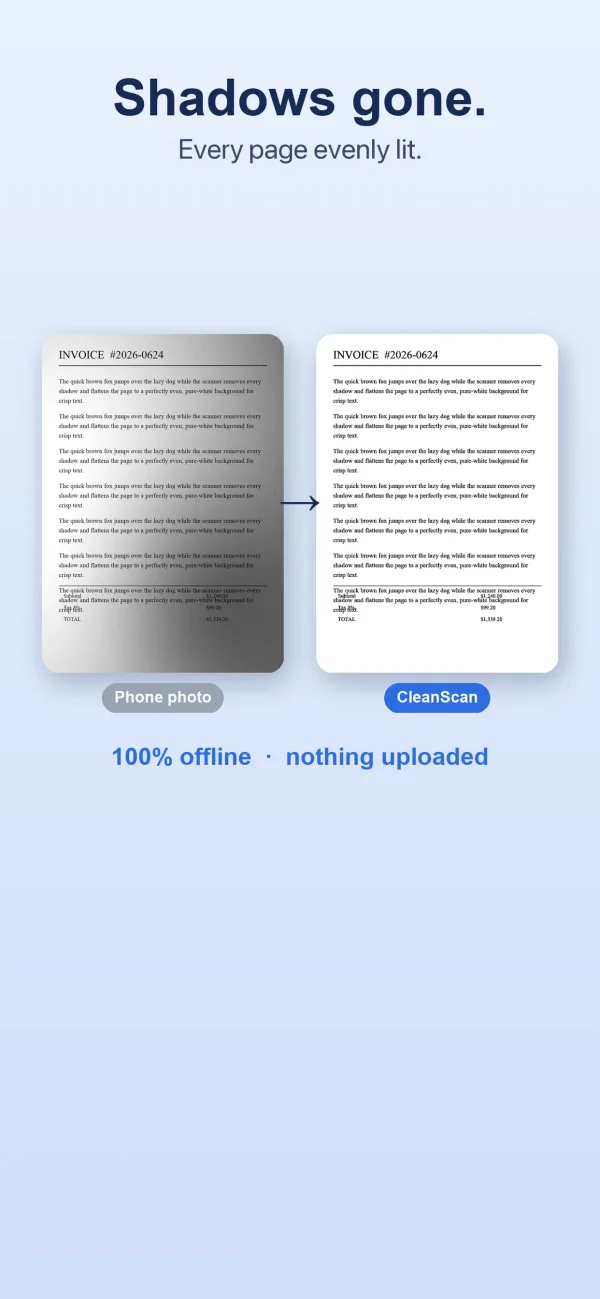
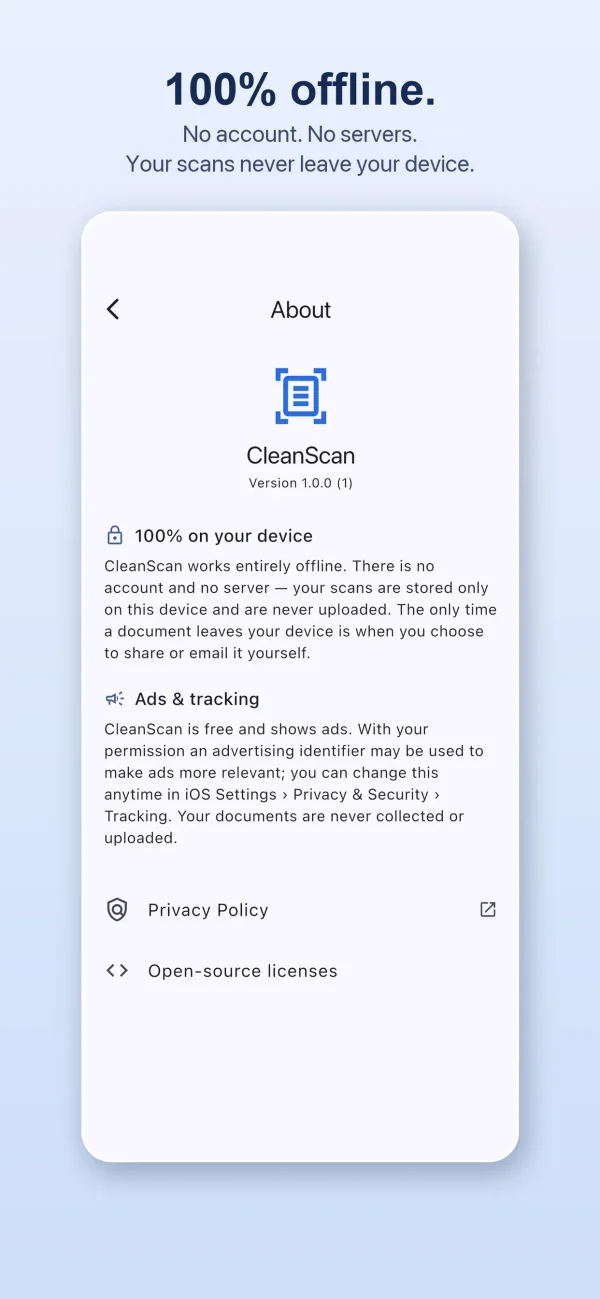
About
On-device OCR, full-text search, translation and read-aloud — all free, all offline, no account.
Scan a document and CleanScan turns it into searchable text right on your iPhone. Nothing is uploaded. Nothing is tracked. No subscription, ever.
FREE — ALL OF THIS
- On-device OCR — text is recognised on your iPhone, never sent anywhere
- Full-text search — find any word across every document you have ever scanned
- Searchable PDFs — exported files carry a real text layer, so Files, Mail and Preview can search them too
- Translate — read a scanned page in another language, offline
- Read aloud — listen to any document hands-free
- Shadow removal — flat-field correction erases the shadow your hand casts, so the whole page is evenly lit
- Auto-straighten — edges are detected and the page is de-skewed to a clean rectangle
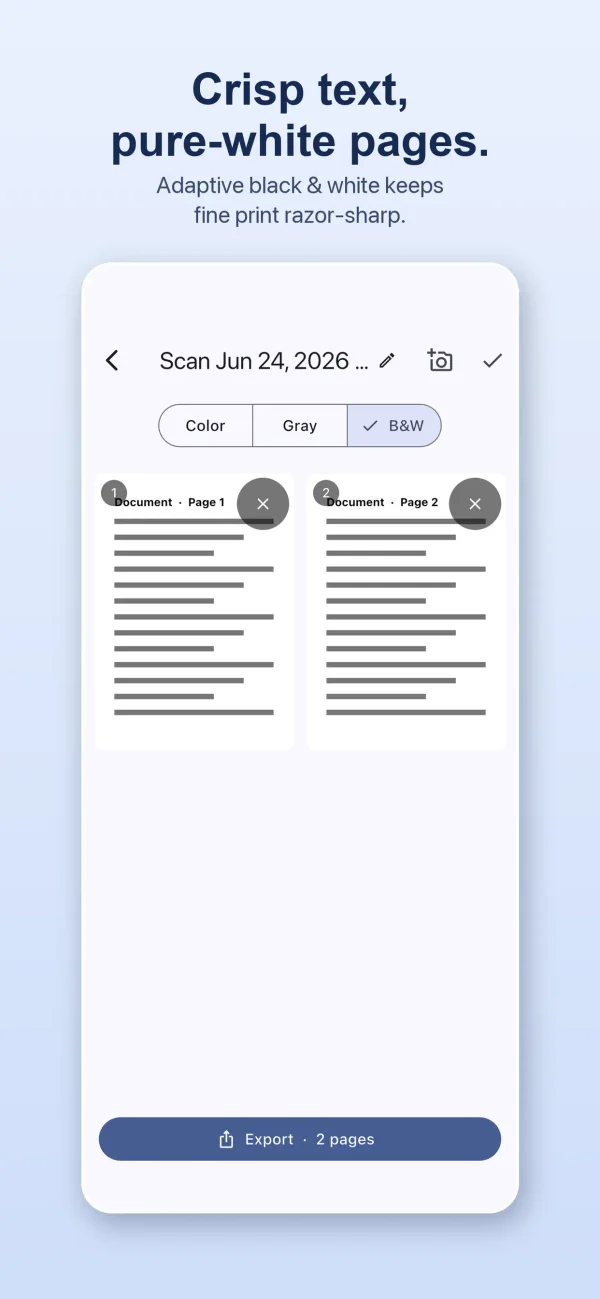
- Crisp black & white — an adaptive threshold keeps small text sharp while making the background pure white. Colour and Grayscale modes too
- Uniform A4 PDFs — mixed page sizes come out as tidy, consistent pages
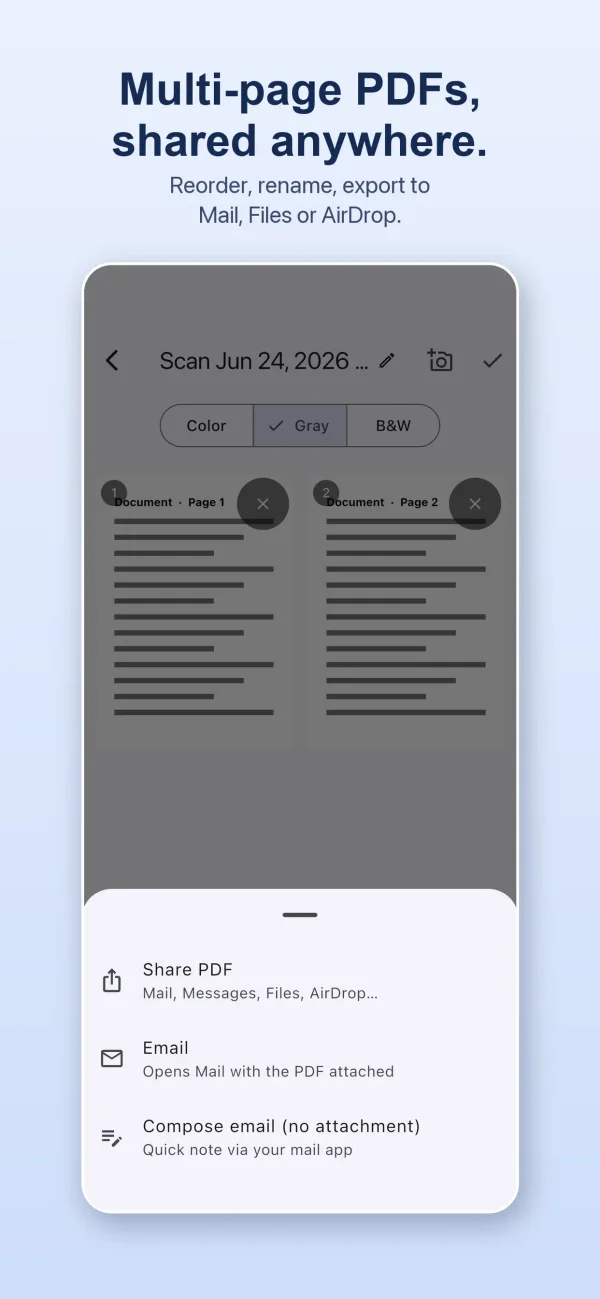
- Multi-page — scan, reorder by drag, rename, split, add or remove pages
- QR and barcode scanning
- Live Text and data detection — tap a phone number or address straight from a scan
- Export and share via Mail, Messages, Files, WhatsApp or AirDrop
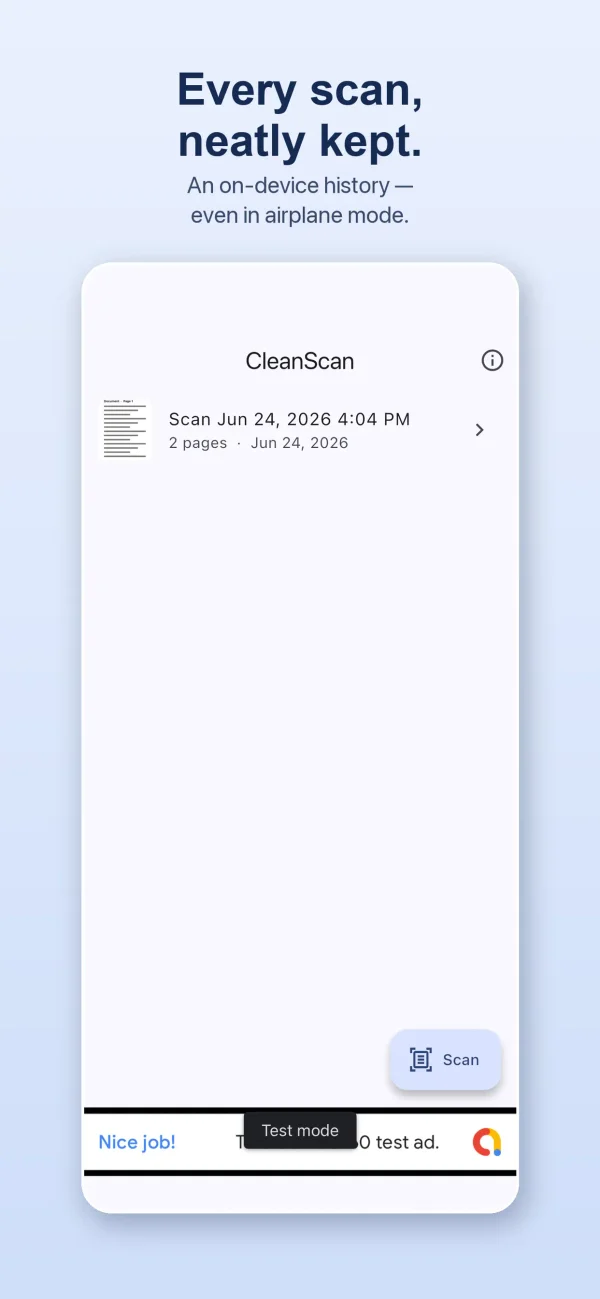
- Offline history of everything you have scanned, stored only on your device
PRIVATE BY DESIGN
- 100% on-device processing. Your scans never leave your iPhone.
- No account. No sign-in. No servers. No document upload — ever.
- Ads are non-personalised. CleanScan never asks to track you and does not use an advertising identifier.
- A document leaves your device only when you choose to share or email it.
$1.99 — ONE TIME, NO SUBSCRIPTION
- Merge documents into a single PDF
- Annotate and mark up pages
- Password-protect and encrypt PDFs
- Fill in PDF forms
- Removes ads permanently
One payment. No monthly fee. No trial that quietly renews.
Available in English, 繁體中文, 简体中文, 日本語, Español, Português, Deutsch, Français.
What’s new
Version 1.1.3 · Aug 5, 2026
Faster, lighter, and a lot more honest about what CleanScan can already do.
- Fixed a memory issue that could cause the app to quit while browsing many scanned documents.
- Rebuilt PDF export — large documents are now processed page by page and use far less memory.
- Export now shows page-by-page progress.
- Ads retry automatically after a poor connection instead of staying blank.
- Corrected the privacy wording on the About screen: CleanScan shows non-personalised ads only, never asks to track you, and does not use an advertising identifier.
- Fixed a layout issue on narrow screens.
- Tidied up the tools menu.
App privacy
What fung ka wa declares on the App Store about how this app handles data.
-
Data not linked to you
May be collected but is not linked to your identity.
- Identifiers
Privacy practices may vary, for example with the features you use or your age.
Information
- Seller
- fung ka wa
- Category
- Productivity
- Version
- 1.1.3
- Updated
- Aug 5, 2026
- Released
- Jun 28, 2026
- Size
- 46.9 MB
- Requires
- iOS 15.0 or later
- Age rating
- 4+
- In-app purchases
- Yes
- Languages
- English
- Copyright
- © 2026 Hill Fung
You might also like
-
 Artificial PDF — PDF to TextExtract, Edit & Export Faster
-
 ScanLingua Photo TranslatorOffline OCR & Bilingual PDF
-
 Scantivia: PDF Scanner & ToolsFast Full-Text Search with OCR
-
 Procrasti LedgerToday, Tomorrow, Done
-
 Zenvor: Text to Speech ReaderRead aloud, offline & private
-
 Simply Habit TrackerStreaks, Rituals & Routines
-
 PocketScan - Snap to PDFDocument Scanner & PDF Maker
-
 VoltScan: PDF Scanner OfflineA privacy focused scanner
-
 SnapScan: PDF Scanner & OCREdit, Sign & Share Documents
-
 ScanUP: PDF ScannerReceipts, forms & folders