SnapScan: PDF Scanner & OCR
Edit, Sign & Share Documents
Designed for iPhone
In-app purchases
- Age rating4+
- CategoryProductivity
- Developer立战 王
- LanguagesEnglish+ 13 more
- Size64.2 MB
Links to the official App Store page
Download.org hosts no file of SnapScan: PDF Scanner & OCR. The button opens its official App Store page, published by 立战 王. Listing last checked on Nov 12, 2026.
Screenshots
About
Turn your iPhone into a fast, private PDF scanner with no account required.
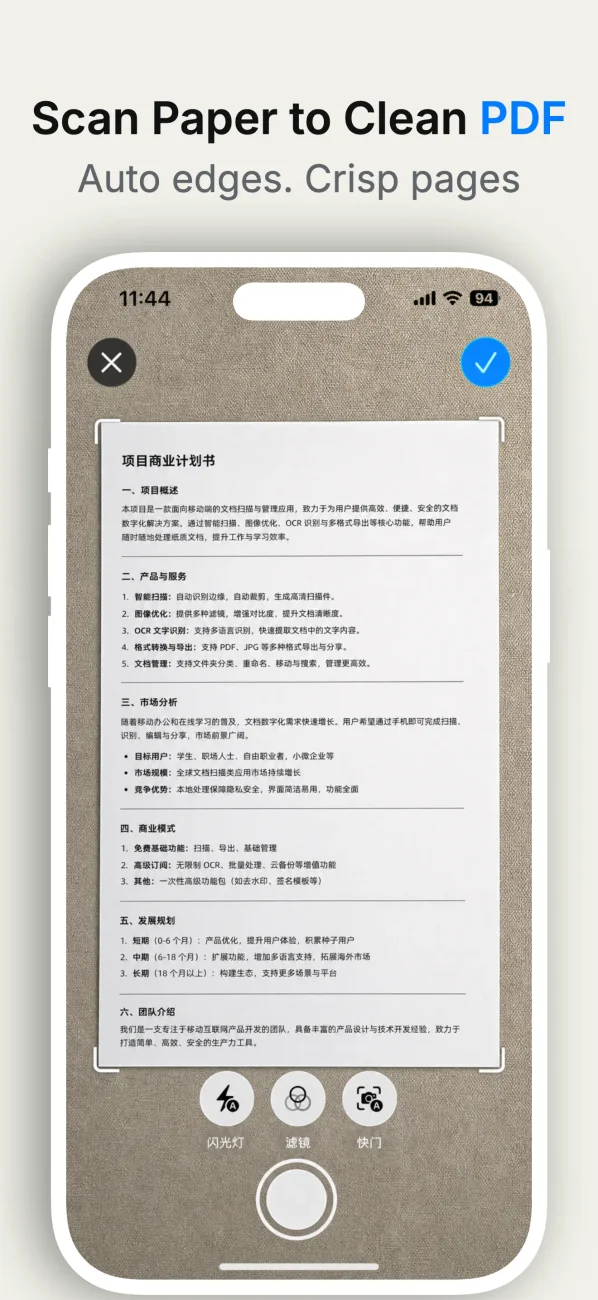
SnapScan helps you scan paper documents, receipts, invoices, contracts, ID cards, notes, and forms, then turn them into clean digital files you can edit, sign, organize, and share in seconds.
It is built for people who want a scanner that feels simple, focused, and respectful of their time. Image processing happens on your device, so you can scan and clean up documents without sending every page through a heavy cloud-first workflow.
KEY FEATURES
SMART DOCUMENT SCANNING
- Scan paper documents with your camera
- Detect document edges automatically
- Correct perspective for cleaner pages
- Create multi-page scans from several images
- Import photos or files and turn them into documents
PDF & IMAGE EXPORT
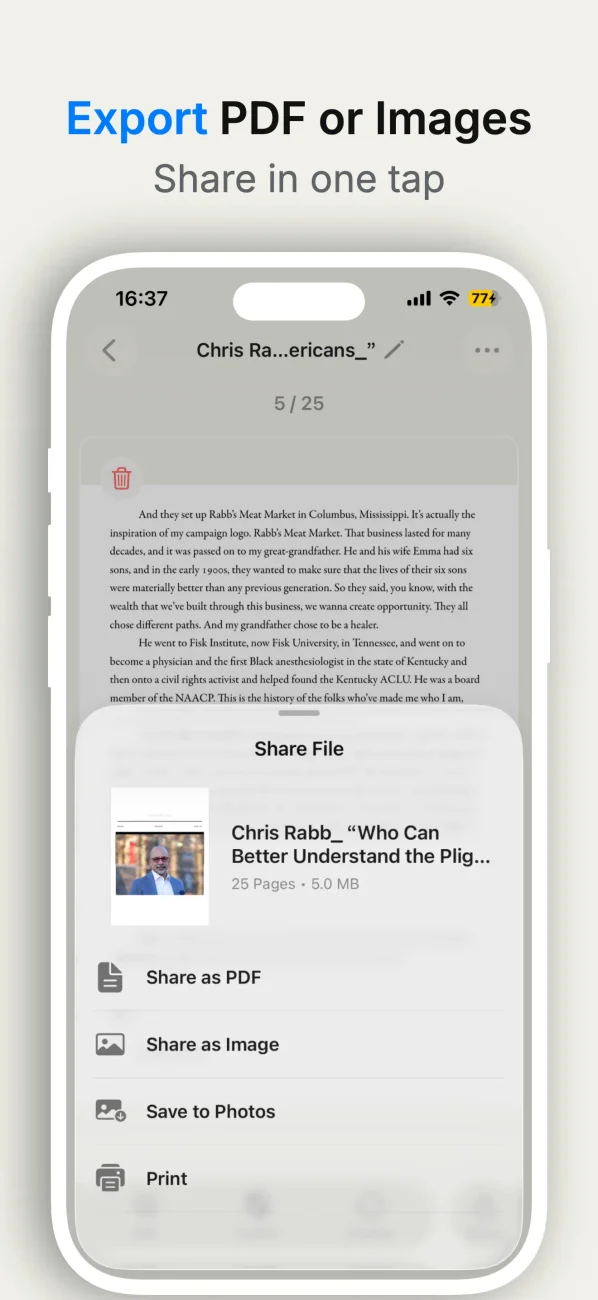
- Export scans as high-quality PDF files
- Share pages as images when you need a lighter format
- Combine multiple pages into one document
- Save, print, or send files through the iOS share sheet
OCR TEXT RECOGNITION
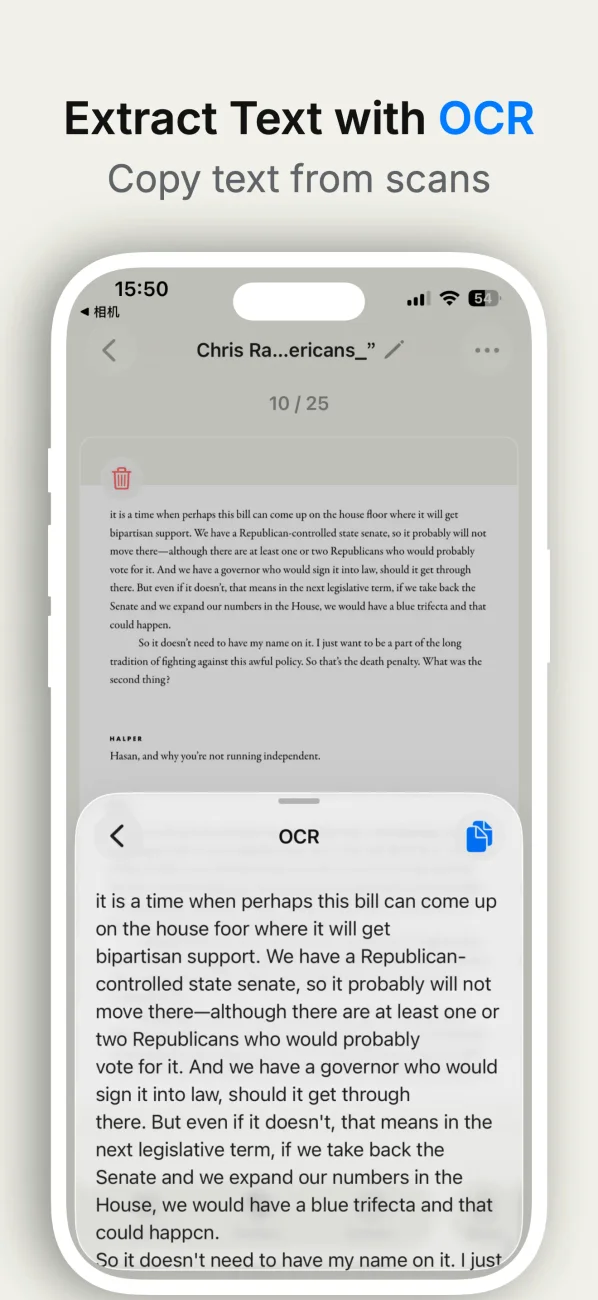
- Extract text from scanned pages
- Copy recognized text for notes, messages, forms, or research
- Turn printed content into usable digital text
EDIT, SIGN & WATERMARK
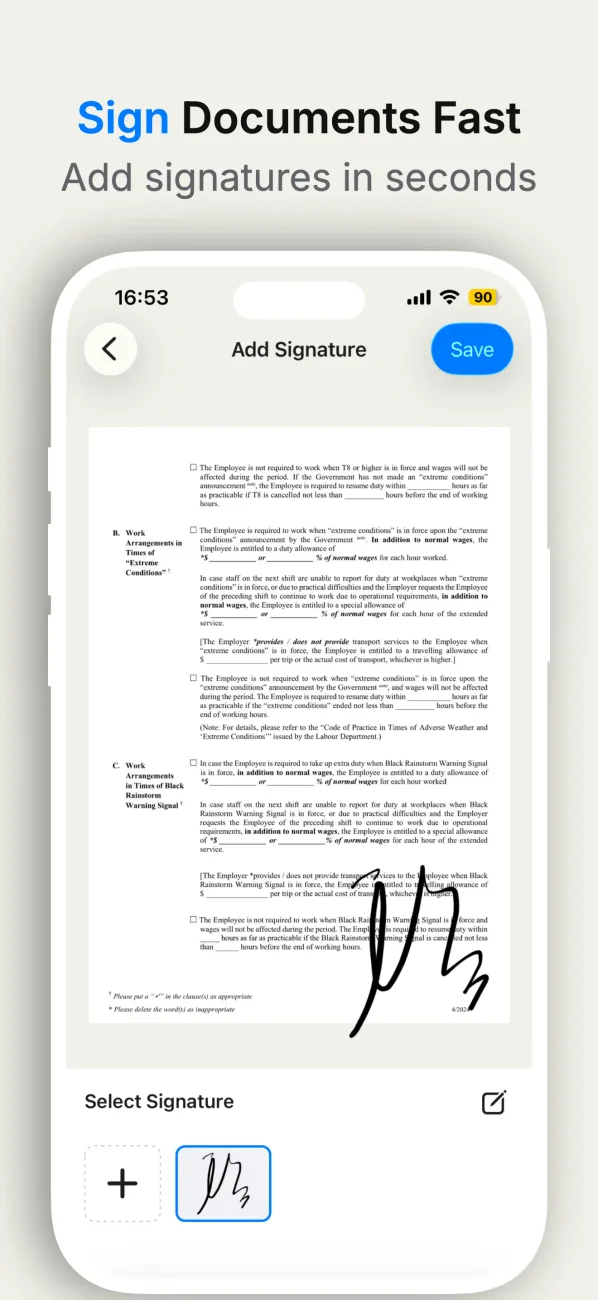
- Add handwritten signatures to documents
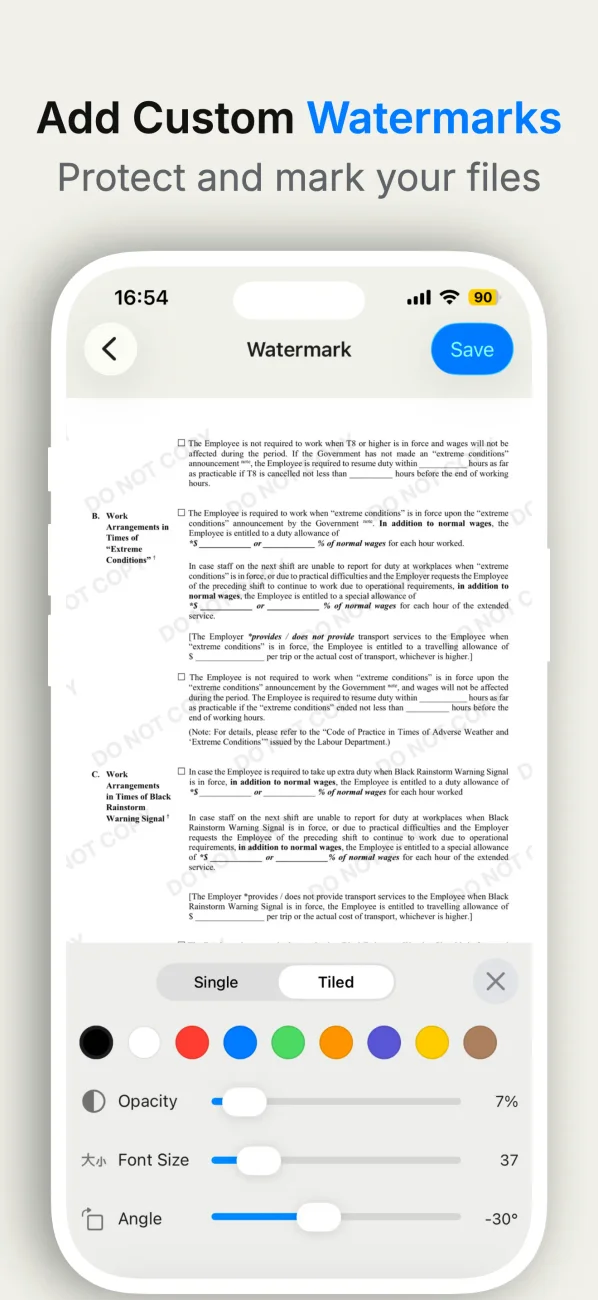
- Apply custom watermarks
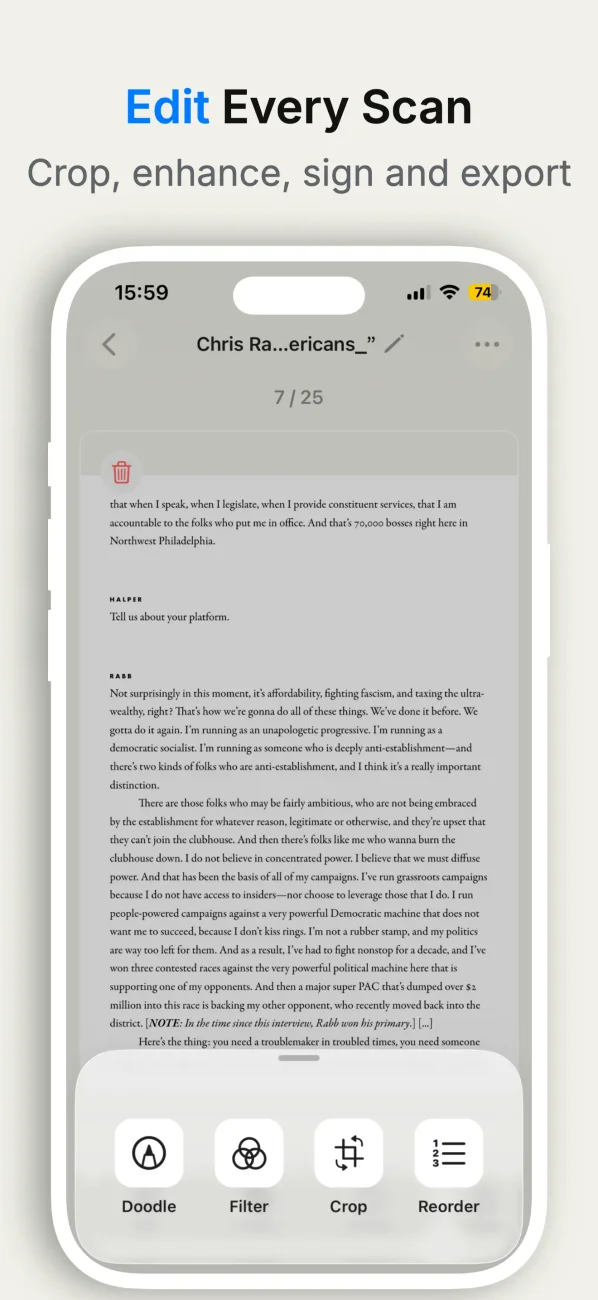
- Crop, rotate, filter, and enhance scanned pages
- Reorder pages and manage multi-page files
ORGANIZED FILE MANAGEMENT
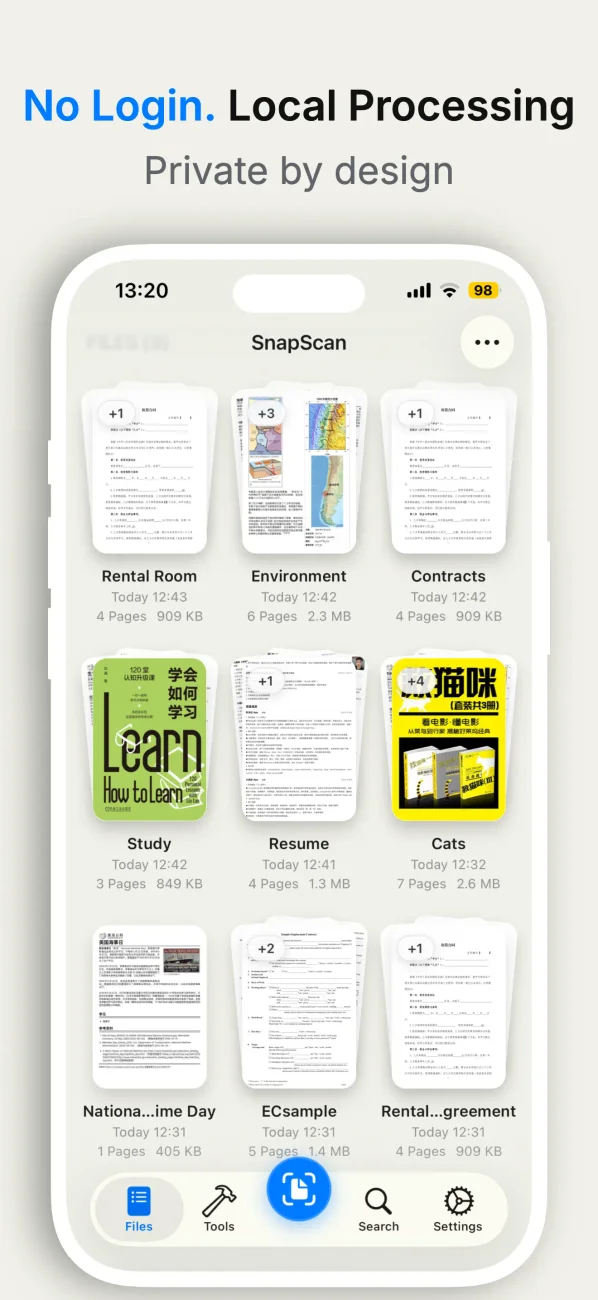
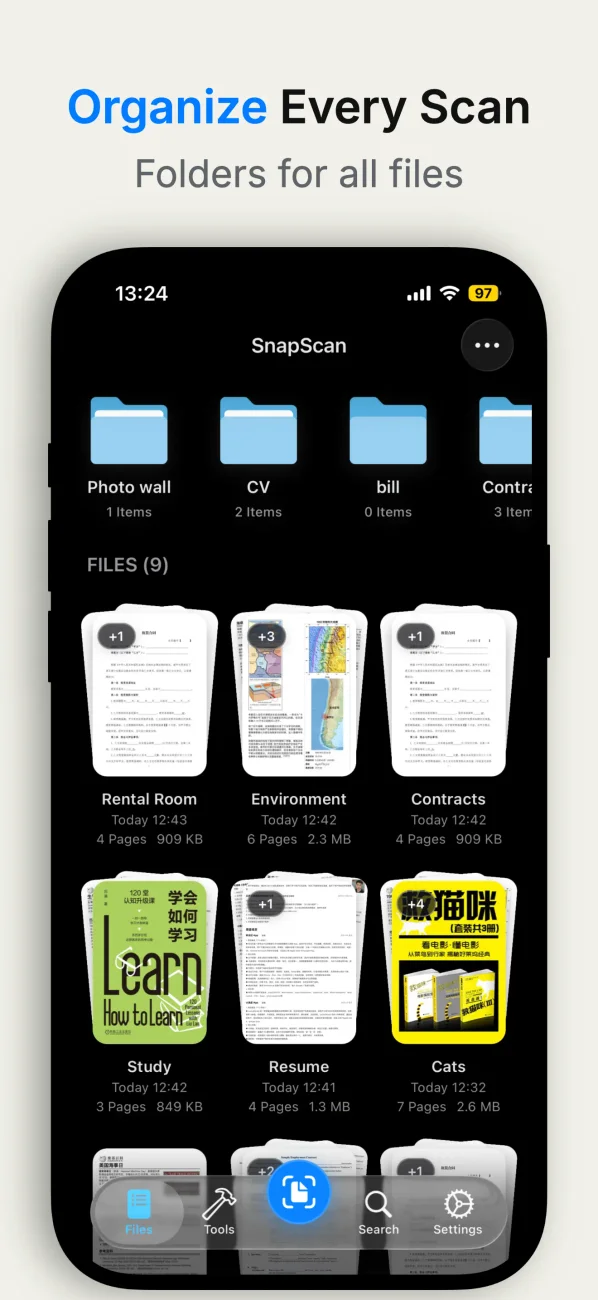
- Keep documents in folders
- Rename, sort, move, merge, and delete files
- Manage receipts, invoices, contracts, ID cards, class notes, and work documents in one place
PRIVATE BY DESIGN
SnapScan works without login. Your scans stay under your control, and image processing is designed to happen on your device. You choose when to export, print, or share your documents.
HOW IT WORKS
1. Scan or import a document.
2. Clean it up with OCR, crop, filters, signature, or watermark tools.
3. Export, print, or share as PDF or image.
SnapScan is simple enough for quick receipts and powerful enough for everyday work documents. Use it whenever you need a clean PDF scanner in your pocket.
Subscription Info:
If you subscribe via Apple, payment will be charged to your App Store account upon confirmation. Subscriptions automatically renew unless auto-renew is turned off at least 24 hours before the end of the current period. Your account will be charged for renewal within 24 hours before the end of the current period at the selected plan’s rate. After purchase, you can manage or cancel your subscription in your Account Settings.
Contact Us:
We are dedicated to building a warm and easy-to-use time management tool. Feel free to share your suggestions by emailing us at cloudrise.tech@qq.com. Thank you for your support!
Terms of Use: https://www.apple.com/legal/internet-services/itunes/dev/stdeula/
Privacy Policy: https://docs.google.com/document/d/1UoBRscxuV8FP6ST6JAmmCPWPZiXQht-jAAB-mo5QSFw/edit?usp=sharing
What’s new
Version 1.2.0 · Aug 26, 2026
1. Improved membership status handling and the premium experience.
2. Bug fixes and stability improvements.
App privacy
What 立战 王 declares on the App Store about how this app handles data.
-
Data not collected
The developer does not collect any data from this app.
Privacy practices may vary, for example with the features you use or your age.
Information
- Seller
- 立战 王
- Category
- Productivity
- Version
- 1.2.0
- Updated
- Aug 26, 2026
- Released
- Jun 1, 2026
- Size
- 64.2 MB
- Requires
- iOS 16.4 or later
- Age rating
- 4+
- In-app purchases
- Yes
- Languages
- English, Arabic, French, German, Hindi, Indonesian, Italian, Japanese, Korean, Portuguese, Simplified Chinese, Spanish + 2 more
- Copyright
- © 2026 Rieko
You might also like
-
 Scanniq - PDF & Doc ScannerPDF Converter & Photo Scan
-
 PDF Scanner - PaperSnapScan Documents & Share Files
-
 CleanScan: PDF Scanner & OCRSearch, translate, read aloud
-
 SnapClip: PDF Document ScannerOCR any photo, 100% private
-
 DOKR PDF Pro: Scan & SignDocument Scanner & PDF Editor
-
 DocuSnap - Photo to PDF & PNGDocument Scanner PDF Converter
-
 Scan & PDF by PaperlyOffline Productivity for PDFs
-
 Smallify: Goals & FocusBig goals. Small steps.
-
 PDF Scanner Document OCR ToolScan, QR, OCR, Sign ,Note tool
-
 PDF OCR · Scan to Word/PPTXEditable text from any image