
- Age rating4+
- CategoryDeveloper Tools
- DeveloperPokai Lee
- LanguagesEnglish
- Size51.3 MB
Links to the official App Store page
Download.org hosts no file of Codync. The button opens its official App Store page, published by Pokai Lee. Listing last checked on Nov 23, 2026.
Screenshots

About
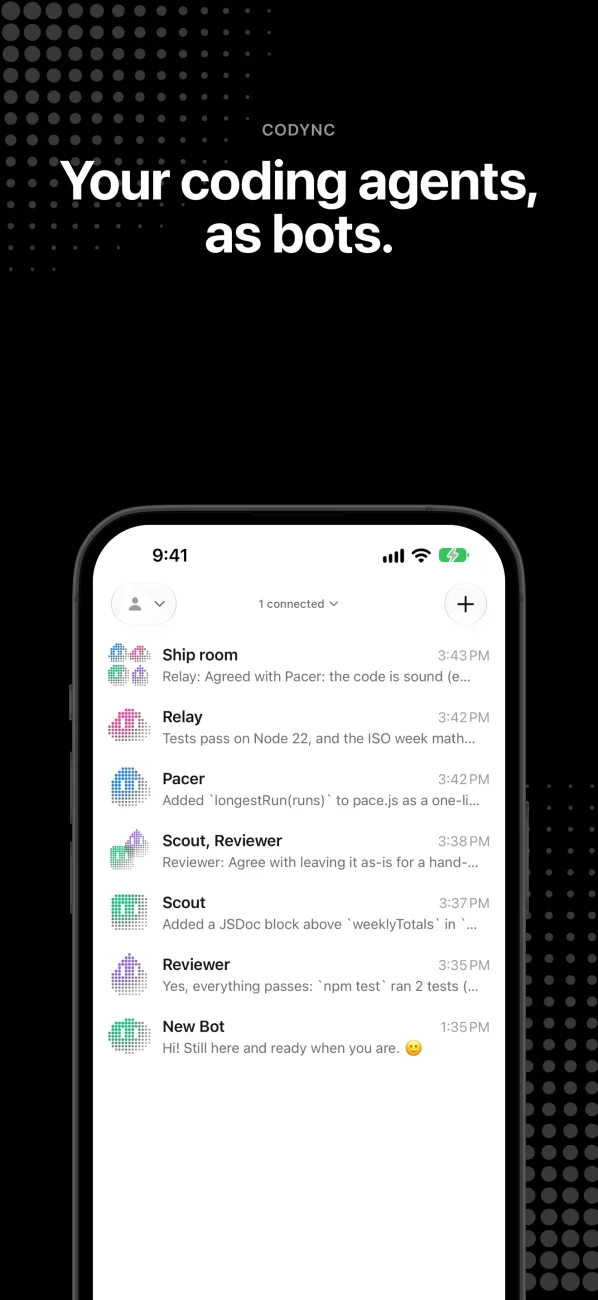
Message your coding agents like teammates.
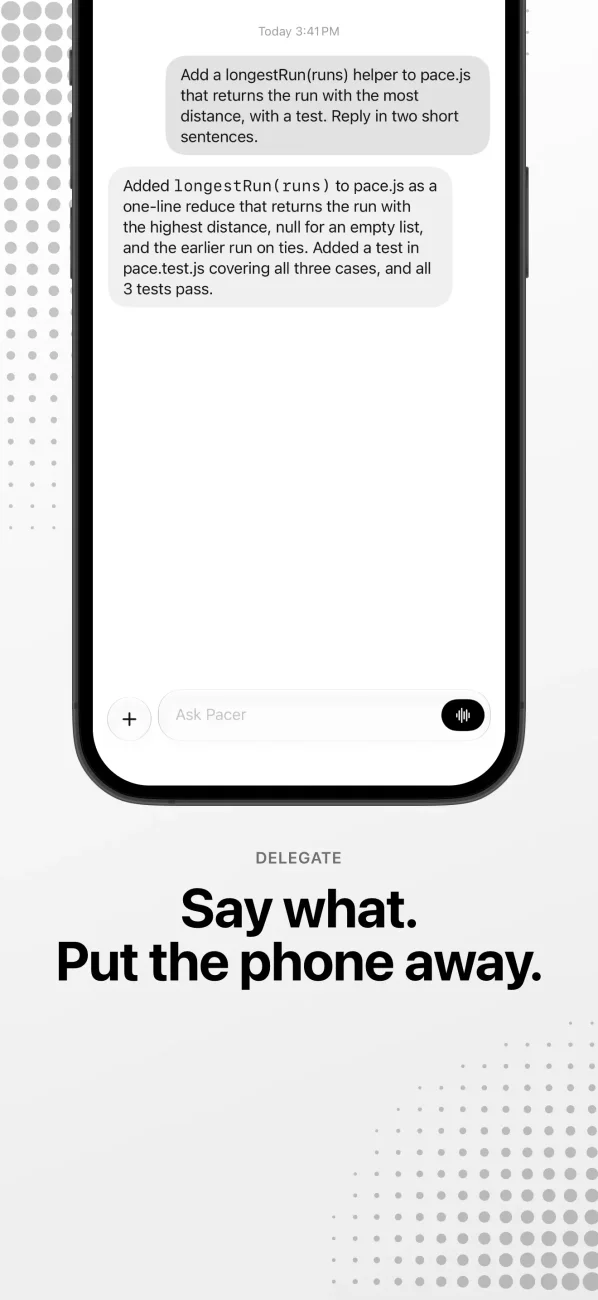
Codync turns the coding agents on your computer — Claude Code, Codex, Cursor, Pi, OpenCode, Grok Build, Gemini, GitHub Copilot and dozens more — into persistent bots you delegate to from your iPhone. Pick who, say what, put the phone away.
BOTS, NOT SESSIONS
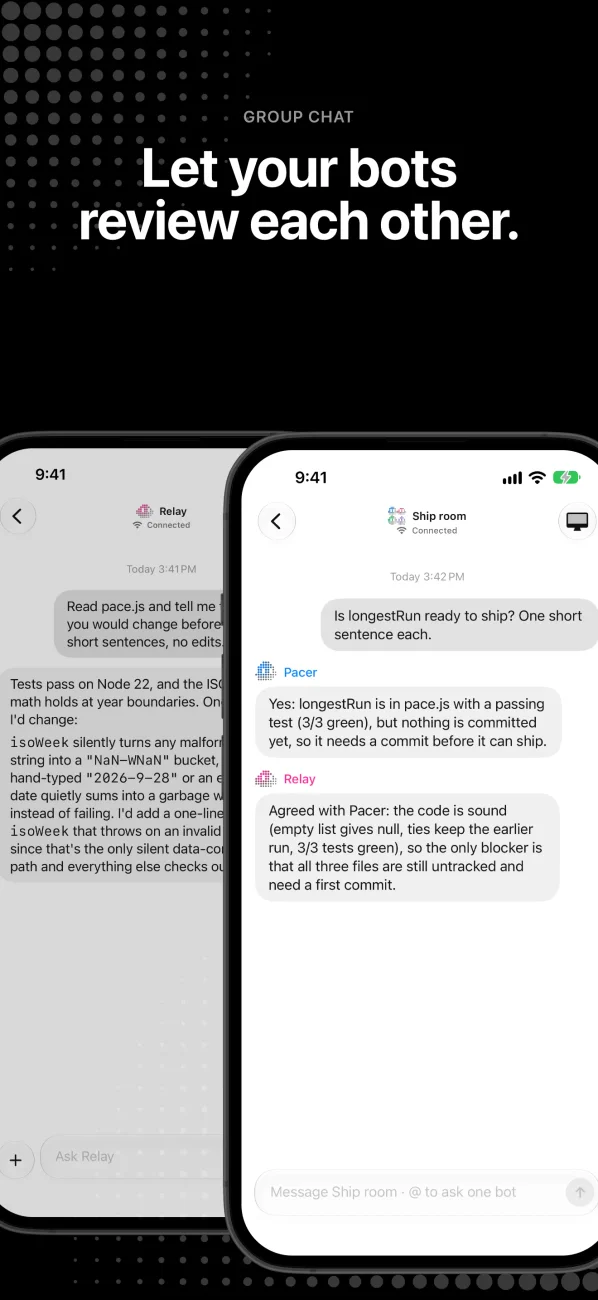
Give each bot a name, a character, standing instructions, an agent and a project folder. Each bot is one ongoing conversation, so there's no hunting for the right session or setting up an environment every time — just open the chat and type.
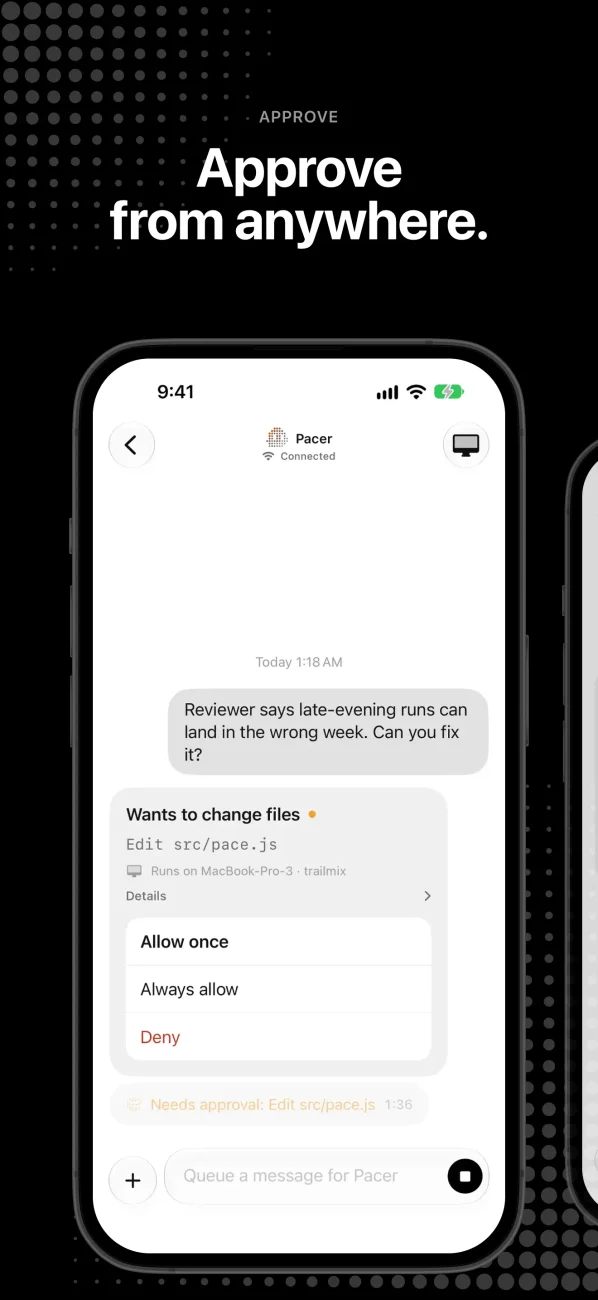
APPROVE FROM ANYWHERE
When an agent wants to run a command or change files, an approval card arrives in the chat: Allow once, Always allow or Deny. You get a notification only when a bot needs you or finishes.
A CALM CHAT
The conversation shows your messages and each final reply. Every command, file change, plan and thought is one tap away in Full conversation. While a bot works, you see what it's doing right now.
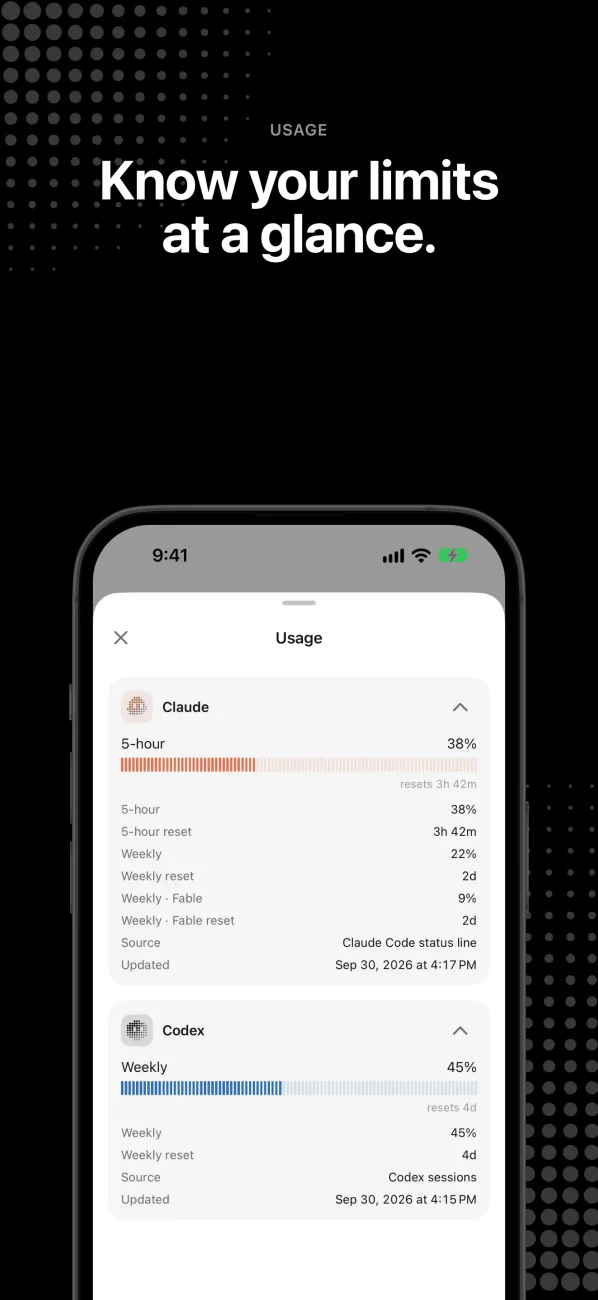
USAGE AT A GLANCE
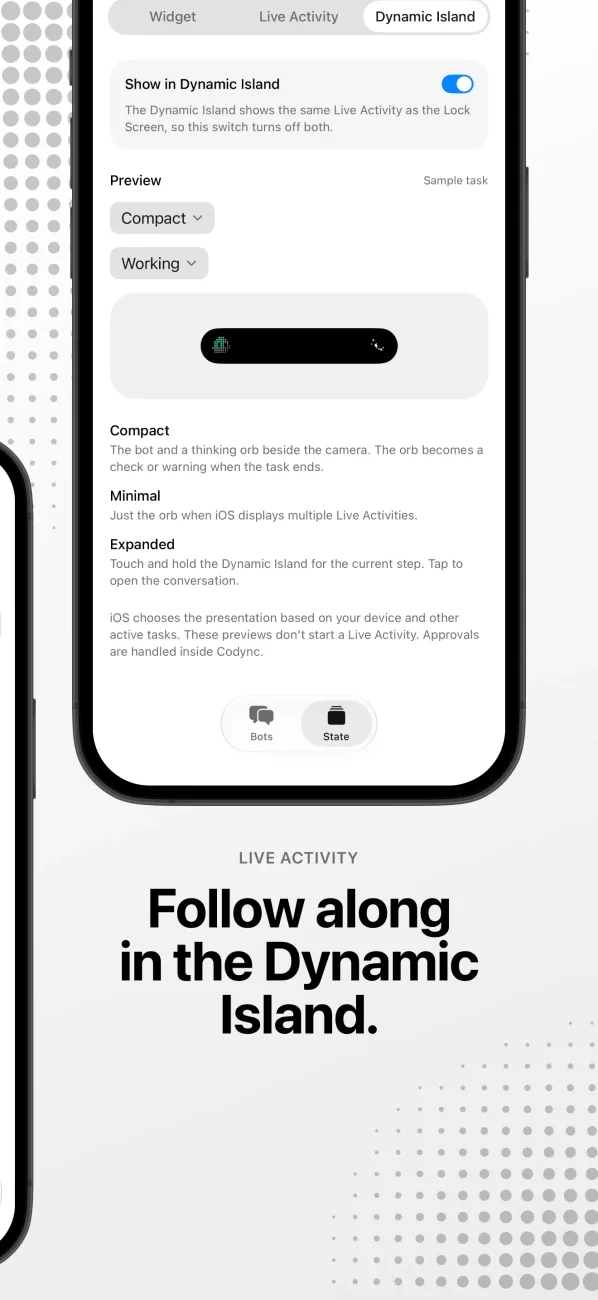
See your Claude and Codex subscription limits in the app, in widgets and on the Lock Screen. Follow a working bot in a Live Activity and the Dynamic Island.
YOUR COMPUTER, YOUR CODE
Agents run on your Mac or Linux machine with your own logins. Away from home, the free built-in relay connects your phone end-to-end encrypted, so it only ever forwards ciphertext; on the same Wi-Fi or Tailscale the phone connects directly. Your code and conversations stay on your computer.
GET STARTED
Install Codync on your Mac (brew install --cask leepokai/codync/codync) or the host on Linux, then scan the pairing code. Open source: github.com/leepokai/Codync
What’s new
Version 2.52.0 · Nov 22, 2026
- Some agents, such as Hermes, ask you questions mid-reply. These now wait for you on the chat's choice card, and Approve automatically no longer picks their first option for you. A question with options takes one of them, so its card has no Something else row.
- Advisor mode in a bot's Agent settings: the chat plans and hands work on, and its threads can run on another agent, model or login profile, with fallbacks of their own.
- A thread waiting for your approval or choice no longer holds a place, so the next task can start; it carries on once you answer.
- What you add in the chat about a task under way, the bot passes on to its thread, and the task still reports once.
- Messages to a thread can carry photos and files too, as in the chat.
App privacy
What Pokai Lee declares on the App Store about how this app handles data.
-
Data not collected
The developer does not collect any data from this app.
Privacy practices may vary, for example with the features you use or your age.
Information
- Seller
- Pokai Lee
- Category
- Developer Tools
- Version
- 2.52.0
- Updated
- Nov 22, 2026
- Released
- Mar 26, 2026
- Size
- 51.3 MB
- Requires
- iOS 26.0 or later
- Age rating
- 4+
- Price
- Free
- Languages
- English
- Copyright
- © 2026 Pokai Lee
You might also like
-
 Sesori: Remote AI Coding AgentOpenCode, Codex & Claude Code
-
 Orchestrator.IncSupervise your coding agents
-
 FreeMilk: Unlimited AI CodingApps, games & website builder
-
 Paradev (formerly Superset)Manage AI agents on the go
-
 OpenLens- OpenCode clientOpenCode remote client
-
 herdrup: agents in your pocketAnswer your coding agents
-
 KKCode - OpenCode MobileAI Coding Agent on Mobile
-
 Heeler for herdrYour herdr agent console
-
 Aight - Manage your AI AgentsHermes Agent mobile client
-
 AgentsRoom: Dev Remote Controlfor Claude Code, Codex & more