
- Age rating4+
- CategoryDeveloper Tools
- DeveloperTheCoolBytes
- LanguagesEnglish
- Size3.4 MB
Links to the official App Store page
Download.org hosts no file of ComfyUInator. The button opens its official App Store page, published by TheCoolBytes. Listing last checked on Nov 12, 2026.
Screenshots
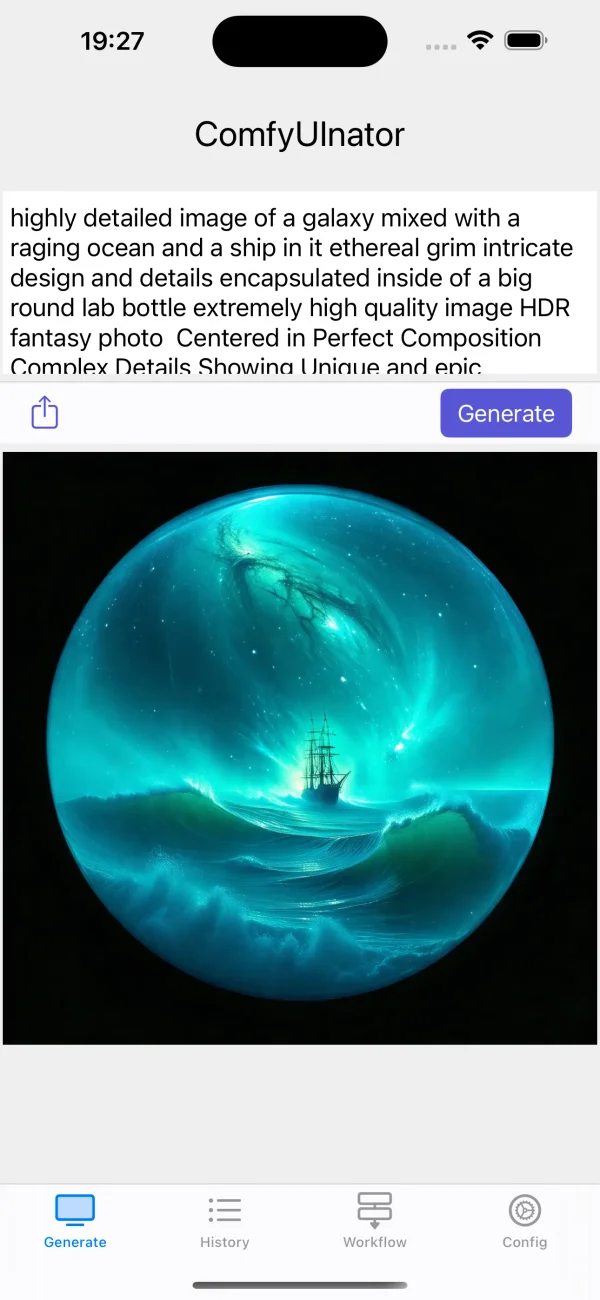

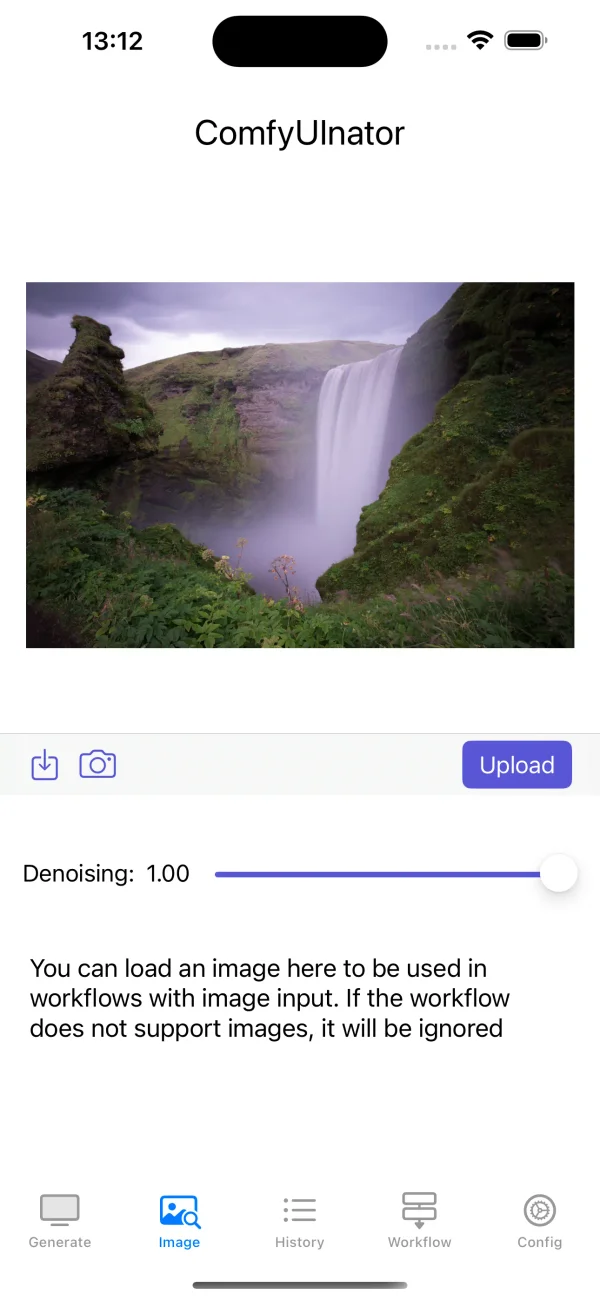
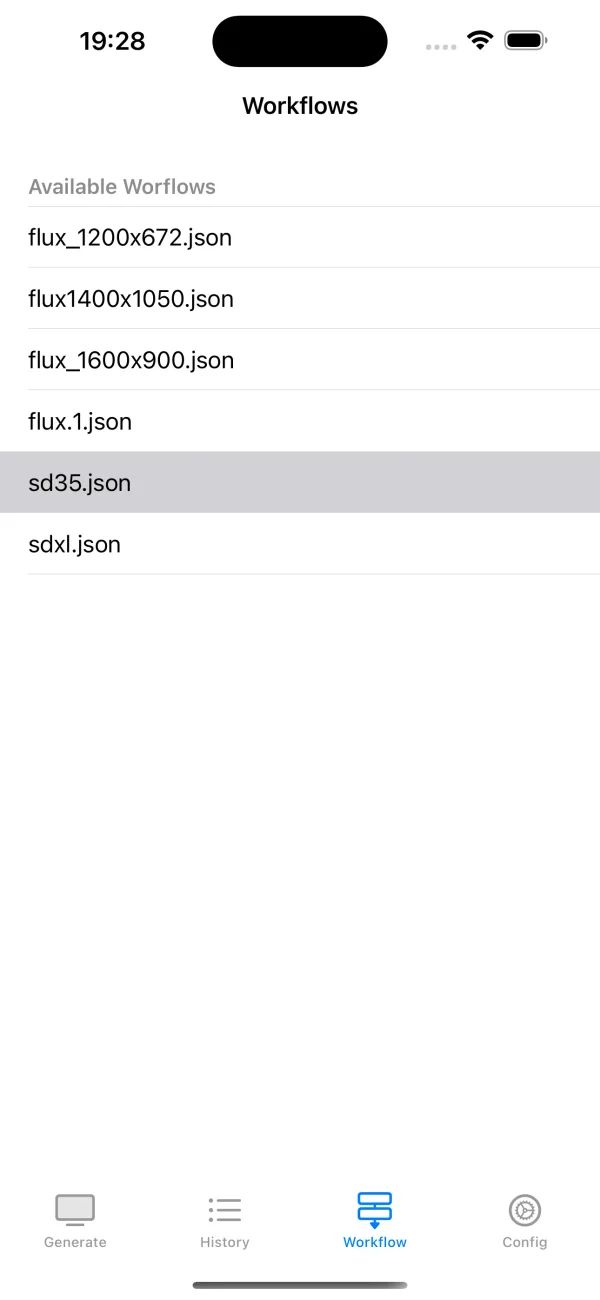

About
The definitive client for ComfyUI.
To use this app you need a ComfyUI installed and running on some server, of which you must know the IP or domain and port of installation.
You must add that IP / domain and port in the configuration of this app, as well as the token in case ComfyUI is password protected on the server using the ComfyUI Login node.
Then, you must save the JSON of the workflows you want to use from the application from ComfyUI and you must upload them in the document directory of this iOS application.
From there you can load them in the workflows tab and use them to generate images from text prompts.
Important: this application does not generate images by itself. It is a client to communicate with a server with a running ComfyUI instance.
What’s new
Version 1.6 · Jan 5, 2025
- Added resolution "default" to leave the workflow defined resolution.
- Preload the prompt from the workflow when uploading image (useful with loras).
- Added deactivate run to clear button.
- Added iPhone to the available resolutions.
- Added time elapsed.
- Changed timeout to 360 seconds.
- Improved getting image from server.
App privacy
What TheCoolBytes declares on the App Store about how this app handles data.
-
Data not collected
The developer does not collect any data from this app.
Privacy practices may vary, for example with the features you use or your age.
Information
- Seller
- Pablo Serradilla Garcia
- Category
- Developer Tools
- Version
- 1.6
- Updated
- Jan 5, 2025
- Released
- Nov 14, 2024
- Size
- 3.4 MB
- Requires
- iOS 18.1 or later
- Age rating
- 4+
- Price
- $1.99
- Languages
- English
- Copyright
- © Francisco Serradilla
You might also like
-
 Source Code ReaderView Source Code in Safari
-
 JSON UtilitiesEasy Tools to Manipulate JSON
-
 Code AppDesktop-class code editing
-
 DetailsProDesign tool for SwiftUI™
-
 JaysonJSON editor with Shortcuts
-
 Prompt 3The SSH app with speed & style
-
 ServerCat - SSH Terminal & VPSDeveloper Tools
-
 Tutorials for iOS programmingAnytime anywhere easy to learn
-
 N8N Automations — NathanAgents on Mobile
-
 Blink Shell, Build & CodeThe Pro tool for developers