
Comicbreath: Comic Book Reader
CBZ, CBR & PDF manga on Duo
Designed for iPhone, iPad
Free · In-app purchases
- Age rating4+
- CategoryBooks
- DeveloperJAEBAEK LEE
- LanguagesEnglish+ 14 more
- Size22.0 MB
Links to the official App Store page
Download.org hosts no file of Comicbreath: Comic Book Reader. The button opens its official App Store page, published by JAEBAEK LEE. Listing last checked on Nov 22, 2026.
Screenshots
About
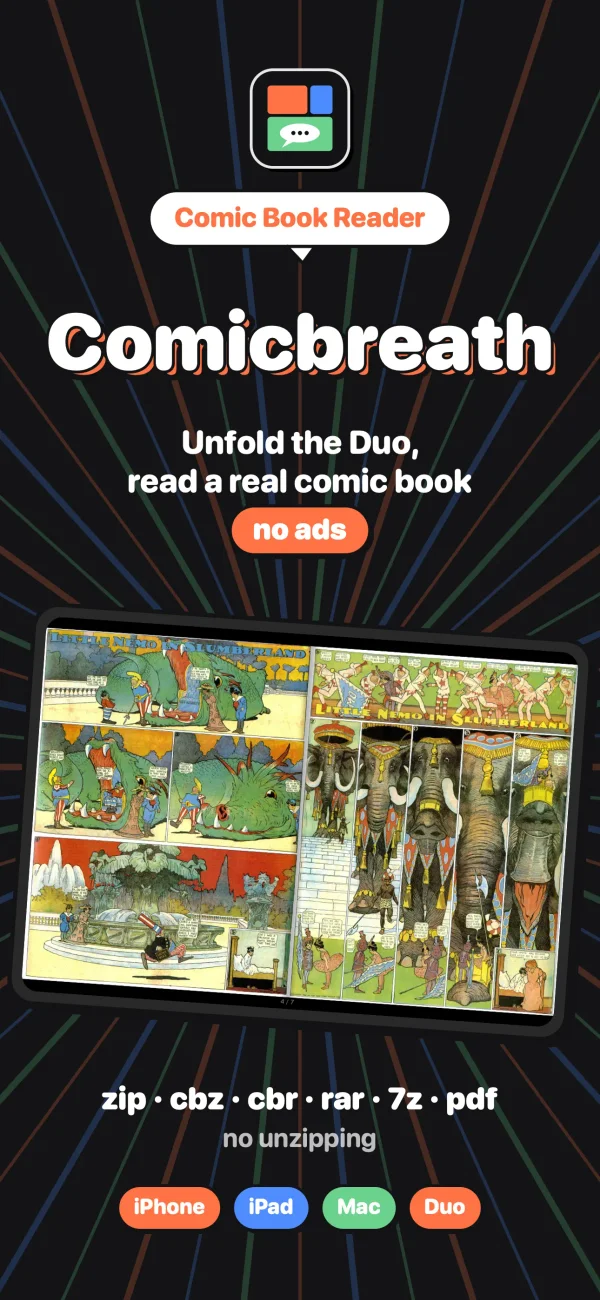
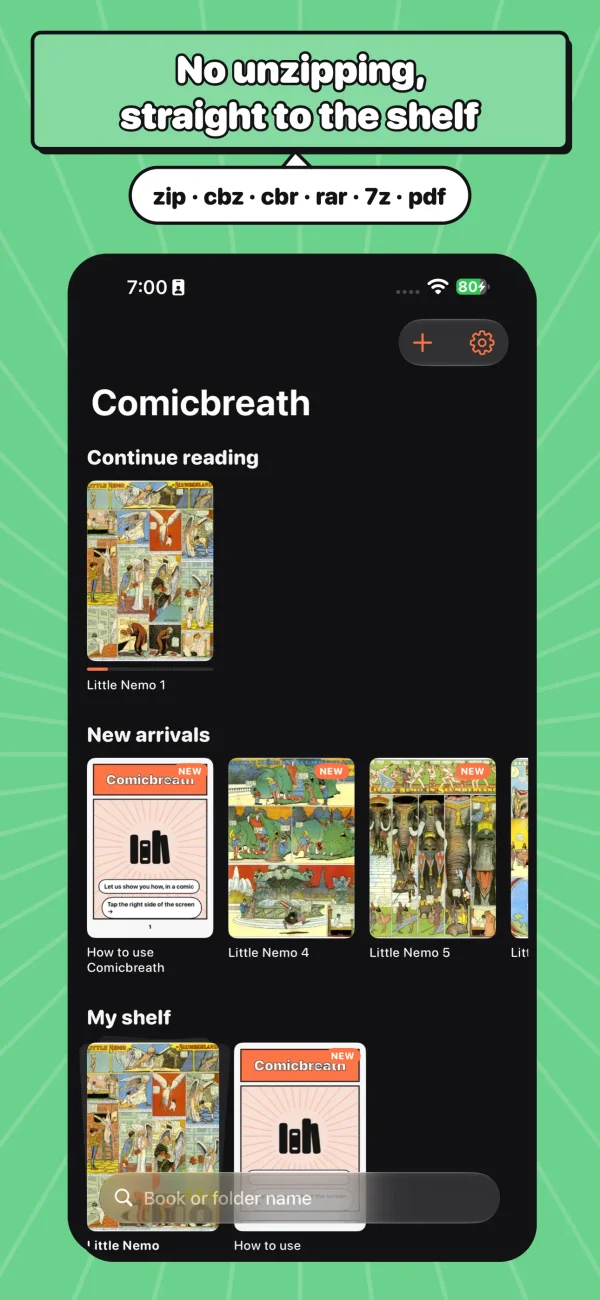
Your comic shelf, with no ads: drop files in and start reading. No unzipping.
■ Any file, in the right order
· zip, cbz, cbr, rar, 7z, cb7, tar, pdf and picture folders
· Natural page order: 1, 2, 10, never 1, 10, 2
· File names from Windows, Korean and Japanese PCs stay readable
· webp, gif and heic pictures too
■ Many ways to bring books in
· Import files, the Files app, Mac Finder
· Link USB drives, external SSDs, NAS, iCloud and Google Drive folders and read them in place
· Drag and drop from a computer over Wi-Fi
· Get comics straight from your NAS or comic server (Komga, Kavita, OPDS)
■ Read your way
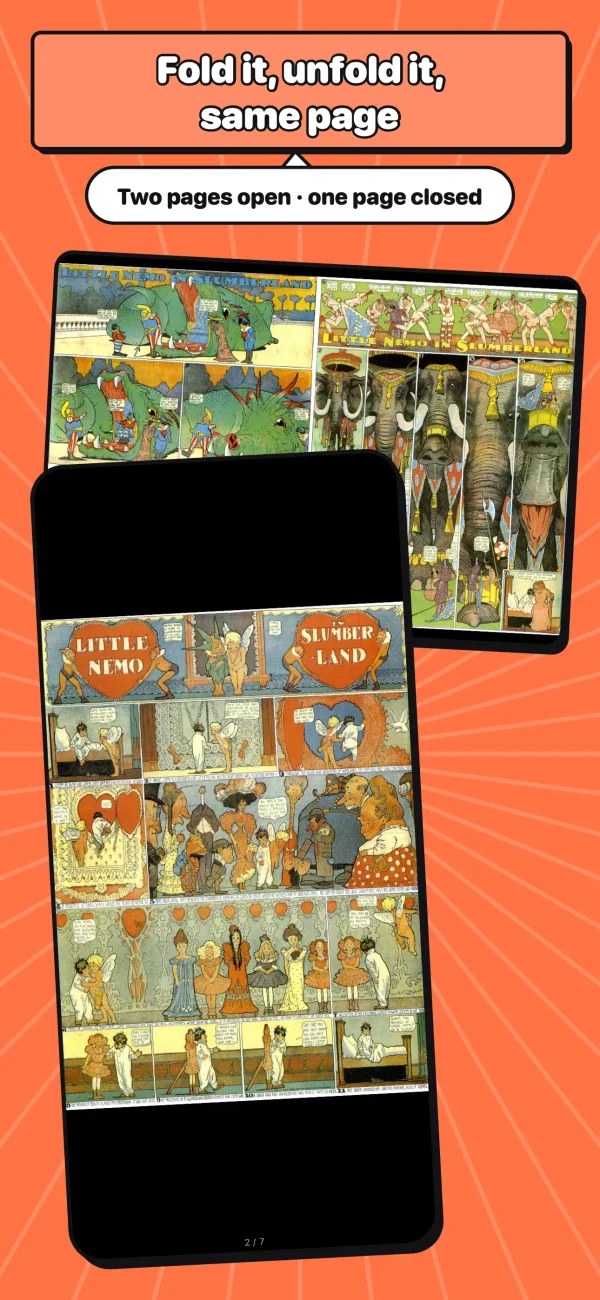
· Two-page spreads on iPad and Mac in landscape and on iPhone Duo, with no gap in the middle
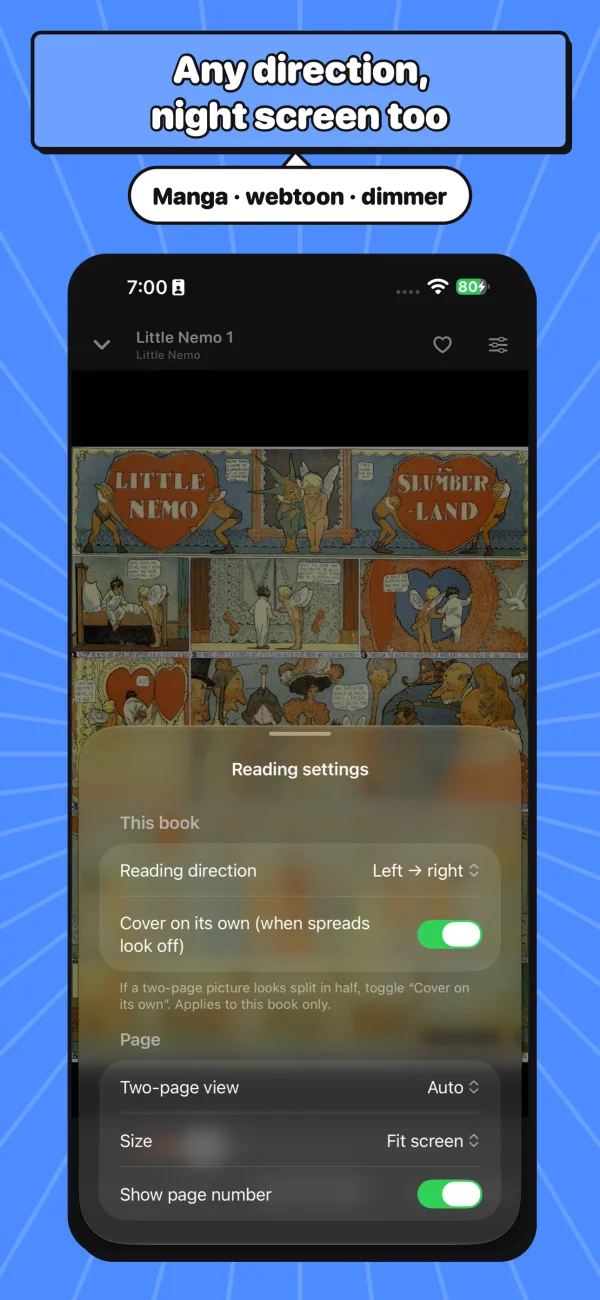
· Spread off by one? Fix it in one tap with “Cover on its own”
· Manga right to left, webtoons as a vertical scroll (per book)
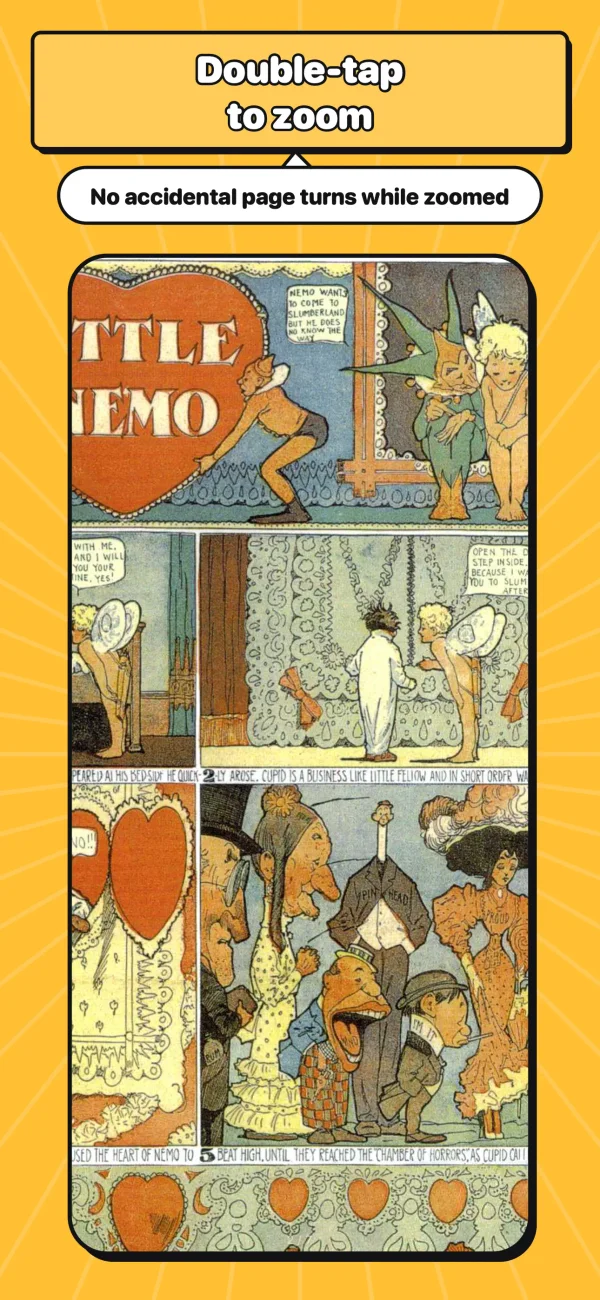
· Double-tap to zoom; while zoomed, taps never turn the page by mistake
· On iPhone, panels gathered to fit or one panel at a time, so the text stays big
■ Many ways to turn pages
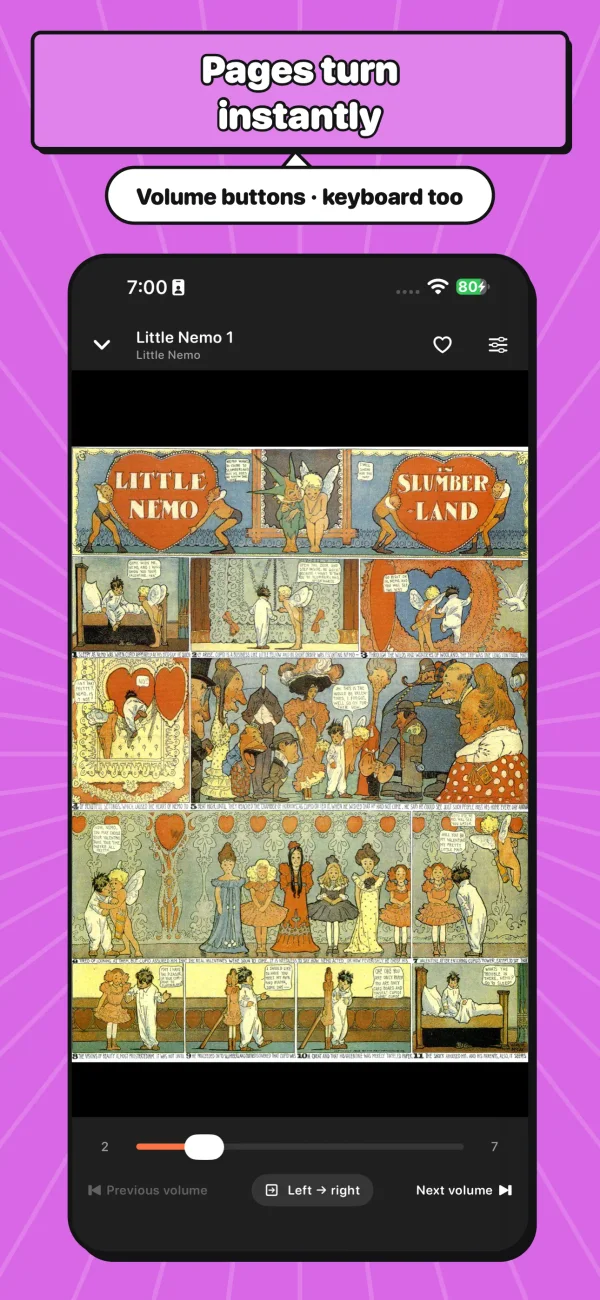
· Tap the sides or swipe
· Volume buttons, Bluetooth keyboards and page turners, Apple Pencil double-tap
· Moves on to the next volume by itself
■ Easy on the eyes at night
· Warm, black & white, gray veil
· Darker than the iPhone's lowest brightness
· Your music keeps playing while you read
■ A tidy shelf
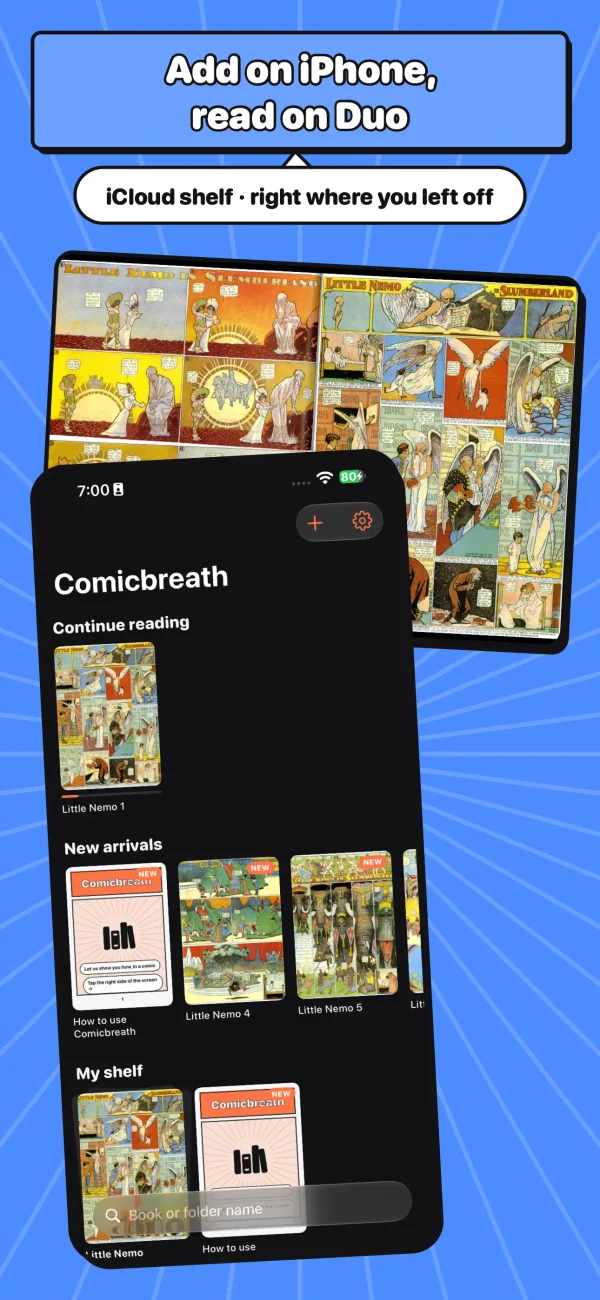
· Continue reading, favorites, new arrivals
· Folders become series, with how many volumes are left
· Read marks, start over any time
· A Keep Reading widget takes you back to your page from the Home Screen
■ Comicbreath Pro (pay once, keep forever)
· iCloud shelf: comics you add and your page appear on iPhone Duo, iPad and Mac too
· Locked shelf: comics for your eyes only, behind Face ID
· My Reading: reading-day calendar, series progress, monthly and yearly recap cards
· Trim margins: cut white borders off scans so the art is bigger
· Deeper and sharper pages, page curl, tap areas your way, shelf styles
· Auto page turn: read hands free, lying down or eating · 5 app icons
Reading is completely free. No ads.
What’s new
Version 2026.11.20 · Nov 20, 2026
See right away where added books went · Clearer direction menu
· After adding a folder, it says how many books went into which folder
· The direction menu now says “Reading direction for this series”, so you know it applies to every volume
App privacy
What JAEBAEK LEE declares on the App Store about how this app handles data.
-
Data not linked to you
May be collected but is not linked to your identity.
- Purchases
- Location
- Identifiers
- Usage data
Privacy practices may vary, for example with the features you use or your age.
Information
- Seller
- JAEBAEK LEE
- Category
- Books
- Version
- 2026.11.20
- Updated
- Nov 20, 2026
- Released
- Oct 22, 2026
- Size
- 22.0 MB
- Requires
- iOS 17.0 or later
- Age rating
- 4+
- Price
- Free
- In-app purchases
- Yes
- Languages
- English, French, German, Hindi, Indonesian, Italian, Japanese, Korean, Portuguese, Simplified Chinese, Spanish, Thai + 3 more
- Copyright
- © 2026 JAEBAEK LEE
You might also like
-
 SSUKView - Comic, eBook ReaderRead ZIP, PDF & cloud comics
-
 LiToon-Manga & Webtoon ReaderManga & Webtoon: NAS, CBZ, ZIP
-
 Anyview - Comic & Book ReaderBooks
-
 Comic Reader Y for MobileRead ZIP, RAR & PDF comics
-
 OneComic: Manga & ComicsCBZ, CBR & EPUB reader for NAS
-
 Versa: Comic & Manga ReaderCBZ CBR PDF ZIP Viewer & NAS
-
 Hanbam: Manga & Novel ReaderComics, EPUB, TXT & PDF Books
-
 Yeontan Books: Comics & EbooksRead your own CBZ, PDF, EPUB
-
 AirReader: ZIP, CBZ & PDFRead without extracting files
-
 GalpiBooks