
- Age rating4+
- CategoryUtilities
- DeveloperAlmost Good Enough ApS
- LanguagesEnglish
- Size17.4 MB
Links to the official App Store page
Download.org hosts no file of ComplicaJSON. The button opens its official App Store page, published by Almost Good Enough ApS. Listing last checked on Nov 20, 2026.
Screenshots



About
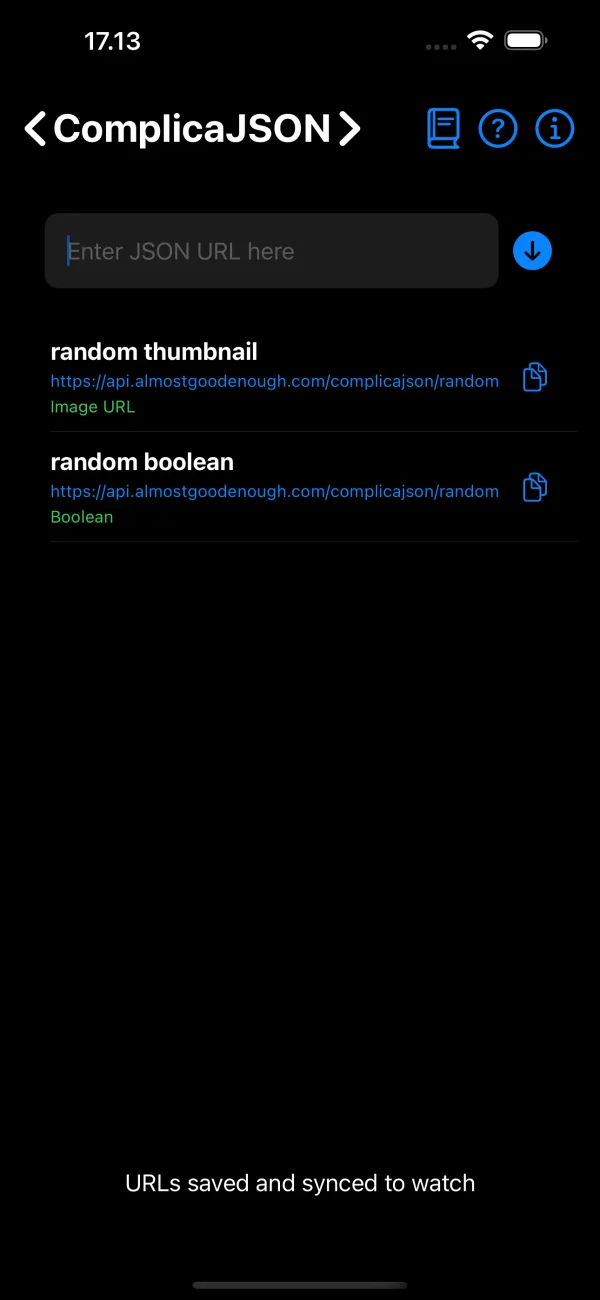
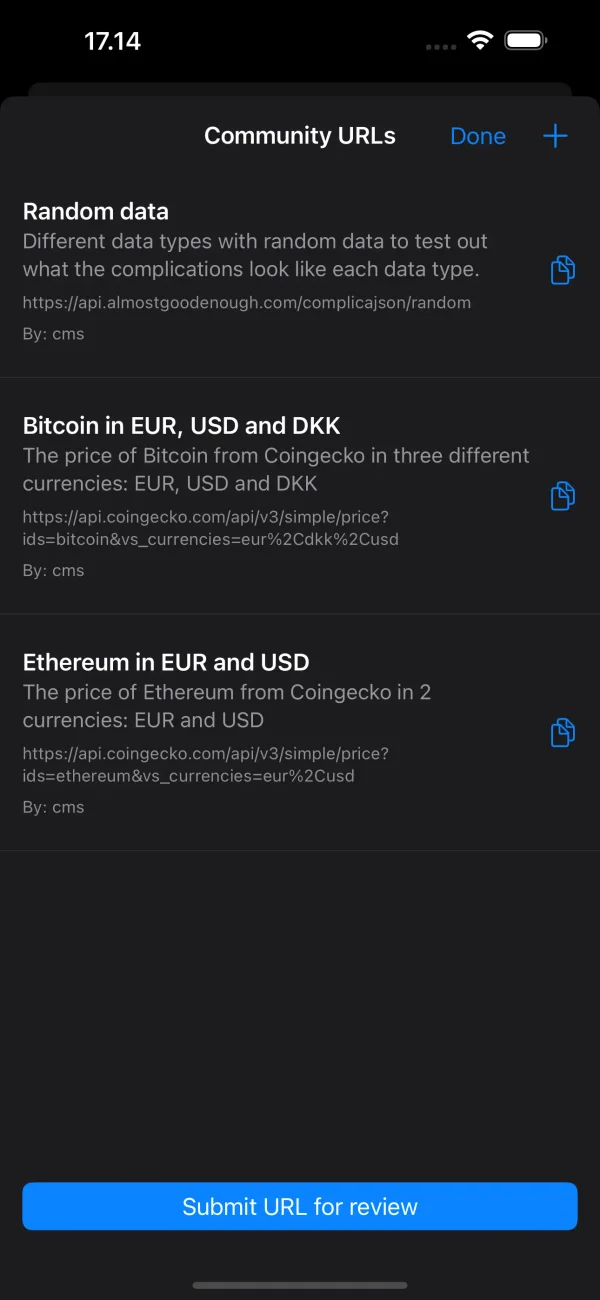
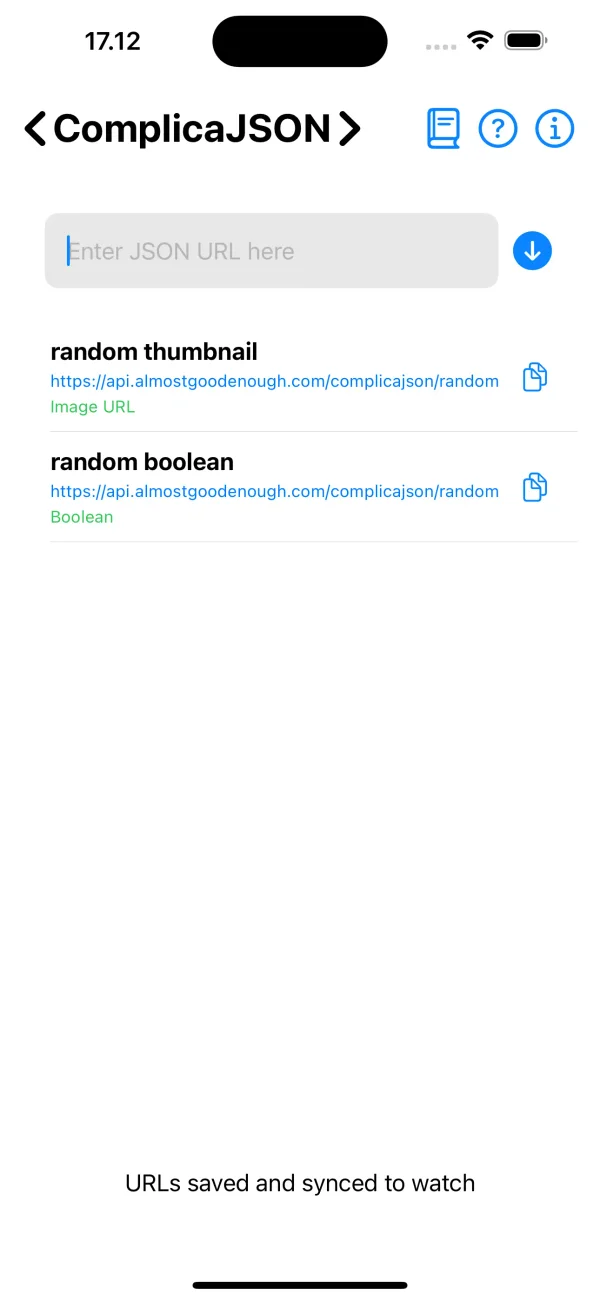
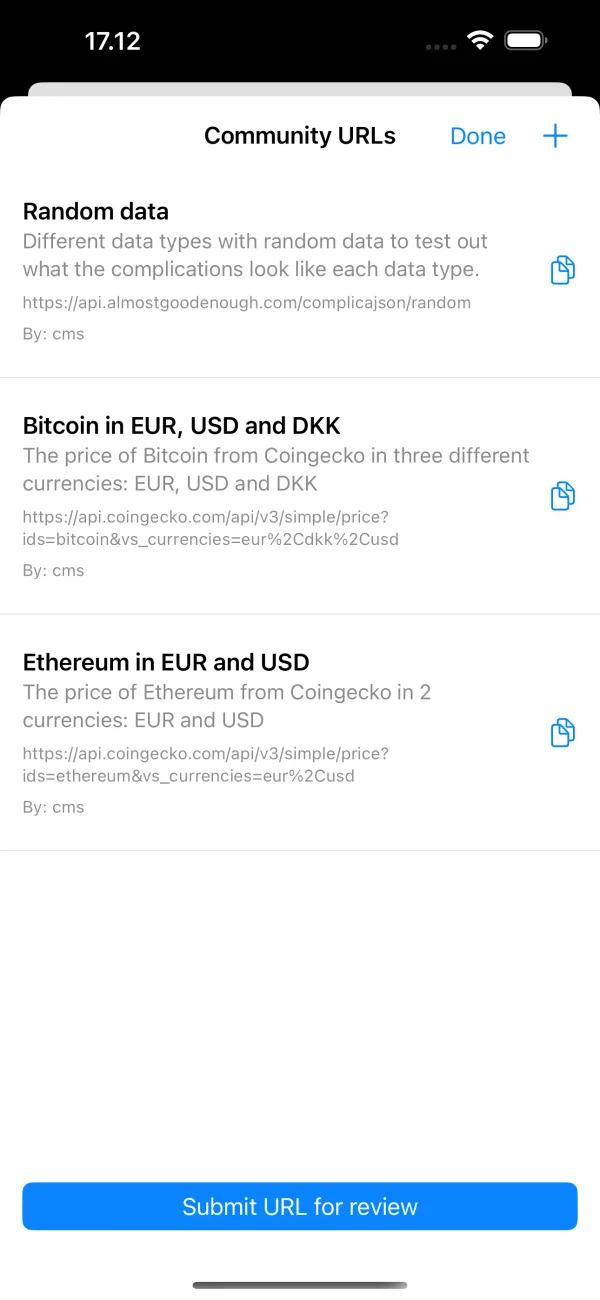
ComplicaJSON transforms any JSON data source into a personalized Apple Watch complication. Connect to your favorite APIs for weather, stock prices, server metrics, or any other JSON endpoint and get access to your data at a glance.
The Apple Watch will automatically update the data at regular intervals, ensuring you always have the latest information right on your wrist.
With support for Image URL, String, Number, Boolean, and Percentage data types, you can customize your watch face with the exact metrics you need.
Recommendations for images:
Circular Complications (accessoryCircular)
- Recommended: 120 × 120 px (or smaller)
- Maximum: ~122 × 122 px (preview archiver limit)
- The image is clipped to a circle
Rectangular Complications (accessoryRectangular)
- Recommended: 180 × 70 px (approximate aspect ratio)
- Can handle larger images (256 × 256 worked fine)
- Uses .fill mode so image is cropped to fit
Corner Complications (accessoryCorner)
- Recommended: 40 × 40 px
- Very small display area
General Tips
- Use PNG with transparency for best results
- Keep file size under 2MB (enforced in code)
- For circular, center the content since edges get clipped
- Consider providing multiple sizes or using vector-based images when possible
What’s new
Version 0.4 · Nov 17, 2026
Updates to handling of images in complications. Please see below for best image sizes for different complications:
Circular Complications (accessoryCircular)
- Recommended: 120 × 120 px (or smaller)
- Maximum: ~122 × 122 px (preview archiver limit)
- The image is clipped to a circle
Rectangular Complications (accessoryRectangular)
- Recommended: 180 × 70 px (approximate aspect ratio)
- Can handle larger images (256 × 256 worked fine)
- Uses .fill mode so image is cropped to fit
Corner Complications (accessoryCorner)
- Recommended: 40 × 40 px
- Very small display area
General Tips
- Use PNG with transparency for best results
- Keep file size under 2MB (enforced in code)
- For circular, center the content since edges get clipped
- Consider providing multiple sizes or using vector-based images when possible
App privacy
What Almost Good Enough ApS declares on the App Store about how this app handles data.
-
Data not collected
The developer does not collect any data from this app.
Privacy practices may vary, for example with the features you use or your age.
Information
- Seller
- Almost Good Enough ApS
- Category
- Utilities
- Version
- 0.4
- Updated
- Nov 17, 2026
- Released
- Sep 5, 2025
- Size
- 17.4 MB
- Requires
- iOS 18.5 or later
- Age rating
- 4+
- Price
- Free
- Languages
- English
- Copyright
- © 2025 Almost Good Enough ApS
You might also like
-
 JSON ComplicationCustom JSON feed complications
-
 DatadgetDisplay your data in a widget
-
 Dashlet: Custom Data WidgetsAPIs and feeds on your screen
-
 PocketHookChat with your server
-
 Beauty Stuff: Makeup ExpiryCosmetics expiration tracker
-
 Scout Coordinate Converter ProConvert GPS coordinates & Map
-
 Run Custom JS on BackgroundUtilities
-
 BatchScanBarcode, QR & NFC to Excel
-
 API WidgetWidgets from your JSON data
-
 PING: Send notificationsPush notifications made easy