- 対象年齢4+
- カテゴリユーティリティ
- 開発元Almost Good Enough ApS
- 言語英語
- サイズ17.4 MB
App Storeの公式ページにリンクしています
Download.orgはComplicaJSONのファイルを一切ホストしていません。ボタンを押すと、Almost Good Enough ApSが公開しているApp Storeのアプリページが開きます。ページの最終確認:2026/11/20。
スクリーンショット



概要
開発元はこのテキストをお使いの言語で提供していません。
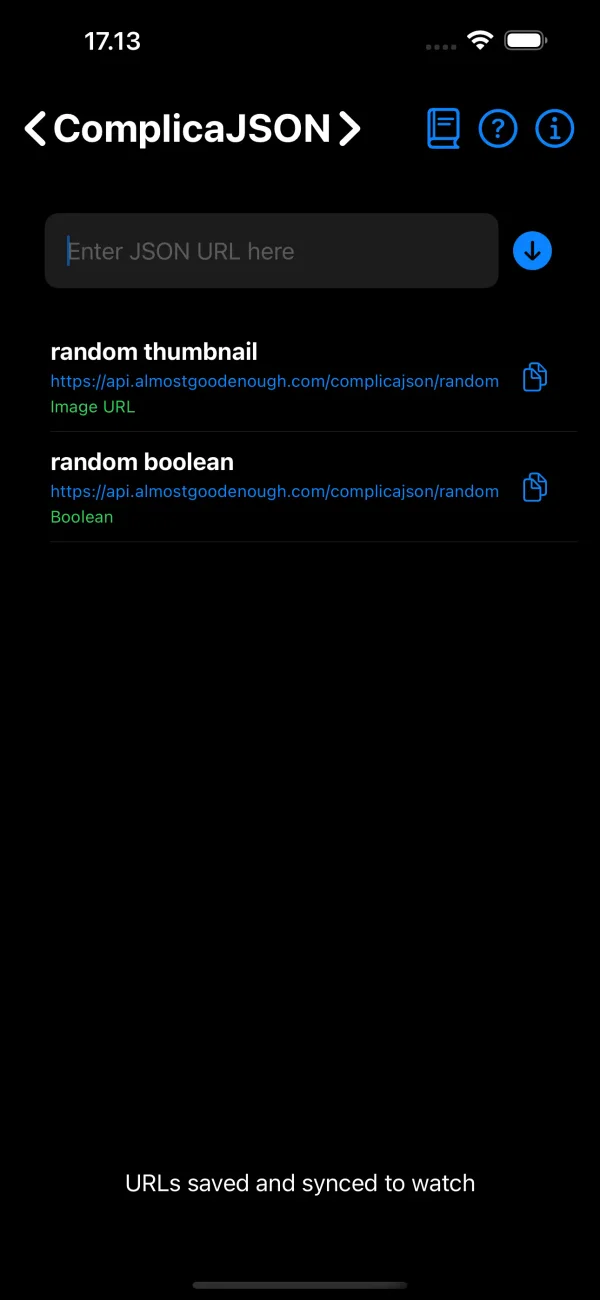
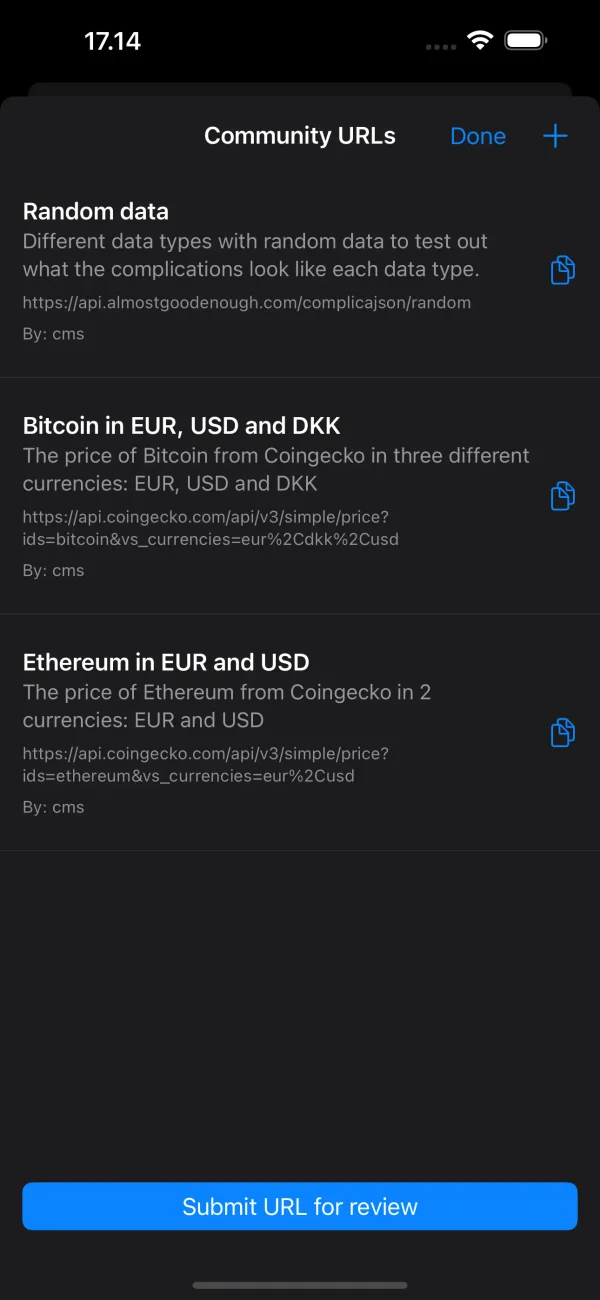
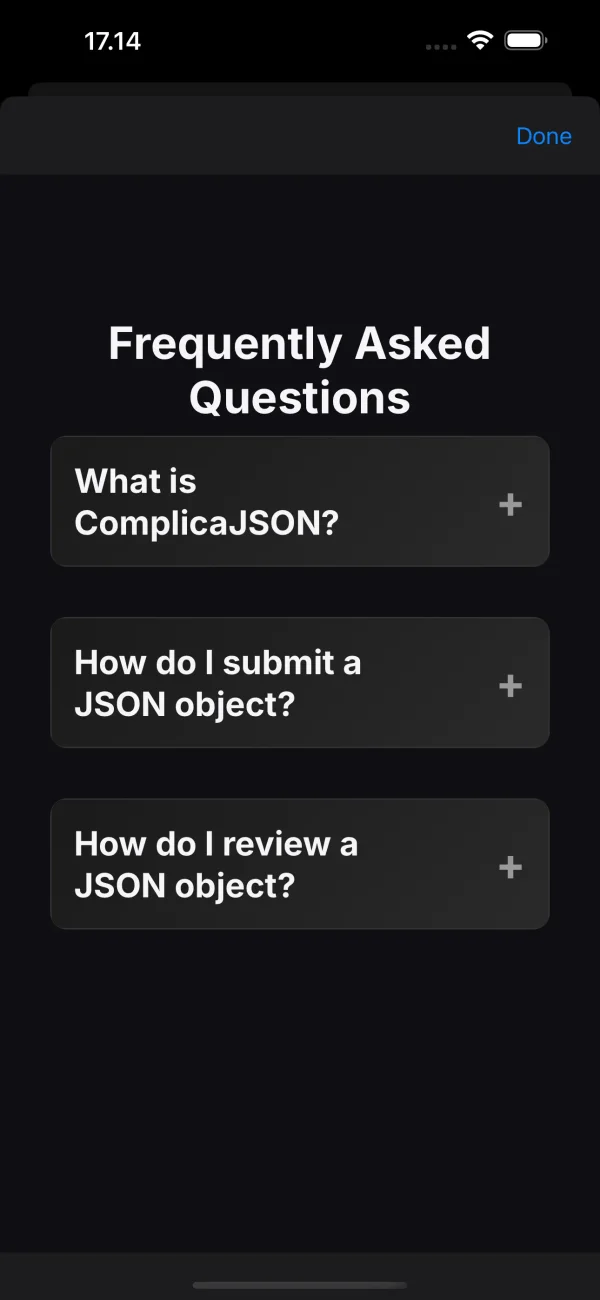
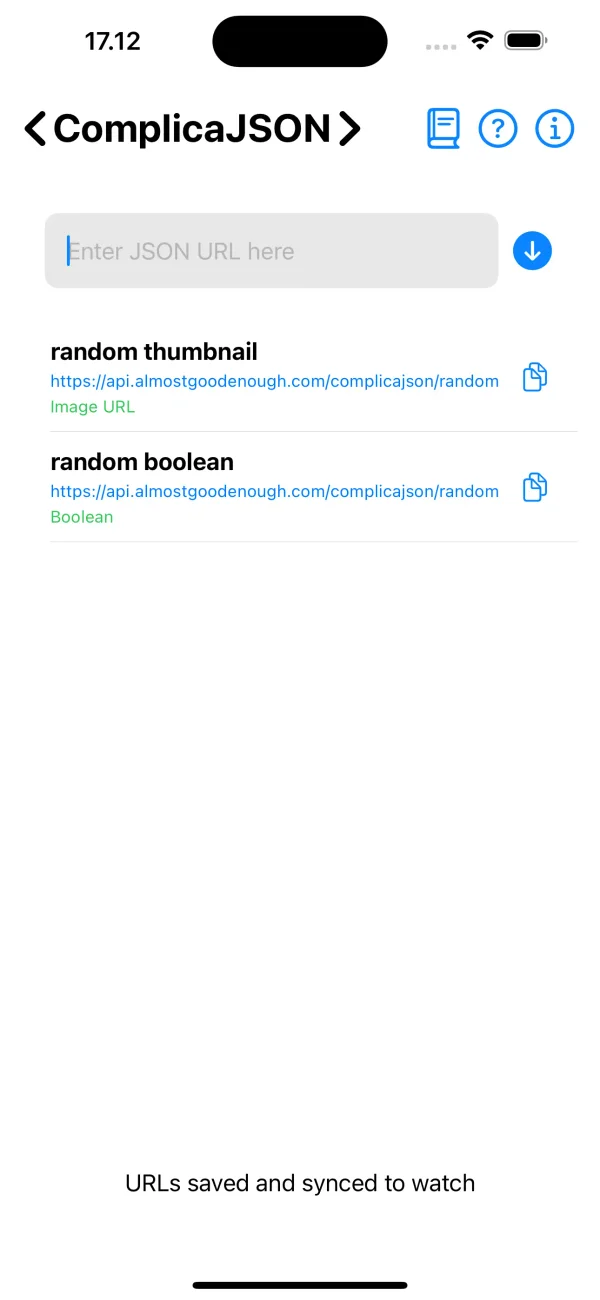
ComplicaJSON transforms any JSON data source into a personalized Apple Watch complication. Connect to your favorite APIs for weather, stock prices, server metrics, or any other JSON endpoint and get access to your data at a glance.
The Apple Watch will automatically update the data at regular intervals, ensuring you always have the latest information right on your wrist.
With support for Image URL, String, Number, Boolean, and Percentage data types, you can customize your watch face with the exact metrics you need.
Recommendations for images:
Circular Complications (accessoryCircular)
- Recommended: 120 × 120 px (or smaller)
- Maximum: ~122 × 122 px (preview archiver limit)
- The image is clipped to a circle
Rectangular Complications (accessoryRectangular)
- Recommended: 180 × 70 px (approximate aspect ratio)
- Can handle larger images (256 × 256 worked fine)
- Uses .fill mode so image is cropped to fit
Corner Complications (accessoryCorner)
- Recommended: 40 × 40 px
- Very small display area
General Tips
- Use PNG with transparency for best results
- Keep file size under 2MB (enforced in code)
- For circular, center the content since edges get clipped
- Consider providing multiple sizes or using vector-based images when possible
新機能
バージョン 0.4 · 2026/11/17
Updates to handling of images in complications. Please see below for best image sizes for different complications:
Circular Complications (accessoryCircular)
- Recommended: 120 × 120 px (or smaller)
- Maximum: ~122 × 122 px (preview archiver limit)
- The image is clipped to a circle
Rectangular Complications (accessoryRectangular)
- Recommended: 180 × 70 px (approximate aspect ratio)
- Can handle larger images (256 × 256 worked fine)
- Uses .fill mode so image is cropped to fit
Corner Complications (accessoryCorner)
- Recommended: 40 × 40 px
- Very small display area
General Tips
- Use PNG with transparency for best results
- Keep file size under 2MB (enforced in code)
- For circular, center the content since edges get clipped
- Consider providing multiple sizes or using vector-based images when possible
アプリのプライバシー
このアプリのデータの取り扱いについて、Almost Good Enough ApSがApp Storeで申告している内容です。
-
データの収集なし
開発元はこのアプリからデータを収集しません。
プライバシーの取り扱いは、ご利用の機能やお客様の年齢などに応じて異なる場合があります。
情報
- 販売元
- Almost Good Enough ApS
- カテゴリ
- ユーティリティ
- バージョン
- 0.4
- 更新日
- 2026/11/17
- リリース
- 2025/9/5
- サイズ
- 17.4 MB
- 必要条件
- iOS 18.5以降
- 対象年齢
- 4+
- 価格
- 無料
- 言語
- 英語
- 著作権
- © 2025 Almost Good Enough ApS