- Batasan usia4+
- KategoriKegunaan
- PengembangAlmost Good Enough ApS
- BahasaInggris
- Ukuran17,4 MB
Tertaut ke halaman resmi App Store
Download.org tidak menyimpan file ComplicaJSON apa pun. Tombol ini membuka halaman aplikasi di App Store, tempat Almost Good Enough ApS menerbitkannya. Halaman terakhir diperiksa pada 20/11/2026.
Tangkapan layar



Tentang
Pengembang belum menyediakan teks ini dalam bahasa Anda.
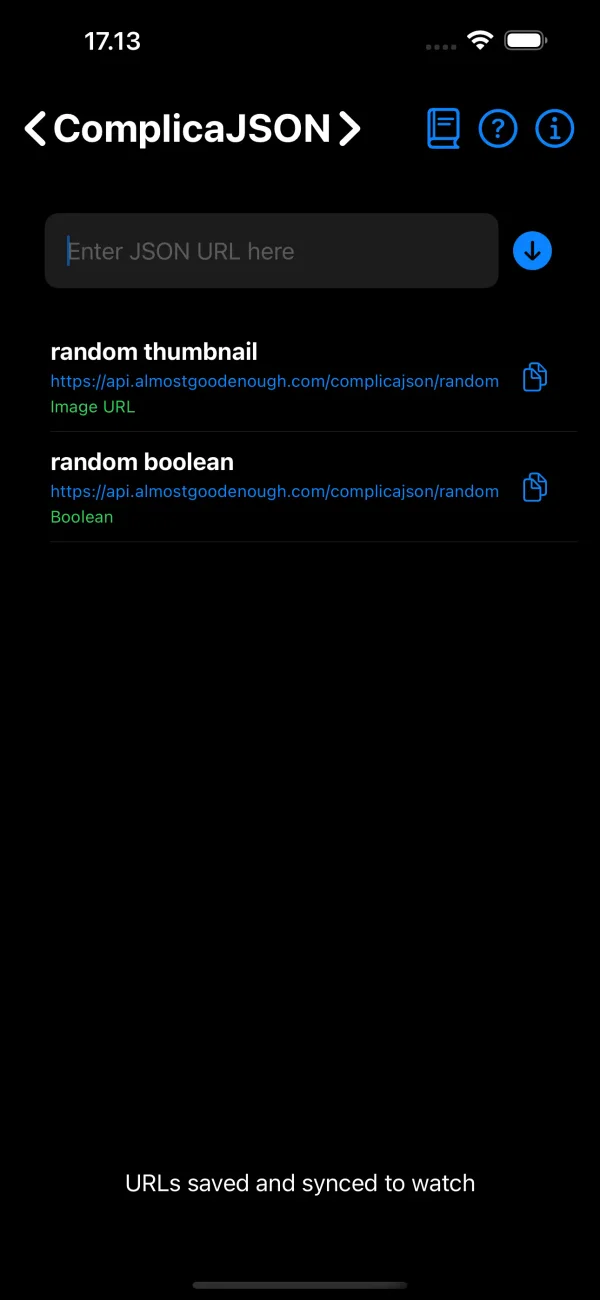
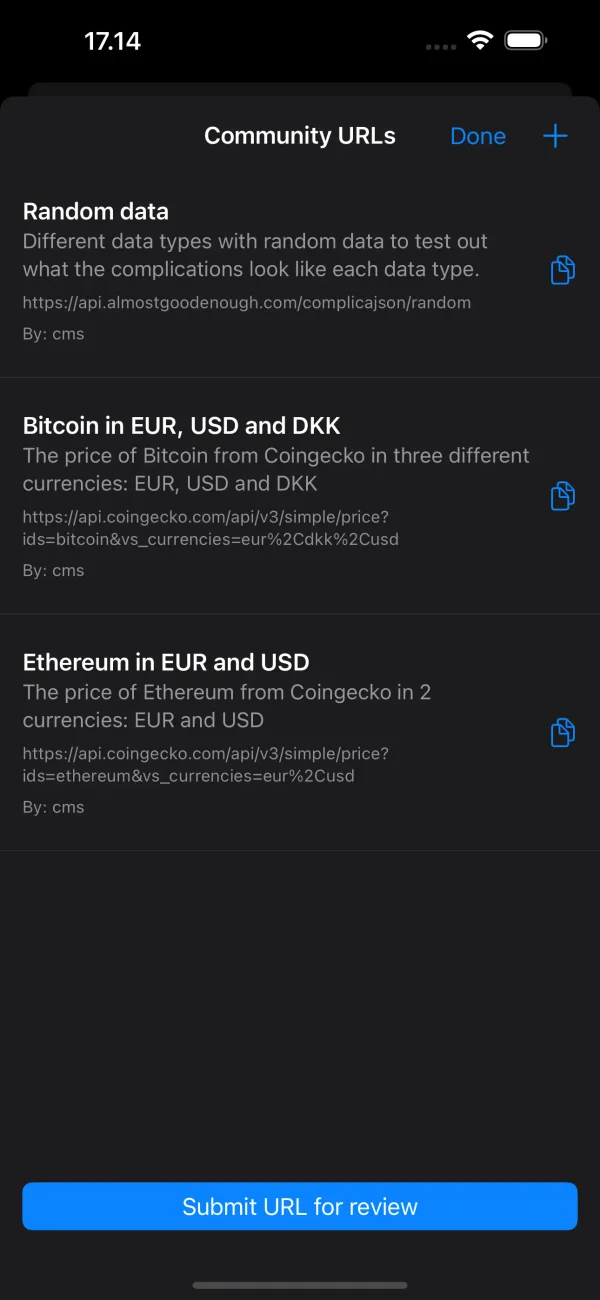
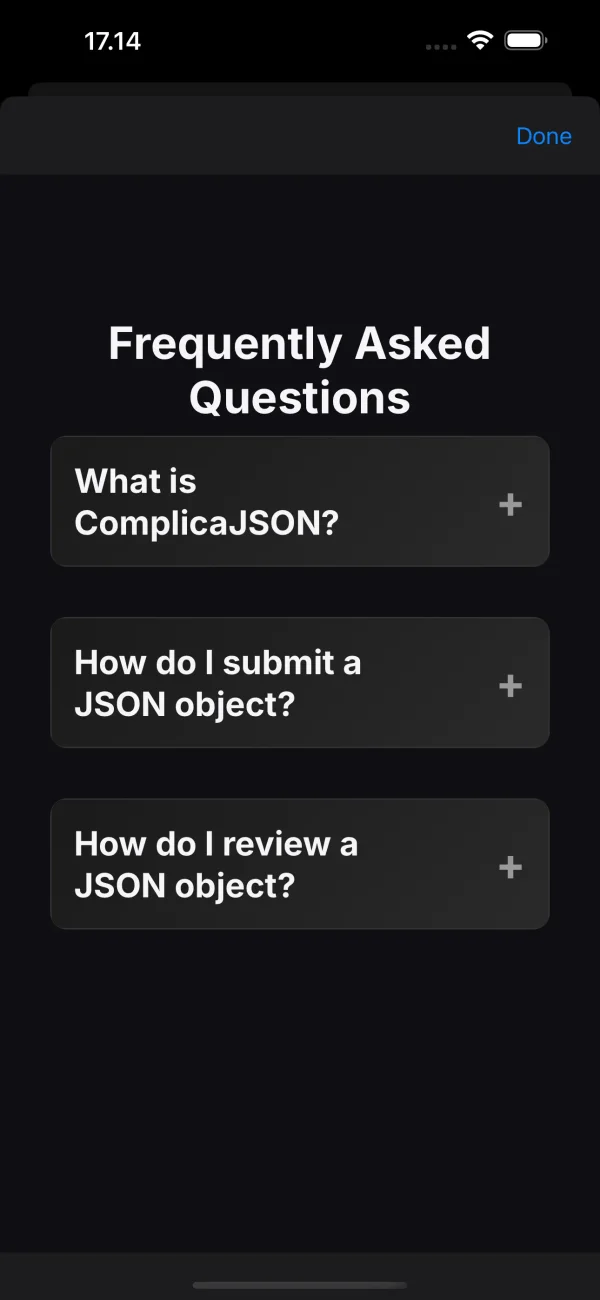
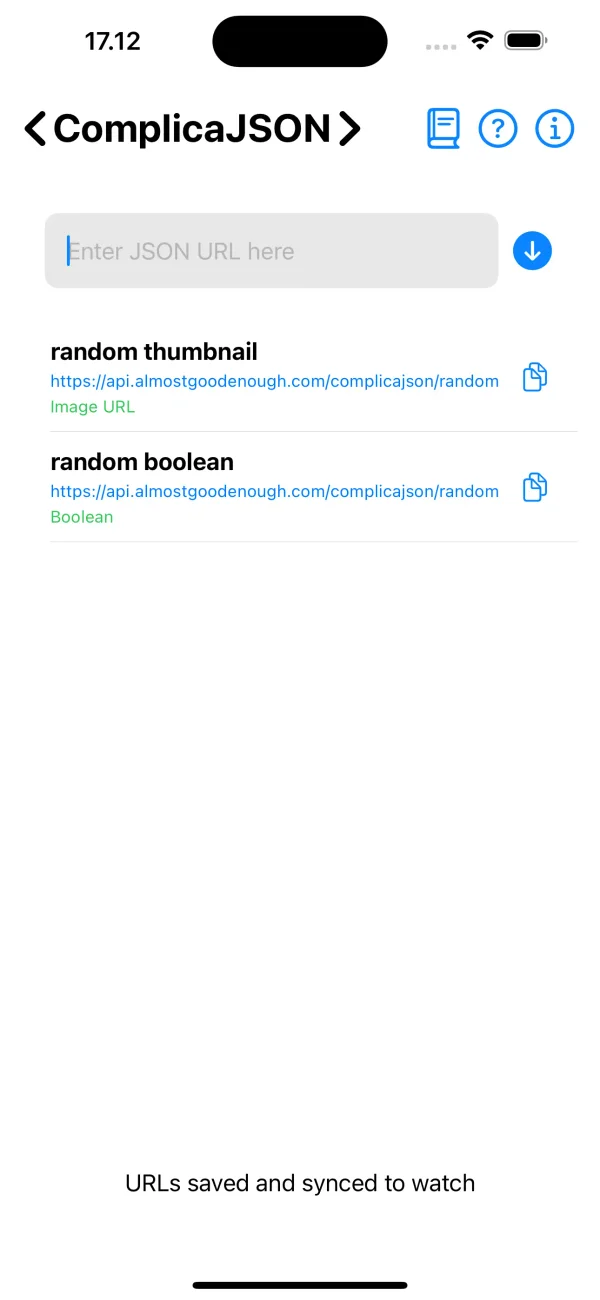
ComplicaJSON transforms any JSON data source into a personalized Apple Watch complication. Connect to your favorite APIs for weather, stock prices, server metrics, or any other JSON endpoint and get access to your data at a glance.
The Apple Watch will automatically update the data at regular intervals, ensuring you always have the latest information right on your wrist.
With support for Image URL, String, Number, Boolean, and Percentage data types, you can customize your watch face with the exact metrics you need.
Recommendations for images:
Circular Complications (accessoryCircular)
- Recommended: 120 × 120 px (or smaller)
- Maximum: ~122 × 122 px (preview archiver limit)
- The image is clipped to a circle
Rectangular Complications (accessoryRectangular)
- Recommended: 180 × 70 px (approximate aspect ratio)
- Can handle larger images (256 × 256 worked fine)
- Uses .fill mode so image is cropped to fit
Corner Complications (accessoryCorner)
- Recommended: 40 × 40 px
- Very small display area
General Tips
- Use PNG with transparency for best results
- Keep file size under 2MB (enforced in code)
- For circular, center the content since edges get clipped
- Consider providing multiple sizes or using vector-based images when possible
Yang baru
Versi 0.4 · 17/11/2026
Updates to handling of images in complications. Please see below for best image sizes for different complications:
Circular Complications (accessoryCircular)
- Recommended: 120 × 120 px (or smaller)
- Maximum: ~122 × 122 px (preview archiver limit)
- The image is clipped to a circle
Rectangular Complications (accessoryRectangular)
- Recommended: 180 × 70 px (approximate aspect ratio)
- Can handle larger images (256 × 256 worked fine)
- Uses .fill mode so image is cropped to fit
Corner Complications (accessoryCorner)
- Recommended: 40 × 40 px
- Very small display area
General Tips
- Use PNG with transparency for best results
- Keep file size under 2MB (enforced in code)
- For circular, center the content since edges get clipped
- Consider providing multiple sizes or using vector-based images when possible
Privasi aplikasi
Yang dinyatakan Almost Good Enough ApS di App Store tentang cara aplikasi ini menangani data.
-
Data tidak dikumpulkan
Pengembang tidak mengumpulkan data apa pun dari aplikasi ini.
Praktik privasi dapat bervariasi, misalnya berdasarkan fitur yang Anda gunakan atau usia Anda.
Informasi
- Penjual
- Almost Good Enough ApS
- Kategori
- Kegunaan
- Versi
- 0.4
- Diperbarui
- 17/11/2026
- Dirilis
- 5/9/2025
- Ukuran
- 17,4 MB
- Memerlukan
- iOS 18.5 atau yang lebih baru
- Batasan usia
- 4+
- Harga
- Gratis
- Bahasa
- Inggris
- Hak cipta
- © 2025 Almost Good Enough ApS