Compress PDF - PDFpress
File Compressor & Size Reducer
Designed for iPhone, iPad
Free · In-app purchases
- Age rating4+
- CategoryProductivity
- DeveloperImad Khan
- LanguagesEnglish
- Size20.5 MB
Links to the official App Store page
Download.org hosts no file of Compress PDF - PDFpress. The button opens its official App Store page, published by Imad Khan. Listing last checked on Nov 16, 2026.
Screenshots

About
Make big PDFs small enough to email, upload or store. Images shrink while text stays sharp and selectable, and all of the work happens on your device.
It's for anyone whose scan was rejected by a portal, whose email bounced because the attachment was too large, or whose contracts, reports and receipts take up too much space. You get a smaller copy that still looks right, on iPhone or iPad, and your original file is never changed.
HIT THE SIZE YOU NEED
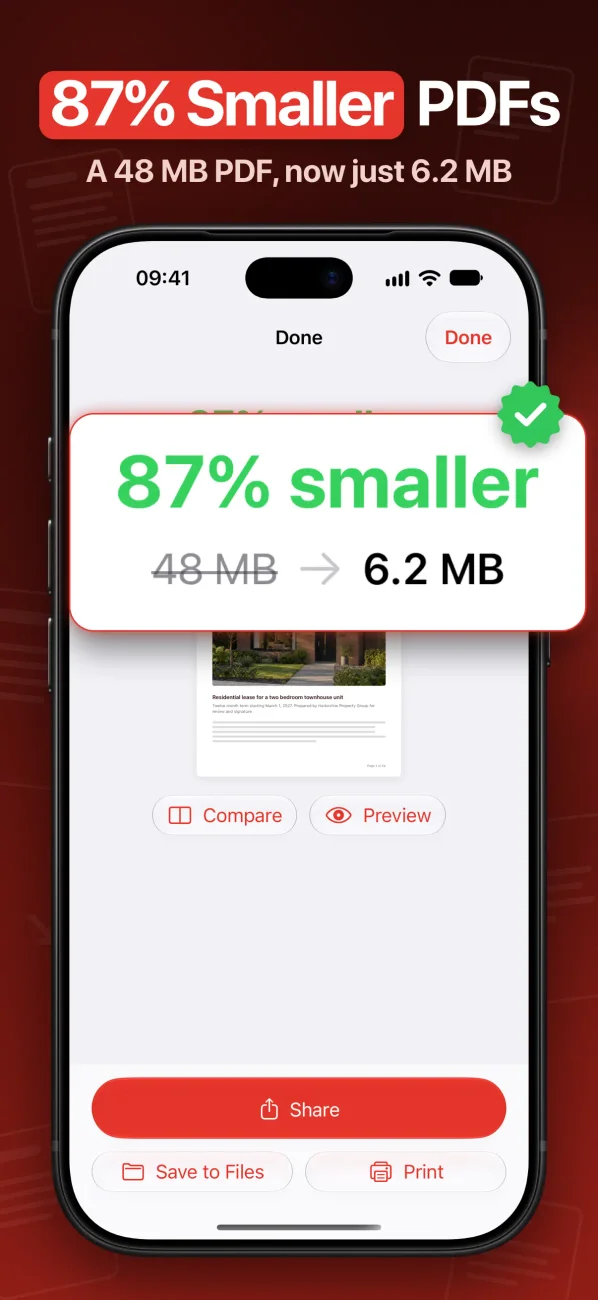
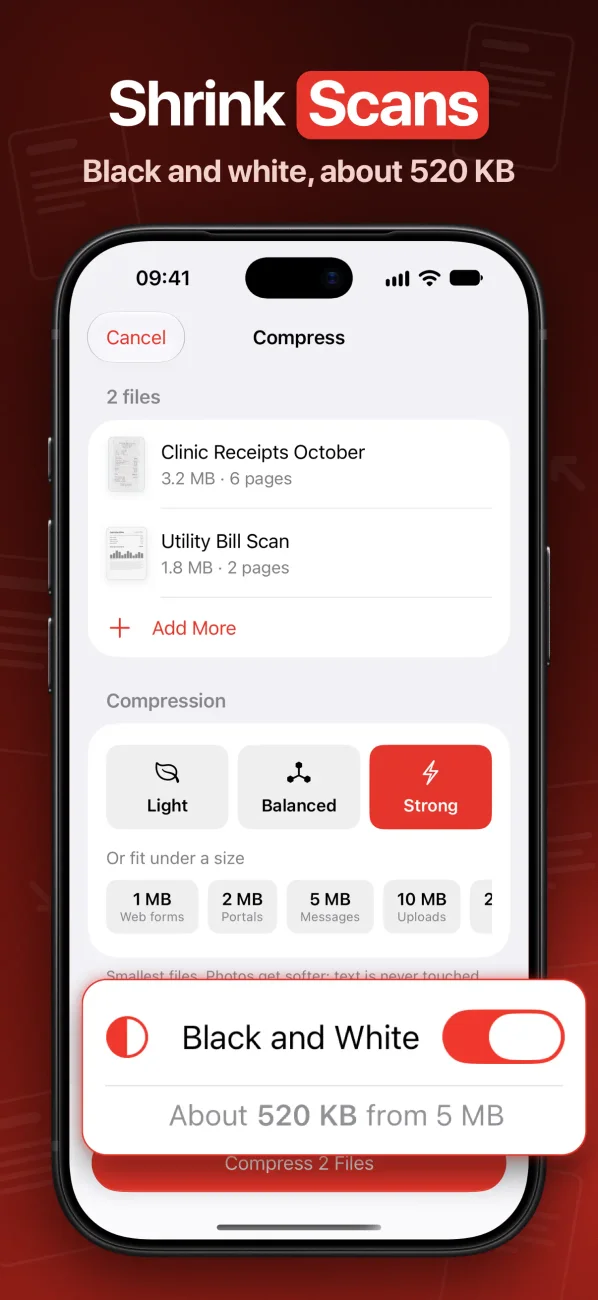
- Set a target of 1, 2, 5, 10 or 25 MB, or type any size, and the app keeps as much quality as will fit.
- Or choose Light, Balanced or Strong and see roughly how big the new file will be before you compress.
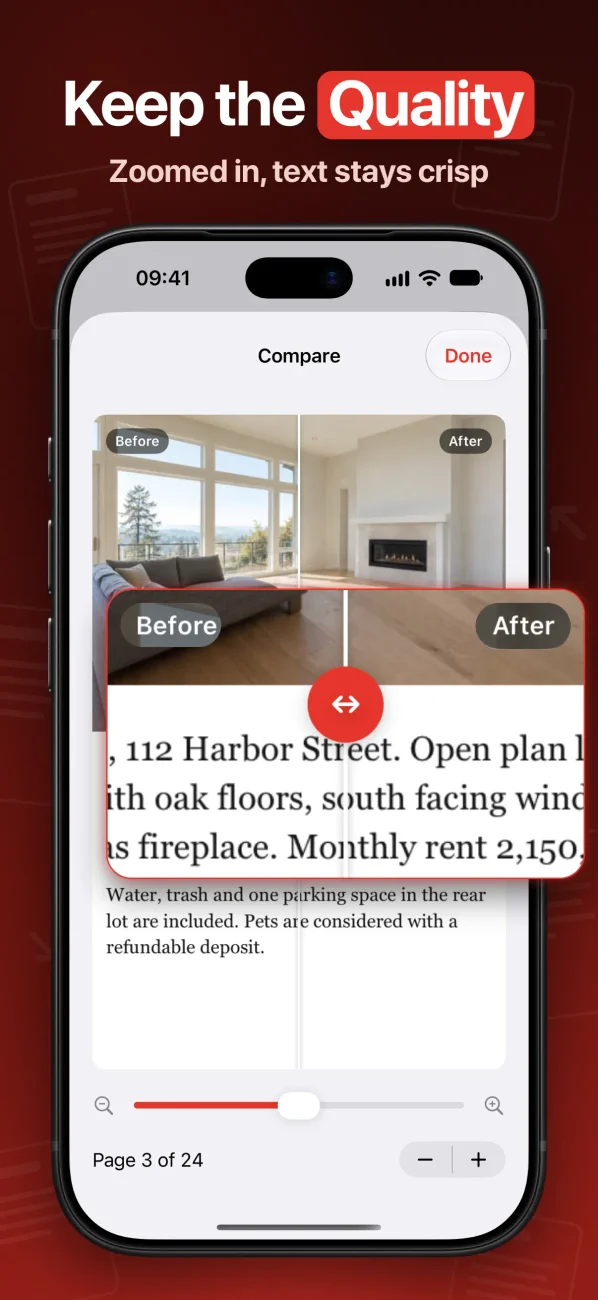
- Compare the original and the compressed copy zoomed in on the same spot, and drag a handle to wipe between them.
- You never get a file bigger than the one you started with. If a PDF is already about as small as it can be, the app tells you.
TEXT STAYS TEXT
- Only the images inside are resized. Text, fonts and drawings are left exactly as they were, so words stay crisp, searchable and selectable.
- A Black and White option turns photos and scans gray, which often makes paperwork much smaller.
- Open a password-protected PDF by entering the password once. The compressed copy opens without one.
BRING IN FILES ANY WAY
- Compress several PDFs from Files at once.
- Scan paper with the camera, or turn a set of photos into one PDF, and shrink it straight away.
- Open PDFs from Mail, Files or the share sheet, or drag and drop them in.
KEEP WHAT YOU'VE FINISHED
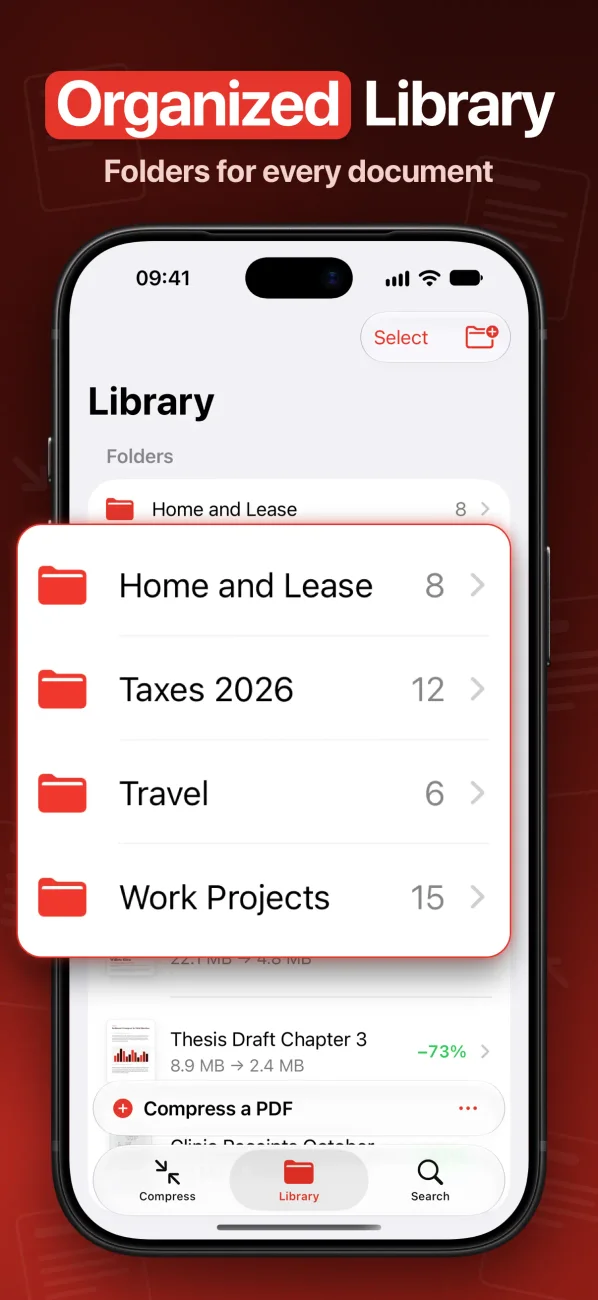
- Compressed files stay in a library you can search and sort into folders.
- See how much space you've saved in total.
- Share, save to Files or print any finished PDF (Pro).
PRIVATE BY DESIGN
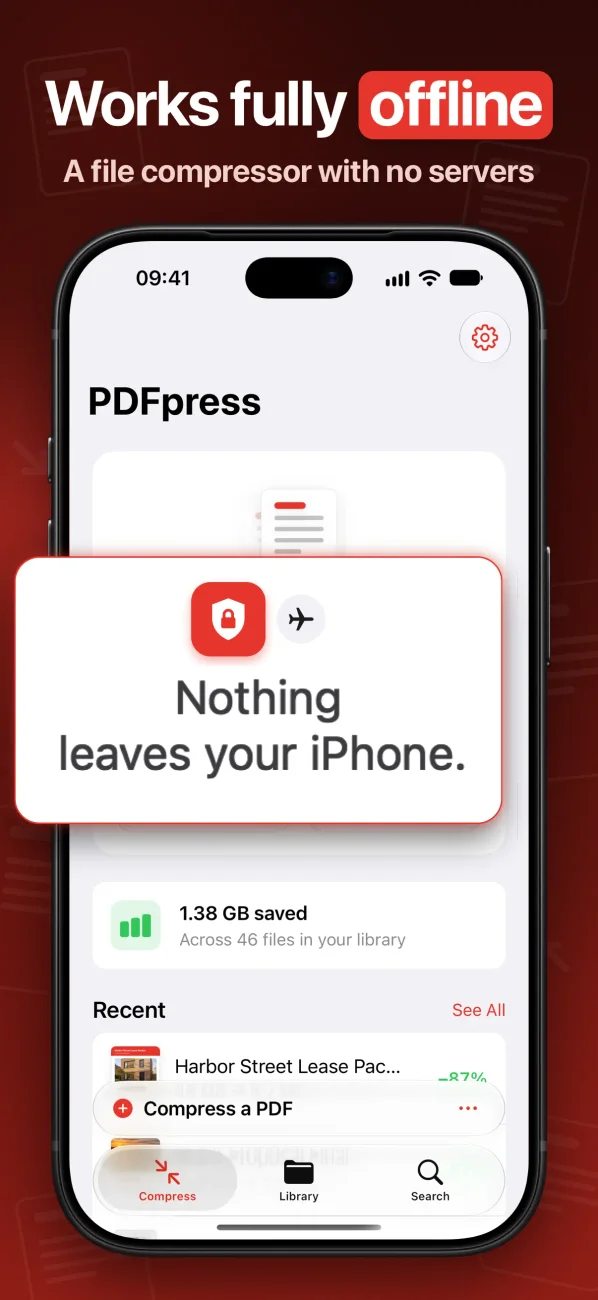
Your documents are compressed on your iPhone or iPad and are never uploaded. There is no account to create and no analytics.
DOWNLOAD NOW
Compressing, comparing and keeping files in your library are free, so you can see exactly how small a file gets before you pay anything. Pro is a subscription that lets you take the compressed PDF out of the app by sharing it, saving it to Files or printing it. If you tap one of those without Pro, the subscription options appear, and once you subscribe, the share or save carries on by itself.
Privacy Policy: https://www.madbyteapps.com/pdfpress/privacy
Terms of Use (EULA): https://www.madbyteapps.com/pdfpress/terms
What’s new
Version 2.0.0 · Nov 13, 2026
PDFpress 2.0 is here as a faster, fully native app.
- A new compression engine shrinks embedded images while keeping text sharp and selectable.
- See an estimate of the new file size before you compress.
- Set a size your file has to fit under, ideal for email and upload limits.
- Compare the original and compressed versions side by side with a before and after slider.
- Turn pages gray with the new Black and White option.
- Scan documents with your camera.
- Keep finished files organized in a library with folders and search.
- Many bug fixes and smoother performance.
App privacy
What Imad Khan declares on the App Store about how this app handles data.
-
Data linked to you
May be collected and linked to your identity.
- Purchases
- Contact info
- User content
Privacy practices may vary, for example with the features you use or your age.
Information
- Seller
- Imad Khan
- Category
- Productivity
- Version
- 2.0.0
- Updated
- Nov 13, 2026
- Released
- Dec 6, 2025
- Size
- 20.5 MB
- Requires
- iOS 18.0 or later
- Age rating
- 4+
- Price
- Free
- In-app purchases
- Yes
- Languages
- English
- Copyright
- © 2026 MadByteApps
You might also like
-
 PDF Compressor • Compress PDFReduce PDF Size & Keep Quality
-
 PDF Compressor: Compress PDF .Compress PDF - PDF Compressor
-
 Pdf Compressor - Compress FileReduce PDF Size & Keep Quality
-
 Notes Me: Minimal NotesPrivate Notes, Memo & Writing
-
 PDF Compressor : Compress SizeReduce File Size & Merge PDFs
-
 Batch PDF Compressor SquashPDFDocument Size Reducer Tool
-
 Big Reader - Read EverythingFrom Clipboard, Images & Files
-
 Urban Roost HousekeepingProductivity
-
 PDF Compress - Reduce PDF SizeStreamline PDF document sizes
-
 PDF Compressor-Compress PDFReduce PDF Size & Keep Quality