
PDF Compressor : Compress Size
Reduce File Size & Merge PDFs
Designed for iPhone, iPad
Free · In-app purchases
- Age rating4+
- CategoryProductivity
- DeveloperSoufiane Bouziane
- LanguagesEnglish
- Size49.9 MB
Links to the official App Store page
Download.org hosts no file of PDF Compressor : Compress Size. The button opens its official App Store page, published by Soufiane Bouziane. Listing last checked on Nov 21, 2026.
Screenshots
About
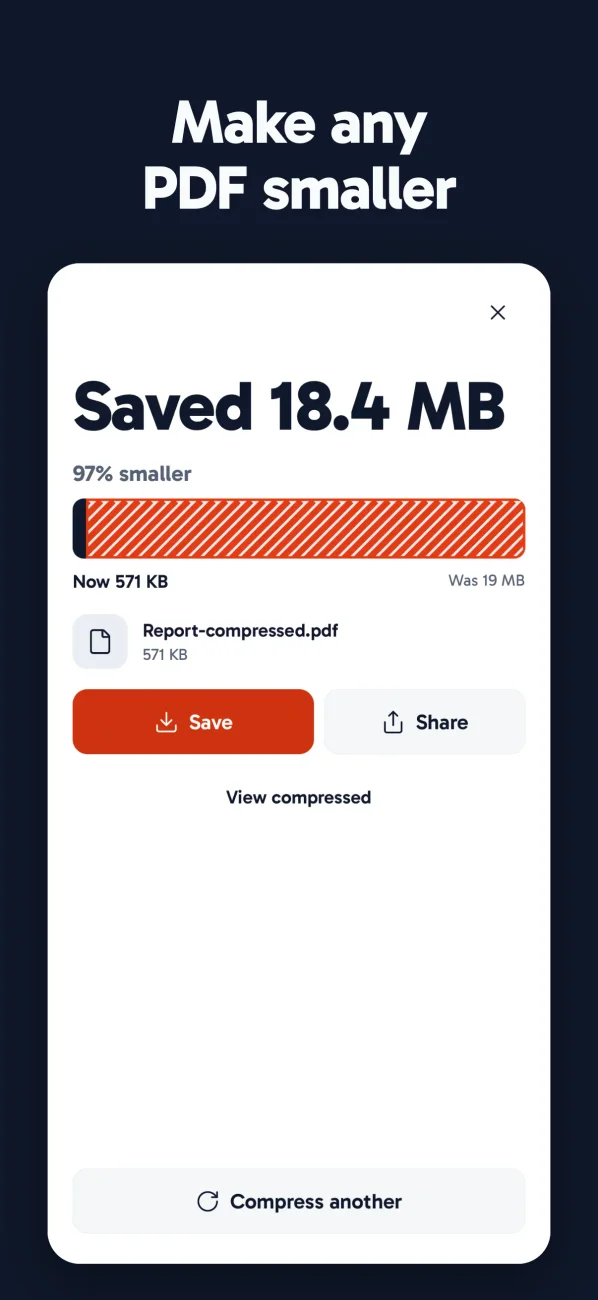
PDF Compressor makes PDF files smaller so they fit in an email, an upload form or your storage. Pick a file, choose how much to shrink it, and see the new size before you save.
What you can do:
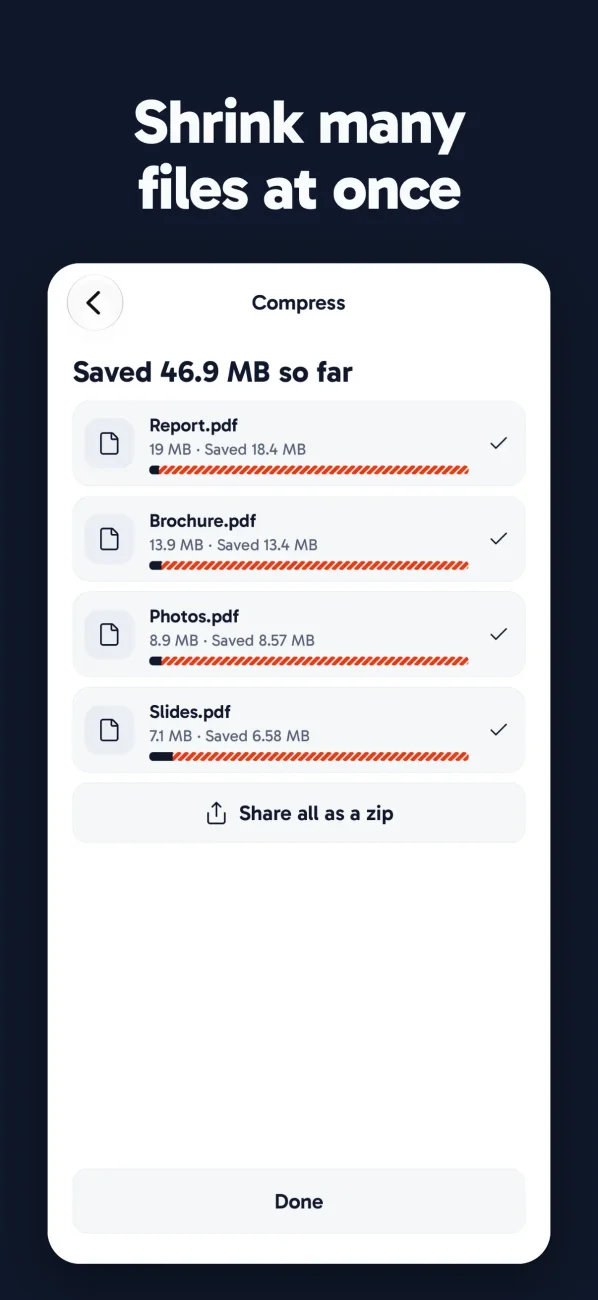
• Compress a PDF and see its size before and after
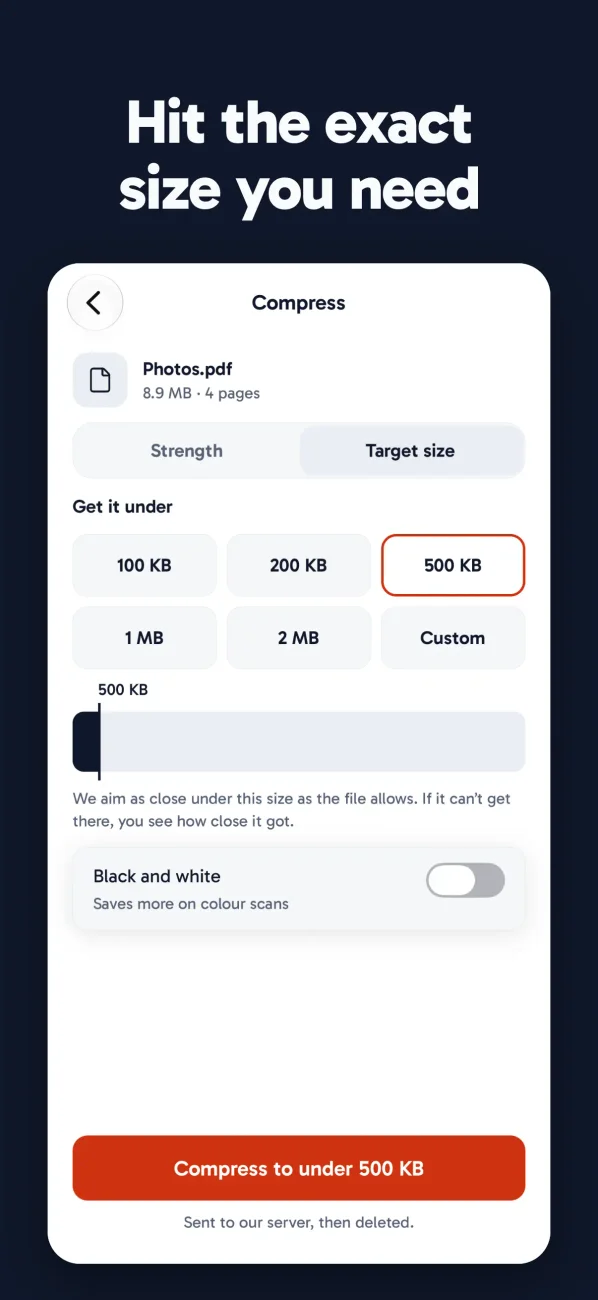
• Pick High quality, Balanced or Smallest, or set a target size such as 100 KB
• Compress several PDFs at once, or merge them first and compress the result
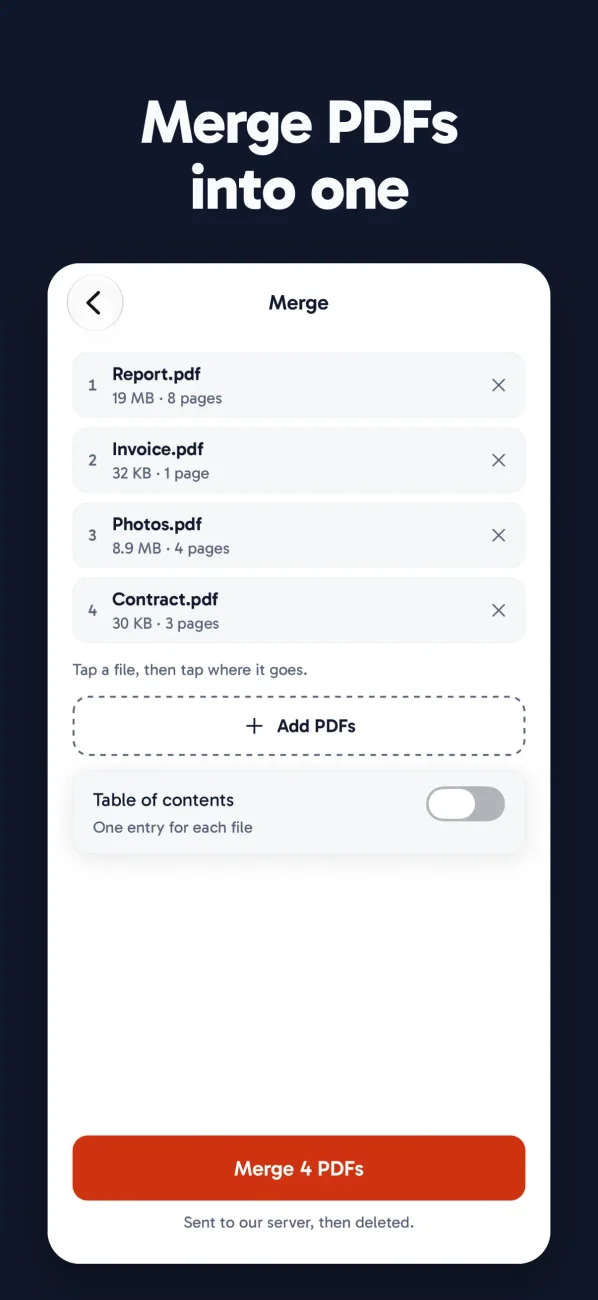
• Merge several PDFs into one, in the order you choose
• Split a PDF by pages, into equal parts or by file size; each part is saved as its own PDF
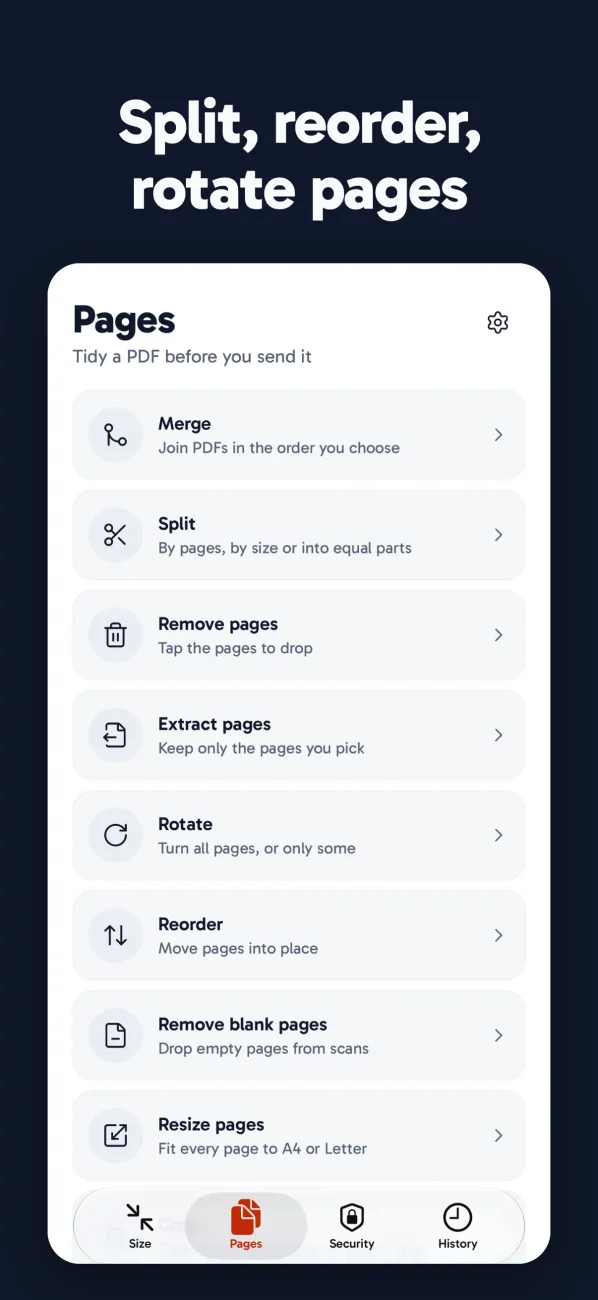
• Reorder pages, delete pages and rotate a PDF
• Extract pages, rotate only the pages you pick, and remove blank pages from scans
• Resize pages to A4 or Letter, and crop the margins of every page
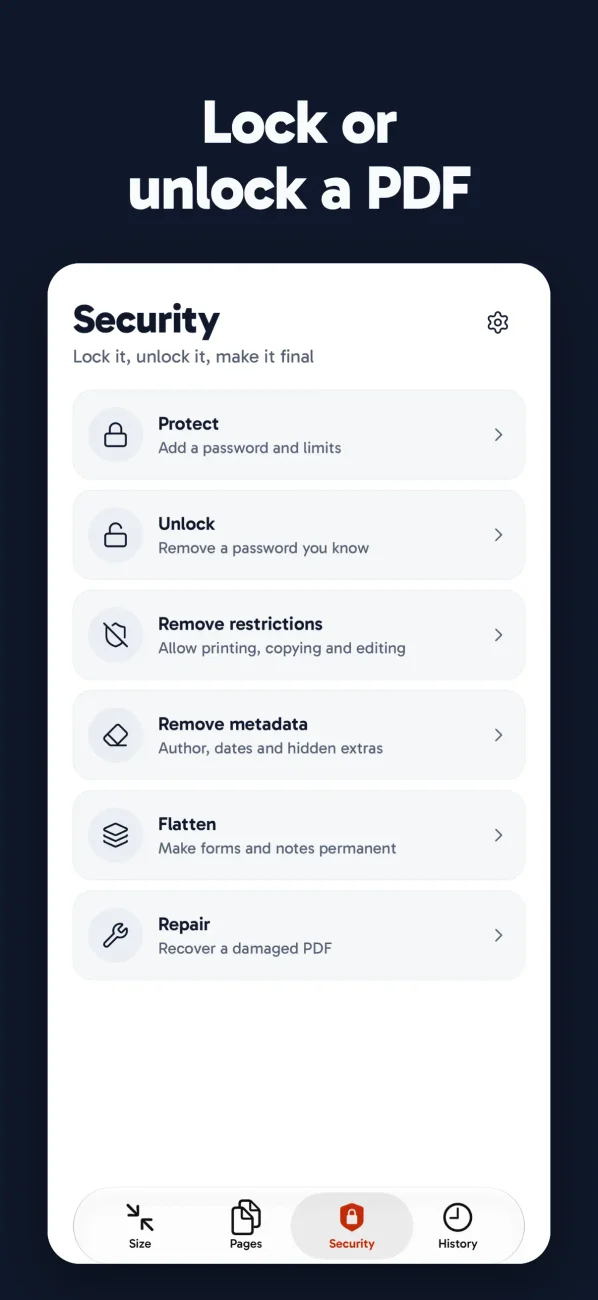
• Add a password to a PDF, or unlock one you have the password for
• Remove printing and copying restrictions from a PDF that opens without a password, and remove metadata such as the author and dates
• Flatten form fields so they can't be changed, and repair a damaged PDF
• If a file can't get smaller, the app says so instead of handing back a bigger one
Good to know:
You get a free allowance of results from any tool, target size and batches included, so you see the result before you pay. The app shows how many are left and when they refill, and a file that can't get noticeably smaller costs nothing. Paying gets you more results, larger files and the Smallest strength. If you'd rather not subscribe, a one-time pack of results gives you the same while it lasts and never renews.
No ads. No account needed.
Your files are sent over a secure connection to our servers only to do the job you asked for. They are deleted when the job ends. The finished file stays available for up to one hour so you can save it, and anything left behind is removed within one day.
A subscription is optional. It renews automatically, plans and prices are shown in the app before you buy, and you can cancel any time in your App Store account settings.
Use it to reduce PDF size for email, shrink a scanned document, or combine a few PDFs before you send them.
Terms of Service: https://www.pdfcompressor.cloud/legal/terms
Privacy Policy: https://www.pdfcompressor.cloud/legal/privacy
What’s new
Version 2.0.0 · Nov 20, 2026
New in 2.0: a new look, with your tools in three tabs: Size, Pages and Security.
Compress with High quality, Balanced or Smallest, hit a target size, or compress several PDFs at once.
New tools extract pages, remove blank pages, resize pages, crop, and remove restrictions or metadata. Split parts are saved as separate PDFs.
Save straight to Files. You still see the result before you pay.
App privacy
What Soufiane Bouziane declares on the App Store about how this app handles data.
-
Data linked to you
May be collected and linked to your identity.
- Purchases
- User content
- Identifiers
Privacy practices may vary, for example with the features you use or your age.
Information
- Seller
- Soufiane Bouziane
- Category
- Productivity
- Version
- 2.0.0
- Updated
- Nov 20, 2026
- Released
- Jan 25, 2026
- Size
- 49.9 MB
- Requires
- iOS 16.4 or later
- Age rating
- 4+
- Price
- Free
- In-app purchases
- Yes
- Languages
- English
- Copyright
- © 2026 - SoftaDev
You might also like
-
 PDF Compressor: Shrink filesReduce PDF Size for Email
-
 PDF Compress - Size CompressorReduce PDF Size, compressor
-
 Shrink PDF: Compress PDF FilesProductivity
-
 Pdf Compressor - Compress FileReduce PDF Size & Keep Quality
-
 PDF CompressionCompress PDF files quickly
-
 PDF Compressor • Compress PDFReduce PDF Size & Keep Quality
-
 Batch PDF Compressor SquashPDFDocument Size Reducer Tool
-
 Compress PDF - PDFpressFile Compressor & Size Reducer
-
 Compress PDF reduce pdf sizePDF Compressor, Small pdf size
-
 PDF Compressor-Compress PDFReduce PDF Size & Keep Quality