
Worksnap™ | Documentation App
Photo, Video, Audio, PDF & Job
Designed for iPhone, iPad, iPod touch
Free · In-app purchases
- Age rating4+
- CategoryProductivity
- DeveloperTHYRING
- LanguagesEnglish
- Size78.6 MB
Links to the official App Store page
Download.org hosts no file of Worksnap™ | Documentation App. The button opens its official App Store page, published by THYRING. Listing last checked on Nov 18, 2026.
Screenshots


About
Worksnap: Documentation, Reports & Quotes
Create professional project documentation in minutes.
Worksnap helps contractors and service professionals capture evidence, organize work, generate PDF reports, and send quotes directly from the field.
Built for real on-site workflows: fast, structured, and easy to use.
Why pros choose Worksnap
• Fast documentation on site
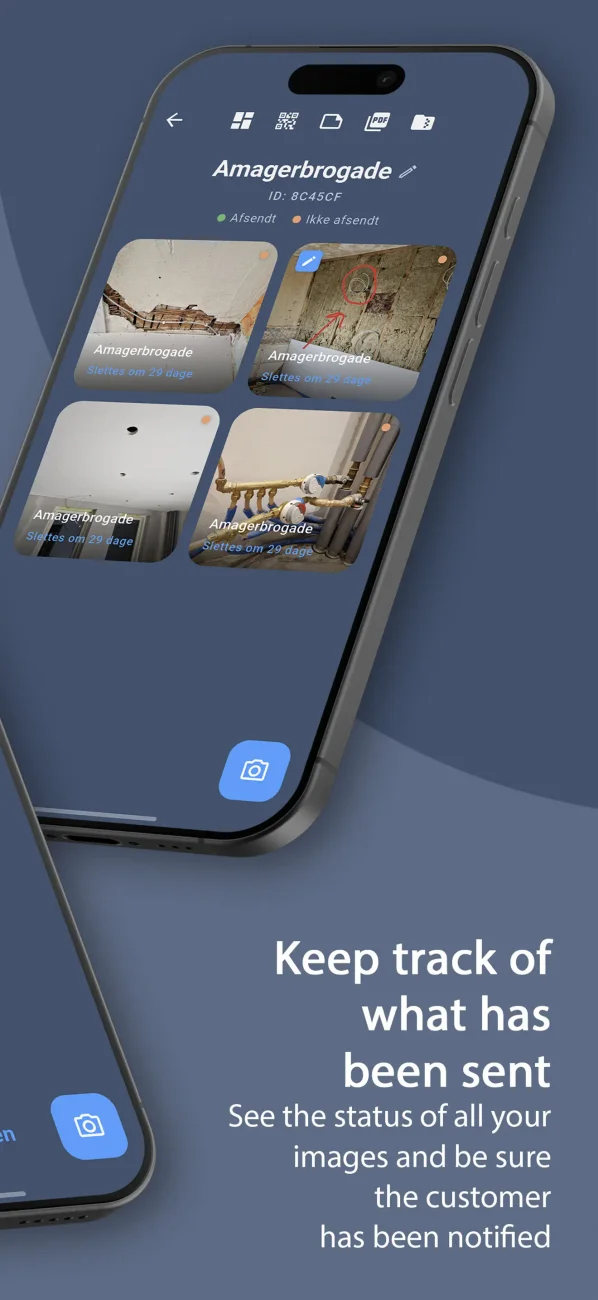
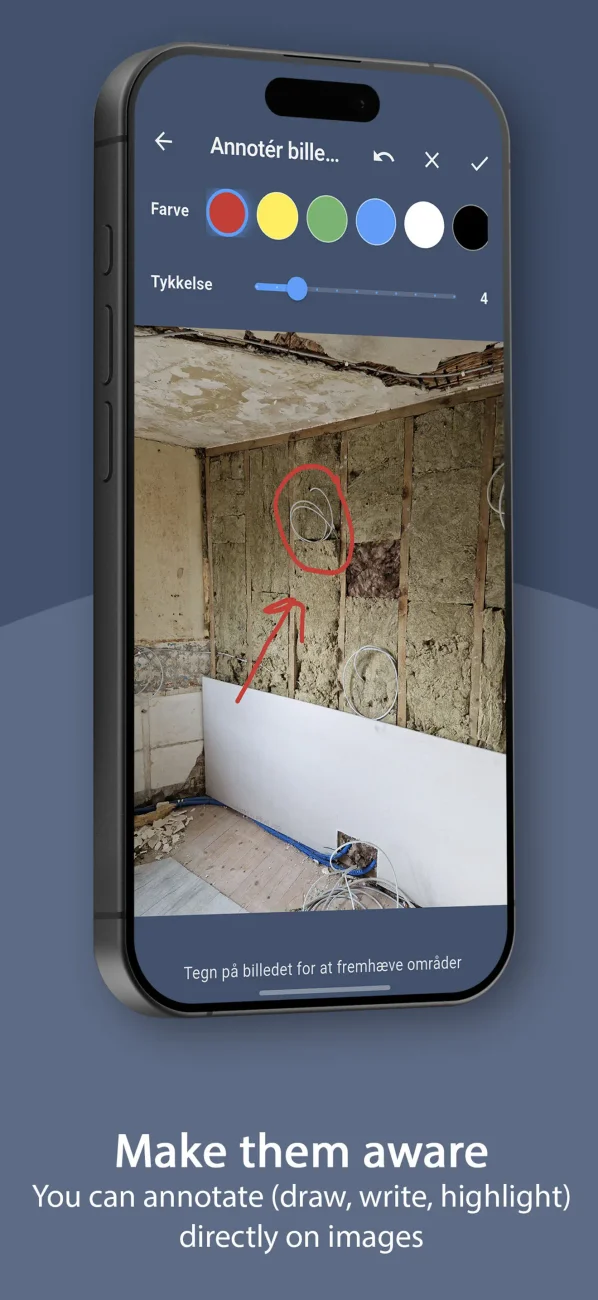
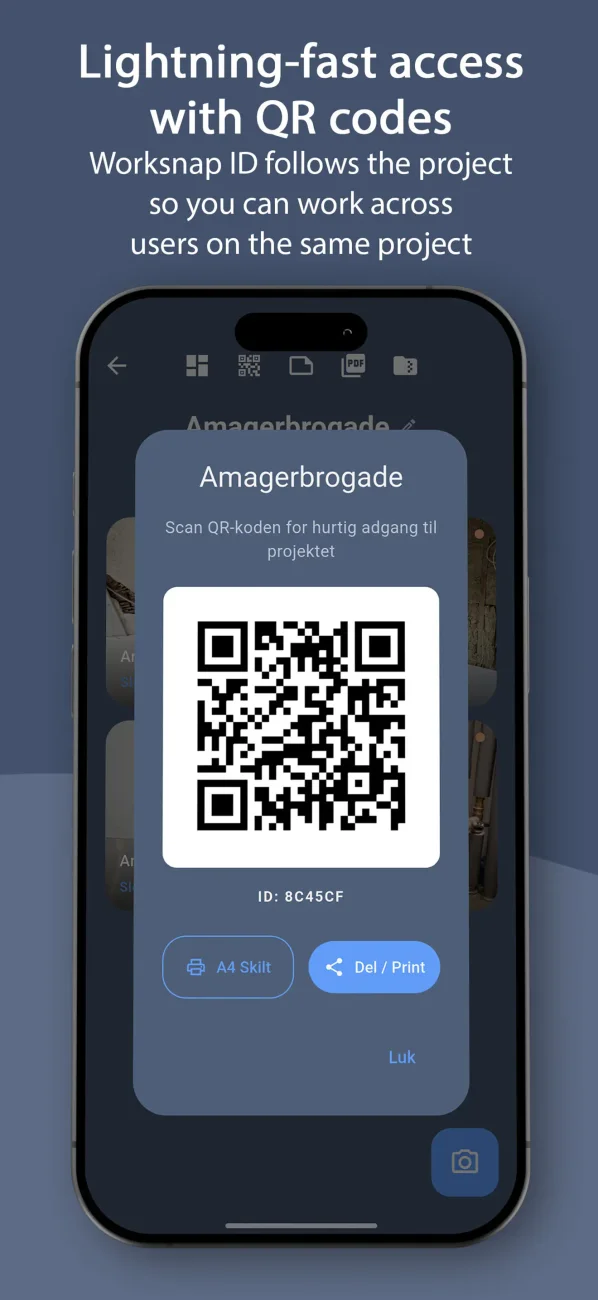
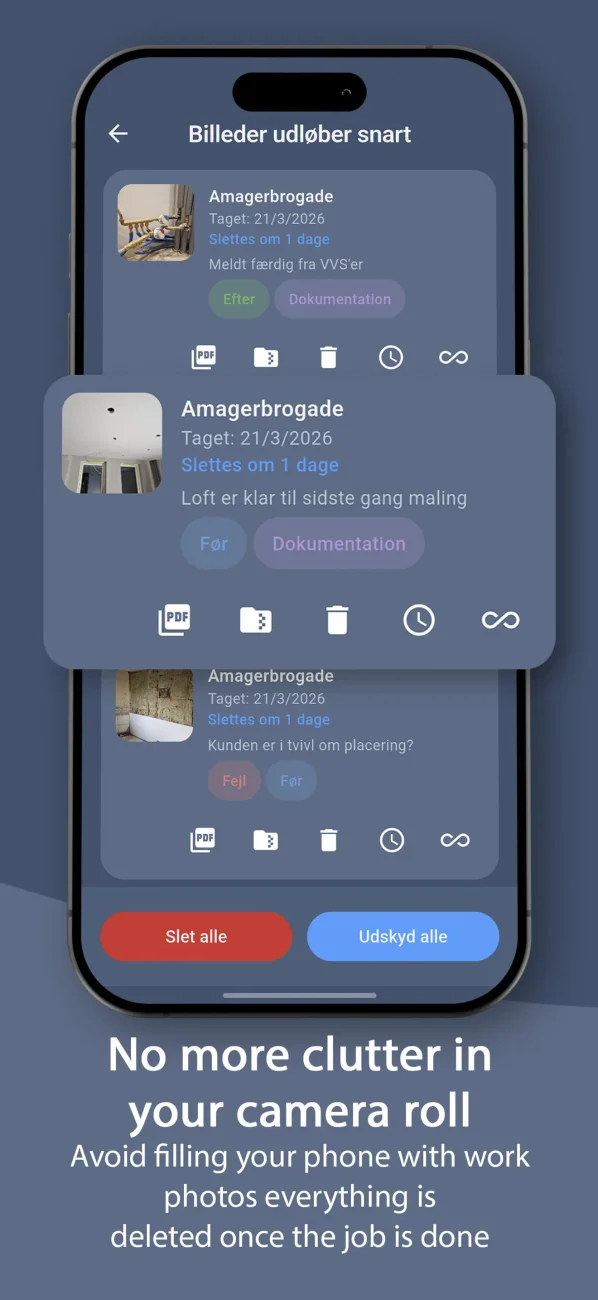
• Capture photos, videos, audio notes, and document scans
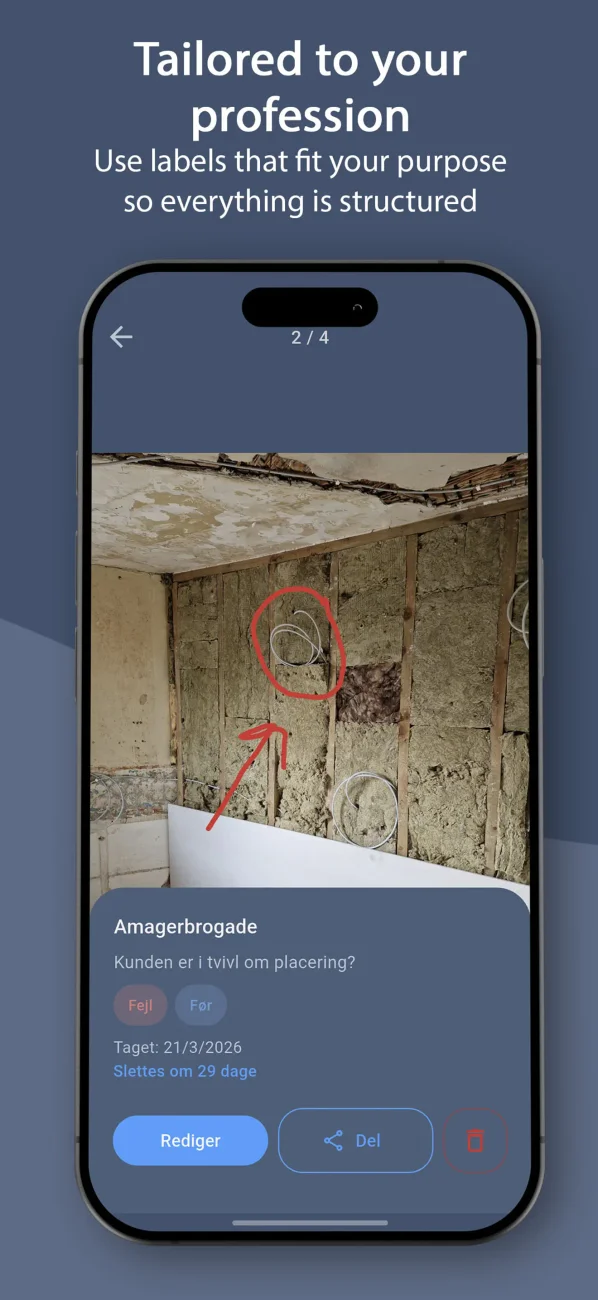
• Add notes, tags, and project notes
• Keep everything connected to the correct project
• Project folders for better structure
• Create and rename folders in each project
• Move photos and scanned documents between folders
• Keep larger jobs clean, searchable, and client-ready
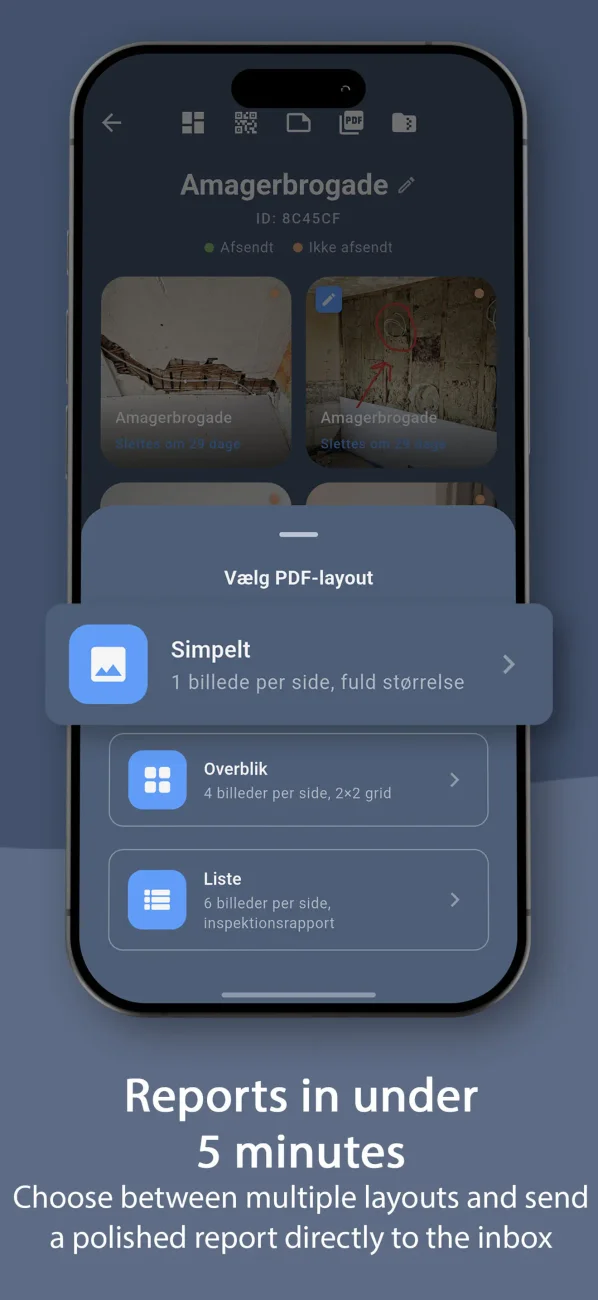
• Professional PDF reports
• Export polished documentation quickly
• Choose between multiple layouts (Simple, Overview, List)
• Share reports instantly with clients and colleagues
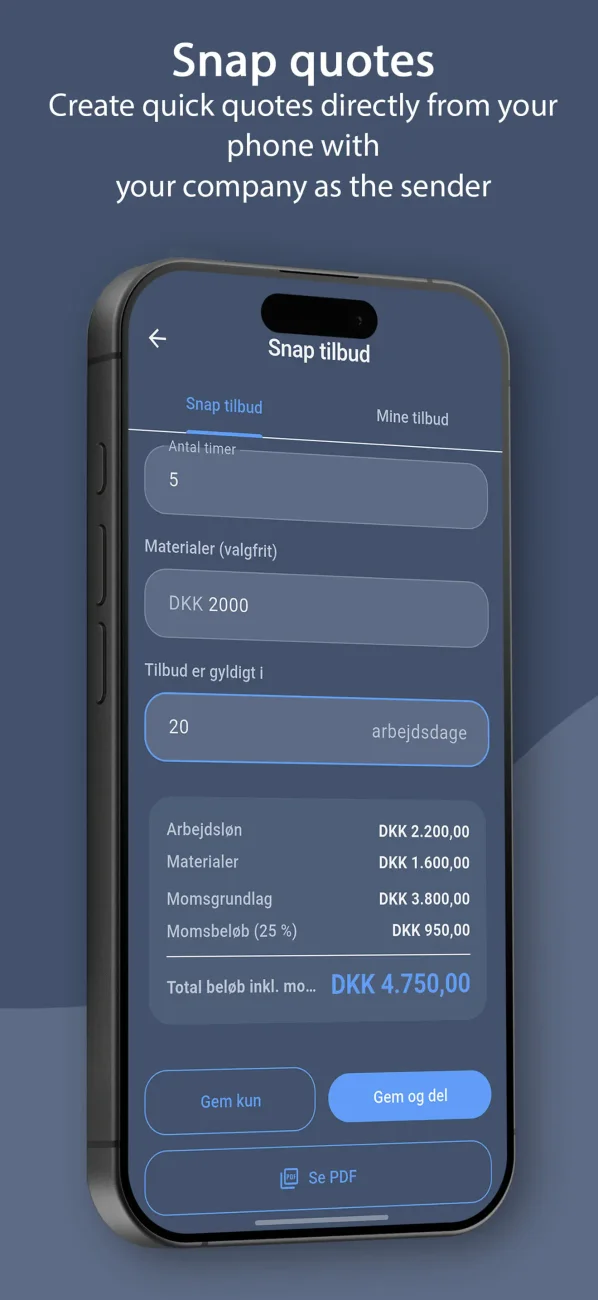
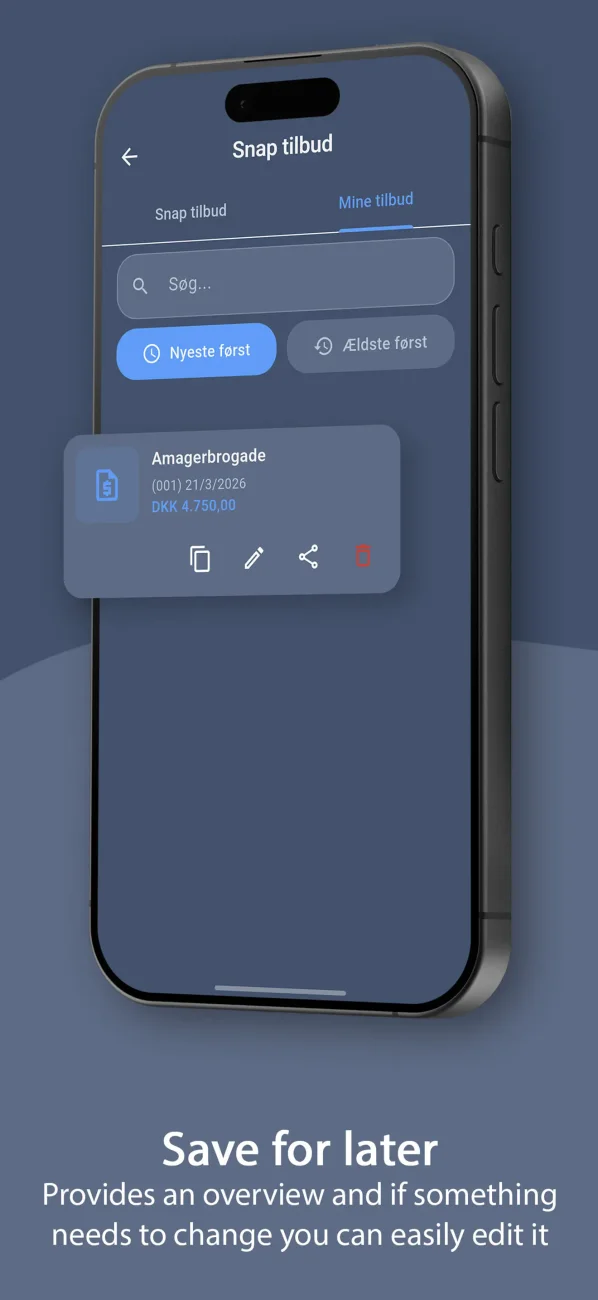
• Built-in quote tool (Snap Quote)
• Create quotes or estimates on site
• Hourly rate or fixed price
• Labor + materials with automatic VAT calculation
• Export and share as PDF in seconds
• Backup and restore
• Export full project backups as one file
• Restore later with folder structure preserved
• Privacy-first
• Data stays local on your device
• No required login
• No forced cloud setup
Free to get started
Worksnap can always be used for free:
• Up to 3 active projects
• Up to 10 items per project
• Limited PDF exports and quotes
Upgrade to Premium or Business for unlimited projects/items, unlimited exports and quotes, plus company branding on reports and quotes.
Used by:
• Carpenter
• Plumber
• Electrician
• Bricklayer
• Painter
• Property services
• Landscaper
• Contractor
• Damage control
• Cleaning
• Sole proprietorships
• Tenants
• Landlords
• Leasing
Download Worksnap today.
EULA: https://www.apple.com/legal/internet-services/itunes/dev/stdeula/
What’s new
Version 1.7.2 · Jul 15, 2026
• Camera now opens directly in the live preview, skipping the extra screen for a faster and more efficient workflow
App privacy
What THYRING declares on the App Store about how this app handles data.
-
Data linked to you
May be collected and linked to your identity.
- Contact info
- Identifiers
- Usage data
-
Data not linked to you
May be collected but is not linked to your identity.
- Purchases
- User content
Privacy practices may vary, for example with the features you use or your age.
Information
- Seller
- THYRING
- Category
- Productivity
- Version
- 1.7.2
- Updated
- Jul 15, 2026
- Released
- Mar 21, 2026
- Size
- 78.6 MB
- Requires
- iOS 15.5 or later
- Age rating
- 4+
- Price
- Free
- In-app purchases
- Yes
- Languages
- English
- Copyright
- © 2026 Worksnap, part of THYRING
You might also like
-
 MobilRapport - PDF dokumenterProductivity
-
 SchadenakteProductivity
-
 Find Diff - Detail ComparisonDiscover the Difference
-
 Construction Log – Pro DokuSite Reports, Defects & PDF
-
 Co-parenting Evidence JournalPrivate records packet
-
 FieldProof: Site ReportsPunch List & Photo Markup
-
 DocuFam: Custody & Event LogTime-stamped custody logs
-
 MorgenKlarKids' plans and packing lists
-
 recordITProductivity
-
 Håndværker.dk PartnerLoginDet perfekte match