
Control - Mac Remote Control
Remotely Control Mac Apps
Designed for iPhone, iPad
Free
- Age rating4+
- CategoryUtilities
- DeveloperRyan Whitney
- LanguagesEnglish
- Size10.2 MB
Links to the official App Store page
Download.org hosts no file of Control - Mac Remote Control. The button opens its official App Store page, published by Ryan Whitney. Listing last checked on Nov 23, 2026.
Screenshots



About
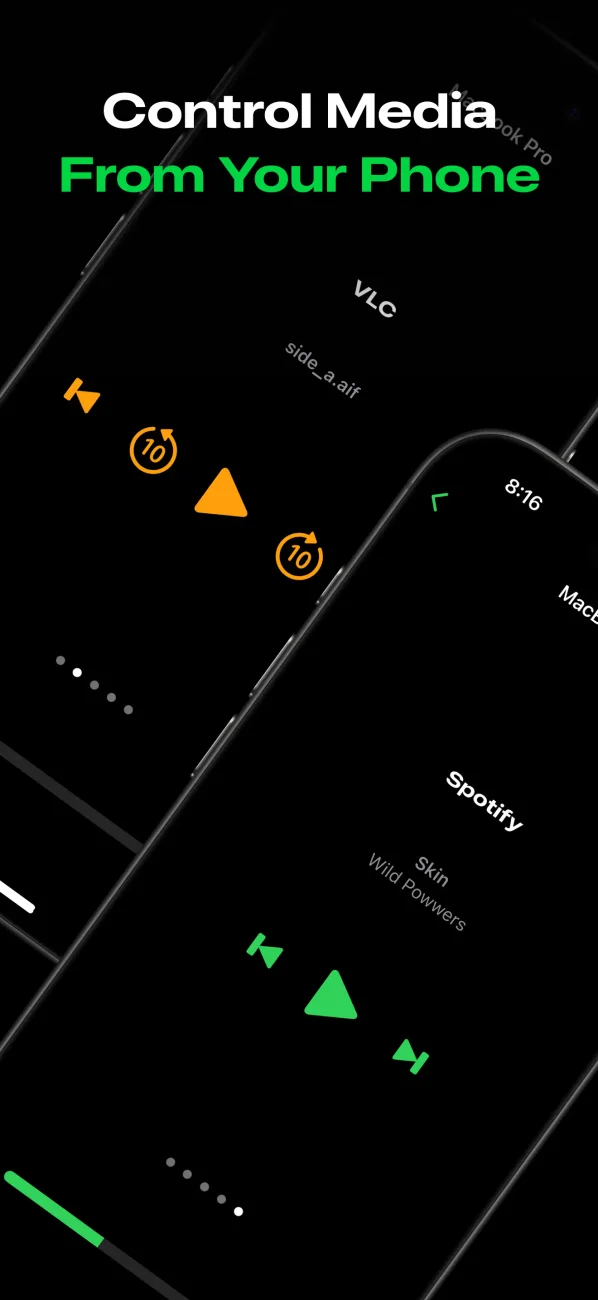
The simplest and fastest way to control media playback, volume, and more on your Mac. Control connects directly over your local network, so you never have to install or run a companion app.
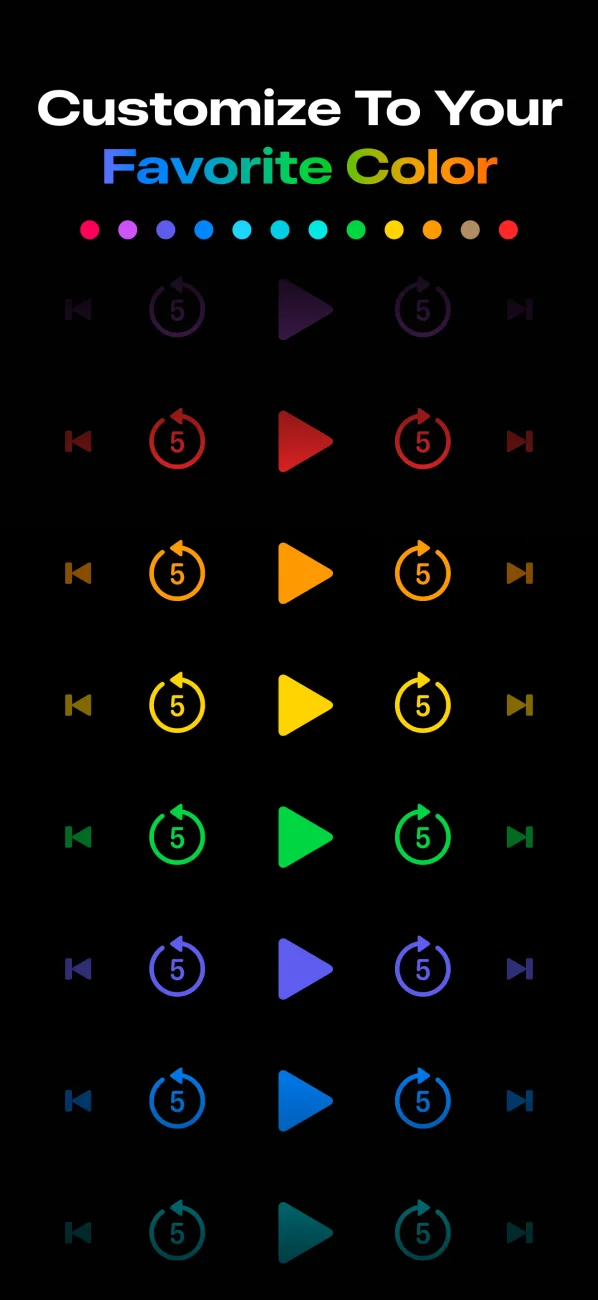
【NEW】Control any app, video, or website with Keyboard controls. Re-arrange your keypad and add the commands (and shortcuts!) that are useful to you.
Additionally, Control always supports system-level volume controls and *direct* playback controls for the following apps:
• TV.app
• Music.app
• QuickTime Player
• VLC
• IINA
• mpv
• Spotify
• Safari (experimental)
No subscriptions, no payments, no ads, no tracking. Control is privacy-first and doesn't collect any data. It connects directly across your local network, so your information never even touches the internet.
Need more Control? Send a request anytime. I'd love to make the app as useful as possible.
Note: Control’s connection to your Mac is managed via built-in macOS permissions. Once accepted, Control will work forever with no additional setup. It requires being on the same network and enabling Remote Access. Some VPN clients may interfere, depending on settings.
Powered by AppleScript.
What’s new
Version 2.2.0 · Nov 22, 2026
• Adds an "Open on launch" setting. Enable on a connection to skip directly to controls when you open the app.
• Open to a saved connection directly from the app's Quick Actions. (Long press the app icon.)
• Adds a new key option in Keyboard controls which opens your device's full keyboard.
• Set custom names and icons for custom Keyboard shortcuts.
• Small fixes and tweaks
App privacy
What Ryan Whitney declares on the App Store about how this app handles data.
-
Data not collected
The developer does not collect any data from this app.
Privacy practices may vary, for example with the features you use or your age.
Information
- Seller
- Ryan Whitney
- Category
- Utilities
- Version
- 2.2.0
- Updated
- Nov 22, 2026
- Released
- Feb 11, 2025
- Size
- 10.2 MB
- Requires
- iOS 17 or later
- Age rating
- 4+
- Price
- Free
- Languages
- English
- Copyright
- © 2026 Ryan Whitney
You might also like
-
 CM - RemoteRemote for your computer
-
 FullControl: Remote for MacRemote for Mac
-
 Rimote: Mac Remote ControlControl a Mac From Your Phone
-
 Scan to PDF & Text OCRSeamless Scanning on-the-Go!
-
 Remote Buddy Mobile 2Remote/mouse/keyboard for Mac
-
 NetWizard: Scan & AnalyzeNetwork Analysis Tool
-
 AI Translator : Text and VoiceTranslate Any Language,Anytime
-
 SubverterConvert subtitles in seconds
-
 File Converter: PDF Video MP3Convert Photos to PDF & JPG
-
 Bluetooth Microphone: EasyMicVoice Changer & Audio Recorder