
- Age rating4+
- CategoryUtilities
- DeveloperFarhaj Shahid
- LanguagesEnglish
- Size769.0 KB
Links to the official App Store page
Download.org hosts no file of Rimote: Mac Remote Control. The button opens its official App Store page, published by Farhaj Shahid. Listing last checked on Nov 27, 2026.
Screenshots
About
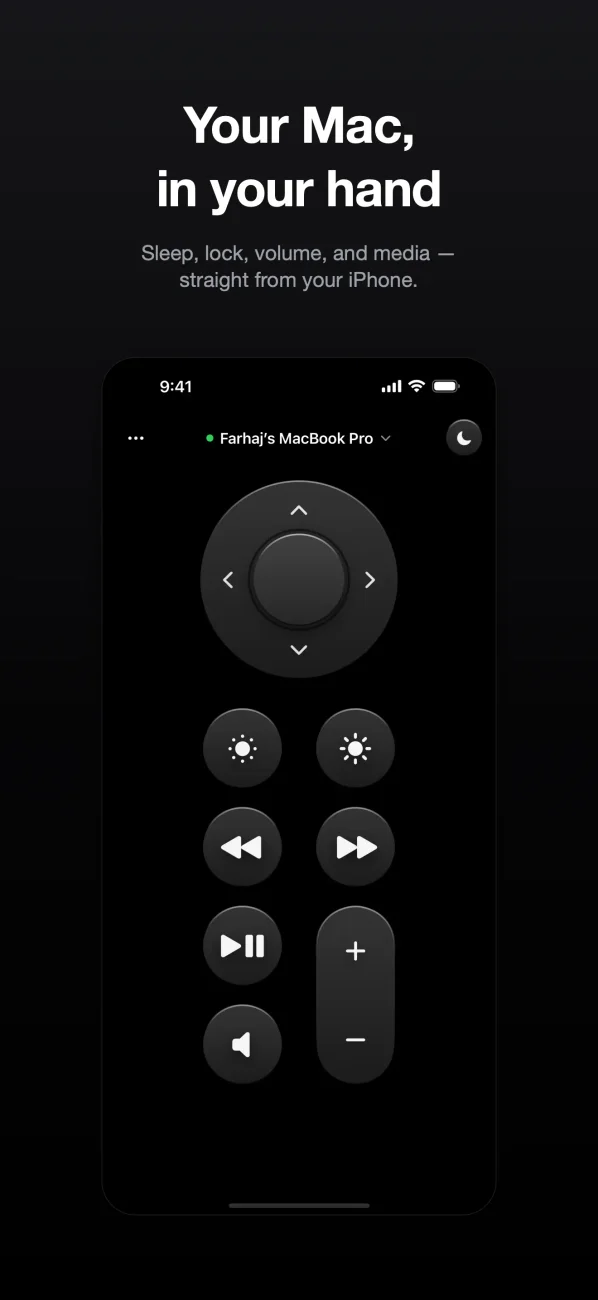
Rimote turns your iPhone into a beautifully simple remote for your Mac. Sleep it, lock it, control volume and playback, and click through slides, all from across the room.
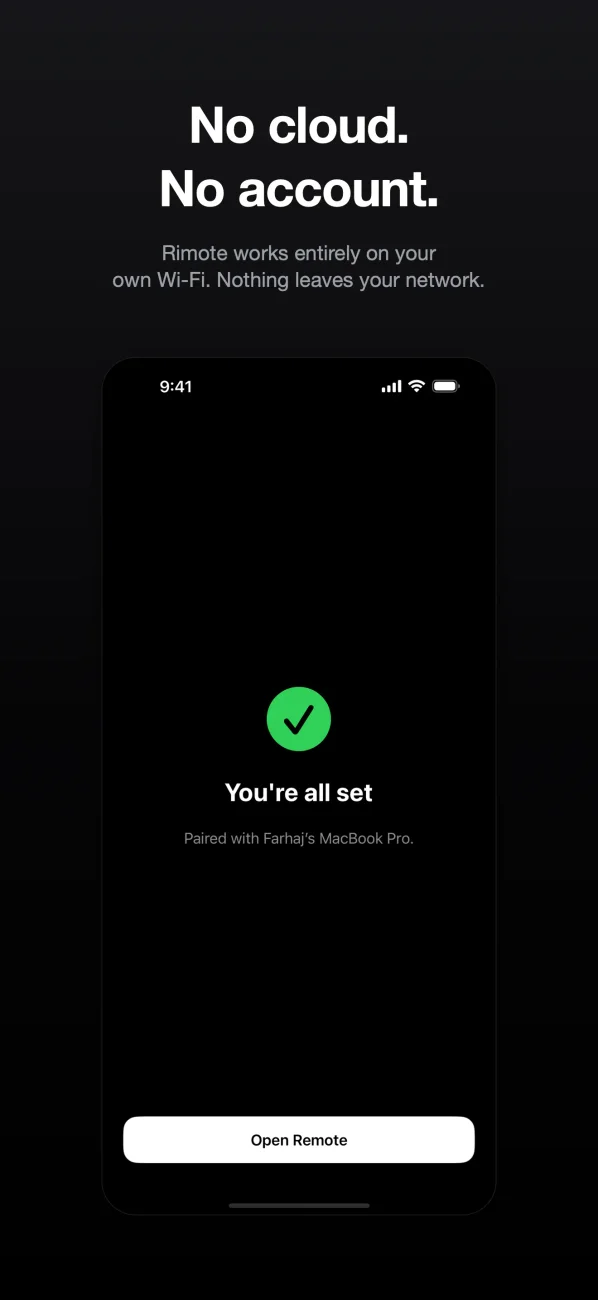
No cloud. No account. No setup headache. Rimote talks to your Mac directly over your own Wi-Fi network, so your commands never leave home.
CONTROL YOUR MAC
• Sleep or lock the screen with one tap
• Volume up, down, and mute
• Play / pause, next, and previous track
• Screen brightness up and down
• Arrow keys and select: perfect for Presentations
• Enter / Return: approve AI agent workflows without walking back to your desk
• Restart or shut down (with confirmation)
DESIGNED TO DISAPPEAR
A pure-black, single-screen remote with big, tactile controls. No clutter, no menus to learn. Open it and it just works.
PAIR IN UNDER A MINUTE
1. Install the free Rimote companion app on your Mac (rimote.app/download).
2. Open Rimote on your iPhone and pick your Mac.
3. Enter the 4-digit code shown on your Mac. Done.
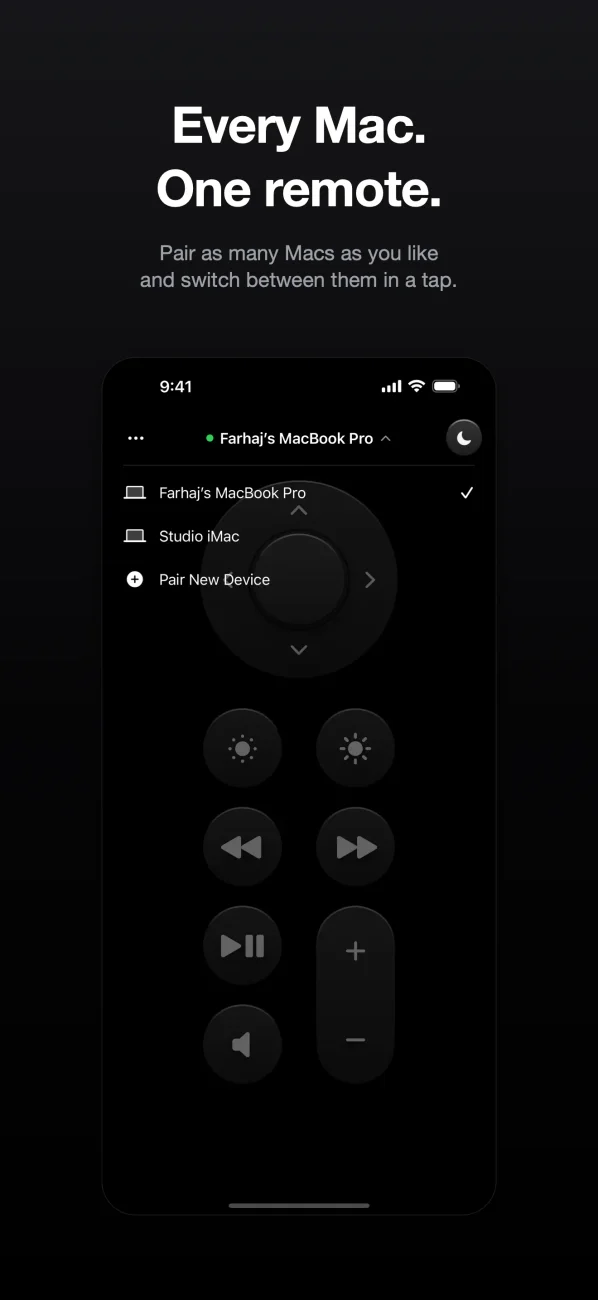
Pair as many Macs as you like and switch between them in a tap.
PRIVATE BY DESIGN
Rimote works entirely on your local Wi-Fi network. There are no accounts, no servers, no analytics, and nothing is ever sent to the internet. Each connection is secured with a unique key that only your paired devices know.
REQUIREMENTS
• A Mac running macOS 13 or later, with the free Rimote companion app installed.
• Both devices on the same Wi-Fi network.
Note: Some workplace and campus networks block device-to-device connections. If your Mac doesn't appear, you can connect by typing its IP address, or use a personal hotspot.
What’s new
Version 1.0.1 · Jul 20, 2026
Bug fixes and performance improvements.
App privacy
What Farhaj Shahid declares on the App Store about how this app handles data.
-
Data not collected
The developer does not collect any data from this app.
Privacy practices may vary, for example with the features you use or your age.
Information
- Seller
- Farhaj Shahid
- Category
- Utilities
- Version
- 1.0.1
- Updated
- Jul 20, 2026
- Released
- Jul 17, 2026
- Size
- 769.0 KB
- Requires
- iOS 16.0 or later
- Age rating
- 4+
- Price
- Free
- Languages
- English
- Copyright
- © 2026 Farhaj Shahid
You might also like
-
 Control - Mac Remote ControlRemotely Control Mac Apps
-
 Airnest: Remote for MacControl Trackpad & Keyboard
-
 Total Remote ControlTouch control for your Mac
-
 Remote Mouse for MacWireless trackpad for your Mac
-
 What Monitor Size?AR monitor & TV size planner
-
 MacReach - Remote ControlControl Your Mac from iPhone
-
 Control Pro – Desktop RemoteTrackpad, keyboard & mirror
-
 ZumilistQuick Lists No Ads
-
 Daymark – Days that matterCountdown & Days Since
-
 Fire Remote - Smart TV ControlRemote, Keyboard & Apps