Control OBS
Feature rich OBS Controller
Designed for iPhone, iPad, iPod touch
Free
- Age rating4+
- CategoryUtilities
- DeveloperAntiScuff
- LanguagesEnglish
- Size36.5 MB
Links to the official App Store page
Download.org hosts no file of Control OBS. The button opens its official App Store page, published by AntiScuff. Listing last checked on Nov 17, 2026.
Screenshots

About
Control OBS is the most complete OBS remote control app for iPhone. Created for IRL streamers first, but can be used by anyone!
Whether you're a solo streamer, live event producer, or content creator, take full control of your OBS setup from anywhere in the world.
--- SCENE CONTROL ---
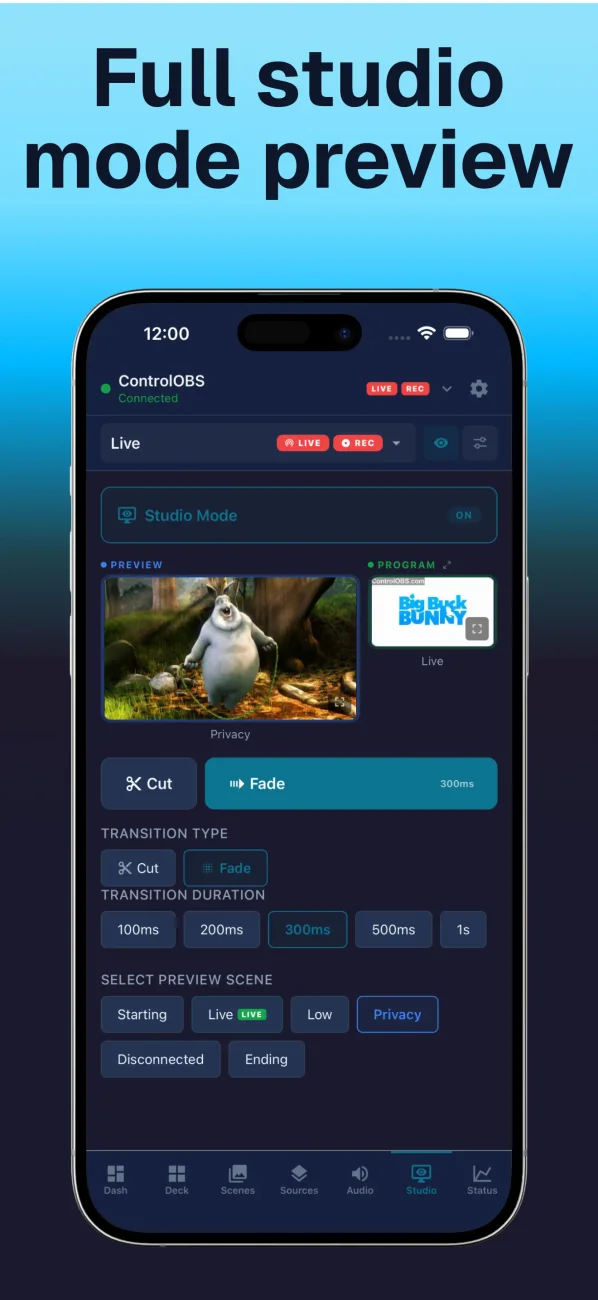
Switch scenes instantly with a single tap. Live scene previews let you see exactly what you're cutting to before you cut. Studio Mode is fully supported - preview and program views, scene transitions, and transition duration control all at your fingertips.
--- AUDIO MIXING ---
See every audio input in real time with live volume meters. Mute and unmute individual sources, or use Smart Mute All to silence everything in one tap and restore each source exactly as it was when you're ready. Filter inputs by scene so you only see what's relevant to your current setup.
--- STREAM & RECORDING ---
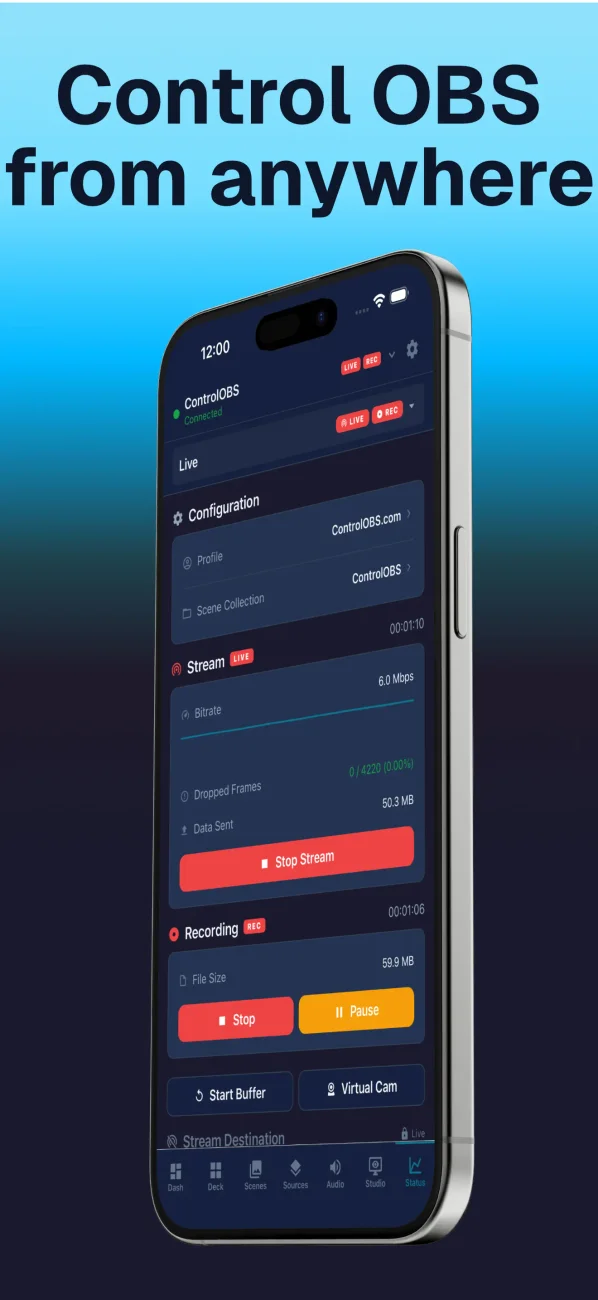
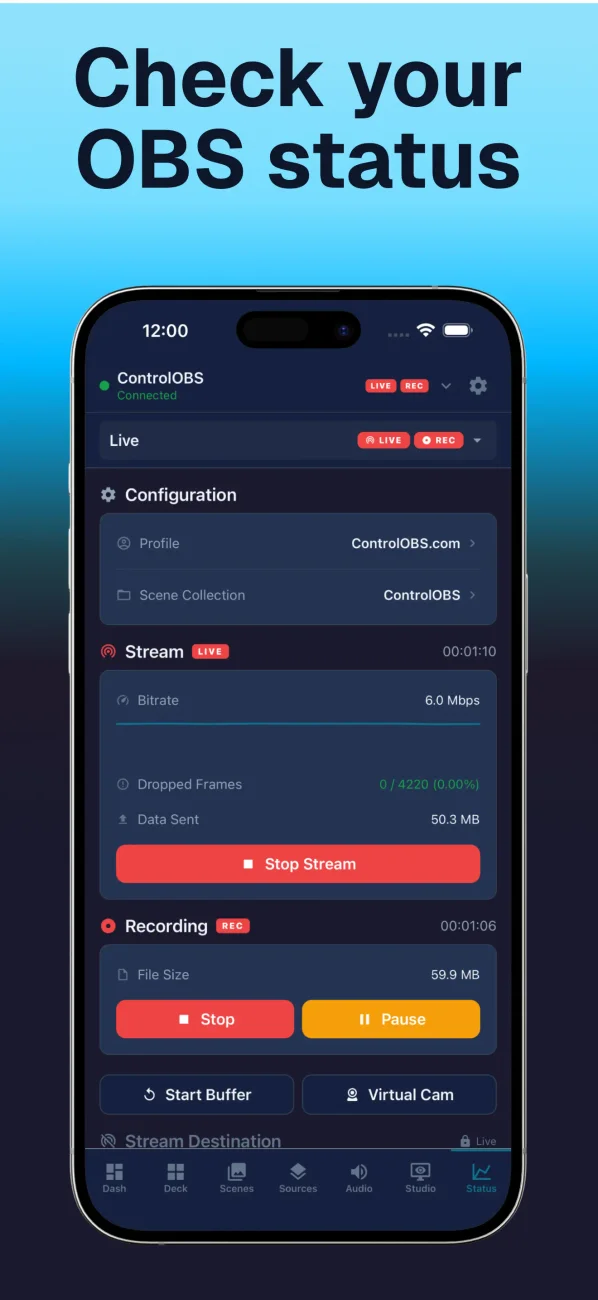
Start and stop your stream with a confirmation prompt so you never go live by accident. Monitor live bitrate, dropped frames, and data sent in real time. Recording controls include start, stop, and pause. Set recording to start automatically when your stream goes live, and stop when it ends - or override it per session with a single tap.
--- ACTION DECK ---
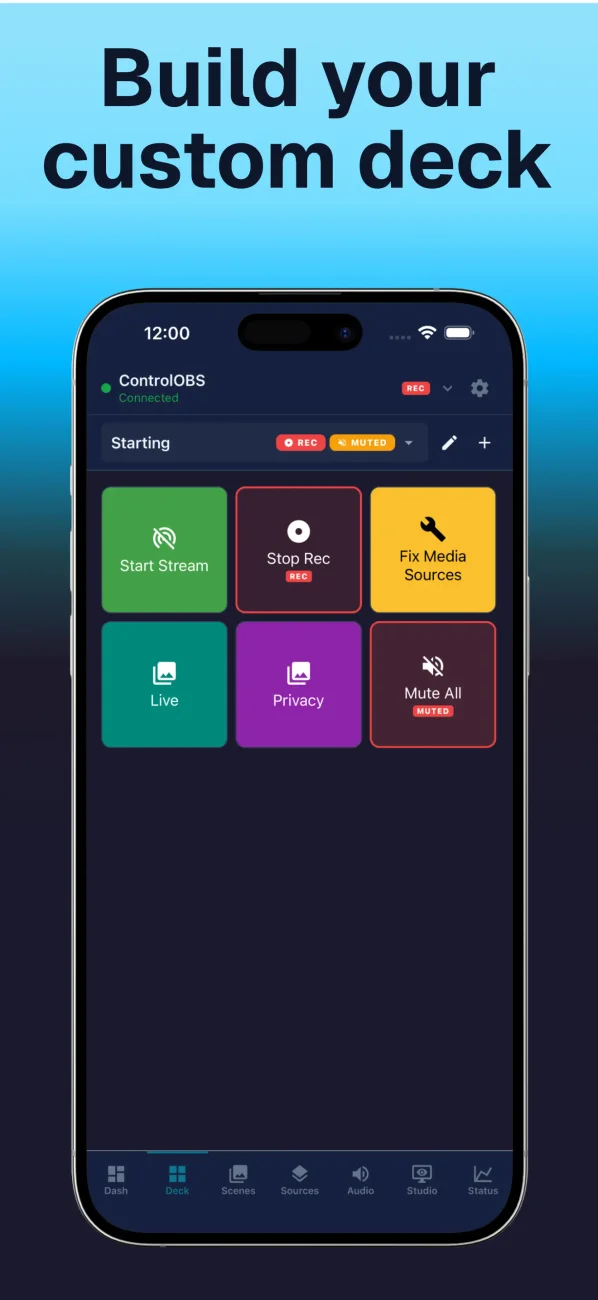
Build a fully customisable button deck for your most-used OBS actions. Fix broken media sources, toggle scene items, mute sources, switch scenes, start or stop your stream, save a replay clip, toggle Virtual Camera, and more. Assign custom colours, icons, and labels to make your deck your own.
--- PERFORMANCE MONITORING ---
A live stats dashboard shows CPU usage, memory, render lag, encoder lag, dropped frames, and stream bitrate with a quick graph. Know exactly how your system is performing without switching away from your broadcast.
--- SOURCES & FILTERS ---
Browse every source in your scenes, toggle visibility, and manage filters directly from your phone. Source renames in OBS are reflected in the app instantly.
--- VIRTUAL CAM & REPLAY BUFFER ---
Toggle Virtual Camera on and off and save replay clips to disk with a single tap - perfect for highlight capture mid-stream.
--- CONNECTION OPTIONS ---
Connect directly over your local network with automatic OBS discovery - just scan a QR code from OBS WebSocket settings or let the app find OBS for you. For remote access away from home, connect via a proxy URL from anywhere in the world.
--- DESIGNED FOR STREAMERS ---
Dark and light mode. Customisable tab order. Haptic feedback. Keep-screen-awake mode so your phone stays on during a broadcast. Session history to review past streams and recordings.
Control OBS connects using the OBS WebSocket plugin, included with OBS Studio 28 and later. No additional software required.
Disclaimer: This app is not affiliated with Open Broadcaster Software (OBS). Control OBS is an independent app for controlling OBS.
What’s new
Version 0.1.2 · Jul 13, 2026
This update fixes three bugs:
• Unhiding a section on the Dashboard could make it disappear entirely
• The app could crash when connecting with an invalid address or bridge URL
• A rare crash in the live preview
App privacy
What AntiScuff declares on the App Store about how this app handles data.
-
Data not collected
The developer does not collect any data from this app.
Privacy practices may vary, for example with the features you use or your age.
Information
- Seller
- AntiScuff Ltd
- Category
- Utilities
- Version
- 0.1.2
- Updated
- Jul 13, 2026
- Released
- Apr 13, 2026
- Size
- 36.5 MB
- Requires
- iOS 15.1 or later
- Age rating
- 4+
- Price
- Free
- Languages
- English
- Copyright
- © AntiScuff Ltd
You might also like
-
 OBS Remote - Stream ControlControl OBS From Your Phone
-
 Webcam & OBS Studio: NDIWireless 4K Video Camera
-
 pocketChatDein Stream. In deiner Tasche.
-
 NDI HX Camera - Stream CaptureNDI Streaming Capture
-
 HDMIDisplay for your device
-
 HDMI Monitor - Video CaptureWired Display for Duet Use
-
 BDFD - Bot DesignerCreate own bots, no coding!
-
 Camo CameraWebcam for Mac and PC
-
 Ulanzi CreatorUlanzi smart control
-
 Wolow - Wake on LANWake your computer up