Webcam & OBS Studio: NDI
Wireless 4K Video Camera
Designed for iPhone, Mac
Free · In-app purchases
- Age rating4+
- CategoryUtilities
- DeveloperDriving Theory Test LLC
- LanguagesEnglish+ 7 more
- Size13.4 MB
Links to the official App Store page
Download.org hosts no file of Webcam & OBS Studio: NDI. The button opens its official App Store page, published by Driving Theory Test LLC. Listing last checked on Nov 24, 2026.
Screenshots
About
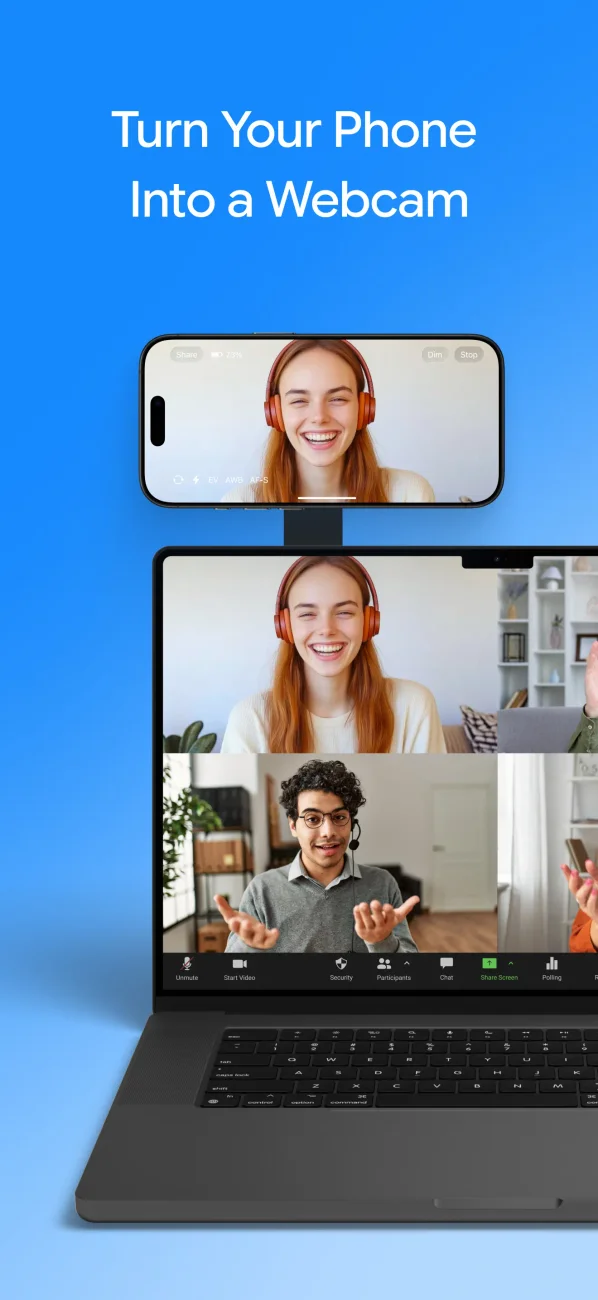
Turn your iPhone into a high-end, professional 4K wireless webcam and broadcasting tool.
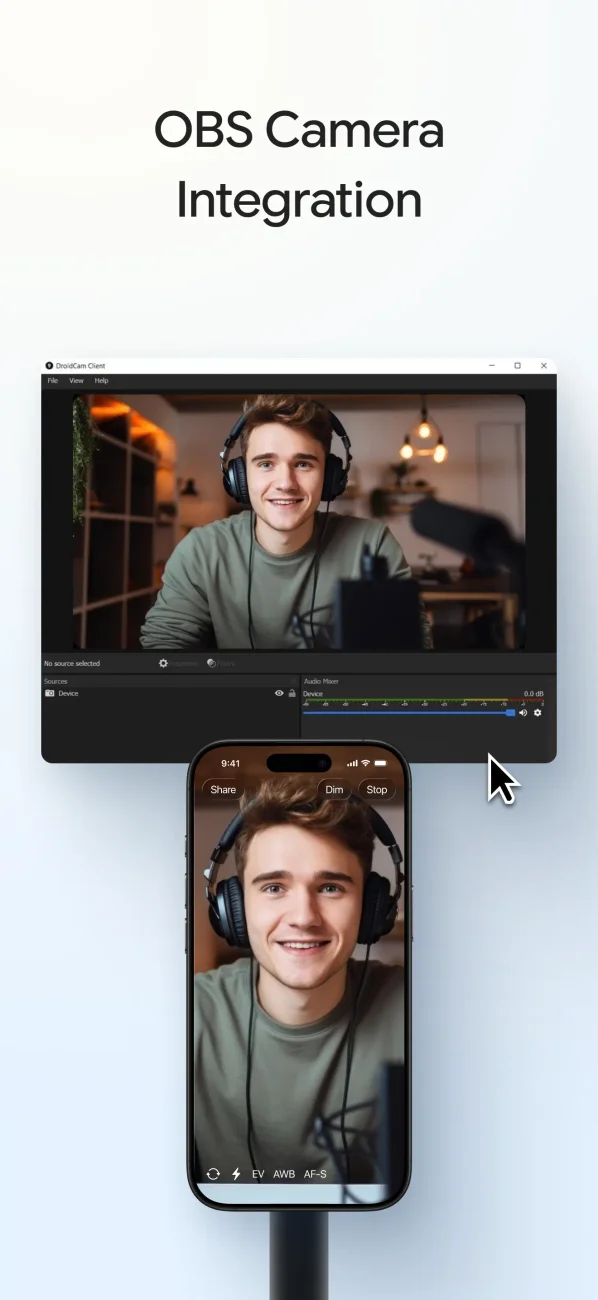
Why buy an expensive webcam when you already carry an incredible camera in your pocket? With Webcam & OBS Studio: NDI, you can seamlessly stream crystal-clear, low-latency video and audio from your iPhone directly to your Mac or Windows PC over Wi-Fi or USB.
Perfect for content creators, streamers, remote professionals, and educators who need top-tier video quality for live streaming, virtual meetings, and video productions.
POWERED BY PRO-GRADE NDI® TECHNOLOGY
Leverage the power of NDI® (Network Device Interface) to transmit high-definition, broadcast-quality video over your local network. Instantly connect your phone as a high-performing video source without worrying about messy, tangled cables.
ULTIMATE OBS STUDIO INTEGRATION
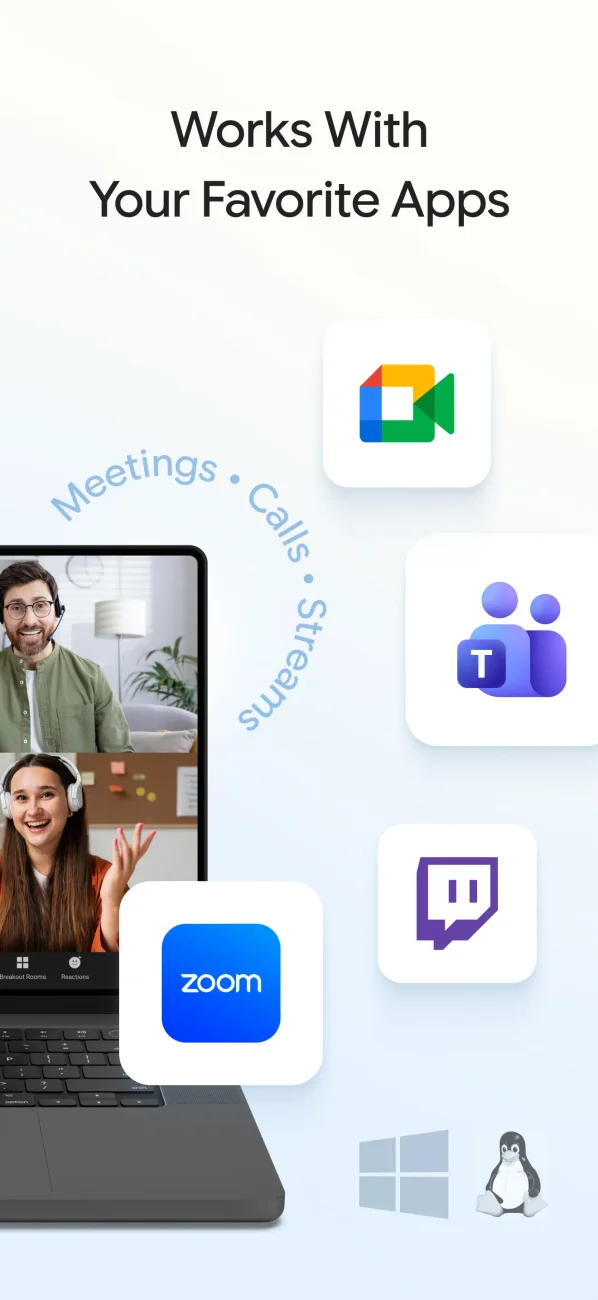
Upgrade your live production setup. Effortlessly pull your iPhone’s camera feed directly into OBS Studio, Streamlabs, vMix, or any hardware/software switcher. Use your phone as a dynamic multi-cam angle, a roaming field camera, or a high-res main facecam.
TRANSFORMS INTO A WIRELESS PC / MAC WEBCAM
Say goodbye to grainy laptop cameras. Upgrade your presence on major video calling and meeting platforms. Deliver a flawless, sharp look for business calls, virtual interviews, and remote collaboration.
KEY FEATURES:
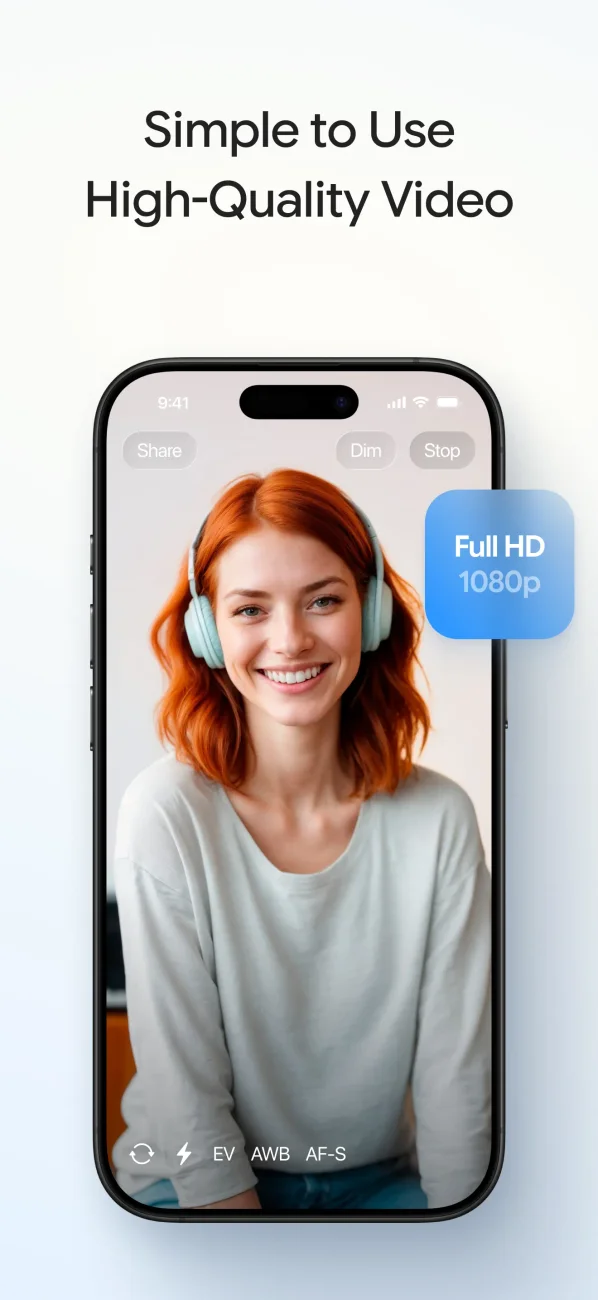
- 4K Ultra HD & 1080p Support: Stream in stunning resolutions with options tailored to your network bandwidth.
- Ultra-Low Latency: Optimized for real-time synchronization between your video, audio, and desktop.
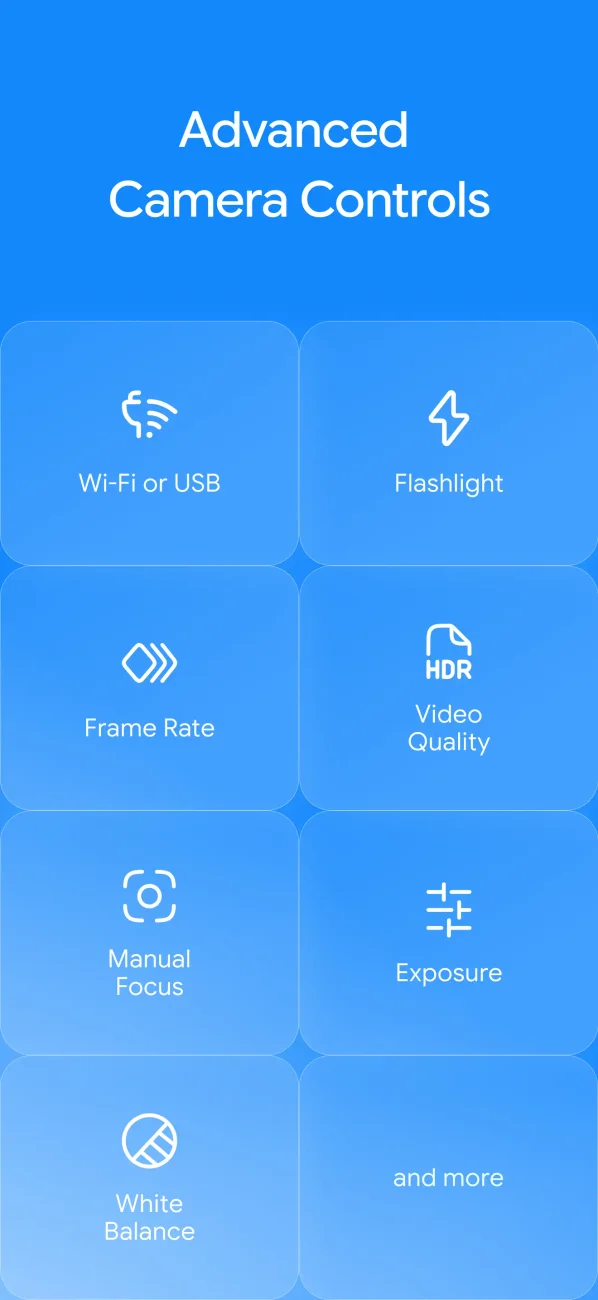
- Dual Connection Modes: Stream completely wireless over Wi-Fi or plug in via USB for rock-solid stability.
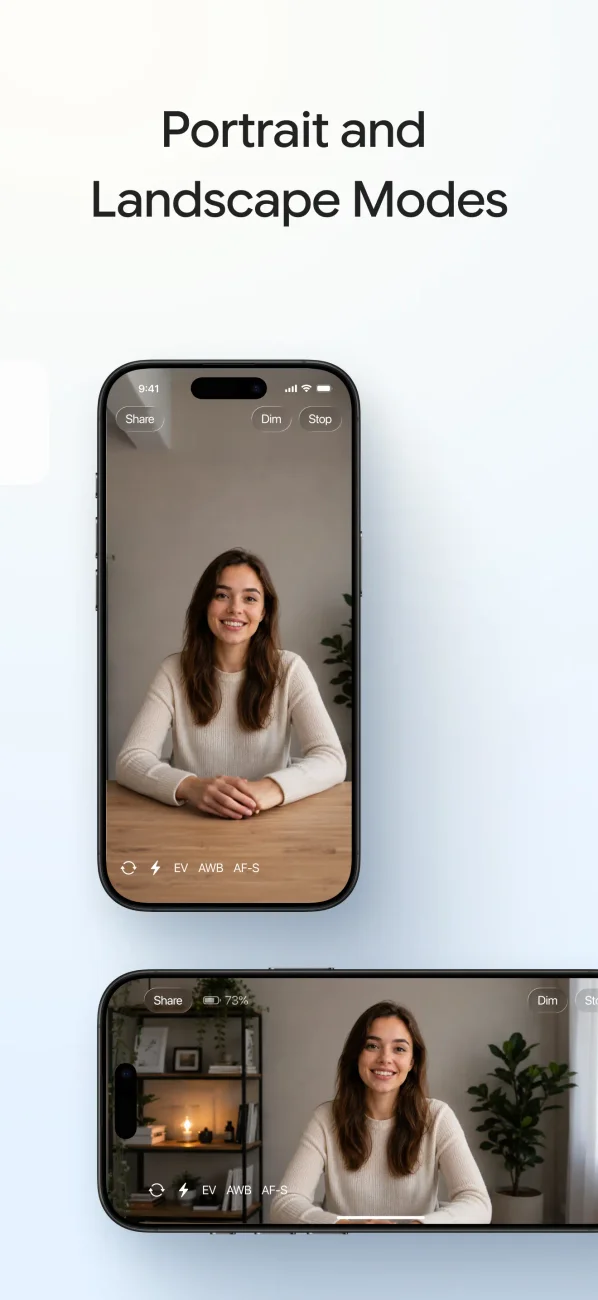
- Pro Camera Controls: Take command of your shot with manual focus, exposure lock, white balance, zoom, and switching between front and rear lenses.
- Crystal Clear Audio: Stream high-quality audio from your iPhone’s built-in or external microphone alongside your video.
- Battery-Saving Mode: Keeps your phone running cool during long live streams or extended corporate meetings.
HOW IT WORKS:
1. Connect your iPhone and your computer (Mac or PC) to the same Wi-Fi network.
2. Open Webcam & OBS Studio: NDI on your iPhone to start broadcasting the signal.
3. Select your iPhone as an NDI source or virtual webcam in OBS, your browser, or your preferred video calling app on your computer. Enjoy your new 4K stream!
PREMIUM SUBSCRIPTION & LIFETIME ACCESS
To provide ongoing firmware compatibility and premium cloud features, Webcam & OBS Studio requires a Premium Subscription or a Lifetime Purchase.
Note: You must have an active Premium Subscription or a Lifetime license to connect your phone camera and manage view the feed through the laptop app.
Privacy Policy: https://droidscam.com/privacy
Terms: https://droidscam.com/terms
What’s new
Version 1.0.3 · Aug 4, 2026
+ Fixed the bug reported by our users
App privacy
What Driving Theory Test LLC declares on the App Store about how this app handles data.
-
Data used to track you
May be used to track you across apps and websites owned by other companies.
- Identifiers
-
Data linked to you
May be collected and linked to your identity.
- Purchases
- Identifiers
Privacy practices may vary, for example with the features you use or your age.
Information
- Seller
- Driving Theory Test LLC
- Category
- Utilities
- Version
- 1.0.3
- Updated
- Aug 4, 2026
- Released
- Jul 13, 2026
- Size
- 13.4 MB
- Requires
- iOS 26.0 or later
- Age rating
- 4+
- Price
- Free
- In-app purchases
- Yes
- Languages
- English, French, German, Indonesian, Polish, Portuguese, Spanish, Turkish
- Copyright
- © Webcam & OBS Studio
You might also like
-
 Webcam for OBS – HD StreamingYour Phone as a Studio Camera
-
 Control OBSFeature rich OBS Controller
-
 NDI HX Camera - Stream CaptureNDI Streaming Capture
-
 TVU Go - Live Streaming appIRL Streaming
-
 OBS BladeOBS remote for your stream
-
 DroidCam Webcam & OBS CameraUse your phone as a PC Webcam.
-
 Camo CameraWebcam for Mac and PC
-
 OBS Remote - Stream ControlControl OBS From Your Phone
-
 EMEET STUDIOUtilities
-
 USB CAMUtilities