
- Age rating4+
- CategoryProductivity
- DeveloperChang Chin-Ming
- LanguagesEnglish+ 3 more
- Size6.5 MB
Links to the official App Store page
Download.org hosts no file of Ctrl+C:Easily record your copy. The button opens its official App Store page, published by Chang Chin-Ming. Listing last checked on Nov 12, 2026.
Screenshots
About
Important! Starting with iOS 18, Today Extensions are no longer supported. Please use the Shortcut as an alternative.
Shortcut: https://www.icloud.com/shortcuts/4f78c36a43c042fe926a3ff537c8dc33
Tutorial video: https://www.youtube.com/shorts/UWFlRxBYnsI
Ctrl+C like a clipboard in widget and you can copy words automatically in it.
It's a useful, simple and quick tool. Help you to copy and edit words.
All you need to do is copy words and pull down Notification Center, then Ctrl+C in widget will record these contents automatically.
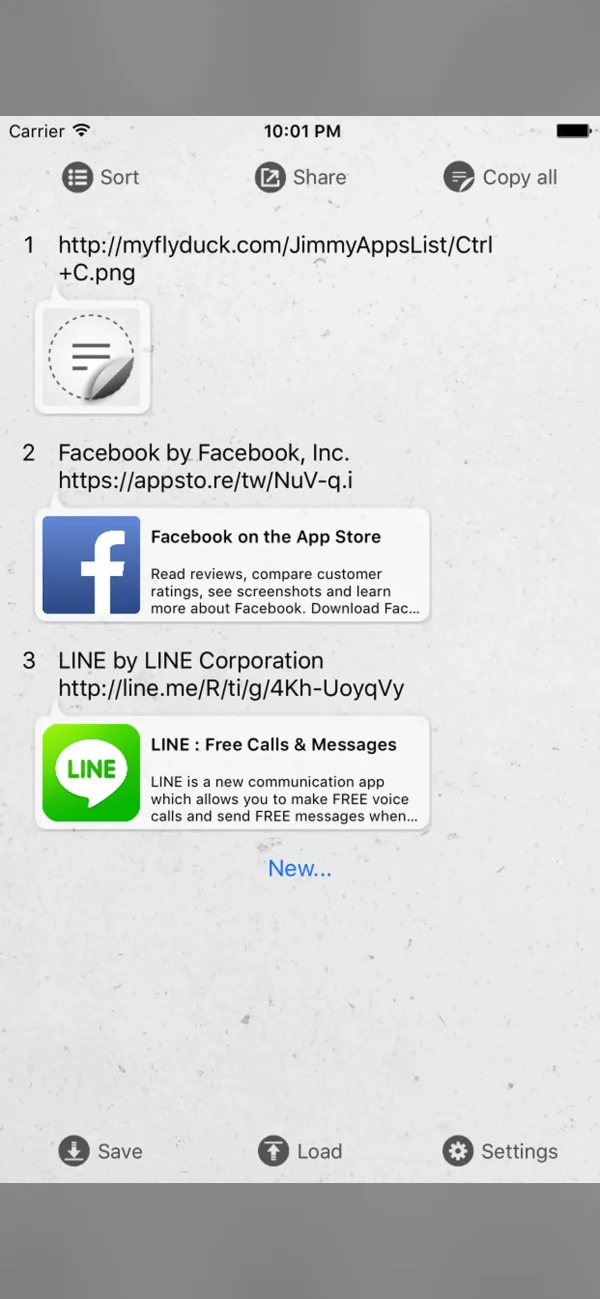
"Copy all" function can combine all contents to one content and copy it. You can paste it to every platforms you want to share.
◎ Support iOS 8 widget to record the text that you copied from other place
When you copied a text from other place and scroll down Notification Center, the text will be appeared in widget and you can press + button to record it.
◎ Keep and list multi texts
Can record up to 10 texts, and support text editing, sorting or deleted.
◎ A key to copy all the text merge
Just one button, combine all texts listed in app for easy sharing and pasting anywhere.
◎ Save and load archive
Support save the texts to archive, you can save 10 texts in one archive, and the number of archive is unlimited.
◎ Edit text through gestures
1. Single press: Copy text
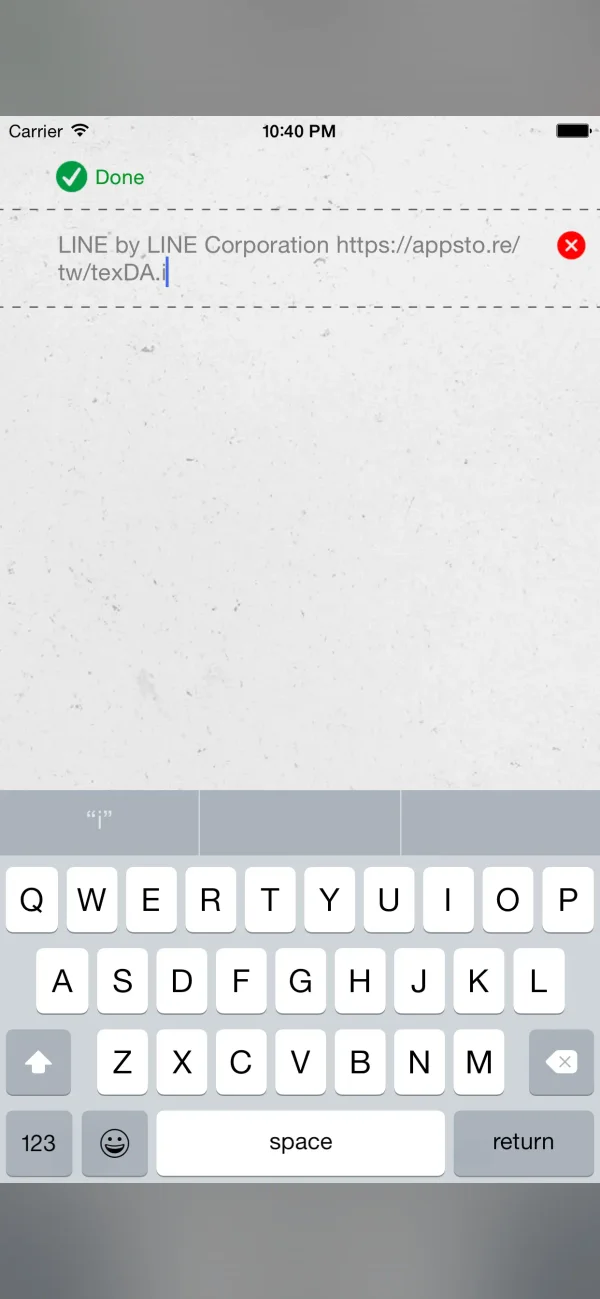
2. Long press: Edit text
3. Left slide: Delete text
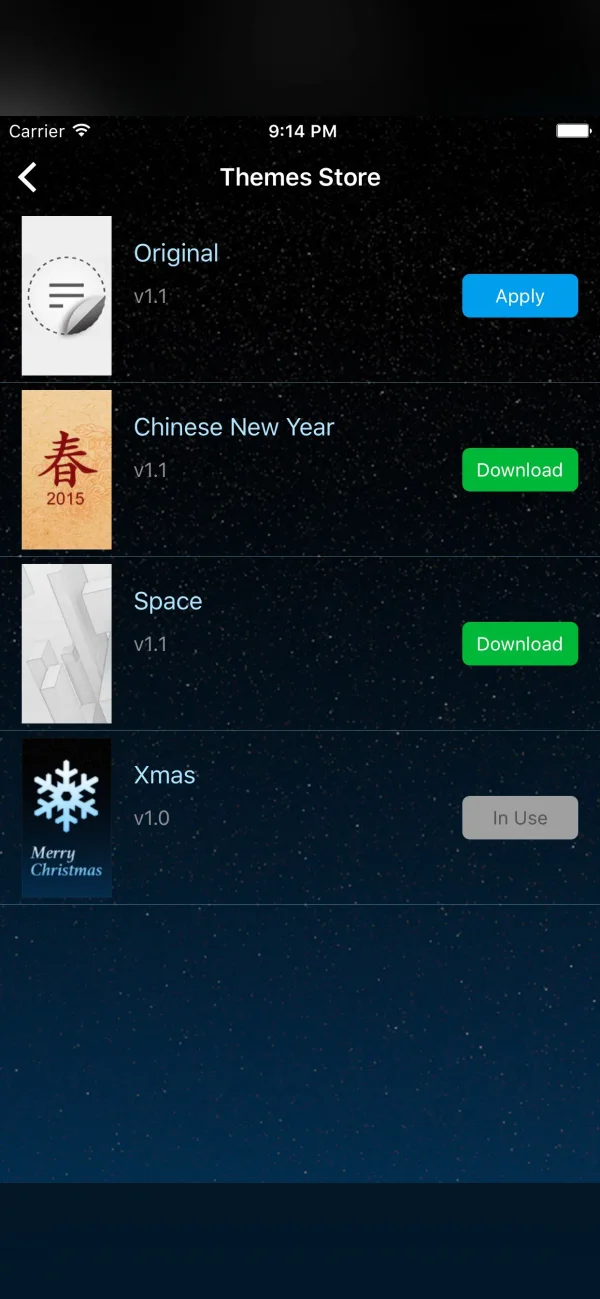
◎ New user interface and themes
Now,you can change other themes anytime.
What’s new
Version 2.1.0 · Oct 23, 2026
Supports iPhone Duo interface
App privacy
What Chang Chin-Ming declares on the App Store about how this app handles data.
-
Data not collected
The developer does not collect any data from this app.
Privacy practices may vary, for example with the features you use or your age.
Information
- Seller
- Chang Chin-Ming
- Category
- Productivity
- Version
- 2.1.0
- Updated
- Oct 23, 2026
- Released
- Dec 30, 2014
- Size
- 6.5 MB
- Requires
- iOS 17.0 or later
- Age rating
- 4+
- Price
- Free
- In-app purchases
- Yes
- Languages
- English, Japanese, Simplified Chinese, Traditional Chinese
- Copyright
- © Chin-Ming, Chang
You might also like
-
 Copy-itCopy phrases with one tap
-
 CopyPaste - Paste Quickly NowCopy and paste quickly!
-
 Copy & Paste - Clipboard AppHashtag Password Copy Paste
-
 Copy 'Em + Paste KeyboardCopy. Paste. Organize. Sync.
-
 Copy BetterAn extended clipboard
-
 QuickPaste - Clipboard ManagerCopy,Paste with Smart Keyboard
-
 Clipboard - Paste KeyboardAuto Copy and Paste Keyboard
-
 Copy Text On ScreenScreen Text Copy, OCR
-
 Paste – Limitless ClipboardCopy, Search, Manage, Share
-
 ClipboardYour awaited Clipboard is here