Cut List Optimizer & Planner
Plywood sheet layout at saw
Designed for iPhone
Free · In-app purchases
- Age rating4+
- CategoryUtilities
- DeveloperYaniv van der Stigchel
- LanguagesEnglish+ 4 more
- Size6.8 MB
Links to the official App Store page
Download.org hosts no file of Cut List Optimizer & Planner. The button opens its official App Store page, published by Yaniv van der Stigchel. Listing last checked on Nov 13, 2026.
Screenshots

About
A full sheet of plywood costs real money. This tells you how to cut it before you waste any.
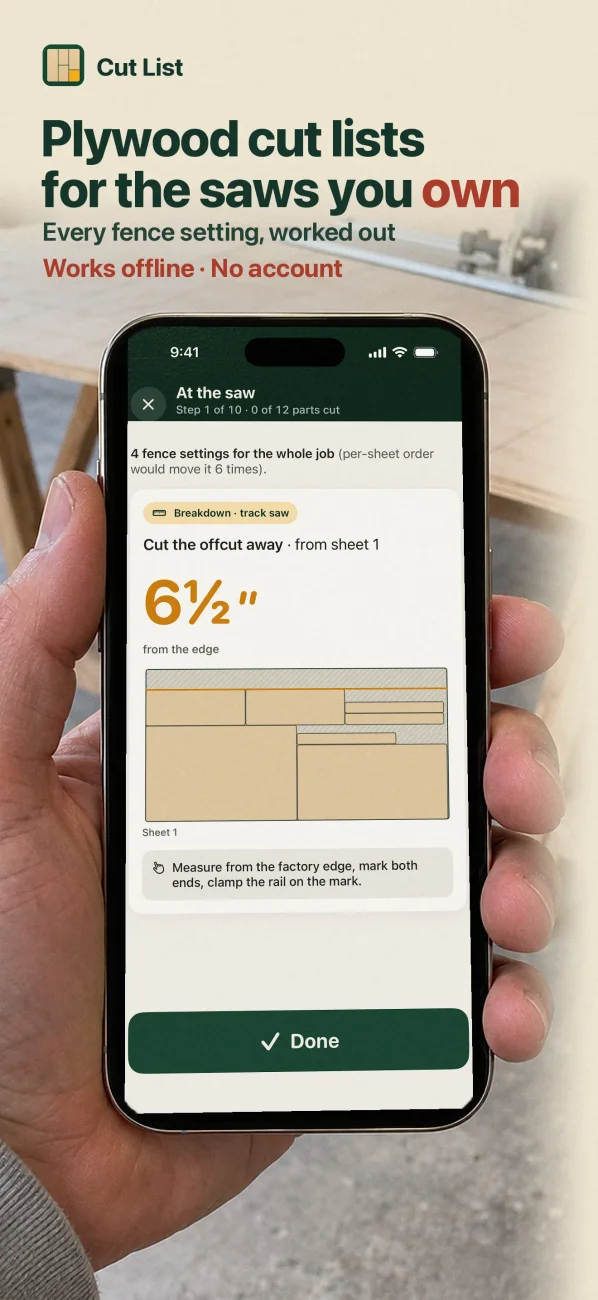
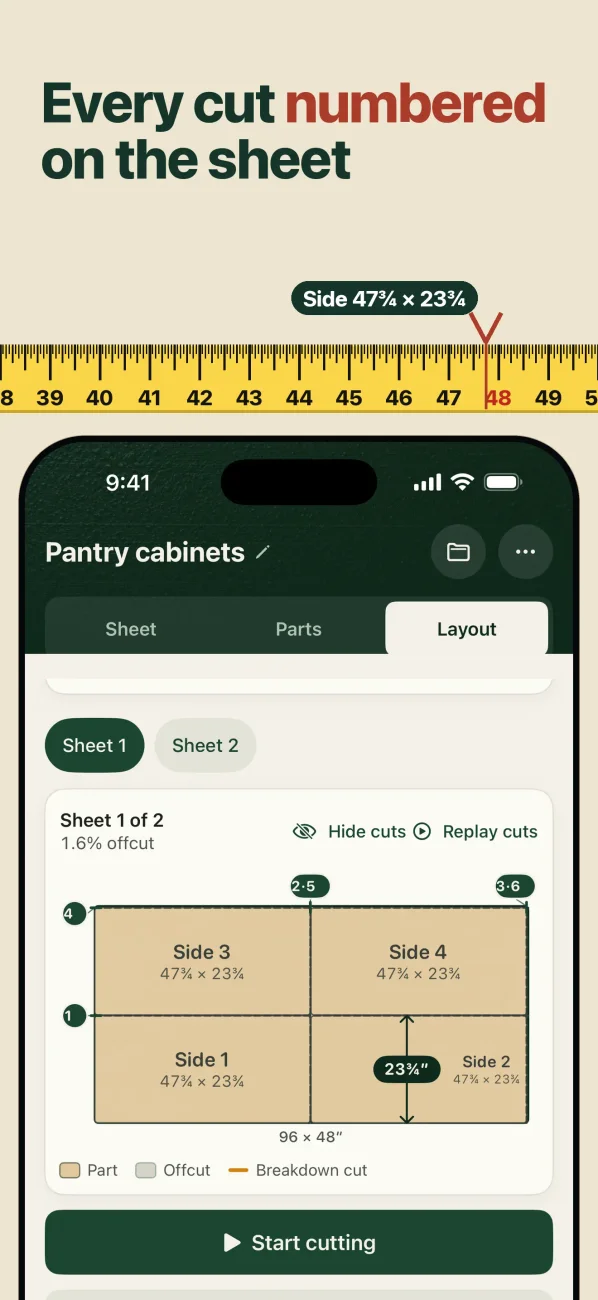
Type in the pieces you need and Cut List Optimizer lays them out on the sheet for you, kerf and grain included, then hands you a numbered order to cut them in. No sketching on the offcut. No discovering at piece eleven that the last one does not fit.
WHAT YOU GET
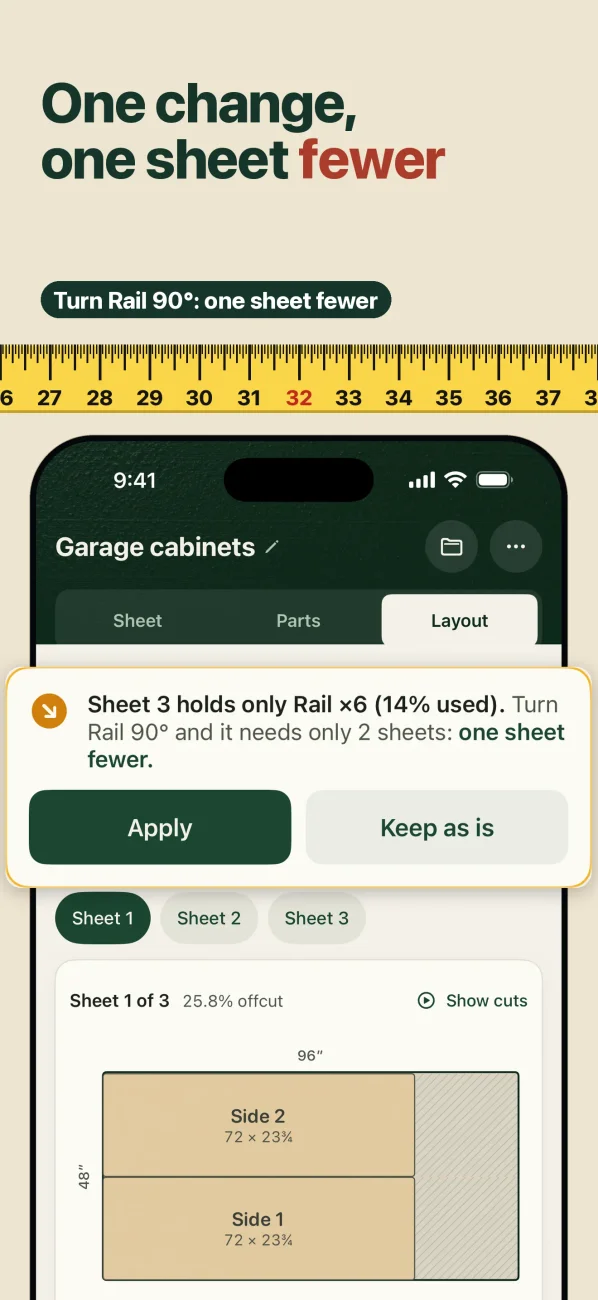
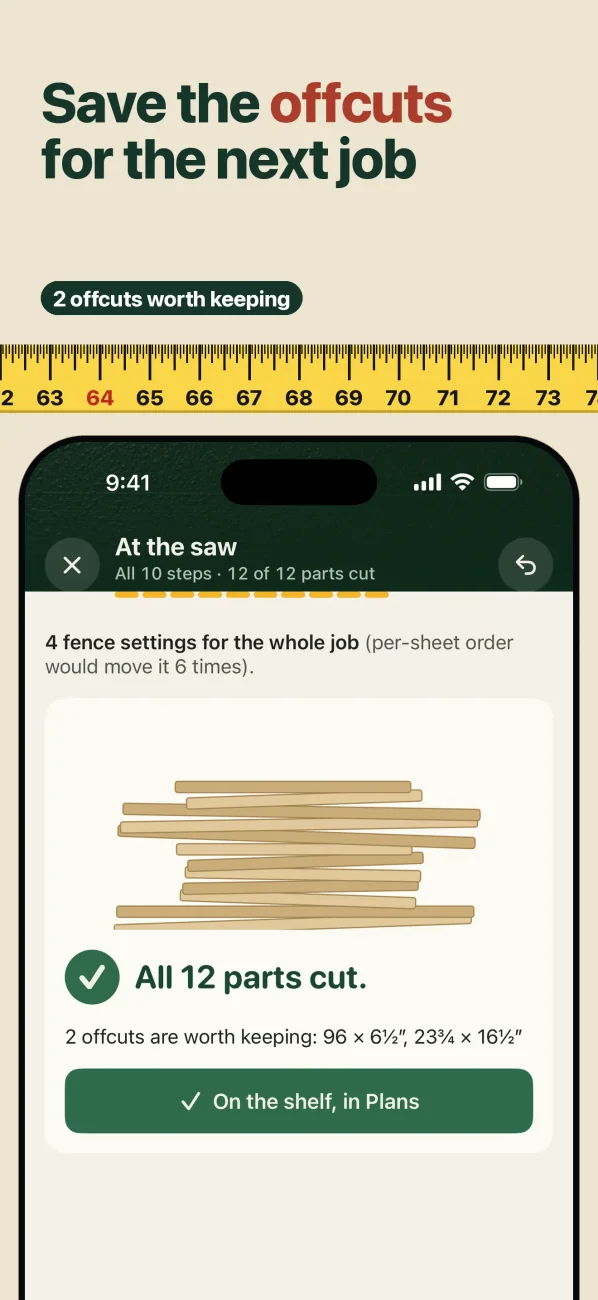
A layout with the waste worked out. Every part nested, the yield as a percentage, and the offcut shown against each sheet — before the blade touches anything.
The kerf, accounted for. Your blade turns a few millimeters of plywood into sawdust on every single cut. Twelve cuts across a sheet and that is a piece you no longer have. Set your kerf once and it is in every calculation from then on.
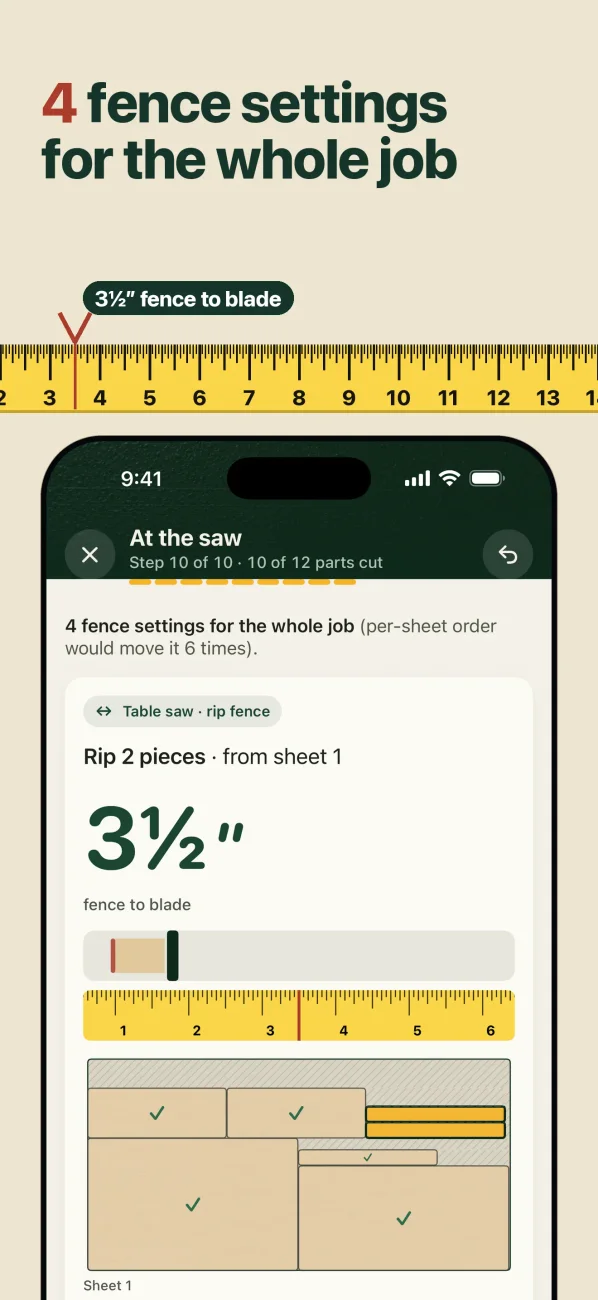
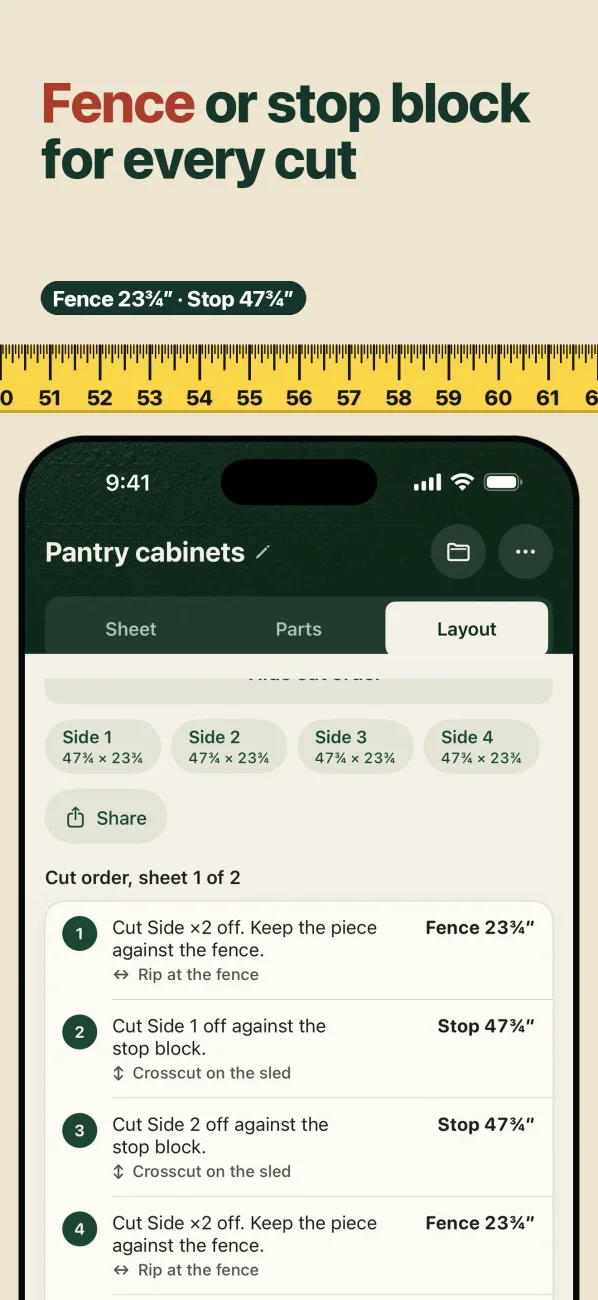
A cut order, not a puzzle. Rip first, then crosscut, numbered down the screen with the measurement for each one. Follow it and the offcuts stay square and usable.
Grain direction, where it matters (Pro). Lock a part to the grain and the optimizer will not quietly rotate it to save a few millimeters.
Inches or millimeters. Standard sheet presets for 8x4, 5x5 and 4x4, or type your own.
Share the layout. Send the diagram to your phone, your printer or whoever is helping you cut.
WHAT IS FREE, AND WHAT IS PRO
Free, and staying free: unlimited parts, the optimizer, the sheet count and yield for the whole job, the full diagram and cut order for the first sheet, saved plans, and sharing a sheet as an image. If your job fits on one sheet, it is free from start to finish.
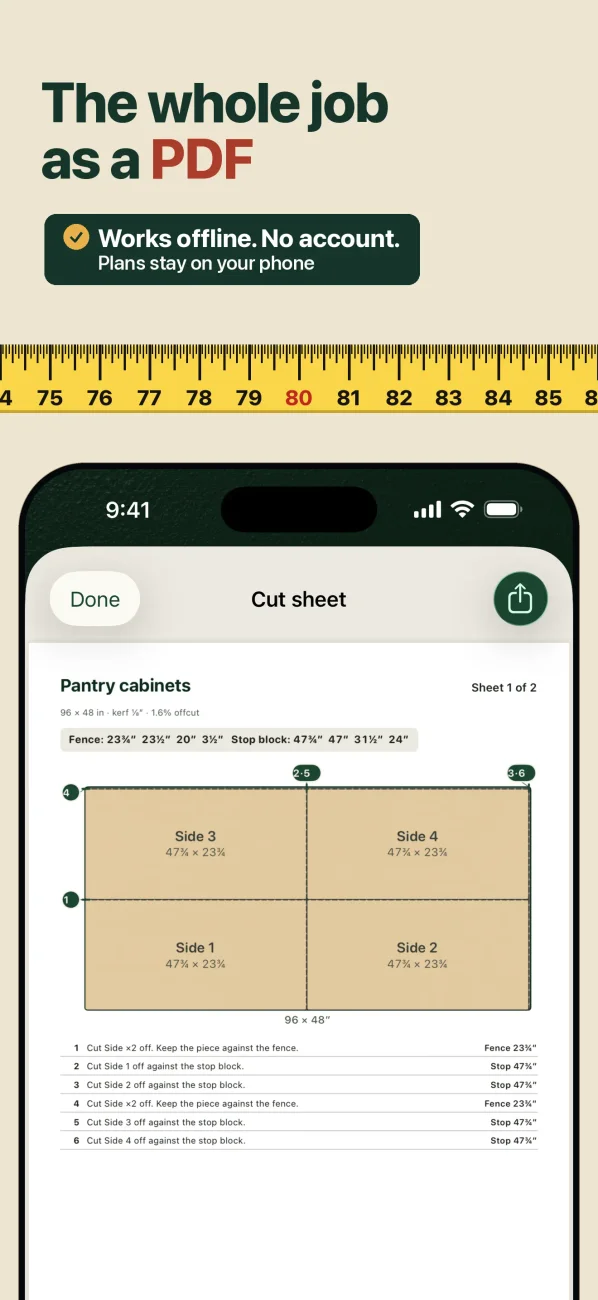
Cut Planner Pro is a single payment for bigger jobs: every sheet of a multi-sheet job, each with its own cut order, the grain lock, and the whole job as one printable PDF.
No subscription. No account. No ads. No network connection needed, which matters in a workshop where the signal does not reach.
What’s new
Version 1.2 · Nov 9, 2026
New in 1.2:
• A new welcome screen.
• Plans that fit your saw: set My saw and the layout is planned around the cuts it can make.
• Tap ? on any screen for a short how-to.
• Less clutter: shorter text on every screen.
• Fixes and smoother taps.
App privacy
What Yaniv van der Stigchel declares on the App Store about how this app handles data.
-
Data not linked to you
May be collected but is not linked to your identity.
- Usage data
Privacy practices may vary, for example with the features you use or your age.
Information
- Seller
- Yaniv van der Stigchel
- Category
- Utilities
- Version
- 1.2
- Updated
- Nov 9, 2026
- Released
- Oct 9, 2026
- Size
- 6.8 MB
- Requires
- iOS 17.0 or later
- Age rating
- 4+
- Price
- Free
- In-app purchases
- Yes
- Languages
- English, Dutch, German, Portuguese, Spanish
- Copyright
- © 2026 Yaniv Vanderstigchel
You might also like
-
 XyloKerf: Cut List OptimizerPlywood & Sheet Cutting Plans
-
 Kerfly: Cut List OptimizerSheet & Panel Layout Planner
-
 CutSmart - Cut List OptimizerPlywood Cutting Calculator
-
 Benchwise: Cutlist OptimizerBoard Foot & Lumber Calculator
-
 Offcut - Cut Layout OptimizerOptimize Board Cuts Instantly
-
 FramerCalc: Carpentry ToolsStair Rafter Board Feet
-
 Plank: Cut List OptimizerGrain, kerf, offcut nesting
-
 Material Cut OptimizerRebar, Timber & Cut List
-
 Woodwork Cut List: CutlistTimber Calculator & Saw Kerf
-
 Cutlist: Optimize KerfCut lists: save time & money