
Offcut - Cut Layout Optimizer
Optimize Board Cuts Instantly
Designed for iPhone
Free · In-app purchases
- Age rating4+
- CategoryUtilities
- DeveloperHarshit Gindra
- LanguagesEnglish
- Size4.4 MB
Links to the official App Store page
Download.org hosts no file of Offcut - Cut Layout Optimizer. The button opens its official App Store page, published by Harshit Gindra. Listing last checked on Nov 20, 2026.
Screenshots
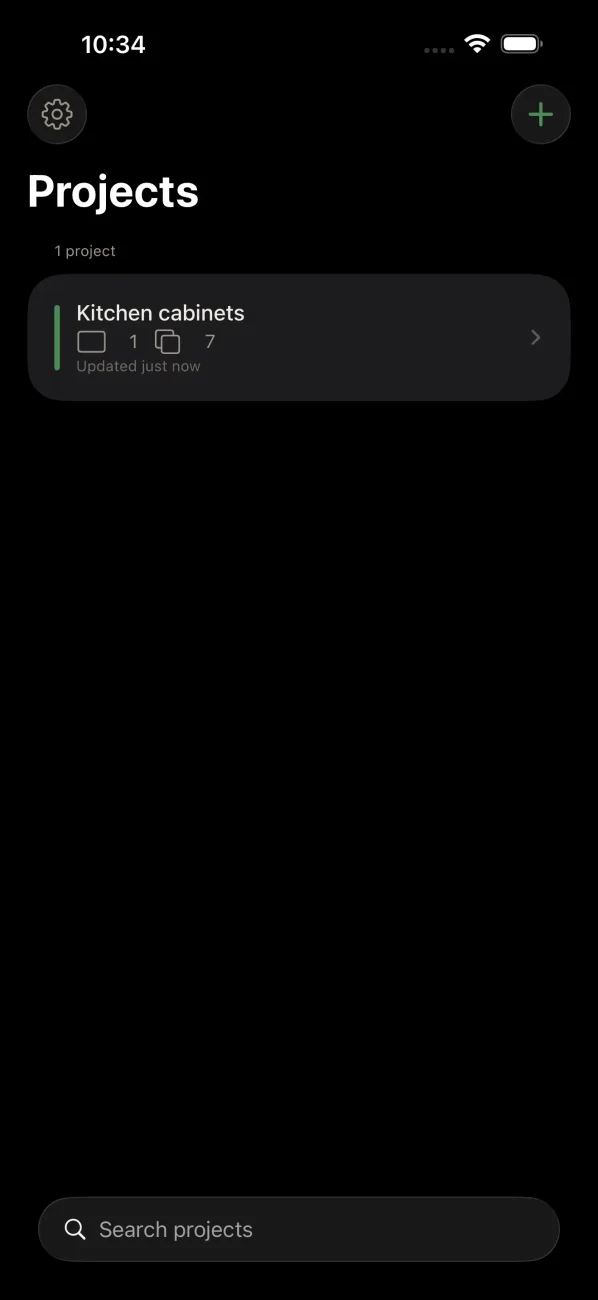
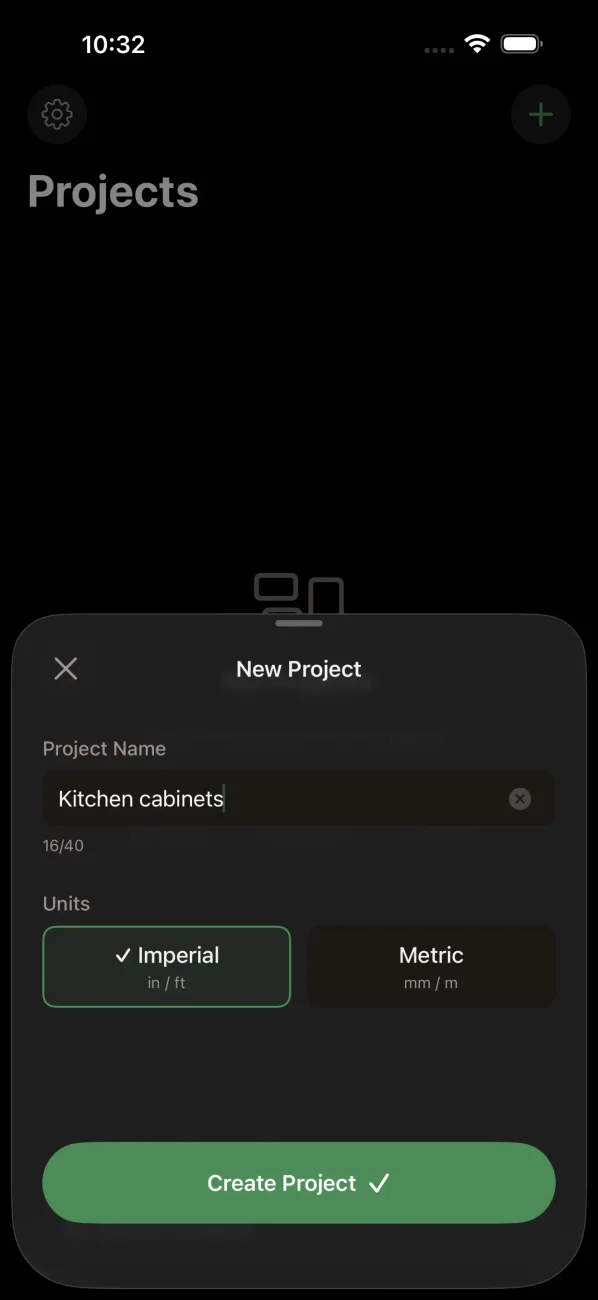
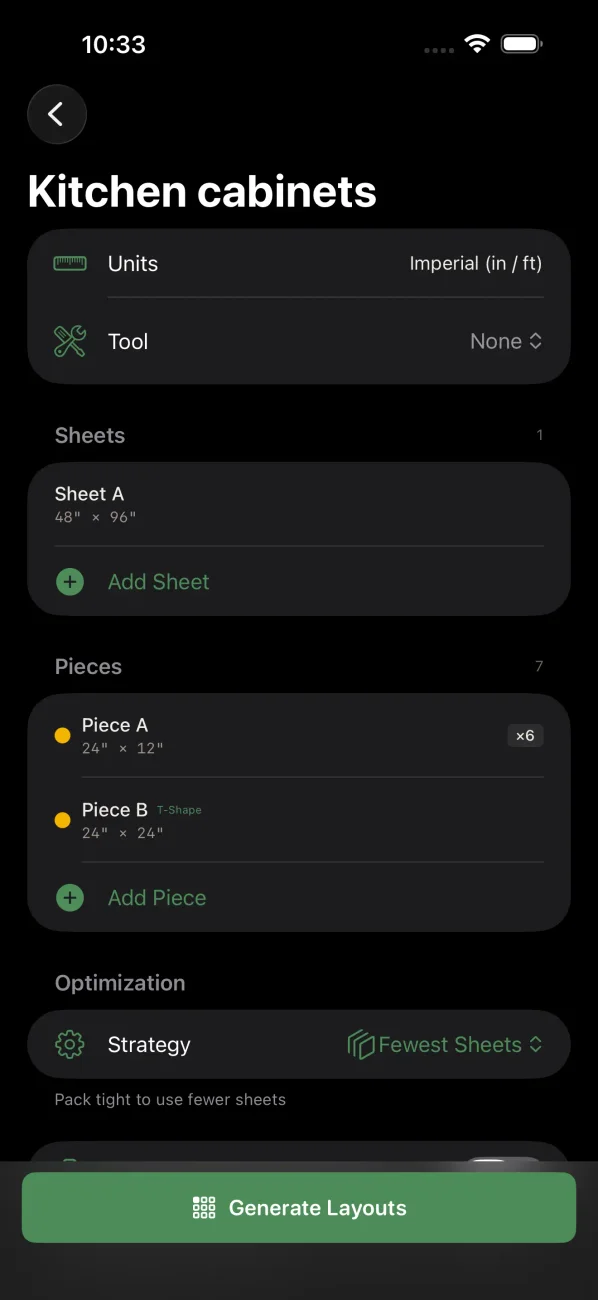
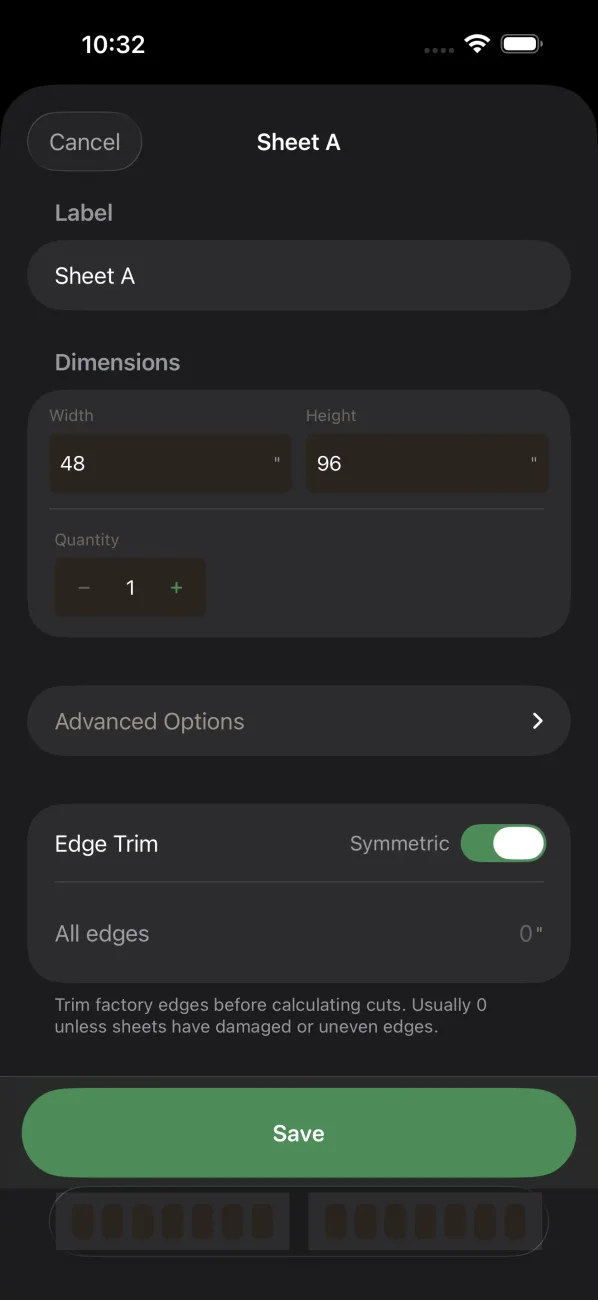


About
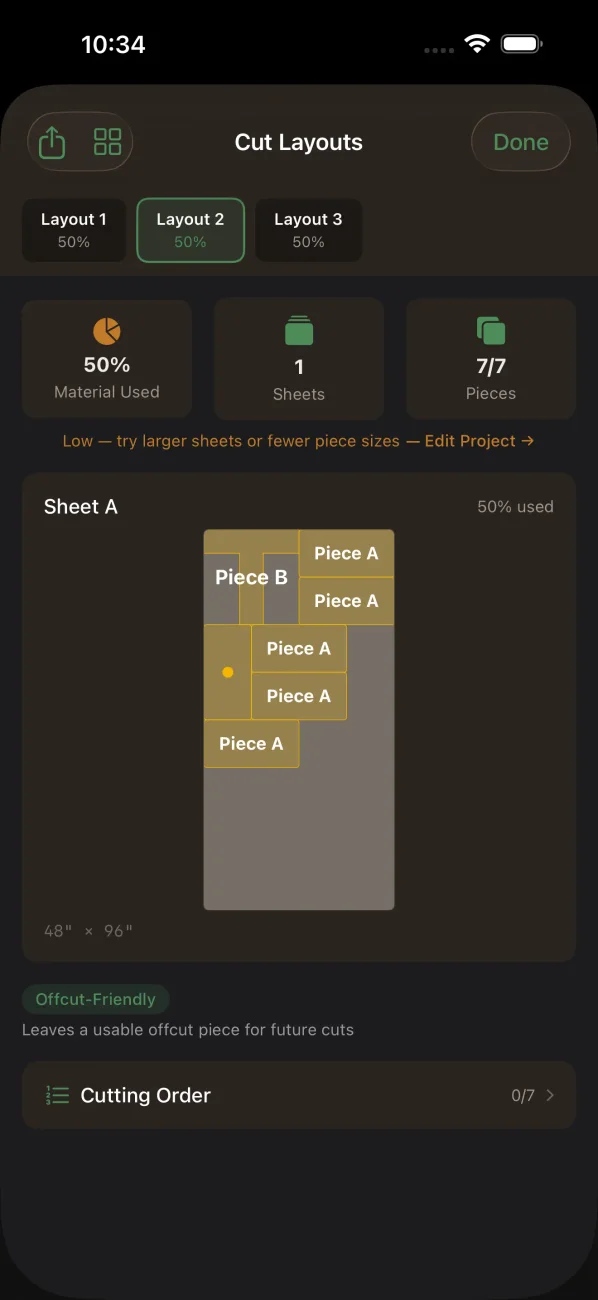
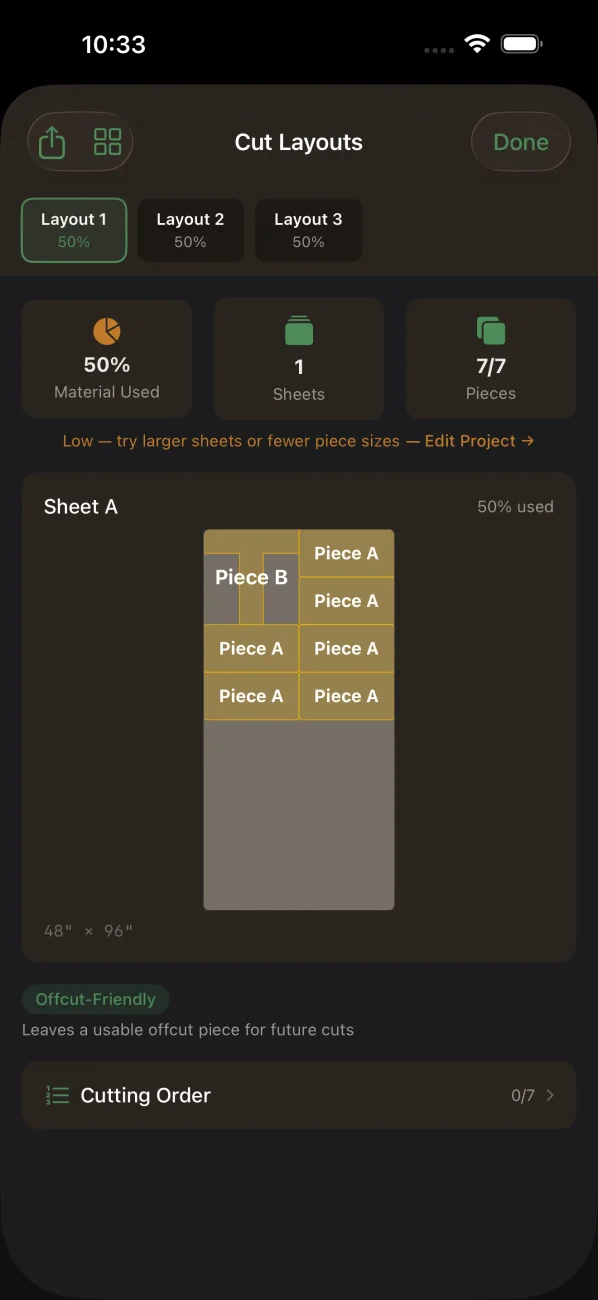
Offcut helps woodworkers get the most out of every board. Enter your sheet sizes
and the pieces you need — Offcut calculates the optimal cut layout in seconds,
minimizing waste and saving you material.
**How it works:**
1. Add your stock sheets (plywood, MDF, lumber — any flat material)
2. Enter the pieces you need to cut, with dimensions and quantities
3. Tap Generate — Offcut produces up to 5 optimized layouts instantly
**Key features:**
• Smart 2D optimization — multiple layout strategies ranked by efficiency
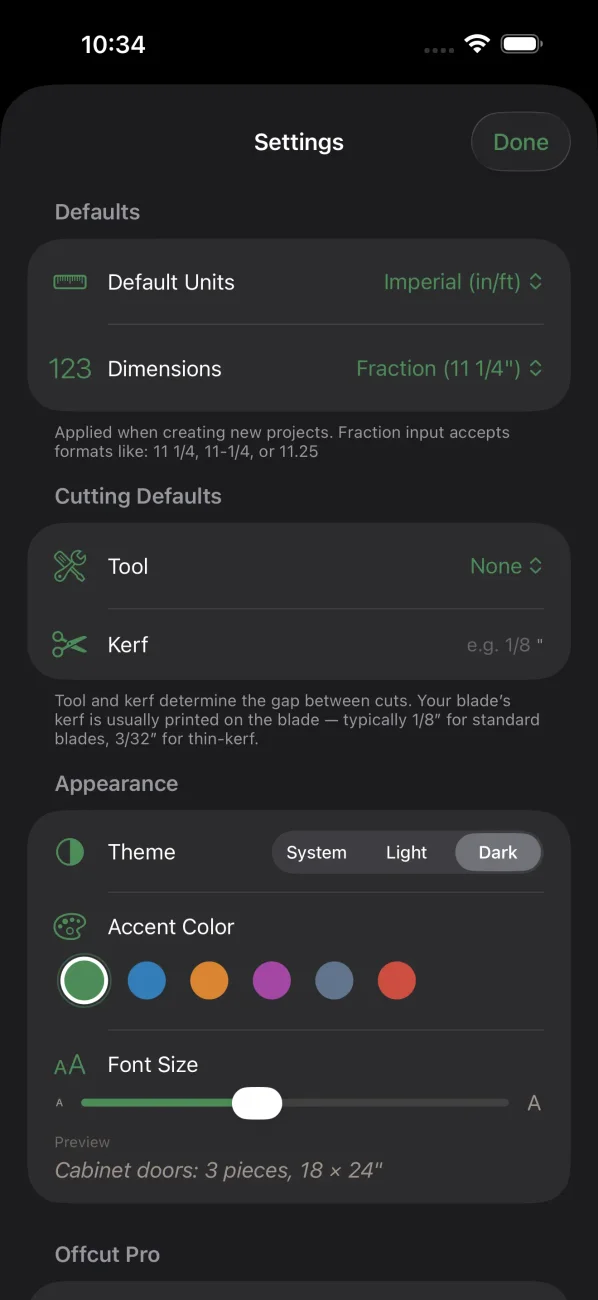
• Fraction-friendly input — type "11 1/4" or "48-1/2" like you think
• Saw kerf support — accounts for blade width so your cuts actually fit
• Tool profiles — presets for table saw, track saw, circular saw, and more
• Piece priority — mark critical pieces so they get placed first
• Grain direction lock — keep pieces oriented for wood grain
• Layout comparison — side-by-side view to pick the best option
• PDF export — print-ready cut diagrams with numbered cut lists
• Multiple projects — pin, archive, duplicate, and search
• Dark mode — easy on the eyes in the workshop
**Built for woodworkers:**
Offcut speaks your language. Dimensions in fractions, not decimals. Inches or
millimeters. Sheet stock, not "rectangles." Whether you're building shelves or
cutting cabinet parts, Offcut saves you from doing the math by hand.
**Private by default, iCloud optional:**
All data stays on your device. No account required, no tracking, no ads. Enable
iCloud Sync in Settings to keep projects in sync across your devices — or leave
it off and everything stays entirely local.
What’s new
Version 1.1 · Jun 24, 2026
Bug fixes and improvements
App privacy
What Harshit Gindra declares on the App Store about how this app handles data.
-
Data not collected
The developer does not collect any data from this app.
Privacy practices may vary, for example with the features you use or your age.
Information
- Seller
- Harshit Gindra
- Category
- Utilities
- Version
- 1.1
- Updated
- Jun 24, 2026
- Released
- May 21, 2026
- Size
- 4.4 MB
- Requires
- iOS 26.4 or later
- Age rating
- 4+
- Price
- Free
- In-app purchases
- Yes
- Languages
- English
- Copyright
- © 2026 harshigindra
You might also like
-
 ScrapCut: Cut List OptimizerWood & Sheet Cutting Planner
-
 Kerfly: Cut List OptimizerSheet & Panel Layout Planner
-
 TimberTally: Cut OptimizerUtilities
-
 XyloKerf: Cut List OptimizerPlywood & Sheet Cutting Plans
-
 Cut List Optimizer & PlannerPlywood sheet layout at saw
-
 Tenon: Woodworking CalculatorCarpentry Cut List, Board Foot
-
 CutKit 2Layout optimizer
-
 CutSmart - Cut List OptimizerPlywood Cutting Calculator
-
 SlitherSenseUtilities
-
 CutList Pro: Cutlist OptimizerBoard Foot Calculator & Plans