
Cut List Optimizer: SawKit
Plywood Sheet Cutting Planner
Designed for iPhone, iPad, Mac
Free · In-app purchases
- Age rating4+
- CategoryProductivity
- DeveloperArmen Ter-Oganezov
- LanguagesEnglish+ 13 more
- Size8.0 MB
Links to the official App Store page
Download.org hosts no file of Cut List Optimizer: SawKit. The button opens its official App Store page, published by Armen Ter-Oganezov. Listing last checked on Nov 22, 2026.
Screenshots

About
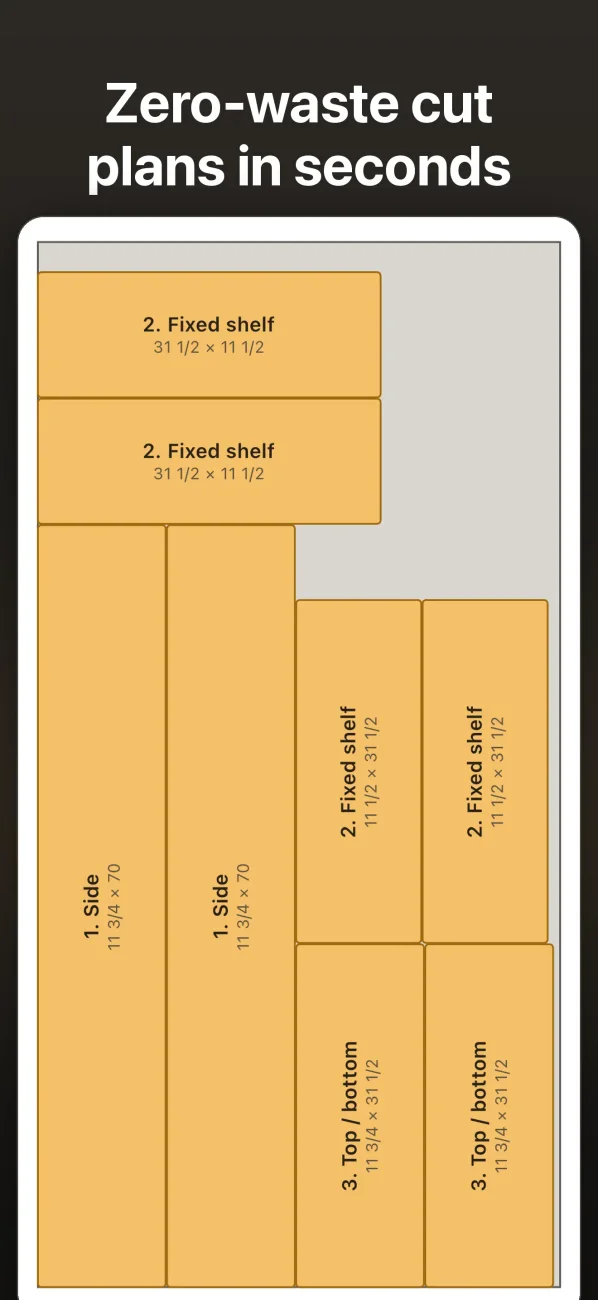
SawKit works out how to cut your parts from sheets of plywood, MDF or melamine — and timber, battens and tube from the lengths you buy — with the least waste. Then it walks you through the cuts at the saw, one at a time.
Type your cut list the way you'd say it. 15 3/16. 3/4". 4' 6". Millimetres if that's your shop. A unit written on a number always wins, so imported hardware drops into a metric project without doing sums.
WHAT IT DOES
• Lays out sheets. It tries twelve packing strategies on your list and keeps the best, across as many sheets as it takes — and says how many sheets to buy, or how many more you need.
• Lays out lengths. Rails, legs and battens are cut from your bar lengths, with the offcut shown on each bar.
• Respects the grain. Give a part a material with grain and it follows that grain on its own. Set it by hand wherever you want.
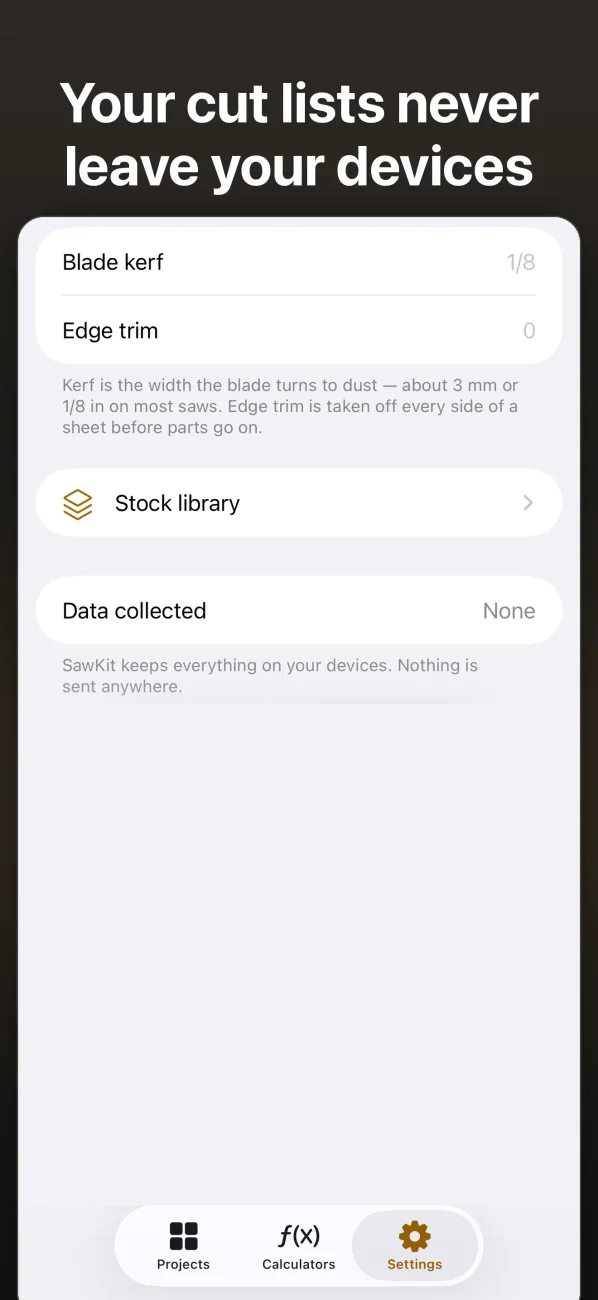
• Accounts for the blade. Kerf and edge trim are part of the calculation, and you can change them right in the project.
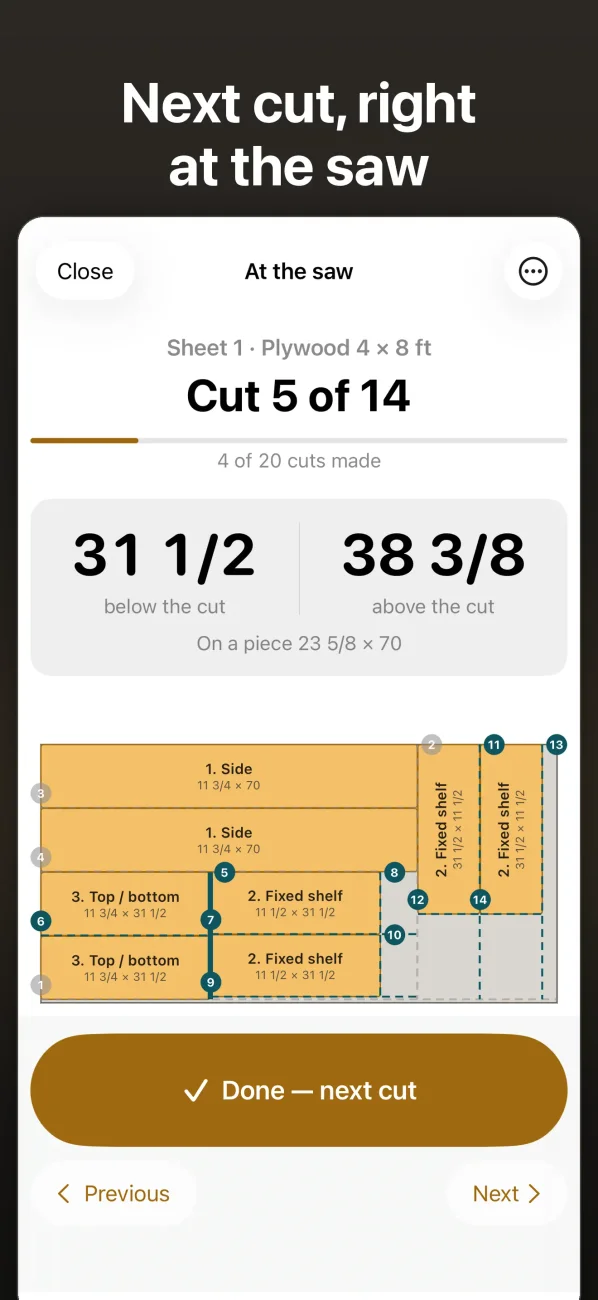
• Takes you to the saw. One cut at a time, both sides of the blade in big figures, each cut ticked off and grayed on the drawing. The screen stays on.
• Cuts the way a saw cuts. Every cut runs edge to edge across the piece in your hands — never one that stops halfway.
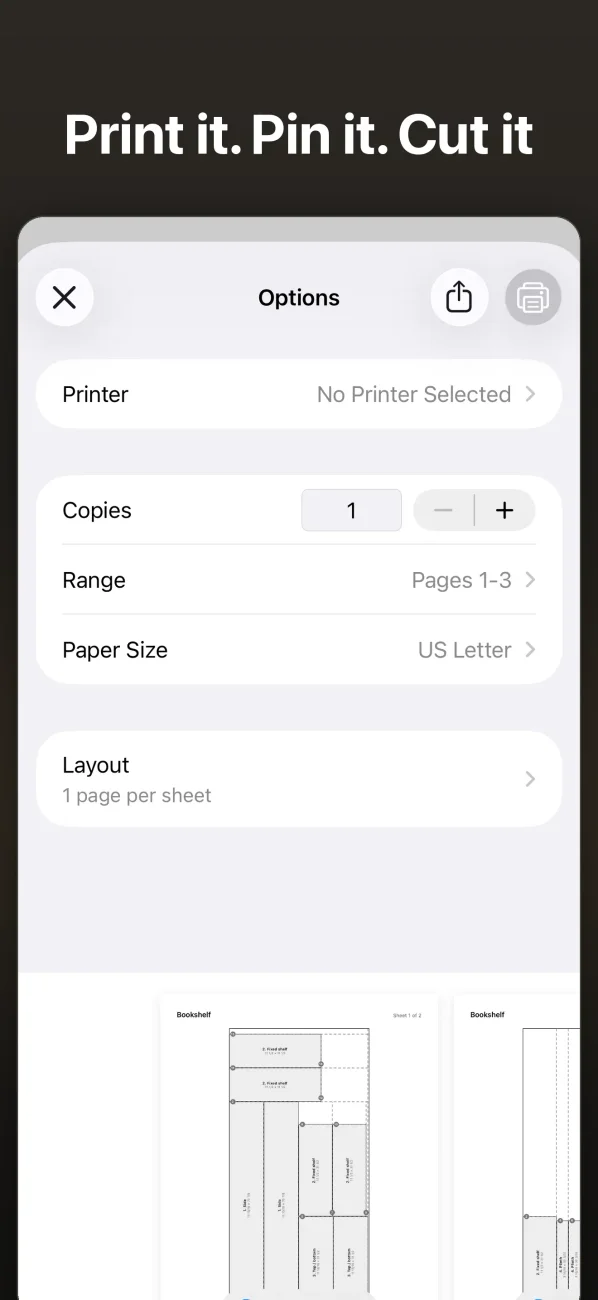
• Prints. A page per sheet and per set of bars, plus a shopping list with prices and a total — to mark off as you work.
• Runs on iPhone, iPad and Mac. On the iPhone it works on its side too.
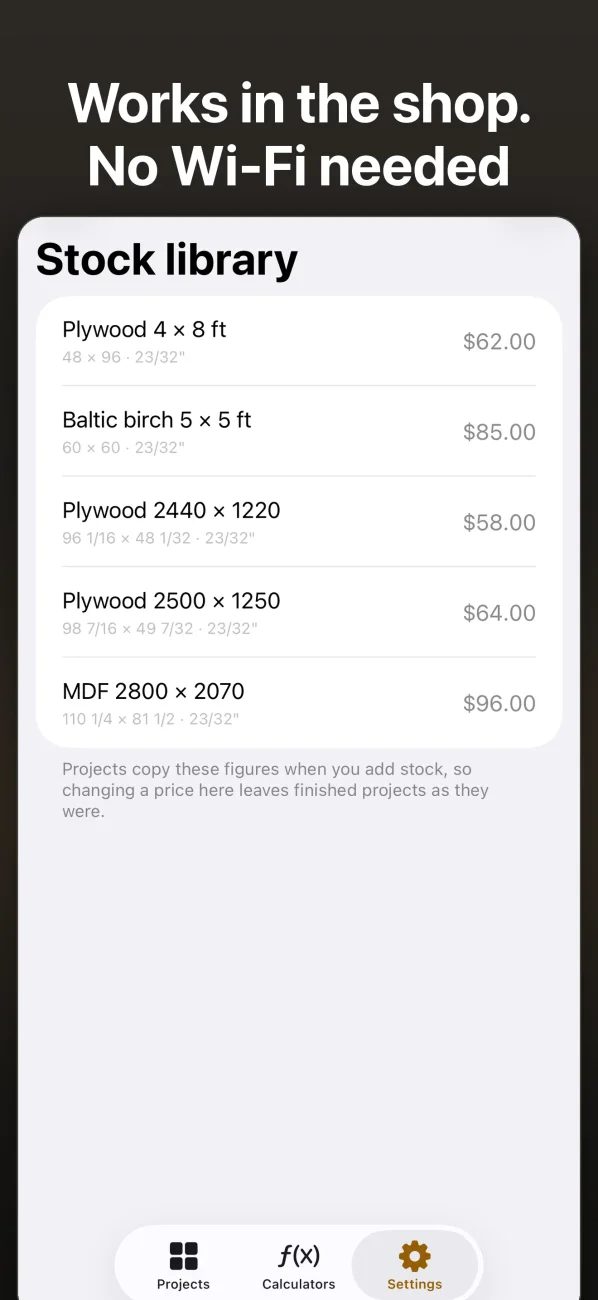
• Works with no signal at all. Workshops are usually the worst room in the building for that.
FREE
The whole calculation, the drawings for sheets and bars, the saw screen and the shop calculators. Up to 25 parts, three projects, one kind of sheet and one kind of bar.
PRO (one payment, no subscription)
Unlimited parts, projects and stock, with several materials in one project. PDF export and printing. The cut order on the drawing. Edge banding edge by edge: parts cut to size, banding counted and priced. Offcuts kept in your library and used first next time. Your own stock list with prices. Your projects on every device you own through iCloud, kept in step as you work.
SHOP CALCULATORS — always free
Board feet with cost. Purchase allowance, done properly: waste comes out of what you buy, not what you need, so 15% waste means buying about 18% more — not 15%. Project cost with markup.
PRIVACY
Nothing is collected. No account, no analytics, no tracking. Your cut lists stay on your devices and in your own iCloud.
What’s new
Version 1.3.2 · Nov 21, 2026
• Fixed: on the computer, the main window can be moved again after you open Settings.
App privacy
What Armen Ter-Oganezov declares on the App Store about how this app handles data.
-
Data not collected
The developer does not collect any data from this app.
Privacy practices may vary, for example with the features you use or your age.
Information
- Seller
- Armen Ter-Oganezov
- Category
- Productivity
- Version
- 1.3.2
- Updated
- Nov 21, 2026
- Released
- Aug 13, 2026
- Size
- 8.0 MB
- Requires
- iOS 26.0 or later
- Age rating
- 4+
- Price
- Free
- In-app purchases
- Yes
- Languages
- English, Czech, Dutch, French, German, Italian, Japanese, Korean, Polish, Portuguese, Russian, Spanish + 2 more
- Copyright
- © Armen Ter-Oganezov
You might also like
-
 Cut List Optimizer - BoardcutPlywood & Sheet Calculator
-
 CutList Optimizer - CarpenterPlan Smarter. Waste Less.
-
 WorkshopCut: Cut List PlannerPlywood & MDF Sheet Optimizer
-
 Kesim: Cut List OptimizerPlywood cut plans, less waste
-
 Cutlist: Cabinet PlannerSheets, Boards & Cut Diagrams
-
 FINOpti — Cut List OptimizerOptimize melamine & MDF cuts
-
 MaxCut: Plano de CorteAproveite cada chapa e barra
-
 Photo Measures LiteMeasure, save and share
-
 Kitchen Design PRORoom Sketcher & Home Creator
-
 CortecloudPlataforma de terceirização