
- Age rating4+
- CategoryUtilities
- Developer琼琳 徐
- LanguagesEnglish
- Size3.9 MB
Links to the official App Store page
Download.org hosts no file of CyberTools. The button opens its official App Store page, published by 琼琳 徐. Listing last checked on Nov 12, 2026.
Screenshots

About
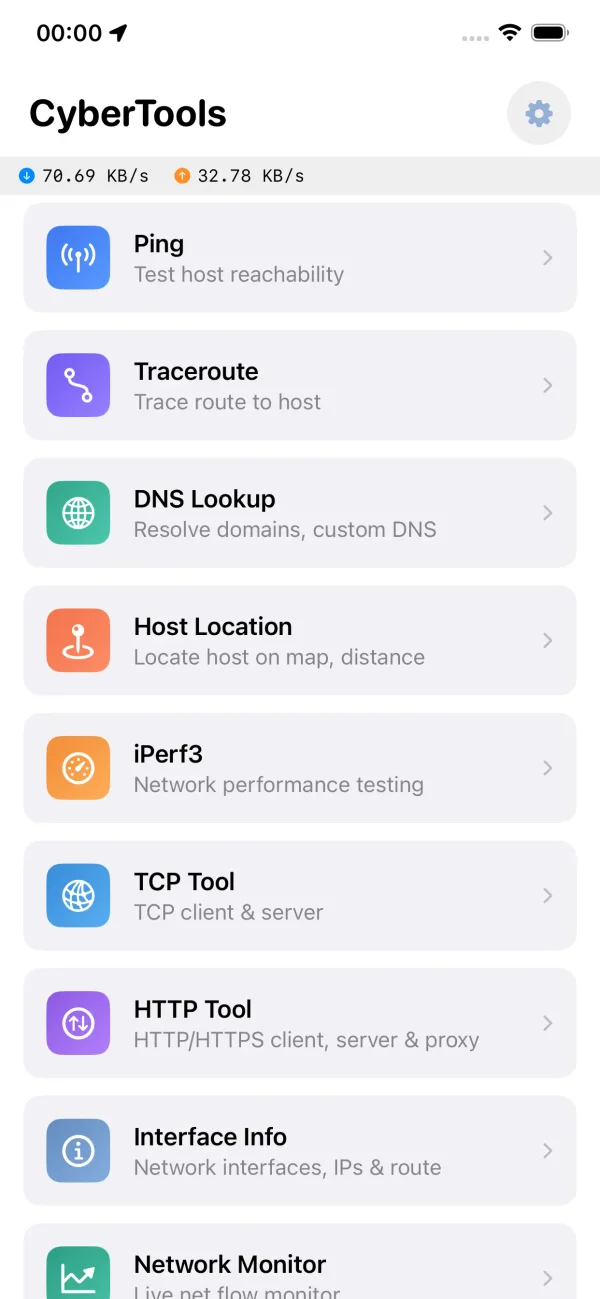
CyberTools is an iOS network utilities app that brings common “power-user” diagnostics into one clean interface. From the Home screen, you get a quick list of tools—each designed with the same workflow: simple inputs at the top, a clear primary action (Run/Start), and a scrollable, selectable output area for results, logs, and responses. You can also copy results to the clipboard and share them when needed.
The app includes the following capabilities:
Ping: Test reachability to a host with configurable packet count and an option to prefer IPv6. Results are shown live as output text.
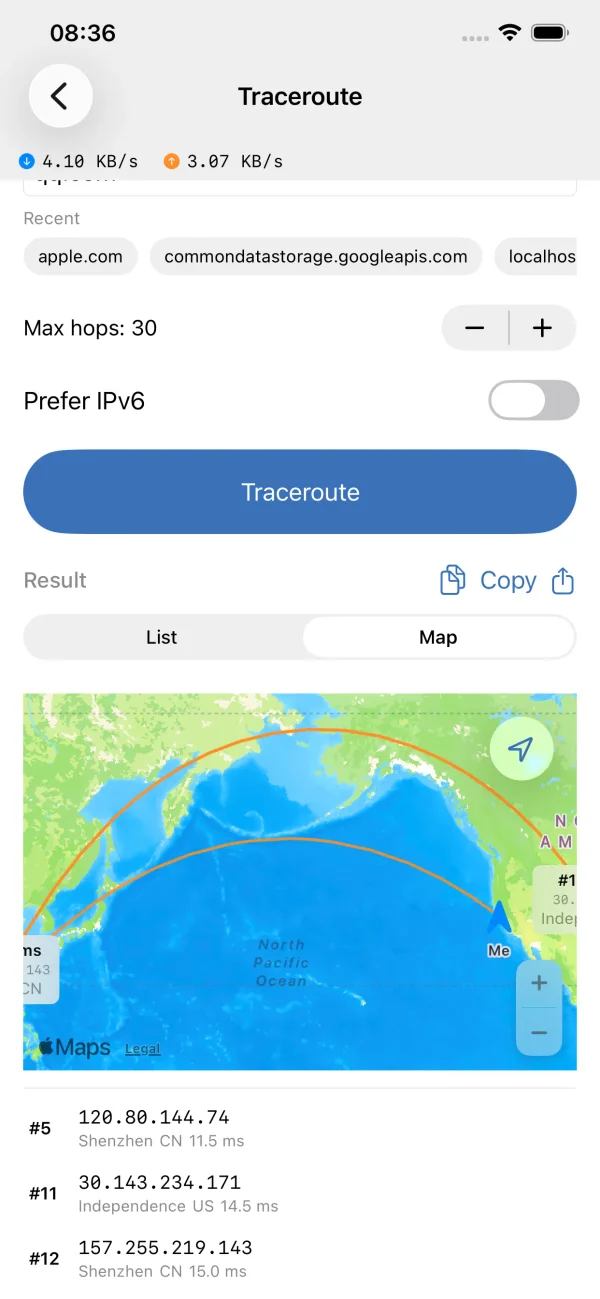
Traceroute (with map view): Trace the route to a target with a max-hop limit and IPv6 preference. You can view hops as a list and visualize them on a map, including RTT/timeout per hop. Public hop locations are geolocated for the map (with private addresses filtered out).
DNS Lookup: Resolve domains to records with a selectable record type and an optional custom name server (falling back to system DNS when left blank). Outputs A/AAAA-style results as text.
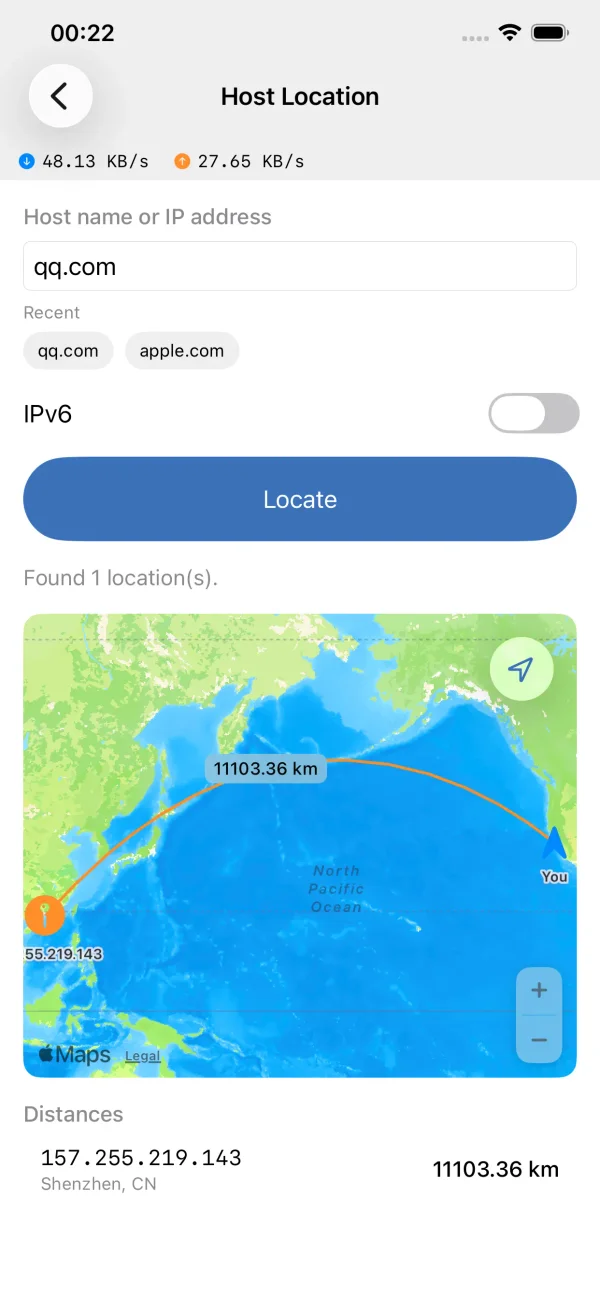
Host Location: Resolve a host name or IP (IPv4/IPv6 supported) and display its location on a map. It also shows distances to each resolved address and draws great-circle paths from your current location when available.
iPerf3 (network performance testing): Run iPerf3 in server or client mode to measure throughput. The client supports a configurable duration and an optional reverse mode.
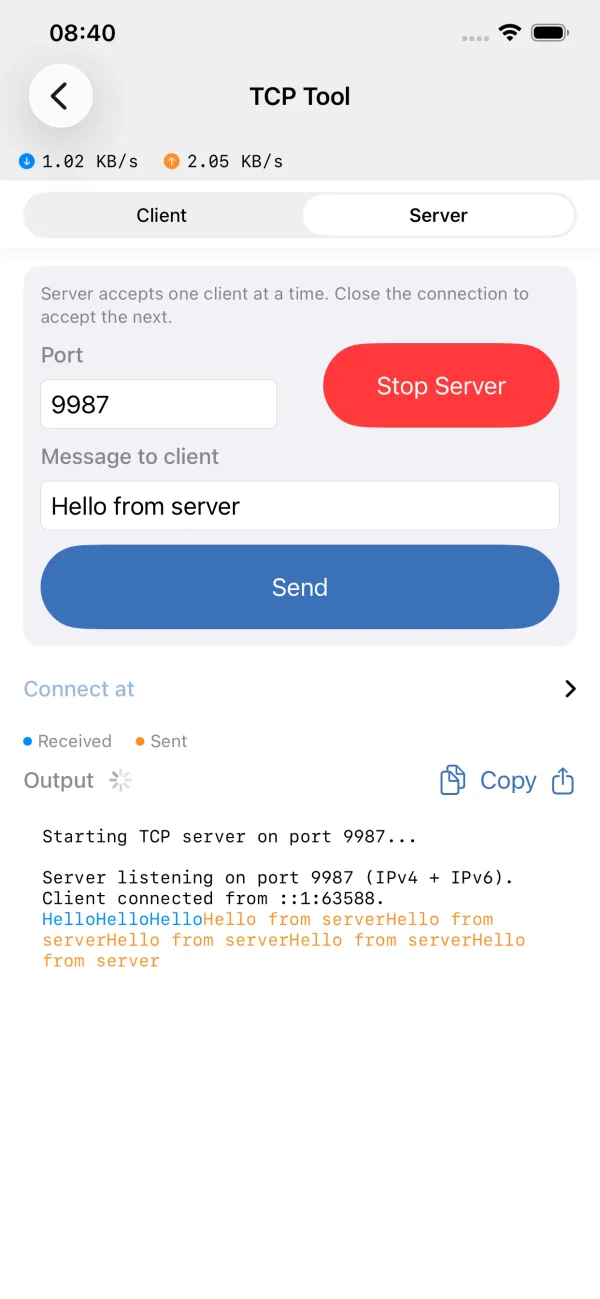
TCP Tool (client/server): Test TCP connectivity and messaging. In client mode, connect to a TCP server, send an optional message, and receive data until you disconnect. In server mode, CyberTools listens for incoming connections and can send messages back to the connected client.
UDP Tool (client/server): Test UDP messages reachability to remote peers.
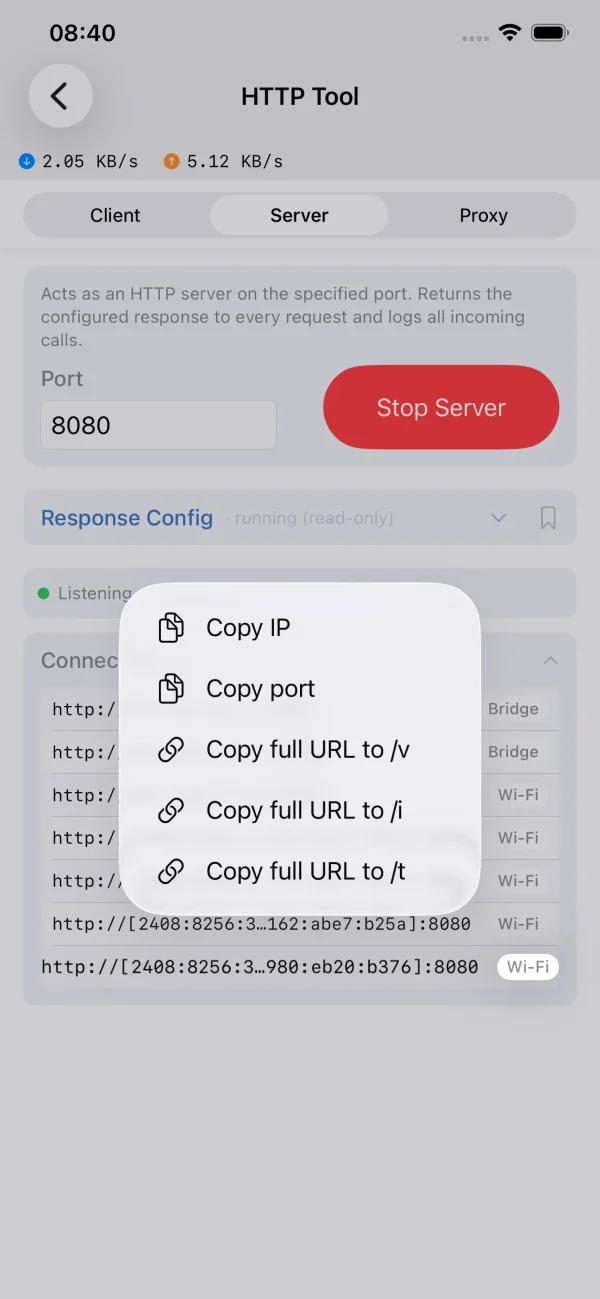
HTTP Tool (client/server/proxy): A full HTTP testing suite:
- Client: Build requests with method, URL, headers/cookies, and body content; send requests and inspect responses (Body/Headers/Raw).
- Server: Run an HTTP echo server with configurable routes and responses, logging incoming requests.
- Proxy: Run a local intercepting HTTP/HTTPS proxy to capture traffic and record requests for later replay.
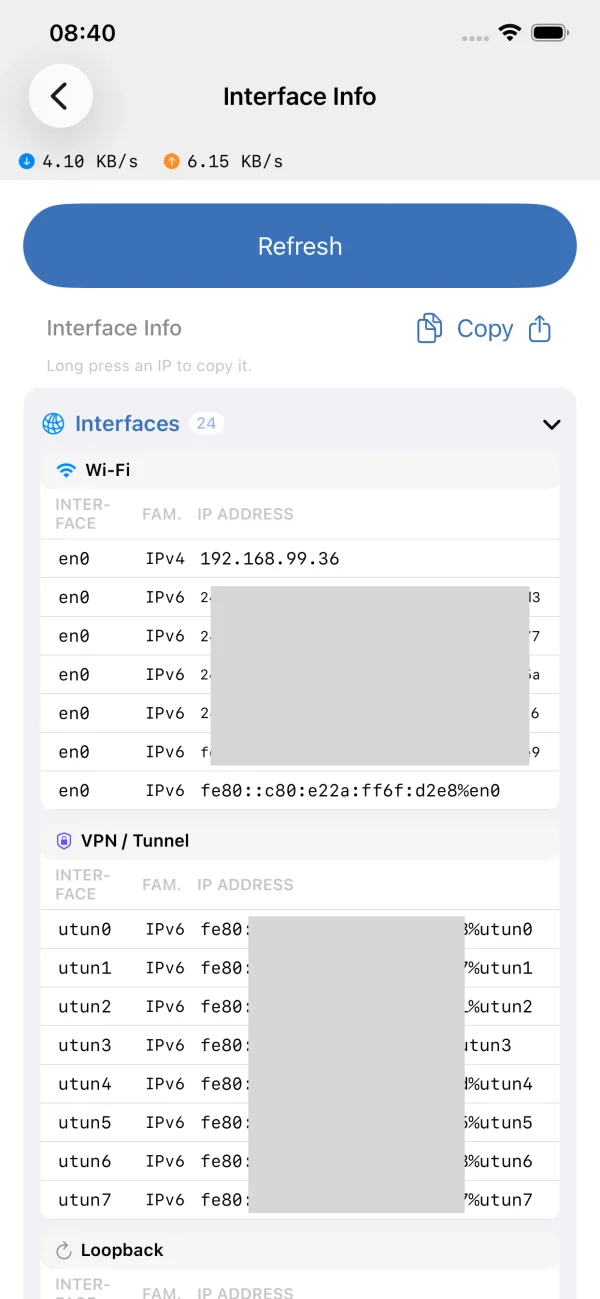
Interface Info: Refresh and inspect network interfaces, addresses, and routing-related information. Results are organized into expandable sections and presented in copy-friendly tables.
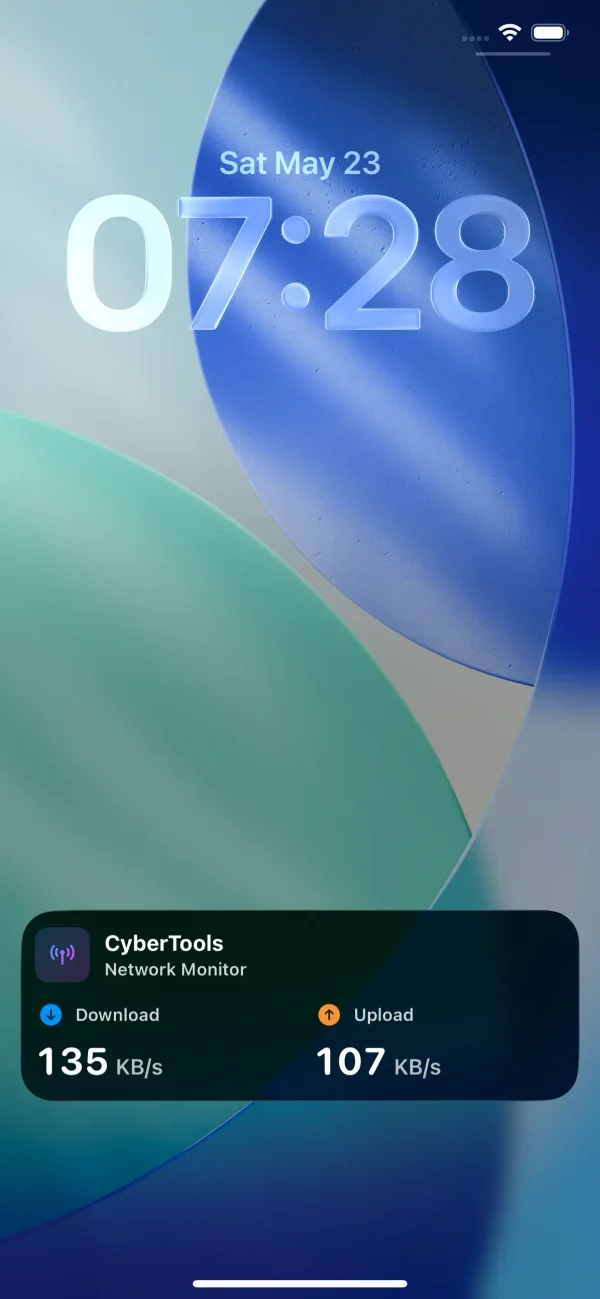
Network Monitor: View live upload/download rates and per-interface history curves. It also supports Live Activity / lock-screen-style updates, with optional location-assisted refreshing for more frequent background updates.
CyberTools is built for hands-on troubleshooting, testing, and measurement—especially when you need actionable network insight directly on your device.
What’s new
Version 1.4 · Aug 8, 2026
Add UDP Tool: UDP Client & Server, send messages via datagrams to remote peers.
App privacy
What 琼琳 徐 declares on the App Store about how this app handles data.
-
Data not collected
The developer does not collect any data from this app.
Privacy practices may vary, for example with the features you use or your age.
Information
- Seller
- 琼琳 徐
- Category
- Utilities
- Version
- 1.4
- Updated
- Aug 8, 2026
- Released
- Mar 10, 2026
- Size
- 3.9 MB
- Requires
- iOS 17.0 or later
- Age rating
- 4+
- Price
- $0.99
- Languages
- English
- Copyright
- © QiongLin Xu
You might also like
-
 NetSpeed - Dynamic Island LiveSpeed Test & Network Monitor
-
 Acana Date CalculatorUtilities
-
 FocusFenceFocus Rules for App Blocking
-
 Click PasteReuse clipboard items locally
-
 PocketStack - Hypervisor MgrMulti-Hypervisor VM Management
-
 PingU: Network UtilitiesFast Ping, Port & LAN Scanner
-
 My Clever ClientClever Cloud on the go
-
 SafeAfter: Digital VaultOffline vault for private data
-
 ForetapA section-based app launcher
-
 Dialing Code: Country PrefixFlags, maps & local time