Daopen: HWP, ODT, PDF Reader
Open HWP & ODT, convert to PDF
Designed for iPhone
In-app purchases
- Age rating4+
- CategoryProductivity
- DeveloperMeongmungi
- LanguagesEnglish
- Size89.6 MB
Links to the official App Store page
Download.org hosts no file of Daopen: HWP, ODT, PDF Reader. The button opens its official App Store page, published by Meongmungi. Listing last checked on Nov 23, 2026.
Screenshots
About
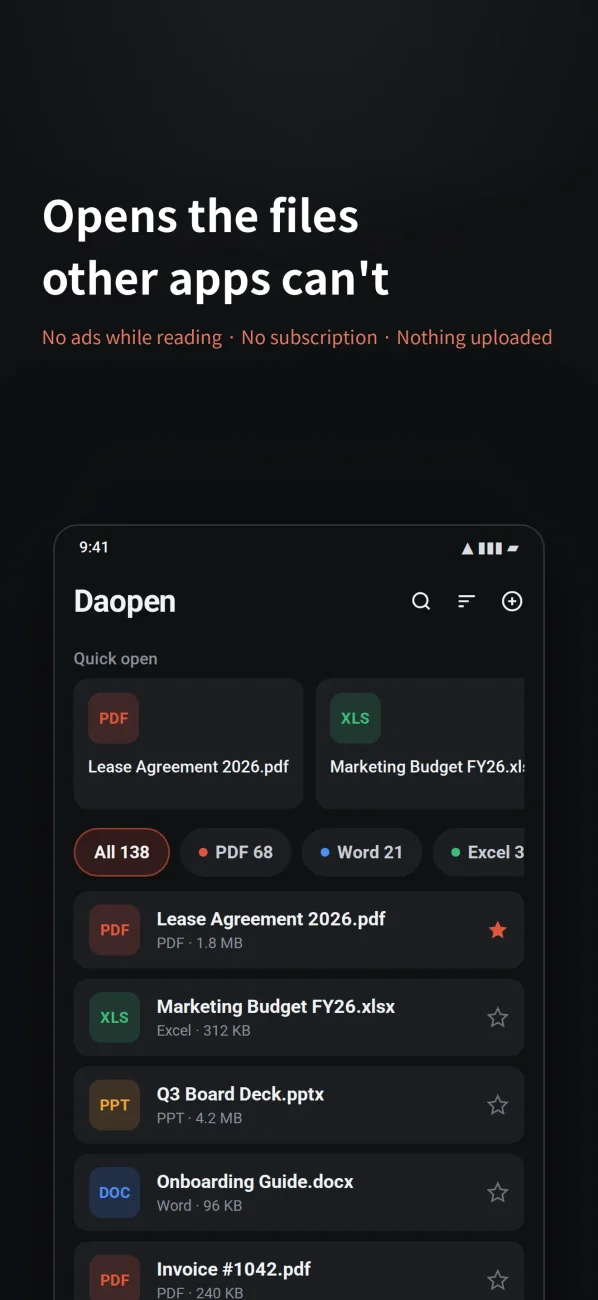
Daopen opens the documents other readers give up on - and converts them to PDF.
HWP to PDF, ODT to PDF, Pages to PDF, right on your iPhone. No upload, no account, no subscription.
READ ALOUD (NEW)
- Daopen reads your document aloud from the page you are on - PDF, HWP, Word, PowerPoint, ODT, Pages and more
- 10 natural, high-quality AI voices, generated on your phone (one-time ~380 MB download; your text is never sent anywhere)
- Speed 0.75x to 1.5x, previous/next sentence, and a sleep timer (15 minutes to 12 hours)
- AI voice languages: Korean, English, Japanese, German, French, Spanish, Portuguese, Italian, Russian, Indonesian, Vietnamese and Turkish. Other languages use your phone's voice
- Included in the one-time Remove Ads purchase. Reads while Daopen is open on screen
FORMATS OTHER READERS REFUSE
- OpenDocument - ODT, ODS and ODP from LibreOffice and OpenOffice. Tables, images and bullet lists stay intact.
- Apple - Pages and Keynote with their full text (and Pages to PDF), Numbers tables with values, dates and merged cells.
- Hangul - HWP and HWPX, the Korean office format, including old HWP 3.x files from before Hangul 97.
- Old Office files - Word .doc, Excel .xls and .xlsb, PowerPoint .ppt, and RTF.
EDIT AND ANNOTATE
- Long-press a paragraph in an HWP file, a cell in an Excel (.xlsx) or OpenDocument (.ods) sheet, or a text box in PowerPoint (.pptx) to edit it
- Word (.docx) and OpenDocument text and slides (.odt, .odp): tap the pencil, then tap a paragraph to edit it
- PDF: add pen, highlighter, text boxes and your signature on top of the page (the PDF's original text is not edited)
- Your original file stays untouched - the edit is saved as a separate "_edited" copy
- Documents with complex formatting may look slightly different after editing
SIGNED FILES, E-INVOICES AND EMAILS
- .p7m signed files and Italian e-invoices (fattura elettronica, FatturaPA) - opened and summarised
- .asice, .bdoc, .edoc, .ddoc signature containers - see the documents inside
- .xsig and .xades signatures, Spanish FacturaE invoices
- .zfo data box messages (Czech datová schránka) with their attachments
- .eml emails and Outlook .msg files - body and attachments
- Chinese OFD documents - text view
AND EVERYTHING ORDINARY
- PDF
- Word (.docx)
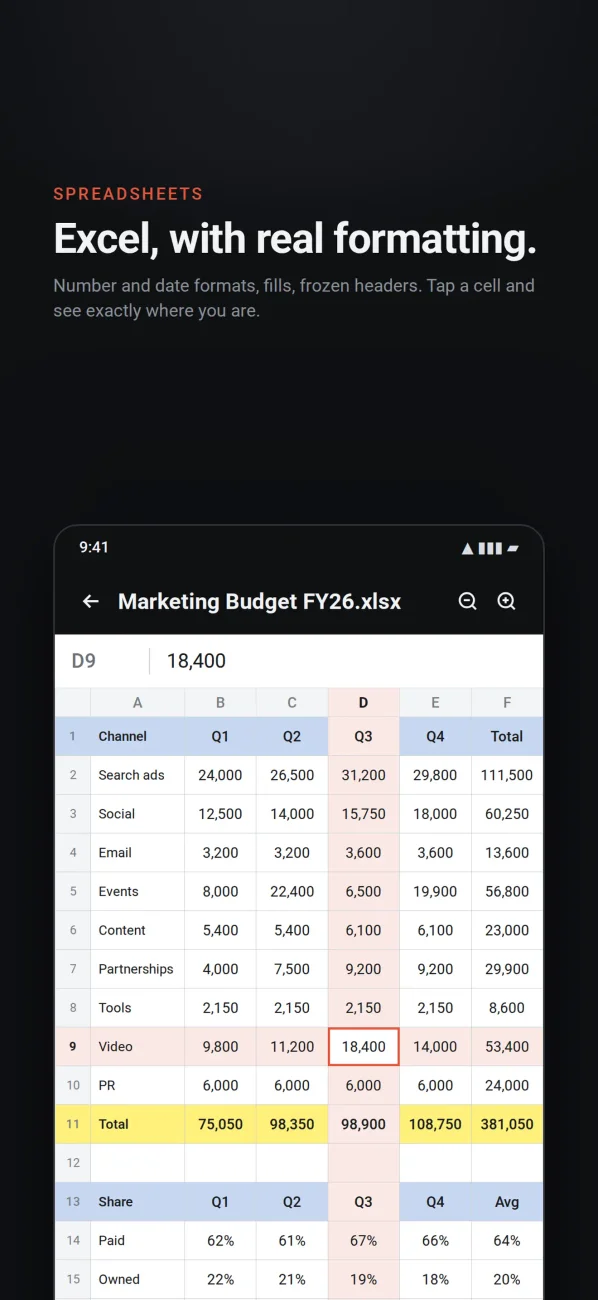
- Excel (.xlsx) - number and date formats, frozen headers, pinch to zoom
- PowerPoint (.pptx)
- Plain text (.txt)
IT LOOKS INSIDE THE FILE, NOT AT THE NAME
A file with the wrong extension still opens correctly. And when a format really cannot be opened, Daopen says so plainly and hands the file to another app, instead of showing you an error you cannot act on.
NO ADS WHILE YOU READ
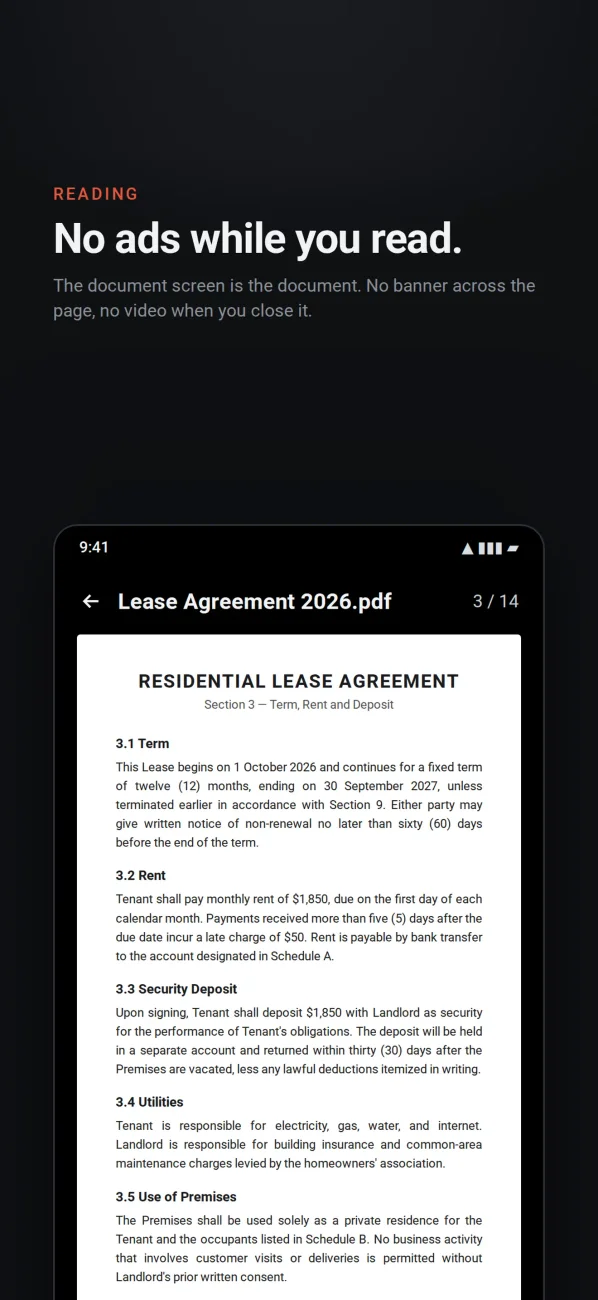
Other readers put a banner across the page you are trying to read. Daopen does not. The document screen is the document, edge to edge. No ad when you close a file, and no video ads.
The free version shows a small banner on the file list, and a short full-screen ad when you open a document - at most every third file, never twice within a minute. A one-time purchase removes all ads for good and unlocks read aloud. No subscription.
EVERYTHING HAPPENS ON YOUR DEVICE
Your files are never uploaded to a server. Daopen has no login, no cloud account and no sync. Open the app in airplane mode and it still works.
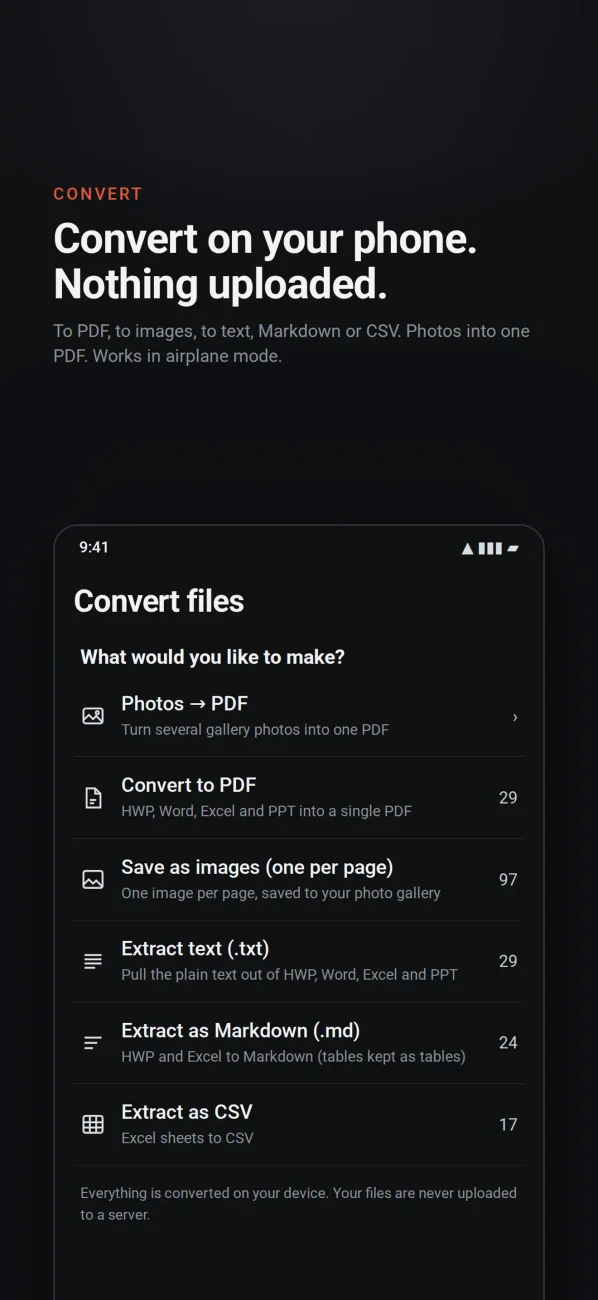
CONVERT TO PDF WITHOUT UPLOADING
- HWP to PDF, ODT to PDF, Pages to PDF, Word to PDF - any document to PDF
- Document pages to images, saved straight to Photos
- Text, Markdown or CSV out of Word, Excel, PowerPoint and Hangul files
- Photos into a single PDF - useful for receipts and paperwork
The conversion runs on your iPhone. Nothing is sent anywhere.
ONLY THE FILES YOU CHOOSE
Daopen opens only the files you pick in the Files app or share to it from another app. No contacts, no location, no analytics profile.
Made by Mung Works.
What’s new
Version 1.5.8 · Nov 9, 2026
• Open and listen to ebooks (EPUB) — table of contents, font size, resume where you left off
• Print to Wi-Fi printers — HWP, Word, Excel, PDF and ebooks
• Clearer messages when a file can't be read
• Print to a printer connected to your PC — install the free Daopen PC Print Helper and print over the same Wi-Fi
• Print preview; Word, Excel and PowerPoint print with their formatting
• Open files from KakaoTalk, Mail and other apps straight in Daopen
App privacy
What Meongmungi declares on the App Store about how this app handles data.
-
Data used to track you
May be used to track you across apps and websites owned by other companies.
- Location
- Identifiers
- Usage data
-
Data not linked to you
May be collected but is not linked to your identity.
- Location
- Identifiers
- Usage data
- Diagnostics
Privacy practices may vary, for example with the features you use or your age.
Information
- Seller
- Meongmungi
- Category
- Productivity
- Version
- 1.5.8
- Updated
- Nov 9, 2026
- Released
- Oct 15, 2026
- Size
- 89.6 MB
- Requires
- iOS 16.0 or later
- Age rating
- 4+
- In-app purchases
- Yes
- Languages
- English
- Copyright
- © 2026 Meongmungi (Mung Works)
You might also like
-
 CSV Editor for Files & iCloudReader for Large Spreadsheets
-
 ODT Reader: Convert to PDFSearch, Print & Share Files
-
 Hanjjok: PDF & HWP ViewerOpen and print without a PC
-
 Hoply - HWP/HWPX ViewerPrivate Korean docs reader
-
 Glazr PPTX Presentation EditorEdit PPTX slides, even offline
-
 PDF ChefEdit, merge and sign PDFs
-
 PDF Reader: Document EditorDOCX Reader, Convert & Sign
-
 리멤버 노트 - 일 잘하는 AI 녹음기Productivity
-
 KALLEProductivity
-
 OKKO : Simple Habit TrackerLock Screen Routine Reminder