Data Transfer - MobileTrans
Smart Transfer: Clone Phone
Designed for iPhone, iPod touch
Free · In-app purchases
- Age rating4+
- CategoryUtilities
- DeveloperWondershare Technology (Hunan) Co.,Ltd.
- LanguagesEnglish+ 11 more
- Size188.1 MB
Links to the official App Store page
Download.org hosts no file of Data Transfer - MobileTrans. The button opens its official App Store page, published by Wondershare Technology (Hunan) Co.,Ltd. Listing last checked on Nov 20, 2026.
Screenshots
About
Getting a new phone? Move everything that matters in just a few taps.
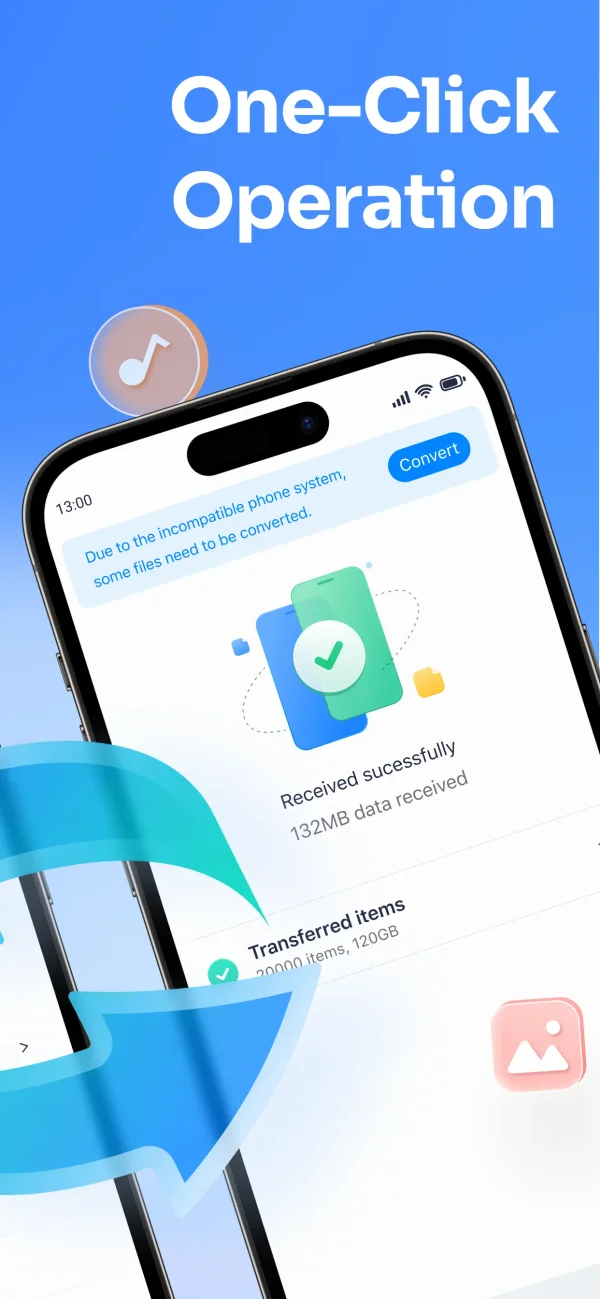
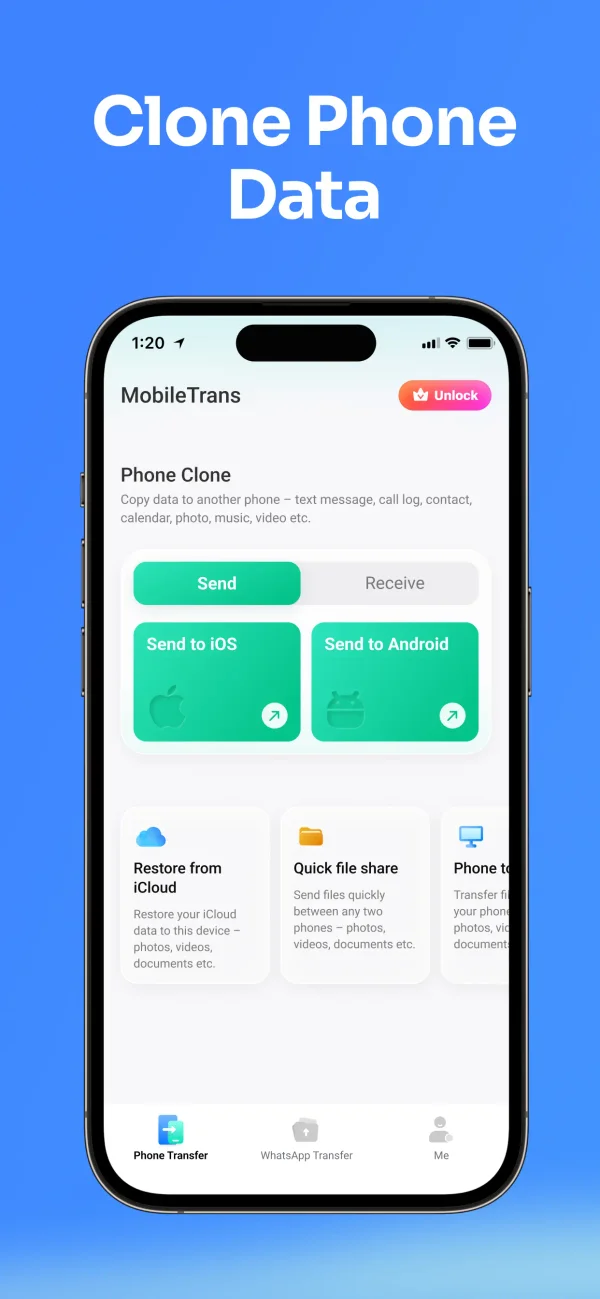
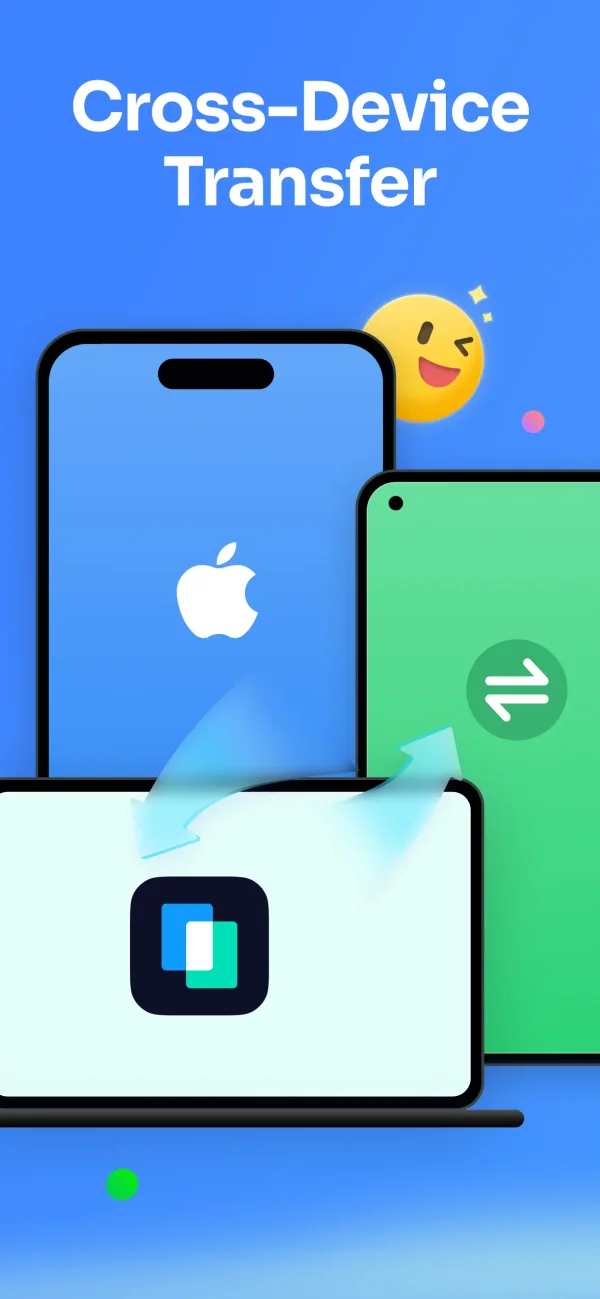
MobileTrans makes switching phones simple, even across different operating systems. Securely move your photos, videos, contacts, files, apps, and WhatsApp chats to your new device without losing important data. Need more than phone-to-phone transfer? MobileTrans also helps you restore data from iCloud, create backups before switching, and move files between your phone and computer.
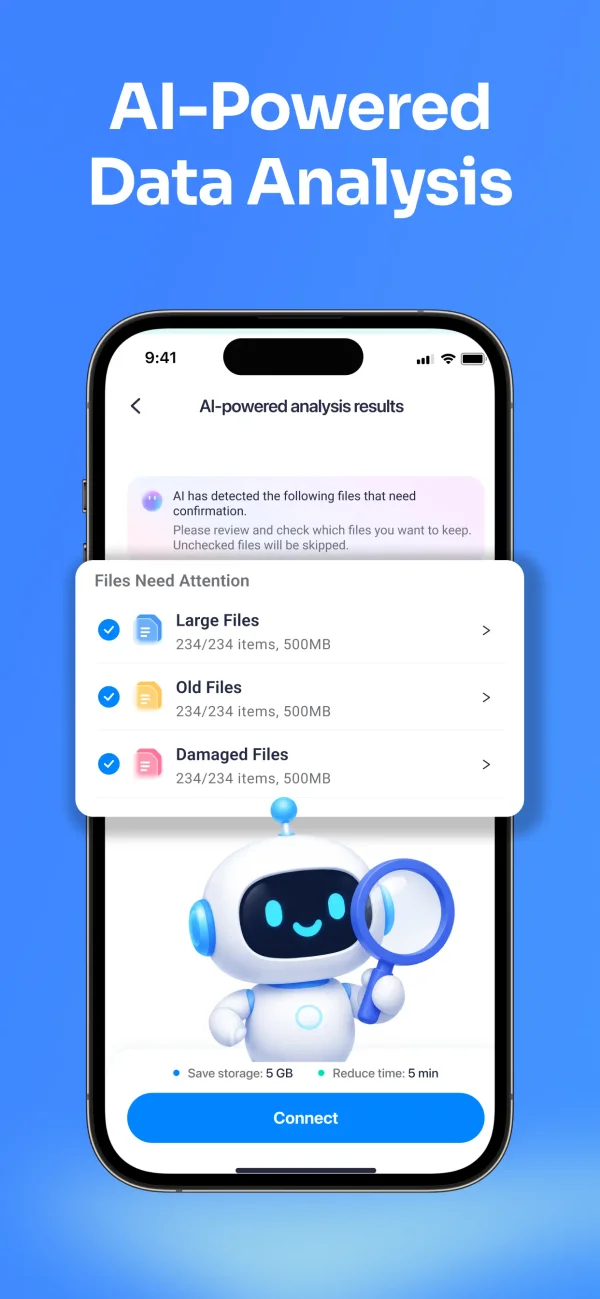
With the new AI Transfer feature, MobileTrans can identify large files, old files, damaged files, and duplicate contacts before you switch phones, helping you decide what to move first.
Everything You Need for Phone Transfer
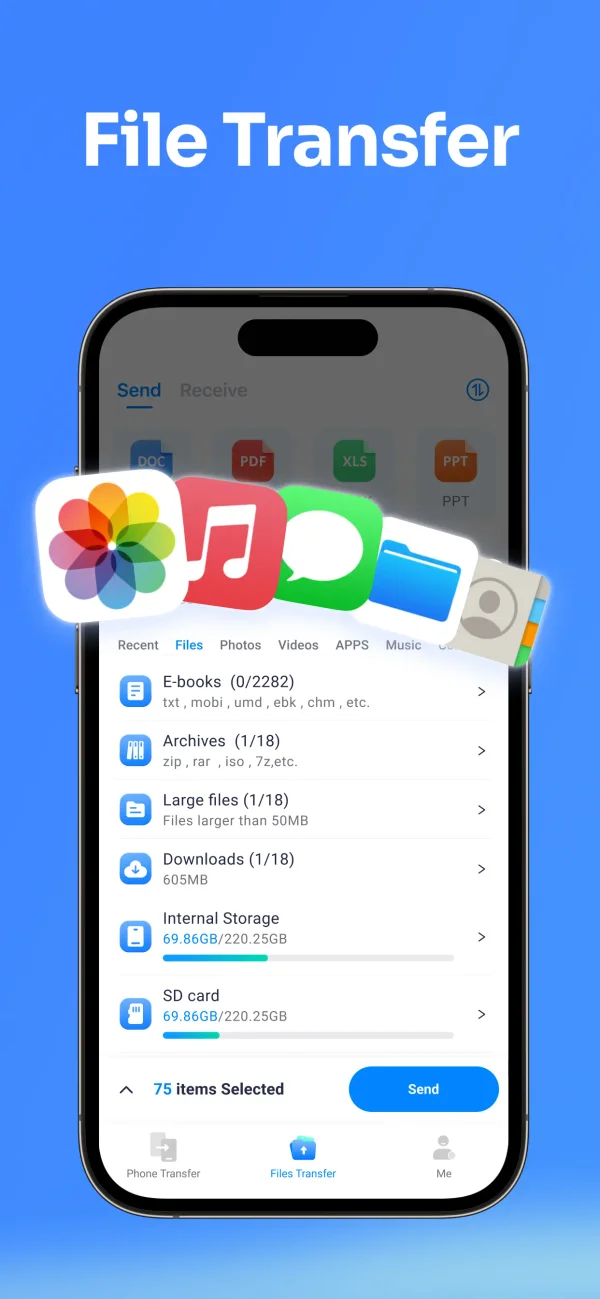
● Phone Data Transfer
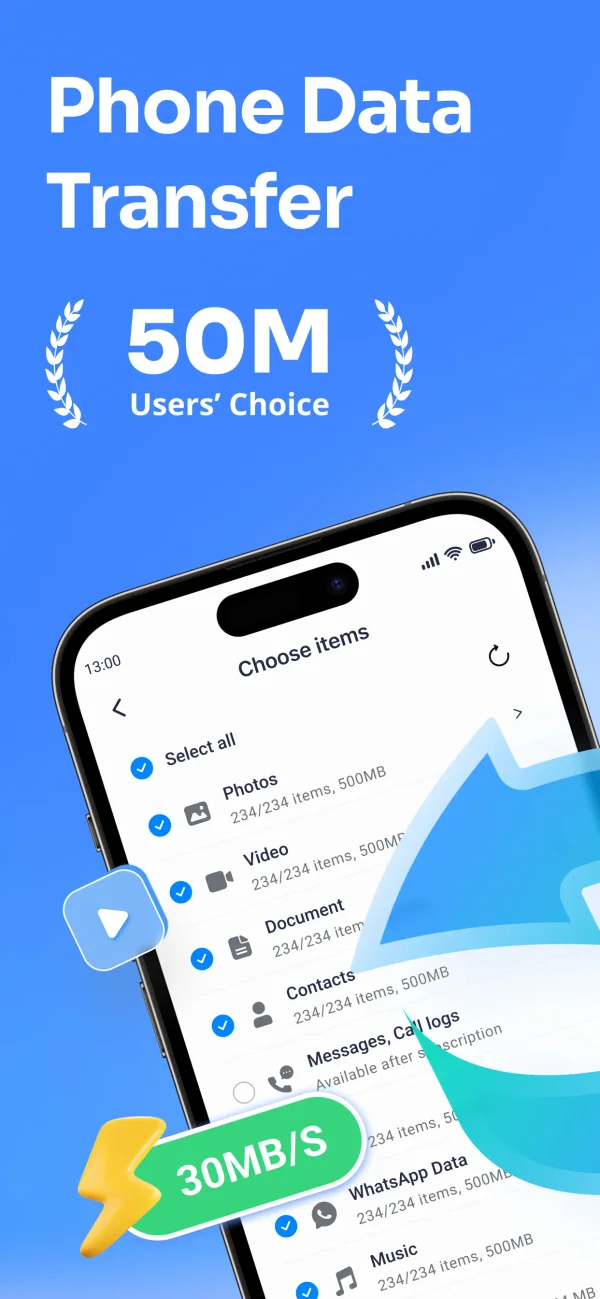
Switch between different platforms and move your data to a new phone. MobileTrans supports all major data types, including photos, videos, WhatsApp data, audio files, contacts, music, documents, and more. MobileTrans helps you clone apps and move important data.
● WhatsApp Transfer
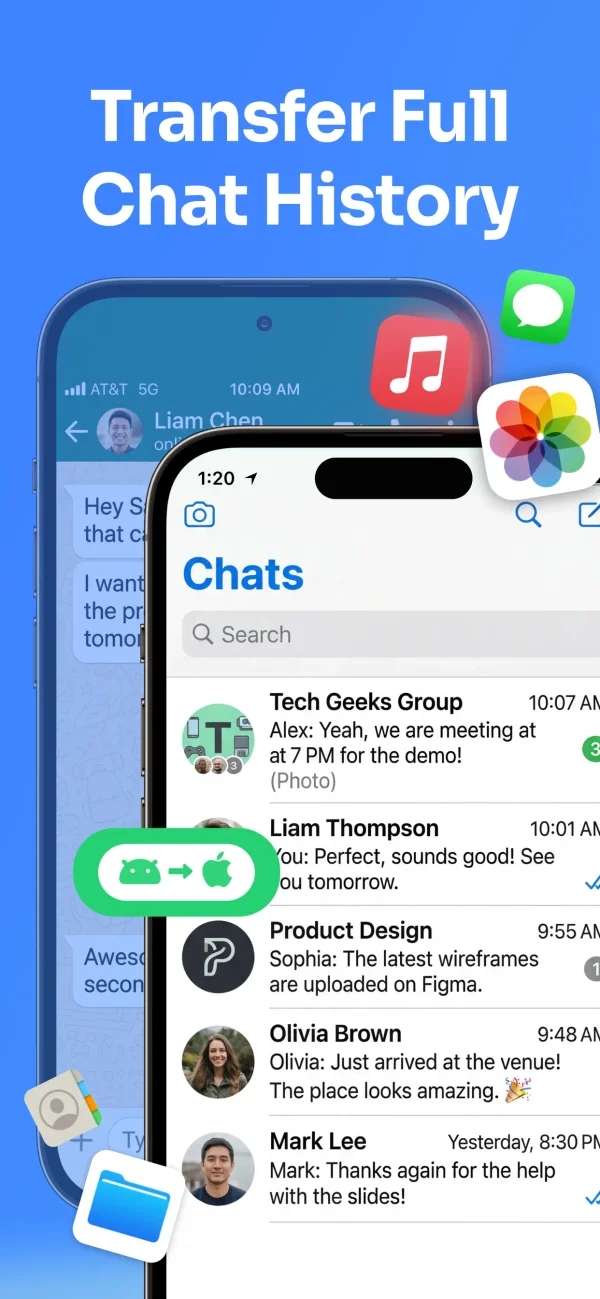
Move your WhatsApp messages and chats to a new phone securely, including chat history, photos, videos, contacts, stickers, and other attachments. Keep your chat history intact and continue conversations seamlessly on your new device.
● AI Transfer
Know what matters before you transfer. AI Transfer helps identify large files, old files, damaged files, and duplicate contacts on your phone. This makes phone switching more efficient and helps reduce clutter during migration.
● Backup & Restore Messages and Call History
Create a secure backup of your messages and call history. Restore them anytime when switching phones, upgrading devices, or recovering important data.
● iCloud to New Device
Sign in with your Apple ID and restore photos, videos, contacts, documents, and other important data from iCloud directly to your new device.
Why Choose MobileTrans?
● Fast Phone Transfer
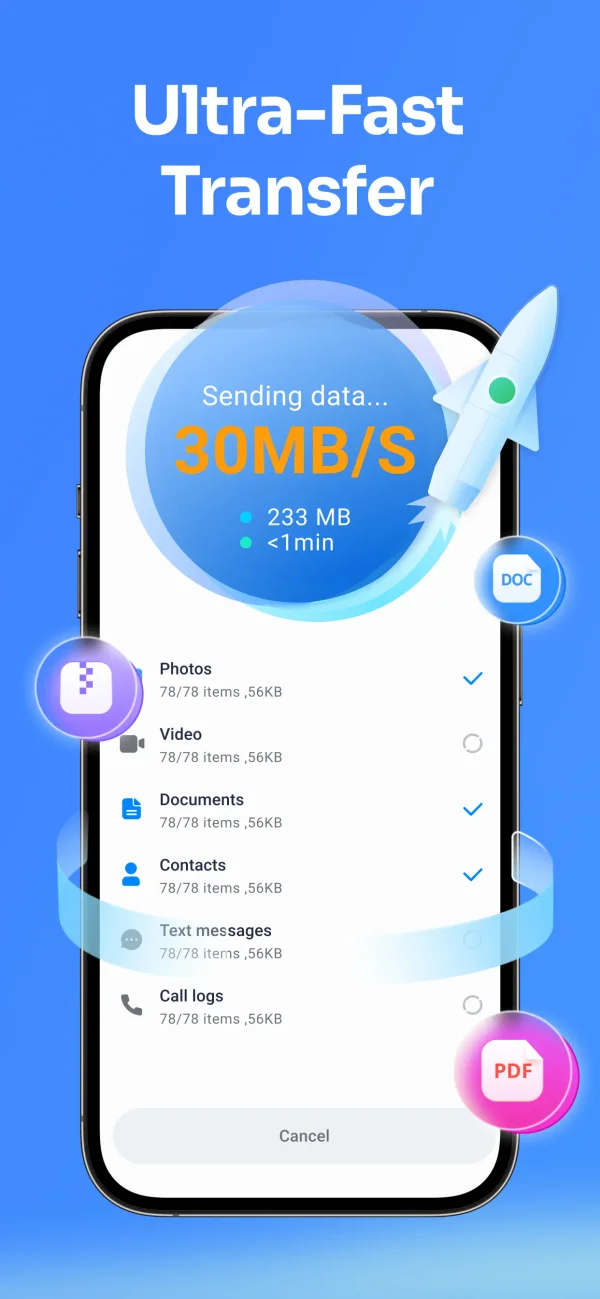
Transfer up to 200× faster than Bluetooth. With an average speed of 30 MB/s, you can move a 1 GB video in about 30 seconds.
● No Mobile Data Required
MobileTrans uses a direct local connection between devices, so your mobile data plan won't be used during the transfer.
● QR Code Connection
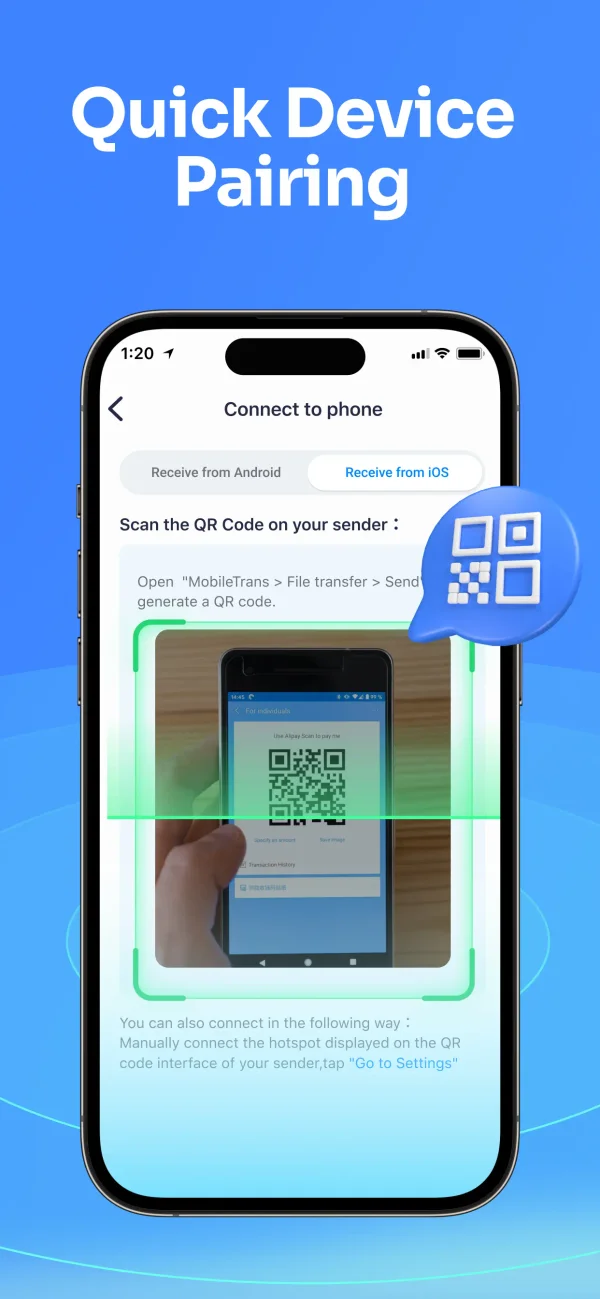
Connect your old and new phones instantly by scanning a QR code. Enjoy a wireless connection with no cables, complicated setup, or computer required. Move data with a quick share experience while keeping security.
● High Privacy & Data Security
Your data stays on your devices throughout the transfer process. MobileTrans does not store or upload your personal information, helping keep your data private and secure.
Subscribe to get unlimited access to all features:
- Phone Transfer
- File Transfer
- Photo Transfer
- WhatsApp Transfer
- Contact & App Transfer
- iCloud Transfer
- Phone-to-PC Transfer
Subscription Terms:
Payment will be charged to your iTunes Account at purchase.
Subscription renews automatically unless auto-renew is turned off at least 24 hours before the end of the current period.
Manage or turn off auto-renew in Account Settings anytime after purchase.
About the Developer-Wondershare
With more than one million users in more than 120 countries and regions around the world, Wondershare is a company dedicated to creative software.
Terms of Use:
https://www.apple.com/legal/internet-services/itunes/dev/stdeula/
Contact: customer_service@wondershare.com
What’s new
Version V4.8.14 · Nov 19, 2026
We've improved the user experience.
App privacy
What Wondershare Technology (Hunan) Co.,Ltd. declares on the App Store about how this app handles data.
-
Data not linked to you
May be collected but is not linked to your identity.
- Usage data
- Diagnostics
Privacy practices may vary, for example with the features you use or your age.
Information
- Seller
- Wondershare Technology Hunan Co.,Ltd.
- Category
- Utilities
- Version
- V4.8.14
- Updated
- Nov 19, 2026
- Released
- Jan 21, 2021
- Size
- 188.1 MB
- Requires
- iOS 15.0 or later
- Age rating
- 4+
- Price
- Free
- In-app purchases
- Yes
- Languages
- English, Arabic, French, German, Indonesian, Italian, Japanese, Portuguese, Russian, Simplified Chinese, Spanish, Traditional Chinese
- Copyright
- © 2021 Wondershare. Alle Rechte vorbehalten.
You might also like
-
 Data Transfer Move to OSMove Data from Phone to Phone
-
 Copy My Data - Smart TransferPhone Switch & Move Contacts
-
 Smart Transfer AppCopy Contacts, Photos & Videos
-
 Copy My Data - Mobile TransferSmart content transferring
-
 Smart Switch - Phone CloneFast Data, Wifi Transfer
-
 Data Transfer - Copy My DataFile Manager, Mobile Transfer
-
 Clone PhoneFor OPPO, OnePlus, and realme
-
 Copy My DataCopy My Data
-
 iCareFone:Phone Transfer&CleanData Transfer, Cleanup iPhone
-
 Android SwitchGoogle’s official transfer app