Copy My Data I Phone transfer
Move Contacts, Photos & Files
Designed for iPhone
Free · In-app purchases
- Age rating4+
- CategoryUtilities
- DeveloperRed Sky Labs, S.L.
- LanguagesEnglish+ 9 more
- Size53.8 MB
Links to the official App Store page
Download.org hosts no file of Copy My Data I Phone transfer. The button opens its official App Store page, published by Red Sky Labs, S.L. Listing last checked on Nov 27, 2026.
Screenshots

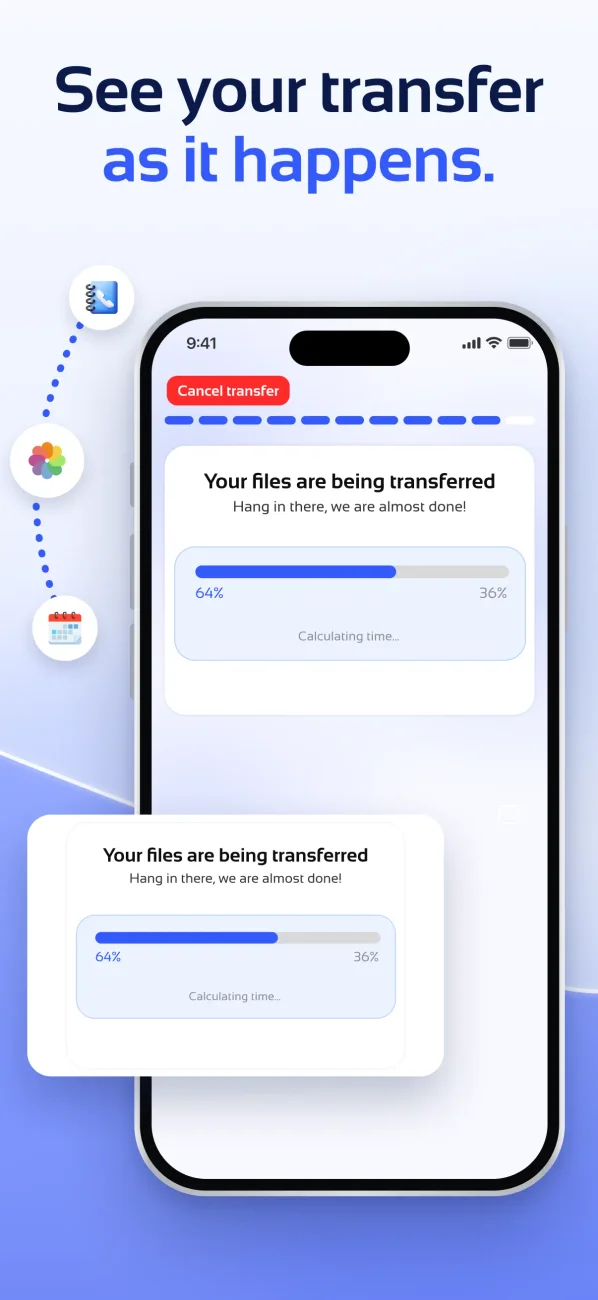
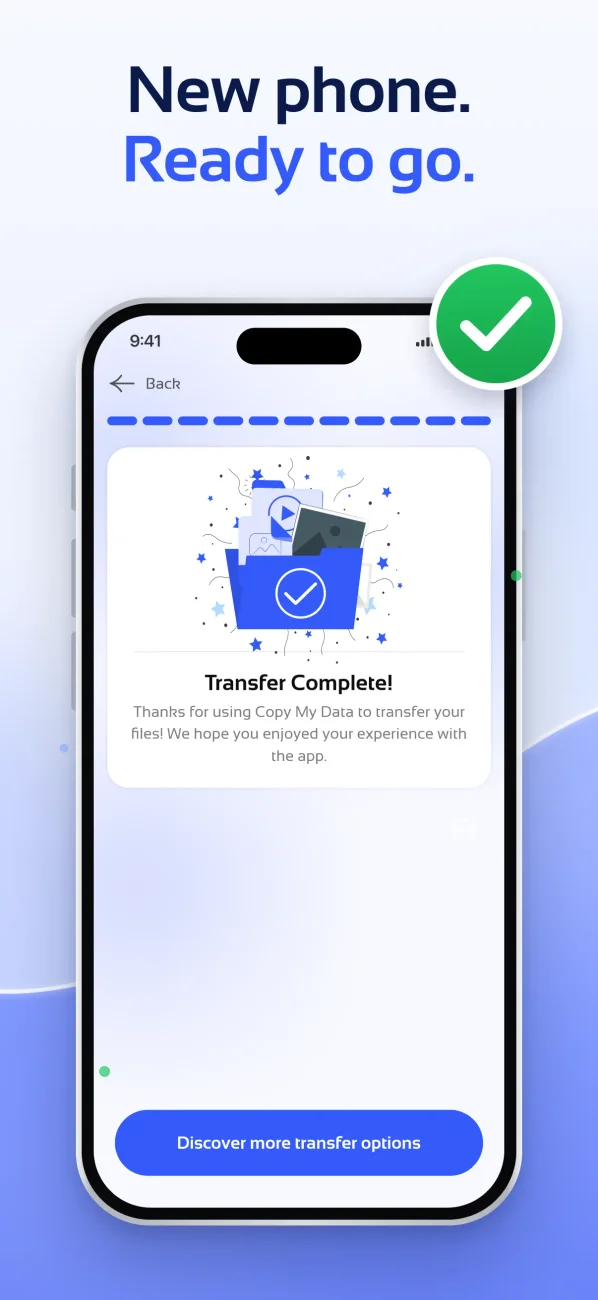
About
Transfer Data to Your New Phone : Fast & Easy
Switching to a new phone? Copy My Data makes it easy to transfer contacts, photos, videos, calendars, and files between devices over Wi-Fi.
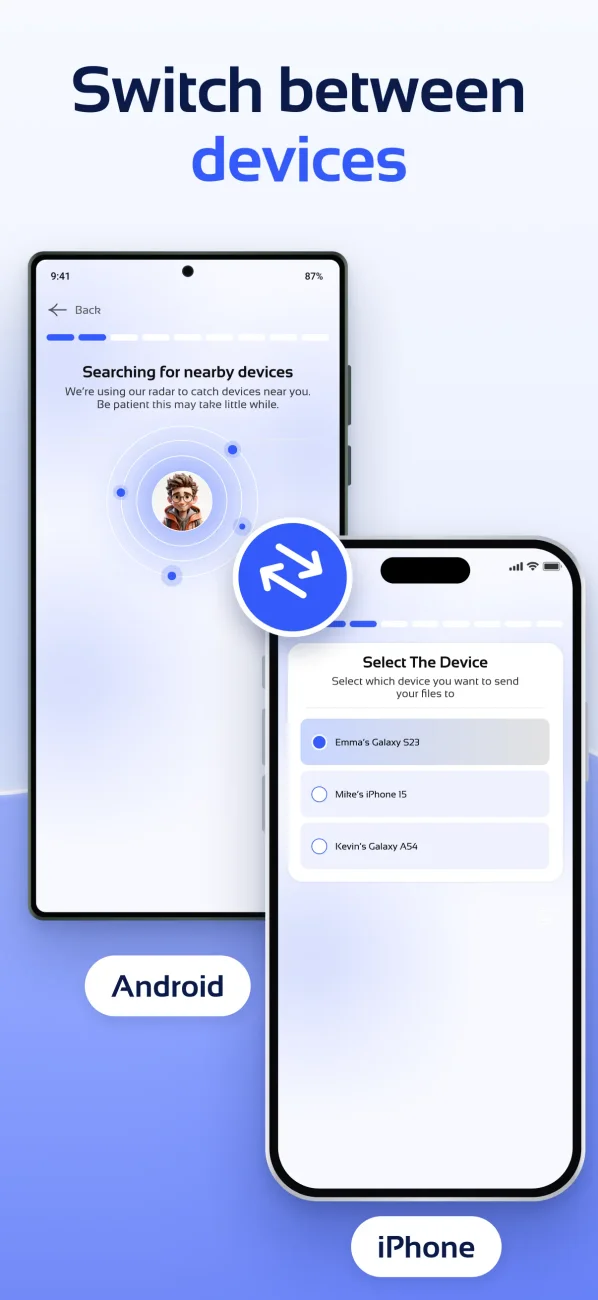
Whether you're moving from Android to iPhone, switching to another iPhone, or transferring data to a another device, Copy My Data helps you take your important information with you.
No cables. No complicated setup. Just a simple way to move your data from one phone to another.
► TRANSFER YOUR DATA WITH EASE
••• Contacts Transfer
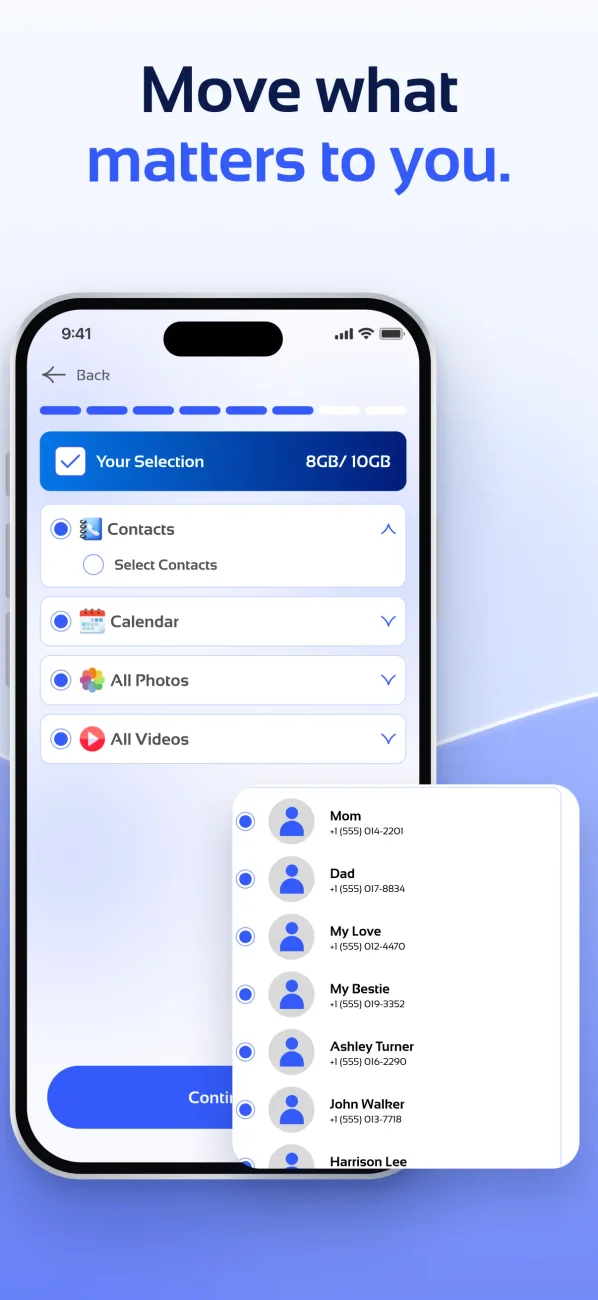
Move your contacts and address book to your new phone without adding them one by one.
••• Photo & Video Transfer Transfer your favorite photos and videos between devices and keep your memories close.
••• File Transfer Move important files and documents directly between supported devices over your local Wi-Fi network.
••• Calendar Transfer Bring your calendar events and important dates to your new device.
► WHY CHOOSE COPY MY DATA?
••• Easy Phone-to-Phone Transfer
Copy your data from your old phone to your new one with simple, guided steps.
••• Any device Compatibility Transfer supported data between Android and iPhone devices, or between phones using the same operating system.
••• Wireless Data Transfer Move your files, contacts, photos, and videos using a local Wi-Fi connection. No USB cables required.
••• Direct Device-to-Device Transfers Transfer your information over your local network without uploading the transferred content to cloud storage.
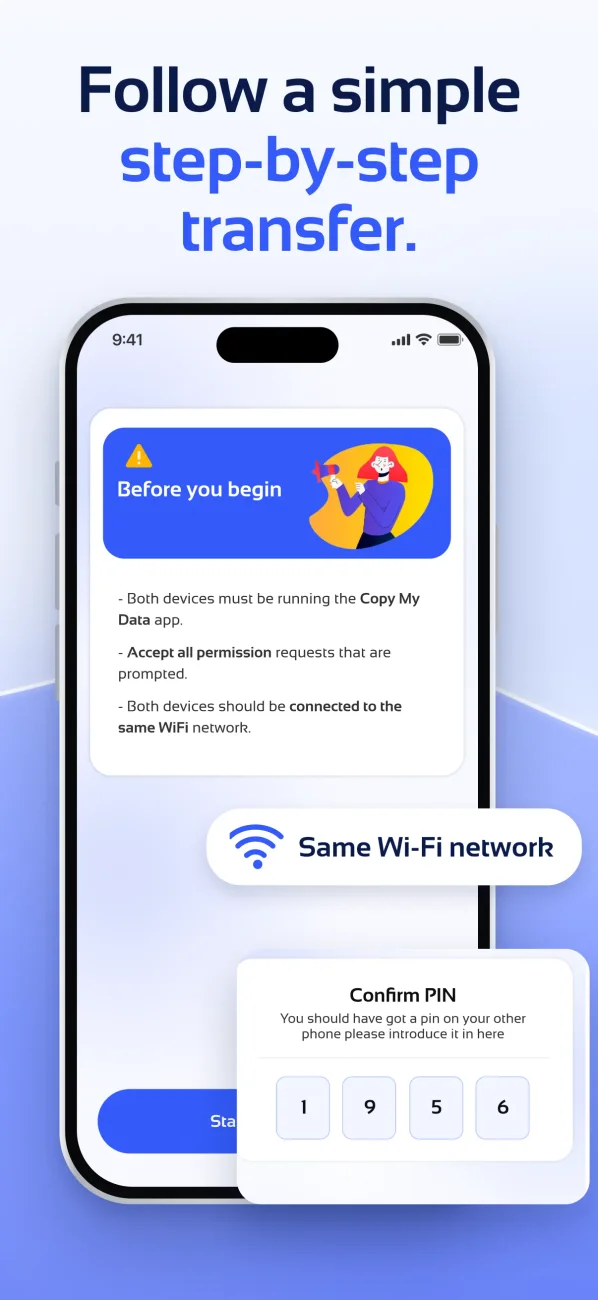
••• Simple Step-by-Step Setup Follow clear on-screen instructions to connect your devices and start transferring your data.
► HOW TO TRANSFER DATA TO A NEW PHONE
1. Connect your old and new phones to the same Wi-Fi network.
2. Install and open Copy My Data on both devices.
3. Follow the instructions to connect your phones.
4. Select the supported content you want to move.
5. Start the transfer and bring your data to your new device.
► MADE FOR YOUR NEXT PHONE SWITCH
Copy My Data is useful when you want to:
* Transfer data from Android to iPhone.
* Move contacts from one phone to another.
* Transfer photos and videos to a new device.
* Copy files between supported smartphones.
* Switch phones without using cables.
* Move your calendar and important information.
Whether you're upgrading your phone or changing operating systems, Copy My Data makes the transition easier.
► IMPORTANT WI-FI INFORMATION
Both devices must be connected to the same Wi-Fi network to communicate.
Some public, corporate, or restricted networks may prevent devices from connecting to each other. For the best experience, use a private home Wi-Fi network that allows communication between connected devices.
Transfer availability and performance may vary depending on your devices, operating systems, permissions, network conditions, and the amount of data being moved.
► GET STARTED WITH COPY MY DATA
Make your next phone switch easier. Download Copy My Data and transfer your important contacts, photos, videos, calendars, and files to your new device.
PRIVACY & TERMS
Privacy Policy:
https://www.redsky-labs.com/privacy-policy-apps.html
Terms of Use:
https://www.redsky-labs.com/Service_Terms.html
What’s new
Version 70.3.5 · Nov 26, 2026
Upgrading your device is now faster and easier than ever. Get set up in moments and move your precious photos, essential contacts, and important files without the hassle. We have streamlined the entire process so every feature opens instantly, navigating is completely seamless, and your transfers finish with rock-solid reliability. Enjoying your fresh start? Take a quick second to leave us a review and let us know how your transfer went.
App privacy
What Red Sky Labs, S.L. declares on the App Store about how this app handles data.
-
Data used to track you
May be used to track you across apps and websites owned by other companies.
- Usage data
-
Data not linked to you
May be collected but is not linked to your identity.
- Identifiers
- Usage data
- Diagnostics
Privacy practices may vary, for example with the features you use or your age.
Information
- Seller
- Red Sky Labs, SOCIEDAD LIMITADA
- Category
- Utilities
- Version
- 70.3.5
- Updated
- Nov 26, 2026
- Released
- May 2, 2014
- Size
- 53.8 MB
- Requires
- iOS 18.6 or later
- Age rating
- 4+
- Price
- Free
- In-app purchases
- Yes
- Languages
- English, Arabic, Dutch, German, Hindi, Italian, Portuguese, Spanish, Thai, Turkish
- Copyright
- © Red Sky Labs
You might also like
-
 Copy My DataCopy My Data
-
 Smart Transfer AppCopy Contacts, Photos & Videos
-
 Copy My Data - Mobile TransferSmart content transferring
-
 Verizon Content TransferUtilities
-
 Smart Switch - Phone CloneFast Data, Wifi Transfer
-
 Data Transfer - Copy My DataFile Manager, Mobile Transfer
-
 Data Transfer - MobileTransSmart Transfer: Clone Phone
-
 Smart Switch: Copy my dataEffortless Data Transfer App
-
 Data Transfer Move to OSMove Data from Phone to Phone
-
 Samsung Smart Switch MobileUtilities