DataScan
Barcode Inventory Scan Export
Designed for iPhone, iPad
Free · In-app purchases
- Age rating4+
- CategoryBusiness
- DeveloperKeitgen GmbH
- LanguagesEnglish+ 42 more
- Size72.3 MB
Links to the official App Store page
Download.org hosts no file of DataScan. The button opens its official App Store page, published by Keitgen GmbH. Listing last checked on Nov 24, 2026.
Screenshots


About
Turn your iPhone into a barcode scanner for inventory, stock counts and asset tracking. DataScan writes your scans to files that your ERP, warehouse system or spreadsheet can import: CSV or Excel, sent by email, saved to Files or uploaded to your FTP or SFTP server. No new hardware, no new infrastructure.
Fits the Systems You Already Have
Your ERP or warehouse system imports files. DataScan creates them the way your import expects: choose the delimiter, column headers (on or off; renamable in most modes), encoding, date and time format and file name.
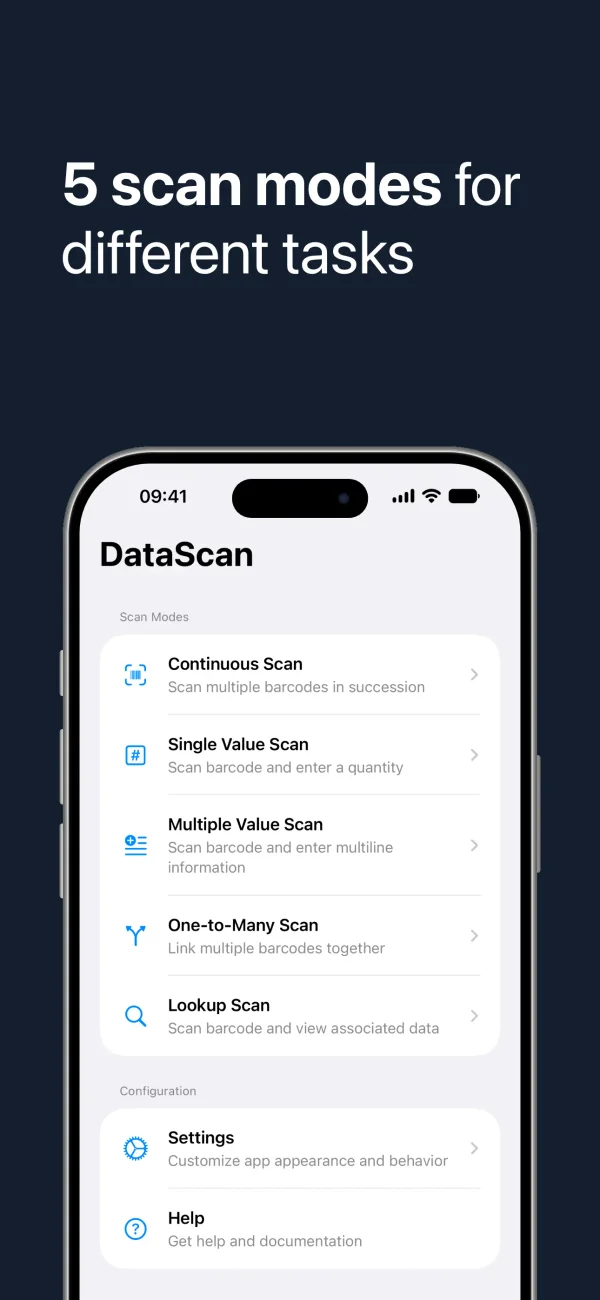
5 Scan Modes
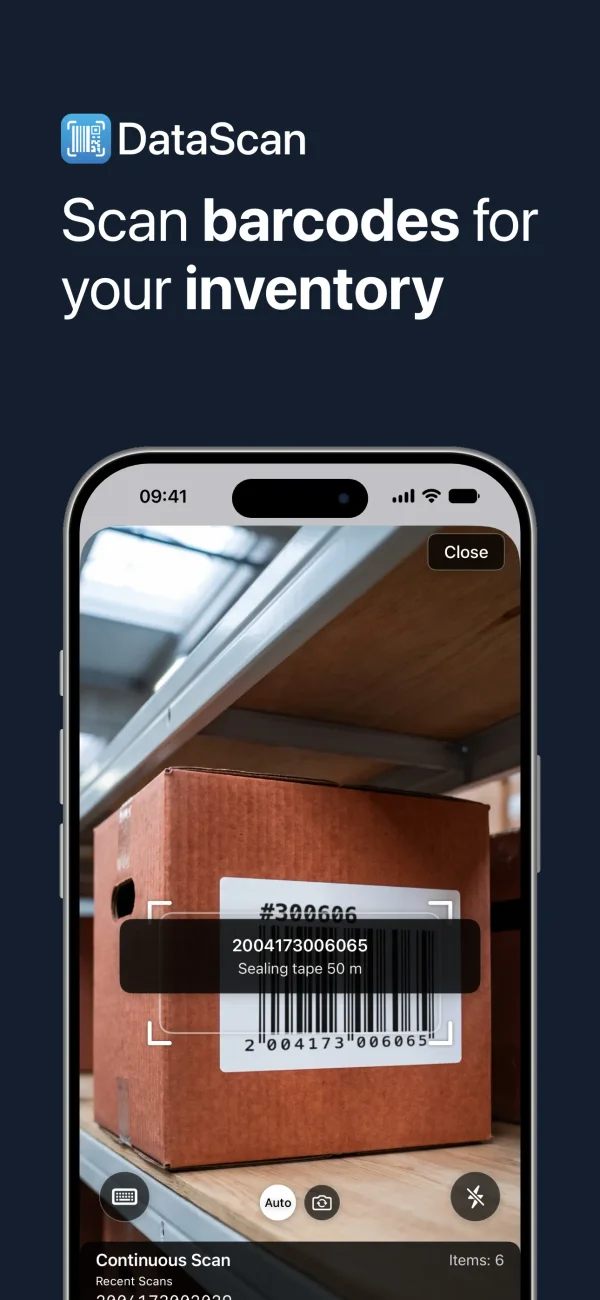
- Continuous Scan – scan many barcodes in a row; touch and hold to pause
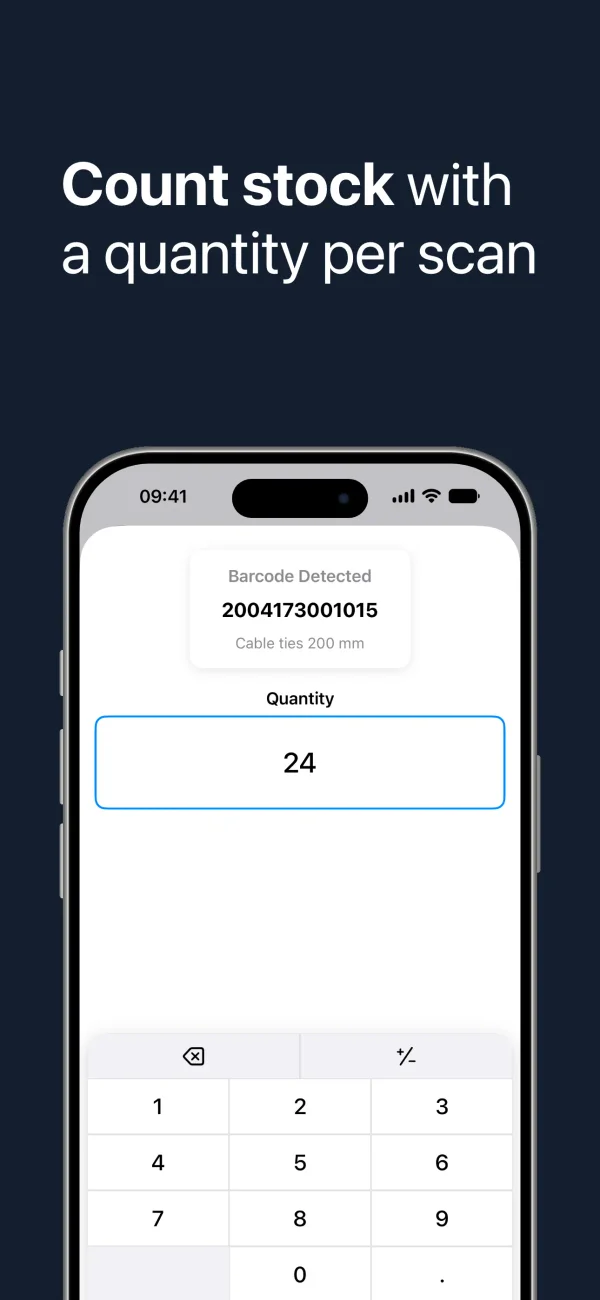
- Single Value Scan – scan an item and type the quantity, with a running total, for stock counts
- Multiple Value Scan – add a note, a location name, the GPS position and the weather to each scan, for inspections
- One-to-Many Scan – link items to a box, pallet, bin or location
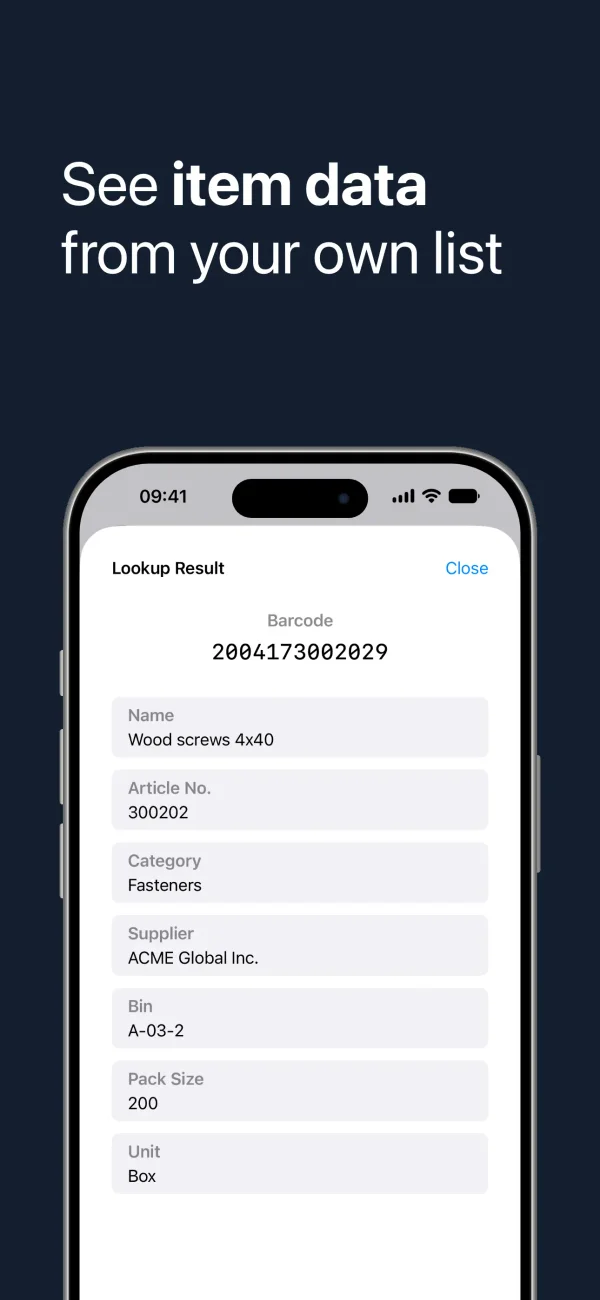
- Lookup Scan – scan a code and see its row from your own product list
Your Product List in the App
Import a CSV from a file or a URL, refreshed daily if you like. Scans can show the item name, and the export can add every column of your list to each scan row.
Where It Helps
Warehouse
- Goods receiving, cycle counts and stocktakes
- Items per bin, box or pallet
Retail
- Stock counts with quantities
- Price checks against your own list
Field Service
- Inspections with location, notes and weather
- Parts per vehicle or job
Offices, Schools and Labs
- Asset lists and device carts
- Samples per box or rack
Export and Delivery
- CSV (comma, semicolon, tab or pipe) or Excel (.xls)
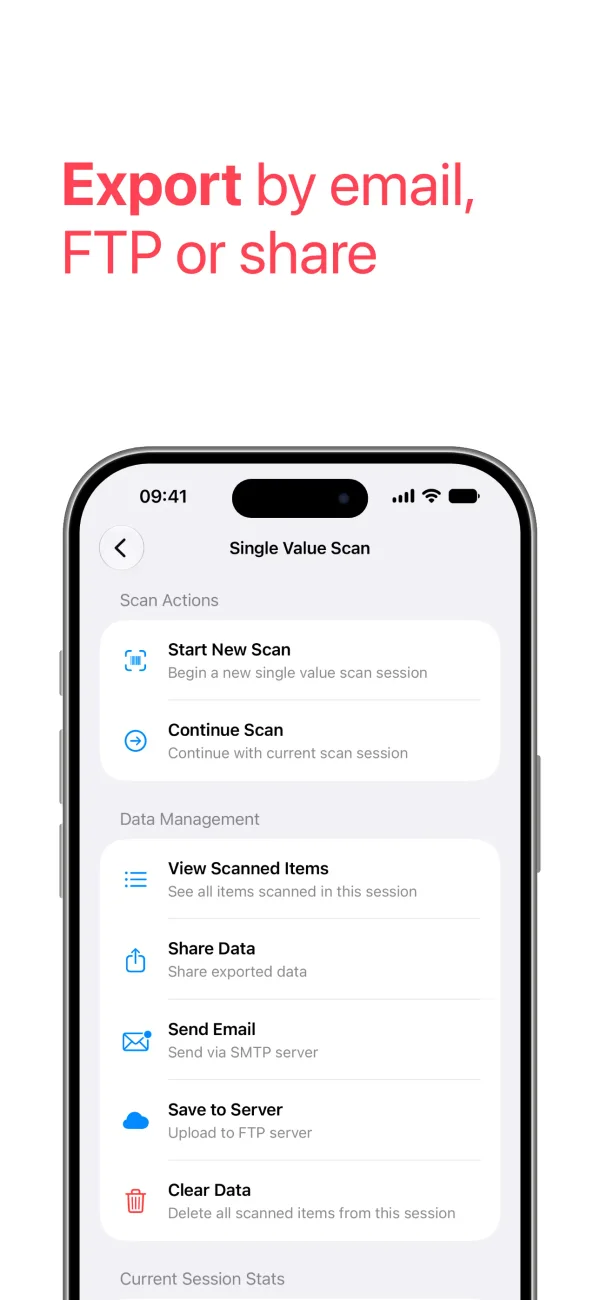
- Share sheet: Files, AirDrop and other apps
- Email through the Mail app or your own SMTP server
- Upload to your FTP or SFTP server
- Email by SMTP and server uploads go out with one tap and show success or the error
Built for Teams
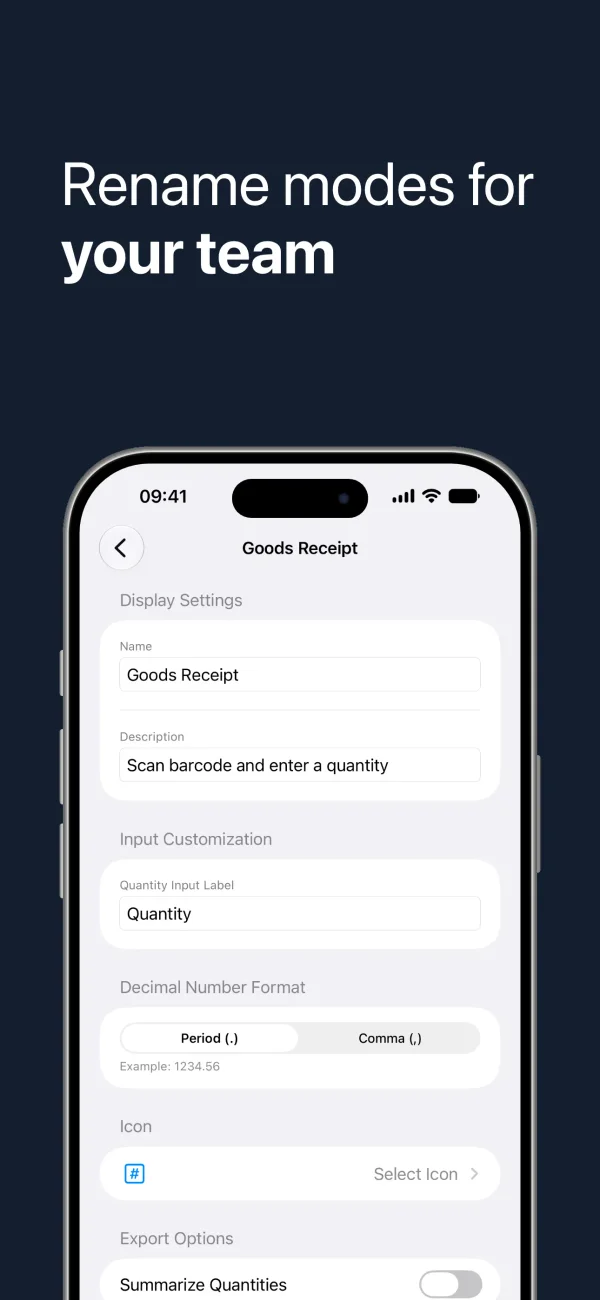
- Rename, hide and re-icon the scan modes; add your company name and colors
- Set up more devices with one settings file
- 13 barcode types, including QR Code, EAN-13, UPC-A, Code 128, Code 39, Data Matrix and PDF417
- Works offline: every scan is saved on the device the moment it is captured
- No ads, no advertising ID
In Use Since 2012
DataScan first came to the App Store in 2012. The current app came out in 2025 for iPhone and iPad.
Subscription Pricing
DataScan offers a 7-day free trial with full features. After the trial, continue with a subscription through the App Store. Pricing varies by location with monthly and annual options available. Subscriptions automatically renew unless canceled at least 24 hours before the end of the current period. Manage your subscription anytime in your App Store account settings.
Note: Camera required for scanning. A network is needed for email, server uploads, weather and lookup downloads.
Privacy Policy: https://datascan.app/privacy
Terms of Use: https://datascan.app/terms
What’s new
Version 2026.4 · Nov 2, 2026
v 2026.4
- New welcome tour: pick your job and preview the file you will get
- Real SFTP uploads; server files get their final name only after the upload is complete
- Cancel email sending and server uploads while they run
- New "UTF-8 with BOM (for Excel)" file encoding; cells that could run as Excel formulas are protected
- Lookup import detects separators and encodings and asks before it replaces data
- With several barcodes in view, DataScan scans the one in the center
- Choose from 10 new app icons
- Better accessibility and translations in all languages
v 2026.3
- Added "Flip Primary and Secondary Column on Export" option for One-to-Many scan
- Metadata update
v 2026.2
- Added "Quote Fields Only When Needed" option for cleaner CSV exports
- Metadata update
v 2026.1
- Added support for five additional barcode types: Codabar, Interleaved 2 of 5, UPC-A, Aztec, and Data Matrix
- Added front camera option in camera lens settings
- Added "Always delete data on new scan" setting to skip confirmation dialogs
- Metadata update
App privacy
What Keitgen GmbH declares on the App Store about how this app handles data.
-
Data not linked to you
May be collected but is not linked to your identity.
- Usage data
- Diagnostics
Privacy practices may vary, for example with the features you use or your age.
Information
- Seller
- Keitgen GmbH
- Category
- Business
- Version
- 2026.4
- Updated
- Nov 2, 2026
- Released
- Jun 30, 2025
- Size
- 72.3 MB
- Requires
- iOS 18.0 or later
- Age rating
- 4+
- Price
- Free
- In-app purchases
- Yes
- Languages
- English, Arabic, Bengali, Bulgarian, Catalan, Croatian, Czech, Danish, Dutch, Finnish, French, German + 31 more
- Copyright
- © 2012-2026 Keitgen
You might also like
-
 QR 2 CSVQR & Barcode Scanner to CSV
-
 DART Counts by DatascanInventory Data Capture Tool
-
 Inventory Count - ScanoidInventory Barcode Scanner
-
 Barcode to SheetCustom Forms & Scan Barcodes
-
 Mobile Inventory: Scan & TrackCount & manage stock with team
-
 Scan to ExcelFast scanning to Excel
-
 Scan-IT to OfficeMobile Data Collection
-
 Barcode Scanner - Orca ScanInventory & Asset Tracker
-
 Scan to Sheets - QR & BarcodeFast scanning to Google Sheets
-
 Inventory with barcodeStock Management System