
Inventory Count - Scanoid
Inventory Barcode Scanner
Designed for iPhone, iPod touch
Free · In-app purchases
- Age rating4+
- CategoryBusiness
- DeveloperHyeonmyeong Ji
- LanguagesEnglish+ 32 more
- Size144.3 MB
Links to the official App Store page
Download.org hosts no file of Inventory Count - Scanoid. The button opens its official App Store page, published by Hyeonmyeong Ji. Listing last checked on Nov 20, 2026.
Screenshots

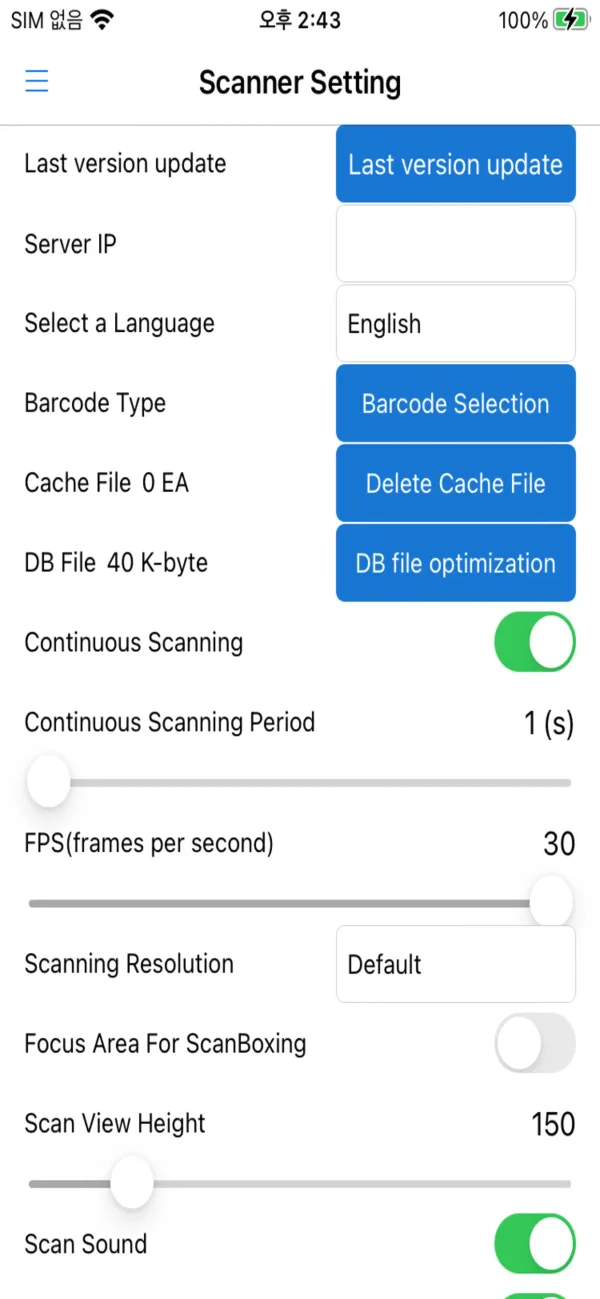
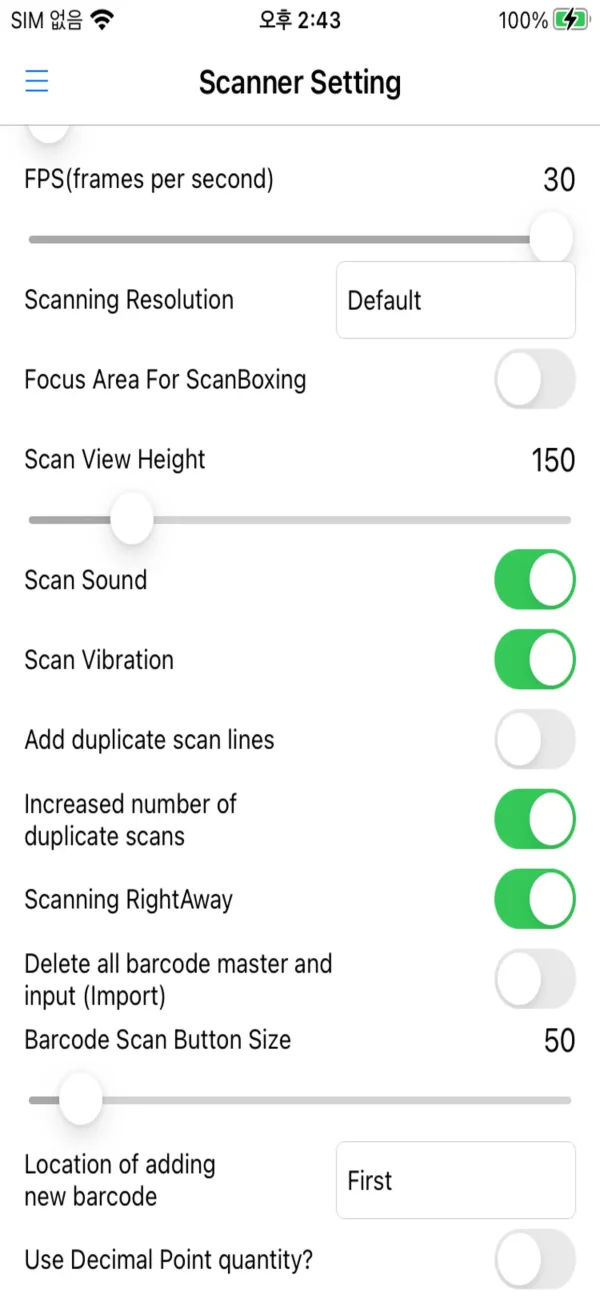
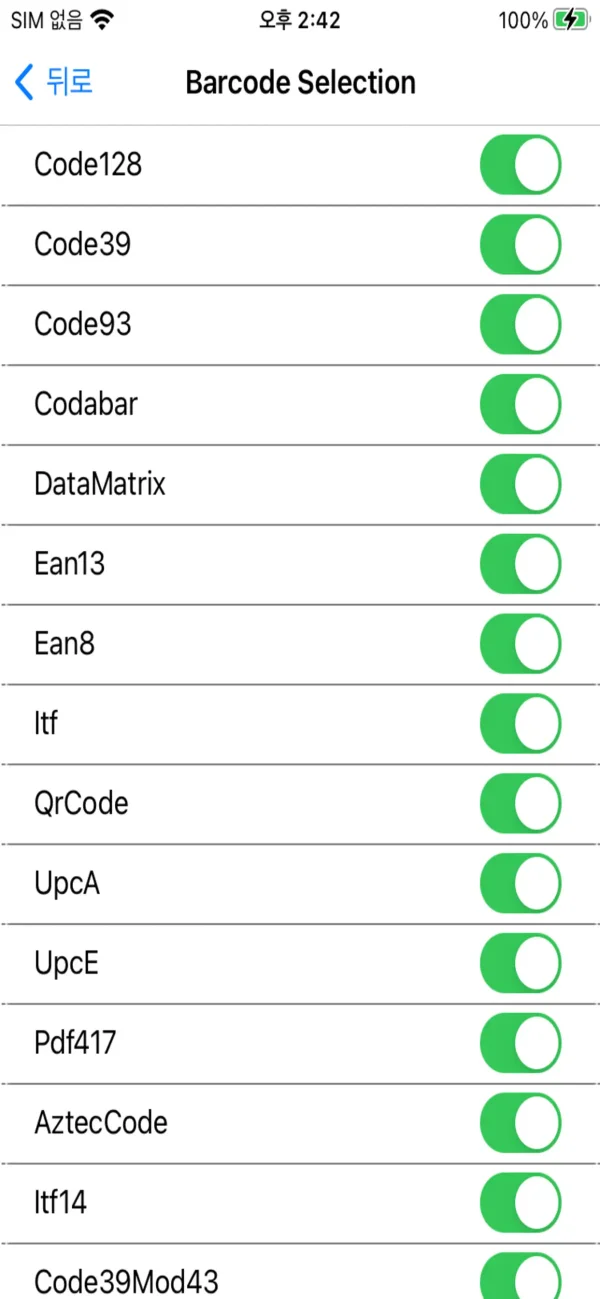
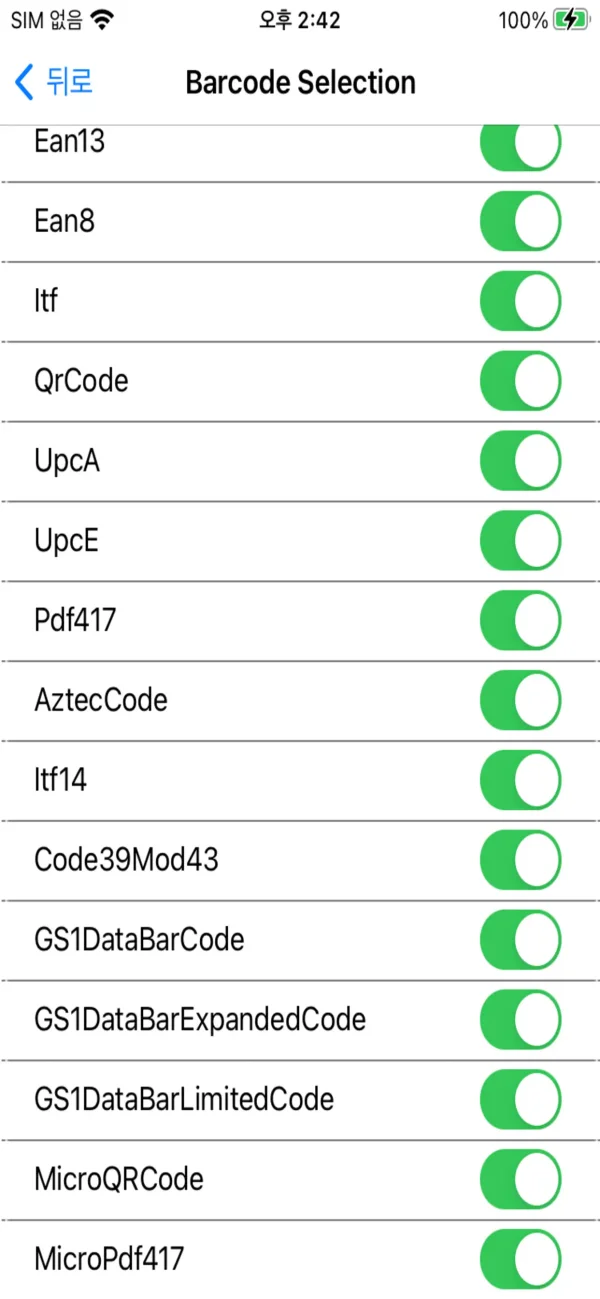
About
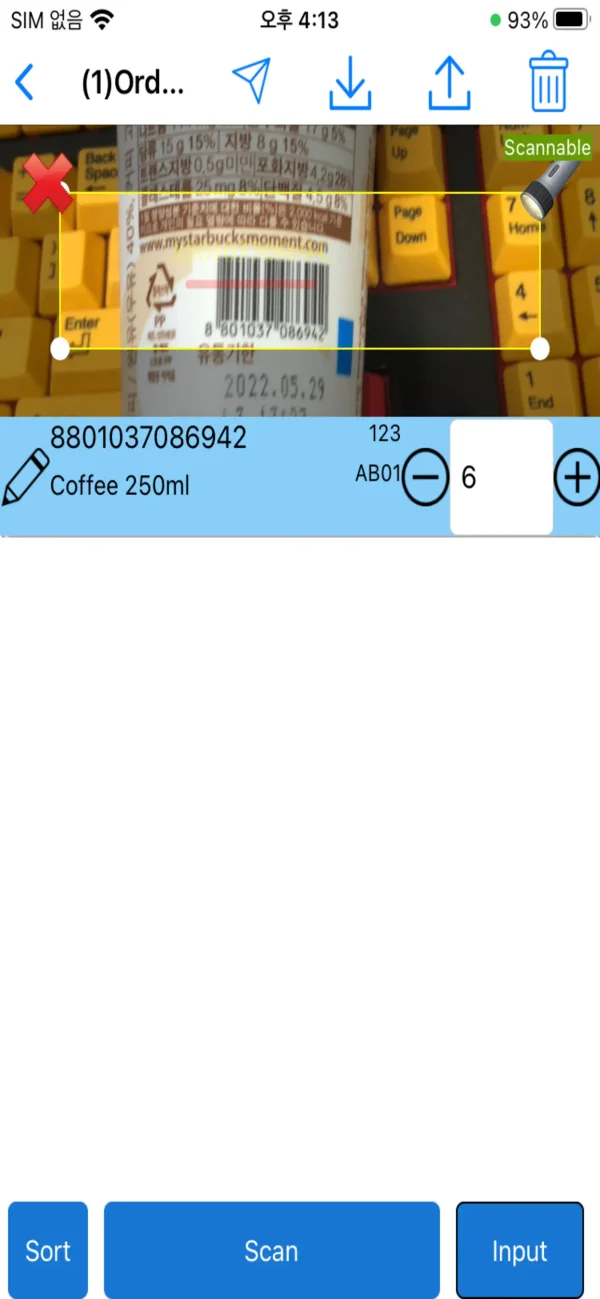
Barcode Scanner Without Screen Switching
- Manage inventory immediately while scanning.
- Split the scanning screen and data processing screen to perform scanning and inventory management simultaneously.
- You can use it immediately after installation without signing up.
- If you need the same performance as a PDA, install this app.
[Key Features]
■ Customizable Scanning Screen
- Adjust the size of the scan screen and change the scan area in real time to enable more accurate barcode scanning.
■ Unlimited Free Barcode Scanning
- Barcode scanning is unlimited and free.
- However, Excel export is limited if there are more than 50 scan records.
[Features Supported by the App]
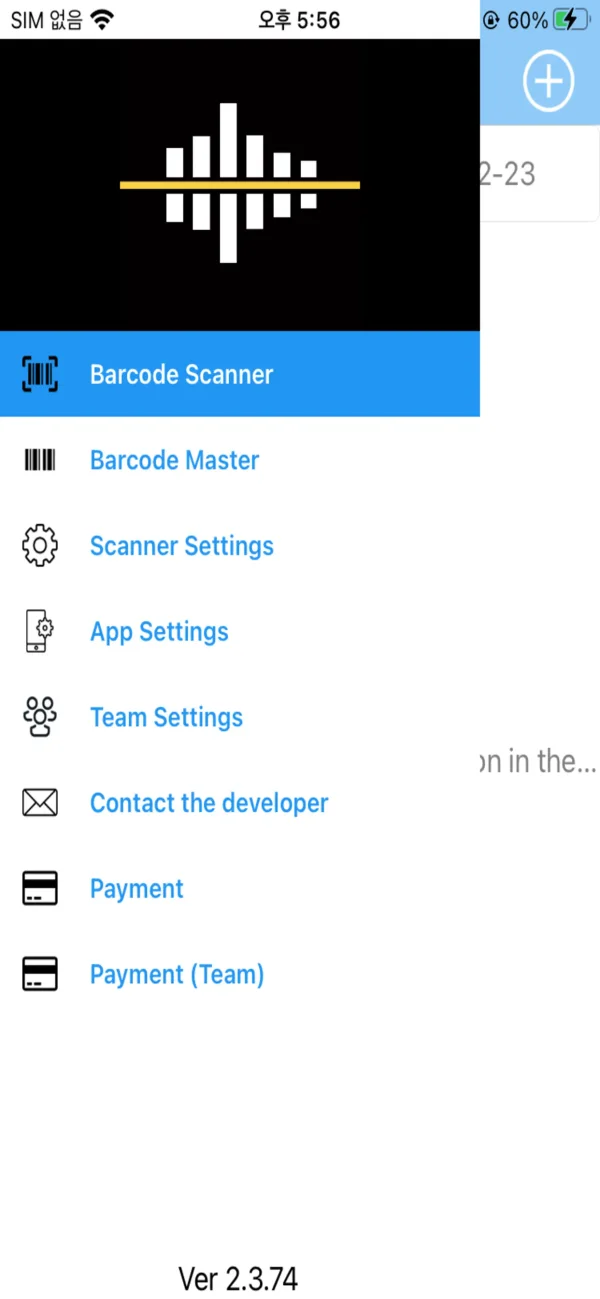
■ Barcode scanner
- Barcode scanner that does not require sign-up
- Accurate and fast barcode scanning with split scanning screen and real-time scanning area adjustment
- Can replace existing PDAs or Bluetooth barcode scanners for inventory checks, orders, etc.
- Supports Excel Import/Export
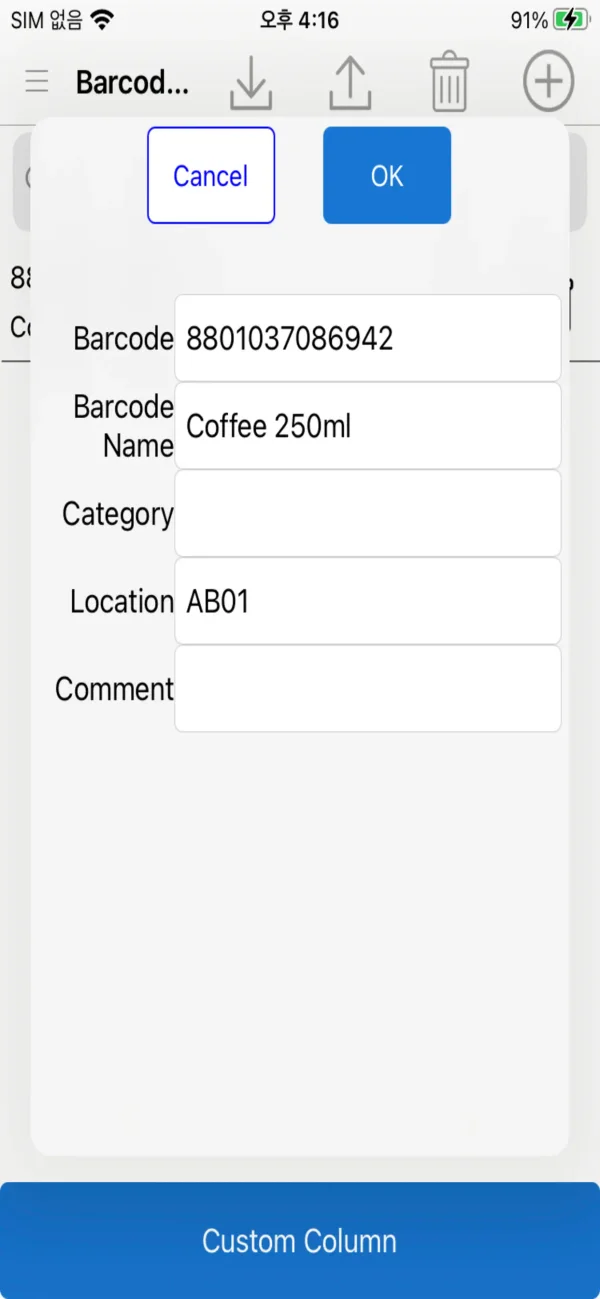
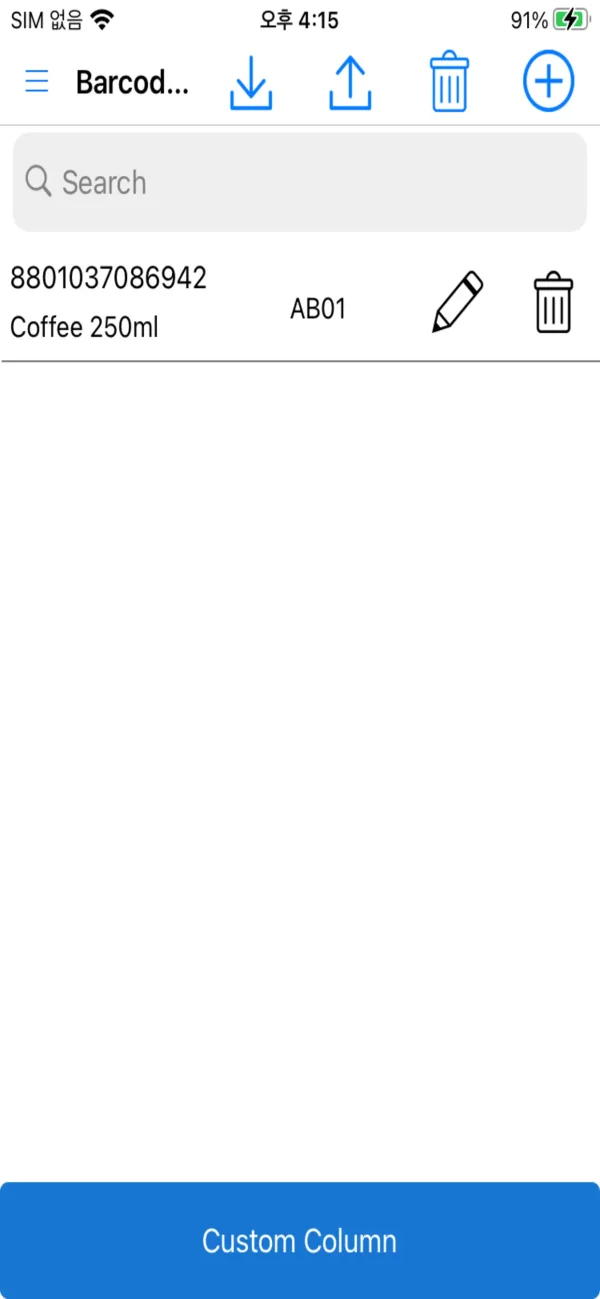
■ Barcode Master
- Supports Excel Import/Export
- Allows users to add custom columns to barcodes
■ Advanced scanner settings (available to free users)
- Supports various data processing methods for duplicate scans
- Allows manual quantity input
- Supports alternative barcodes
- Allows the use of decimal quantities
- Supports continuous and single scanning
- Allows setting the interval time for continuous scanning
- Supports quantity increase, line addition, and manual input mode for duplicate scans
- Real-time scanning area adjustment for accurate barcode scanning
- Camera zoom in/out
- Multilingual support
■ Team mode support
- Sharing the same data for multiple users, free team creation/use
- Administrator creates a team and users join to use it
■ PC management program support:
- Can be linked with PC management program
- Supports cloud and local network
- PC management program installation Address
https://pulmuone.github.io/barcode/publish.htm
[Terms of Use]
https://www.apple.com/legal/internet-services/itunes/dev/stdeula/
[Privacy Policy]
https://blog.naver.com/gwise/222703219470
What’s new
Version 2.5.3 · Nov 16, 2026
Fixed a bug with Excel exporting.
App privacy
What Hyeonmyeong Ji declares on the App Store about how this app handles data.
-
Data linked to you
May be collected and linked to your identity.
- Identifiers
-
Data not linked to you
May be collected but is not linked to your identity.
- Identifiers
- Usage data
- Diagnostics
Privacy practices may vary, for example with the features you use or your age.
Information
- Seller
- Hyeonmyeong Ji
- Category
- Business
- Version
- 2.5.3
- Updated
- Nov 16, 2026
- Released
- Jun 19, 2020
- Size
- 144.3 MB
- Requires
- iOS 15.0 or later
- Age rating
- 4+
- Price
- Free
- In-app purchases
- Yes
- Languages
- English, Arabic, Catalan, Croatian, Czech, Danish, Dutch, Finnish, French, German, Greek, Hebrew + 21 more
- Copyright
- © GWISE
You might also like
-
 NaventyTrack your Stock & Sales
-
 Barcode CounterStock Counting with Barcode
-
 Stock Count 4Stock Count
-
 Stock Count by Socket MobileInventory counting made easy
-
 Inventory & Stock ManagementWarehouse Stocktake & Counting
-
 Barcodica - Barcode scannerInventory barcode scanner
-
 Inventory with barcodeStock Management System
-
 Erply StocktakeOffline inventory counting
-
 Inventory Scanner Stock CountCSV exports for small business
-
 CodeREADr: Admin EditionFast Scanning for Business