
DayCast: Plan + Reflect
Plan, Journal, Track, Private
Designed for iPhone, iPad, Mac
In-app purchases
- Age rating4+
- CategoryProductivity
- DeveloperJC Mobile App Studio LLC
- LanguagesEnglish
- Size35.2 MB
Links to the official App Store page
Download.org hosts no file of DayCast: Plan + Reflect. The button opens its official App Store page, published by JC Mobile App Studio LLC. Listing last checked on Nov 8, 2026.
Screenshots
About
Your planner, notes, journal and spending tracker in one private app, on iPhone, iPad, Mac, Apple Watch and the web. Keep only the sections you use.
PLANNER
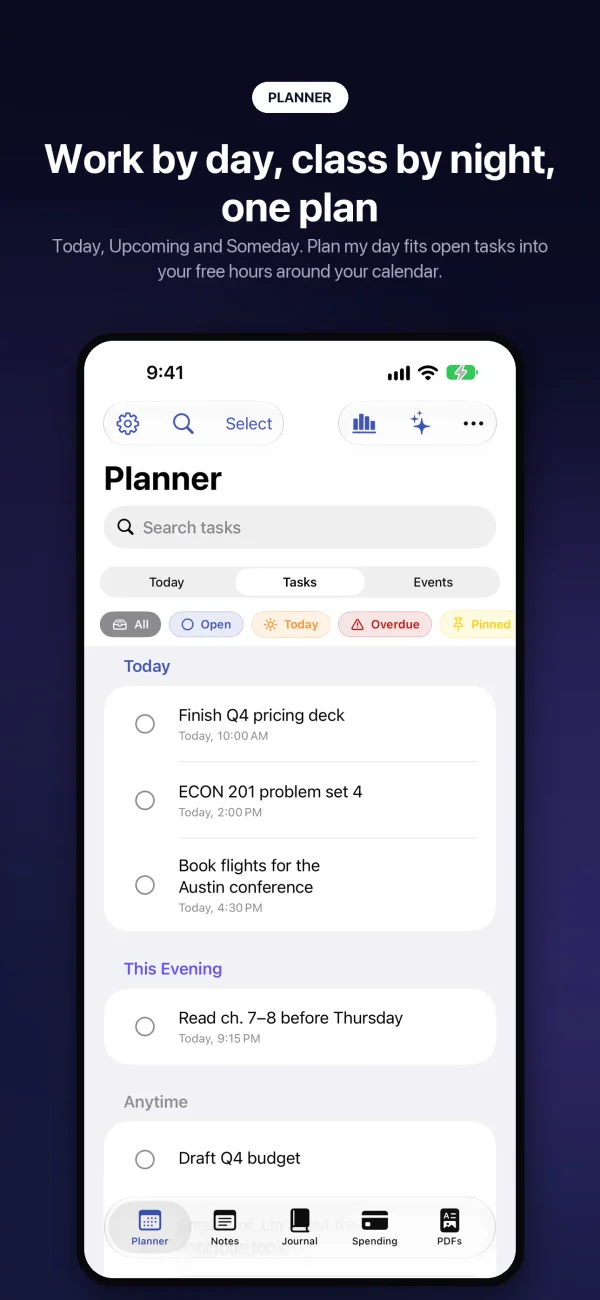
• Today shows your day at a glance, with a Weekly Review of tasks, habits, mood and spending
• Today, Upcoming, Anytime and Someday views, plus a Logbook of what you finished
• Type naturally: "Call Sam Friday 3pm !!" fills in the date, time and priority
• Plan My Day, Paste as Tasks, and import from Reminders
• Time and location reminders, and repeating tasks you can pause
• Day, week, month and timeline views; projects, energy levels and a completion heatmap
• Habits with streaks and daily reminders
NOTES
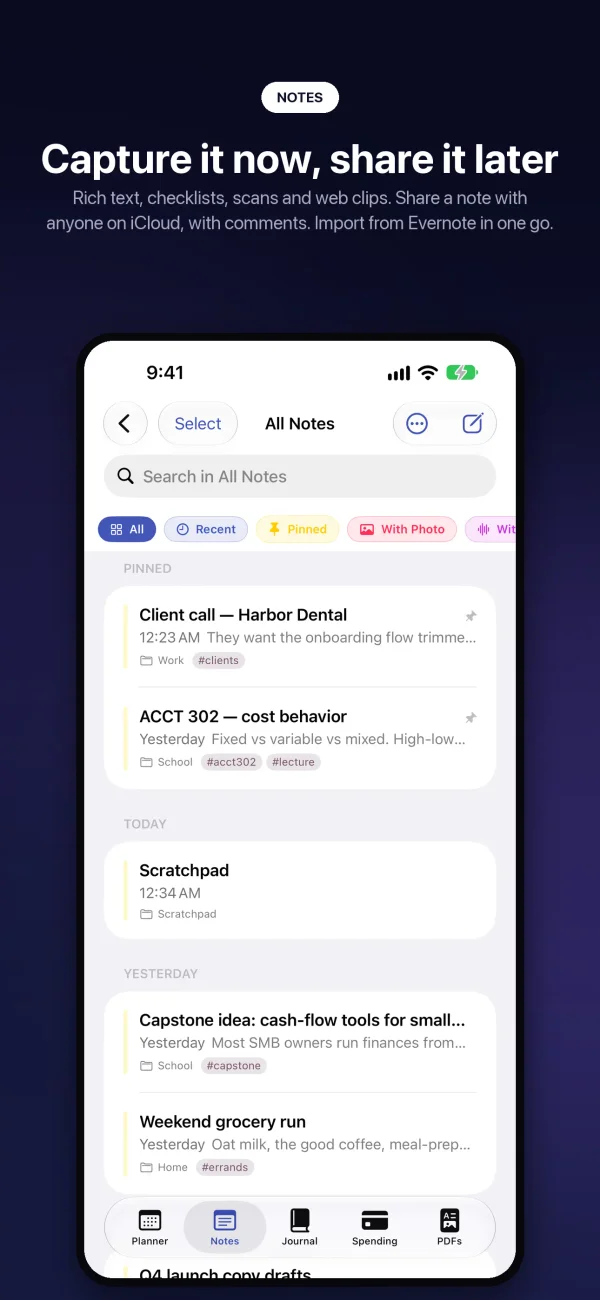
• Type / for headings, checklists, tables, photos and callouts; type # to tag as you write
• An Inbox for everything you share, clip or email in, until you file it in a notebook
• Rich text with highlight colors, collapsible headings, code blocks and inline math
• Notebooks, tags, saved searches, links, flashcards and version history
• List or card view, a daily note, handwriting and document scanning
• Paper, color or photo backgrounds, and color labels
• Search shows the date, amount or code you need first
• Import your notes from Evernote (ENEX)
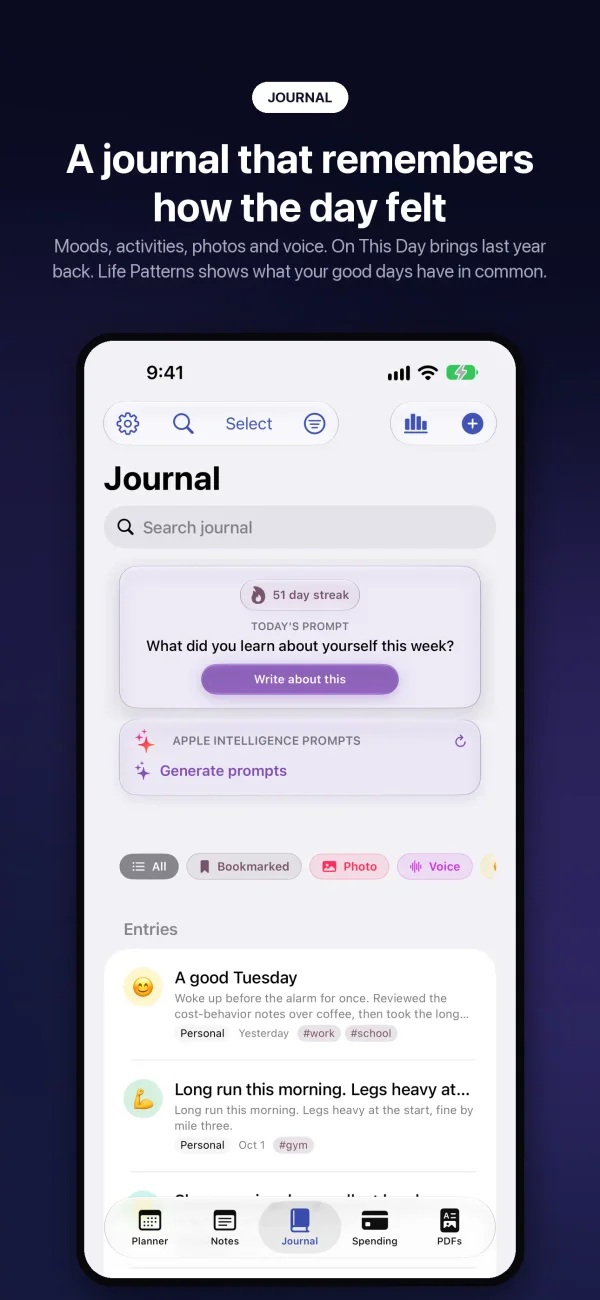
JOURNAL
• Moods, activities and custom scales, with Apple Health mood logging
• Photos, video with transcripts, maps and a calendar view
• Prompt packs, On This Day, Life Patterns and a Year in Review
• Breathing sessions saved as Mindful Minutes, and a First Aid Kit for hard days
• Import from Apple Journal
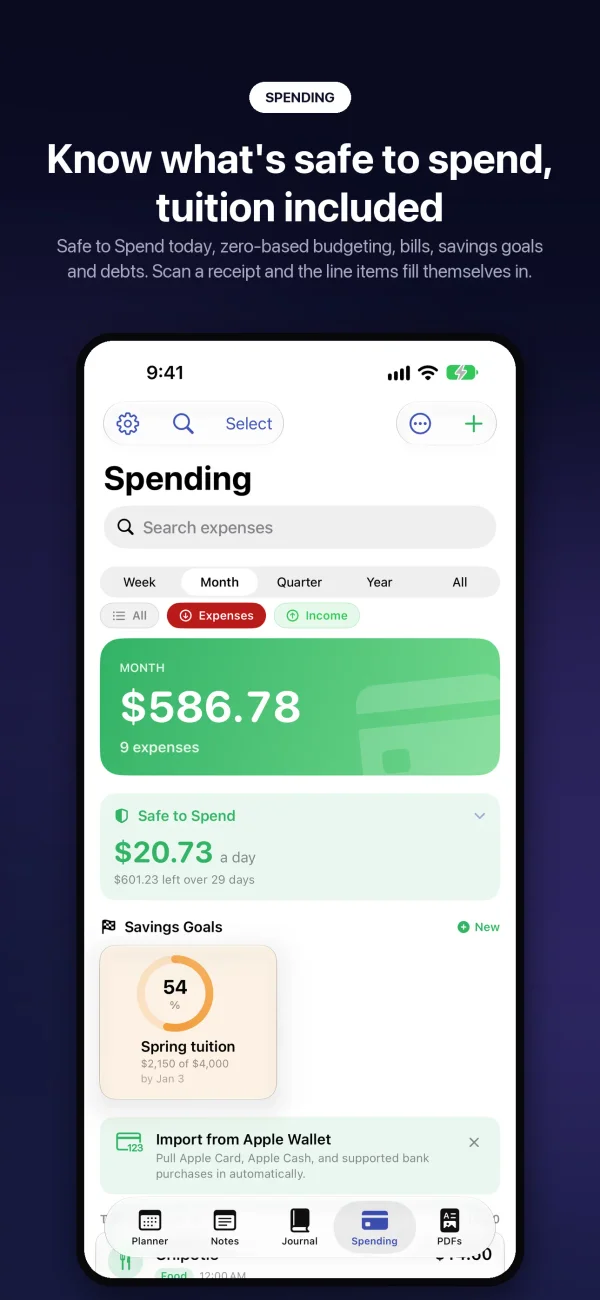
SPENDING
• Apple Card and Wallet auto-import: purchases arrive on their own, already categorized
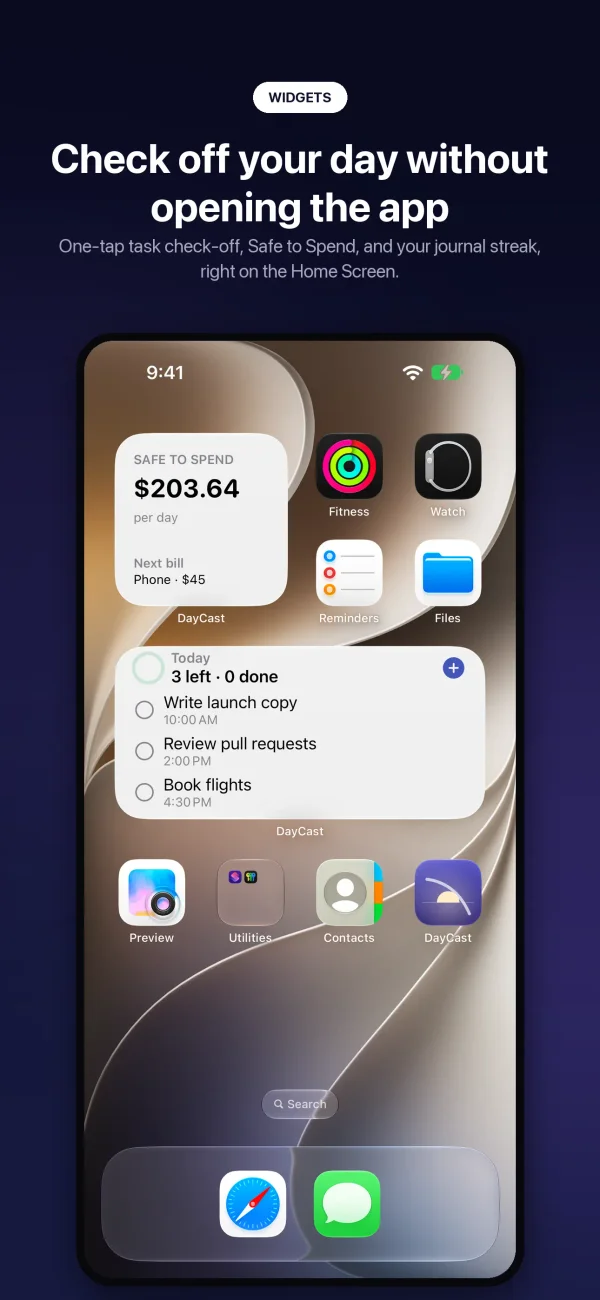
• Safe to Spend: what's really free today, from your balance or this month's income, and from Siri
• Zero-based budgeting with Ready to Assign, budget history and burndown
• Scan receipts with line items
• Import bank files (OFX, QFX, QIF); transfers stay out of your totals
• Subscriptions with trial reminders, bills calendar, savings goals
• Budget alerts, Hide Amounts and Month in Review
REPORTS HUB
Spending trends, cash-flow forecast, merchant insights, tax report and reimbursements.
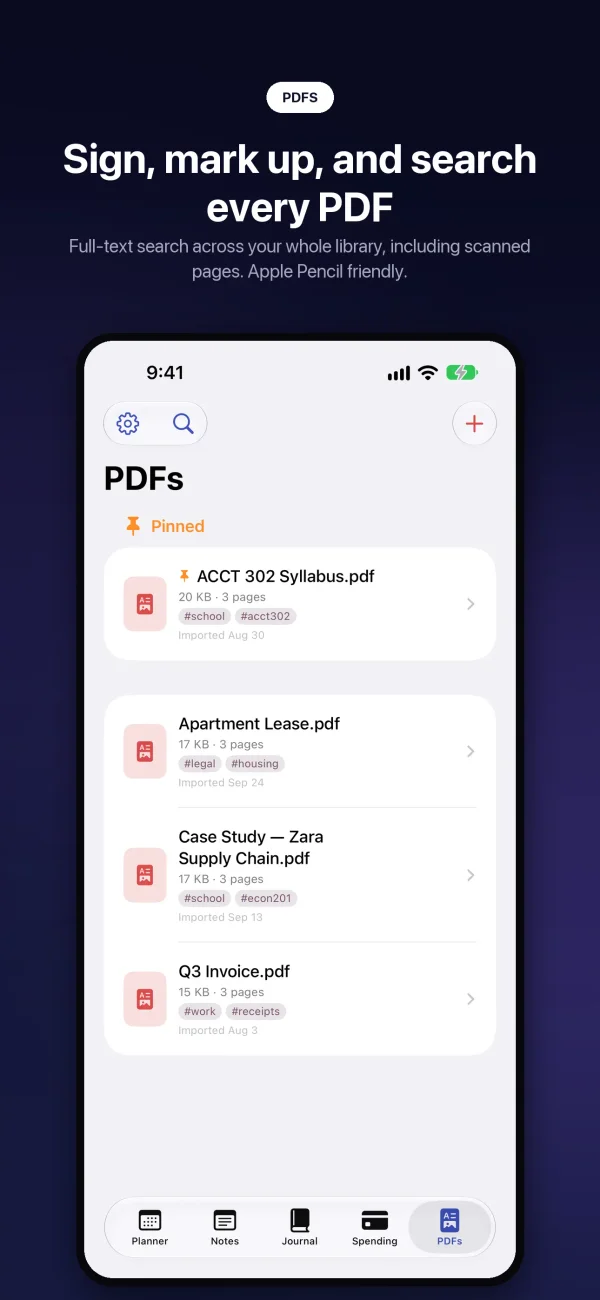
PDFs
Read, mark up, fill forms, reorder pages, listen aloud, and ask questions about any PDF.
LABS
Switch on extras in Settings: priority matrix, duplicate day, note map, net worth, debt payoff and product prices.
EVERYWHERE YOU WORK
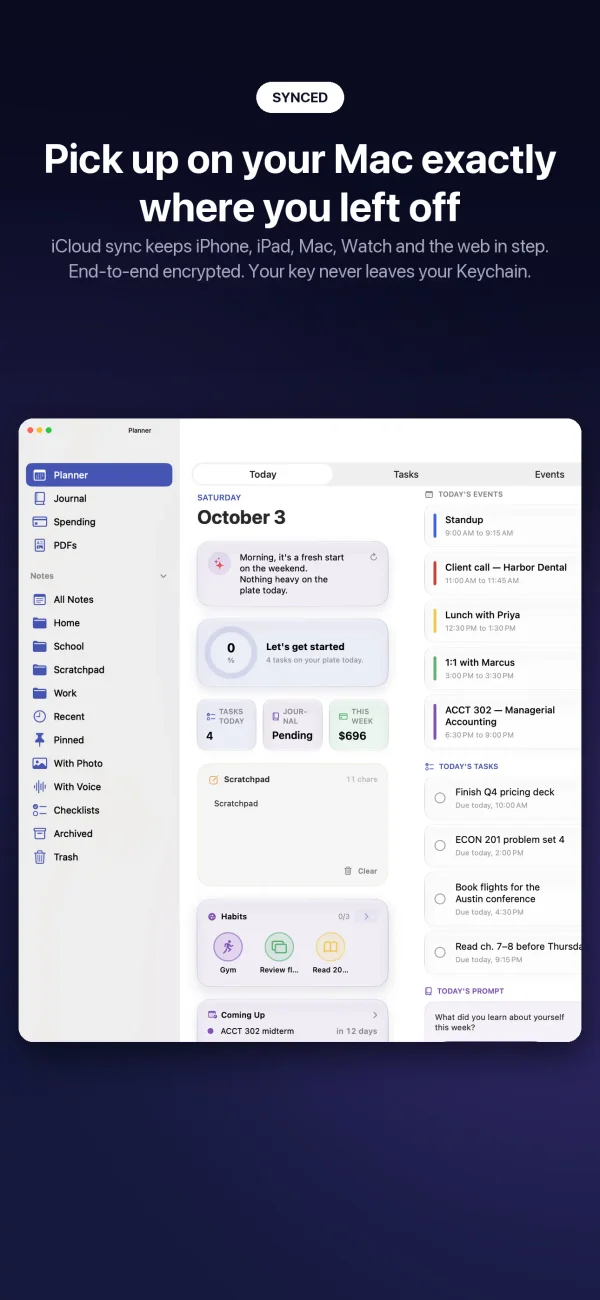
• A real Mac app with menus, multiple windows, an inspector and Handoff
• Apple Watch app for quick tasks, expenses and moods
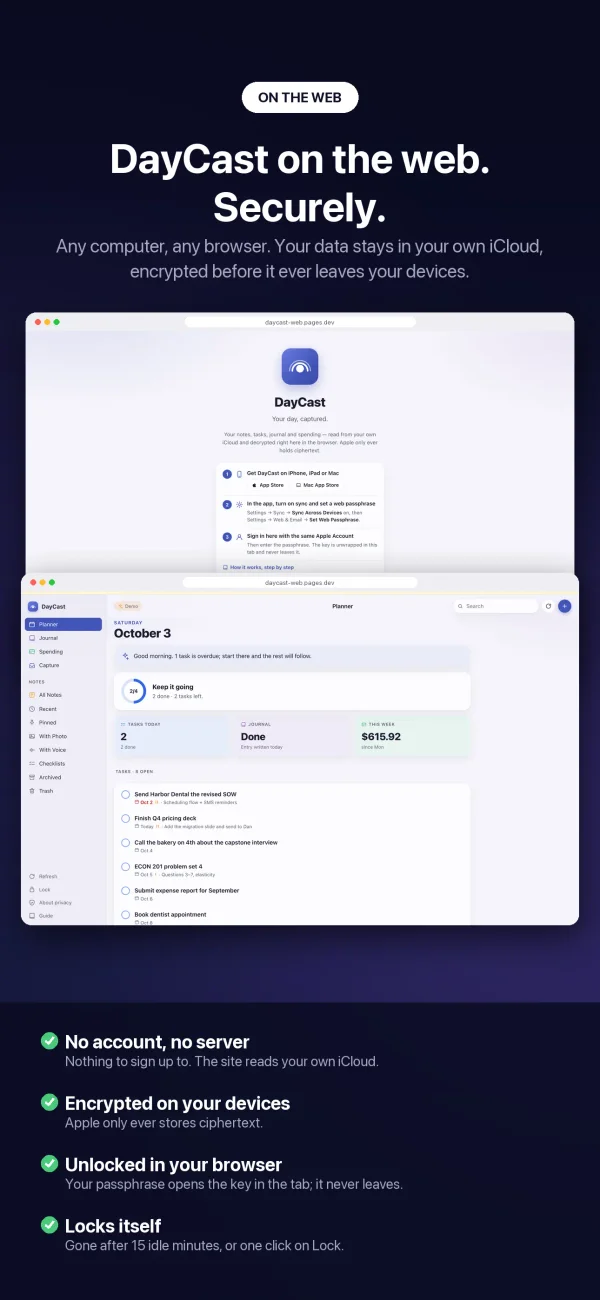
• DayCast on the web, unlocked with your own passphrase
• Email things in, or save pages into a notebook with the web clipper
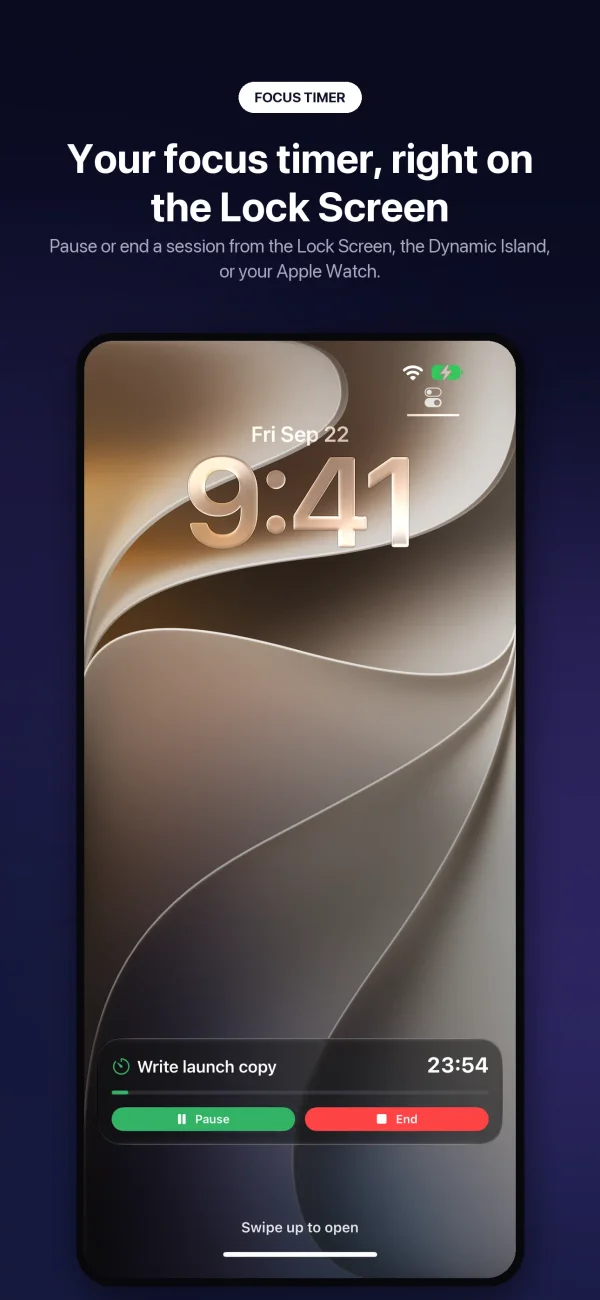
• Widgets, Control Center controls including Quick Note, Live Activities and Siri
SHARE WHEN YOU WANT
Share a note or a journal with other iCloud users and comment together. Only the people you invite can read them.
PRIVACY FIRST
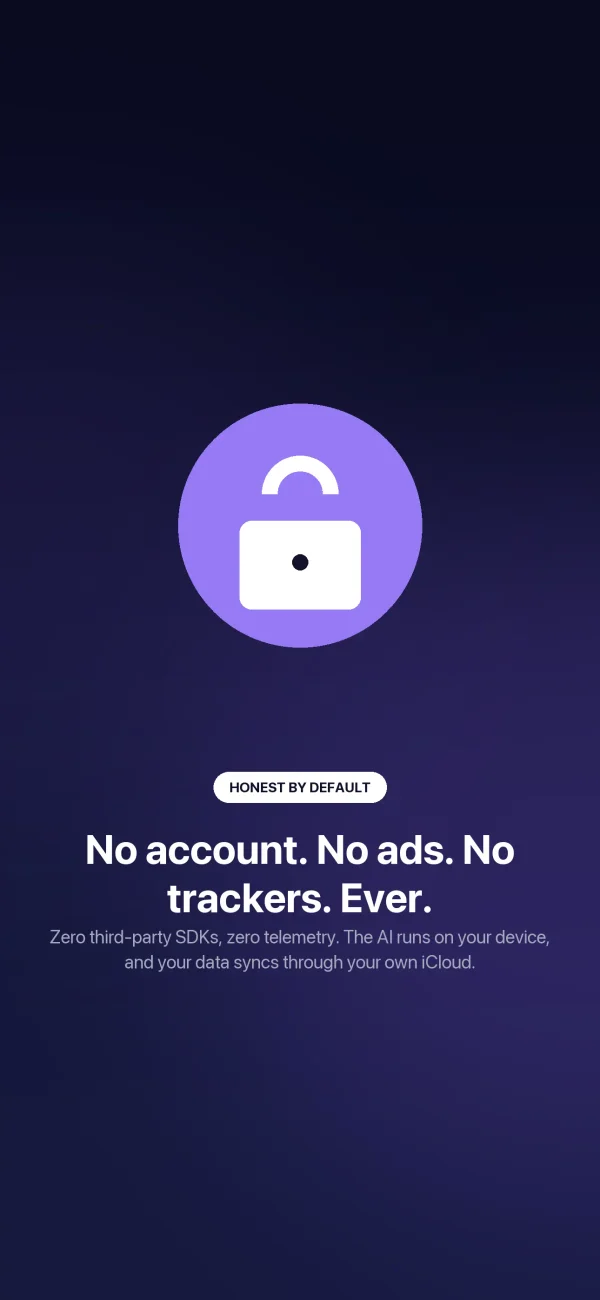
• No DayCast account, no ads, no tracking
• Your data is encrypted on your devices before it syncs; Apple only stores ciphertext
• iCloud sync is optional; DayCast works fully offline
• Face ID or passcode lock
ON-DEVICE AI
Summaries, proofreading, translation, journal reflections, a spending coach and Ask DayCast run on your device with Apple Intelligence. Ask DayCast can also use Private Cloud Compute, only if you turn it on.
PREMIUM
DayCast is free to use. Premium unlocks Apple Card and Wallet import, the AI tools, Reports Hub, advanced PDF tools, extra journals, unlimited budgets and goals, custom repeats and more. One subscription covers iPhone, iPad, Mac and the web app. Monthly or yearly, with a free trial.
Payment is charged to your Apple Account at confirmation. Subscriptions renew automatically unless cancelled at least 24 hours before the end of the current period. Manage or cancel in your Apple Account settings.
Terms of Use (EULA): https://www.apple.com/legal/internet-services/itunes/dev/stdeula/
Privacy Policy: https://jcmobileappstudio.com/apps/daycast/privacy
Website: https://jcmobileappstudio.com
What’s new
Version 2.0.2 · Oct 26, 2026
DayCast 2.0.2 fixes a crash when opening Settings on iPhone, iPad and Mac.
New since 2.0:
• Choose the sections you use and hide the rest.
• Instant search that shows the date, amount or code you were looking for first.
• Type / for headings, checklists and tables, and # to tag as you write.
• Notebooks and an Inbox for everything you share, clip or email to DayCast.
• One + for everything, and Safe to Spend from your real balance.
App privacy
What JC Mobile App Studio LLC declares on the App Store about how this app handles data.
-
Data not collected
The developer does not collect any data from this app.
Privacy practices may vary, for example with the features you use or your age.
Information
- Seller
- JC Mobile App Studio LLC
- Category
- Productivity
- Version
- 2.0.2
- Updated
- Oct 26, 2026
- Released
- May 29, 2026
- Size
- 35.2 MB
- Requires
- iOS 18.0 or later
- Age rating
- 4+
- In-app purchases
- Yes
- Languages
- English
- Copyright
- © 2026 JC Mobile App Studio LLC
You might also like
-
 notal: Tasks, Calendar & NotesPlan your day, capture ideas
-
 ByWhen: Deadline Task PlannerTask Reminders for Due Dates
-
 Tempo: ADHD Calendar & PlannerVoice Schedule, Smart Buffers
-
 All DaiCalm, private morning brief
-
 Estratum: Second BrainADHD, Focus & Mental Clarity
-
 Apex – Screen Time ControlApp Blocker & Focus Timer
-
 Descroll: Screen Time ControlApp Blocker: Focus & Wellbeing
-
 Reteum: Private Notes & IdeasSecond brain with on-device AI
-
 Private Notes - LightSecure notes, locally stored
-
 Logs: Track Every MinuteYour personal time audit