
Descroll: Screen Time Control
App Blocker: Focus & Wellbeing
Designed for iPhone, iPad
Free · In-app purchases
- Age rating12+
- CategoryProductivity
- DeveloperZaid Al-Taie
- LanguagesEnglish
- Size57.0 MB
Links to the official App Store page
Download.org hosts no file of Descroll: Screen Time Control. The button opens its official App Store page, published by Zaid Al-Taie. Listing last checked on Nov 25, 2026.
Screenshots

About
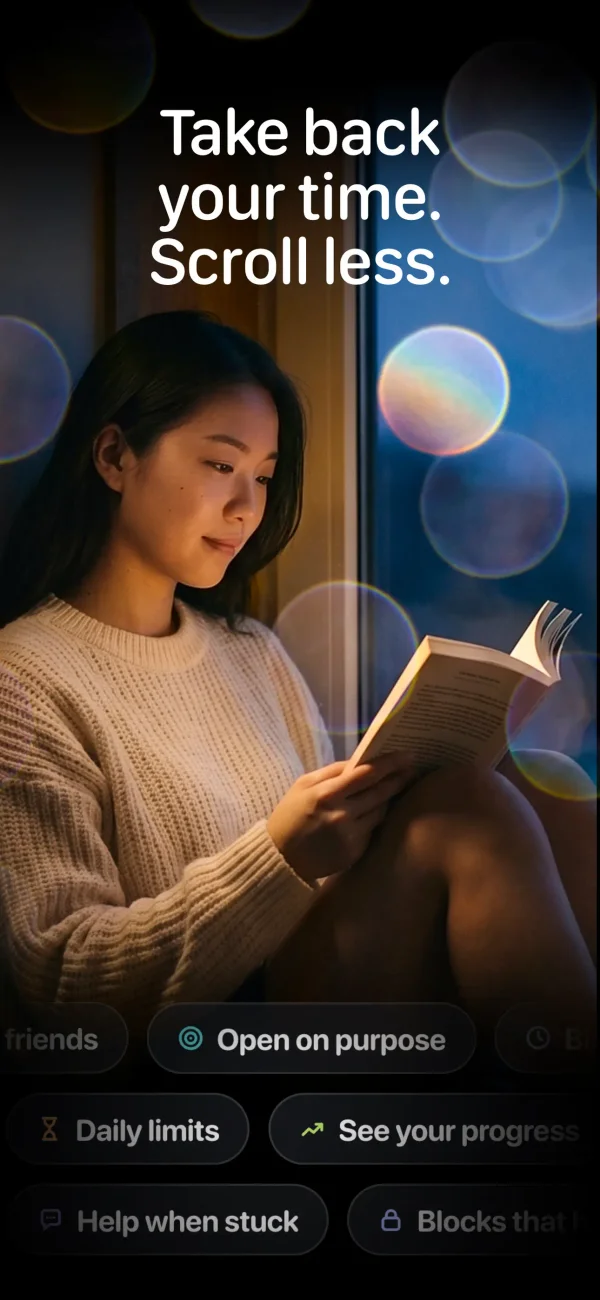
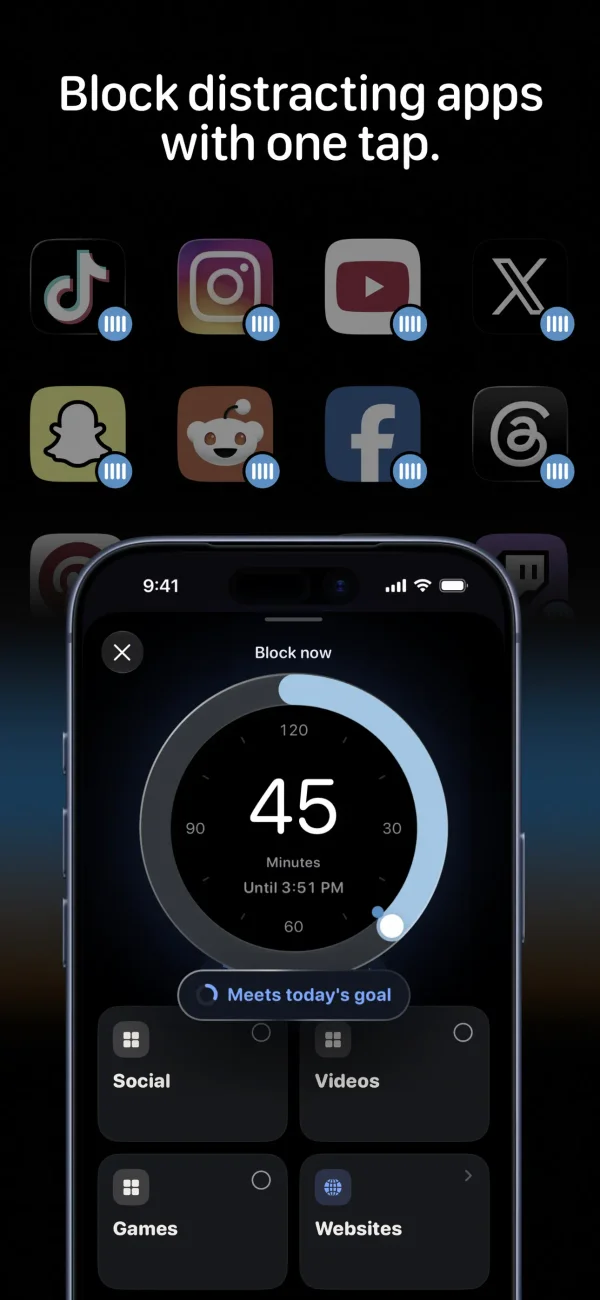
Block the apps that pull you away, where and when you choose. One tap blocks them now; with Descroll+, set the hours once or pick a place. When the pull comes anyway, Descroll meets you with a calm screen, not a lecture.
Strict by default: once a block starts, Settings can't loosen it. No ads, no streaks to lose.
WAYS TO BLOCK
• Now: one tap blocks at once, for 15 minutes to 4 hours
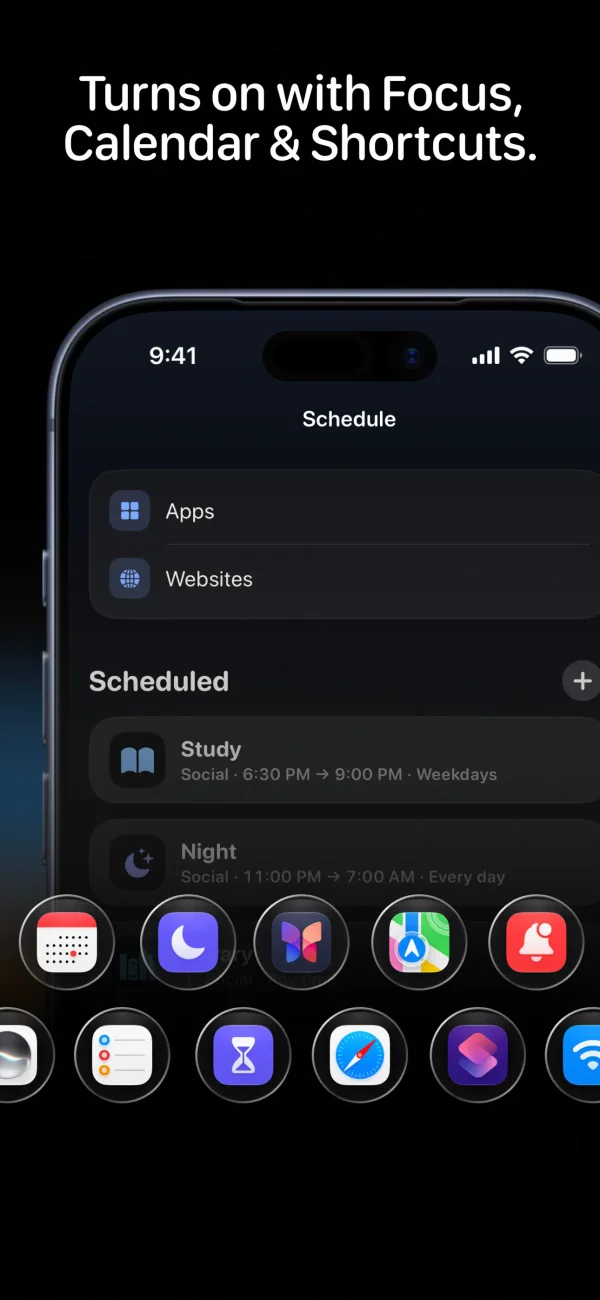
• By time (Descroll+): say it in one sentence, like "Block Social from 7 PM to 9 PM on weekdays"
• By place (Descroll+): apps block when you arrive and come back when you leave
• By calendar (Descroll+): block during the events you choose
• With friends (Descroll+): start the same block together and see who kept it
WHEN IT PULLS
Reach for a blocked app and a calm block screen says when the block ends. Stay blocked, or unblock anyway. An early unlock opens just that app for 2, 5 or 15 minutes (you set 0 to 10 a week), a short walk can open it for 5, and Emergency ends every block at once.
ASK AMBER
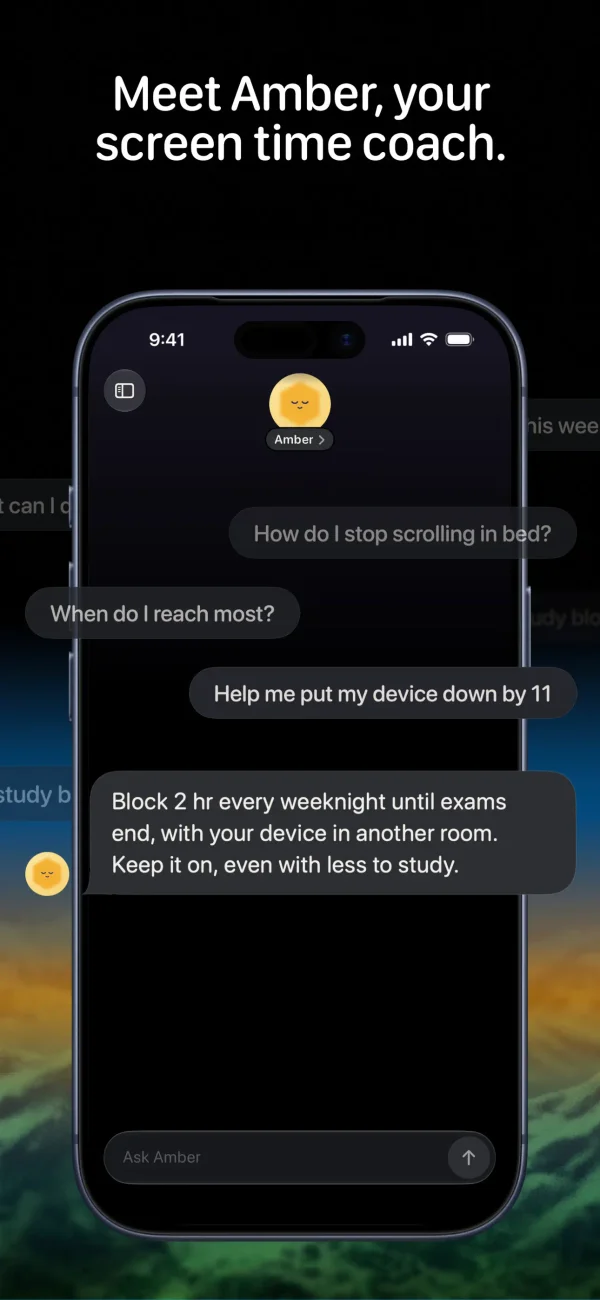
Not sure what to block, or when? With Descroll+, ask Amber. Amber knows your own blocks and plans, answers in a few lines, and sets up the block you talk about with one tap. Amber never unblocks anything. Answers come from an AI service and can be wrong.
A DAILY GOAL
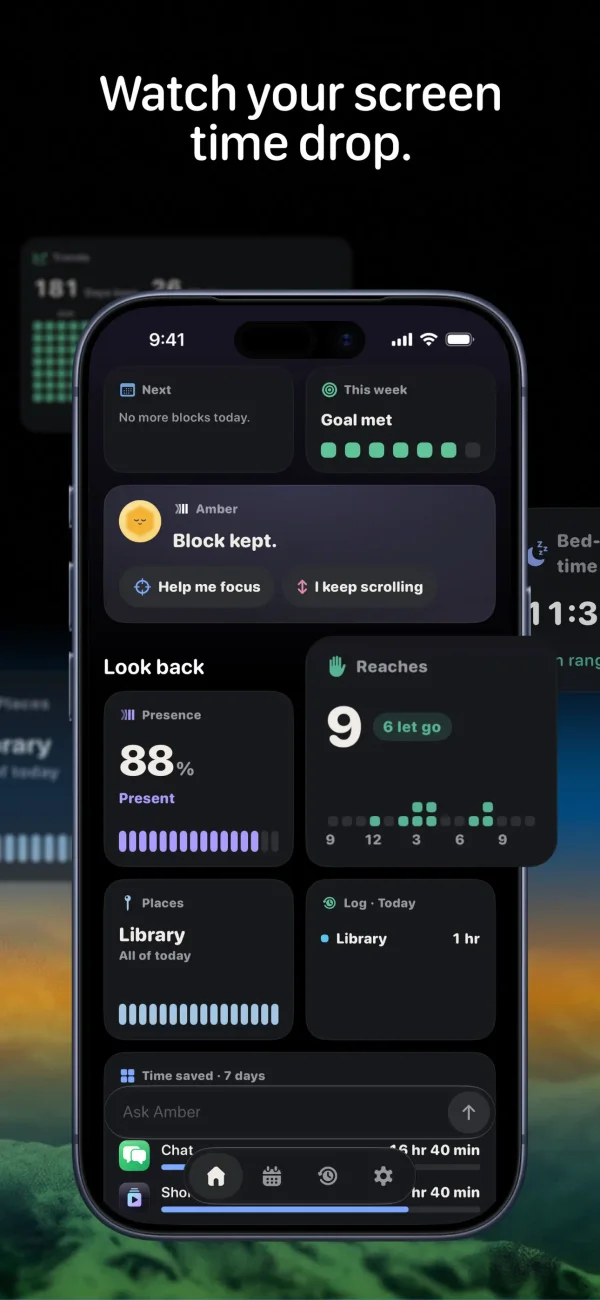
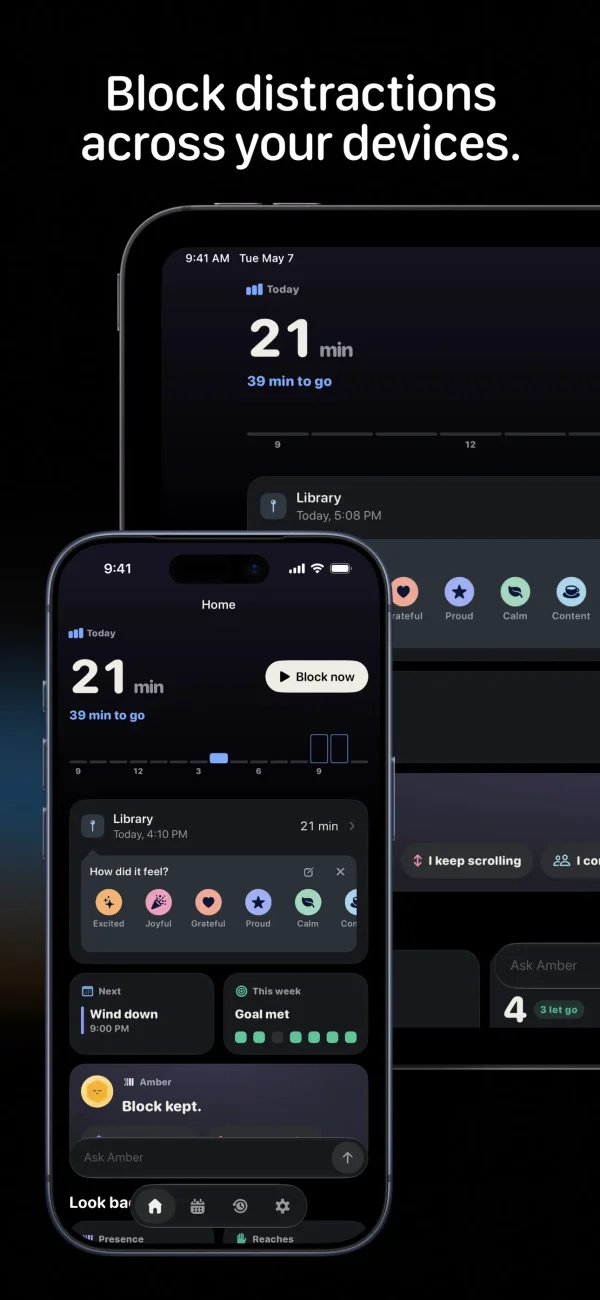
Set how long you want blocked each day. Home shows what's left to go.
LOOK BACK, KINDLY
• Presence: one number from your own days, with what shaped it, sleep included if you connect Health
• History: every block, when it ran, what it blocked and whether you kept it
• Time saved: how long each app stayed blocked
• After a kept block, say how it felt and what the time went to
• Your Screen Time stats
ALSO
• A countdown on your Lock Screen for Block now and time blocks
• Start a block from your Home Screen, Control Center, Shortcuts or your voice
• Places, blocks and history stay in step across your devices
PRIVATE BY DESIGN
No ads, no trackers. Blocking needs no account; Amber uses the cloud account already on your device, or asks you to sign in. Descroll never sends your Screen Time data anywhere; a map search sends only what you type and the area shown. Amber sends nothing until you say yes. Then your question and a summary of your blocks go to an AI service that deletes them within 30 days and never trains on them; sleep from Health, your calendar and your reminders go only if you turn each on. Chats are kept 30 days to improve answers unless you turn that off. Sync keeps your Places, blocks and history in your own cloud account, which the developer can't read. Block with friends shares a block's name and times, first names and who kept it. Share how you use Descroll and Help improve Descroll are optional.
FREE
Block now 3 times a day with any apps and websites, one collection with a daily limit, every way out, Progress and History for today, the Block now and Presence widgets and your Screen Time stats.
DESCROLL+
• Time blocks, up to 20 Places and calendar blocks
• Routine: up to two blocks a day, planned before the hours you usually reach for your device
• Block now with no daily limit, more collections, ready-made setups and Block with friends
• Chats with Amber, and 3-, 7- and 30-day challenges
• Trends: every earlier day, Presence history and History before today
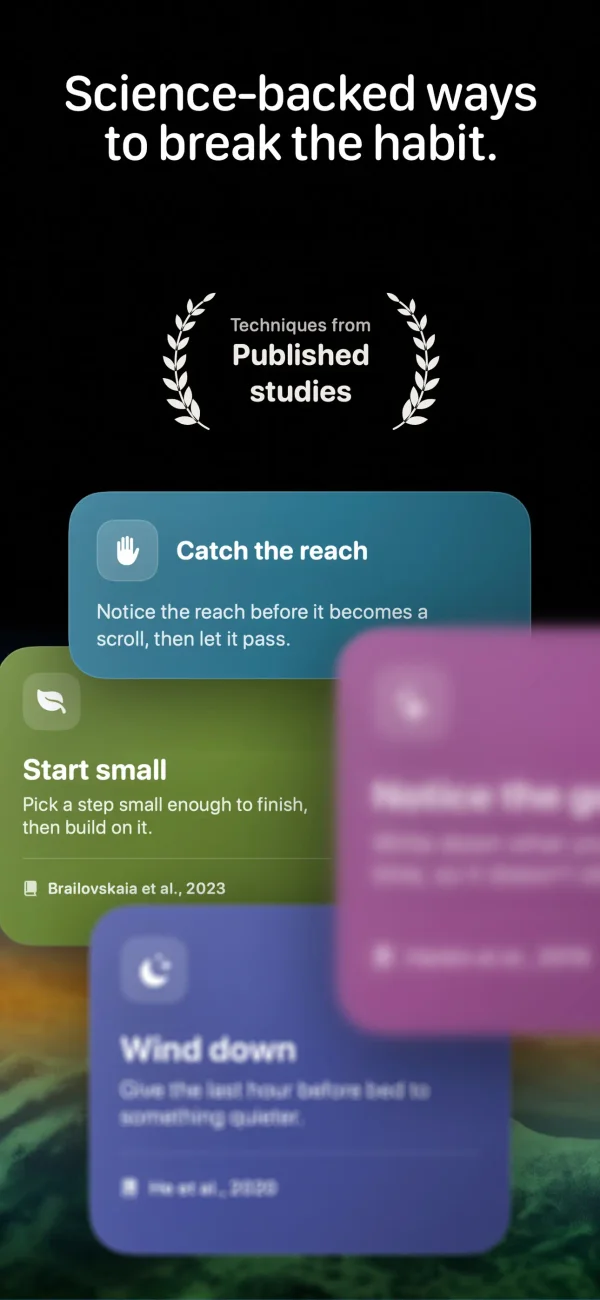
• The Library's 30-day plan and techniques
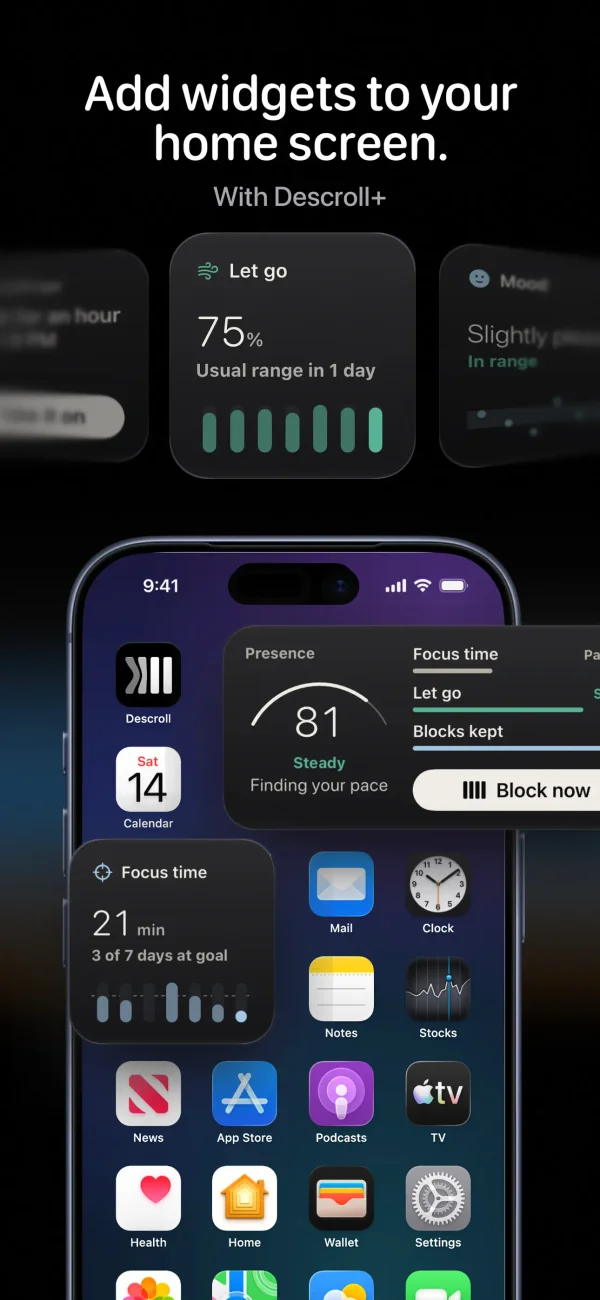
• More widgets, app icon colors and accent colors
Monthly or yearly. Yearly starts with a 1-week free trial if you haven't had one.
Payment is charged to your account when you confirm the purchase. Subscriptions renew automatically unless cancelled at least 24 hours before the end of the current period. Manage or cancel any time in your account settings.
Terms of Use: https://www.apple.com/legal/internet-services/itunes/dev/stdeula/
Privacy Policy: https://descrollapp.com/privacy
Descroll helps with screen habits. It isn't a medical device, doesn't diagnose or treat any condition, and doesn't replace professional help.
What’s new
Version 1.4 · Nov 24, 2026
• Home is one button: tap Block now and your apps block at once. The line above it sets how long and which collections.
• Four tabs: Home, Schedule, Progress (every number, then History) and Library (Amber, your plan and more). Settings opens from the button at the top right.
• From the block screen, an early unlock opens just that app for 2, 5 or 15 minutes. Pick how strict each block is: Easy, Steady, Firm or Strict.
• A Block now widget for your Home Screen and Lock Screen.
• Awards: a medal when you do better than your first week, and a challenge each month.
App privacy
What Zaid Al-Taie declares on the App Store about how this app handles data.
-
Data linked to you
May be collected and linked to your identity.
- Health and fitness
- Purchases
- Contact info
- User content
- Identifiers
- Usage data
-
Data not linked to you
May be collected but is not linked to your identity.
- Diagnostics
Privacy practices may vary, for example with the features you use or your age.
Information
- Seller
- Zaid Al-Taie
- Category
- Productivity
- Version
- 1.4
- Updated
- Nov 24, 2026
- Released
- Nov 3, 2026
- Size
- 57.0 MB
- Requires
- iOS 18.0 or later
- Age rating
- 12+
- Price
- Free
- In-app purchases
- Yes
- Languages
- English
- Copyright
- © 2026 Zaid Al-Taie
You might also like
-
 Toll — Focus & App BlockerPay a Toll to Doomscroll
-
 Nivo - Life TrackerMake time visible
-
 Sam's ListGet your tasks done in no time
-
 Reteum: Private Notes & IdeasSecond brain with on-device AI
-
 Logs: Track Every MinuteYour personal time audit
-
 Glass of SomethingProductivity
-
 Estratum: Second BrainADHD, Focus & Mental Clarity
-
 All DaiCalm, private morning brief
-
 LookLater — Save for LaterSave your favorite links
-
 Screen Time Control: UnscrollApp Lock, Focus & Site Blocker