Dayglass: Task Planner
Calm tasks, private by design
Designed for iPhone, iPad
Free · In-app purchases
- Age rating4+
- CategoryProductivity
- DeveloperAkhil reddy Devarapalli
- LanguagesEnglish
- Size3.4 MB
Links to the official App Store page
Download.org hosts no file of Dayglass: Task Planner. The button opens its official App Store page, published by Akhil reddy Devarapalli. Listing last checked on Nov 6, 2026.
Screenshots
About
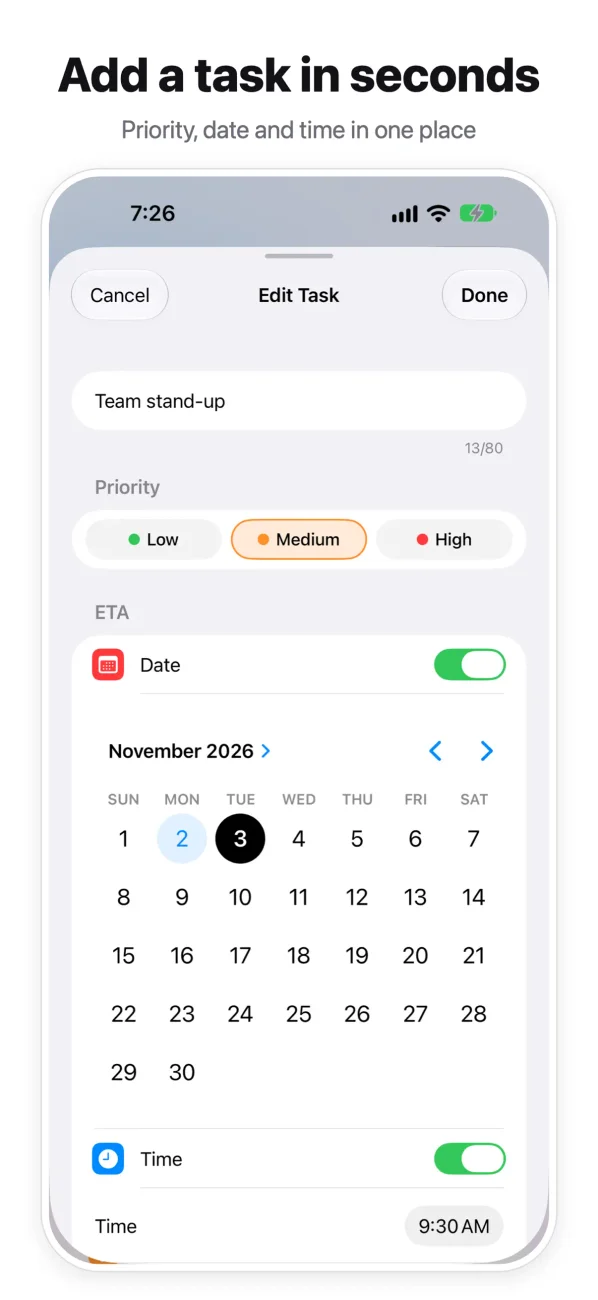
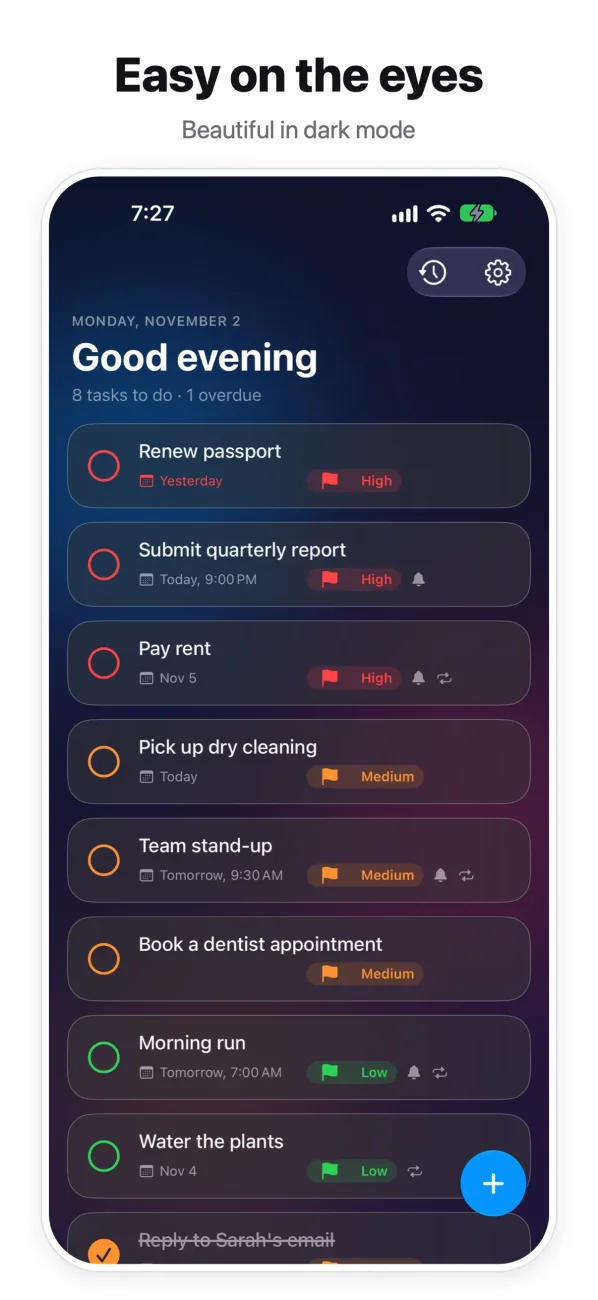
Dayglass is a calm, beautiful task planner for iPhone and iPad. Add a task, give it a priority and a due date, and Dayglass keeps your day in order.
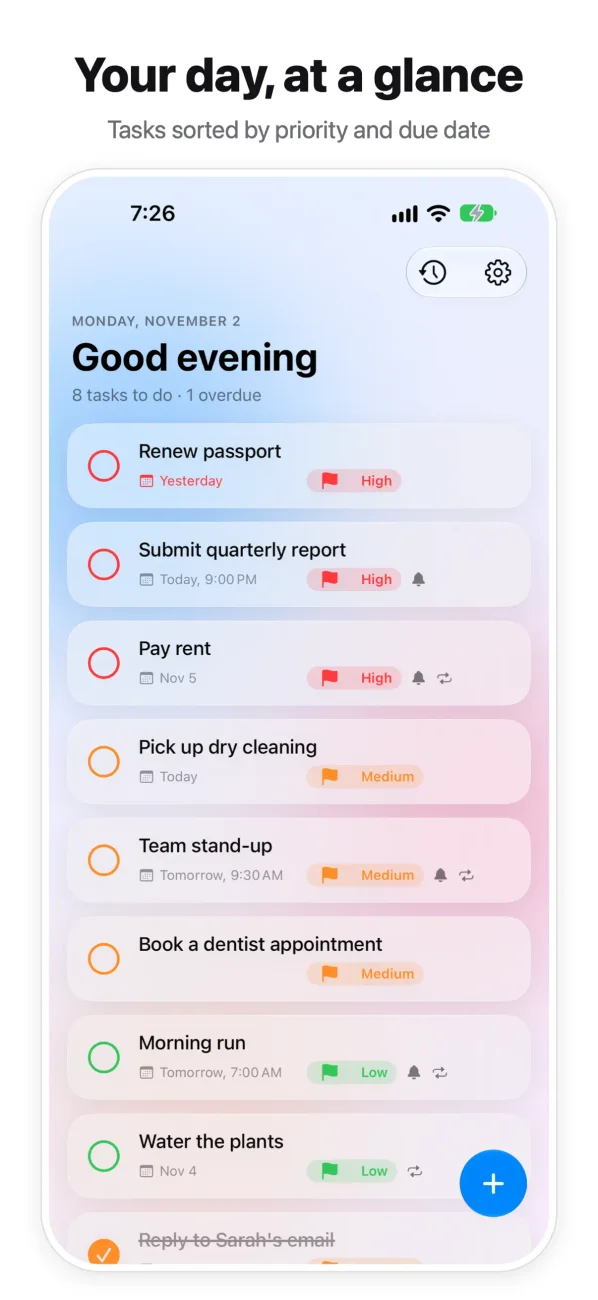
YOUR DAY, AT A GLANCE
• Tasks sorted by priority and due date, with overdue items in red
• A friendly greeting and a one-line summary of what's left
• Swipe to edit or delete, with Undo
REMINDERS THAT FIT
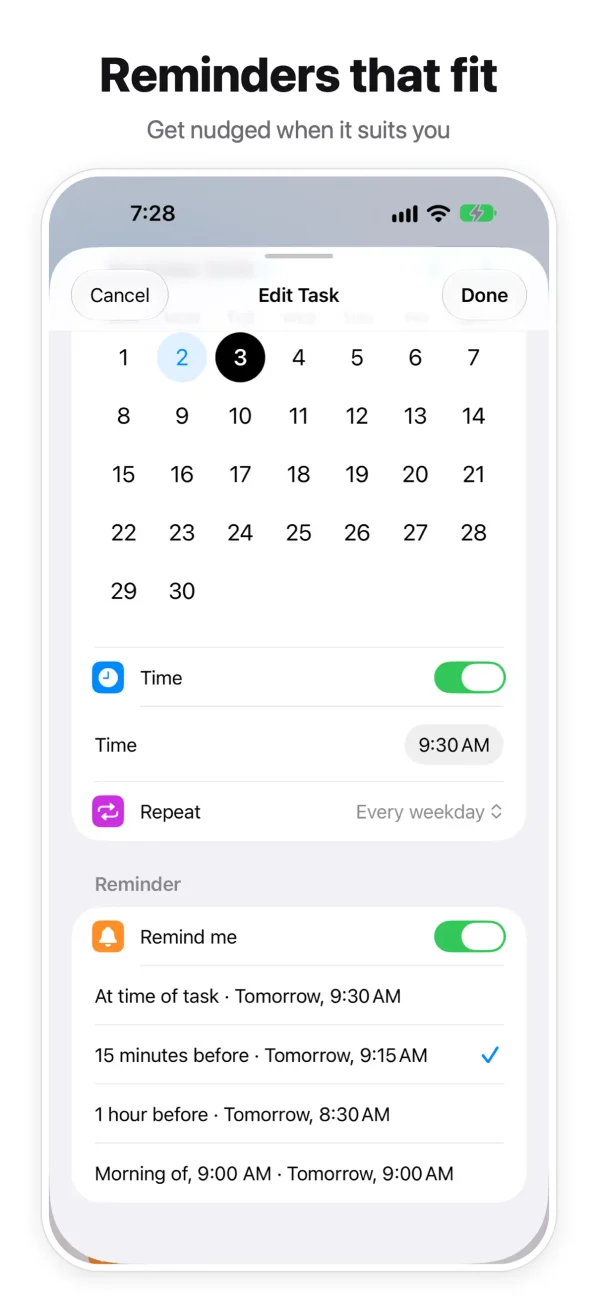
• Remind me at the time, 15 minutes or an hour before, the morning of, the day before or a week before
• Reminders move with the task when you change its date
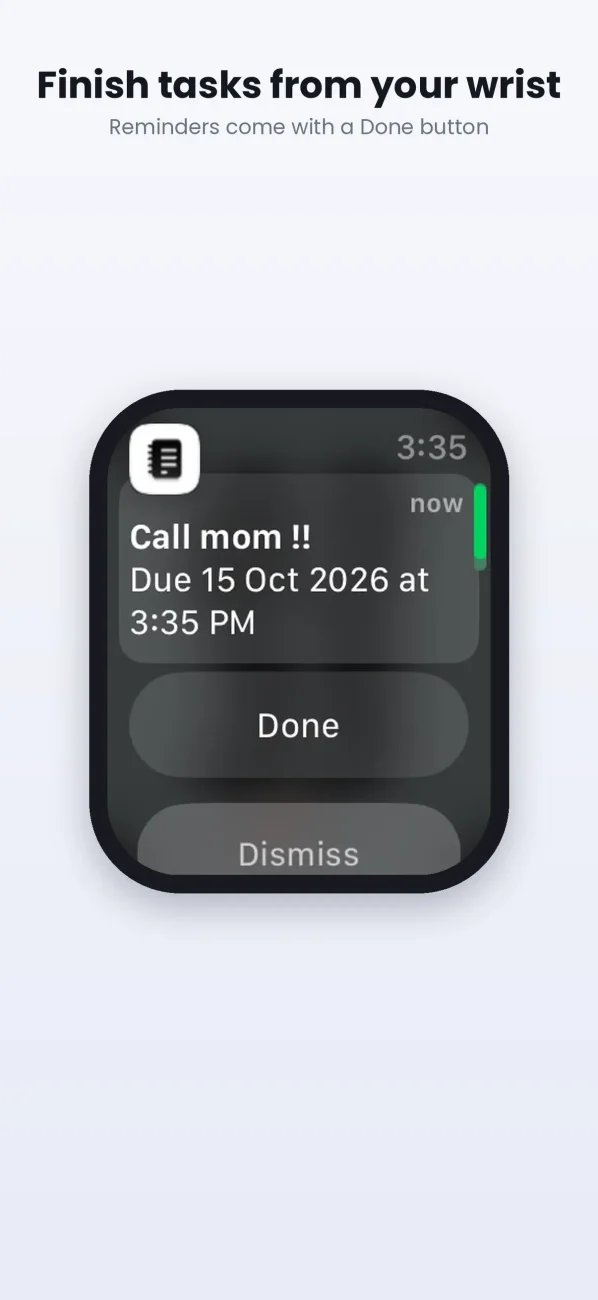
• Mark a task done right from the notification
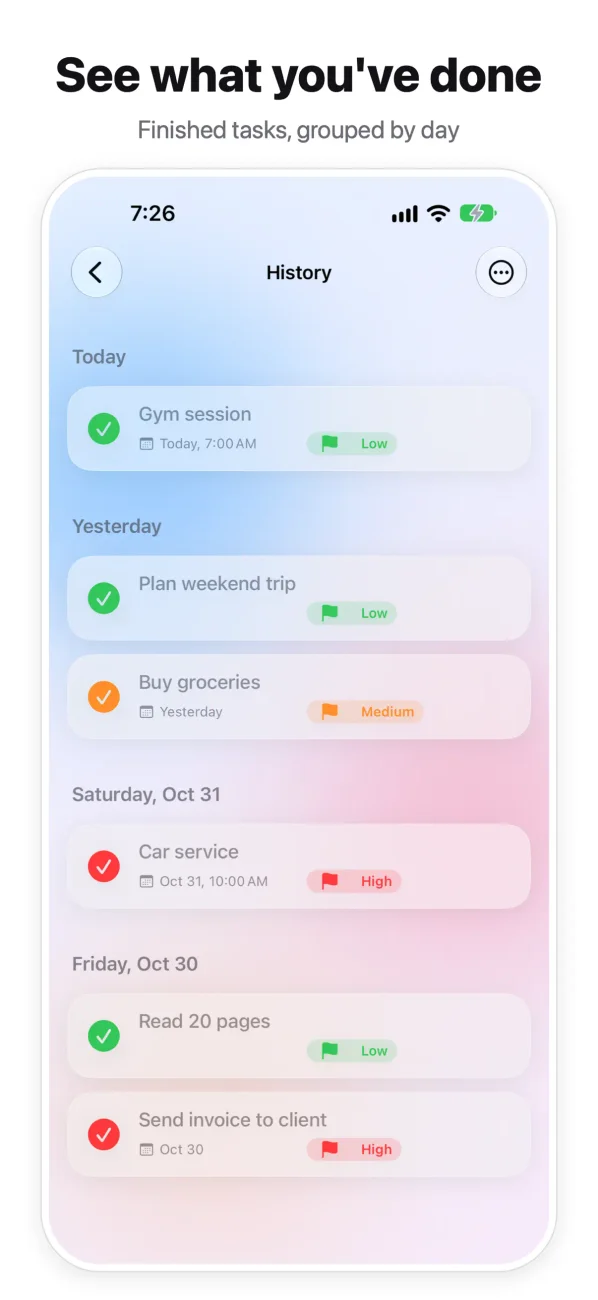
HISTORY
• Finished tasks move to History, grouped by day
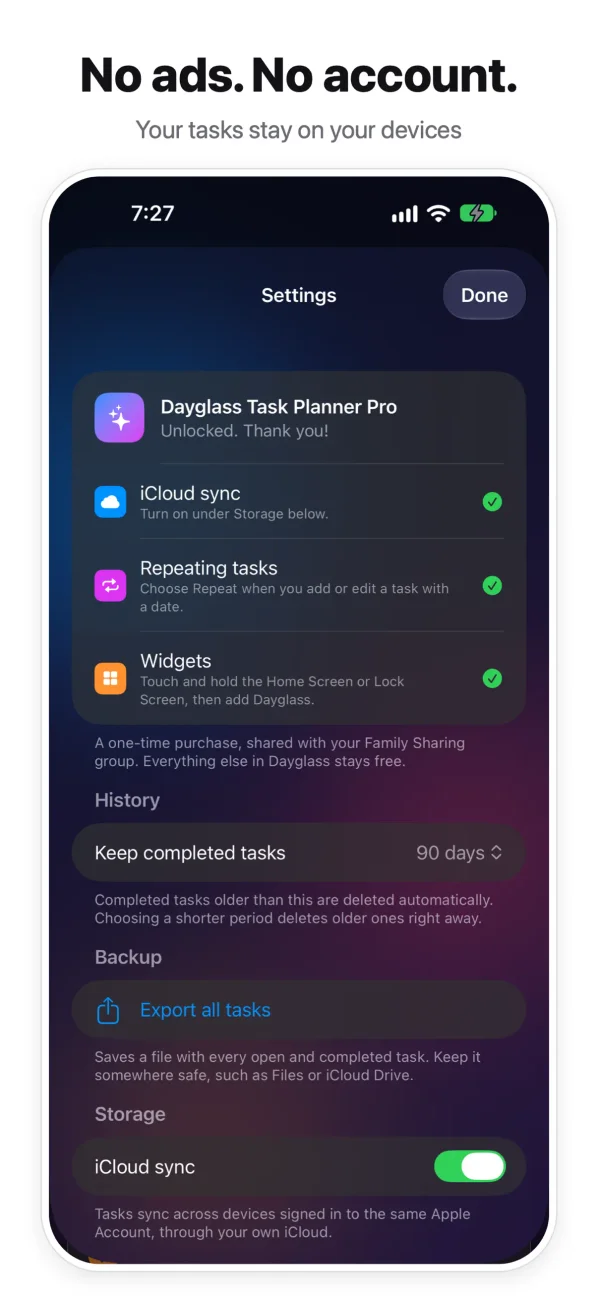
• Restore anything, and choose how long to keep it
MADE FOR iPHONE AND iPAD
• A roomy layout on iPad, in portrait and landscape
• Light and dark mode
• Export all your tasks to a file at any time
DAYGLASS TASK PLANNER PRO
An optional one-time purchase. No subscription.
• iCloud sync: your tasks on iPhone and iPad, in your own iCloud
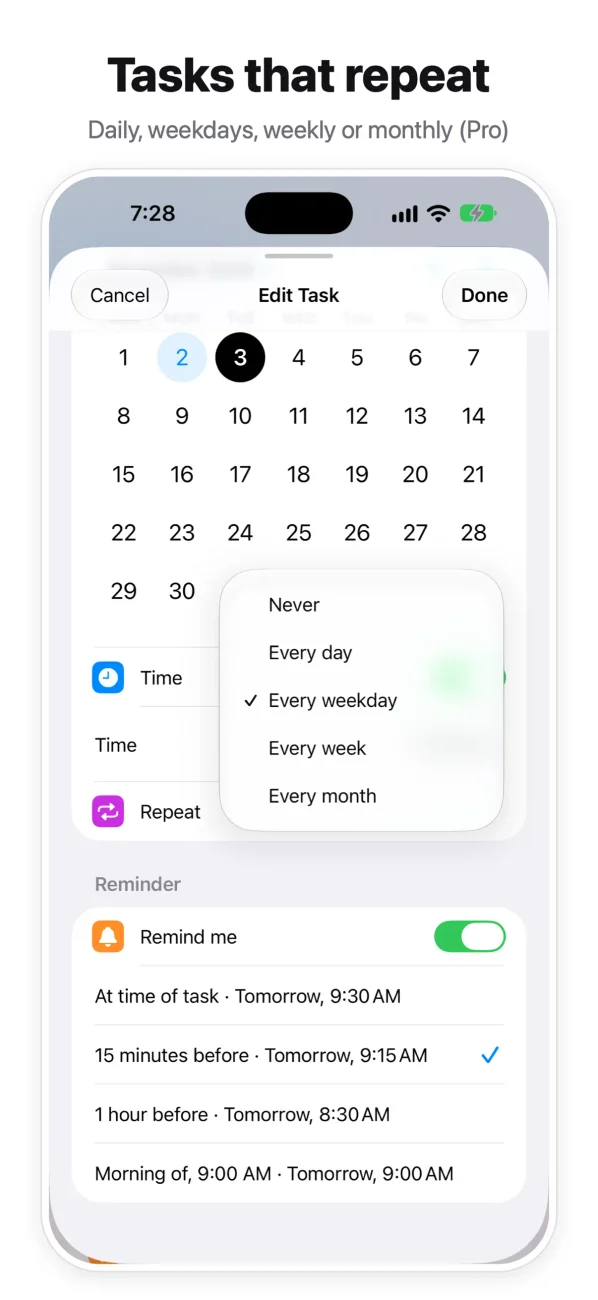
• Repeating tasks: daily, weekdays, weekly or monthly; the next one appears when you finish
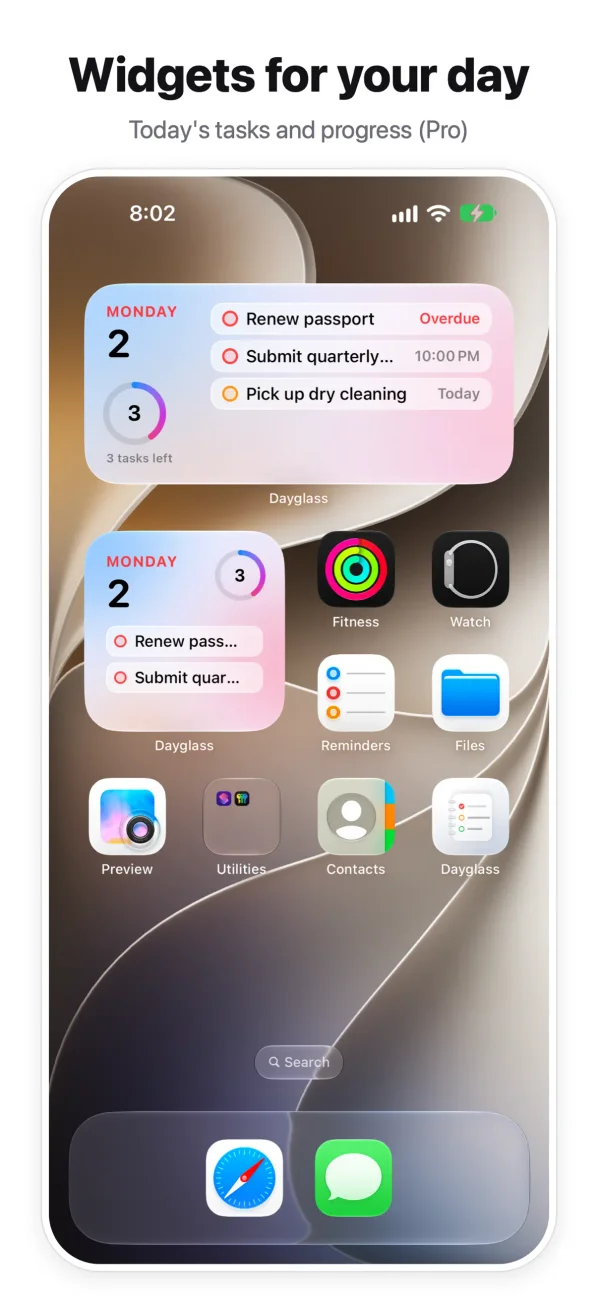
• Widgets: today's tasks and your progress on the Home Screen and Lock Screen, in small, medium and large
Pro is shared with your Family Sharing group. Everything else in Dayglass stays free.
PRIVATE BY DESIGN
No ads. No account. Dayglass doesn't collect any data. Your tasks stay on your devices and in your own iCloud.
Questions or ideas? Write to dailyglassapp@gmail.com
What’s new
Version 1.1 · Nov 5, 2026
Dayglass Task Planner Pro is here: an optional one-time purchase that adds
• iCloud sync: your tasks on iPhone and iPad, kept in your own iCloud
• Repeating tasks: daily, weekdays, weekly or monthly; the next one appears when you finish
• Widgets: today's tasks on your Home Screen and Lock Screen
Also new: Settings is now one tap away (gear icon), a fresh glassy app icon, a
better layout on iPad, and support for iPhone Duo: compact when closed, roomy when open.
Everything you already use stays free. No subscription, no ads, no account.
If you downloaded Dayglass before this update, Pro is already unlocked for you. Thank you!
App privacy
What Akhil reddy Devarapalli declares on the App Store about how this app handles data.
-
Data not collected
The developer does not collect any data from this app.
Privacy practices may vary, for example with the features you use or your age.
Information
- Seller
- Akhil reddy Devarapalli
- Category
- Productivity
- Version
- 1.1
- Updated
- Nov 5, 2026
- Released
- Oct 22, 2026
- Size
- 3.4 MB
- Requires
- iOS 17.0 or later
- Age rating
- 4+
- Price
- Free
- In-app purchases
- Yes
- Languages
- English
- Copyright
- © 2026 Dayglass Studio
You might also like
-
 Task HorizonFocus, Plan & Get Things Done
-
 Sassy Parrot - Stop ScrollingScreen Time & App Blocker
-
 Flipclock-Focus timer trackerFlip clock & focus timer
-
 Triquid NotesNotes for Trilium, anywhere
-
 TermTrack: Probation LogParole, Check-ins & Deadlines
-
 RealOr | Detect & AnalyzeVerify Reality & Humanize
-
 SinceyTrack when you last did things
-
 iSlip: Auto delete notesSave, Recall, Auto Delete
-
 Habit Road - Habit TrackerBuild Habits That Last
-
 Simple To-Do List!Productivity