
Deck - Presentation Remote
Slide Remote for Mac
Designed for iPhone
Free · In-app purchases
- Age rating9+
- CategoryProductivity
- DeveloperDOU Inc.
- LanguagesEnglish
- Size2.0 MB
Links to the official App Store page
Download.org hosts no file of Deck - Presentation Remote. The button opens its official App Store page, published by DOU Inc. Listing last checked on Nov 22, 2026.
Screenshots


About
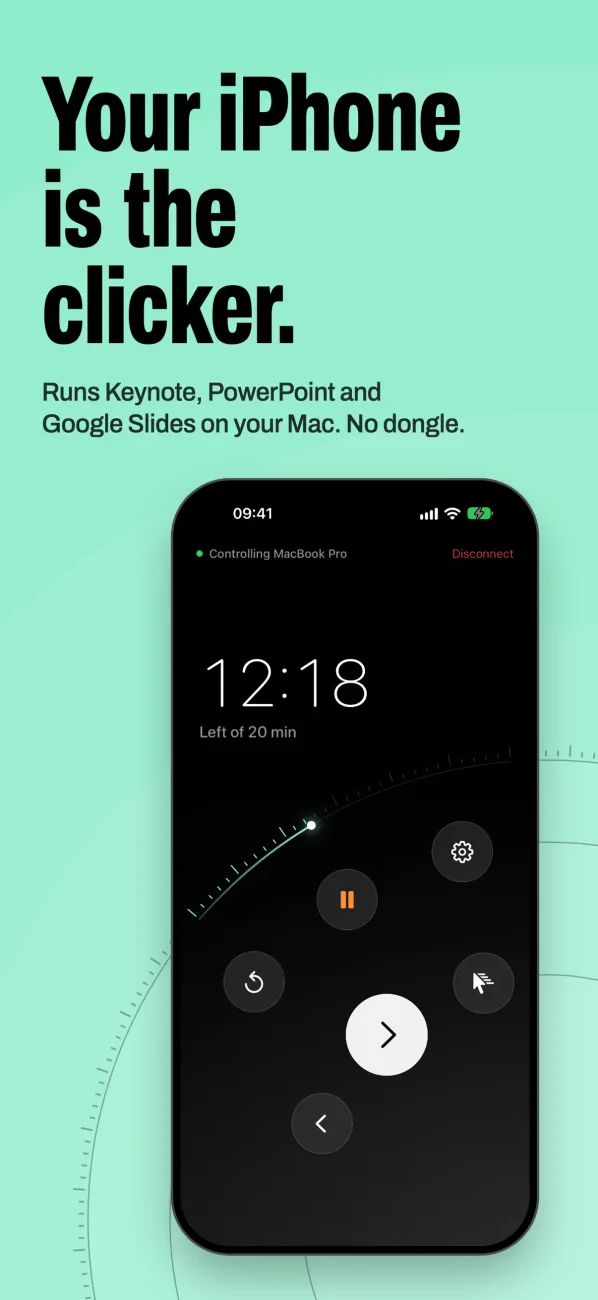
Deck turns your iPhone into a wireless presentation remote for Mac.
Control Keynote, PowerPoint, Google Slides, or any app that uses
arrow keys — no dongle, no Wi-Fi router, no cloud account required.
HOW IT WORKS
Install the free Mac companion app. Open Deck on your iPhone. Tap
your Mac in the list. That's it — you're live in under 10 seconds.
Everything stays on your local network. Nothing leaves your devices.
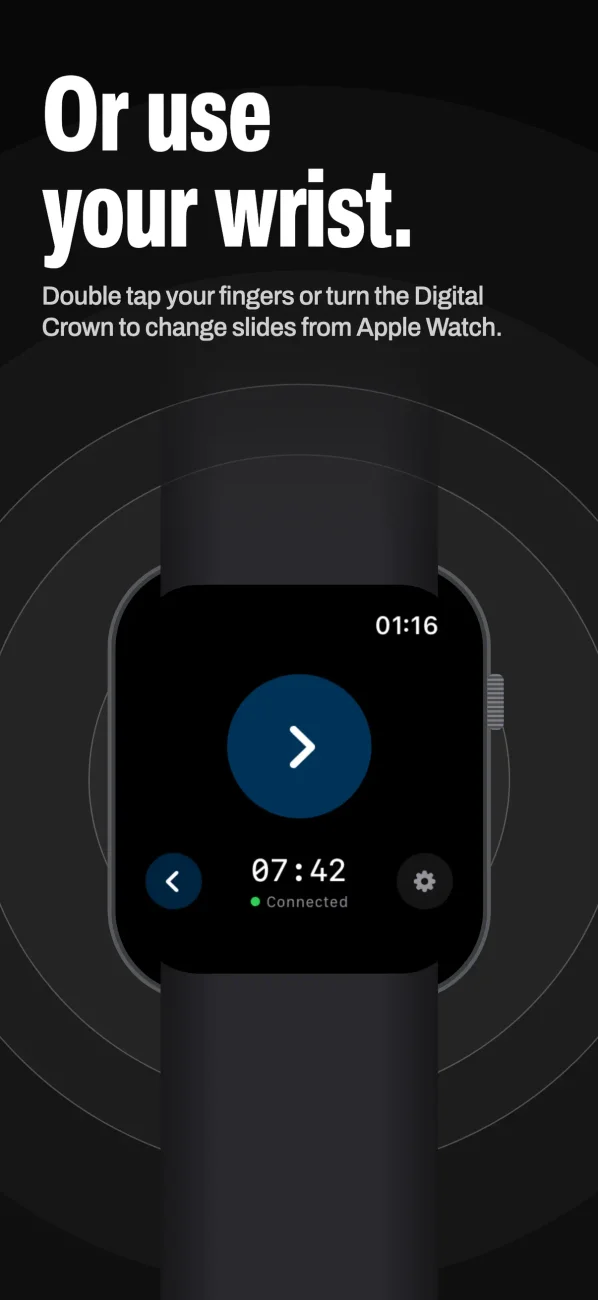
APPLE WATCH SUPPORT
Control slides from your wrist without touching your iPhone.
- Double-tap gesture: advance hands-free on Apple Watch Series 9+
- Wrist flick: flick forward or back to navigate slides
- "No Going Back" mode: disable backward flick for accident-free
forward-only presenting
- Digital Crown: rotate to move through slides
FEATURES
- Works with Keynote, PowerPoint, Google Slides, Figma, and more
- Peer-to-peer: direct Mac to iPhone connection, no internet needed
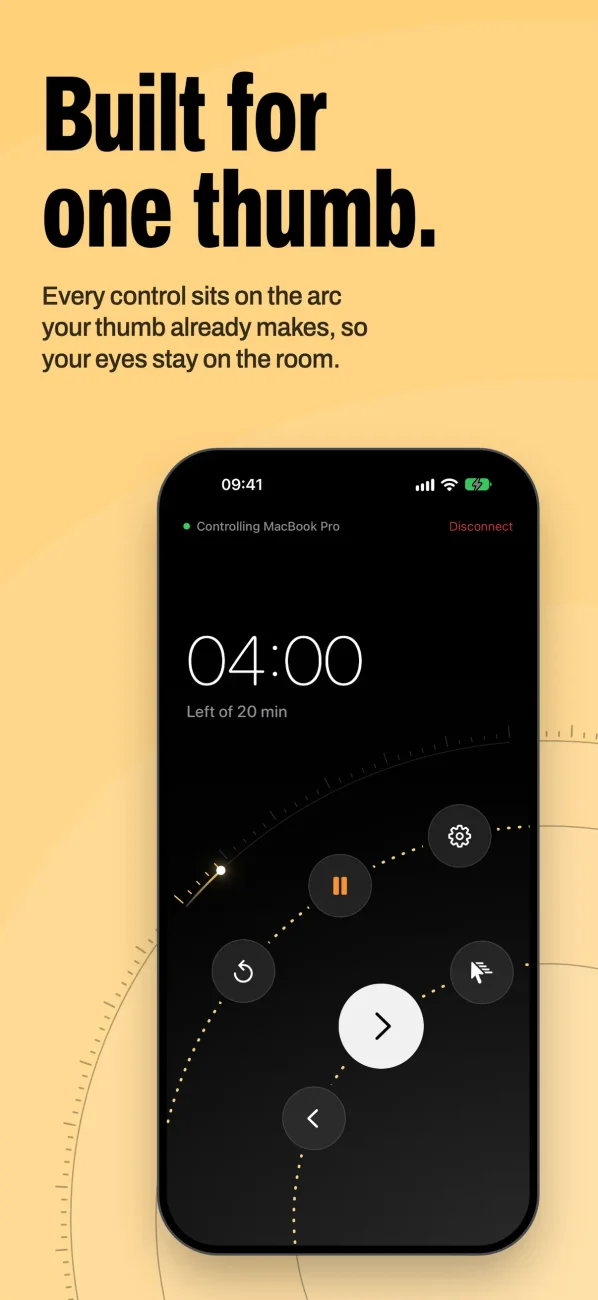
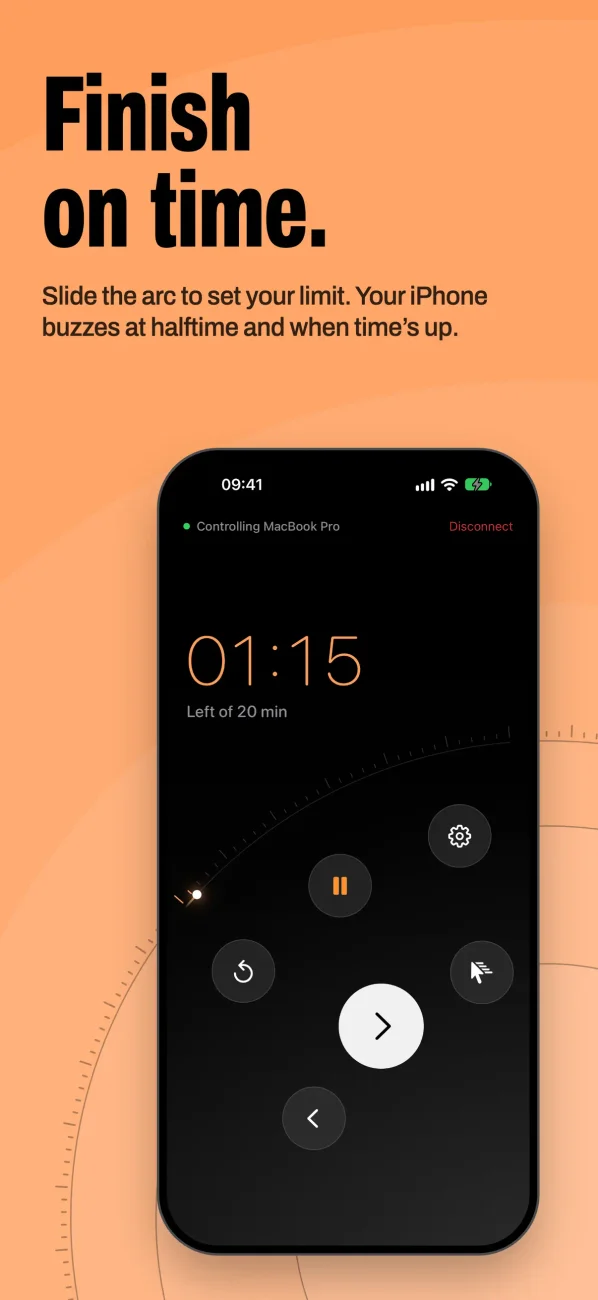
- Presentation timer with haptic alerts at custom intervals
- Live Activities: see your timer on Lock Screen & Dynamic Island
- Dark mode only, optimized for stage and low-light visibility
- Always-on screen during presentations, no connection drops
- Color-coded timer bar: green, yellow, orange, red
SUBSCRIPTION
Deck Pro - $19.99/year
Includes a free 7-day trial. Cancel anytime.
REQUIREMENTS
- iPhone running iOS 18 or later
- Mac running macOS 14 (Sonoma) or later
- Apple Watch optional (watchOS 10+)
- Both devices on the same local network
Terms of Use (EULA): https://www.apple.com/legal/internet-services/itunes/dev/stdeula/
What’s new
Version 2.0.0 · Nov 20, 2026
Better onboarding
App privacy
What DOU Inc. declares on the App Store about how this app handles data.
-
Data not collected
The developer does not collect any data from this app.
Privacy practices may vary, for example with the features you use or your age.
Information
- Seller
- DOU Inc.
- Category
- Productivity
- Version
- 2.0.0
- Updated
- Nov 20, 2026
- Released
- Feb 26, 2026
- Size
- 2.0 MB
- Requires
- iOS 18.0 or later
- Age rating
- 9+
- Price
- Free
- In-app purchases
- Yes
- Languages
- English
- Copyright
- © 2026 Dou Inc
You might also like
-
 Clicker – Presentation RemoteControl PowerPoint & more
-
 SlideLynk: PPT Control RemoteProductivity
-
 PowerPoint RemoteProductivity
-
 Presenter Remote: Slides & TVLaser Pointer, PDF, Clicker
-
 NetSom HotelHotel Operations &Housekeepinz
-
 LivaroProductivity
-
 FocusLoop AppManage your time better
-
 Contento AppAll Your Links In One Place
-
 Done DayTurn days into Done Days
-
 Gotofix ProviderGotofix Provider