
- Age rating4+
- CategoryProductivity
- DeveloperBrimarc Global Limited
- LanguagesEnglish
- Size29.3 MB
Links to the official App Store page
Download.org hosts no file of Livaro. The button opens its official App Store page, published by Brimarc Global Limited. Listing last checked on Nov 20, 2026.
Screenshots

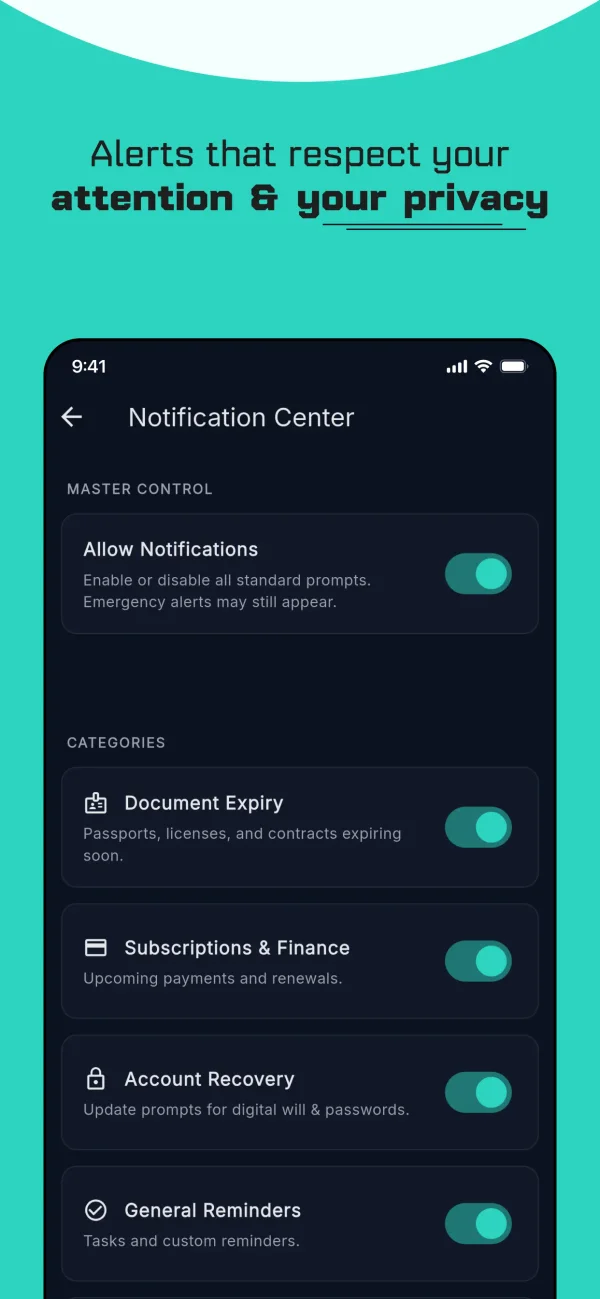
About
Livaro is a secure, local-first app designed to help you organize and protect the most important parts of your life.
Store identity documents, manage smart reminders, keep recovery information, and maintain a private file cabinet — all securely on your device.
Key Features
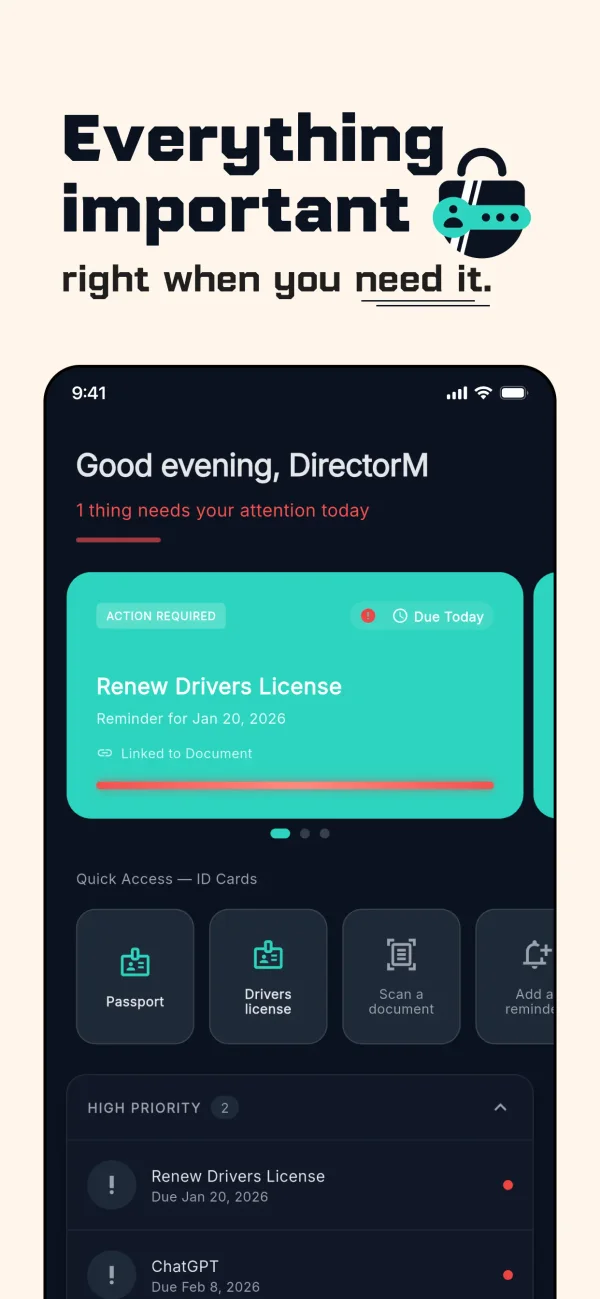
• Secure document vault with biometric and access-code protection
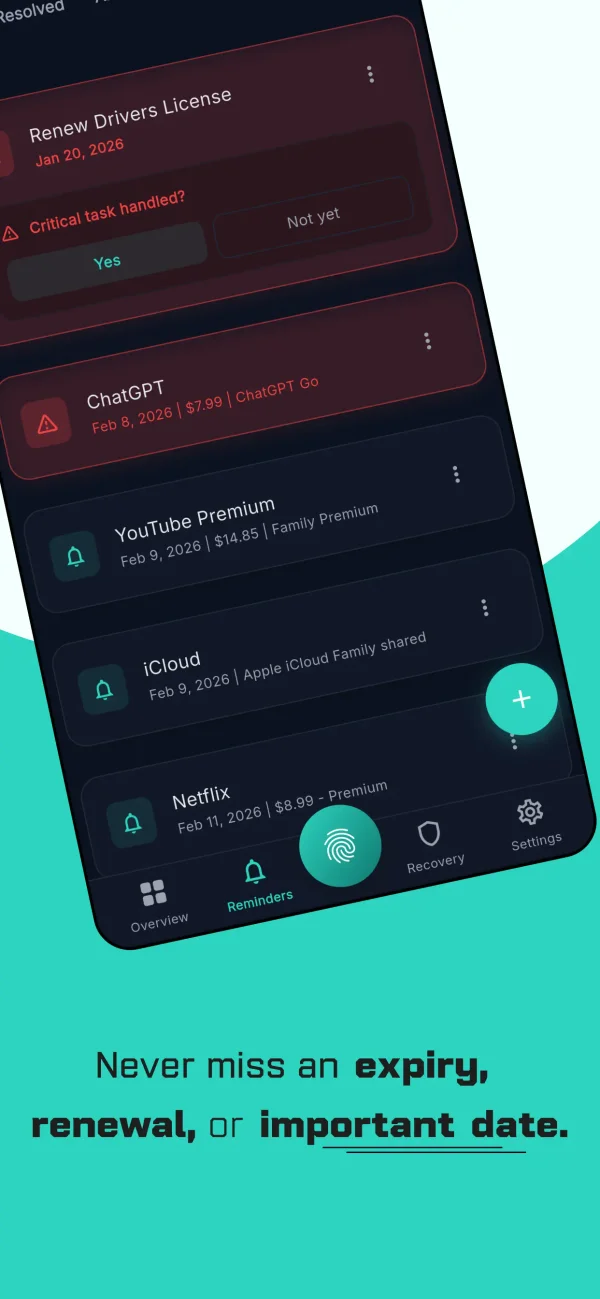
• Smart reminders for renewals, expirations, and important dates
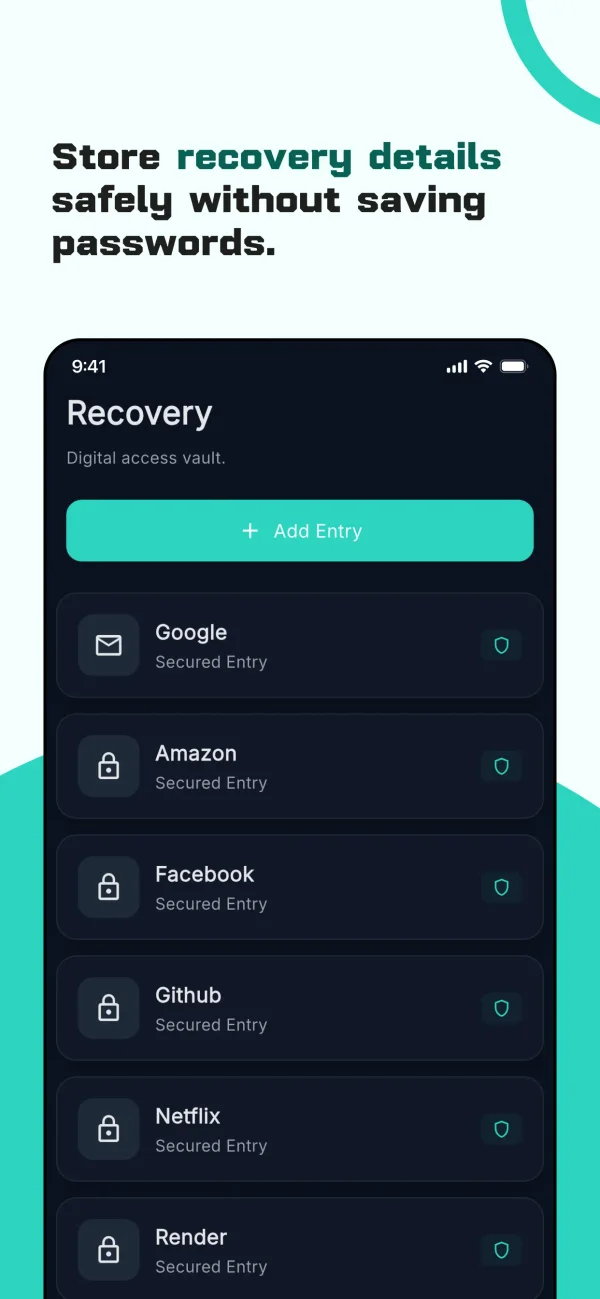
• Account recovery storage (never passwords)
• Private file cabinet for sensitive files
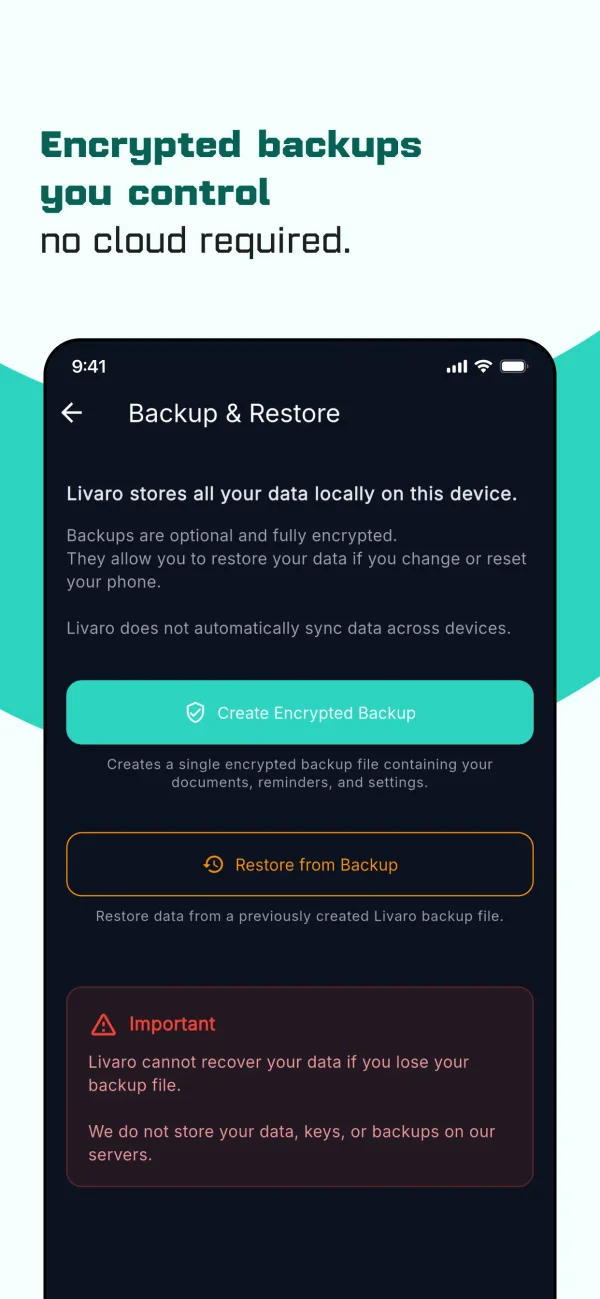
• Local backup and restore with encryption
• No accounts. No tracking. No ads.
Livaro is built with privacy at its core. Your data stays on your device, under your control.
Whether you’re preparing for travel, managing subscriptions, or safeguarding critical information, Livaro helps you stay organized with confidence.
App privacy
What Brimarc Global Limited declares on the App Store about how this app handles data.
-
Data not collected
The developer does not collect any data from this app.
Privacy practices may vary, for example with the features you use or your age.
Information
- Seller
- Brimarc Global Limited
- Category
- Productivity
- Version
- 1.0
- Updated
- Jan 23, 2026
- Released
- Jan 23, 2026
- Size
- 29.3 MB
- Requires
- iOS 14.0 or later
- Age rating
- 4+
- Price
- Free
- Languages
- English
- Copyright
- © 2026 Brimarc Global Limited
You might also like
-
 Deck - Presentation RemoteSlide Remote for Mac
-
 DirghayuProductivity
-
 Planbition ESSProductivity
-
 Widgets 27: Custom Home ScreenLock Launcher & Widget Maker
-
 Bitwarden AuthenticatorGenerate 2FA on your device
-
 ParakeyUnlock doors with your phone
-
 Tuta Mail: Secure EmailEncrypted Private Inbox
-
 AI Chat Assistant - ChatomicAsk AI Questions. Get Answers.
-
 QR Code Scanner Pro *Scan and create QR codes
-
 Google DriveStore, access and scan files