- Age rating4+
- CategoryProductivity
- DeveloperAdam Tow
- LanguagesEnglish
- Size5.3 MB
Links to the official App Store page
Download.org hosts no file of DeckCue Remote. The button opens its official App Store page, published by Adam Tow. Listing last checked on Nov 12, 2026.
Screenshots
About
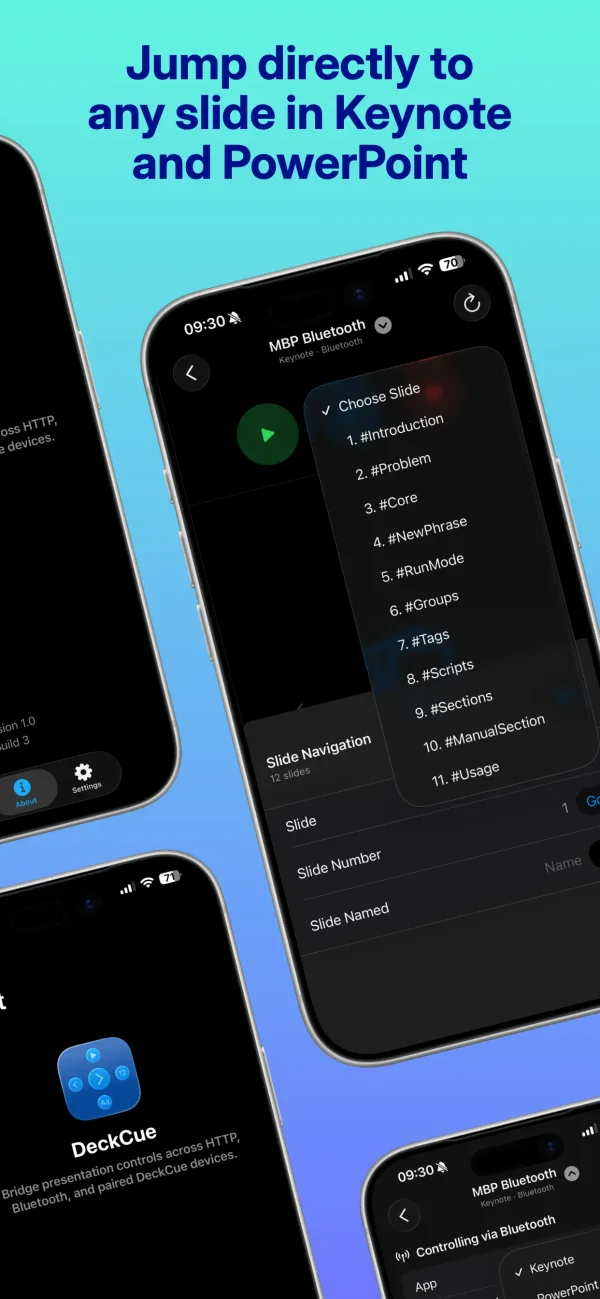
DeckCue Remote turns your iPhone or iPad into a focused presentation remote for DeckCue on the Mac.
Pair with your Mac, then control presentations in Keynote, PowerPoint, and Google Slides without standing next to your keyboard. DeckCue Remote connects to the DeckCue Mac app over your local network or Bluetooth, giving you simple controls for presenting, navigating, and reconnecting when you need to.
Features:
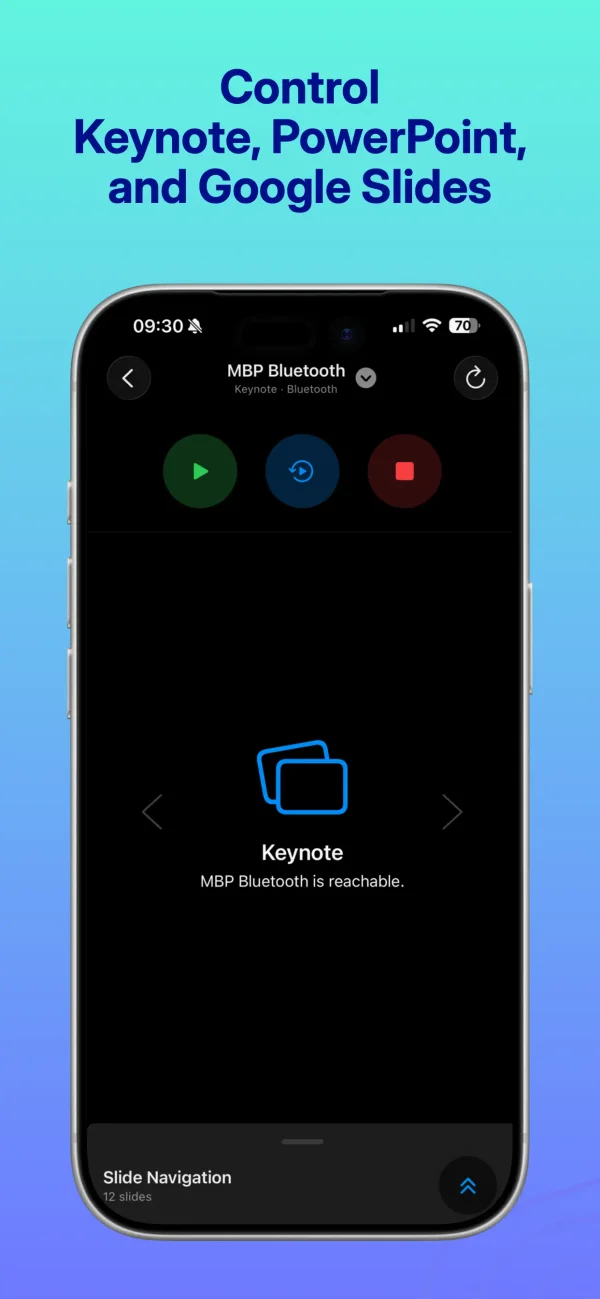
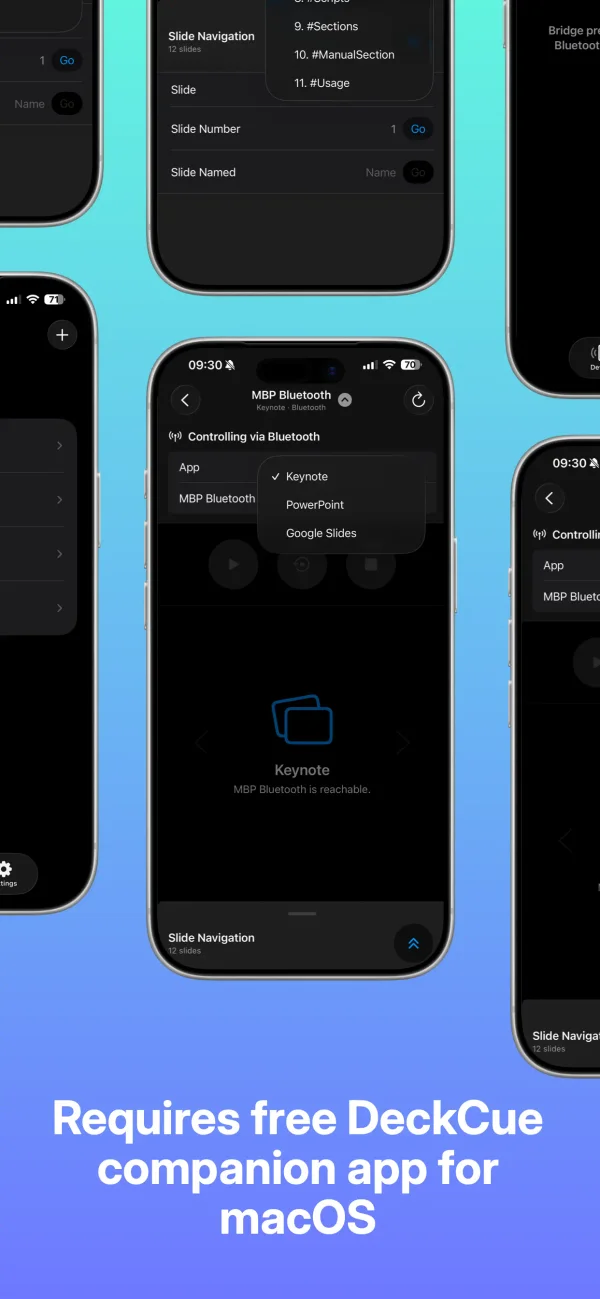
• Control Keynote, PowerPoint, and Google Slides through DeckCue for Mac
• Pair quickly using a QR code
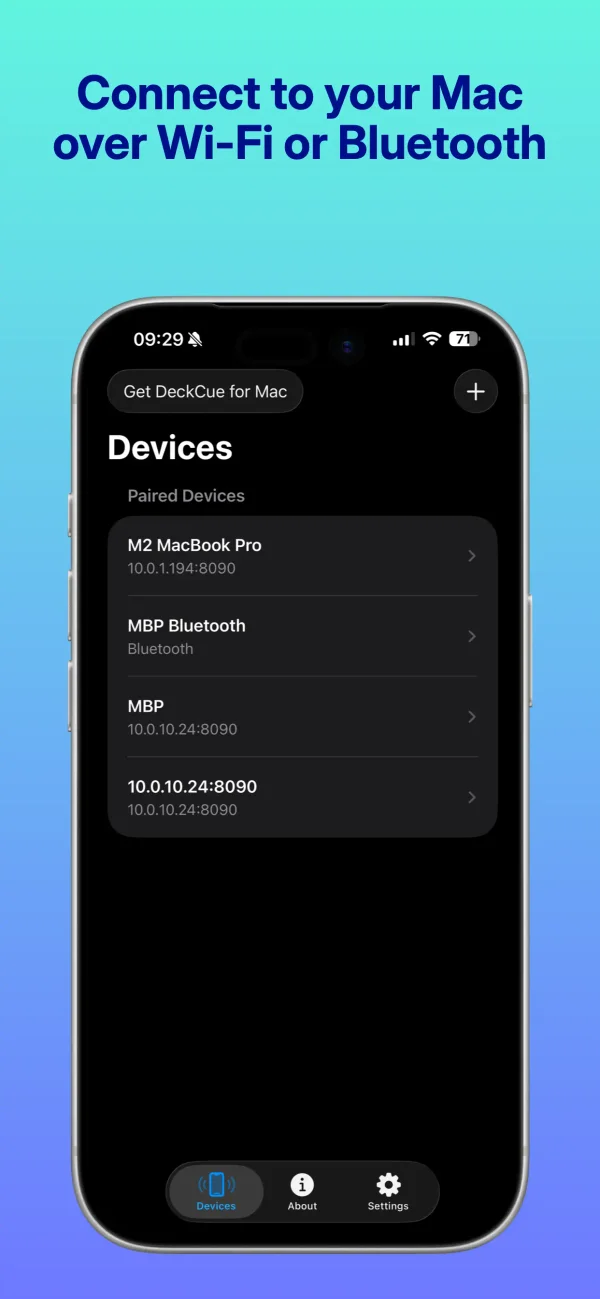
• Connect over local network or Bluetooth
• Save multiple paired Macs
• Edit saved computer settings
• Start and stop presentations
• Move to the next or previous slide
• Use slide navigation controls when slide information is available
• Jump directly to a specific slide
• Reconnect or refresh a control session
• No tracking, analytics, or advertising
DeckCue Remote requires DeckCue for Mac.
App privacy
What Adam Tow declares on the App Store about how this app handles data.
-
Data not collected
The developer does not collect any data from this app.
Privacy practices may vary, for example with the features you use or your age.
Information
- Seller
- Adam Tow
- Category
- Productivity
- Version
- 1.0
- Updated
- Aug 11, 2026
- Released
- Aug 11, 2026
- Size
- 5.3 MB
- Requires
- iOS 18.6 or later
- Age rating
- 4+
- Languages
- English
- Copyright
- Copyright © 2026 • Adam Tow • tow.com
You might also like
-
 Wireless PresenterControl slides with your phone
-
 SlideLynk: PPT Control RemoteProductivity
-
 stage createcreate rehearse and perform
-
 PowerPoint RemoteProductivity
-
 TexmuBlur away the noise
-
 Halo - Personal AIPrivacy-First AI Assistant
-
 Octopus Newsroom ClientProductivity
-
 TV/Monitor Size CalculatorProductivity
-
 TranscribeGoProductivity
-
 TimePiece Study Fitness TimerWorkouts, Focus, Tomato App