
Wireless Presenter
Control slides with your phone
Designed for iPhone, iPad, iPod touch
Free · In-app purchases
- Age rating4+
- CategoryProductivity
- DeveloperWajih JBARA
- LanguagesEnglish
- Size39.5 MB
Links to the official App Store page
Download.org hosts no file of Wireless Presenter. The button opens its official App Store page, published by Wajih JBARA. Listing last checked on Nov 17, 2026.
Screenshots

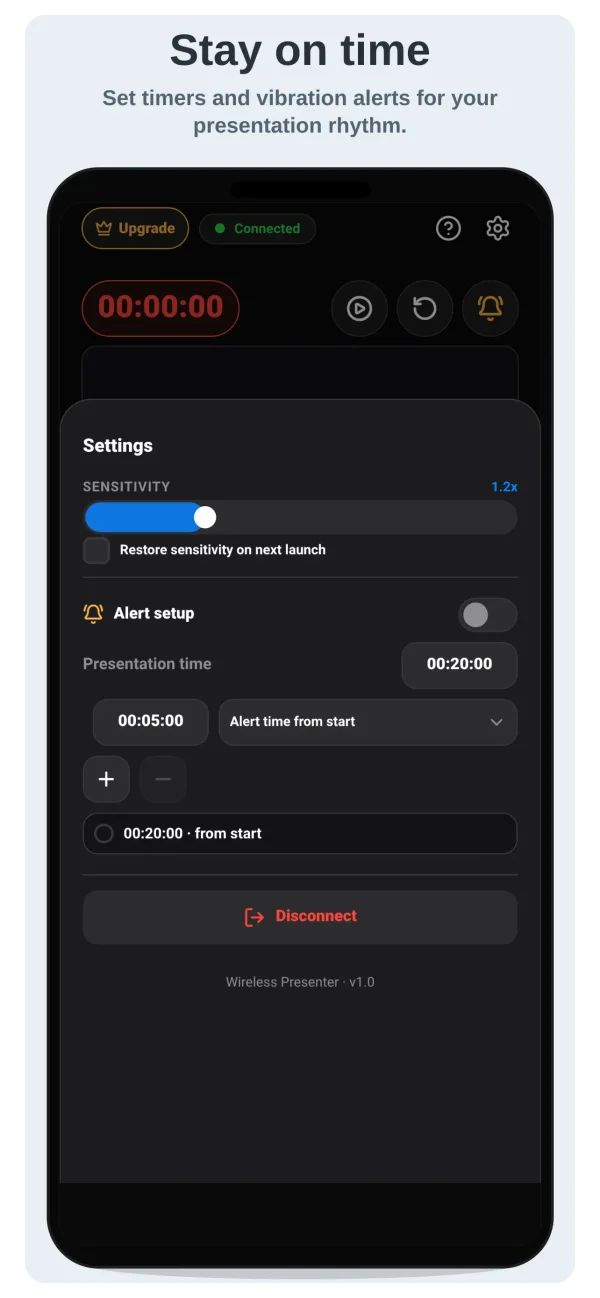
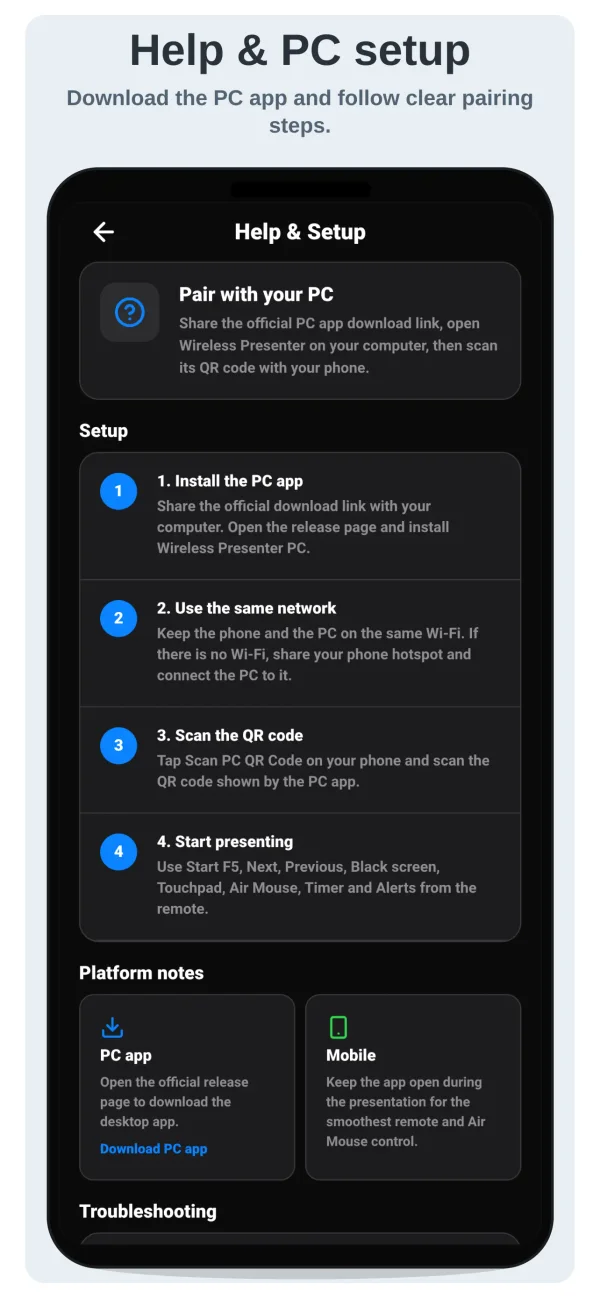
About
**Wireless Presenter turns your phone into a simple and powerful presentation remote for your PC.**
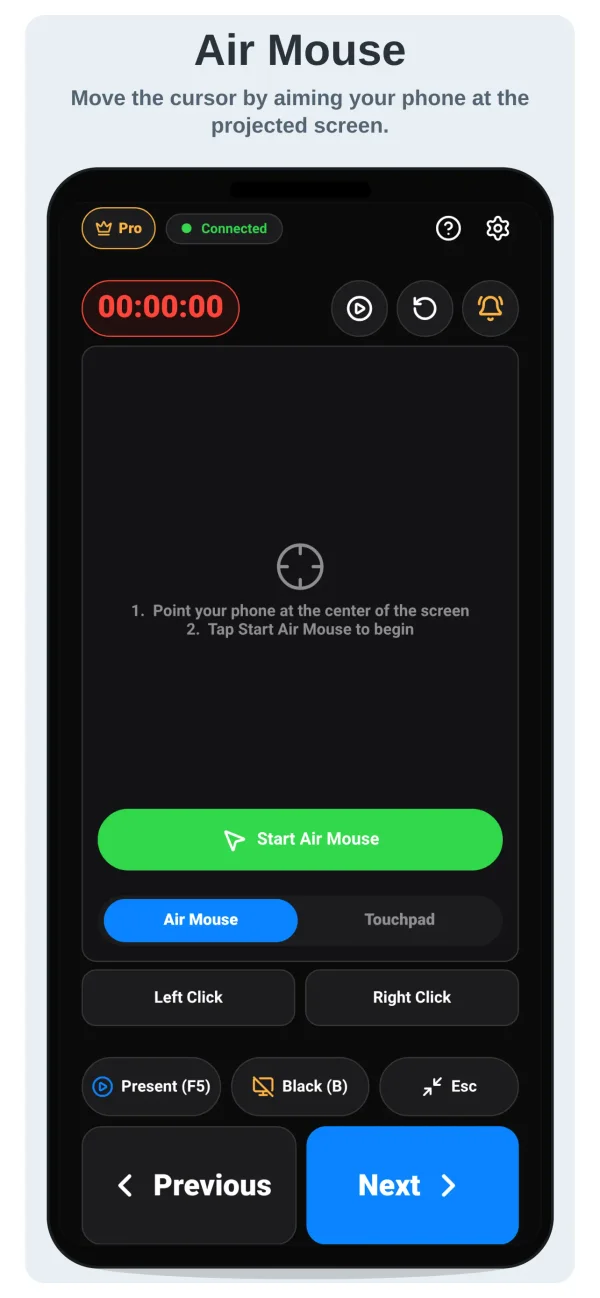
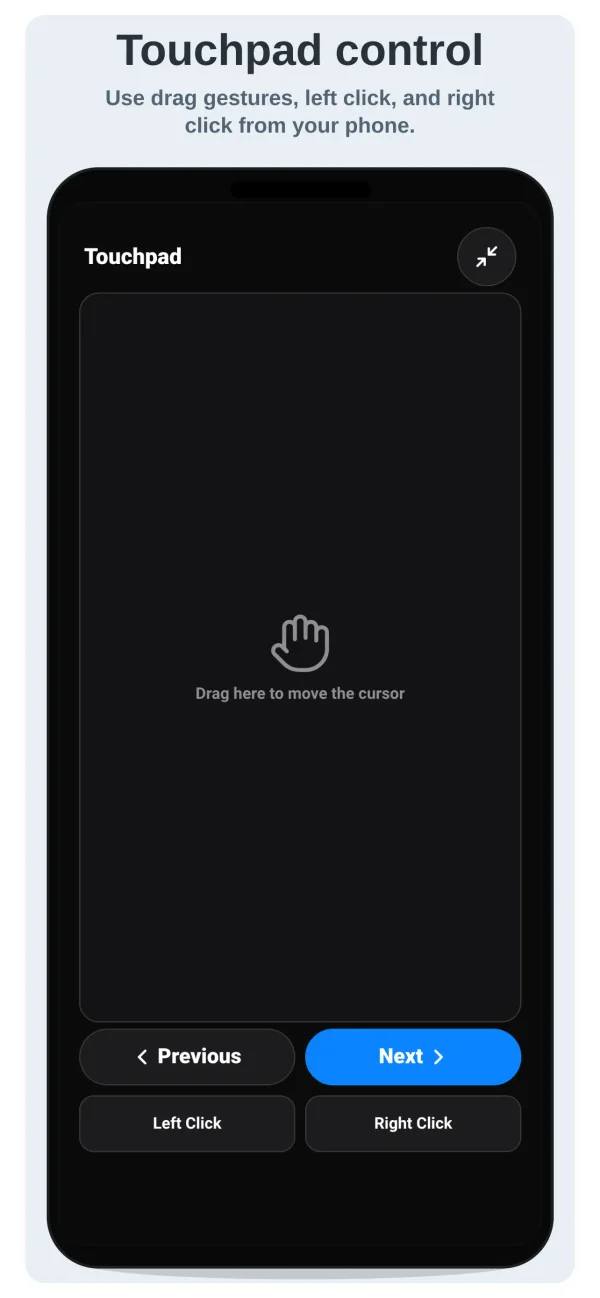
Control your slides, move the cursor with Touchpad mode, control the mouse with **Gyroscopic Mouse** mode, and highlight key points with a virtual laser pointer.
The app is ideal for PowerPoint presentations (online or local), PDF slideshows, conferences, classrooms, meetings, training sessions, and live demonstrations.
### How it works
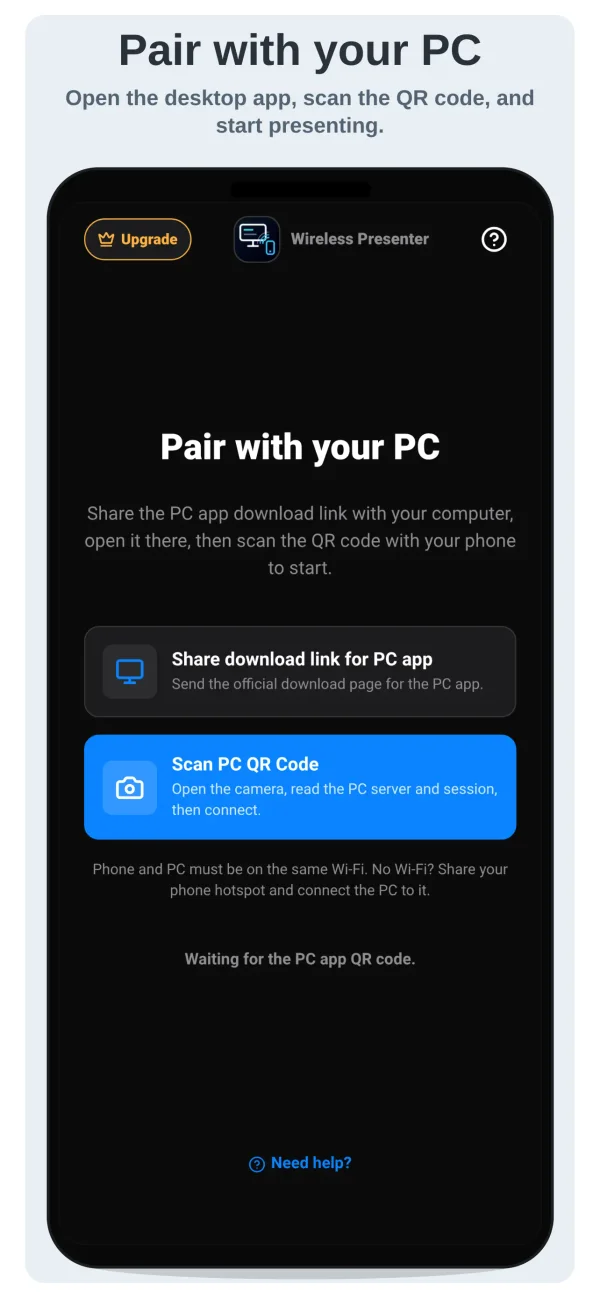
1. Install the Wireless Presenter PC app for the OS you have. It works in macos/windows/linux (download link available in the mobile app).
2. Open the mobile app.
3. Scan the QR code displayed on your computer.
4. Start presenting.
Your phone and PC simply need to be connected to the same Wi-Fi network.
**No Wi-Fi available?**
Use your phone’s mobile hotspot and connect your PC to it.
### Main Features
• Fast QR code pairing with the PC app
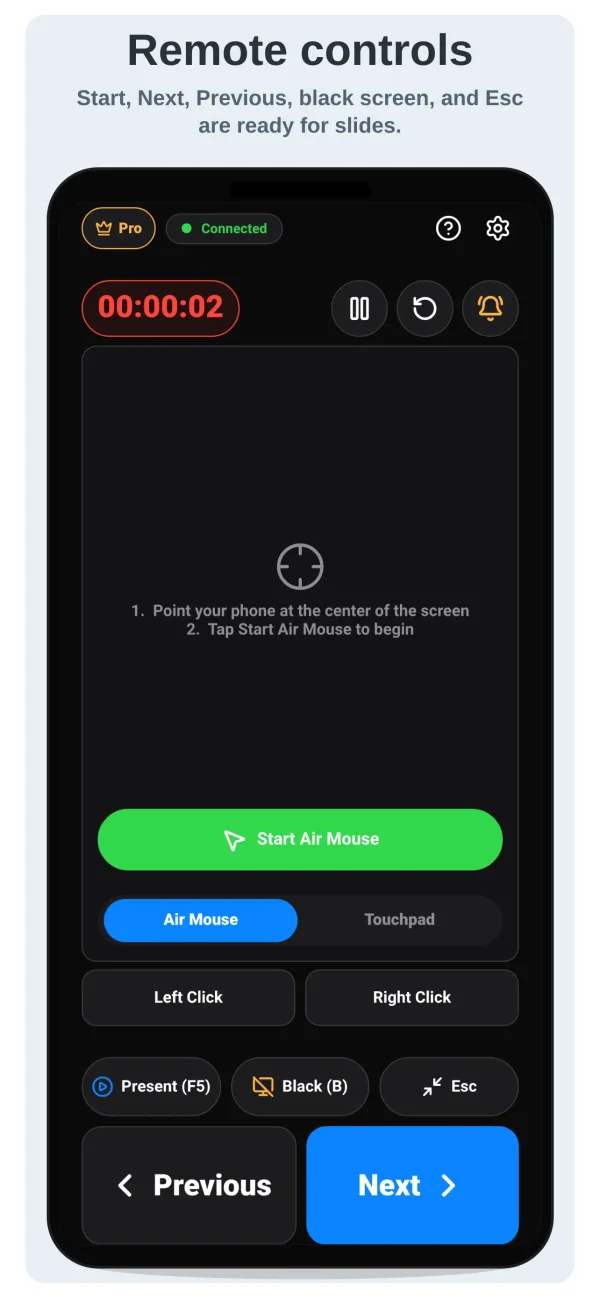
• Presentation controls: start slideshow, next slide, previous slide, black screen, and exit slideshow
• Touchpad mode for cursor control
• Gyroscopic Mouse mode using your phone’s motion sensors
• Virtual laser pointer during presentations (Pro feature)
• Built-in presentation timer
• Vibration timer alerts (Pro feature)
• Multiple Pro options to fit different needs
• Remove ads with Pro Lifetime
• Try Pro for 15 minutes by watching a rewarded video
### Pro Options
**Pro Lifetime** is a one-time purchase with no subscription.
The **3-Day Pass** is optional and useful for short events, classes, meetings, or occasional presentations.
You can also try Pro features for **15 minutes** after watching a rewarded video.
### Who is it for?
Wireless Presenter is designed for teachers, students, trainers, speakers, presenters, and anyone who wants to control a presentation remotely without standing next to their computer.
**The mobile app requires the Wireless Presenter PC app. The download link for the PC app is available directly within the mobile app.**
What’s new
Version 1.0.1 · Jul 26, 2026
Add Developer Website (URL marketing)
App privacy
What Wajih JBARA declares on the App Store about how this app handles data.
-
Data used to track you
May be used to track you across apps and websites owned by other companies.
- Identifiers
- Usage data
-
Data linked to you
May be collected and linked to your identity.
- Purchases
- Identifiers
- Usage data
-
Data not linked to you
May be collected but is not linked to your identity.
- Identifiers
- Diagnostics
Privacy practices may vary, for example with the features you use or your age.
Information
- Seller
- Wajih JBARA
- Category
- Productivity
- Version
- 1.0.1
- Updated
- Jul 26, 2026
- Released
- Jul 25, 2026
- Size
- 39.5 MB
- Requires
- iOS 15.1 or later
- Age rating
- 4+
- Price
- Free
- In-app purchases
- Yes
- Languages
- English
- Copyright
- © 2026 EasyLifeDev
You might also like
-
 JCueControl cues via Google Sheets
-
 1dea - Idea bookIdea management
-
 DeckCue RemoteControl Slide Presentations
-
 Shine ZonesYour phone, adapted to spaces
-
 Task Manager: Focus onePlanner, Reminders & Checklist
-
 PresentSync: Slide RemotePresentation Clicker & Pointer
-
 Aimo PointerAimo
-
 Presenter Remote: Slides & TVLaser Pointer, PDF, Clicker
-
 Remote Control: Mouse & MediaWireless trackpad & controller
-
 PalmCards: Speech Cue CardsPresentation & pitch prompter