- 対象年齢4+
- カテゴリ仕事効率化
- 開発元Adam Tow
- 言語英語
- サイズ5.3 MB
App Storeの公式ページにリンクしています
Download.orgはDeckCue Remoteのファイルを一切ホストしていません。ボタンを押すと、Adam Towが公開しているApp Storeのアプリページが開きます。ページの最終確認:2026/11/12。
スクリーンショット
概要
開発元はこのテキストをお使いの言語で提供していません。
DeckCue Remote turns your iPhone or iPad into a focused presentation remote for DeckCue on the Mac.
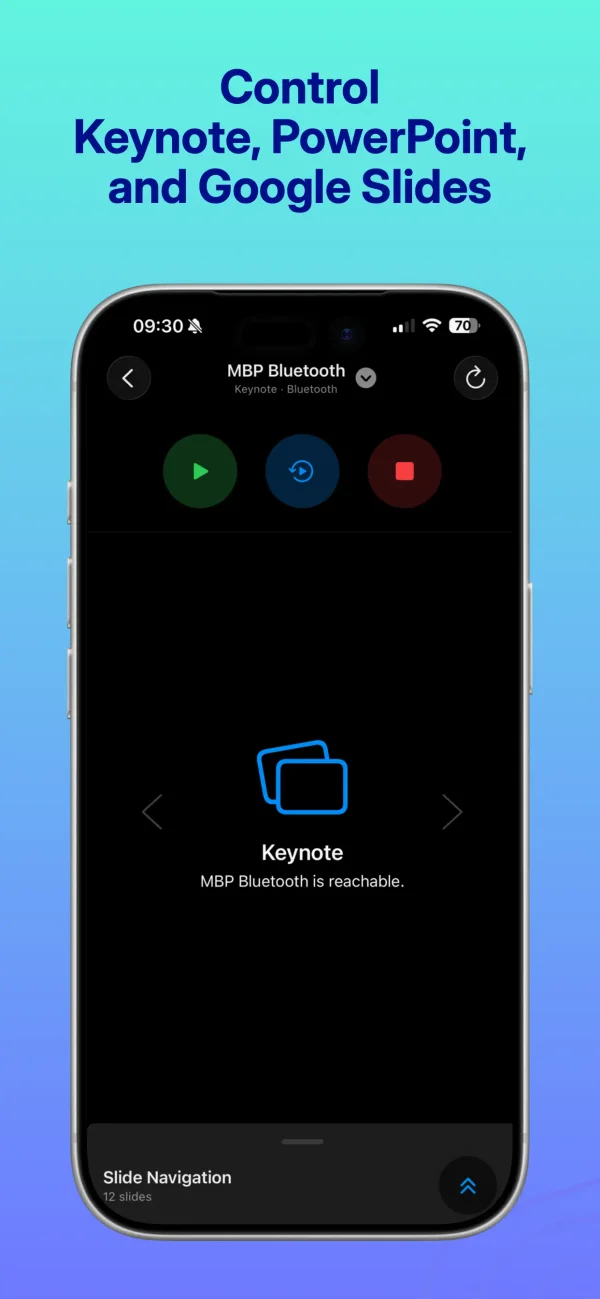
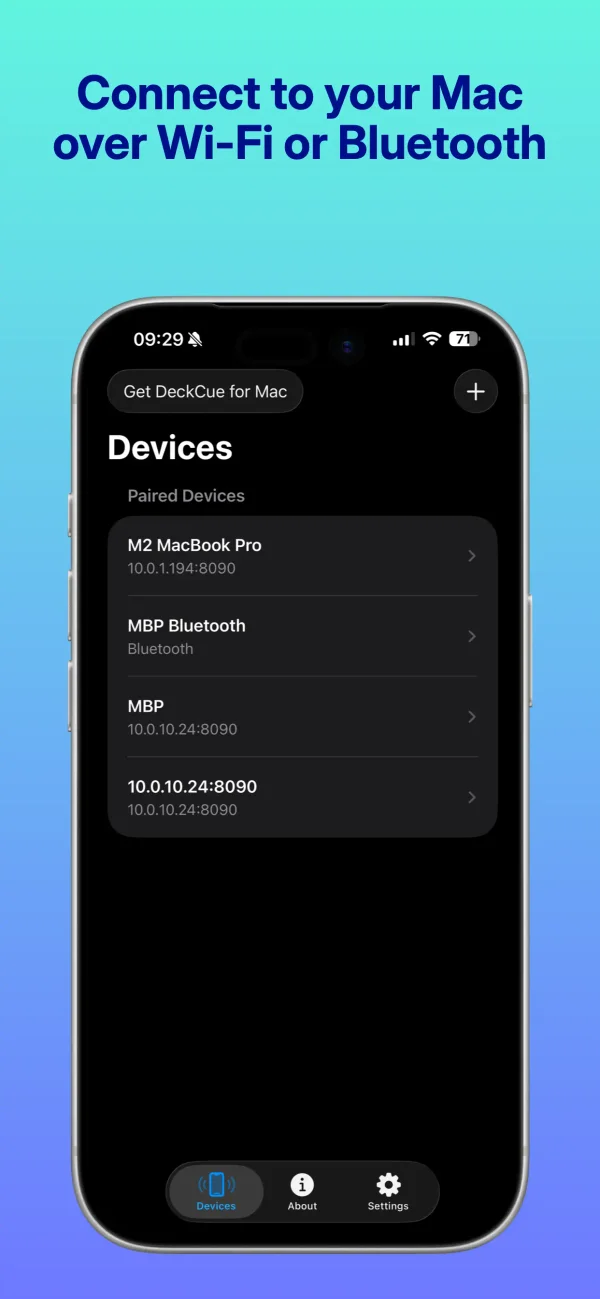
Pair with your Mac, then control presentations in Keynote, PowerPoint, and Google Slides without standing next to your keyboard. DeckCue Remote connects to the DeckCue Mac app over your local network or Bluetooth, giving you simple controls for presenting, navigating, and reconnecting when you need to.
Features:
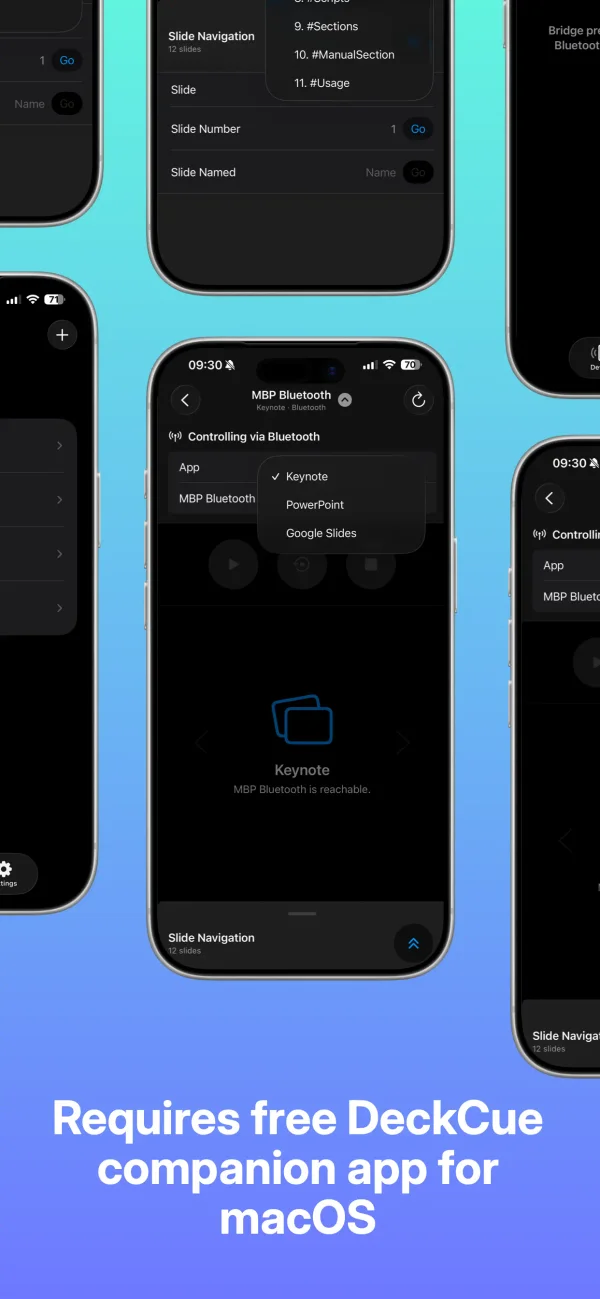
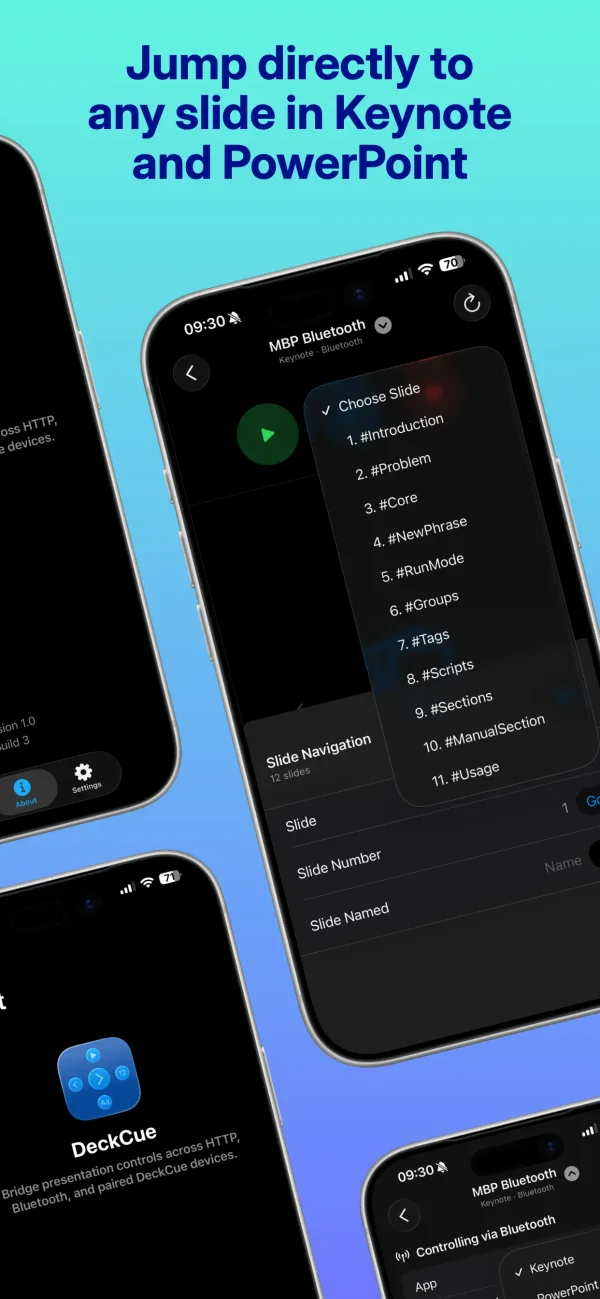
• Control Keynote, PowerPoint, and Google Slides through DeckCue for Mac
• Pair quickly using a QR code
• Connect over local network or Bluetooth
• Save multiple paired Macs
• Edit saved computer settings
• Start and stop presentations
• Move to the next or previous slide
• Use slide navigation controls when slide information is available
• Jump directly to a specific slide
• Reconnect or refresh a control session
• No tracking, analytics, or advertising
DeckCue Remote requires DeckCue for Mac.
アプリのプライバシー
このアプリのデータの取り扱いについて、Adam TowがApp Storeで申告している内容です。
-
データの収集なし
開発元はこのアプリからデータを収集しません。
プライバシーの取り扱いは、ご利用の機能やお客様の年齢などに応じて異なる場合があります。
情報
- 販売元
- Adam Tow
- カテゴリ
- 仕事効率化
- バージョン
- 1.0
- 更新日
- 2026/8/11
- リリース
- 2026/8/11
- サイズ
- 5.3 MB
- 必要条件
- iOS 18.6以降
- 対象年齢
- 4+
- 価格
- 無料
- 言語
- 英語
- 著作権
- Copyright © 2026 • Adam Tow • tow.com