DefterPad: Handwritten Notes
Notebook, PDF Markup & Audio
Designed for iPad
In-app purchases
- Age rating4+
- CategoryProductivity
- DeveloperAHMET OGUZHAN TEKIN
- LanguagesEnglish+ 29 more
- Size24.4 MB
Links to the official App Store page
Download.org hosts no file of DefterPad: Handwritten Notes. The button opens its official App Store page, published by AHMET OGUZHAN TEKIN. Listing last checked on Nov 21, 2026.
Screenshots
About
Your notebook should fit the way you think.
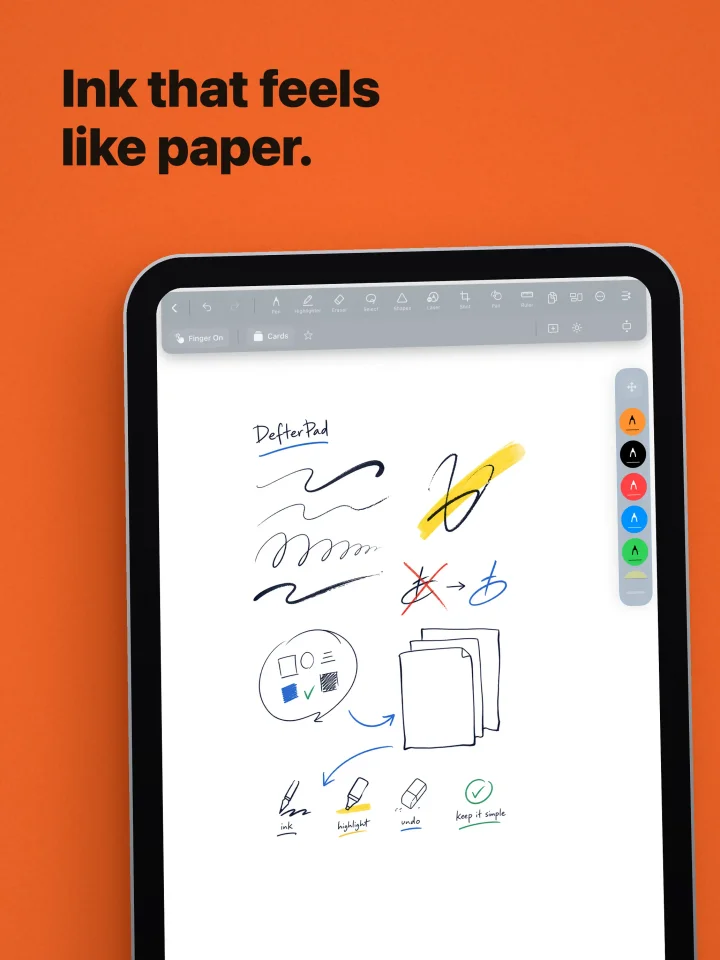
DefterPad is a handwriting notebook for iPad that gives you control over the page and the space around it. Write, record, search, and study in one place, in a workspace you shape yourself.
RETURN TO HOW AN IDEA HAPPENED
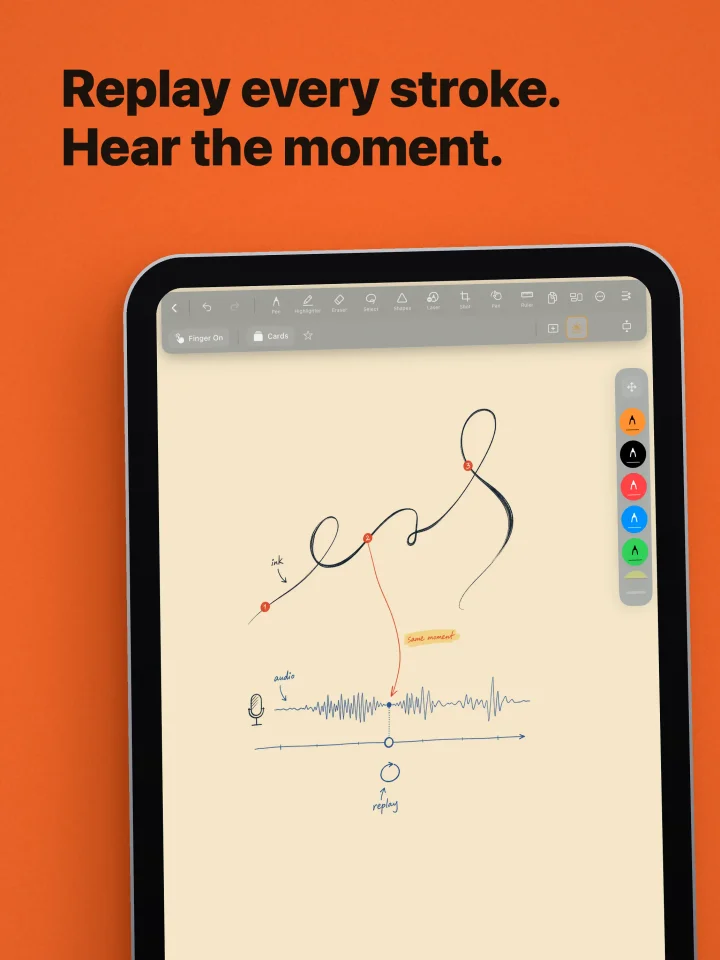
Record a lecture, a meeting, or your own thinking while you write. Later, tap any stroke to hear what was said at that moment. Ink Replay brings a page back stroke by stroke on a timeline you can scrub, with its sound if you like.
FIND ANYTHING YOU WROTE
Search the words you wrote by hand across all your notebooks, along with titles, typed text, and imported PDFs. Recognition runs on your iPad. Lasso your writing to copy it as text.
WRITE WITHOUT BREAKING YOUR FLOW
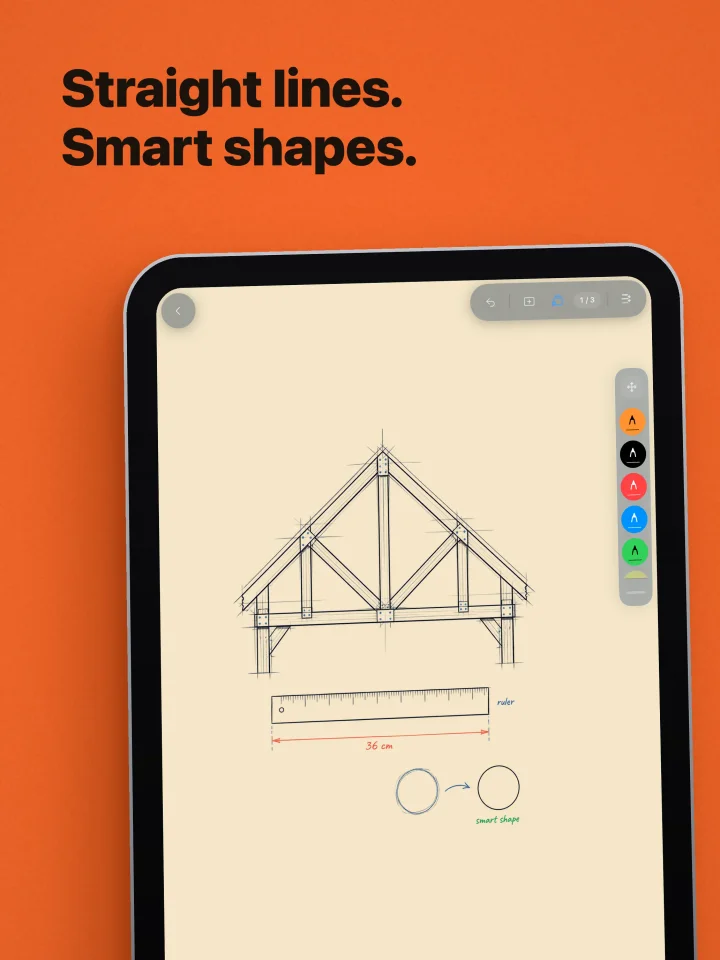
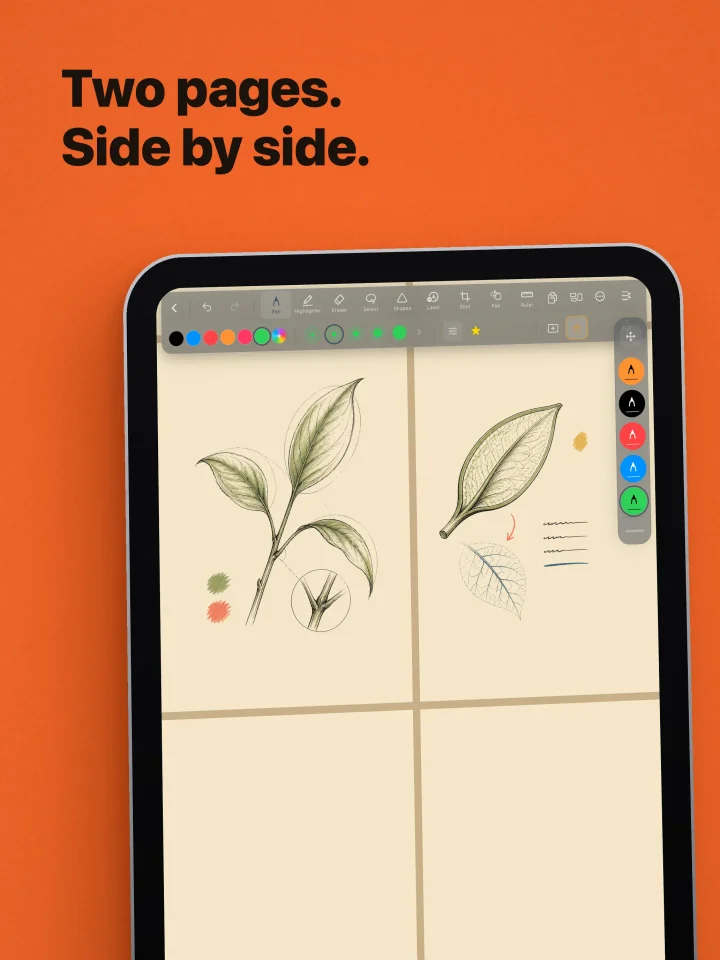
Apple Pencil Pro squeeze, barrel roll, hover, and double tap are built into the writing experience. Select handwriting, shapes, photos, and text together, then move, resize, and recolour them. Start with blank, lined, grid, dotted, or Cornell paper, and open a two page spread when you want more room.
WORK DIRECTLY ON PDFS
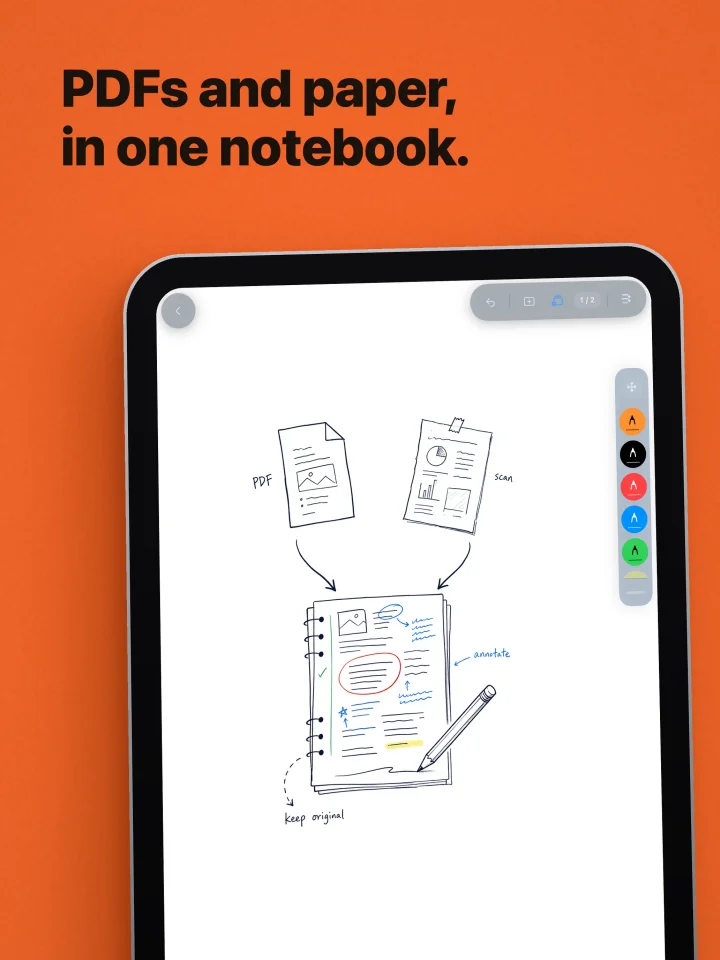
Import a PDF and write on it with the same tools you use everywhere else. Export a page, a range, or the whole notebook, or print it. Scan paper with the camera and turn it into notebook pages.
STUDY FROM THE PAGE ITSELF
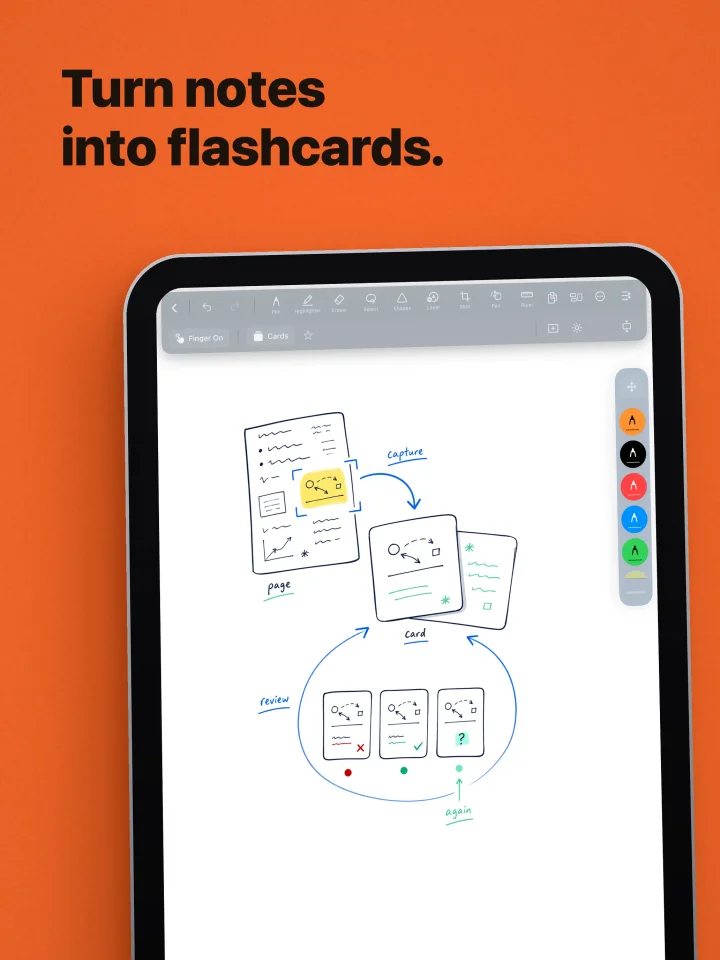
Lasso any part of your notes into a flashcard and review it with built-in spaced repetition. Presentation mode turns a notebook into a clean full screen canvas with a laser pointer.
MAKE THE WORKSPACE YOURS
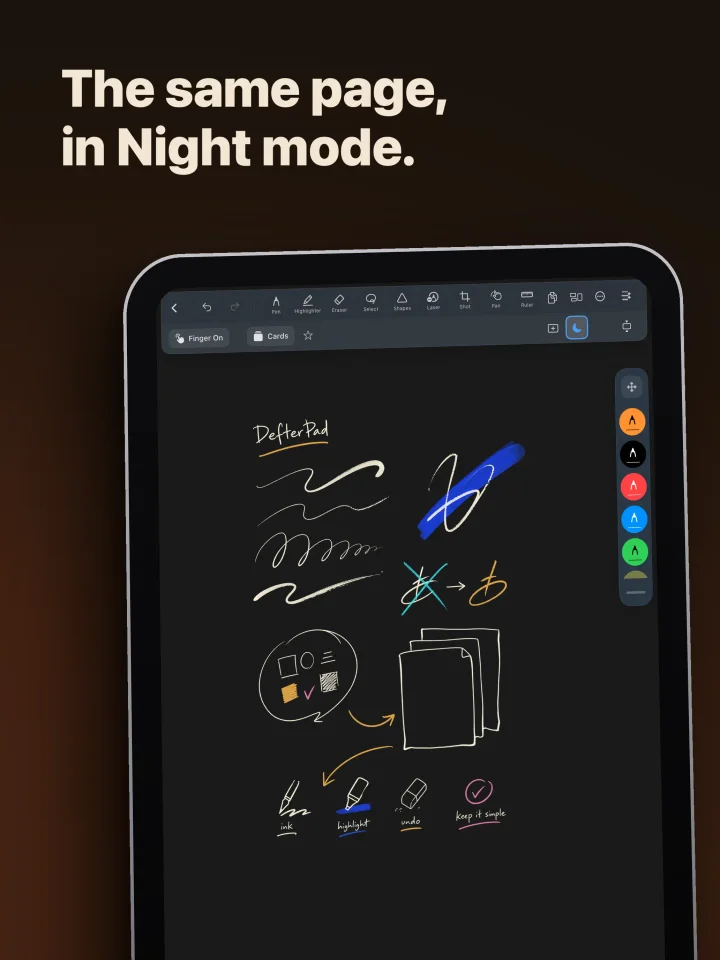
Choose app themes, accent colors, and Normal, Night, or Sepia pages. Keep favourite pens close, and switch to a compact workspace when you want the page to take over.
KEEP EVERYTHING WITHIN REACH
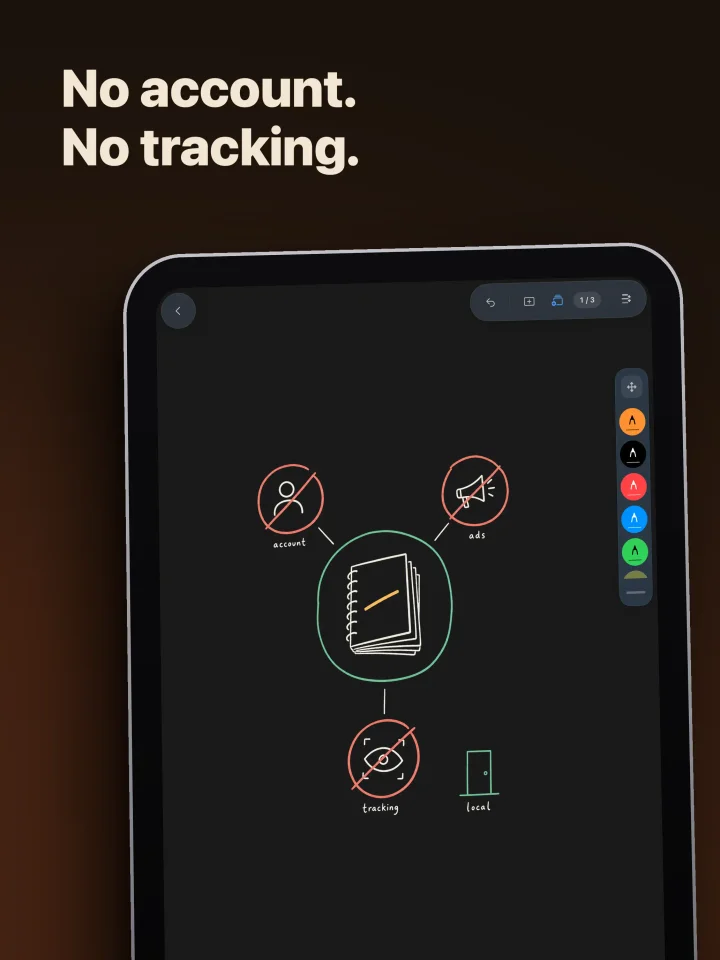
Organise with folders, tags, bookmarks, and outlines. Widgets, Siri, Shortcuts, Split View, biometric locks, and Auto Backup are built in. Optional iCloud sync keeps notebooks together across your own iPads. No account, no ads, no tracking.
Everything above comes with DefterPad, with no subscription. DefterPad Plus is an optional one-time purchase for personal touches such as templates, custom covers, and app icons. Tips only say thank you; they unlock nothing.
Choose the page. Shape the tools. Make the notebook yours.
What’s new
Version 1.2 · Nov 13, 2026
New in 1.2
• Ink Echo: record while you write, then tap any stroke to hear that moment
• Ink Replay with sound: watch a page redraw with its recording
• Search your handwriting across your notebooks, now in your iPad's language where supported
• Lasso your writing to copy it as text or turn it into a flashcard
• Many fixes for a steadier, smoother notebook
App privacy
What AHMET OGUZHAN TEKIN declares on the App Store about how this app handles data.
-
Data not collected
The developer does not collect any data from this app.
Privacy practices may vary, for example with the features you use or your age.
Information
- Seller
- AHMET OGUZHAN TEKIN
- Category
- Productivity
- Version
- 1.2
- Updated
- Nov 13, 2026
- Released
- Sep 21, 2026
- Size
- 24.4 MB
- Requires
- iOS 17.0 or later
- Age rating
- 4+
- In-app purchases
- Yes
- Languages
- English, Arabic, Czech, Danish, Dutch, Finnish, French, German, Greek, Hebrew, Hindi, Hungarian + 18 more
- Copyright
- © 2026 DefterPad
You might also like
-
 PenPro - Notes & HandwritingPDF, Stickers, Audio Notes
-
 VelNotes: Handwriting NotesPDF, Voice & Study Notebook
-
 Lemon Notes: Pdf, Docs, StudyRead PDFs, Take Notes & Study
-
 Zotty: AI Notes & NotepadAI Notes, Tasks & Budget
-
 AI Note Taker: CepNot“Speak, Save, Stay Organized”
-
 AI Handwriting to Text MakerDigitize Notes Photo PDF OCR
-
 SoftPaper: Fixed Page PlannerDaily Pad & Minimalist Agenda
-
 BookurXProductivity
-
 Dijital Planlayıcı AjandaProductivity
-
 Grid Paper NotesEffective Note Taking