Lemon Notes: Pdf, Docs, Study
Read PDFs, Take Notes & Study
Designed for iPhone, iPad
Free · In-app purchases
- Age rating17+
- CategoryProductivity
- DeveloperNEFISE ZELIHA BAYAR
- LanguagesEnglish+ 16 more
- Size162.9 MB
Links to the official App Store page
Download.org hosts no file of Lemon Notes: Pdf, Docs, Study. The button opens its official App Store page, published by NEFISE ZELIHA BAYAR. Listing last checked on Nov 16, 2026.
Screenshots




About
Lemon Notes: Note Taking & PDF Annotation
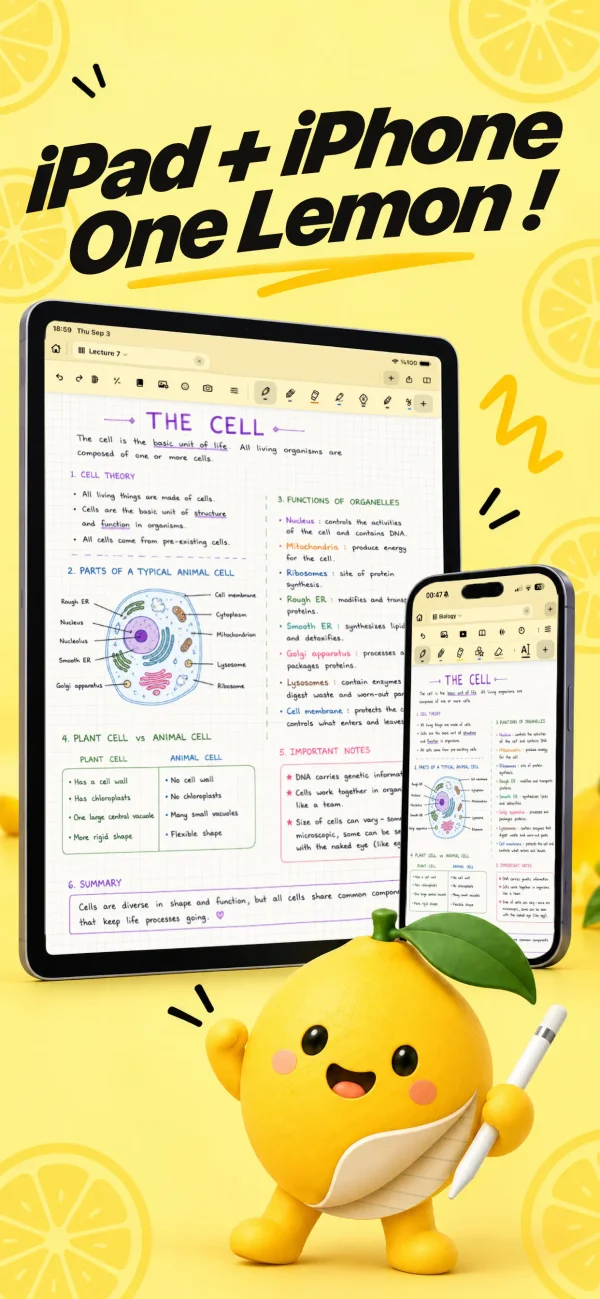
Turn your iPhone and iPad into a digital notebook for handwritten notes, PDF annotation, digital planning, and drawing. Capture lecture notes, organize study materials, keep a journal, or plan your week. Write with touch on iPhone or Apple Pencil on iPad, and bring your notebooks across both devices with iCloud sync.
NEW IN 1.3
• New Calendar: events, tasks, exams and home screen widgets, with two-way Apple Calendar sync and quick entry that understands dates and times.
• Smarter search: find typed text and handwriting in your notes and library, and jump between matches.
• Your notebooks, your way: use any PDF page or photo as a page theme and design your own covers.
• Six new pen tips: Chisel Nib, Coil Pen, Ribbon Pen, Wave Pen, Star Trail and Heart Trail, rendered live as you draw.
HANDWRITING, DRAWING & STICKY NOTES
• Write and sketch with pen, pencil, highlighter, fountain pen, watercolor, crayon, monoline, and more.
• Customize colors, stroke widths, and smoothing for your writing style.
• Use stroke and pixel erasers, lasso selection, copy, duplicate, resize, and move tools.
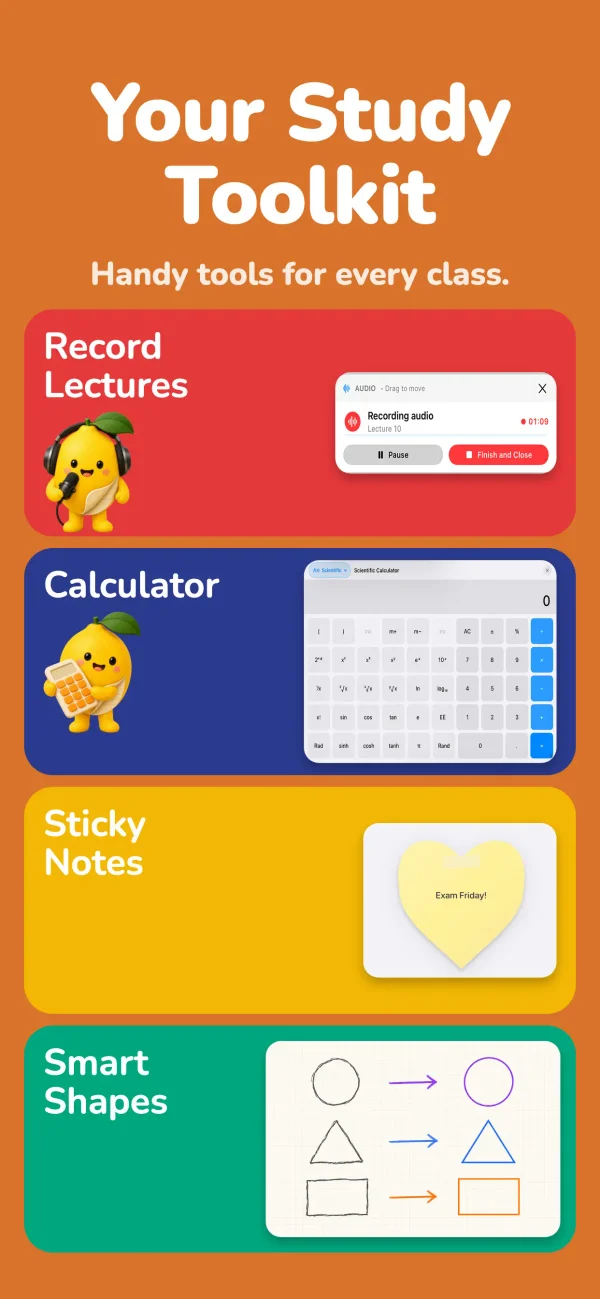
• Turn rough sketches into clean geometric shapes with Smart Shape Recognition. Smart lines snap precisely to nearby endpoints to keep diagrams connected.
• Organize drawings with editable layers.
• Add customizable sticky notes for reminders, study tips, and ideas, with improved canvas touch controls.
PDF ANNOTATION & DOCUMENTS
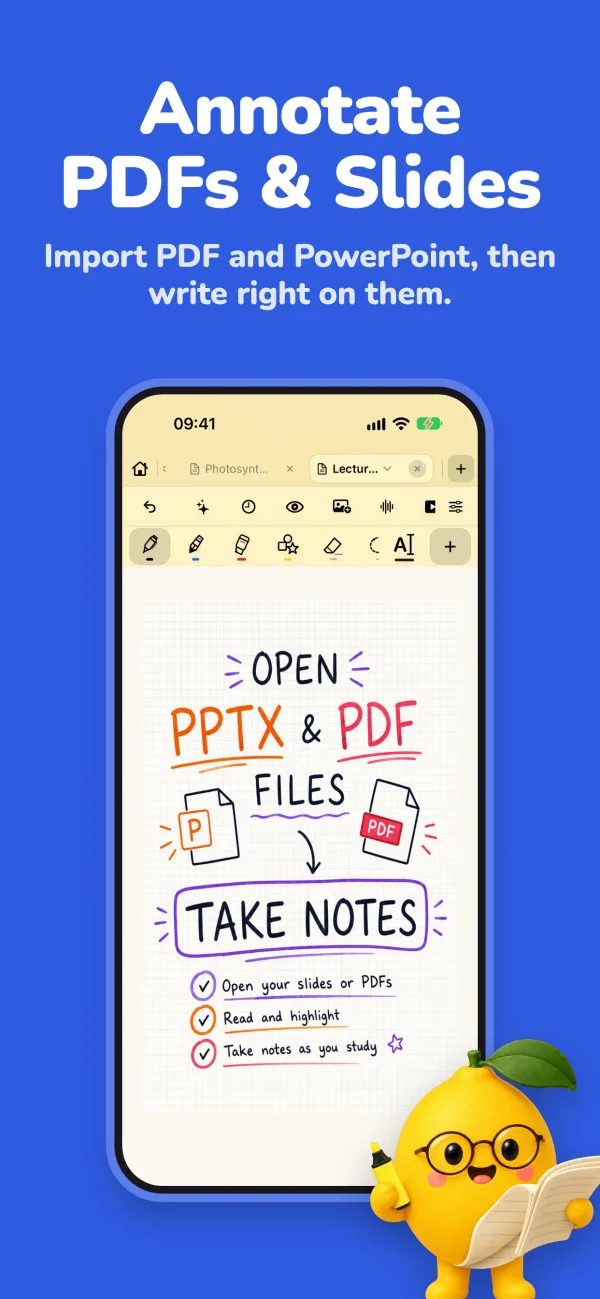
• Import PDFs from Files to write, draw, highlight, underline, and annotate lecture slides, textbooks, worksheets, and documents.
• Expand PDF margins for extra handwritten notes and bookmark important pages.
• Import PowerPoint presentations and convert them into PDF notes.
• Add photos, scanned documents, images, and emoji stickers.
• Export full notebooks or selected pages as shareable PDFs.
DIGITAL NOTEBOOKS, PLANNERS & TEMPLATES
• Create multi-page notebooks for school, university, work, and personal projects.
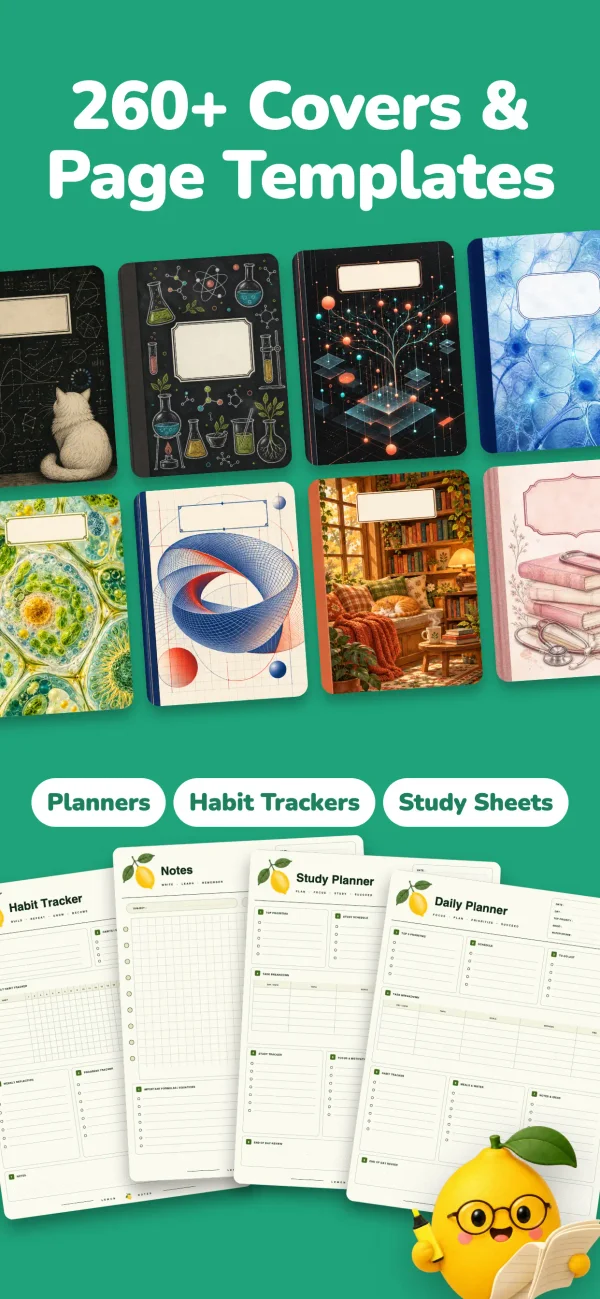
• Choose blank, lined, grid, dotted, Cornell notes, checklist, daily, weekly, monthly, habit tracker, mind map, table, music, guitar tab, storyboard, and other templates.
• Personalize paper colors, spacing, line width, backgrounds, orientation, and covers.
• Choose A3, A4, A5, A6, B5, Letter, Legal, and Tabloid paper sizes.
• Explore 90+ creative notebook covers, organized into three categories.
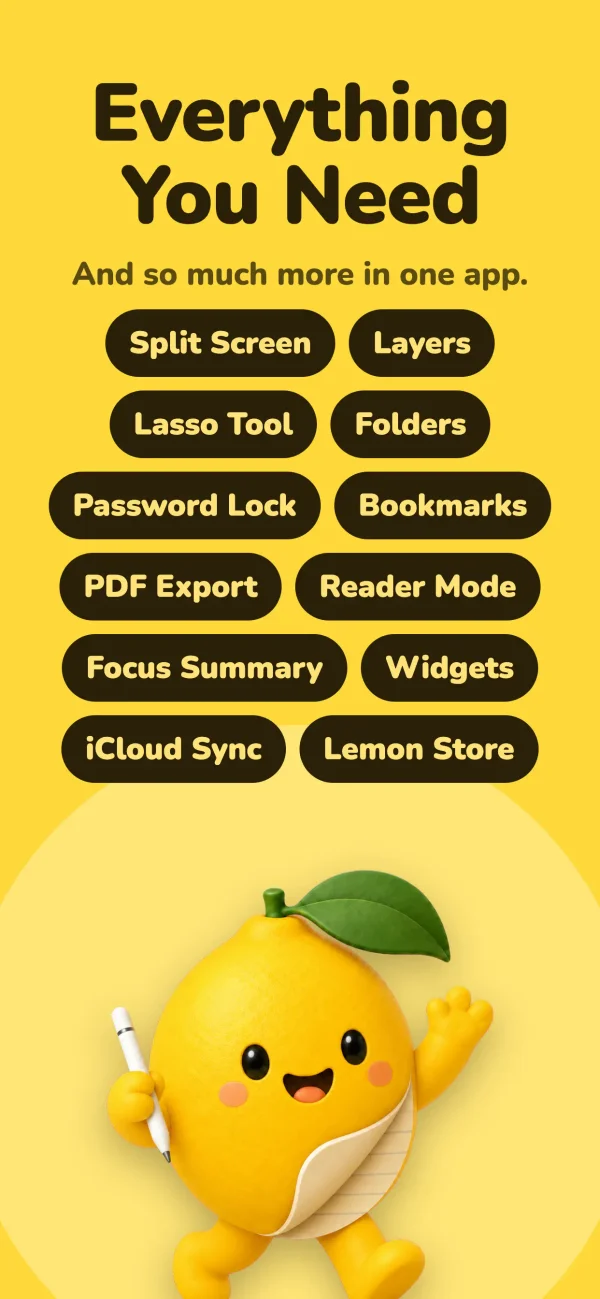
• Keep class notes, meeting notes, and journals organized with folders and nested folders.
• Protect notebooks or folders with a password and recover notebooks from Recently Deleted.
STUDY TOOLS & EVERYDAY PRODUCTIVITY
• Find handwritten notes with handwriting recognition and search.
• Record audio with optional live speech transcription for lectures and meetings.
• Solve handwritten arithmetic with Automatic Math.
• Stay focused with a stopwatch, countdown timer, and built-in calculator.
• Open two notes together with split-screen editing.
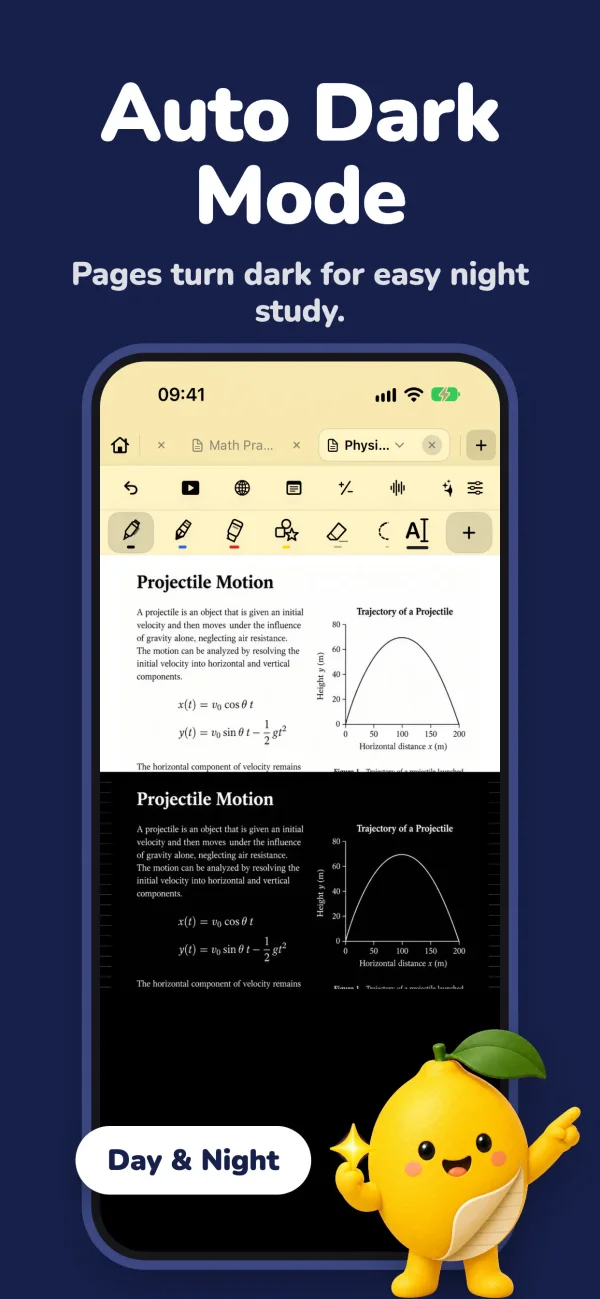
• Preview pages, use Reader Mode, and let pages adapt to dark mode.
• Watch YouTube videos or browse the web alongside your notes.
HOME SCREEN WIDGETS
• Quickly create a note, reopen your last note, and access recent notes and search with sleek widgets for iPhone and iPad.
ICLOUD SYNC & LEMON STORE
• Enable iCloud sync to continue your notebooks on iPhone and iPad.
• Back up PDF notes to iCloud Drive.
• Discover more notebook templates, covers, digital planners, study sheets, engineering templates, calendars, and digital stationery in the Lemon Store.
START YOUR NEXT NOTEBOOK
No separate Lemon Notes account is required. Create up to three notebooks for free. One optional annual subscription unlocks unlimited notebook creation on both iPhone and iPad. Use the same Apple Account to access your purchases on both devices, and enable iCloud sync to keep your notes in sync. Purchases can be restored at any time.
Privacy Policy: https://lemonnotes.site/privacy/
Terms of Service: https://lemonnotes.site/terms/
What’s new
Version 1.3.0 · Nov 5, 2026
What's new:
• New Calendar: events, tasks, exams and home screen widgets, with two-way Apple Calendar sync and quick entry that understands dates and times.
• Smarter search: find typed text and handwriting in your notes and library, and jump between matches.
• Your notebooks, your way: use any PDF page or photo as a page theme and design your own covers.
• Six new pen tips: Chisel Nib, Coil Pen, Ribbon Pen, Wave Pen, Star Trail and Heart Trail, rendered live as you draw.
• Also: a remembered default AI for sharing, one-tap page choices, deletable exams and saved pens, plus fixes for the PDF contents/search button, cover alignment and a pen-settings crash.
• With the new page panel, you can drag to reorder, insert, delete, duplicate and bookmark pages, and read your notes full screen with optional horizontal page scrolling and zoom from 25% to 500%.
• Performance optimizations.
• New language options have been added: Korean, Japanese, Indonesian, Hebrew, Hindi, Bengali, and Russian.
• Send your note to your chosen AI with a single tap using the AI button, enjoy more room for the browser and YouTube beside your notes with a new slim toolbar, and find their windows right where you left them, at the same size.
• Get back to studying with Focus Guard’s alarms and motivational videos when your attention drifts, and track your progress with Pomodoro, Live Activities, widgets, reminders, exam countdowns, and a detailed Focus Summary.
App privacy
What NEFISE ZELIHA BAYAR declares on the App Store about how this app handles data.
-
Data not collected
The developer does not collect any data from this app.
Privacy practices may vary, for example with the features you use or your age.
Information
- Seller
- NEFISE ZELIHA BAYAR
- Category
- Productivity
- Version
- 1.3.0
- Updated
- Nov 5, 2026
- Released
- Sep 8, 2026
- Size
- 162.9 MB
- Requires
- iOS 17.0 or later
- Age rating
- 17+
- Price
- Free
- In-app purchases
- Yes
- Languages
- English, Arabic, Bengali, French, German, Hebrew, Hindi, Indonesian, Italian, Japanese, Korean, Portuguese + 5 more
- Copyright
- © 2026 Nefise Zeliha Bayar
You might also like
-
 VelNotes: Handwriting NotesPDF, Voice & Study Notebook
-
 Noteora - Notes & HandwritingWrite, Sketch & Export to PDF
-
 AINotes: Note Taking & PDFHandwriting & Infinite Canvas
-
 SoftPaper: Fixed Page PlannerDaily Pad & Minimalist Agenda
-
 Daypen: AI Notes & PlannerTake notes, ace your exams
-
 CanvasNoteThe ultimate note-taking app
-
 DefterPad: Handwritten NotesNotebook, PDF Markup & Audio
-
 MeKa – Homework & Exam TrackerSmart study and focus app
-
 Notepen: Notes & PlannerHandwriting, Sketch & Notebook
-
 Amazing Notes: Lecture & PDFClass notes, PDF & audio