Screen Time Control: Unscroll
App Lock, Focus & Site Blocker
Designed for iPhone
In-app purchases
- Age rating4+
- CategoryProductivity
- DeveloperILYAS TORUN
- LanguagesFrench+ 11 more
- Size144.1 MB
Links to the official App Store page
Download.org hosts no file of Screen Time Control: Unscroll. The button opens its official App Store page, published by ILYAS TORUN. Listing last checked on Nov 24, 2026.
Screenshots
About
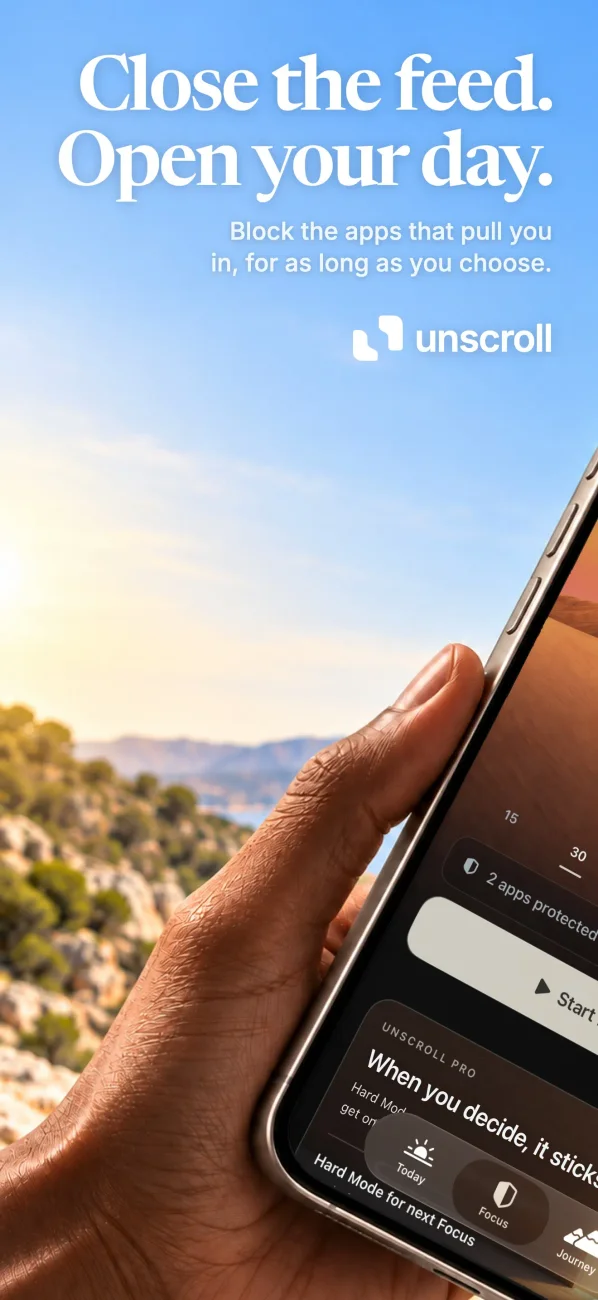
Close the feed. Open your day.
Unscroll is a Screen Time app blocker for the moment you reach for a distracting app without really deciding to. Choose what pulls you in, start a Focus, and those apps stay closed until you are done. No guilt and no unrealistic promises, only a clear boundary you set yourself.
WHAT YOU CAN DO
• Block social media, short video, news, games and websites you choose
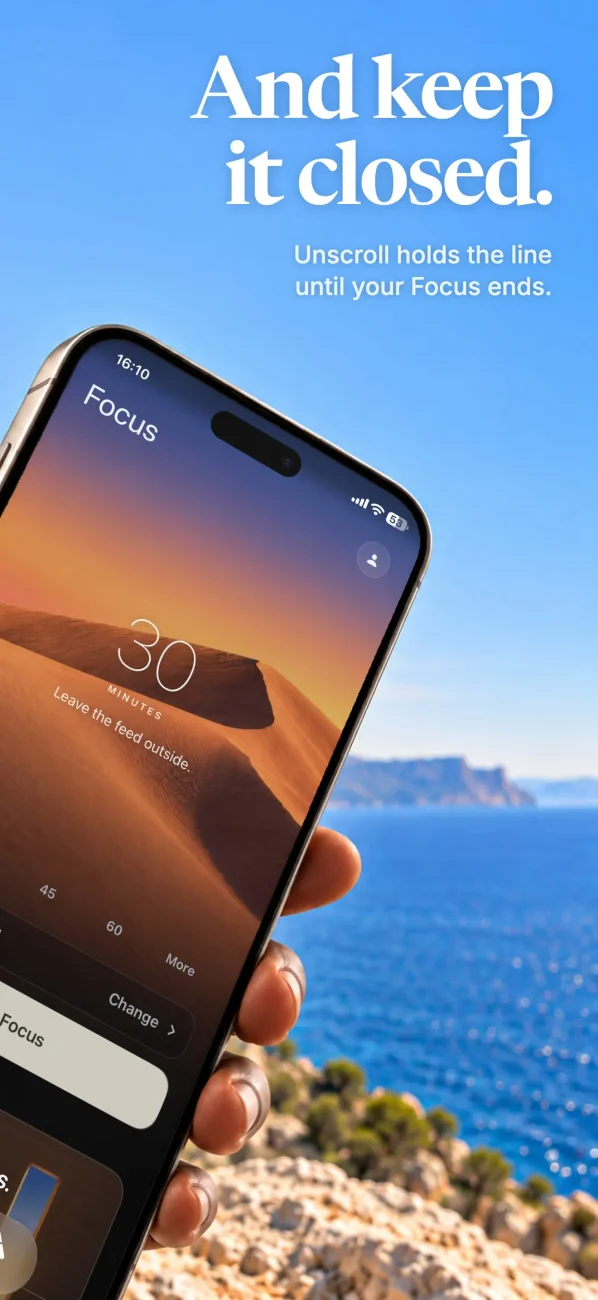
• Start a Focus for work, study, sleep, reading or time with people
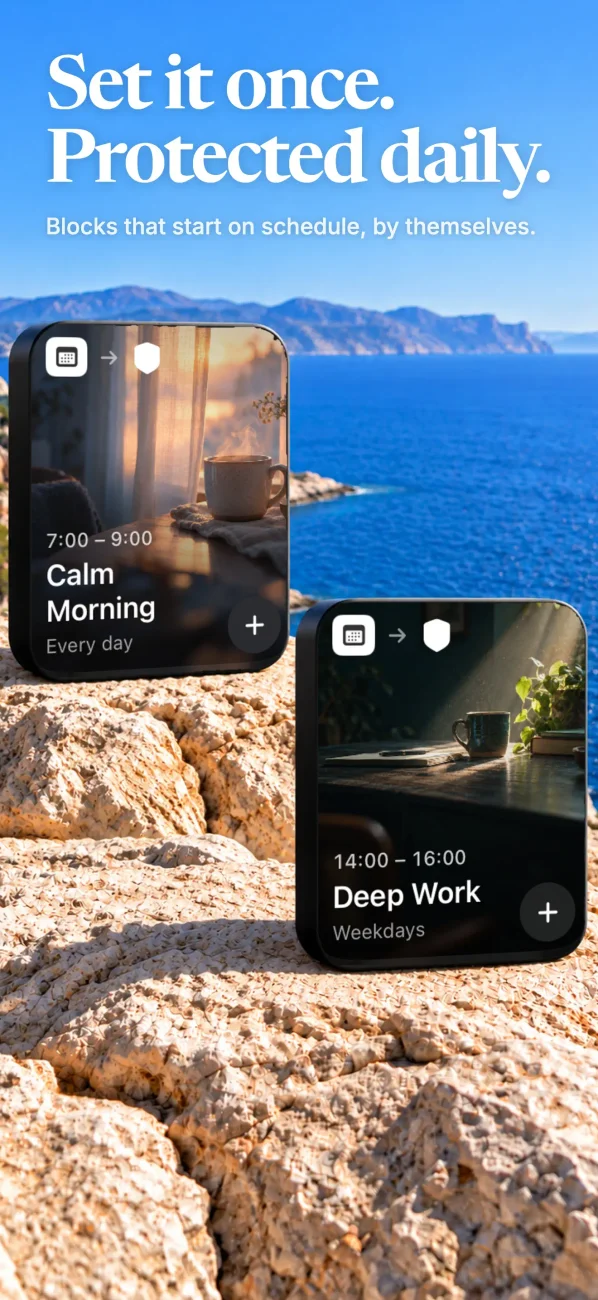
• Set Automations that start and end blocking on your schedule
• Build Habits with the days and reminder times you pick
• Start a Focus or check your day from Home Screen widgets
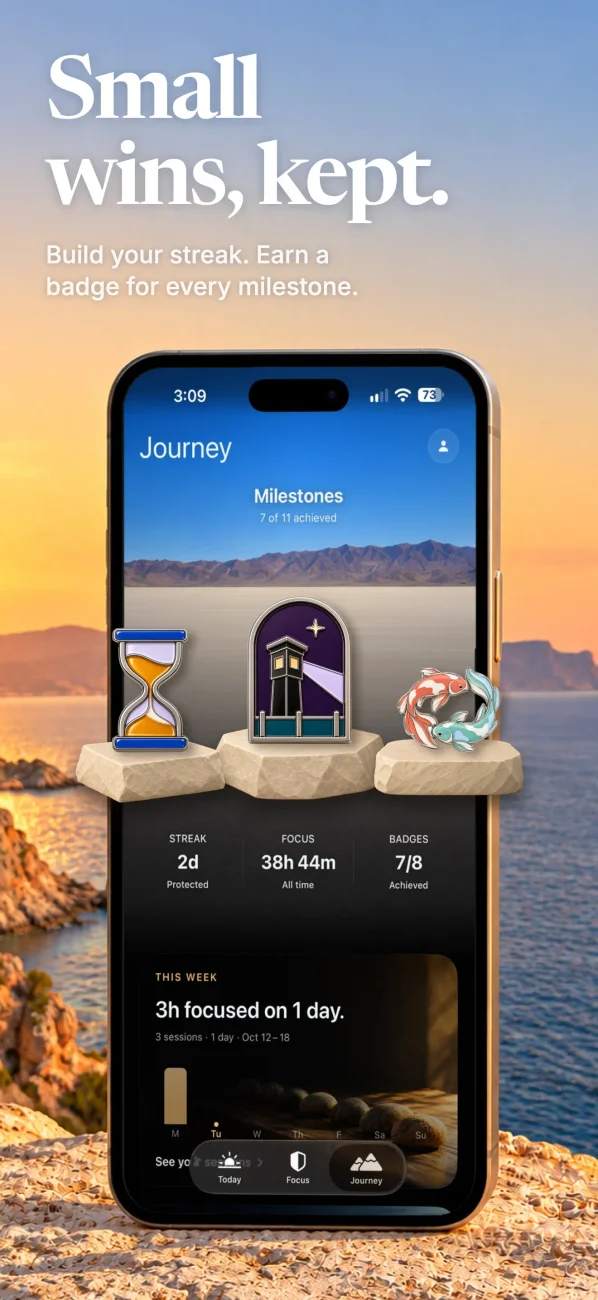
• See sessions, protected time, streaks and badges in Journey
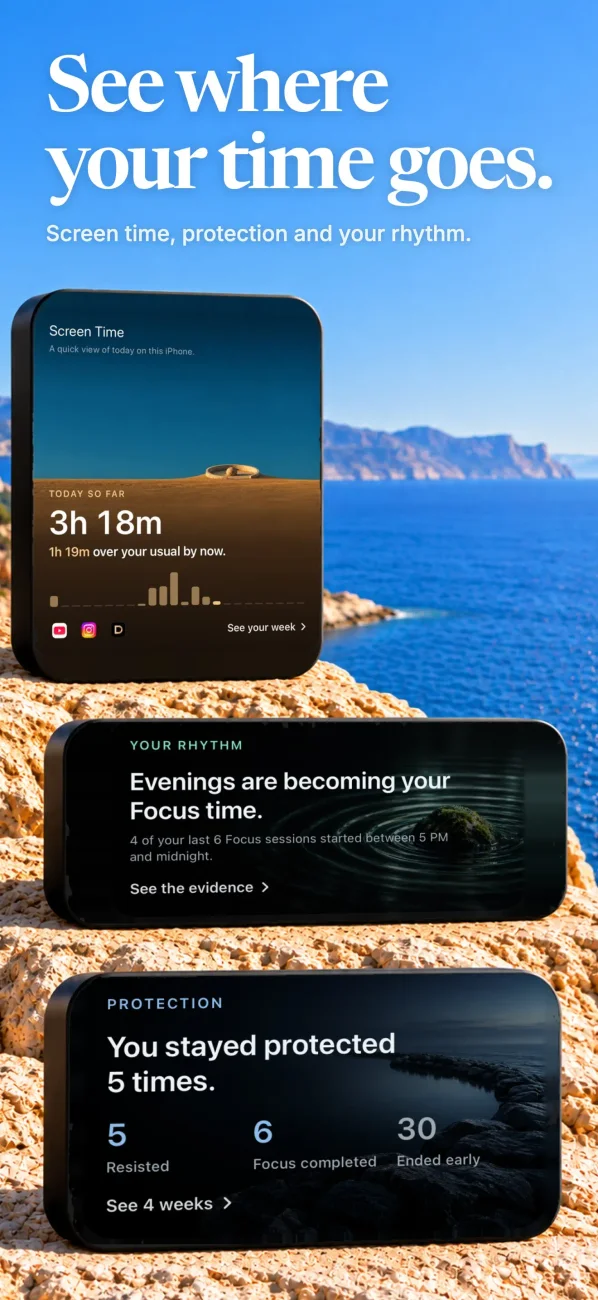
• Understand your Screen Time by day, hour and app
A SHIELD THAT STAYS CLOSED
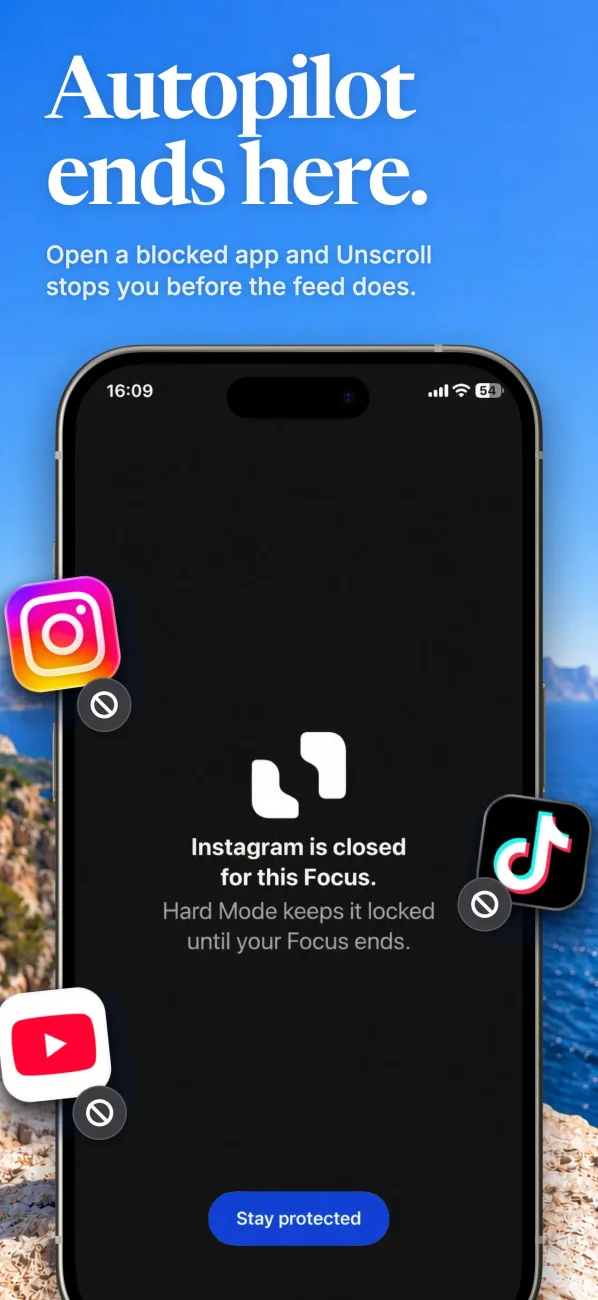
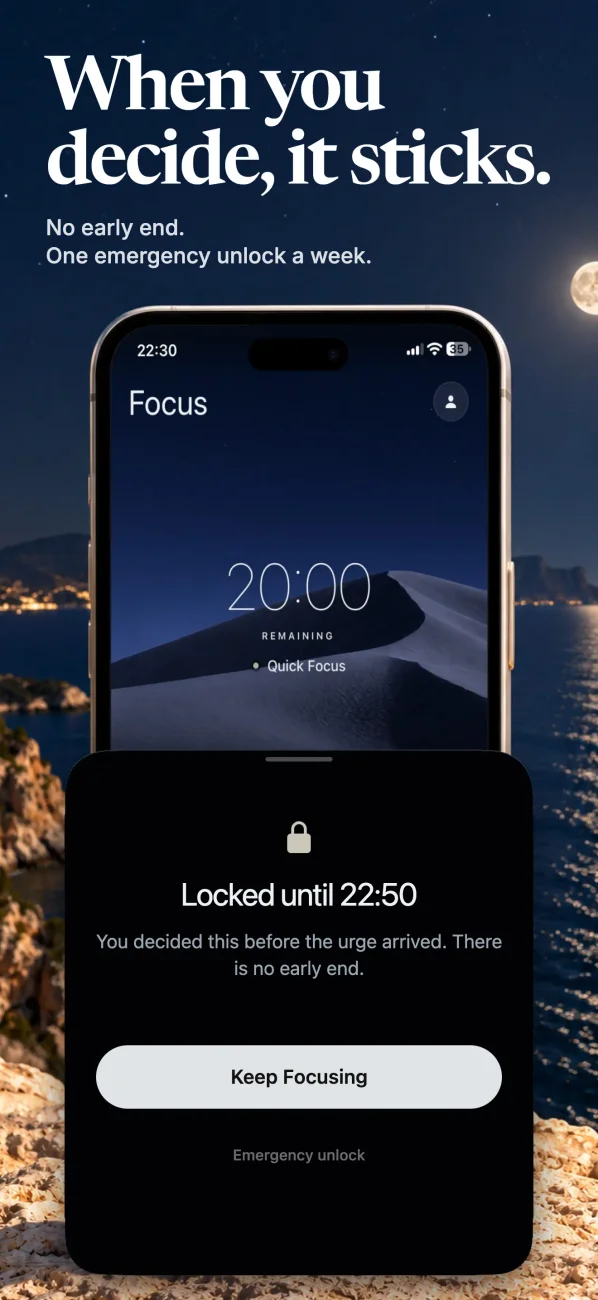
While a Focus is running, the apps you chose show the Unscroll Shield instead of the feed. To open one, you first end the Focus in Unscroll. Hard Mode goes further: once it starts, there is no early end. For emergencies, you get one unlock every seven days.
AUTOMATIONS FOR YOUR DAY
Set blocking once for work hours, evenings, bedtime or reading time. Automations begin and end on the days and hours you choose, even when the app is closed.
GIVE THE TIME TO SOMETHING BETTER
Blocking makes room; a habit gives that room a direction. Add habits like reading or a walk, choose the days, set a reminder, and log them when you do them.
SEE YOUR PROGRESS
Journey brings together completed sessions, protected time, your streak and collectible badges. Screen Time views show where your time goes. Reports depend on the data Apple makes available, and Unscroll does not promise a particular reduction.
PRIVATE BY DESIGN
The apps you protect and your detailed Screen Time activity stay on your iPhone. Unscroll cannot see what you do inside other apps. Sign in with Apple is optional and backs up your progress.
UNSCROLL PRO
Hard Mode, unlimited Automations and Habits, longer Journey history and extra app icons require Unscroll Pro. Choose a subscription or a one-time lifetime purchase. Prices and terms are shown before you buy, and purchases can be restored in Settings.
Unscroll uses Apple Screen Time on iPhone and needs Screen Time access to work.
Privacy Policy: https://unscroll.ilyastorun.site/privacy
Terms of Use: https://unscroll.ilyastorun.site/terms
Terms of Use (EULA): https://www.apple.com/legal/internet-services/itunes/dev/stdeula/
What’s new
Version 1.3.3 · Nov 23, 2026
New: the Christmas Tree event, 8 Dec – 7 Jan. Every protected day decorates your tree, from bare branches to the star on top. Plus a few small festive touches around the app.
Stricter Hard Mode: once you confirm it, there's no early end, except one emergency unlock every 7 days. Running blocks can't be edited or deleted until they end. Plus a more personal start and a clearer block screen.
App privacy
What ILYAS TORUN declares on the App Store about how this app handles data.
-
Data linked to you
May be collected and linked to your identity.
- Purchases
- Location
- Contact info
- Identifiers
- Usage data
-
Data not linked to you
May be collected but is not linked to your identity.
- Identifiers
- Diagnostics
Privacy practices may vary, for example with the features you use or your age.
Information
- Seller
- ILYAS TORUN
- Category
- Productivity
- Version
- 1.3.3
- Updated
- Nov 23, 2026
- Released
- Aug 15, 2026
- Size
- 144.1 MB
- Requires
- iOS 18.0 or later
- Age rating
- 4+
- In-app purchases
- Yes
- Languages
- French, German, English, Arabic, Simplified Chinese, Korean, Spanish, Hindi, Italian, Japanese, Portuguese, Turkish
- Copyright
- © 2026 Ilyas Torun
You might also like
-
 Thumb Scroll: Screen TimeBlock apps, earn with habits
-
 Reteum: Private Notes & IdeasSecond brain with on-device AI
-
 Unlocky: Push-Up App BlockerEarn screen time with workouts
-
 Estratum: Second BrainADHD, Focus & Mental Clarity
-
 SloMo: Screen Time ControlApp Blocker, Move to Unlock
-
 Multi: Habit Tracker & To DoDaily Planner, List & Expenses
-
 LookLater — Save for LaterSave your favorite links
-
 All DaiCalm, private morning brief
-
 Sam's ListGet your tasks done in no time
-
 Pact: App & Website BlockerTime Limit & Block Reels