Sam's List
Get your tasks done in no time
Designed for iPhone, iPad
Free · In-app purchases
- Age rating4+
- CategoryProductivity
- DeveloperWhy&Key LLC
- LanguagesEnglish+ 1 more
- Size4.4 MB
Links to the official App Store page
Download.org hosts no file of Sam's List. The button opens its official App Store page, published by Why&Key LLC. Listing last checked on Nov 18, 2026.
Screenshots


About
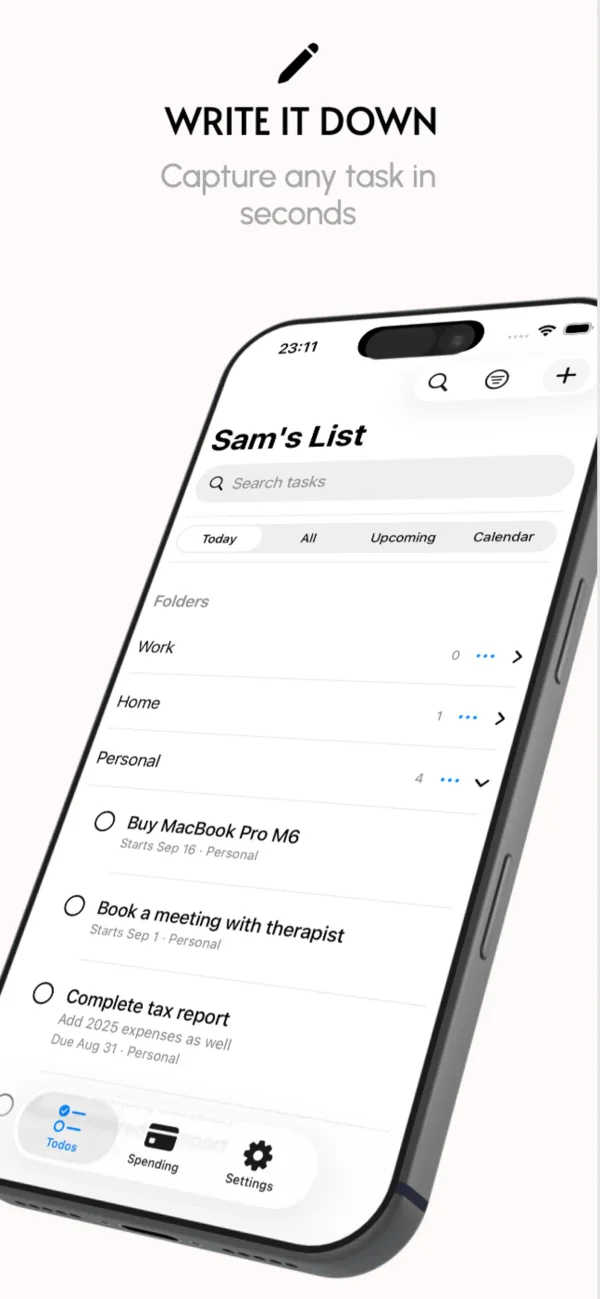
Sam’s List is a calm, local-first app for the things that matter each day: write down a task, see what is relevant, and check it off. It also gives you a simple, private place to record everyday spending.
NEW!! Sam’s List Cloud lets you connect your synced tasks and spending to a compatible AI assistant, with permissions you control
TODOS, WITHOUT THE NOISE
• Capture tasks in seconds
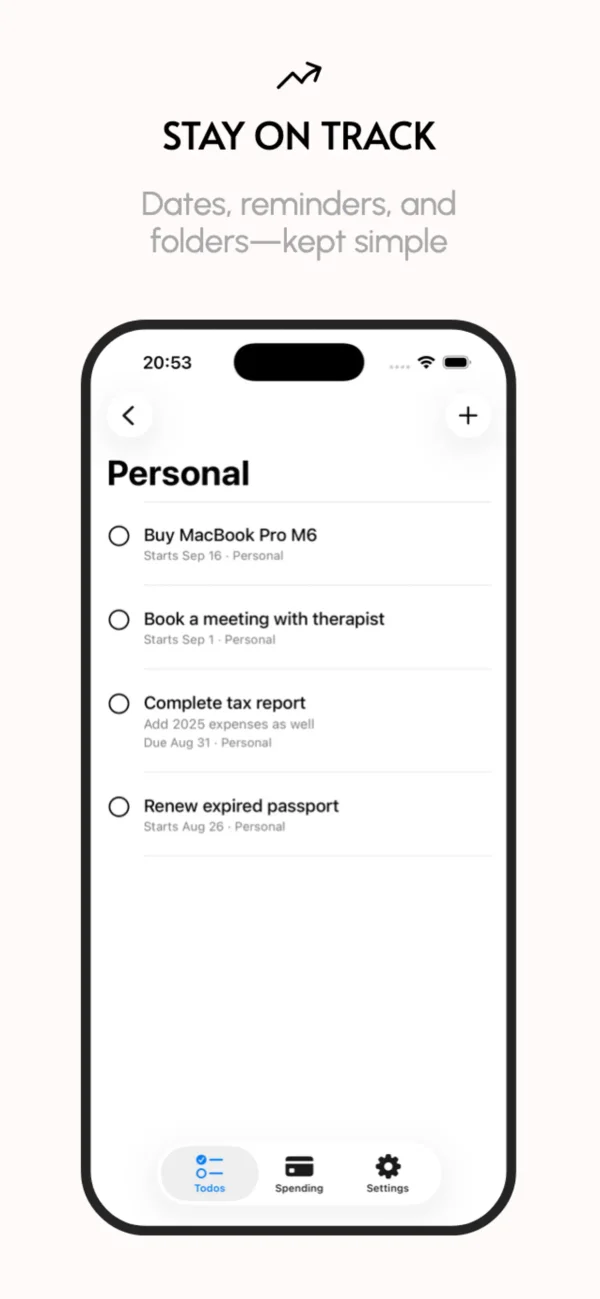
• Organize them in folders or keep them in Inbox
• See Today, All, Upcoming, and Calendar views
• Add notes, start dates, due dates, reminders, and repeat schedules
• Search and filter when you need to find something
• Import selected Apple Reminders and Calendar events
• Share text or links from other apps into a new task
WIDGETS THAT HELP YOU ACT
Put your list where you need it. Add dedicated Tasks and Spending widgets to your Home Screen or Lock Screen. Complete tasks from a widget, open the right list or task, and use a Smart Stack to move between task and spending widgets.
SIMPLE SPENDING
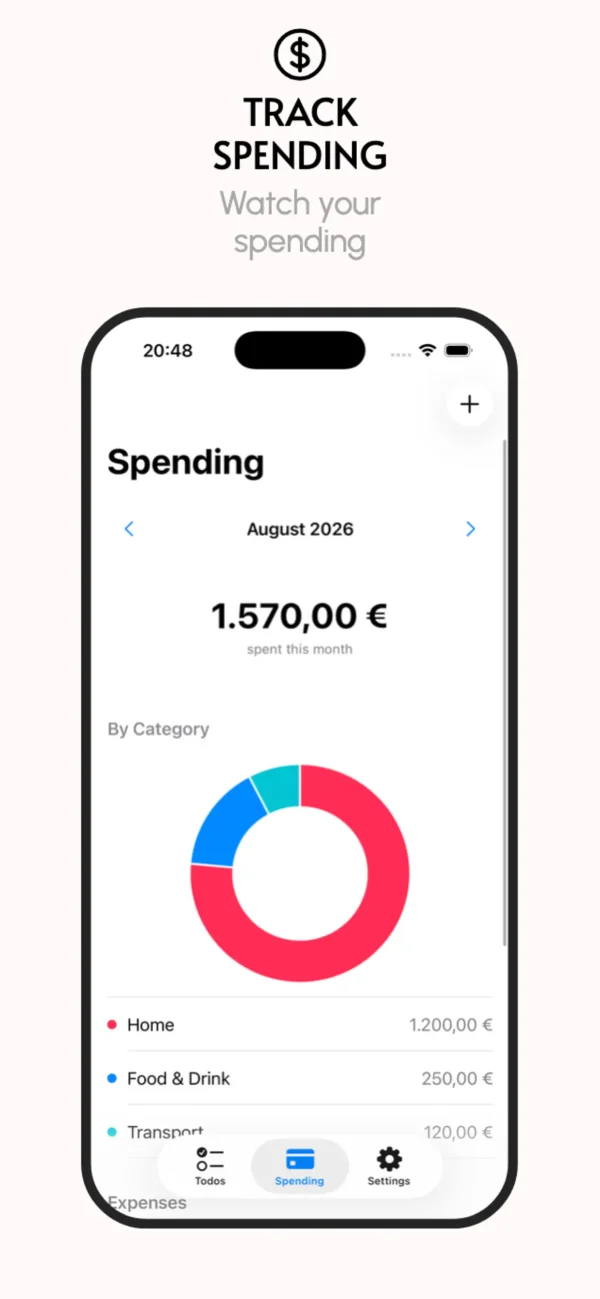
Record an expense with a name, amount, category, date, and note. Review this month’s total, see a clear category chart, browse recent expenses, and create, rename, reorder, or recolor your own categories.
PRIVATE BY DEFAULT
No account. No ads. No analytics. No tracking. Your tasks and spending records stay on your device by default. Optional private iCloud sync is available with Premium.
PREMIUM, WHEN YOU WANT MORE
Sam’s List Premium is a one-time lifetime purchase—never a subscription. It unlocks private iCloud sync, custom spending categories, Apple Calendar import, Quick Expense with Siri, Shortcuts or Back Tap, and Premium widgets.
Sam’s List is a personal organizer and manual spending tracker. It is not a bank or financial advice service.
EULA: https://www.apple.com/legal/internet-services/itunes/dev/stdeula/
What’s new
Version 1.1.0 · Oct 28, 2026
A clearer calendar and smoother connections.
• Optional Sam’s List Cloud lets you connect your synced tasks and spending to a compatible AI assistant, with permissions you control.
• Tap a calendar day to see its tasks, then use + to add a todo for that date.
• Clearer Sign in with Apple and connection permission screens, with more helpful errors.
• Browse AI Connections while synchronization runs, with visible progress.
• Clearer iCloud status, cleaner settings, and reliability improvements.
Local use remains account-free. Cloud and AI Connections require Premium.
App privacy
What Why&Key LLC declares on the App Store about how this app handles data.
-
Data not collected
The developer does not collect any data from this app.
Privacy practices may vary, for example with the features you use or your age.
Information
- Seller
- Why&Key LLC
- Category
- Productivity
- Version
- 1.1.0
- Updated
- Oct 28, 2026
- Released
- Sep 2, 2026
- Size
- 4.4 MB
- Requires
- iOS 17.0 or later
- Age rating
- 4+
- Price
- Free
- In-app purchases
- Yes
- Languages
- English, Spanish
- Copyright
- © 2026 Why&Key LLC
You might also like
-
 Reteum: Private Notes & IdeasSecond brain with on-device AI
-
 Logs: Track Every MinuteYour personal time audit
-
 Descroll: Screen Time ControlApp Blocker: Focus & Wellbeing
-
 Estratum: Second BrainADHD, Focus & Mental Clarity
-
 All DaiCalm, private morning brief
-
 LookLater — Save for LaterSave your favorite links
-
 Screen Time Control: UnscrollApp Lock, Focus & Site Blocker
-
 DayCast: Plan + ReflectPlan, Journal, Track, Private
-
 Liquid Notes | Capture allThe future of notes
-
 Multi: Habit Tracker & To DoDaily Planner, List & Expenses