- Age rating4+
- CategoryProductivity
- DeveloperJens Kotterheinrich
- LanguagesEnglish+ 1 more
- Size57.7 MB
Links to the official App Store page
Download.org hosts no file of Deskit. The button opens its official App Store page, published by Jens Kotterheinrich. Listing last checked on Nov 21, 2026.
Screenshots
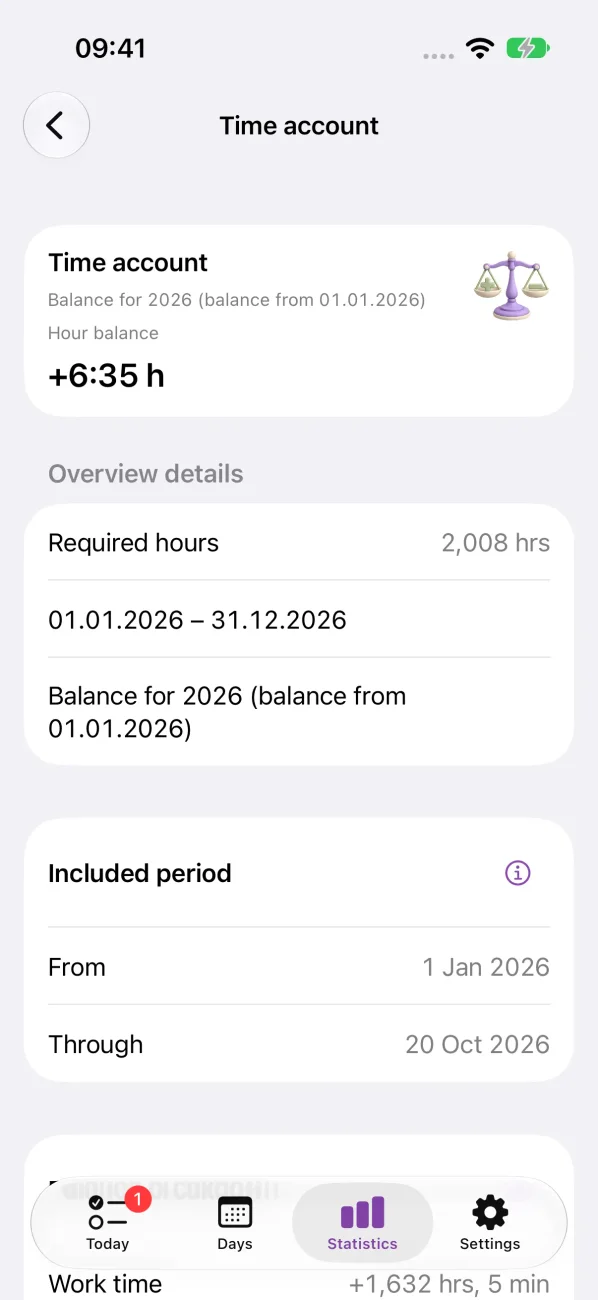


About
Track your workday automatically – without timers.
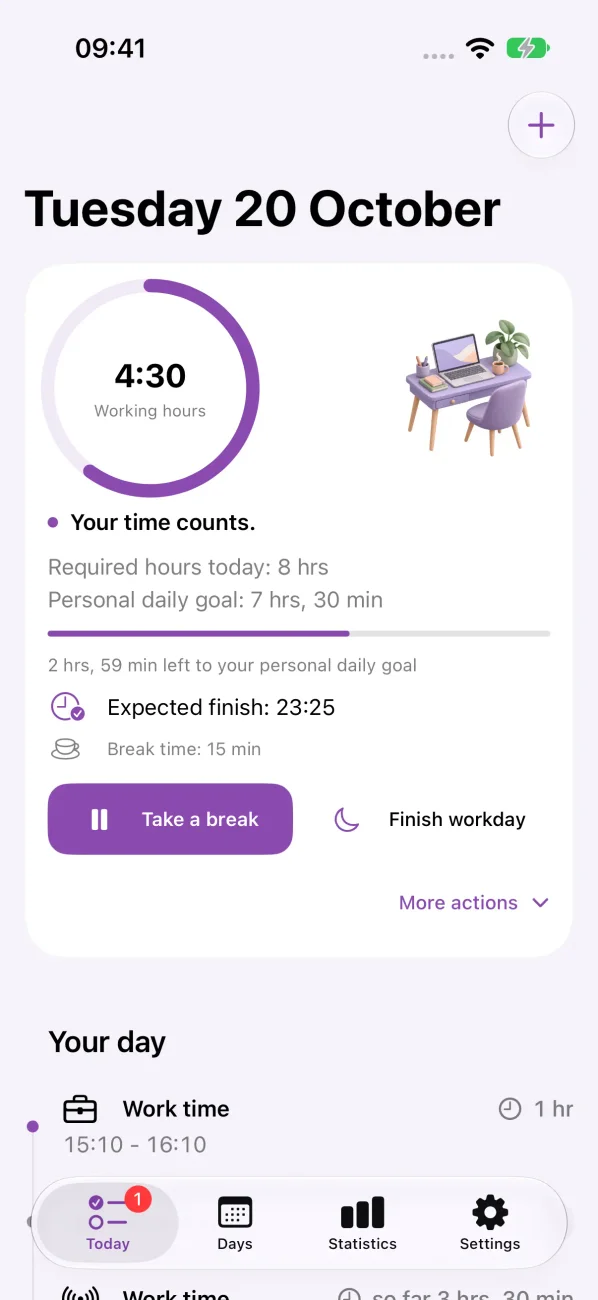
Deskit prepares your workday for you using desk-based presence detection. Instead of manually tracking time, you simply review, refine, and add context when needed.
No more forgotten timers. No more manual effort.
KEY FEATURES
Automatic presence tracking
Deskit detects when you are at your desk and prepares your workday automatically.
Review and refine
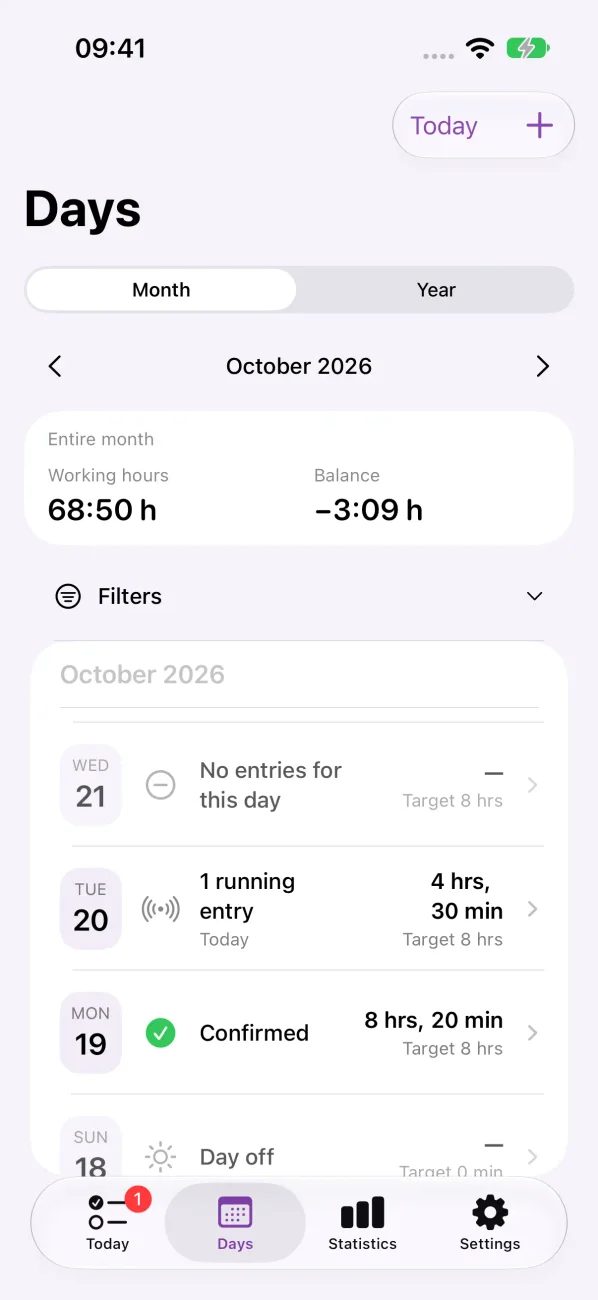
Your day is already there. You can review, confirm, correct, or adjust entries anytime.
Project assignment (optional)
Add project context only when needed. Your automatic presence tracking stays unchanged.
Absences and time off
Manage vacation, sick leave, appointments, and other absences directly in your timeline.
Insights and balances
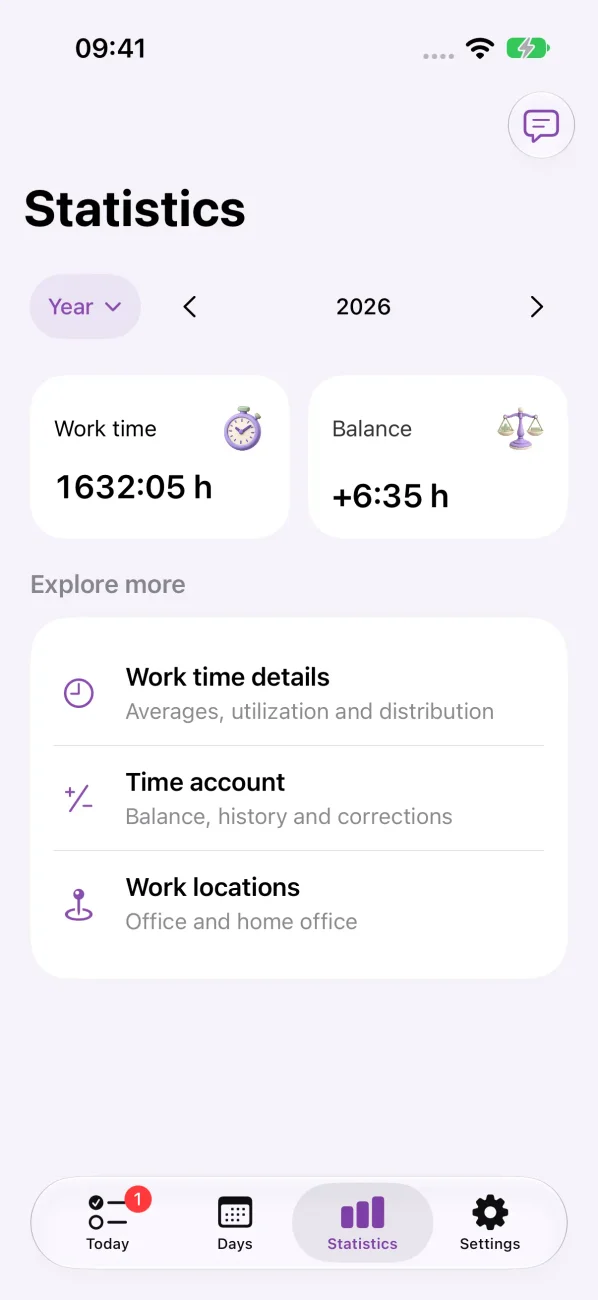
Understand your work patterns and keep track of your hours and balances.
Built for modern work
Designed for home office and hybrid work environments.
HOW IT WORKS
Deskit uses a small Bluetooth beacon placed at your desk to detect presence. This allows the app to prepare your workday automatically.
You stay in control at all times and can adjust any entry.
PRIVACY
Deskit is designed with privacy in mind. Your data stays under your control and is not shared with third parties.
What’s new
Version 3.2 · Nov 13, 2026
For everyone who works from home: Deskit 3.2 brings a clearer view of your working day.
• A fresh design: Updated Today, workday, statistics and settings views combine matching illustrations with clearer controls. Supporting iPhone Duo.
• Work time on your Lock Screen: Live Activities show your current tracking session and daily target. Pause, resume or finish your working day right there.
• More insight into your hours: Follow your time account history and explore your working time, work locations and time spent working from home.
• Settings that suit you: Save your own settings profiles, switch to a simple configuration or find options with the new search.
• Clearer work-time questions: Examples and calculation previews make your results easier to understand.
• More control over automatic tracking: Turn it on or off with a central switch. Location and beacon detection and the handling of breaks and time off are also improved.
Further improvements bring faster loading of day views and statistics, more reliable widget updates and smoother everyday interactions.
App privacy
What Jens Kotterheinrich declares on the App Store about how this app handles data.
-
Data not collected
The developer does not collect any data from this app.
Privacy practices may vary, for example with the features you use or your age.
Information
- Seller
- Jens Kotterheinrich
- Category
- Productivity
- Version
- 3.2
- Updated
- Nov 13, 2026
- Released
- Mar 26, 2026
- Size
- 57.7 MB
- Requires
- iOS 27.0 or later
- Age rating
- 4+
- Price
- Free
- In-app purchases
- Yes
- Languages
- English, German
- Copyright
- © 2026 Jens Kötterheinrich
You might also like
-
 Time Tracker - GeofyTrack your time automatically
-
 Sanboard MobileEvent planning for medics
-
 OmniOutliner 6Your thoughts, in order.
-
 GitSync.Background sync for git repos
-
 WISO MeinVerein – VereinsappDie App zur Vereinsverwaltung
-
 Grammar Check Corrector AISpell Check & Correct Me
-
 Sider: Chat & Work with All AITop AI Models All in One.
-
 Google AdminGoogle Workspace Admin App
-
 SimpleMind - Mind MappingCapture your ideas and notes
-
 Genspark AI WorkspaceAutopilot Your Busywork