
DeskPort
Your desktop, on iPad & iPhone
Designed for iPhone, iPad, iPod touch
$4.99
- Age rating17+
- CategoryProductivity
- Developer尔昊 毛
- LanguagesEnglish+ 21 more
- Size12.1 MB
Links to the official App Store page
Download.org hosts no file of DeskPort. The button opens its official App Store page, published by 尔昊 毛. Listing last checked on Nov 27, 2026.
Screenshots
About
Your computer, ready on your iPad or iPhone.
DeskPort brings your own Windows, macOS or Linux computer's desktop and audio to your iPad or iPhone. Use desktop applications with touch, a keyboard or a mouse.
INSTALL THE FREE DESKTOP COMPANION FIRST
The app requires the free, open-source DeskPort desktop app. Download a host-capable package:
https://github.com/keithxc/deskport/releases/latest
Enable Sharing on your computer. For initial setup, use the same local network, allow Local Network access on iPad/iPhone, and approve the device request on the computer. Keep the computer awake while connected. Linux Flatpak is client-only and cannot share a desktop.
YOUR COMPUTERS, ORGANIZED
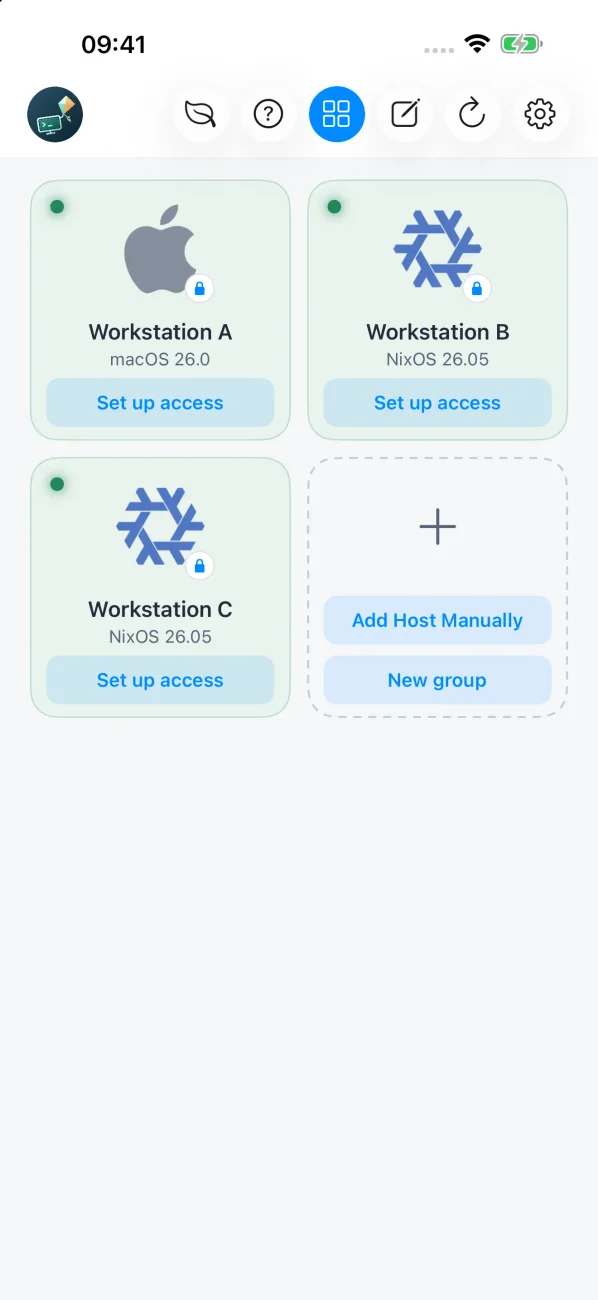
Discover computers or add an address, assign local nicknames, and save picture, audio, input and desktop preferences for each device. Compact cards keep your devices together.
A WORKSPACE THAT FITS
Use portrait or landscape. Capable hosts can adapt the workspace; mirror, extended and exclusive display options depend on the host OS and drivers. Save a full-screen preference per device. iPhone Duo layouts adapt navigation and content to the cover, inner screen and folded views.
PORTRAIT + FULL KEYBOARD
During a connection, press and hold the floating button, then choose “Portrait + Full Keyboard”. The remote desktop stays above a persistent on-screen keyboard in portrait orientation. Your keyboard choice is saved for later connections. A short tap on the floating button opens the last selected keyboard. In Full Keyboard mode, use the menu button at the keyboard's upper-right corner to change modes. The layout adapts to iPhone, iPad and iPhone Duo screens.
On small screens, the minimum desktop size adapts to portrait or landscape orientation. This also improves desktop sizing when connecting to Windows and Linux computers.
CONTROLS FOR DESKTOP WORK
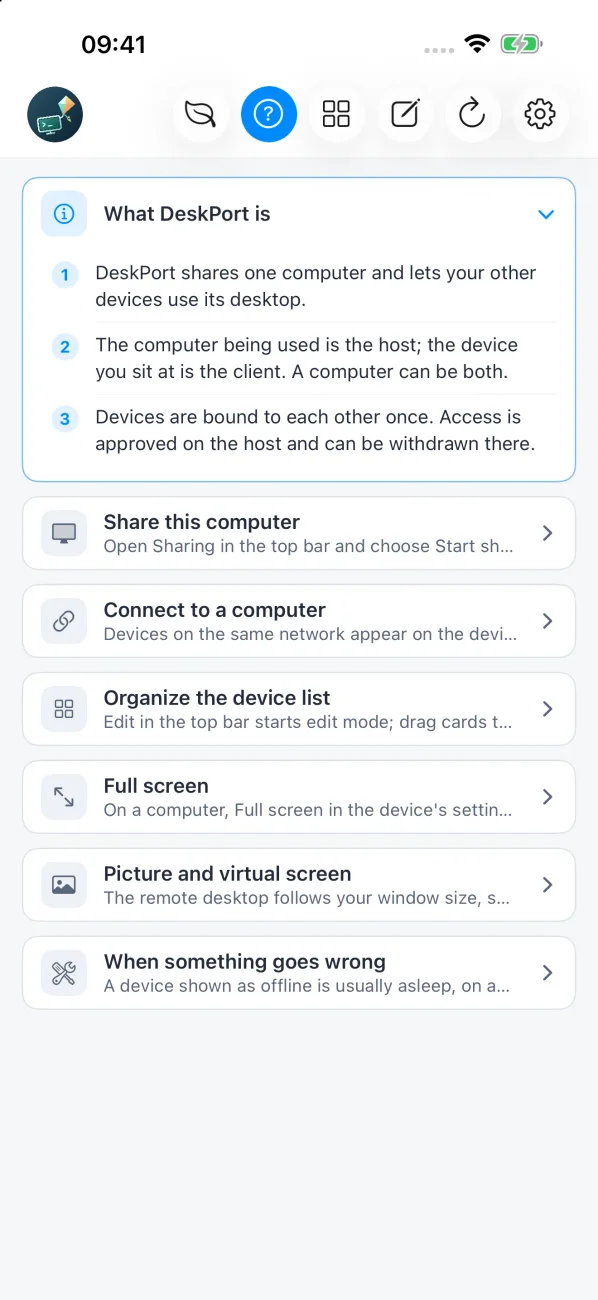
Choose direct touch or trackpad mode. Use a keyboard, pointer or on-screen modifier and navigation keys. The navigation bar provides access to devices, settings, help and Data Saver. Confirm before taking over an active session; disconnecting does not shut down your computer.
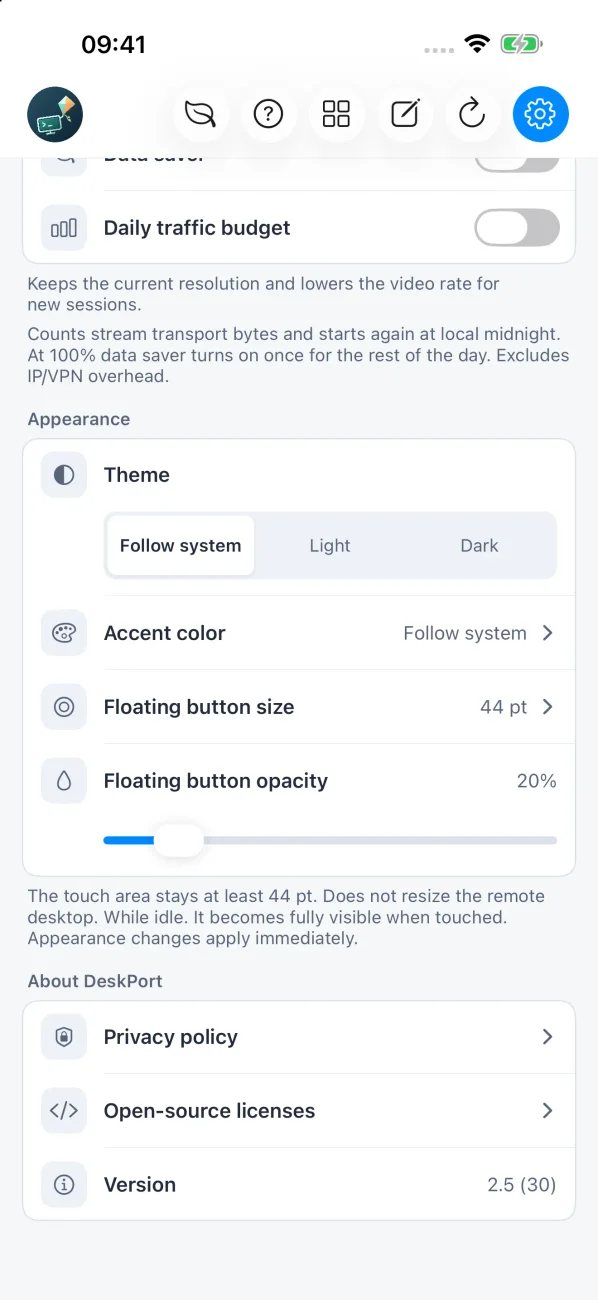
Choose appearance and accent color, and use the interface in 22 languages.
DeskPort desktop is required; standalone, unmodified Sunshine hosts are not supported. Features depend on the host and input devices. No DeskPort account, cloud computer, relay or VPN service is included. Access outside your local network requires a reachable private network or your own VPN.
Setup and support: https://keithxc.github.io/deskport/support.html
What’s new
Version 2.9.2 · Nov 26, 2026
• New Quick Ball on iPhone and iPad: tap or slide inward for the 5-slot radial menu and customizable vertical desktop shortcuts, drag up or down for smooth velocity scrolling, or hold to reposition.
• Adaptive wide desktop canvas fills portrait, landscape, Split View, Slide Over, and Stage Manager windows cleanly, with an interactive minimap when zoomed in.
• iPhone single-hand improvements: free portrait/landscape rotation, unified 5-row keyboard with in-place system IME switching, default trackpad mode with edge wheel scrolling, and one-tap clipboard send plus background PC-to-device sync.
• Lower background resource usage and improved suspend/resume recovery (pair with the latest DeskPort desktop release for full host-side latency and virtual display parking benefits).
App privacy
What 尔昊 毛 declares on the App Store about how this app handles data.
-
Data not collected
The developer does not collect any data from this app.
Privacy practices may vary, for example with the features you use or your age.
Information
- Seller
- 尔昊 毛
- Category
- Productivity
- Version
- 2.9.2
- Updated
- Nov 26, 2026
- Released
- Sep 18, 2026
- Size
- 12.1 MB
- Requires
- iOS 15.0 or later
- Age rating
- 17+
- Price
- $4.99
- Languages
- English, Arabic, Dutch, French, German, Hindi, Indonesian, Italian, Japanese, Korean, Malay, Polish + 10 more
- Copyright
- © 2026 毛尔昊
You might also like
-
 PolyMind - オープンソース AIチャットProductivity
-
 iWriter ProMarkdown Text Editor
-
 Lumo BrowserSidebar browser: spaces & AI
-
 PromptBoardA.I. Prompt Manager
-
 VimlikeNavigate. Search. Ask.
-
 TypeWhisper AppPrivate Voice-to-Text
-
 ReplyKit - Text ShortcutsText Expander, Saved Messages
-
 MarkMark - Read it laterBuild Your Internet Archive
-
 Token2 CompanionUse FIDO2 key as a TOTP token
-
 Cindy - AI AssistantYour AI agent, in your pocket