
Direct Shot
Skip the Camera Roll
Designed for iPhone, iPad
Free · In-app purchases
- Age rating4+
- CategoryProductivity
- DeveloperJeremy Conn
- Size40.7 MB
Links to the official App Store page
Download.org hosts no file of Direct Shot. The button opens its official App Store page, published by Jeremy Conn. Listing last checked on Nov 17, 2026.
Screenshots

About
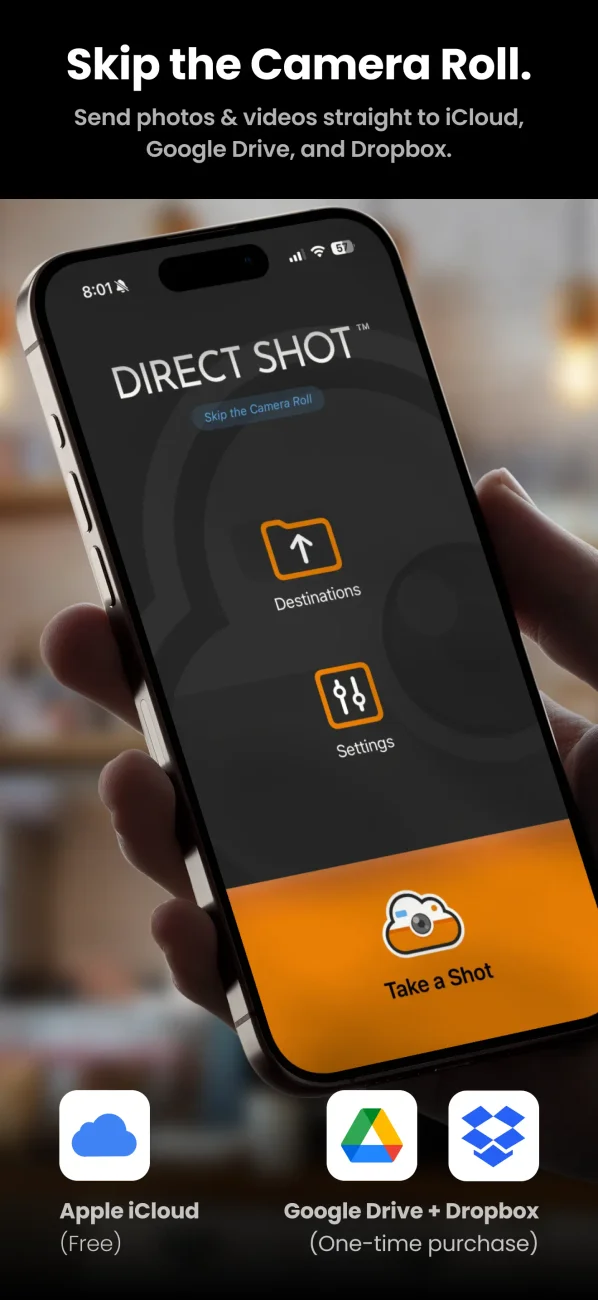
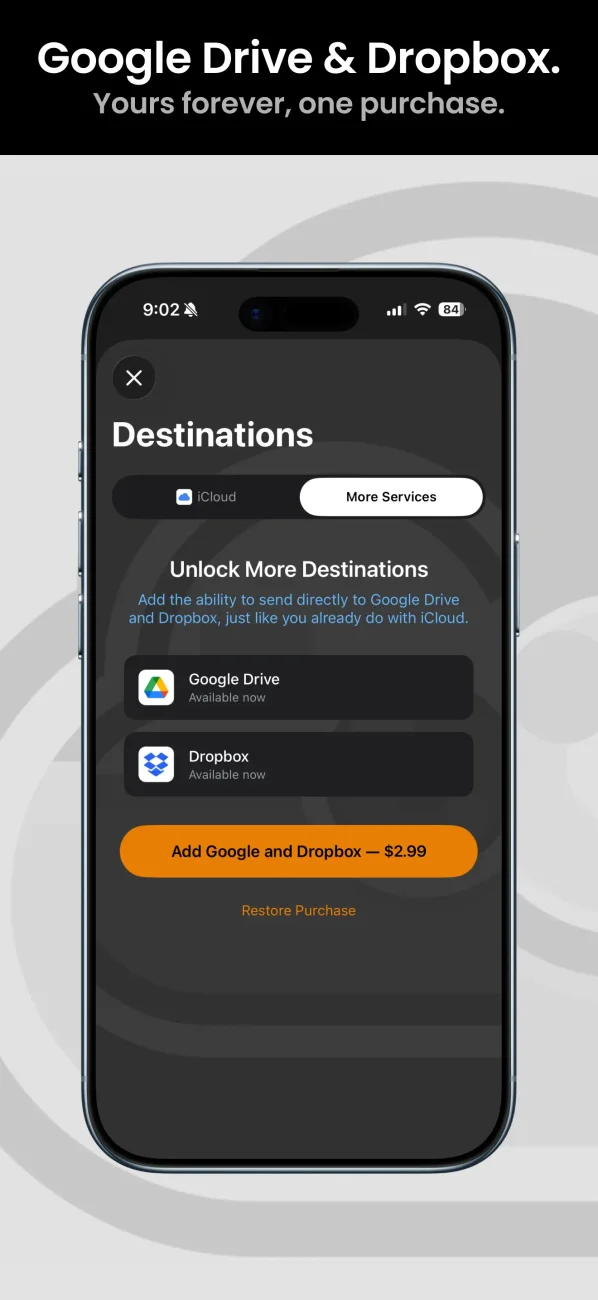
Direct Shot is free to download. Skip the Camera Roll and send your photos and videos directly to the cloud folders you choose. iCloud is included at no cost, with Google Drive and Dropbox available as an optional upgrade.
Stay organized and shoot directly to the right place, every time.
HOW IT WORKS
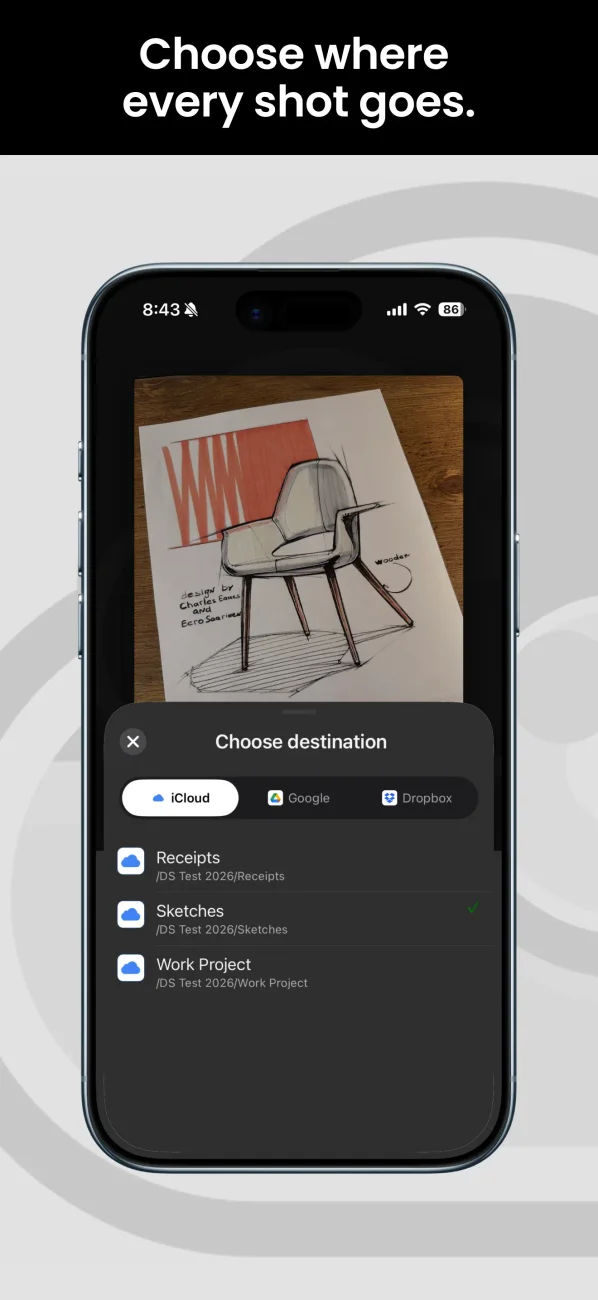
• From the Direct Shot camera, select your destination and take your shot
• Choose as many folder destinations as you want, across any connected service
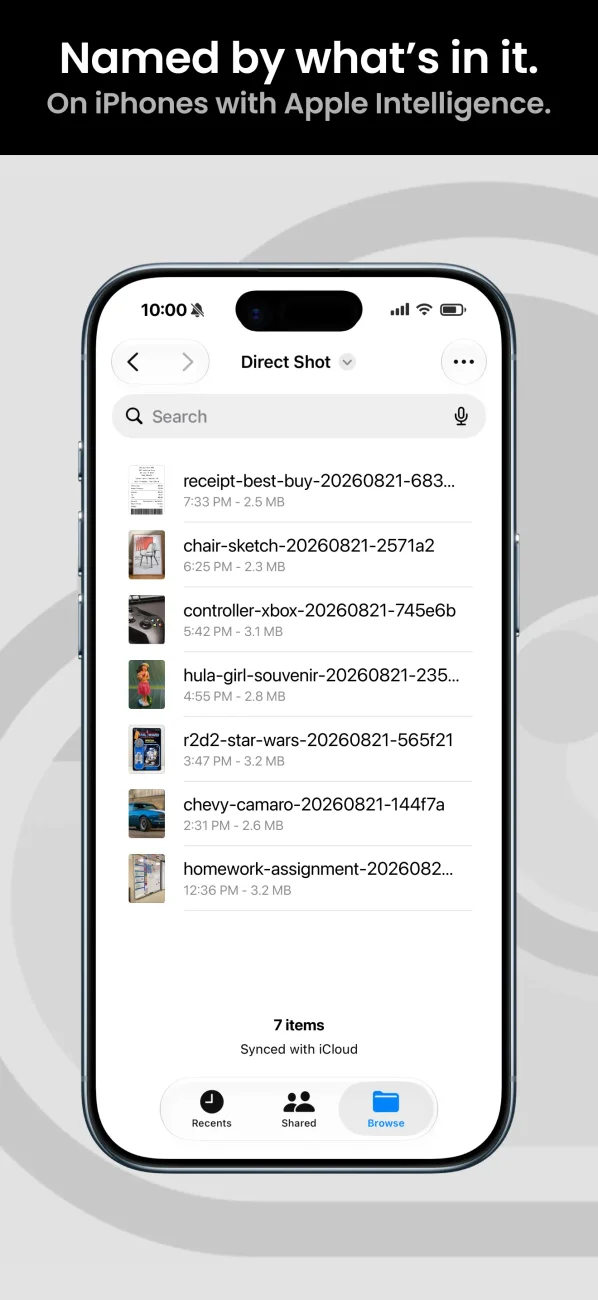
• Your media is automatically uploaded to the chosen folder — and never added to your Camera Roll
WHO IT'S FOR
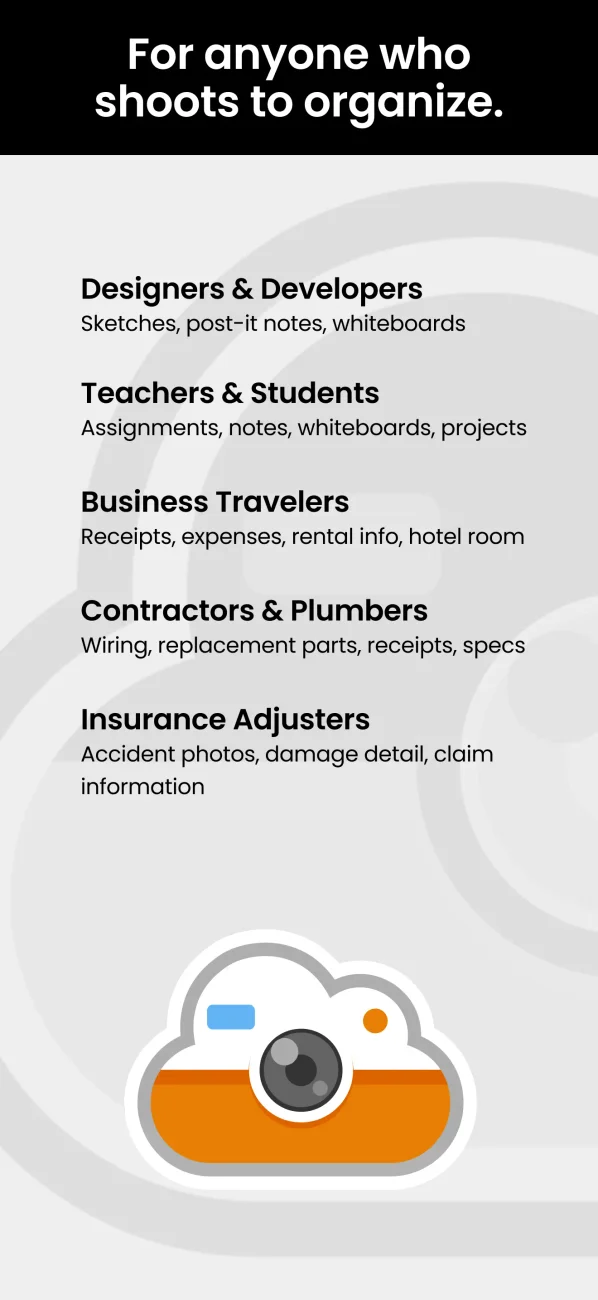
Direct Shot is perfect for anyone who wants to use their iPhone or iPad camera as an archiving or organizational tool, including:
• Designers & Developers: Sketches, post-it notes, whiteboards, magazines
• Teachers & Students: Assignments, notes, whiteboards, project elements
• Business Travelers: Receipts, expenses, rental-car info, directions
• Photographers & Videographers: Layouts, locations, lighting tests
• Contractors & Plumbers: Receipts, wiring, replacement parts, specs
• Insurance Adjusters: Accident photos, damage detail, claim information
INCLUDES
• iCloud is on us — Google Drive and Dropbox are available as an optional upgrade
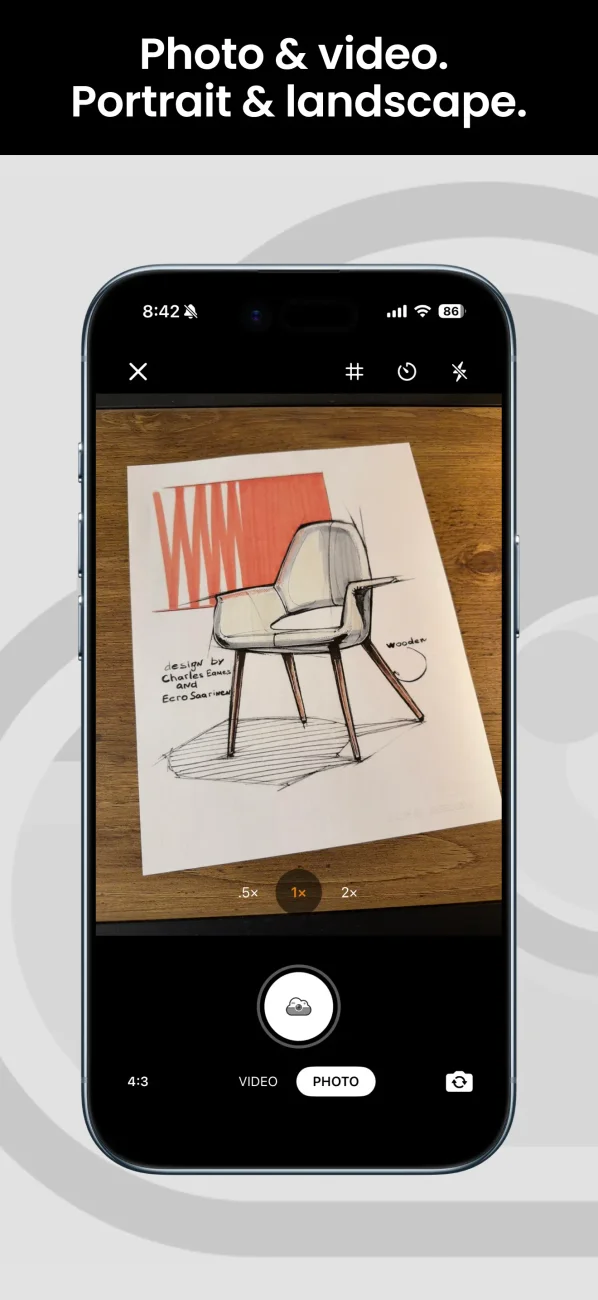
• Full camera controls: photo and video, multiple zoom levels, aspect ratios, rule-of-thirds grid, rear and front facing cameras, portrait and landscape, built-in timer, and flash
• Home screen and lock screen widgets show your current destination and launch the camera in one tap
• Photo and video format and file size settings tuned to your device's camera capabilities
------------------------------------------
Note: Direct Shot works even when offline — iCloud will upload the next time your connection is restored. Google Drive and Dropbox require an internet connection. Direct Shot needs access to your Camera and Microphone (for video) — make sure to grant access when prompted.
------------------------------------------
Support:
Email: jeremybconn@gmail.com
Web: directshot.net
What’s new
Version 1.3 · Nov 11, 2026
Direct Shot now supports iPhone Duo. Folded, it works just like iPhone; unfolded, the camera opens up into the iPad layout and turns with the device.
App privacy
What Jeremy Conn declares on the App Store about how this app handles data.
-
Data linked to you
May be collected and linked to your identity.
- Contact info
- User content
- Identifiers
- Usage data
- Diagnostics
Privacy practices may vary, for example with the features you use or your age.
Information
- Seller
- Jeremy Conn
- Category
- Productivity
- Version
- 1.3
- Updated
- Nov 11, 2026
- Released
- Aug 5, 2026
- Size
- 40.7 MB
- Requires
- iOS 26.0 or later
- Age rating
- 4+
- Price
- Free
- In-app purchases
- Yes
- Copyright
- © 2026 Jeremy Conn
You might also like
-
 JotBox: ScratchpadQuick Notes for Real Life
-
 Tusk — Voice To-Do ListCapture tasks in 2 seconds
-
 Focus. To DoTasks. No noise.
-
 Growth To-Dos, Calendar, FocusThe Well-Designed To-Do App
-
 Transcriber: Subtitles & NotesOn-device transcripts & SRT
-
 Call Time: Personal ManagerWake-ups & Commute Planner
-
 Aardvark AI: Dictate & JournalSpeak, Reflect, Transcribe.
-
 FeyblProductivity
-
 PXS External Screen DesktopYour phone is the computer
-
 Today - RSS ReaderSmart RSS Reader with AI