diScanner: Document Scanner
Edit, Sign & Share PDFs
Designed for iPhone, iPad, iPod touch
In-app purchases
- Age rating4+
- CategoryBusiness
- DeveloperDoinno Digital Ltd
- LanguagesEnglish+ 72 more
- Size17.7 MB
Links to the official App Store page
Download.org hosts no file of diScanner: Document Scanner. The button opens its official App Store page, published by Doinno Digital Ltd. Listing last checked on Nov 27, 2026.
Screenshots
About
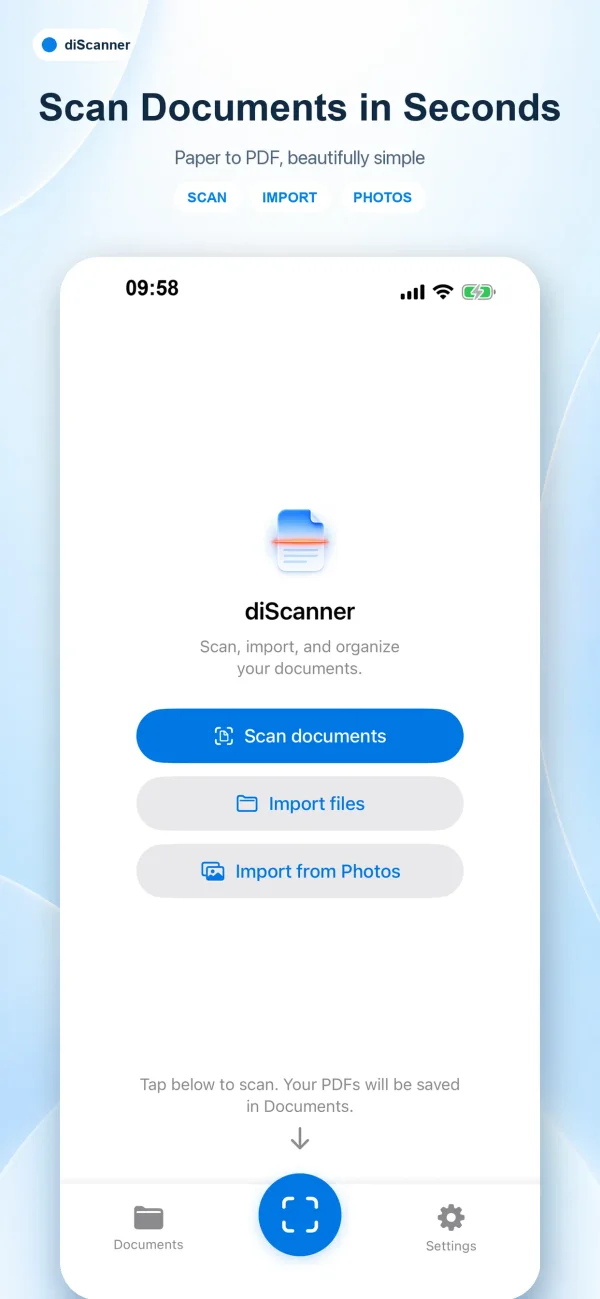
Turn your iPhone into a powerful portable document scanner with diScanner. Quickly scan, organise, edit, sign, and share documents as high-quality PDFs—wherever you are.
From contracts and receipts to notes and homework, diScanner makes document management fast and effortless.
SCAN DOCUMENTS
• Automatically detect document edges
• Correct perspective and orientation
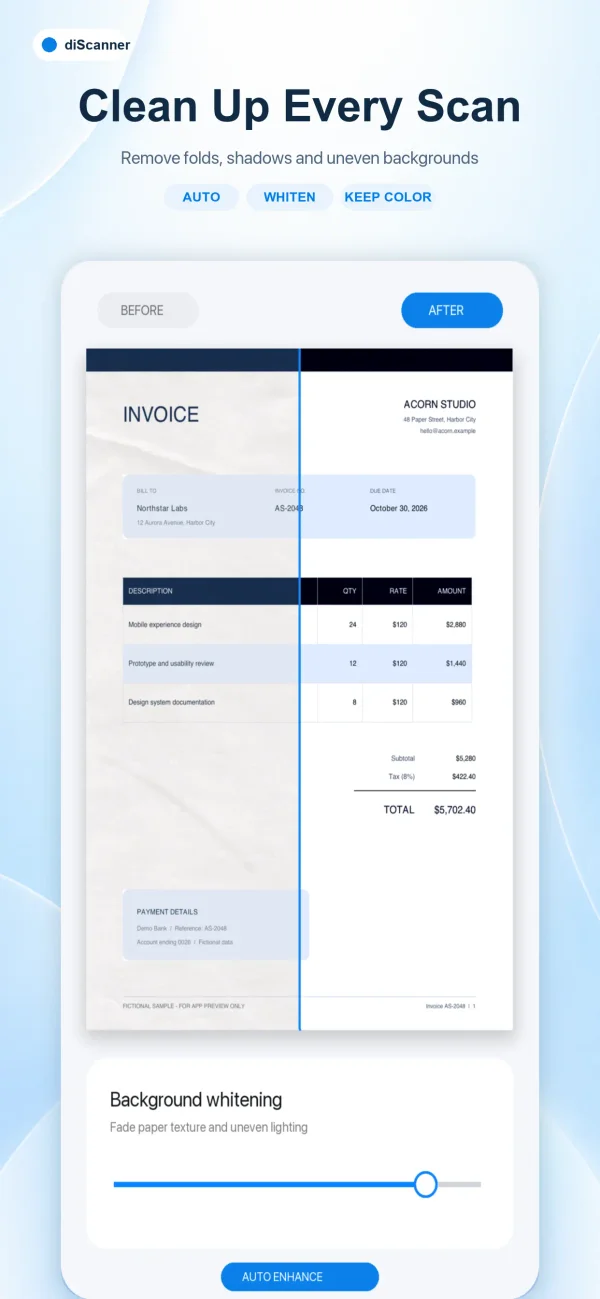
• Adjust colour, grayscale, black and white, crop, and rotation
• Import multiple photos and combine them into one PDF
• Scan and insert pages before or after any existing page
• Append new scans to the end of a document
EDIT AND ORGANIZE
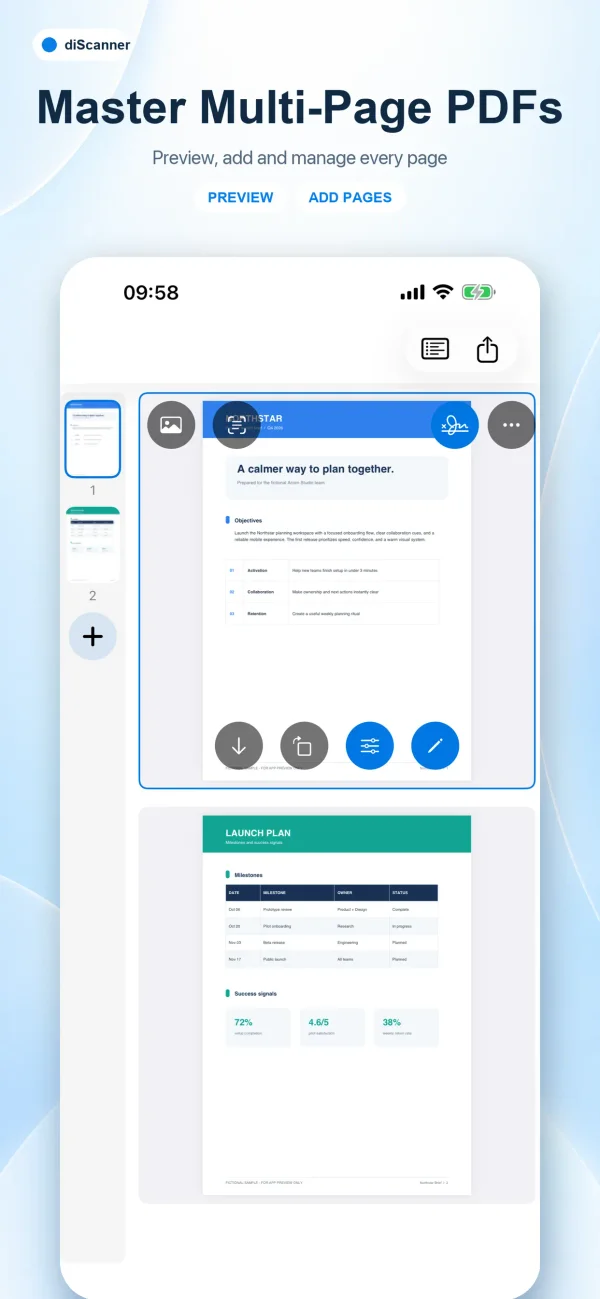
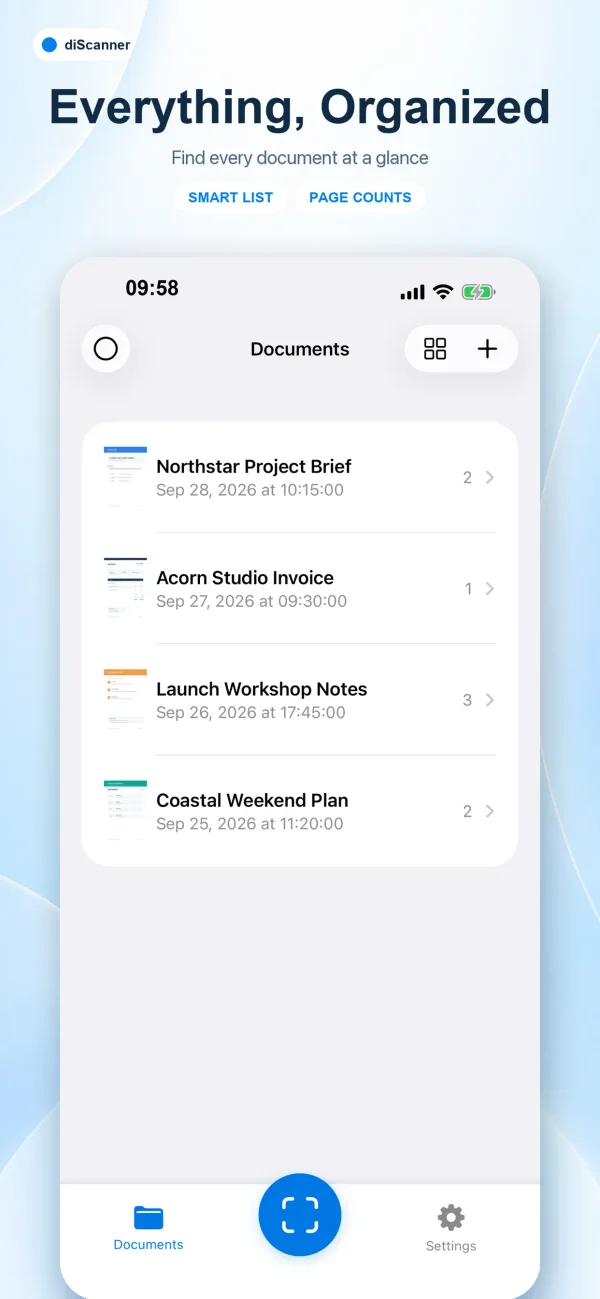
• Preview and manage scanned documents
• Reorder, rotate, or delete individual pages
• Rename and organise PDF files
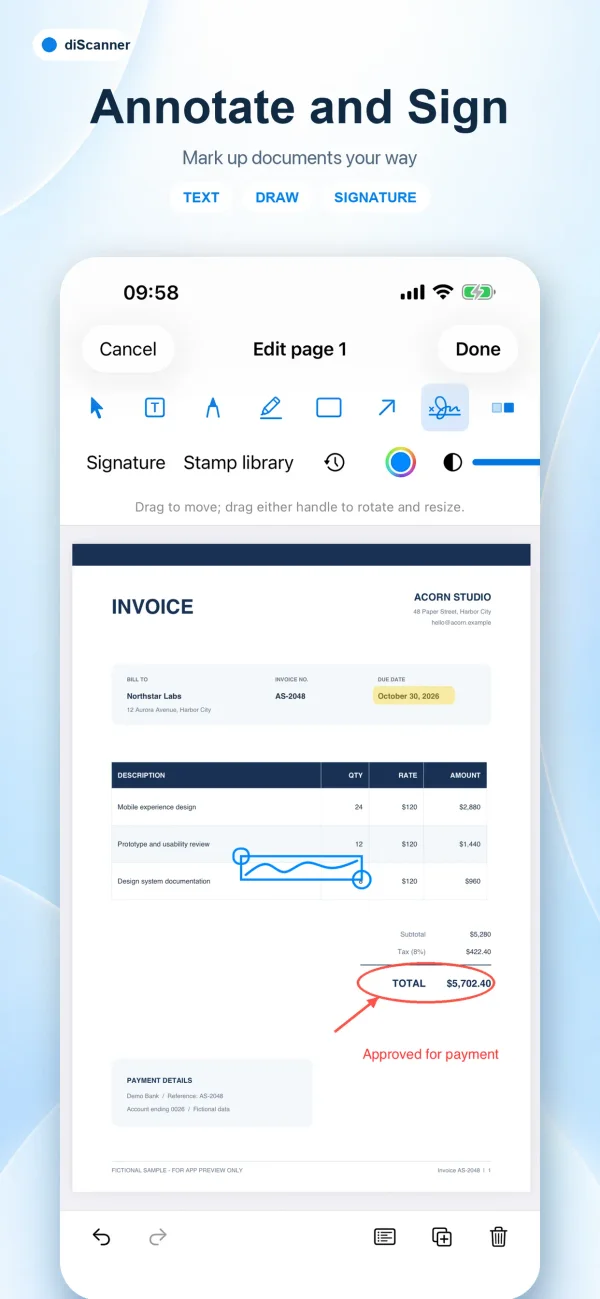
• Add handwritten signatures
• Freely adjust signature size and position
EXTRACT TEXT WITH OCR
• Recognise text from scanned documents
• Copy extracted text or save it as a TXT file
SAVE AND SHARE
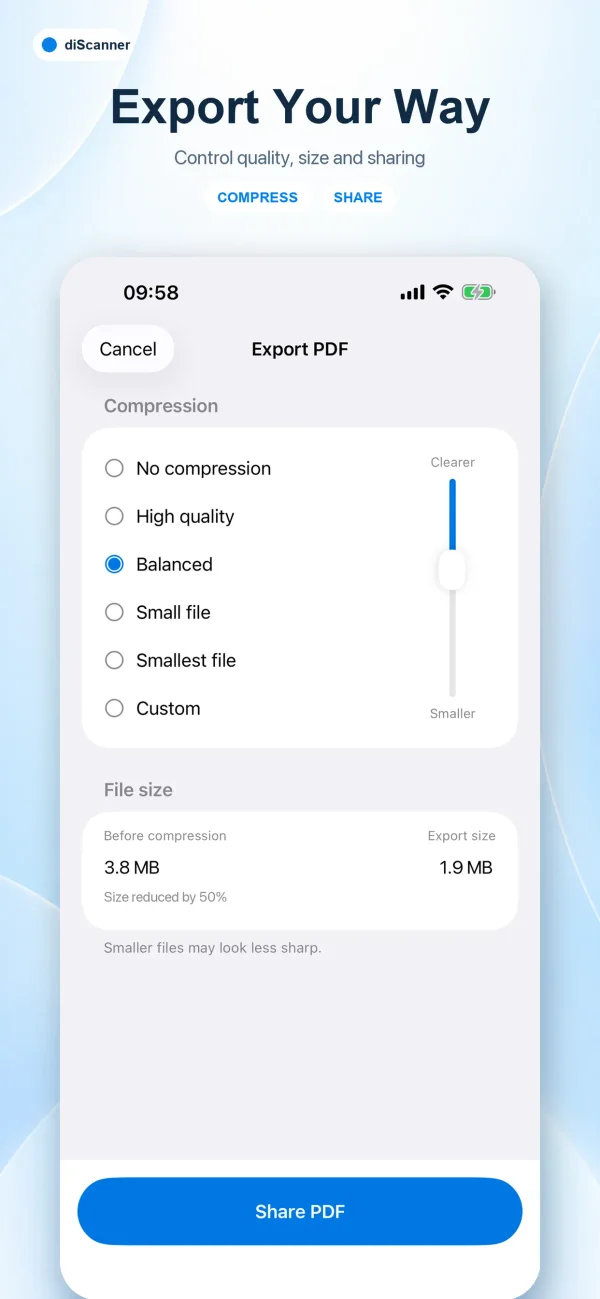
• Create clear, high-quality PDF documents
• Export individual pages as images
• Share PDF or TXT files through AirDrop, email, Messages, and other apps
SIMPLE WORKFLOW
Scan → Save → Edit → Share
Whether you are scanning business documents, schoolwork, receipts, or personal files, diScanner gives you the essential tools to handle documents anytime, anywhere.
Download diScanner and keep a powerful document scanner in your pocket.
PRO PURCHASE OPTIONS
diScanner Pro offers monthly and yearly subscriptions and a one-time purchase to unlock Pro editing and page adjustment features. Prices are shown in the app before purchase.
Monthly and yearly subscriptions renew automatically unless canceled before renewal. You can manage or cancel your subscription in your Apple Account settings.
A one-time purchase permanently unlocks Pro editing and page adjustment features and does not renew automatically.
Terms of Use (EULA):
https://www.apple.com/legal/internet-services/itunes/dev/stdeula/
Privacy Policy:
https://www.doinno.com/privacy-policy-link/
What’s new
Version 1.9 · Oct 13, 2026
1. Insert images with controls for moving, resizing, rotation and opacity.
2. Text boxes automatically resize to fit your text.
3. Images, signatures and stamps are inserted into the visible area for easier positioning.
4. Improved feedback for editing actions.
5. Fixed annotation ghosting and shape display issues.
App privacy
What Doinno Digital Ltd declares on the App Store about how this app handles data.
-
Data not collected
The developer does not collect any data from this app.
Privacy practices may vary, for example with the features you use or your age.
Information
- Seller
- Doinno Digital Ltd
- Category
- Business
- Version
- 1.9
- Updated
- Oct 13, 2026
- Released
- Jan 14, 2025
- Size
- 17.7 MB
- Requires
- iOS 15.6 or later
- Age rating
- 4+
- In-app purchases
- Yes
- Languages
- English, Afrikaans, Amharic, Arabic, Armenian, Azerbaijani, Basque, Belarusian, Bengali, Bosnian, Bulgarian, Burmese + 61 more
- Copyright
- © Doinno Digital Ltd.
You might also like
-
 PDF Scanner App - OCR & ScanScan Documents, OCR, Sign PDF
-
 PDF Signature Maker: SignjarDocument Signer, Digital eSign
-
 Document Reader & PDF ViewOffice File Viewer, EPUB Tools
-
 PDFixy: PDF EditorPdf Scan, Edit, Sign, Share
-
 Clean Scan: PDF & OCRScan to PDF. No subscription
-
 Picture to PDF: Document ScanPdf Document Scanner: scan pdf
-
 ScanMe - Document scannerScan, Store, Edit Share PDF
-
 Caption Generator: AI CaptionAI Caption for TikTok, Reels
-
 Mach WriteText Editor Swiss Army Knife
-
 Trackory: Expense ManagerExpenses, budgets & subs