Doc Scanner – PDF Scan & OCR
OCR, eSign, Merge & Split PDF
Designed for iPhone, iPad, iPod touch
Free · In-app purchases
- Age rating17+
- CategoryProductivity
- DeveloperKalpesh Pirojiya
- LanguagesEnglish
- Size87.7 MB
Links to the official App Store page
Download.org hosts no file of Doc Scanner – PDF Scan & OCR. The button opens its official App Store page, published by Kalpesh Pirojiya. Listing last checked on Nov 17, 2026.
Screenshots


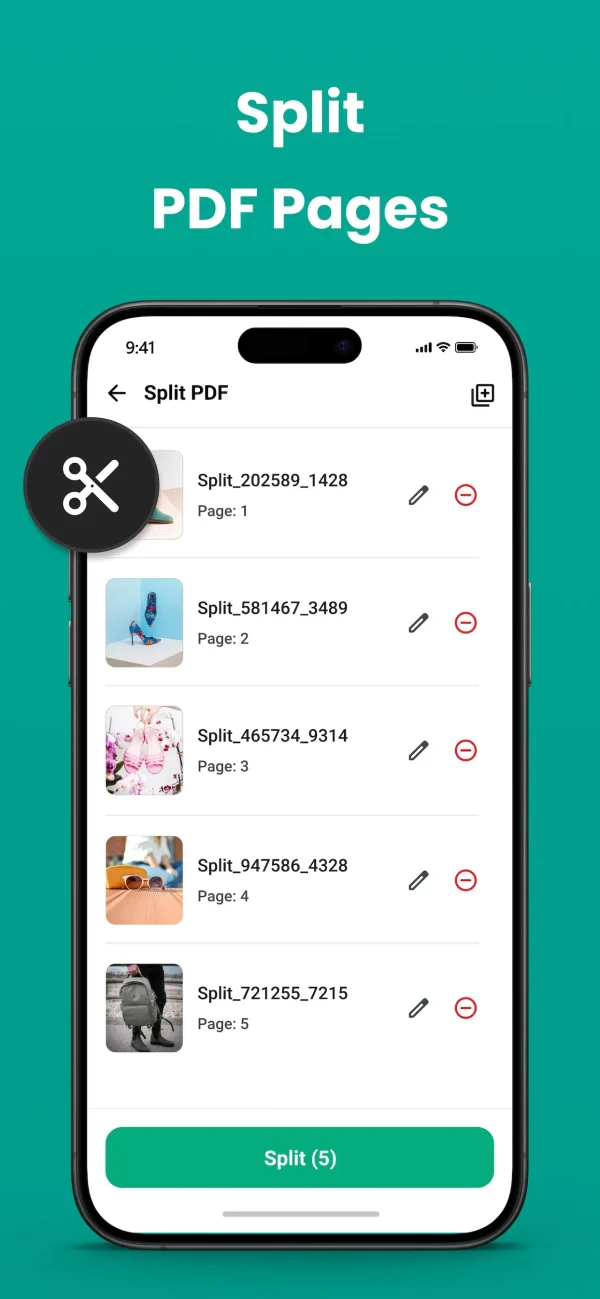
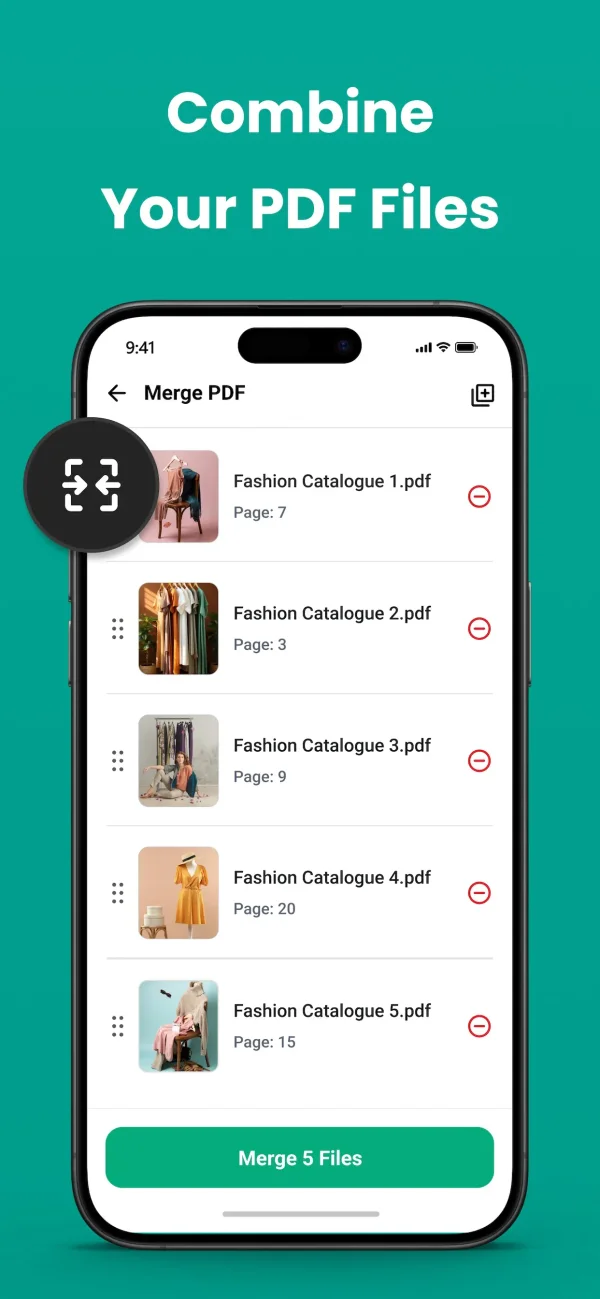
About
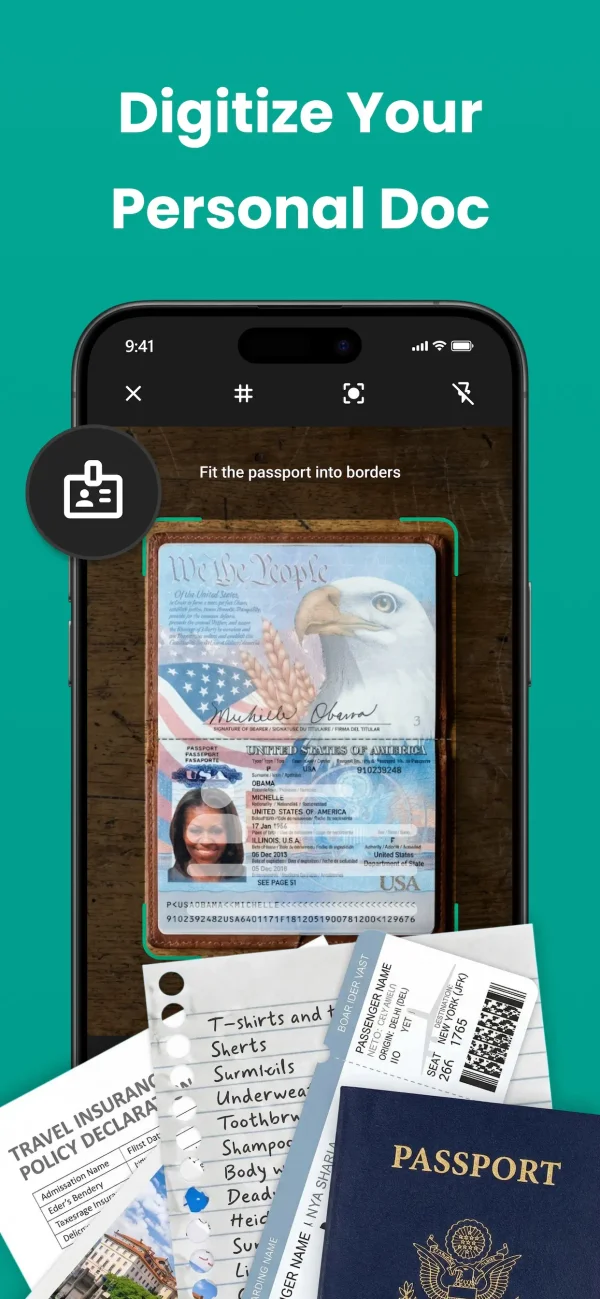
Scan documents, receipts, notes, ID cards, books, and convert them into high-quality PDFs instantly. With smart edge detection, AI enhancement, and advanced editing tools, managing documents has never been easier.
Perfect for students, professionals, and businesses who need fast and reliable document scanning.
App Features:
Document Scanner
Capture documents quickly using the built-in smart scanner.
• Automatic edge detection.
• Auto crop and perspective correction.
• High-quality PDF output.
• Scan multiple pages in seconds.
Edit and manage your scanned documents easily.
• Merge multiple PDFs into one file.
• Split PDF into separate pages.
• Rearrange pages.
• Delete unwanted pages.
• Rename and organise documents.
Batch Image to PDF Conversion
Convert multiple photos into a single PDF.
• Import images from gallery.
• Reorder pages.
• Convert instantly to PDF.
• Export high quality documents.
Document Editing
Improve the quality of scanned documents.
• Crop and rotate pages.
• Apply document filters.
• Adjust brightness and contrast.
• Clean background for better readability.
QR code & BarCode Scan
Scan QR codes and barcodes quickly using the built-in smart scanner.
• Instantly scan QR codes and barcodes.
• Supports multiple barcode formats.
• Open links directly from scanned QR codes.
• Copy or share scanned results easily.
• Fast and reliable recognition.
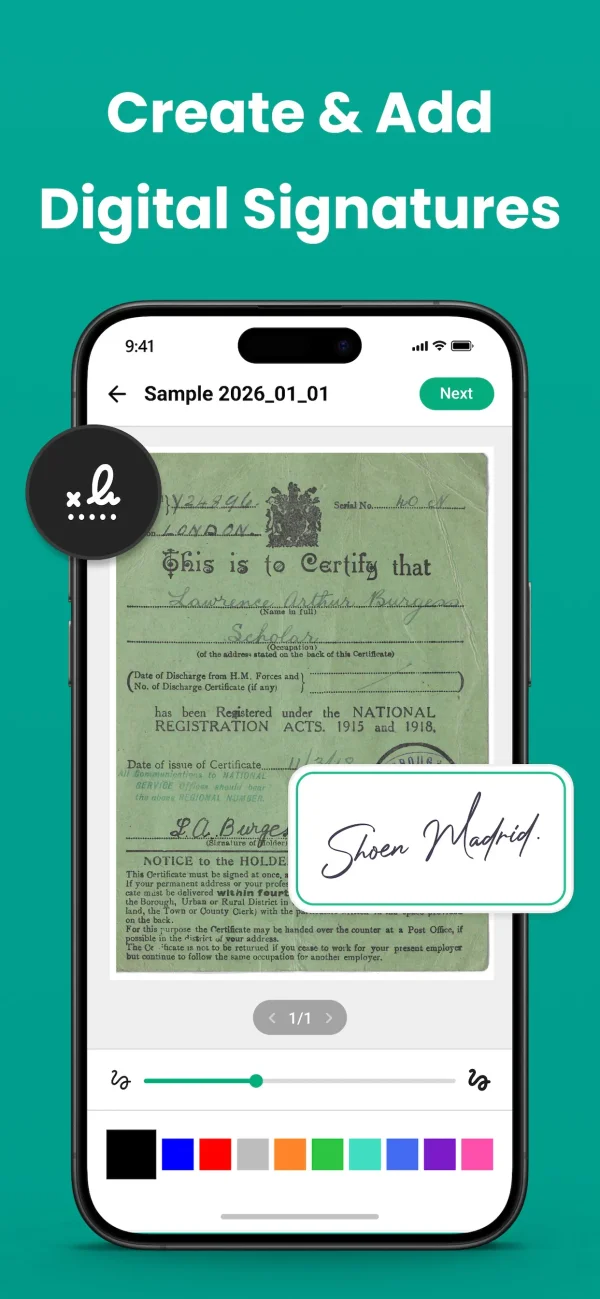
Sign & Annotate Documents
Add notes or signatures to your documents.
• Draw signature.
• Highlight important text.
• Add color annotations.
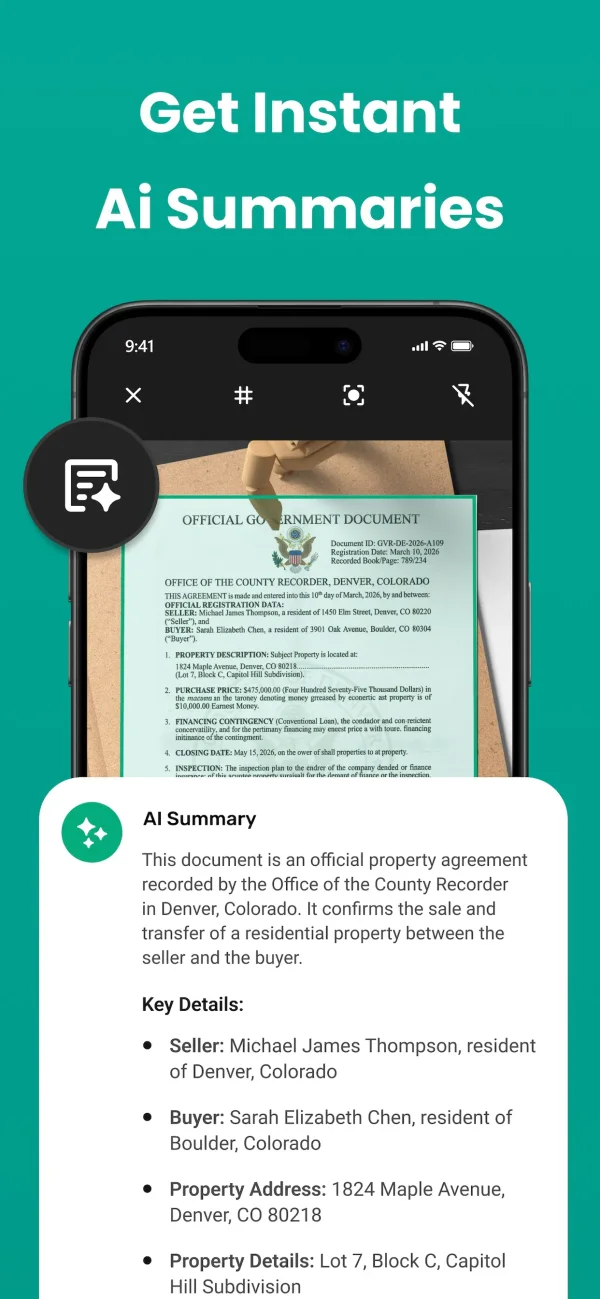
Document AI Summary
Use AI to quickly understand long documents.
• Automatically summarise text.
• Extract key points.
• Save time reading large documents.
Easy Sharing & Export
Share documents anywhere.
• Export as PDF or image.
• Send via email.
• Share to apps and cloud services.
File Organiser
Keep all your files organised.
• View all scanned documents.
• Sort files easily.
• Rename and manage folders.
• Delete or organise files anytime.
Flexible PDF Quality Options
Choose your preferred export quality.
• Small file size.
• Balanced quality.
• High resolution PDF.
Subscription Details
- Payment will be charged to iTunes Account at confirmation of purchase.
- Subscription automatically renews unless auto-renew is turned off 24 hours before the end of the current period.
- Account will be charged for renewal within 24 hours prior to the end of the current period.
- No cancellation of the current subscription is allowed during the active subscription period.
- Any unused portion of a free trial, if offered, will be forfeited upon purchase.
Privacy Policy: https://privacypolicycenter.com/new/view/id6759896516
Terms OF Use: https://privacypolicycenter.com/new/terms/id6759896516
EULA: https://privacypolicycenter.com/new/eula/id6759896516
What’s new
Version 1.1 · Oct 3, 2026
- Performance Improvement.
- Bugs Fixing.
App privacy
What Kalpesh Pirojiya declares on the App Store about how this app handles data.
-
Data used to track you
May be used to track you across apps and websites owned by other companies.
- Usage data
-
Data not linked to you
May be collected but is not linked to your identity.
- User content
- Identifiers
- Usage data
- Diagnostics
Privacy practices may vary, for example with the features you use or your age.
Information
- Seller
- Kalpesh Pirojiya
- Category
- Productivity
- Version
- 1.1
- Updated
- Oct 3, 2026
- Released
- Mar 18, 2026
- Size
- 87.7 MB
- Requires
- iOS 16 or later
- Age rating
- 17+
- Price
- Free
- In-app purchases
- Yes
- Languages
- English
- Copyright
- © 2026 Kalpesh
You might also like
-
 Scanner • PDF Document ScannerCam scanner PDF scanner app
-
 Document & pdf scanner appCam, Fast, Text & Photo Scan
-
 OKEN - Doc Scanner, PDF ScanCam scanner - Scan & Share
-
 Scanner App: Cam ScannablePDF Scanner & Document Scanner
-
 Camera Scanner: PDF ConverterPDF Scanner, Document Scanner
-
 Cam Scan - PDF Scanner & OCRScan Docs, Convert & Share
-
 Word DocumentProductivity
-
 Scan It: Cam Document ScannerPDF Maker, OCR & Photo Scan
-
 CamScanner HDPDF Document Scanner and OCR
-
 Document Scanner by LufickScan, Edit & Share PDFs